

Your copy is strong. The offer is relevant. But you've spent the morning moving between an email finder, a sequencer, a CRM, and a spreadsheet that nobody quite trusts. By the time you've found the right person, removed duplicates, and assigned an owner, the prospect who requested information is already waiting.
Build the stack, not just the list. Sales outreach tools should remove specific jobs from that workflow: discovering email addresses, managing follow-ups, handing contacts to your CRM, or showing managers which activity produces qualified opportunities. Buying overlapping platforms won't fix an unclear handoff.
Speed matters, particularly for inbound inquiries. A Harvard Business Review study summarized by Buildberg's speed-to-lead guide found that organizations attempting contact within an hour were nearly seven times more likely to qualify an inbound lead than organizations waiting an additional hour. That's a reason to reduce handoff delays, not a justification for rushing unsolicited messages.
Use the comparison table to shortlist by workflow, then weigh data coverage, deliverability, workflow fit, pricing transparency, and setup effort. These are buying recommendations based on documented capabilities, not claims from a controlled head-to-head test.
- Find the missing job: Are reps struggling to find contacts, follow up, maintain records, or interpret results?
- Keep specialist systems where they belong: Recruiting teams can pair this evaluation with the dreach staffing software comparison rather than expecting an outreach platform to manage staffing operations.
1. EmailScout
Job removed: copying email addresses out of websites during prospect research. Our Chrome extension fits teams that already know which companies they want to approach and need a simpler way to collect available contact addresses.
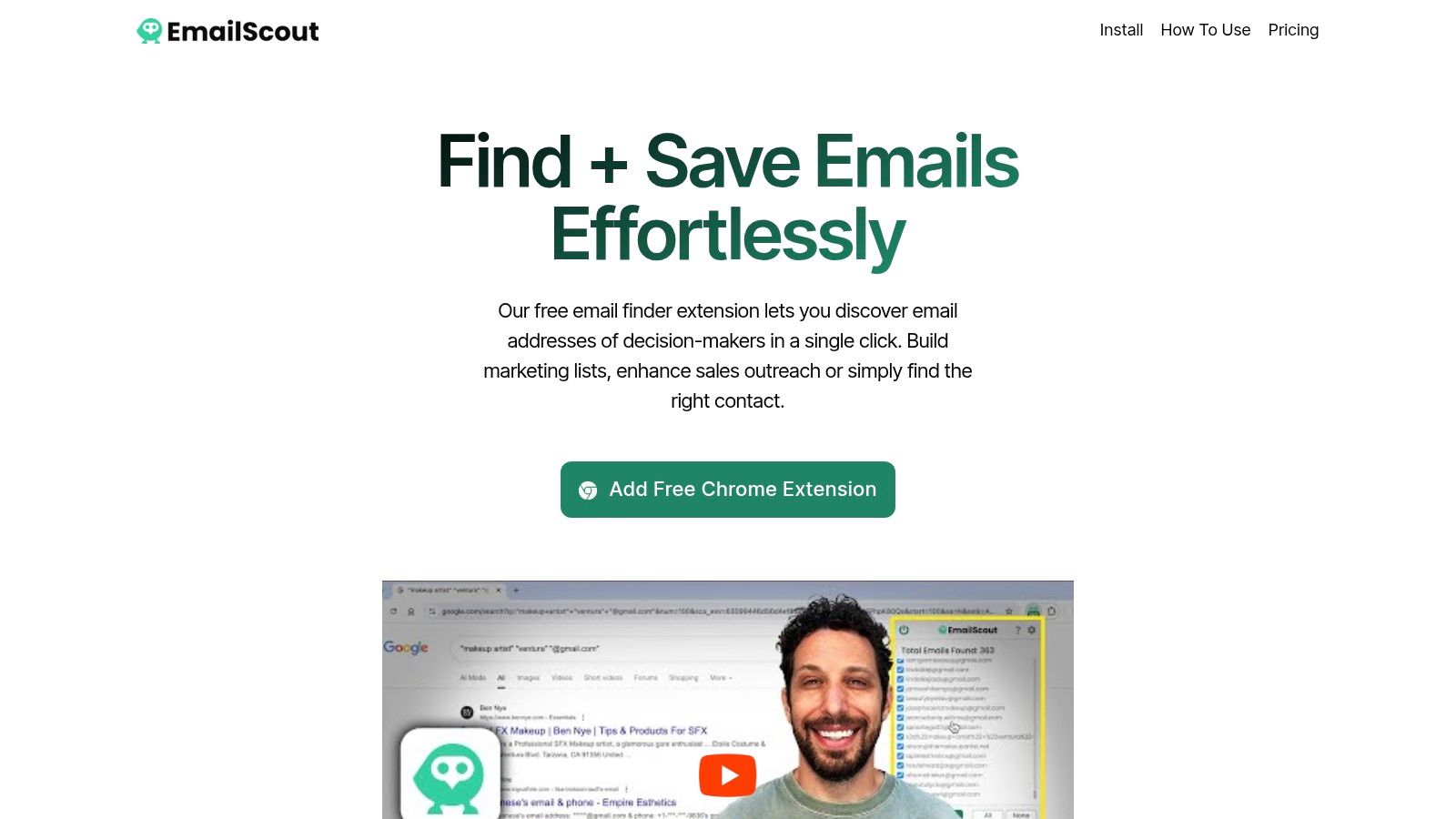
Open a company page in Chrome and click the toolbar icon. The extension displays addresses found in the page's source code, with discovery also supported during Google searches. You can copy results to the clipboard or export saved emails as CSV or TXT.
That's useful for a founder researching potential partners or a rep building an account-specific prospect list. You keep browsing in context instead of moving every company into a separate lookup interface.
Where the browser-first approach fits
Our free extension handles on-page discovery. Premium costs $9 per month and adds AutoSave, bulk export, and URL Explorer, which accepts up to 1,500 URLs at once. AutoSave collects discovered emails while you browse, removing the need to download results from each page.
The important limitation is discovery versus verification. An address appearing in page source doesn't establish that the mailbox still works, that the person owns your buying decision, or that outreach is appropriate.
- Best fit: Website-led prospecting, partnership research, and targeted list building.
- Main advantage: On-page discovery and bulk URL extraction support different research volumes without changing the basic workflow.
- Main limitation: Coverage depends on the addresses available in the underlying pages. Don't treat discovered addresses as verified contacts.
For CRM handoff, add company, role, source page, and discovery date to your working file before importing it. Deduplicate against existing records and screen suppression lists before sending. This is a discovery layer, not a substitute for a sequencer, CRM, or contact-quality review.
2. Hunter
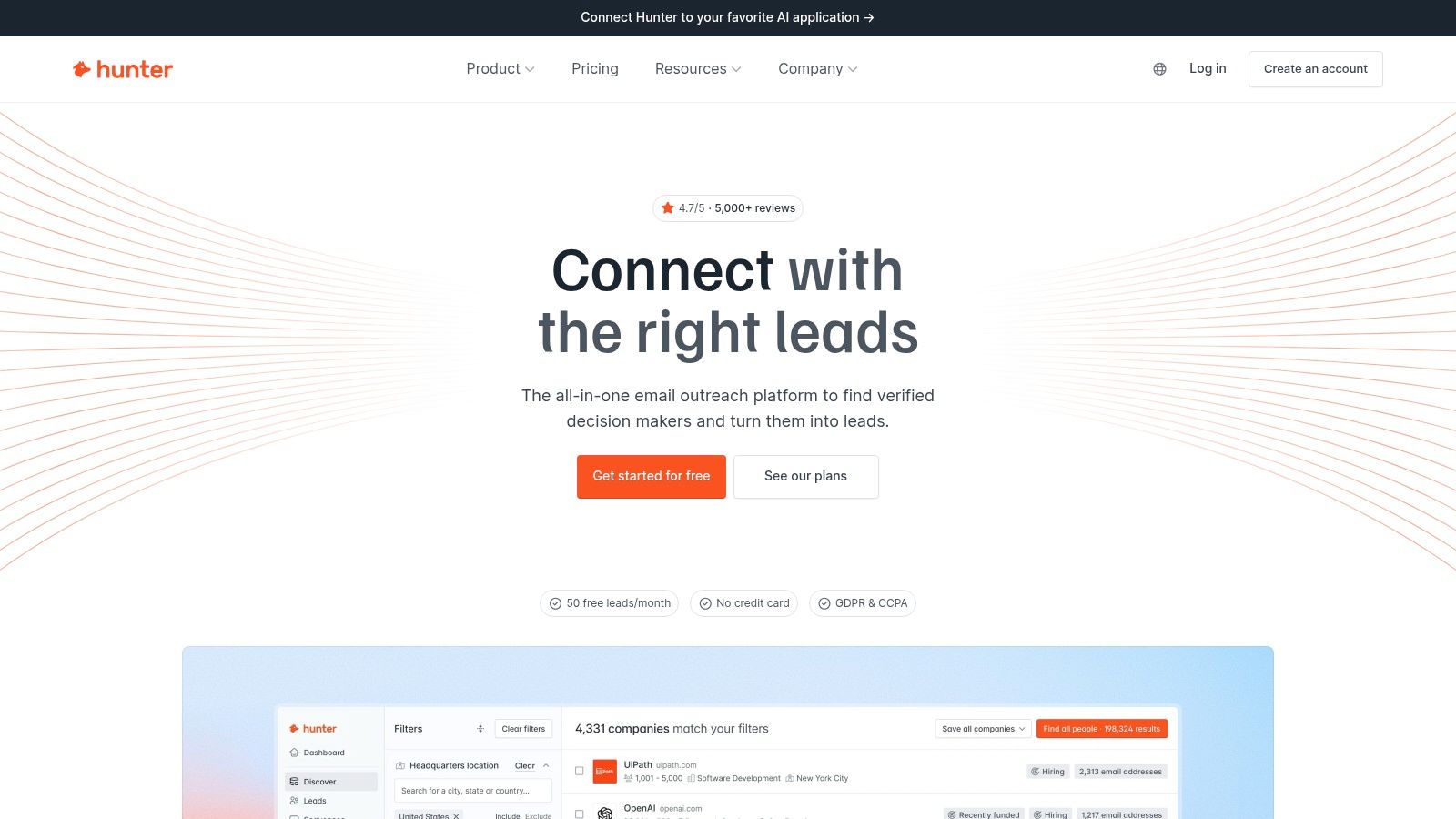
If your recurring question is whether you can find and verify a professional email address, Hunter deserves a place on the shortlist. It combines Email Finder and Domain Search with email verification, then offers Sequences for straightforward outreach and automated follow-ups.
Job removed: switching between separate email-discovery and verification tools. That makes it a practical option for email-focused prospecting where data preparation matters more than coordinating an extensive sales process.
Buy around the credit workflow
Hunter publishes pricing and credit allowances, which makes comparison easier than a sales-led quote process. But discovery and verification consume capacity, so estimate both activities rather than pricing only the number of prospects you hope to contact.
Say you're researching finance leaders at target accounts. First confirm the company and role, find the address, then verify it before adding it to a sequence. The Hunter email-check guide is useful background for separating lookup from mailbox checking.
- What works: A focused path from company research to email discovery, verification, and simple follow-up.
- What doesn't: Expecting basic sequencing to replace team coaching, detailed pipeline management, or a broader multichannel platform.
- What to test: Coverage for your actual roles and markets, plus how uncertain verification results are presented.
I'd choose Hunter when verification is a central part of the buying decision. If your existing sequencer works, evaluate Hunter primarily as a data-preparation layer rather than migrating campaigns merely because sending is available.
3. Apollo
A growing team can lose just as much time stitching tools together as researching prospects. Apollo addresses that problem by combining B2B contact search, enrichment, and outreach workflows in a shared platform.
Job removed: transferring prospects from a separate database into a separate engagement tool. Search filters help build a segment, sequences organize follow-up, and CRM integrations connect the activity with systems such as Salesforce and HubSpot.
The trade-off is breadth. A solo founder who only needs occasional addresses may have little use for the additional workflow, while a developing sales team may value having discovery and execution together.
A bundled database is convenient. It still needs to pass a coverage test against the accounts and job roles you actually sell to.
Test the handoff, not just the search
Build a representative prospect segment and move it through the complete process. Inspect the contact record, assign an owner, enroll it in a sequence, capture a reply, and check what reaches the CRM.
- Data fit: Review role accuracy and company context, not just whether an address appears.
- Workflow fit: Test email, calling, and sales-task requirements on the plan you're considering.
- Commercial fit: Account for credits, seat requirements, and applicable feature limits.
Apollo offers a free plan and publishes paid-plan information. That helps with initial evaluation, but the useful comparison is your expected bill for usable contacts and required workflows.
Choose it when consolidating prospect discovery and outreach removes a real operational burden. Don't choose it merely to replace several modest subscriptions with a broader platform nobody has time to configure.
4. HubSpot Sales Hub
The CRM handoff disappears most cleanly when communication already happens around the CRM record. HubSpot Sales Hub suits teams that want contact history, deals, meetings, and sales activity in a shared system.
Its job isn't primarily finding an unknown buyer's address. It's keeping the relationship usable after discovery: who owns the contact, what was sent, whether a meeting happened, and which deal needs attention.
Free sales tools provide an entry point, while advanced sequences and automation require eligible paid tiers. Evaluate the capabilities you need together rather than assuming every sales feature belongs to the same package.
Make the record useful before automating it
For a team already using HubSpot, the practical advantage is continuity. A rep can work with contact, company, and deal information without maintaining an independent outreach spreadsheet.
That advantage weakens if your organization already has an established CRM elsewhere. Migration, field mapping, ownership rules, and integration maintenance then become part of the purchase.
- Strong fit: Teams that want prospect communication and pipeline management centered on HubSpot records.
- Weak fit: Buyers seeking only a lightweight cold-email sender or browser-based contact finder.
- Demo requirement: Show a reply, ownership change, meeting, and deal update moving through the proposed setup.
Setup effort belongs in the cost calculation. Decide which system owns each field before connecting another discovery or sequencing product. Otherwise, reps may still be reconciling records manually, only inside a more expensive stack.
5. Instantly
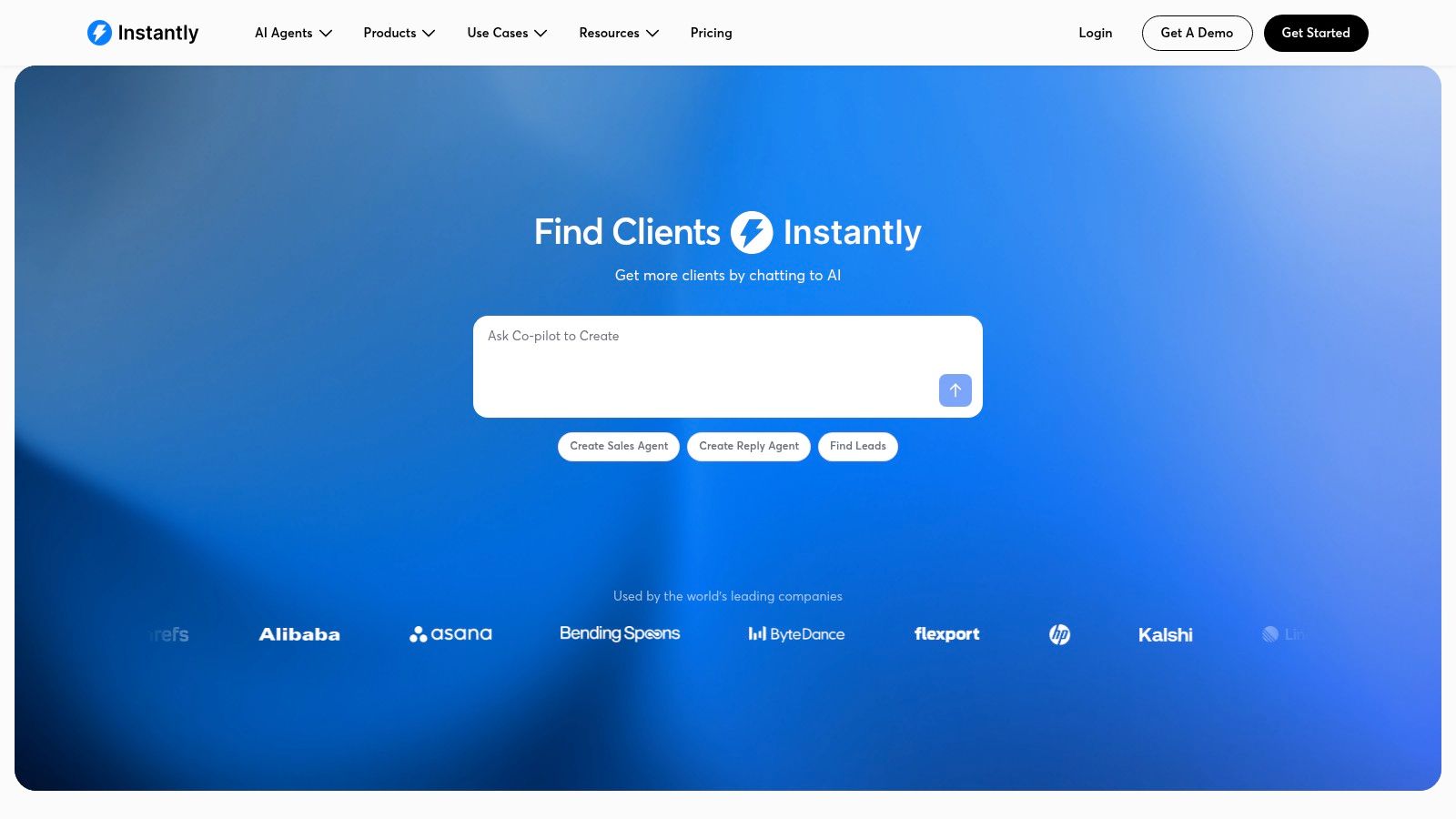
Managing campaigns across multiple sending accounts is a different job from managing a sales pipeline. Instantly focuses on the former, with cold-email sequences, mailbox-management features, warm-up tools, and a shared inbox for replies.
Job removed: operating separate email campaigns and reply queues mailbox by mailbox. That can suit agencies or teams whose outbound process is primarily email-based.
Don't confuse sending capacity with campaign readiness. Authentication, relevant targeting, contact quality, and a workable reply-handling process still need an owner.
Separate execution costs from data costs
Instantly's outreach and lead-data offerings may be separate products or bundles. Price the setup you'll use, including prospect data and any additional capabilities, instead of comparing the sender subscription alone.
The cold-email outreach guide can help define the workflow before you automate it. If inbox placement is your main concern, compare deliverability-first alternatives to Instantly against the controls and diagnostics you need.
- Useful specialization: Email campaign execution and centralized reply handling.
- Boundary: Calling workflows and deeper CRM requirements may still need other software.
- Trial priority: Confirm who receives positive replies and how a conversation exits automated follow-up.
I'd shortlist Instantly when mailbox operations are the bottleneck. If reps can't explain which accounts deserve outreach, fix targeting first. Automating an unclear segment only creates more conversations to classify and more irrelevant messages to manage.
6. lemlist
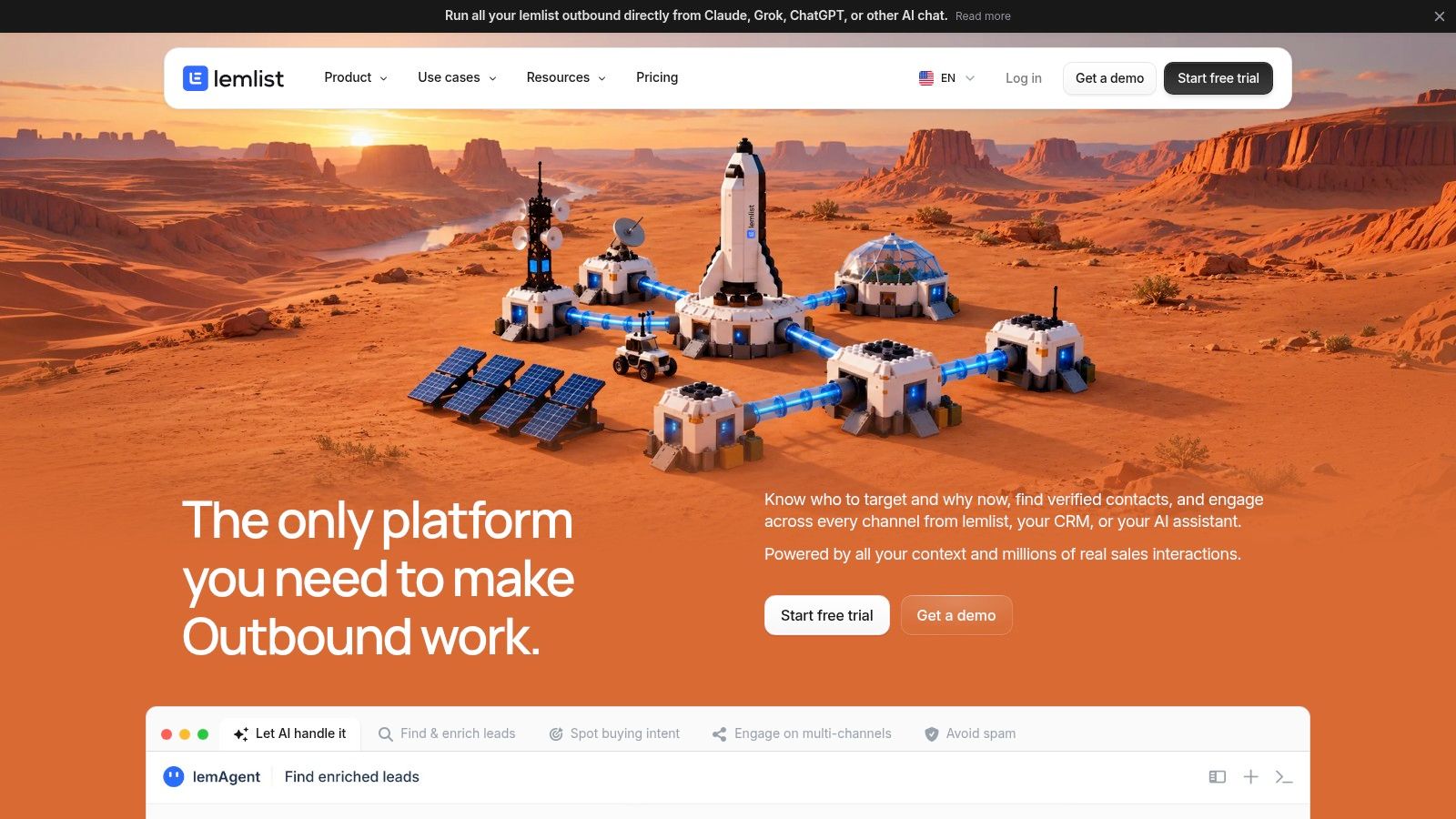
Say a rep needs to send a relevant email, follow up through LinkedIn, and schedule a call task without maintaining separate reminder lists. lemlist is worth evaluating for that email-centered, multichannel workflow.
Job removed: coordinating personalization and follow-up across disconnected campaigns. The platform combines sequences with prospect-data features, personalization, CRM integrations, and deliverability-related tools.
Its email-only and multichannel plans serve different needs. Contact finding and enrichment can also depend on credits or add-ons, so the subscription isn't the entire buying decision.
Personalize the reason, not just the greeting
McKinsey's personalization analysis found that 76% of consumers said personalized communications influenced their consideration of a brand. That consumer finding supports relevance as a principle, but it isn't a promised conversion lift for B2B cold outreach.
For a sales rep, useful personalization explains why the recipient's role and company situation connect to the offer. A decorative first line doesn't accomplish that.
- Test channel depth: Identify which LinkedIn, call, and SMS steps are supported, and which require rep action.
- Test data costs: Include the enrichment needed to prepare your actual segment.
- Test execution: Check account rules and sending allowances before designing the campaign.
Choose lemlist when coordinated channels and customized messaging justify the additional setup. If nobody will complete the non-email steps, an email-focused sequencer may be the more honest purchase.
7. Woodpecker
Woodpecker deserves attention when your team needs disciplined cold-email follow-up without a complete CRM replacement. Its workflow centers on campaigns, automated follow-ups, conditional steps, and deliverability management.
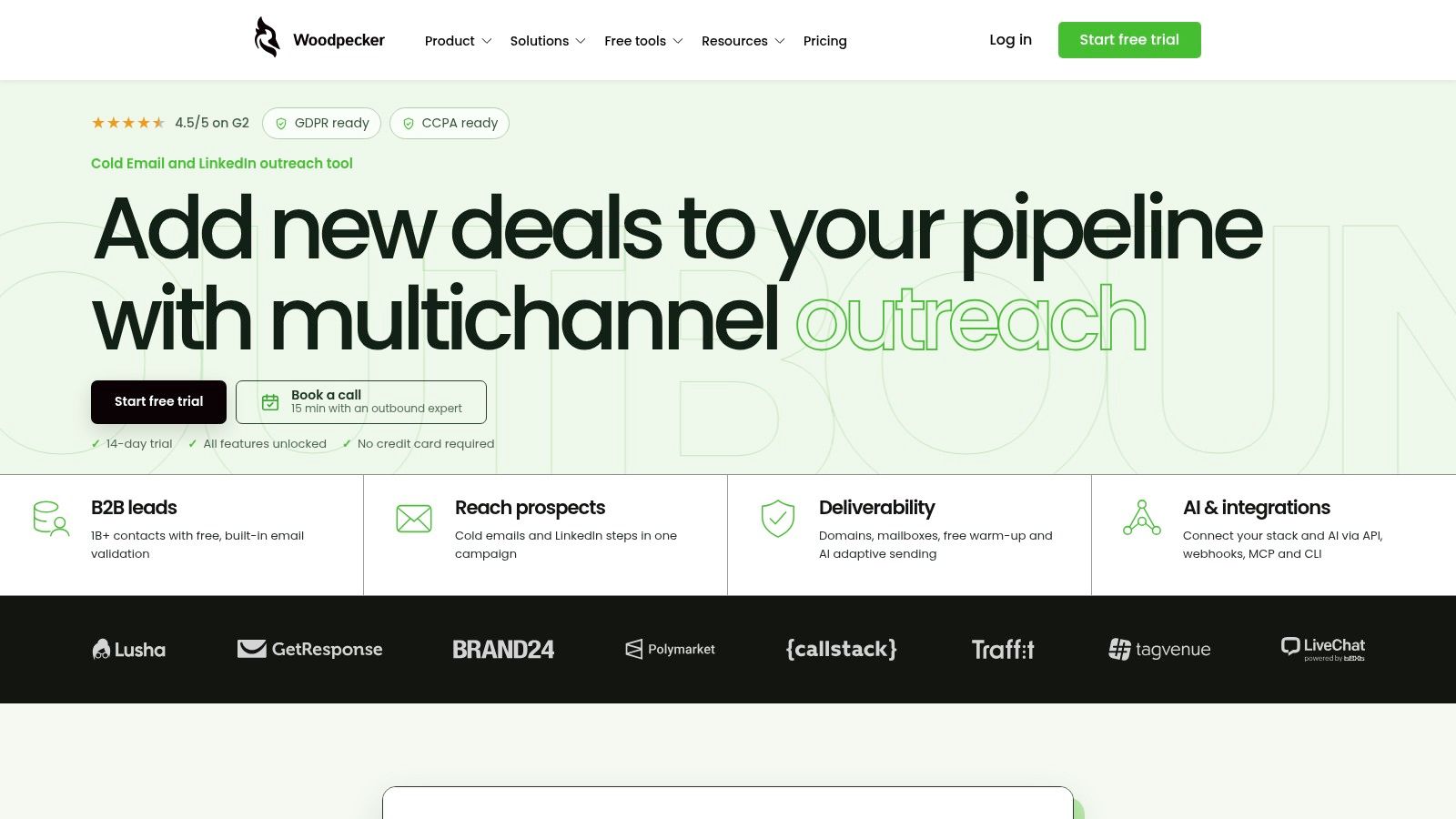
Job removed: remembering who needs another email and manually coordinating those follow-ups. Personalization, inbox rotation, verification, and warm-up features support that email-first process.
Its contacted-prospect pricing model changes the comparison with seat-based tools. Think about how many prospects you'll contact, not just how many colleagues need access.
Model the campaign you'll run
A small team with several contributors may value a model that doesn't charge by user alone. But costs can still increase with prospect volume and optional add-ons.
Manual call and LinkedIn tasks can support a combined workflow, though they aren't the same as a fully integrated social-selling suite. Someone still needs to complete the task and record the outcome.
Buying rule: Price the prospects entering campaigns, then add the optional services you'll use. A favorable billing unit doesn't automatically mean a lower total bill.
During a trial, test a reply, a bounce, and a manual task. Confirm how each affects the next scheduled action and what the rep sees.
Woodpecker fits teams that want a clear email operating process. It's less suitable if the purchase is really about opportunity management, complex account coordination, or manager-led coaching. Keep those jobs in the CRM or evaluate a broader engagement platform.
8. Smartlead
For teams operating across many sending inboxes, Smartlead focuses on campaign automation, account rotation, shared reply management, and deliverability-related features. Its job is mailbox coordination, not replacing the entire sales stack.
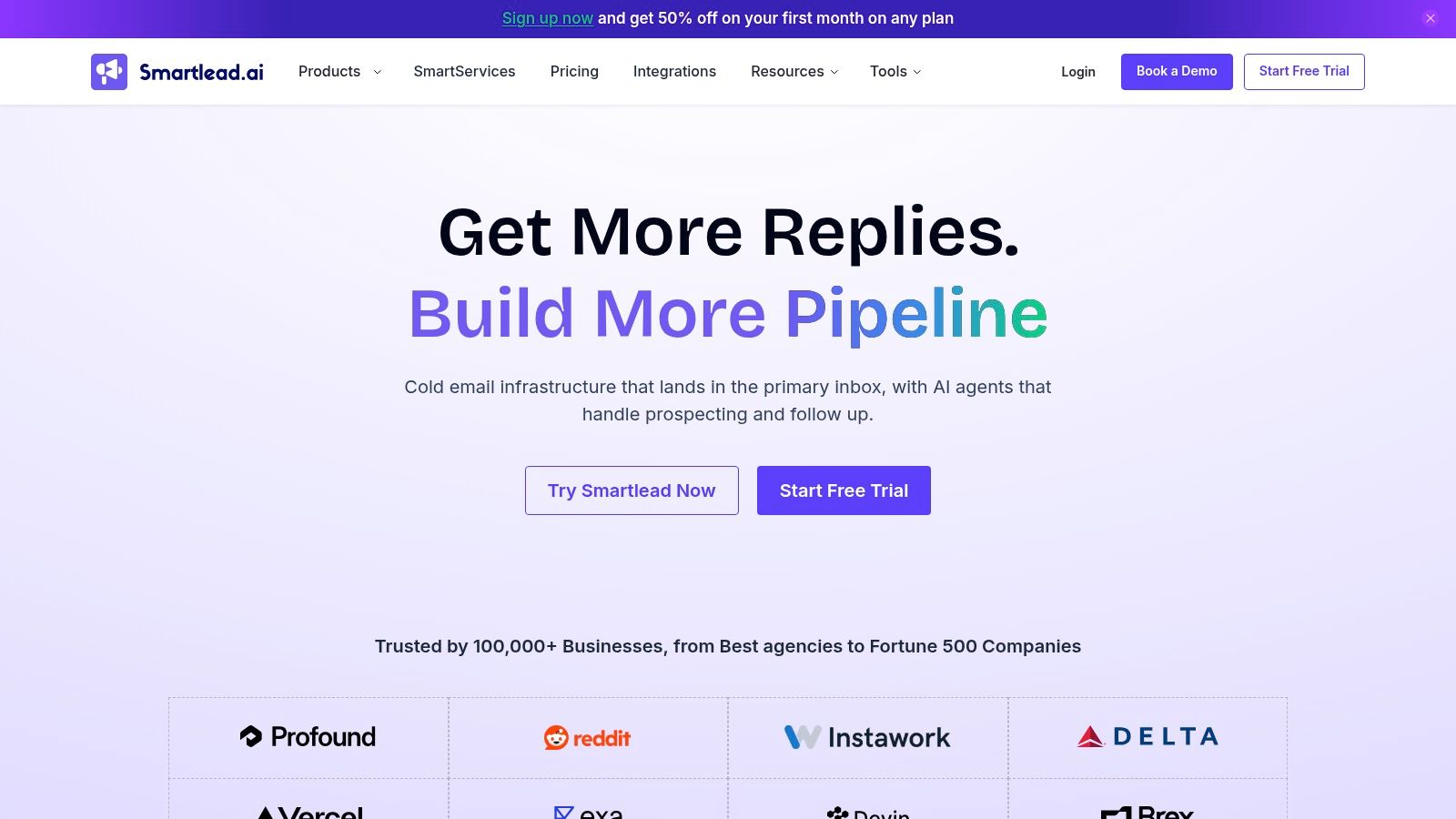
The practical attraction is managing outbound activity across connected accounts without treating every inbox as an independent campaign operation. Higher-tier options also address larger-team and agency workflows.
Published plan information helps buyers start evaluating costs. Still, contact allowances, sending limits, verification, and infrastructure add-ons need to be priced together.
Make reply ownership part of the test
A shared inbox only helps if the team knows who acts next. Say a prospect replies with interest but asks to speak with a regional specialist. Test assignment, context transfer, and the CRM update, not merely whether the reply appears.
- Campaign control: Check how accounts participate in campaigns and how operators identify a disconnected mailbox.
- Conversation control: Confirm who handles replies and prevents continued follow-ups.
- System boundaries: Keep prospect sourcing, calling, and pipeline requirements visible in the stack budget.
Don't choose between Smartlead and another email sender solely by account capacity. Run the same segment through the operational tasks that matter: launching, pausing, responding, handing off, and reporting.
I'd shortlist Smartlead when email operations have become a distinct responsibility. If a founder is sending carefully researched messages from an existing inbox, managing a larger sending setup may add work rather than remove it.
9. Salesloft
Managers don't just need reps to send messages. They need a repeatable process, clear priorities, and enough context to coach the team. Salesloft addresses that sales-execution and team-visibility job.
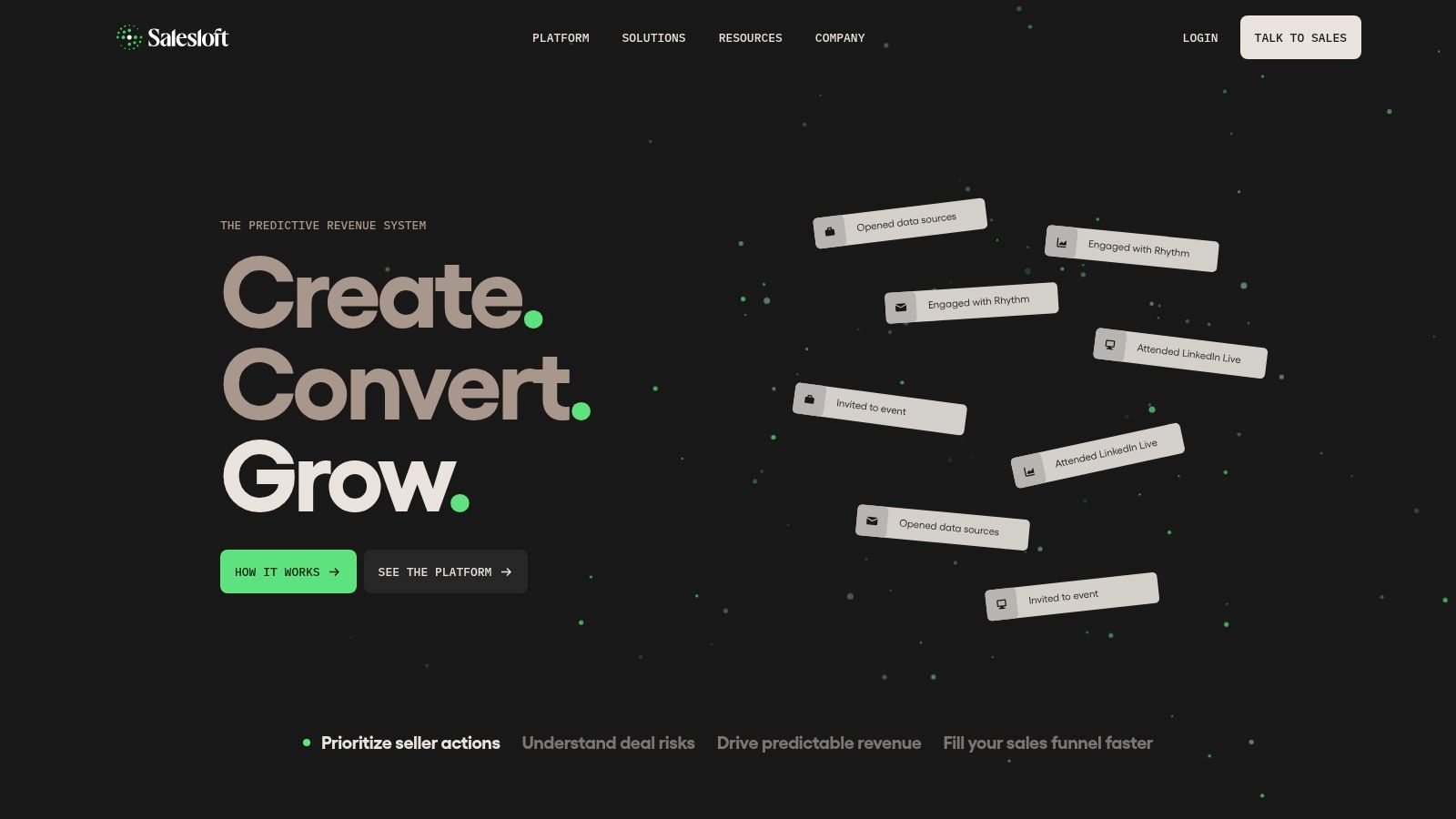
Cadences coordinate repeated contact, while prioritization, reporting, and coaching workflows support organized sales teams. That's a different purchase from a lightweight email sequencer.
Pricing requires a sales conversation rather than a straightforward public comparison. Bring a defined process to that discussion, including rep roles, CRM requirements, reporting needs, and implementation ownership.
Ask managers to demonstrate decisions
The strongest analytics demo answers an operational question. Which segment needs better targeting? Where are reps missing follow-ups? Which conversations deserve coaching?
Teamgate's analysis of sales email measurement explains why privacy features and automated mailbox activity can distort open rates. For evaluation, separate delivery and bounces from human replies, qualification, meetings held, and attributed revenue.
- Rep test: Can a seller understand and complete the next appropriate action?
- Manager test: Can a leader distinguish a targeting problem from an execution problem?
- Operations test: Can the CRM retain useful ownership and outcome information?
The sales outreach automation guide can help clarify which steps deserve automation before you standardize them.
Salesloft makes sense when team coordination and coaching justify process design. Freelancers and very small teams should be cautious about buying administrative depth they won't use.
10. Outreach
Choose Outreach when the problem is governing a team's engagement process, not scheduling more emails. It supports sequences, prospect communication, task workflows, reporting, and broader revenue-workflow capabilities.
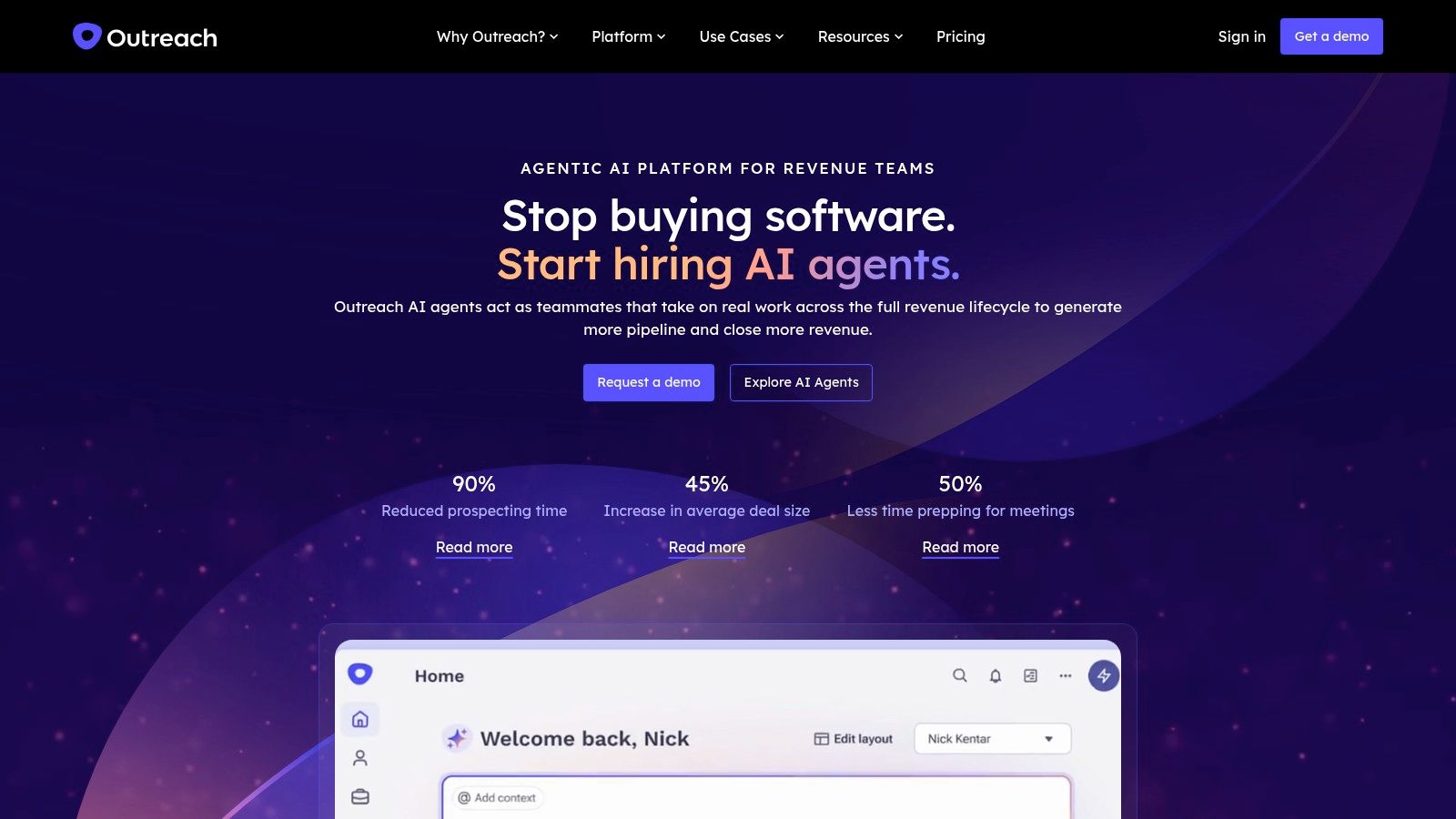
Its workflow spans email, voice, SMS, calendar, and sales tasks. That breadth can help organizations coordinate structured engagement, but it also creates more decisions about administration, permissions, CRM behavior, and rep adoption.
Pricing isn't transparently listed in the available product information. Request a proposal tied to your required capabilities, then evaluate implementation and CRM fit alongside the subscription.
Governance belongs in the workflow
AI-assisted prospecting and message preparation don't remove responsibility for contact use. The Folderly outbound survey summary highlights the importance of targeting, relevance, and data quality alongside AI adoption.
Require a practical minimum-data process: retain business-relevant fields, record where the contact came from, review freshness, and check suppression records before enrollment. Have a human review personalization rather than allowing generated assumptions about a prospect to reach the inbox.
A prospect's opt-out must survive the journey between discovery, sequencing, and CRM systems. Treat suppression as a shared operating rule, not an inbox cleanup task.
Outreach belongs on the shortlist when centralized administration and broader team workflows matter. For an individual who needs occasional discovery and simple follow-up, the implementation burden may outweigh the work removed.
How the 10 Sales Outreach Tools Compare on Price, Free Access, Core Strength, and Best Fit
Outreach pricing shifts often enough that any single figure goes stale within months, so this table compares the commercial model behind each tool: what is free, what is self-serve, what requires a sales quote, and which job in the workflow each product removes.
| Tool | Pricing and free access | Core strength | Best fit |
|---|---|---|---|
| EmailScout | Free Chrome extension with unlimited email finding; Premium at $9/month adds bulk export, URL Explorer, and priority support | On-page and Google-search email discovery, plus bulk URL scanning in Premium | Sales reps and marketers building prospect lists |
| Hunter | Free tier; tiered paid plans | Professional email finding and verification | Email-focused prospect research |
| Apollo | Free tier; per-seat paid plans | B2B prospect data and outreach in one platform | Small and growing sales teams |
| HubSpot Sales Hub | Free sales tools; paid CRM-suite tiers | CRM-connected outreach, pipeline tracking, and reporting | Teams managing sales communication and deals in one system |
| Instantly | Self-serve subscription | Cold-email campaigns and multi-mailbox management | Agencies and teams running higher-volume email campaigns |
| lemlist | Self-serve subscription | Personalized email and multichannel outbound campaigns | Teams combining email outreach with other channels |
| Woodpecker | Time-limited trial, then paid plans | Cold-email automation and deliverability management | Smaller teams automating email follow-ups |
| Smartlead | Self-serve subscription | Cold-email campaigns across multiple sending accounts | Teams scaling outbound across multiple inboxes |
| Salesloft | Sales-quoted pricing | Team sales engagement, reporting, and coaching | Organized sales teams coordinating structured outreach |
| Outreach | Sales-quoted pricing | Multichannel engagement and revenue workflows | Organizations managing sales outreach centrally |
Free access clusters at the discovery end of the workflow. EmailScout, Hunter, Apollo, and HubSpot Sales Hub each offer a no-cost entry point that does real work, while the sequencers and enterprise suites are paid products assessed through a trial or a sales demo.
EmailScout is the price outlier in the group: the extension itself is free, and the $9 per month Premium tier exists for scale. It adds bulk export of every saved email, URL Explorer batches of up to 1,500 URLs at once, and priority support, so a solo rep can prospect at no cost and pay only when list volume demands it.
Assemble a Stack That Keeps Working
Start with discovery, not the largest engagement platform. Decide whether your team researches known company websites, needs a searchable contact database, or spends most of its time verifying addresses it already has. Those are different jobs, and they lead to different purchases.
Browser-led discovery fits account-by-account research. Hunter adds a focused discovery-and-verification workflow, while Apollo combines prospect search with outreach. Choose the approach that produces relevant contacts for your actual segment, not the biggest-looking results screen.
Add execution only when it earns its place
Add sequencing when follow-up volume justifies automation and your team can operate it responsibly. Instantly, Woodpecker, and Smartlead address email execution in different ways; lemlist deserves consideration when coordinated channels and personalization are genuine requirements.
Before launching, establish who owns authentication checks, contact review, replies, suppression, and campaign pauses. A sequencer won't make those responsibilities disappear. It can make an unattended mistake repeat.
Then let CRM and reporting requirements determine how much platform you need. HubSpot Sales Hub fits teams centering work on its CRM records, while Salesloft and Outreach merit evaluation when managers need standardized execution, administration, and coaching.
- Keep the stack lightweight when the main need is discovering contacts and following up reliably.
- Choose broader engagement software when shared processes and managerial visibility remove more work than implementation creates.
- Avoid duplicate ownership by defining which system controls contact details, assignment, suppression, and opportunity status.
Run a focused test before committing
Run a one-week test on a single segment with a clear buyer role and offer. Treat that week as an operational test, not proof of long-term revenue impact. Keep targeting and messaging consistent enough to identify whether the tool is helping.
Track the path from discovery to a usable record, then from delivery to replies, qualified conversations, and meetings held. Record duplicates, verification failures, missing fields, and manual corrections. Apparent engagement is less useful than knowing why a relevant prospect couldn't move cleanly through the process.
Price your real monthly volume before signing. Include discovery and verification credits, sending requirements, seats, CRM access, optional infrastructure, and setup work. Ask for a demonstration using your fields and ownership rules rather than accepting a polished generic workflow.
Consider EmailScout when browser-based, single-click discovery is the missing layer. Keep an existing sequencer or CRM if it already does its job well. The best stack isn't the one with the most capabilities; it's the one your team can operate without rebuilding the same prospect record at every handoff.
EmailScout offers a free Chrome extension for finding email addresses while browsing company websites and Google searches, with CSV and TXT export for your outreach workflow. Visit EmailScout and test it against your next target-account segment to see whether browser-based discovery removes the manual collection work from your stack.