

Your CRM is filled with potential, but outdated or incomplete data is a silent killer of opportunity. Every bounced email, every generic outreach attempt, and every missed connection can be traced back to a single problem: you don't have the full picture. This leads to wasted effort, frustrated sales teams, and, ultimately, lost revenue. The fix isn't more data, it's better data. This is where data enrichment comes in.
Data enrichment is the process of enhancing your existing customer records by appending missing information from reliable third-party sources. It transforms a basic contact list into a powerful strategic asset. Instead of just a name and an email, you gain access to job titles, company firmographics, social profiles, and technographic data. This allows for hyper-targeted segmentation, deeply personalized messaging, and more accurate lead scoring. To truly fix the problem of incomplete data costing you leads, it's crucial to understand what defines a qualified lead and how to attract more of them.
Finding the right tool, however, can be a challenge. The market is crowded with options, each with different strengths, pricing models, and integration capabilities. This guide is designed to cut through the noise. We've compiled a comprehensive list of the best data enrichment tools available, from all-in-one platforms like EmailScout and Apollo.io to specialized API-first solutions like People Data Labs. We’ll analyze each one with screenshots, key features, pricing, and practical use cases to help you choose the perfect solution for your specific workflow, budget, and technical needs.
1. EmailScout
Best For: Frictionless email discovery for sales, marketing, and recruiting.
EmailScout secures the top spot as a featured choice due to its remarkable simplicity and powerful, scalable approach to email discovery. Positioned as one of the best data enrichment tools for prospecting, it operates as a lightweight Chrome extension that transforms any website or Google search into a lead generation asset. With a single click, it scrapes publicly available email addresses from a page’s source code, instantly providing actionable contact data for outreach campaigns.
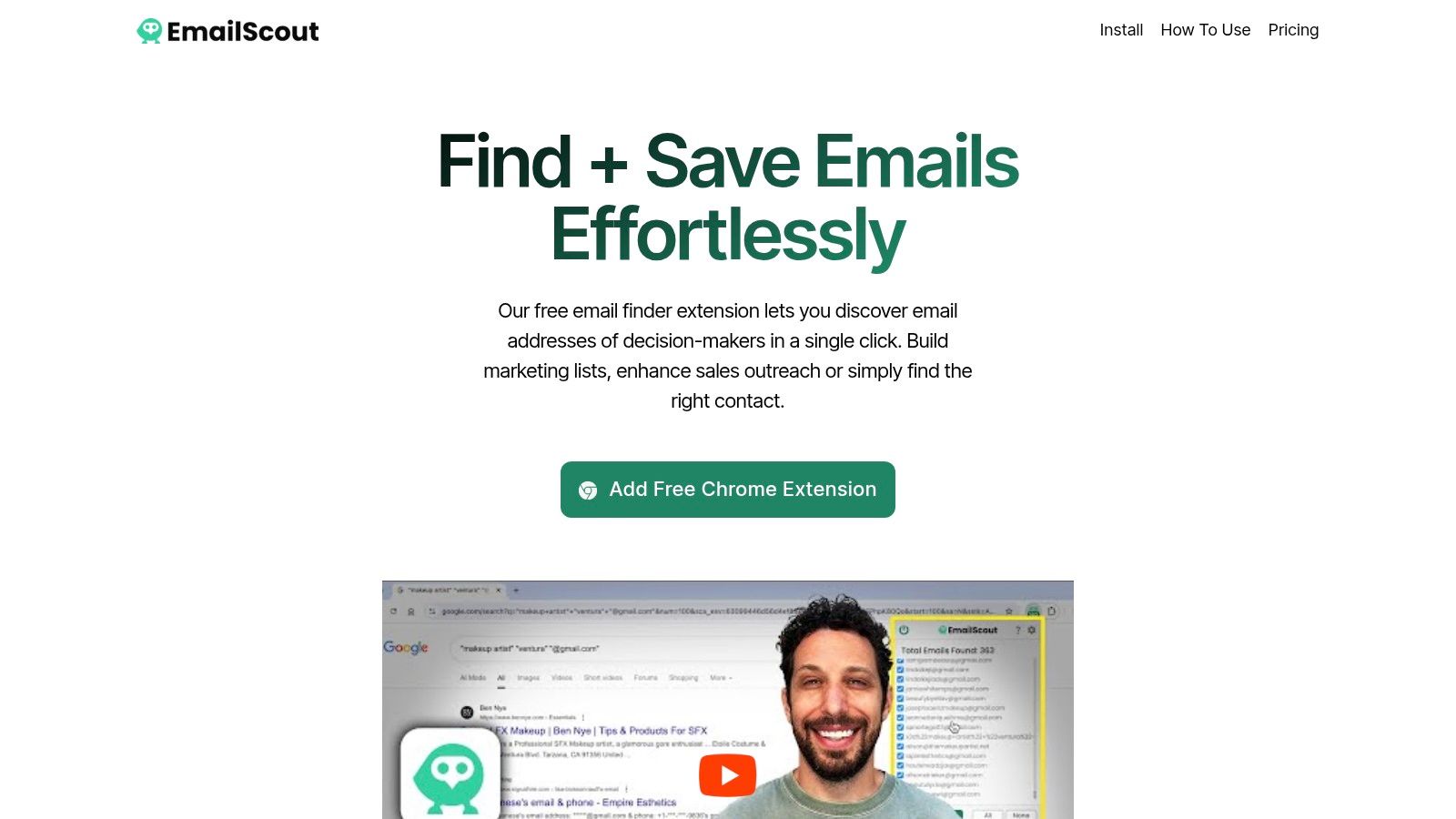
What truly sets EmailScout apart is its accessibility and automation. The free version offers unlimited email finds with manual exports, a feature almost unheard of in this space. For professionals looking to scale, its premium tiers introduce game-changing features like AutoSave, which passively collects emails in the background as you browse, and the URL Explorer, a bulk-scanning tool that can process up to 1,500 URLs at once. This combination makes it ideal for building targeted lists quickly, whether from a curated list of company domains or a simple Google search like “plumbers in Chicago email.”
Key Features & Use Cases
- Unlimited Free Email Finds: The free plan allows users to discover and manually export an unlimited number of emails, perfect for budget-conscious freelancers or teams testing new markets.
- AutoSave (Premium): Automates email collection while you browse multiple sites, eliminating repetitive clicks and manual exports. Ideal for market researchers and sales reps building prospect lists.
- URL Explorer (Premium): Bulk-processes a list of URLs to extract emails at scale. A powerful tool for lead generation agencies and B2B marketers targeting specific industries.
- One-Click Workflow: The user experience is incredibly straightforward. Navigate to a site, click the extension icon, and instantly see a list of found emails ready for export to CSV or TXT.
Pricing Snapshot
EmailScout offers a uniquely generous model that scales with user needs.
| Plan | Key Features | Best For |
|---|---|---|
| Free Forever | Unlimited email finds, manual exports | Individuals and startups testing outreach. |
| Premium Trial | 200 emails/month, URL Explorer (10 URLs) | Evaluating premium automation features. |
| Paid Plans | Starting at ~$9/month for 5,000 emails/month | Scaling teams needing automation and bulk processing. |
Pros & Cons
Pros:
- Generous Free Tier: Unlimited email discovery without a monthly cap is a significant advantage.
- Powerful Automation: AutoSave and URL Explorer drastically reduce manual prospecting time.
- Simplicity: The one-click Chrome extension workflow is intuitive and requires no technical setup.
- Affordable Scalability: Premium plans are cost-effective, and the no-credit-card trial removes barriers to entry.
Cons:
- Public Data Only: It only finds publicly listed emails, which may require further verification for deliverability.
- Compliance Responsibility: Users must ensure their outreach complies with regulations like CAN-SPAM and GDPR.
Website: https://emailscout.io
2. ZoomInfo – Enrich
ZoomInfo offers an enterprise-grade data enrichment solution that excels in providing deep, comprehensive B2B contact and company information. It's a powerhouse for sales and marketing teams needing to append over 200 data attributes, including detailed firmographics, technographics, and individual contact details, directly into their existing workflows. This platform is particularly effective for organizations that require robust data governance and sophisticated integration capabilities.
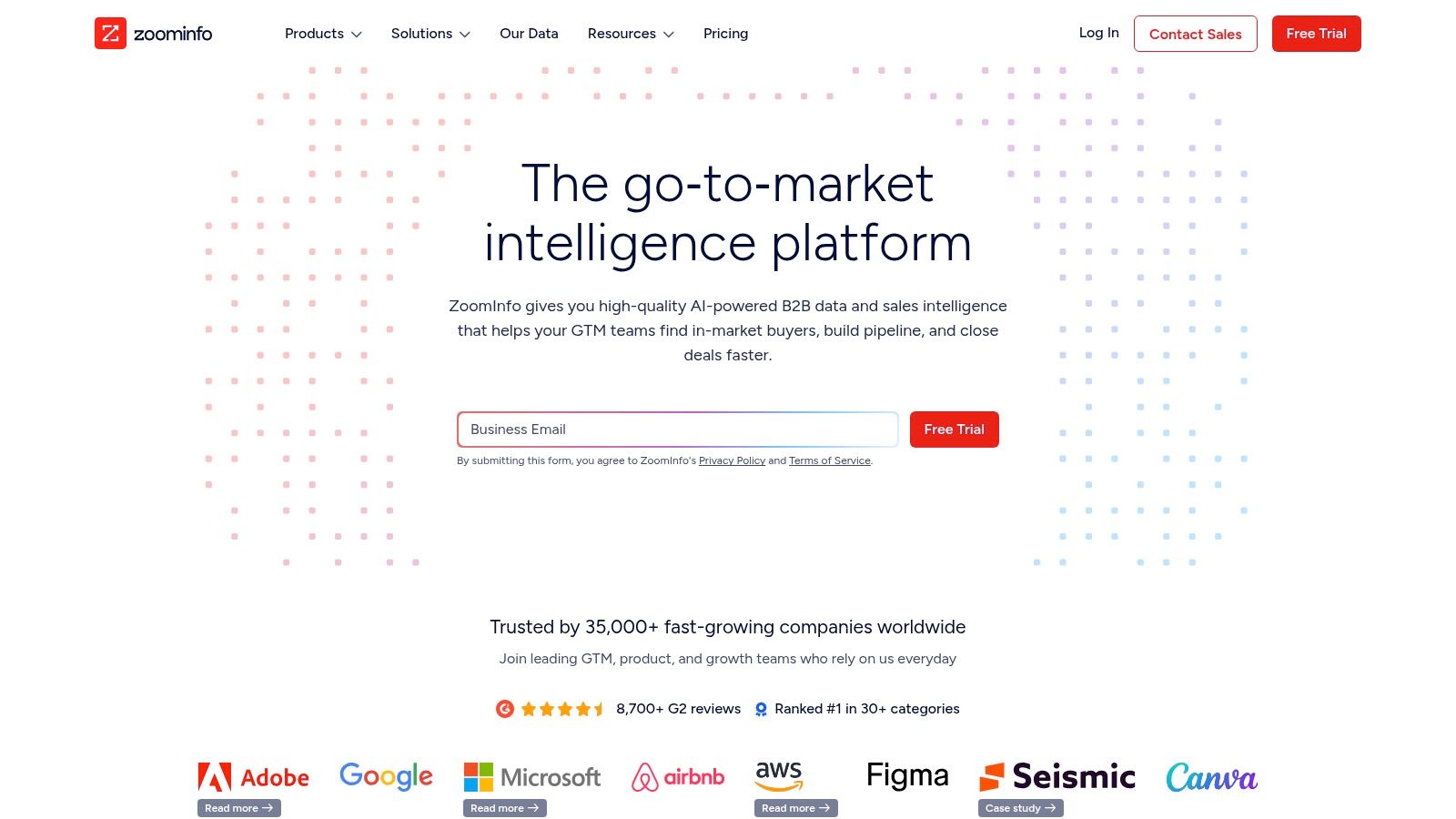
Unlike many competitors, ZoomInfo’s strength lies in its expansive, frequently updated database and advanced add-ons. Users can layer on intent signals to identify accounts actively researching solutions and receive job-change alerts, creating timely outreach opportunities. These features make it a strategic asset for sophisticated B2B lead generation campaigns. Find out more about how this impacts effective B2B lead generation. The platform’s administrative controls also allow for precise field mapping and rule-setting, ensuring data consistency across large teams.
Key Features & Use Case
- Automated Data Cleansing: Continuously updates and cleanses CRM records to maintain data hygiene.
- Native Integrations: Seamlessly connects with major platforms like Salesforce, HubSpot, and Marketo.
- Flexible Enrichment: Supports batch, real-time, and scheduled data appends to fit any workflow.
- Intent Data Add-on: Identifies companies showing purchase intent for targeted outreach.
Best for: Enterprise sales and marketing teams needing a comprehensive, highly integrated B2B data solution with advanced controls.
| Pros | Cons |
|---|---|
| Extensive B2B dataset with strong company and contact coverage | Premium pricing model requires annual contracts and a sales process |
| Advanced admin controls for data governance and mapping | Some integrations may require manual workflow design to remove old data |
| Numerous native integrations with major CRMs and MAPs | Can be overly complex for small businesses or simple use cases |
Website: https://www.zoominfo.com
3. Clearbit (Breeze Intelligence) via HubSpot
Clearbit, now integrated into HubSpot as Breeze Intelligence, brings powerful firmographic and contact data enrichment directly into the HubSpot ecosystem. This native solution is designed for marketing and sales teams that live inside HubSpot and want to automate data appending without complex third-party integrations. It excels at turning a simple email address into a full contact and company profile, enabling better segmentation, lead scoring, and personalization from the moment a lead enters the CRM.
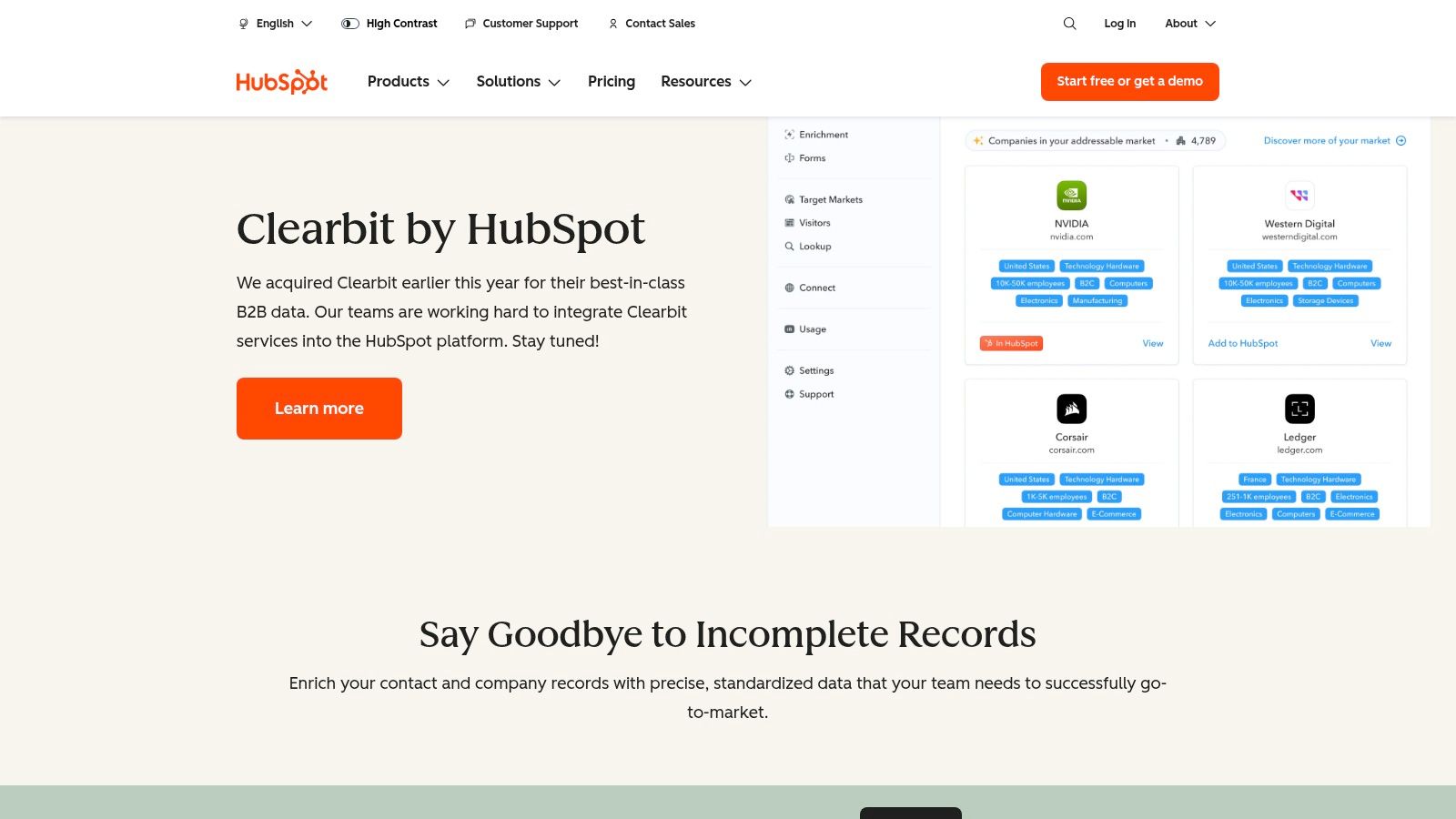
What makes this one of the best data enrichment tools for HubSpot users is its seamless workflow enhancement. Beyond just appending data, it powers features like form shortening to reduce friction and improve conversion rates. It also identifies anonymous website visitors, turning unseen traffic into actionable company-level leads. As legacy free Clearbit tools have been sunset, this HubSpot-centric model offers a fully supported, deeply embedded alternative, though access and pricing are now tied to HubSpot's subscription plans.
Key Features & Use Case
- Real-Time Enrichment: Automatically appends over 100 data points to new contacts and companies inside HubSpot.
- Form Shortening: Increases lead capture rates by enriching partial form submissions with complete data.
- Website Visitor Identification: Reveals the companies visiting your website, even if they don't fill out a form.
- Attribute-Based Lead Routing: Uses enriched data like company size or industry to instantly route leads to the correct team.
Best for: B2B companies heavily invested in the HubSpot platform looking for a native, all-in-one enrichment and intent solution.
| Pros | Cons |
|---|---|
| Deeply native to HubSpot, eliminating integration complexities | Access and pricing are dependent on HubSpot plans and add-ons |
| Provides standardized and precise B2B data attributes | Less flexible for companies not using HubSpot as their primary CRM |
| Powers advanced HubSpot features like lead routing and scoring | Legacy free Clearbit tools are no longer available |
Website: https://www.hubspot.com/products/clearbit
4. Apollo.io – Data Enrichment
Apollo.io offers a unified sales intelligence and engagement platform where data enrichment is a core component of a broader prospecting workflow. It stands out by combining a vast B2B database with enrichment, sequencing, and analytics tools, making it a comprehensive solution for sales and marketing teams. The platform supports enriching both company and contact data directly within its ecosystem or by syncing with an existing CRM, providing a seamless operational flow from data acquisition to outreach.
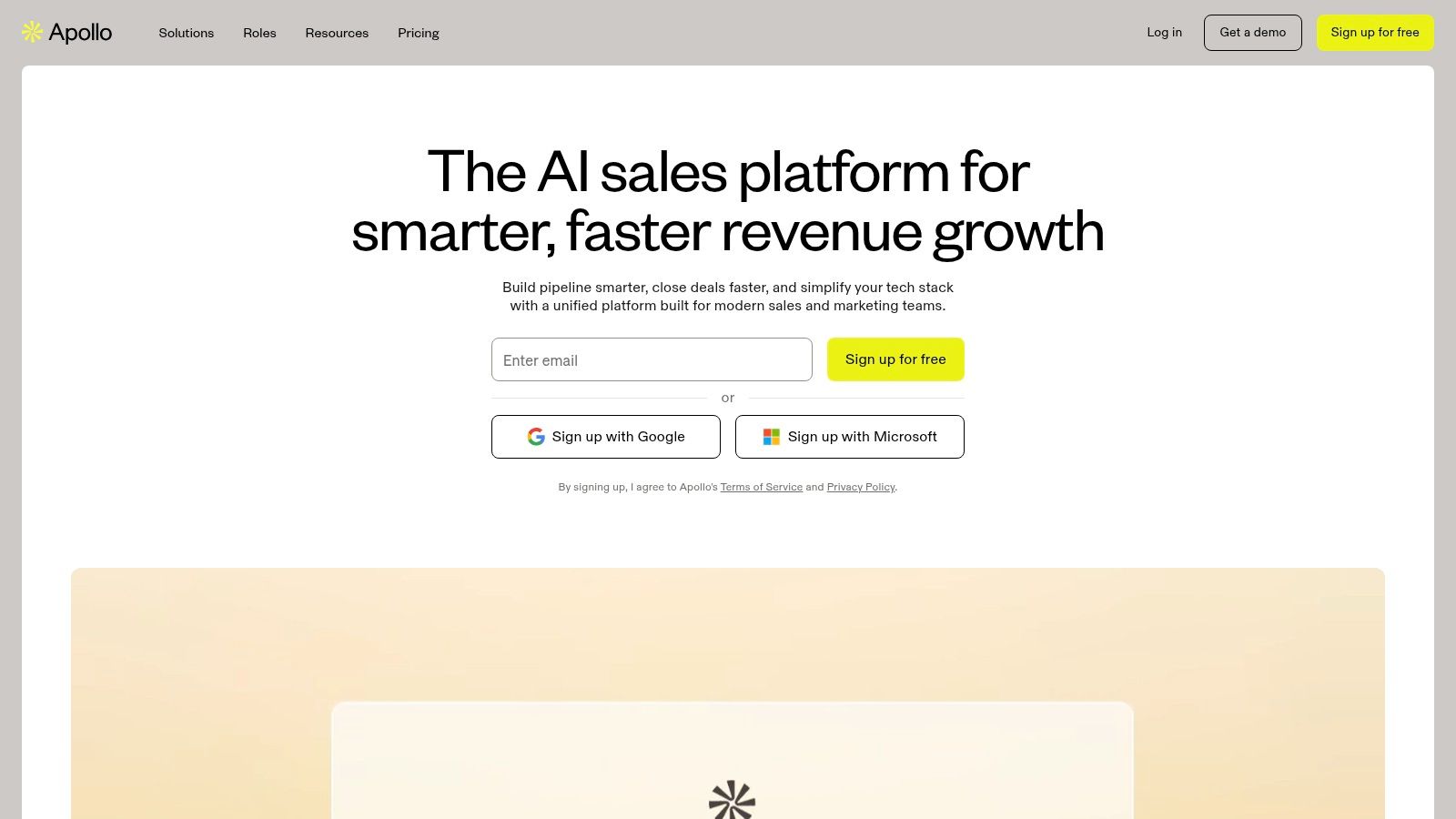
Unlike standalone data enrichment tools, Apollo.io’s value lies in its all-in-one nature and transparent, self-serve model. A key differentiator is its waterfall enrichment capability, which can query multiple data sources to find the most accurate information, ensuring a higher fill rate. This flexibility allows users to leverage Apollo's native data or even integrate their own preferred providers. This makes it one of the best data enrichment tools for teams that need both a powerful data source and the tools to act on that data immediately.
Key Features & Use Case
- CSV Enrichment: Bulk enrich contact and company lists by uploading files with up to 100,000 rows.
- Real-time & Scheduled CRM Enrichment: Automatically keep Salesforce and HubSpot records up-to-date with real-time or scheduled jobs.
- Waterfall Enrichment: Increases data accuracy and fill rates by checking multiple providers, including native and third-party options.
- Integrated Sales Engagement: Combine enriched data with built-in sequencing, dialer, and analytics for a full-cycle prospecting solution.
Best for: Sales and growth teams looking for an all-in-one platform that integrates robust data enrichment with prospecting and engagement tools.
| Pros | Cons |
|---|---|
| Self-serve onboarding and comprehensive documentation | Credit consumption can vary depending on the data source being used |
| Combines enrichment with sequencing and dialer capabilities in one tool | Advanced features like waterfall enrichment may require higher-tier plans |
| Transparent, flexible pricing plans suitable for various team sizes | The sheer number of features can present a learning curve for new users |
Website: https://www.apollo.io
5. Lusha
Lusha is a popular data enrichment tool known for its simplicity and ease of use, making it a favorite among sales professionals and recruiters. It primarily operates through a browser extension, API, and a dedicated platform, allowing users to quickly find B2B contact and company data directly from social media profiles, company websites, or their own CRM. Its credit-based model is straightforward, with users spending credits to reveal contact details like email addresses and direct phone numbers.
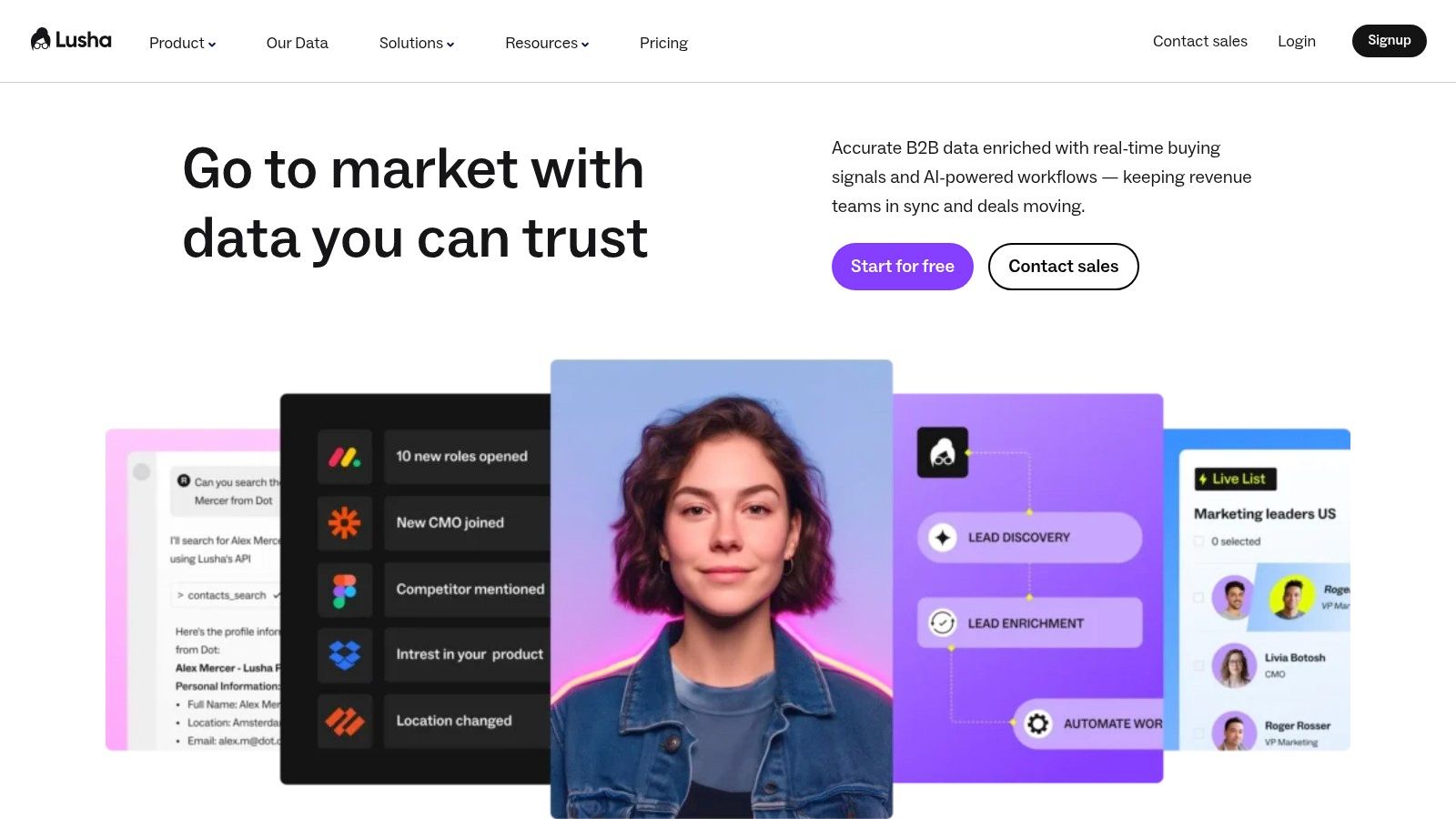
What sets Lusha apart is its accessibility and speed, designed for individuals and teams who need on-the-spot enrichment without complex configurations. While many of the best data enrichment tools focus on large-scale, automated database cleansing, Lusha excels at providing immediate, actionable data for prospecting and outreach. The platform’s API allows for programmatic enrichment, but its core strength lies in empowering end-users to enrich contacts one by one or in small batches, directly within their prospecting workflow.
Key Features & Use Case
- Chrome Extension: Enables real-time contact data reveals on LinkedIn and other websites.
- Usage-Based API: Provides programmatic enrichment where you pay per successful data result using credits.
- CRM Integrations: Connects with popular platforms like Salesforce and HubSpot to enrich existing records.
- In-Platform Prospecting: Users can search for and export company and contact data using credits.
Best for: Sales teams and individuals who need a fast, user-friendly tool for on-demand contact and company data enrichment.
| Pros | Cons |
|---|---|
| Very easy to adopt with quick reveals directly on profiles | Advanced filters and key CRM features are limited to higher-priced plans |
| Clear credit-based pricing model for API and platform usage | The credit math for different API requests can add overhead to planning |
| Strong focus on providing direct-dial phone numbers | Data accuracy can vary, particularly for smaller or niche industries |
Website: https://www.lusha.com
6. People Data Labs (PDL)
People Data Labs (PDL) offers a developer-first approach to data enrichment, focusing on robust APIs for person, company, and IP data. It stands out with a transparent, usage-based pricing model that appeals to engineering teams and businesses wanting granular control over their spending. The platform provides a powerful suite of tools designed for programmatic integration, allowing users to build data enrichment directly into their applications and workflows with precision.
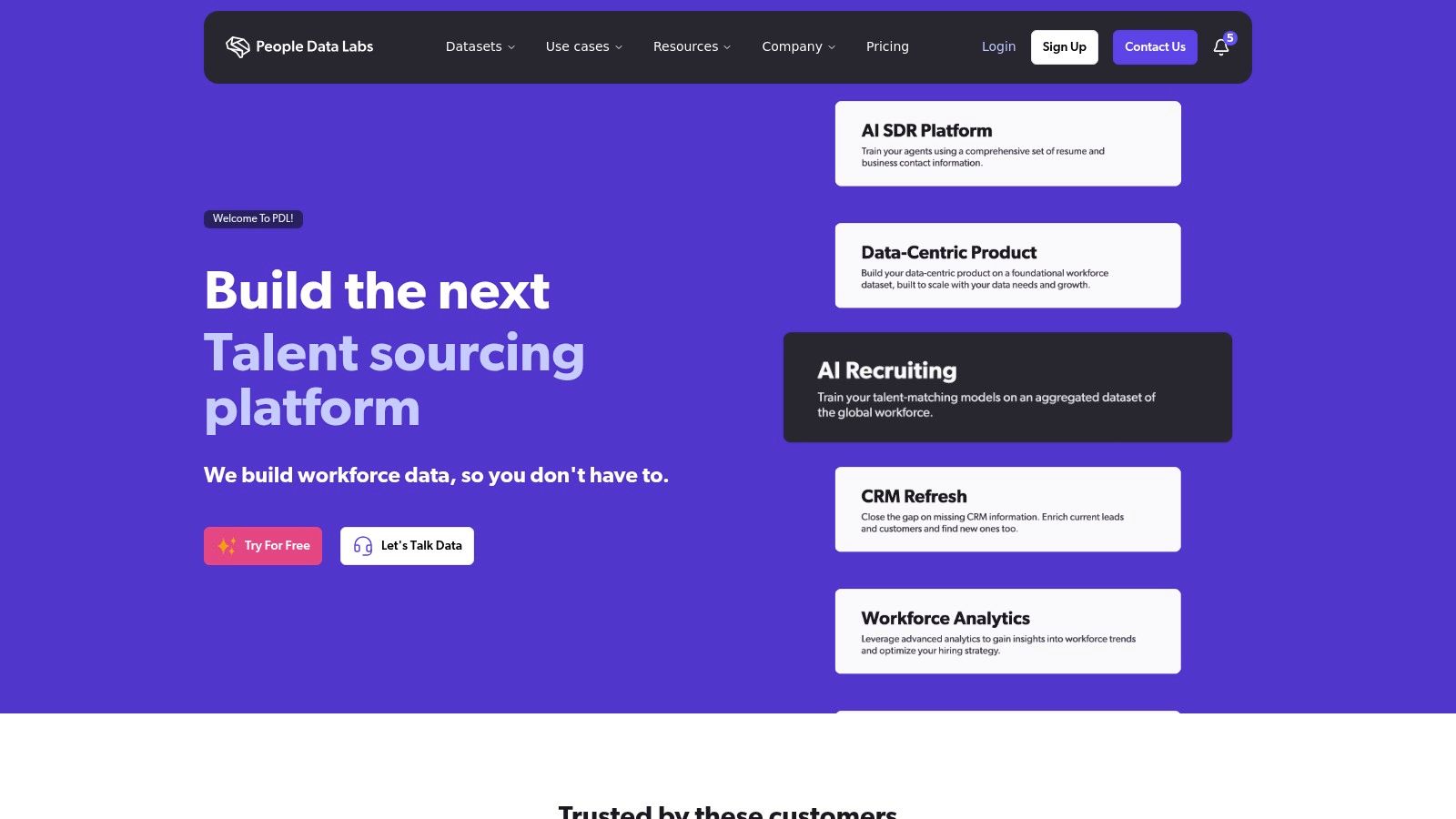
Unlike all-in-one platforms, PDL’s strength lies in its flexibility and extensive documentation, empowering developers to query a massive dataset of over 3 billion profiles. This makes it one of the best data enrichment tools for custom projects, such as powering recruiting platforms, verifying user identities, or building sophisticated lead-scoring models. While its core is API-centric, PDL also offers a Batch Enrich UI, enabling non-technical users to enrich CSV files without writing any code.
Key Features & Use Case
- Person & Company Enrichment APIs: Access detailed profiles using inputs like email, social URLs, or company domains.
- IP Enrichment API: Reveal company firmographics associated with an IP address for website personalization.
- Usage-Based Credits: A transparent pricing model where you only pay for the data you use.
- Batch Enrich UI: A no-code option for enriching large contact or company lists via CSV upload.
Best for: Engineering teams and data-driven businesses that need flexible, API-first data enrichment with transparent, predictable pricing.
| Pros | Cons |
|---|---|
| Transparent, per-credit pricing model avoids large contracts | API-centric approach may be less friendly for non-technical users |
| Generous 30-day free trials with starter credits to test APIs | Per-match pricing requires careful volume planning to manage costs |
| Extensive, well-documented APIs for easy integration | Focus on raw data may require more internal development to operationalize |
Website: https://www.peopledatalabs.com
7. Dun & Bradstreet – D&B Optimizer / D&B Connect for Salesforce
Dun & Bradstreet offers an enterprise-grade data enrichment solution directly within Salesforce, built on its foundational D‑U‑N‑S Number system. D&B Connect is designed for organizations that prioritize master data management, providing authoritative firmographic data and clear corporate hierarchies. This tool excels at cleansing, standardizing, and enriching account records, ensuring a single source of truth for global sales teams.
What sets D&B apart is its legacy and focus on verified, structured business identity. The platform uses the D&B Data Cloud to match and append over 1,000 data attributes, including corporate linkage, revenue, industry codes, and risk indicators. This makes it one of the best data enrichment tools for complex enterprises needing to map large, interconnected accounts and maintain impeccable data hygiene at scale. The platform is less focused on individual contact details like personal emails and more on creating a rock-solid, verifiable account foundation.
Key Features & Use Case
- D-U-N-S Number Matching: Matches accounts to a unique nine-digit identifier for high-confidence data accuracy and deduplication.
- Hierarchical Account Views: Maps corporate family trees, showing parent companies and subsidiaries for strategic account planning.
- Data Stewardship Dashboards: Provides tools for data governance, monitoring data quality, and managing cleansing rules.
- Continuous Enrichment: Automatically updates and maintains account data within Salesforce to prevent data decay.
Best for: Large enterprises using Salesforce that require authoritative, globally consistent firmographic data and corporate linkage.
| Pros | Cons |
|---|---|
| Strong match rates and clear data lineage via D-U-N-S Numbers | Enterprise-oriented pricing and a lengthy procurement process |
| Excellent for global B2B firmographics and account hierarchies | Primarily focused on account-level data; less emphasis on personal emails/phones |
| Robust data governance and stewardship tools | Can be complex to implement without dedicated data management resources |
Website: https://www.dnb.com/products/marketing-sales/salesforce-data-management/.html
8. Dropcontact
Dropcontact offers a unique approach to data enrichment, focusing heavily on finding and validating professional email addresses through sophisticated algorithms rather than a static database. This makes it an excellent choice for businesses, particularly SMBs in the EU and US, that prioritize high email deliverability and want to minimize bounce rates. The platform is designed for simplicity, offering straightforward enrichment from just a first name, last name, and company website.
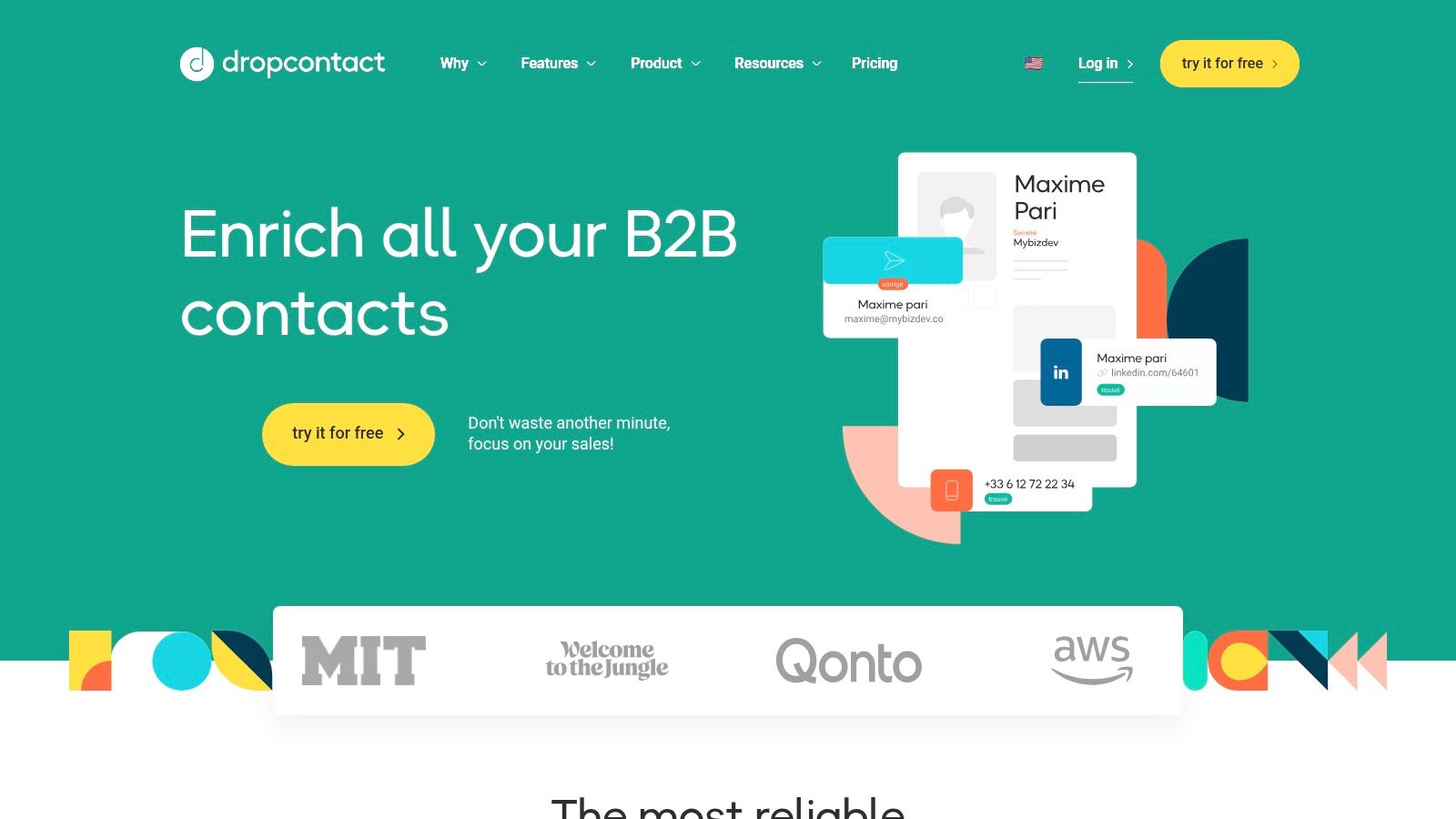
Unlike database-driven tools, Dropcontact’s real-time verification process ensures the data provided is fresh and accurate at the moment of the request. Its pricing model is also a key differentiator; users are only charged for successfully found and verified emails, with credits for unsuccessful searches being returned to their account. This transparent, performance-based model appeals to teams looking for one of the best data enrichment tools without complex contracts or wasted spend on incomplete data.
Key Features & Use Case
- Algorithmic Email Finding: Uses proprietary algorithms to find and verify emails in real time.
- Native CRM Enrichment: Directly integrates with HubSpot and Pipedrive to enrich contacts automatically.
- Flexible Enrichment Options: Supports enrichment via file upload, single lookup, and a robust API.
- Credit Carryover: Unused credits roll over, and credits for unfound contacts are returned.
Best for: SMBs and sales teams that need highly accurate, verified email addresses and prefer a simple, pay-for-performance pricing model.
| Pros | Cons |
|---|---|
| You pay only for emails found, and unfound lookups are re-credited | Focus is primarily on email; limited phone number and other data coverage |
| Built-in verification improves email validity and reduces bounces | CRM enrichment is offered as a separate plan from the Email Finder |
| Simple and transparent pricing with credit carryover option | Less comprehensive firmographic data compared to enterprise platforms |
Website: https://www.dropcontact.com
9. Hunter.io
Hunter.io is widely known for its email discovery and verification capabilities, but it also offers a straightforward lead enrichment service. It’s an ideal tool for teams prioritizing email-centric outreach, providing a simple way to append names, job titles, and social profiles to an existing list of email addresses or domains. The platform's strength lies in its simplicity and transparent, credits-based pricing model, making it accessible for startups and SMBs.
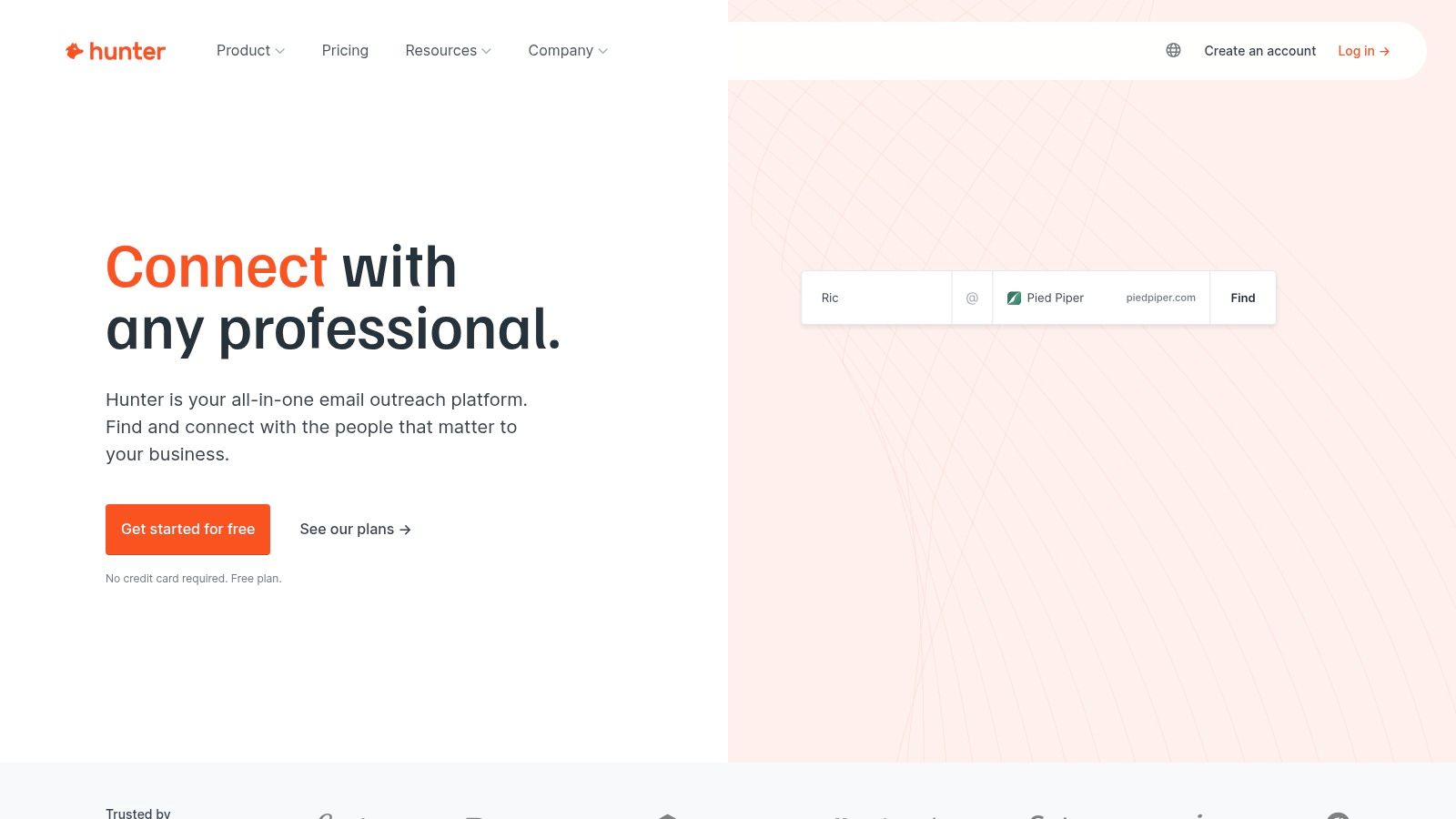
Unlike more complex platforms, Hunter.io focuses on the core data points most essential for personalized email campaigns. Users can enrich data in bulk by uploading a CSV file or use the Google Sheets add-on for seamless workflow integration. Its API and Chrome extension also allow for on-the-fly lookups, making it a highly practical tool for daily prospecting tasks. While its enrichment data is less extensive than enterprise solutions, its built-in email verification is a major advantage, ensuring list quality and deliverability. You can learn more about how tools like this help you find company email addresses.
Key Features & Use Case
- Email-First Enrichment: Appends full names, job titles, social links, and company info from an email address.
- Bulk Enrichment Tools: Supports CSV uploads and a Google Sheets add-on for processing large lists.
- Integrated Verification: Every enriched email comes with a verification status to reduce bounce rates.
- API & Browser Extension: Enables real-time enrichment directly within your browser or custom applications.
Best for: Sales and marketing teams that need a simple, cost-effective tool for email-focused lead enrichment and verification.
| Pros | Cons |
|---|---|
| Transparent, scalable pricing plans based on a credits model | Enrichment is email‑centric with very limited phone or firmographic data |
| Built-in email verification helps maintain data hygiene | Advanced filters and features are gated behind higher-priced tiers |
| Simple interface with easy-to-use bulk and API tools | Not as comprehensive for deep B2B account profiling as other tools |
Website: https://hunter.io
10. Clay
Clay positions itself as a powerful metaplatform, integrating over 100 data providers into a single, automated workflow builder. Instead of relying on one enrichment source, Clay allows users to "waterfall" requests across multiple providers, ensuring the highest possible data coverage. This unique approach lets you build custom enrichment sequences, chaining sources like Clearbit, PeopleDataLabs, and others until you find the information you need, all within one credit system.
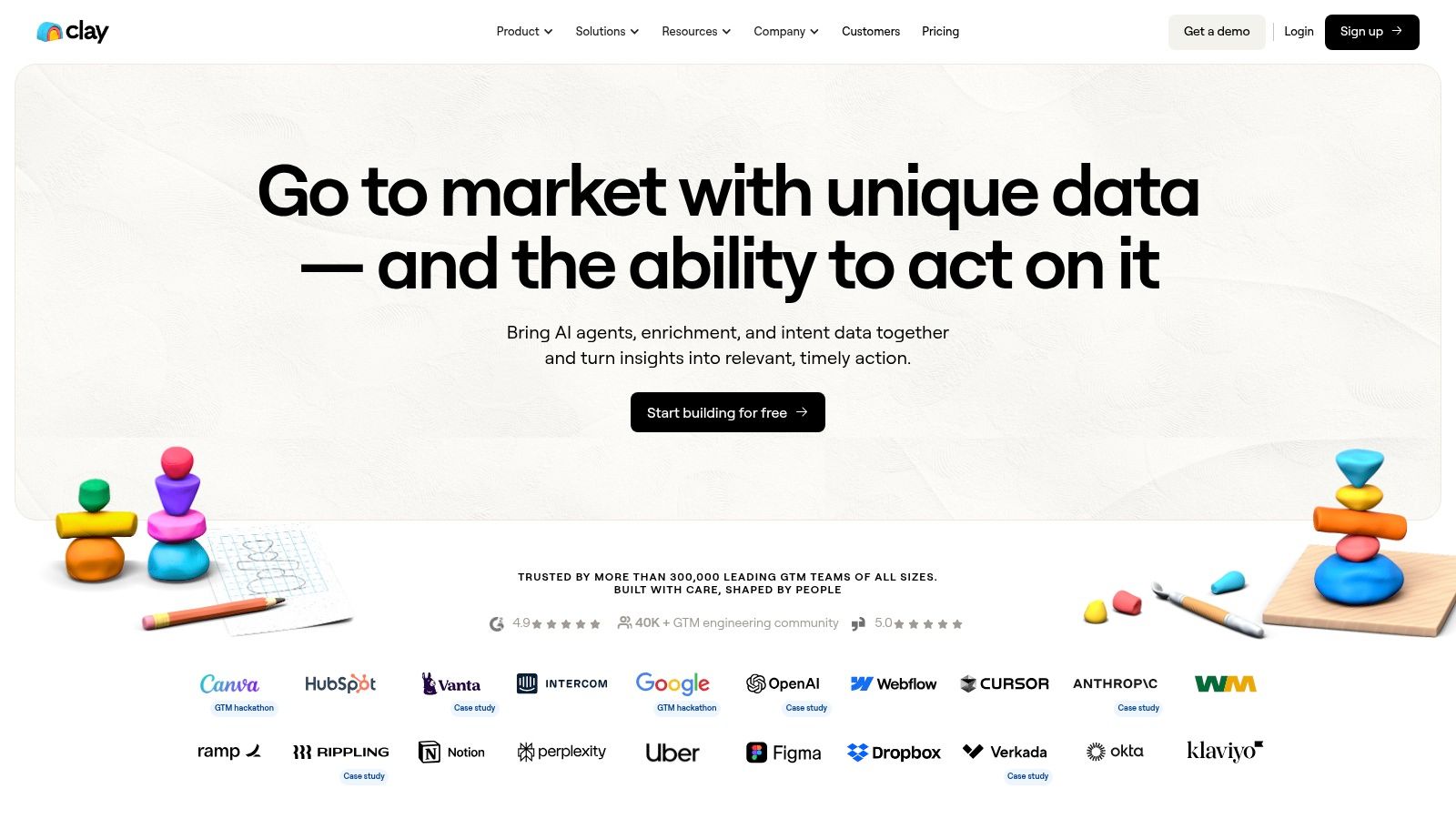
The platform’s core strength is its flexibility. Users are not locked into a single ecosystem; they can even bring their own API keys for providers they already subscribe to. This makes Clay an ideal hub for orchestrating complex data workflows and controlling costs. By leveraging conditional logic and AI agents to research missing data, it goes beyond simple appending to become a comprehensive prospecting and research tool. It’s one of the best data enrichment tools for teams that need to customize their data-gathering process from the ground up.
Key Features & Use Case
- Data Provider Waterfalling: Sequentially queries multiple data sources to maximize fill rates for any data point.
- Bring-Your-Own-Keys (BYOK): Allows users to integrate their existing provider subscriptions using their own API keys.
- AI-Powered Research: Uses AI agents to find information that traditional databases miss, such as specific project details.
- Flexible Integrations: Connects to sources via built-in providers, HTTP/API connectors, and webhooks.
Best for: Tech-savvy sales and operations teams who need maximum data coverage and want to build custom, multi-step enrichment workflows.
| Pros | Cons |
|---|---|
| Unmatched flexibility with access to over 100 data sources | The credit system and workflow setup can be complex for new users |
| Credit-based pricing allows for precise cost control | Key CRM and sequencing integrations are limited to higher-priced tiers |
| Supports unlimited users and offers rollover credits | Requires a more hands-on, technical approach than all-in-one platforms |
Website: https://www.clay.com
11. Salesforce AppExchange – Data Enrichment Apps
The Salesforce AppExchange is not a single tool but rather a centralized marketplace where Salesforce users can discover, evaluate, and install a wide range of data quality and enrichment applications. It serves as a vetted ecosystem, offering native solutions from providers like Dun & Bradstreet, ZoomInfo, and niche vendors that plug directly into a Salesforce environment. This makes it an essential resource for companies that have built their operations around the Salesforce platform and require tools that are pre-approved for security and compatibility.
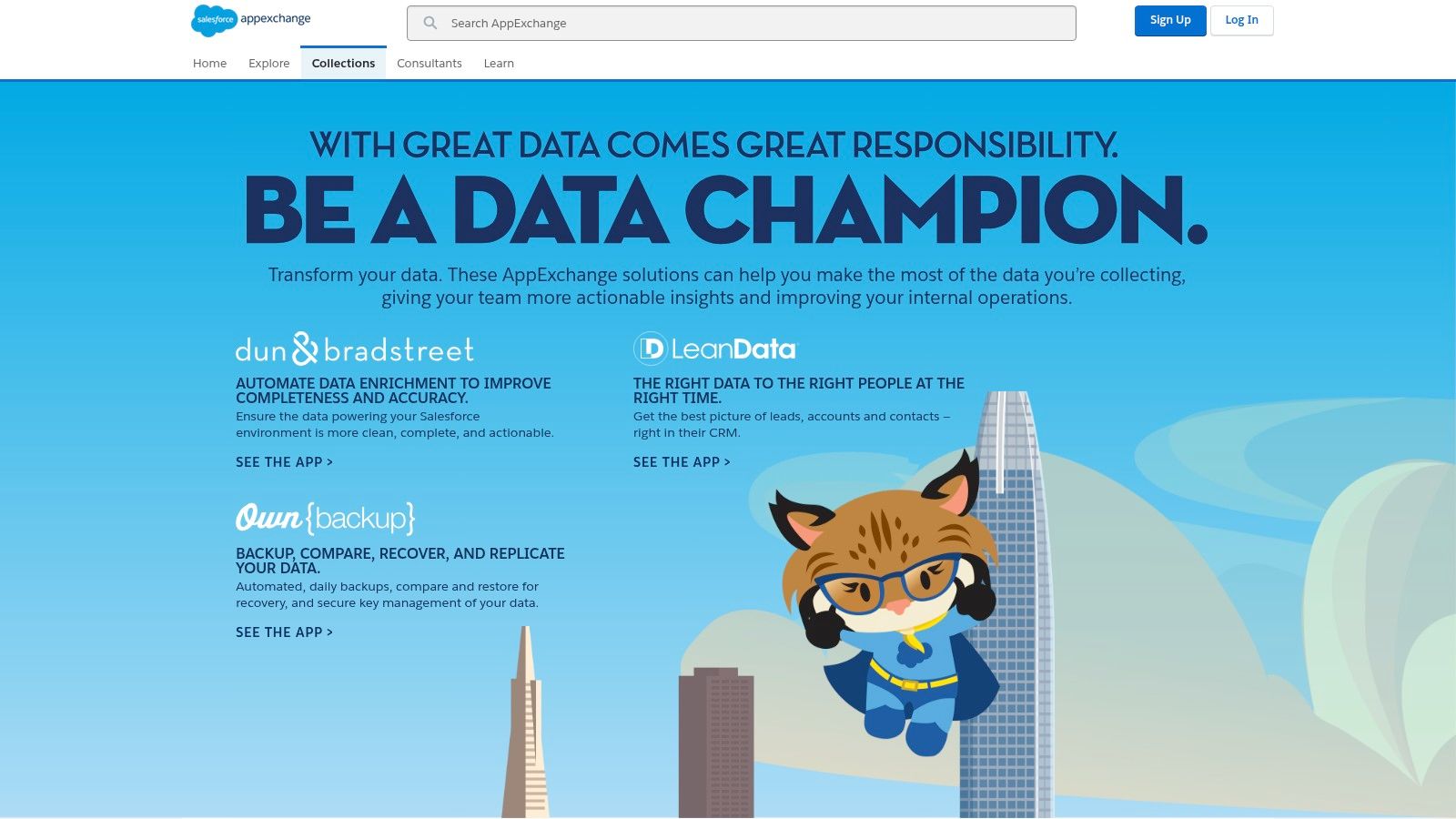
Unlike standalone platforms, the AppExchange’s primary advantage is its seamless integration model. Apps can often be installed with just a few clicks, eliminating complex API configurations. Users can leverage customer reviews, security documentation, and curated collections to find the perfect fit, from broad firmographic enrichers to specialized vertical data providers. This direct-to-CRM approach streamlines workflows and ensures that enriched data immediately populates the right fields, which is a core benefit for any team managing their customer data within Salesforce. If you're exploring how to manage this data effectively, you can learn more about the best contact management software.
Key Features & Use Case
- Vetted and Curated Apps: All listings are reviewed by Salesforce for security and quality standards.
- Click-to-Install Functionality: Enables easy deployment of apps directly into a Salesforce organization.
- User Reviews and Ratings: Provides social proof and real-world feedback to guide purchasing decisions.
- Broad Selection: Offers everything from global B2B data providers to niche industry-specific data sources.
Best for: Companies heavily invested in the Salesforce ecosystem looking for vetted, native data enrichment solutions without complex integration projects.
| Pros | Cons |
|---|---|
| Seamless single-sign-on and native Salesforce installation | Functionality and data quality can vary widely between different apps |
| Wide selection of vertical and region-specific providers | Many app listings require contacting the vendor directly for pricing |
| Vetted solutions with clear security and compliance notes | Can be overwhelming to navigate without a clear set of requirements |
Website: https://appexchange.salesforce.com/mktcollections/curated/datachampion?utm_source=openai
12. AWS Marketplace – Data Enrichment Solutions
AWS Marketplace offers a unique approach to data enrichment by acting as a procurement hub rather than a single tool. It allows organizations already within the AWS ecosystem to find, subscribe to, and deploy a wide variety of third-party data enrichment and quality solutions with simplified billing and governance. This platform is ideal for teams that need to integrate enrichment services directly into their cloud infrastructure and prefer a consolidated, pay-as-you-go or private offer procurement model.
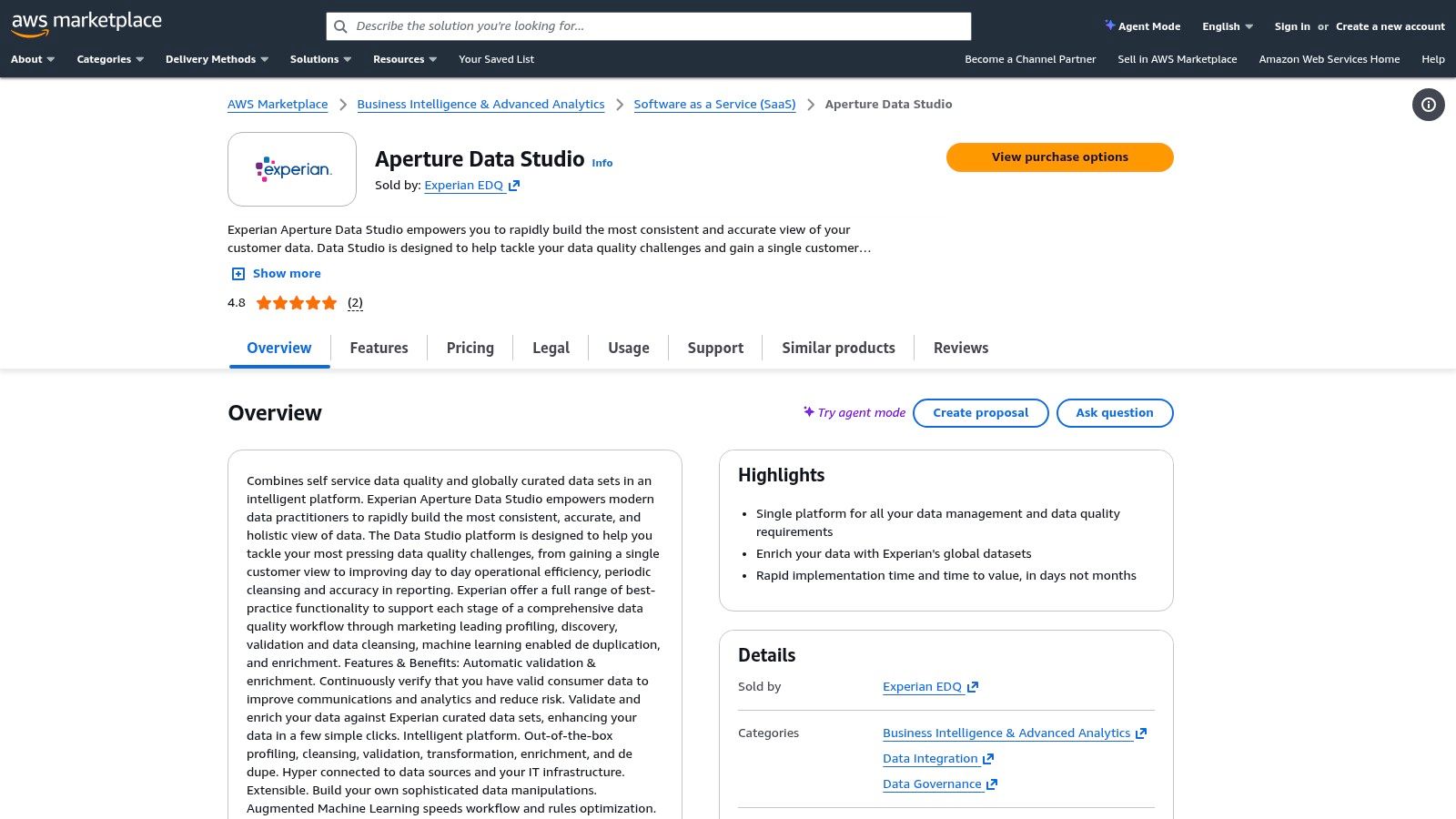
Unlike standalone vendors, the marketplace's value is in its flexibility and integration with the AWS environment. Users can find specialized tools like Experian for address validation or LeadiQ for sales intelligence and deploy them as SaaS or machine images that work with AWS services. This centralized model streamlines security reviews, compliance, and billing, which is a major advantage for enterprise-level operations looking for some of the best data enrichment tools that fit their existing cloud strategy.
Key Features & Use Case
- Consolidated Billing: All procured services are billed through a single AWS account.
- Flexible Deployment: Offers both SaaS subscriptions and Amazon Machine Image (AMI) options.
- Integrated Governance: Leverages existing AWS security and compliance frameworks.
- Varied Pricing Models: Supports metered usage, trials, and private offers for many listings.
Best for: Organizations deeply integrated with AWS seeking a streamlined procurement process for various data solutions.
| Pros | Cons |
|---|---|
| Cloud-ready deployment and enterprise security benefits | Discovery requires evaluating multiple listings to find the right vendor |
| Wide range of products from data quality to sales enrichment | Pricing, coverage, and features vary widely by individual vendor listing |
| Simplified procurement and consolidated billing | Quality and support are dependent on the specific third-party seller |
Website: https://aws.amazon.com/marketplace/pp/prodview-rsn4tn5e5isno?utm_source=openai
Top 12 Data Enrichment Tools: Side-by-Side Comparison
| Tool | Target audience | Core features | Unique selling point | Pricing | Best use |
|---|---|---|---|---|---|
| EmailScout (Recommended) | Sales reps, marketers, freelancers, entrepreneurs | Chrome extension; AutoSave; URL Explorer; CSV/TXT export; unlimited free finds | One‑click scraping + free unlimited searches; fast list building from visited pages | Free core; premium from ≈ $9/mo (5k emails/mo); free premium trial | Quick, budget-friendly email discovery and exports |
| ZoomInfo – Enrich | Enterprise sales & marketing teams | 200+ firmographic/technographic fields; CRM connectors; scheduled & real‑time enrichment | Broad B2B dataset, intent add‑ons, governance controls | Custom enterprise pricing (annual) | Large orgs needing rich firmographics & data governance |
| Clearbit (Breeze via HubSpot) | HubSpot users / inbound teams | Real‑time enrichment in HubSpot; form shortening; visitor reveal | Native HubSpot integration reduces integration overhead | Pricing tied to HubSpot plans/add‑ons | HubSpot‑centric teams wanting in‑CRM enrichment |
| Apollo.io – Data Enrichment | SMBs and midmarket sales teams | CSV & CRM enrichment; waterfall providers; sequencing & dialer | All‑in‑one prospecting + self‑serve plans and docs | Transparent self‑serve plans; credits; paid tiers for advanced features | Prospecting plus outreach automation and enrichment |
| Lusha | Sales teams needing fast contact reveals | Chrome extension; CRM integrations; per‑result credits for email/phone | Quick profile reveals with simple credit model | Credit‑based tiers (per result) | Fast on‑page contact lookups and simple API use |
| People Data Labs (PDL) | Engineering teams / developers | Person, company, IP enrichment APIs; bulk endpoints; CSV UI | Developer‑first APIs with transparent per‑credit pricing | Usage‑based credits; 30‑day trial credits | API-driven enrichment at scale with predictable pricing |
| Dun & Bradstreet – D&B Optimizer | Large enterprises with account data needs | Continuous account enrichment; D‑U‑N‑S matching; stewardship dashboards | Strong company match rates and hierarchical account intelligence | Enterprise procurement & pricing | Master‑data hygiene and account hierarchy intelligence |
| Dropcontact | EU/US SMBs focused on deliverability | Email finder + verification; API; CRM enrichment; CSV | Pay only for found emails; built‑in verification reduces bounces | Credit/pricing plans with carryover option | Low‑bounce email lists and verified enrichment |
| Hunter.io | Marketers and sales teams | Domain search; email finder & verifier; bulk CSV; Chrome & API | Widely adopted, strong auto‑verification and simple pricing | Credit/plans scalable by usage | Email discovery + verification with bulk tools |
| Clay | Teams wanting max coverage & flexibility | 75–100+ data sources; BYO provider keys; webhooks & CRM connectors | Large source marketplace and flexible enrichment recipes | Credit‑based pricing; higher tiers for CRM/advanced features | Chaining providers to maximize coverage and control costs |
| Salesforce AppExchange – Data Apps | Salesforce admins & customers | Curated enrichment apps; click‑to‑install trials; vendor reviews | Vetted marketplace + native installs inside Salesforce | Varies by vendor; many require contacting sales | Discover and install Salesforce‑native enrichers |
| AWS Marketplace – Data Solutions | Enterprises with AWS procurement | SaaS/AMI listings; metered pricing; AWS integrations (RDS, Snowflake) | Consolidated billing and cloud deployment integration | Pay‑as‑you‑go, private offers, vendor dependent | Procurement of cloud‑ready enrichment tools and billing consolidation |
Turning Enriched Data Into Revenue: Your Next Steps
Navigating the landscape of data enrichment tools can feel overwhelming, but the journey from raw data to actionable intelligence is a critical one for any modern sales or marketing team. Throughout this guide, we've explored a diverse range of platforms, from the hyper-focused efficiency of EmailScout to the enterprise-grade power of Dun & Bradstreet and the versatile, API-first approach of People Data Labs. The core takeaway is clear: data enrichment is not merely an act of data acquisition. It is the strategic process of transforming incomplete contact lists into comprehensive, revenue-generating assets.
The true value isn't in having more data points; it's in having the right data points that illuminate the path to a personalized conversation. It’s the difference between a cold, generic email and a tailored outreach that references a prospect’s recent job change, company funding round, or specific tech stack. This level of detail, once a luxury, is now a fundamental requirement for cutting through the noise and building meaningful relationships.
How to Choose the Right Data Enrichment Tool for Your Team
The central question is no longer if you should enrich your data, but how. The "best data enrichment tools" are not one-size-fits-all. The ideal solution for your business hinges on a thoughtful evaluation of your unique circumstances. To make the right choice, move beyond feature lists and focus on these critical factors:
- Workflow Integration: How seamlessly does the tool fit into your existing processes? A powerful tool that disrupts your team’s daily routine will struggle with adoption. Consider native integrations with your CRM (like Salesforce or HubSpot), sales engagement platforms, and marketing automation systems. Tools like Apollo.io and Lusha excel here with their deep CRM synergy.
- Data Needs & Specificity: What specific information gaps are you trying to fill? If your primary goal is verifying email deliverability and gathering social profiles for cold outreach, a specialized tool like EmailScout or Hunter.io is incredibly efficient. If you require deep firmographic data, technographics, and buying intent signals, a more comprehensive platform like ZoomInfo or Clearbit becomes necessary.
- Scalability and Pricing: Your needs today may not be your needs tomorrow. Evaluate each tool's pricing model carefully. Pay-as-you-go or credit-based systems offer flexibility for startups and smaller teams, while enterprise-level subscriptions provide predictability for large-scale operations. Always ask about overage costs and how pricing scales as your contact database grows.
- Data Quality and Compliance: Where does the data come from, and how is it verified? Ensure the provider adheres to global data privacy regulations like GDPR and CCPA. Reliable vendors are transparent about their data sourcing and verification methodologies, which is crucial for maintaining both your sender reputation and legal compliance.
Your Action Plan: From Evaluation to Implementation
Information alone doesn't drive results; action does. Use this guide as your launchpad. The next step is to move from theoretical analysis to practical application.
- Shortlist Your Top 3: Based on the criteria above, select three tools from our list that appear to be the best fit for your team’s budget, workflow, and data requirements.
- Sign Up for Free Trials: This is the most critical step. Nearly every provider, from EmailScout to ZoomInfo, offers a free trial or a freemium plan. Use this opportunity to run a small, controlled test with a segment of your own data. This real-world test is the ultimate evaluation.
- Measure the Impact: Compare the results. Which tool provided the most accurate and useful data? Which was easiest for your team to use? Did the enriched data lead to a measurable lift in response rates or meeting bookings?
By systematically testing these solutions, you replace guesswork with evidence. You’re not just buying a software subscription; you’re investing in a system designed to fuel every stage of your customer lifecycle. To truly maximize the impact of your enriched data and transform it into revenue, consider exploring advanced topics like AI-powered sales intelligence, which leverages comprehensive data for deeper insights and more effective sales strategies. Ultimately, the right data enrichment tool empowers you to work smarter, engage more meaningfully, and turn every contact into a potential opportunity for growth.
Ready to stop guessing and start connecting? EmailScout provides the fast, accurate, and affordable data enrichment you need to supercharge your outreach. Turn a simple name and company into a verified email, LinkedIn profile, and more in seconds, ensuring your message always lands in the right inbox. Start your free premium trial with EmailScout today and see the difference verified data makes.