Tag: data enrichment

  • Master how to export connections from linkedin: Quick, Step-by-Step Guide

    Master how to export connections from linkedin: Quick, Step-by-Step Guide

    Let's be real—your LinkedIn network is more than just a vanity metric on your profile. It's a goldmine of potential clients, partners, and industry contacts just waiting to be tapped. Learning how to export your connections turns this passive list into an active asset for growing your business.

    The process itself is straightforward. You just need to head over to your Settings & Privacy page, find the option to 'Get a copy of your data,' and select your connections. LinkedIn typically emails you a link to a CSV file within a few minutes.

    Why Exporting LinkedIn Connections Unlocks Your Network's Value

    A person types on a laptop showing a secure network graphic and 'UNLOCK YOUR NETWORK' text.

    Once you have that file, you can move your network from a passive "list" into an active sales and marketing tool. It’s the difference between having contacts and having a strategy.

    Transform Your Network from Passive to Active

    Think of your exported connections as a list of untapped opportunities. For a sales leader, that list can be quickly filtered to find decision-makers at target companies, creating an instant pipeline of warm leads. Imagine sorting your entire network to find every "Director of Operations" you've ever connected with.

    If you're a founder launching a new service, that same CSV file becomes your first-round, hyper-targeted outreach list. Instead of spraying and praying, you can segment your network by industry or company to make sure your message hits the most relevant people first.

    Downloading your data is the first step toward building a real lead-gen engine. It gives you some critical advantages:

    • Data Ownership: You’ll have a secure backup of your network, safe from any unexpected account issues or platform changes.
    • CRM Integration: Easily import all your contacts into your CRM, giving you a single source of truth for your professional relationships.
    • Targeted Outreach: Segment your lists for personalized messages that actually get responses, moving way beyond generic bulk emails.

    Owning a copy of your network is a non-negotiable for any serious professional. It's what separates a simple digital address book from a powerful business development asset.

    Gain Deeper Insights with Network Analysis

    Once you pop that CSV open in a spreadsheet, you can uncover some powerful trends. A typical professional might have anywhere from 500 to 5,000 contacts—exporting this data opens up some serious analysis.

    Segmented outreach lists can drive 40% higher response rates, and your CSV holds the key. You can use simple spreadsheet filters to see where your contacts are located, break down industries (maybe 28% are in tech and 15% in finance), and identify seniority levels. Powerful segmentation techniques like these are a game-changer, and you can learn more from LaGrowthMachine's latest guide.

    After you've exported your connections, the next step is figuring out how to turn those contacts into conversations. You can find some excellent ideas in these proven LinkedIn Lead Generation Strategies to get your outreach off the ground. This data-first approach is how you turn a contact list into a real strategic advantage.

    Navigating the Native LinkedIn Data Export Process

    A person types on a laptop showing 'Export Connections' and a globe icon on its screen.

    Alright, let's get you that list of connections. The most direct route is using LinkedIn’s own native export tool. It’s a built-in feature, so you don't need any third-party tools or special subscriptions to get started.

    This has been the go-to method for years. In fact, even today, over 80% of users still rely on this free tool because it’s just so simple. It's a secure process that you run straight from your own account settings. If you’re curious about the history behind this feature, check out Coefficient's detailed breakdown.

    Finding the Data Export Page

    First things first, you have to find the right page. LinkedIn loves to move its settings around, but the path is pretty clear right now.

    Start by clicking your “Me” icon in the top-right corner of the LinkedIn homepage. A dropdown menu will appear—choose “Settings & Privacy.” This is your main account dashboard.

    Look at the left-hand sidebar and click on “Data privacy.” Scroll down a bit until you see the section titled “How LinkedIn uses your data.” The option you’re looking for is right there: “Get a copy of your data.”

    Requesting Your Connections Archive

    Once you land on the data export page, LinkedIn gives you two choices. You can grab your entire data archive (everything!) or pick specific pieces of it. We’re going for the more focused approach.

    Here’s exactly what you need to do to get just your connections list:

    1. Select the “Want something in particular?” option.
    2. Make sure you check the box right next to “Connections.”
    3. Click the blue “Request archive” button.

    This screen is where you tell LinkedIn you only want the CSV of your connections, which keeps the file clean and simple.

    A person types on a laptop showing 'Export Connections' and a globe icon on its screen.

    After you hit that request button, LinkedIn will ask for your password one more time just to confirm it's really you.

    The Waiting Game and Final Download

    Once you’ve submitted your request, it's time to play the waiting game. LinkedIn has to compile your connections data into a file, and it’s not always instantaneous.

    The official line is that it can take anywhere from a few minutes up to 48 hours. In my experience, if you have a few thousand connections, you’ll probably see the email in under 10 minutes.

    Keep an eye on the inbox for the email address you use for LinkedIn. You'll get a notification with a download link as soon as it’s ready. That link is only active for 72 hours, so don’t put off downloading it.

    The file itself comes in a ZIP archive. Unzip it, and inside you'll find what you're looking for: "Connections.csv." This file contains key info like first name, last name, current company, job title, and the date you connected.

    Solving the Missing Email Address Problem

    You've done everything right. You navigated LinkedIn's settings, requested your data archive, and finally opened that much-anticipated CSV file. But then you see it—the email column is almost completely empty. It's a frustrating moment that nearly everyone experiences when they first try to export their connections.

    This isn't a bug or an error on your part. It's a deliberate feature of LinkedIn's privacy policy. For an email address to show up in your export, that specific connection needs to have manually adjusted their privacy settings to make it visible to their network. Since the default is to keep it private, you’ll find that the vast majority of emails are missing.

    From Problem to Solution with Data Enrichment

    So, what are you supposed to do with a list of names, job titles, and companies, but no way to actually contact anyone? This is where a process called data enrichment turns your dead-end list into a real asset.

    Instead of hitting a wall, you can use the basic information you do have as a starting point. Data enrichment is simply the process of taking that partial data and using specialized tools to find and append the missing pieces—in this case, verified work email addresses. This one step can transform a useless list into a powerful outreach tool.

    Think of your exported CSV as a car frame. It has the basic structure—name, company, title—but it's missing the engine. Data enrichment adds the engine, turning your list into something that can actually drive your outreach forward.

    How Enrichment Tools Find Emails

    So how does it work? Tools like EmailScout take the data points you successfully exported (First Name, Last Name, and Company Name) and use them to track down a person's professional email. These platforms run on sophisticated algorithms and cross-reference massive databases to predict and then verify the correct email address for someone at a specific company.

    For instance, the tool might test several common email patterns:

    • firstname.lastname@company.com
    • f.lastname@company.com
    • firstinitial.lastname@company.com

    It then runs a verification check to see which one is active and deliverable, providing you with a high-quality, validated email. We cover this process in much more detail in our guide on how to find emails on LinkedIn.

    By enriching your exported file, you’re not just filling in a blank column. You're building the bridge between simply having a professional network and being able to build a real lead generation strategy from it.

    Turning Your Exported CSV into Actionable Insights

    You’ve got your hands on the Connections.csv file. Great. Now what? When you first crack it open in Google Sheets or Excel, it looks like a wall of data—a jumble of names, companies, and job titles. Left as is, it’s not much more than digital clutter.

    The real magic happens when you start to shape this raw data into a strategic asset. This is the moment you go from simply exporting connections to actually using them for growth.

    From Raw Data to a Strategic List

    Think of your CSV file as a block of marble. With a few smart moves, you can carve out something incredibly valuable. The first thing I always do is start applying filters. It’s a simple spreadsheet function, but it’s powerful.

    For example, you can immediately filter the 'Position' column to find every "Director of Marketing" you’re connected to. Or, sort by the 'Company' column to group all your contacts at a single key account. Suddenly, you have a clear map of your influence inside that organization.

    Let's say you're about to launch a new product for the fintech space. Instead of blindly sending messages, you could:

    • Filter by 'Position': Zero in on contacts with titles like "CFO," "VP of Finance," or "Financial Analyst."
    • Filter by 'Company': Isolate people working at banks, investment firms, or financial technology companies.
    • Sort by 'Connected On': Focus your outreach on your most recent connections first, while the relationship is still fresh in their minds.

    This is how you turn a generic list of 2,000 names into a prioritized list of 50 high-potential leads. You’re no longer guessing; you’re working with focused, actionable intelligence.

    Uncovering Hidden Opportunities in Your Network

    Once you get your data organized, you can start to see the bigger picture. Are most of your connections concentrated in a particular industry? Do you have a stronger foothold in a company than you realized? Answering these questions is how you spot opportunities hiding in plain sight.

    This workflow shows what typically happens after you download your connections, highlighting the common roadblock of missing emails and what to do next.

    A flowchart illustrates an email processing workflow including checking for empty emails, enrichment, and validation.

    As you can see, a raw export often leaves you with empty email fields. That makes data enrichment a critical step for any real outreach. It’s not just about finding an email; it’s about making sure every valuable connection on your list is actually reachable.

    By sorting and segmenting your network data, you can create hyper-targeted outreach campaigns that feel personal and relevant, dramatically increasing your chances of getting a positive response.

    For instance, finding a cluster of connections in the logistics sector means you can craft a message that speaks directly to their unique challenges. That kind of personalized touch is impossible without organizing your data first.

    Of course, a perfectly segmented list is useless without good contact info. To make sure your carefully crafted messages don't just bounce, you’ll want to validate the emails you have. You can learn more in our guide on email address verification. Taking that extra step ensures your hard work actually pays off by landing in the inbox.

    Exploring Advanced Export and Enrichment Tools

    While LinkedIn's built-in export is a decent starting point, you'll hit its limitations pretty quickly. If your real goal is building a predictable sales pipeline—not just backing up your contacts—you need tools with more muscle.

    This is where premium solutions come in. They’re designed for people who treat LinkedIn as a core part of their business development, shifting the focus from simply downloading a CSV to strategic prospecting and automation.

    The Power of LinkedIn Sales Navigator

    LinkedIn Sales Navigator is the platform's own premium tool, built from the ground up for sales pros. It’s not about exporting your existing network; it’s about building laser-focused lists of prospects who aren't in your network yet.

    Think of it as a powerful search engine laid over LinkedIn’s entire user base. You get advanced filters like company size, seniority, industry, and even specific keywords in a profile to build highly qualified lists. For B2B teams, this is a total game-changer. Once you have a list, you can find massive value by exploring strategies for LinkedIn Sales Navigator for B2B growth to turn that raw data into real outreach opportunities.

    Sales Navigator transforms your process from passively managing connections to actively hunting for new opportunities. Instead of just exporting who you know, you can build lists of who you should know.

    With Sales Navigator, you can:

    • Build Custom Lead Lists: Create lists based on your ideal customer profile, saving hundreds of leads that you can then work through.
    • Get Lead Recommendations: The platform’s algorithm actually suggests new leads for you based on your activity and saved searches.
    • Send InMail Messages: You get credits to message people directly, letting you bypass the connection request step entirely.

    A Look at Third-Party Automation Tools

    Beyond Sales Navigator, a whole ecosystem of third-party tools and browser extensions has popped up to automate LinkedIn tasks. These tools can scrape profile data, send automated connection requests, and export contact lists from specific groups or searches.

    This is where you need to be careful, though.

    Many of these automation tools operate in a gray area that can violate LinkedIn's Terms of Service. Using unauthorized scraping tools could get your account restricted or even permanently banned. LinkedIn is actively cracking down on this kind of activity.

    Before you jump on a third-party tool, you have to weigh the speed and efficiency against the risks. An account suspension could cut you off from the very network you’re trying to build. The key is finding compliant tools that work with the platform, not against it. For a deeper look at your options, our guide on the best data enrichment tools can help you find a safe and effective solution.

    Frequently Asked Questions About Exporting LinkedIn Connections

    Even a seemingly straightforward process like exporting your LinkedIn connections can leave you with a few lingering questions. It's a simple task on the surface, but a few details can trip people up. Let's clear up some of the most common ones.

    Why Did LinkedIn Make It So Hard to Find the Export Feature?

    If you feel like LinkedIn hid the export button, you're right. It used to be much more prominent, but over the years, it’s been buried deeper in the settings.

    LinkedIn hasn't given an official reason, but the move seems strategic. By making it a bit trickier to pull your network data off-platform, they nudge you toward using their own paid tools like Sales Navigator. The good news is the feature is still there—you just have to navigate to "Settings & Privacy" and find it under the "Data privacy" tab.

    How Often Should I Export My Connections?

    Your network is a dynamic asset that's always growing. To keep your own records up-to-date, exporting your connections regularly is a smart move.

    We recommend a quarterly export for most professionals. Just set a recurring calendar reminder to download your connections list every three months. This simple habit ensures you have a fresh backup, which is a lifesaver if you ever run into account issues.

    Are Third-Party Export Tools Safe to Use?

    This is a big one. You've probably seen browser extensions and other tools promising to scrape LinkedIn profiles with more detail than the native export. You need to be careful here, as using unauthorized tools that break LinkedIn's Terms of Service is a major gamble.

    • Risk of Account Suspension: LinkedIn's systems are built to detect and shut down accounts using automated scrapers.
    • Data Security Concerns: You’re essentially handing over your account keys and network data to a third-party developer.

    While some tools play by the rules, always do your homework. To stay safe, stick with official methods or highly reputable services that won't put your account on the line.

    What Should I Do if My Exported File Has No Email Addresses?

    This is easily the most common point of confusion, but it’s not an error. If your CSV is full of names and companies but the email column is empty, it's working as designed.

    This happens because your connections have to explicitly opt-in to share their email address with their network. The default setting keeps it private.

    Your best next step is data enrichment. With the info you do have (name, company, title), a dedicated enrichment tool can find and verify their professional email addresses. This is the crucial step that turns that simple CSV into a list you can actually use for outreach.


    Stop guessing and start connecting. EmailScout takes your basic exported list and enriches it with verified email addresses, turning a simple CSV into a powerful outreach tool. Find the emails you're missing with EmailScout.


  • Elevate with data enrichment services for powerful insights

    Elevate with data enrichment services for powerful insights

    Ever felt like you're talking to ghosts? You have a name and an email, but that’s it. No context, no company, no clue if they're a dream customer or a dead end. This is the reality for most sales and marketing teams swimming in raw, incomplete data.

    Data enrichment services are the cure. Think of them as a private investigator for your CRM. They take that one lonely piece of information—like an email address—and turn it into a full-color portrait of your ideal customer, complete with their job title, company details, and even recent buying signals.

    What Are Data Enrichment Services

    A sketchbook with a drawing of a man next to a laptop displaying 'DATA ENRICHMENT' on a desk.

    Imagine your CRM is a stack of business cards where half the ink has faded. You’ve got a name, maybe an email, but the rest is just a blank space. Data enrichment services are the tools that fill in those critical gaps for you.

    Here’s how it works: you provide a single known data point, like a LinkedIn profile or an email address. The service cross-references it against massive, constantly updated databases and appends (or "enriches") your record with a ton of valuable new information.

    The Transformation From Raw Data To Actionable Intelligence

    This isn't magic; it's about connecting the dots that are already out there. The service finds a match and pulls in all the associated details, turning a skeletal lead into a well-rounded prospect you can actually talk to.

    Let’s walk through a common scenario. Someone with a personal email address downloads an ebook from your site. Without enrichment, they're a nobody. With it, that single email can instantly pull in their professional details, including:

    • Current Company: Where do they actually work?
    • Job Title: Are they an intern or a VP?
    • Industry: Do they operate in a sector you sell to?
    • Company Size: Is it a 10-person startup or a 10,000-person enterprise?
    • Location: Where is their office located?

    Just like that, a vague, anonymous lead becomes a qualified prospect. You now know if they're a decision-maker in your target industry. Your sales team can stop sending generic, cold emails and start crafting outreach that actually resonates.

    The Growing Importance Of Enriched Data

    The days of spray-and-pray marketing are over. The demand for this level of hyper-personalized engagement is exploding. The global data enrichment market was valued at USD 2.39 billion in 2023 and is on track to hit USD 6.27 billion by 2033.

    That’s a growth rate of 10.13% year-over-year, which shows just how essential these services have become for any serious business. You can find more details on this market trend over at Vision Research Reports.

    At its core, data enrichment is the process of enhancing your existing data with contextual information from external sources. It’s the difference between knowing a person’s name and understanding their professional world.

    To really see the difference, let’s look at a side-by-side comparison. This table shows how a basic lead transforms into a high-value prospect right before your eyes.

    Raw Data vs Enriched Data: A Sales Perspective

    Data Point Before Enrichment (Raw Data) After Enrichment (Actionable Intelligence)
    Contact Info jane.doe@email.com jane.doe@techcorp.com
    Job Title Unknown VP of Marketing
    Company Name Unknown TechCorp Inc.
    Industry Unknown B2B SaaS
    Company Size Unknown 500-1000 Employees
    Technology Used Unknown Uses Competitor X's software
    Sales Context Low-quality, anonymous lead High-value, qualified decision-maker

    This is the kind of upgrade that empowers your team to prioritize the right leads, personalize every single message, and ultimately shorten the entire sales cycle.

    Instead of guessing, they can walk into every conversation with a foundation of knowledge, building genuine rapport from the first hello. Data enrichment services are the engine that powers this smarter, more efficient approach to growing your business.

    The Most Valuable Types of Enrichment Data

    A desk with a laptop and four floating cards displaying 'Key Data Types' and various data icons.

    Once you get how data enrichment services work, the next logical question is: what kind of information actually moves the needle? Not all data points are created equal. Their value depends entirely on what you’re trying to achieve.

    For sales and marketing teams, enrichment data falls into a few powerful categories. Think of them as different lenses you can use to look at a prospect. Each one gives you a unique perspective, and combining them creates the sharpest, most complete picture possible.

    Firmographic Data: The Blueprint of a Business

    Firmographic data is the bedrock of B2B intelligence. It covers the core attributes of a company—much like demographics describe a person. This is your first line of defense for qualifying leads and segmenting your market, helping you answer the question, “Is this company even a good fit for us?”

    By enriching your records with firmographics, you can instantly filter your entire lead database to match your ideal customer profile (ICP). For instance, you could isolate all software companies with 50-200 employees and over $10 million in annual revenue. No more guesswork.

    Common firmographic data points include:

    • Company Size: Based on employee count or annual revenue.
    • Industry: Categorized using standard codes like NAICS or SIC.
    • Geographic Location: Pinpointing the company’s headquarters and other offices.
    • Company Type: Differentiating between public, private, or non-profit organizations.

    Technographic Data: A Look Inside Their Tech Stack

    Technographic data gives you a peek behind the curtain at the specific software and technologies a company uses. This is gold for creating highly relevant and competitive sales pitches. Knowing a prospect’s tech stack is like knowing what tools they already have in their workshop—you can see exactly where your solution fits.

    Imagine you sell a marketing platform that integrates beautifully with Salesforce. An enrichment service can tag a lead’s record to show they’re an active Salesforce user. Now, your sales team can skip the generic pitch and lead with a hyper-relevant message about your seamless integration.

    Technographic data lets you position your product not just as a solution, but as the perfect next piece in their existing technology puzzle.

    This data is also a game-changer for competitive displacement campaigns. If you know a prospect is using a rival’s software, you can tailor your messaging to highlight your unique advantages and hit on the pain points they’re likely experiencing with their current provider.

    Intent Data: Reading the Buying Signals

    Intent data is arguably the most valuable type for timing your outreach because it reveals active buying interest. It tracks a prospect’s online behavior—like the articles they read, the webinars they attend, and the topics they research—to signal when they’re in the market for a solution like yours.

    Think of it this way: firmographics and technographics tell you who is a good fit, but intent data tells you who is a good fit right now. This information is often gathered from B2B publisher networks that monitor content consumption across millions of websites.

    For example, if key decision-makers at a target account suddenly start researching “best CRM for small businesses,” that’s a massive buying signal. Your team can then swoop in with perfectly timed content, knowing they are addressing an immediate need. This proactive approach ensures you connect with prospects during their critical evaluation phase, dramatically increasing your odds of winning the deal.

    How Data Enrichment Actually Drives Business Growth

    The whole point of a data strategy is to connect the dots between raw information and real revenue. This is where data enrichment stops being a tech-y tool and starts acting as a powerful growth engine. When you turn incomplete records into full customer profiles, you give your sales and marketing teams the intel they need to work faster, smarter, and way more effectively.

    It all starts by completely changing how you see and prioritize your leads. A complete data profile makes your lead scoring incredibly accurate, grading prospects on how well they actually fit your ideal customer profile.

    Transform Your Lead Scoring

    Without enrichment, lead scoring is usually just a guess based on limited behavior, like someone downloading a single ebook. That’s not much to go on. With enriched data, scoring becomes a multi-dimensional analysis, pulling in critical details about a prospect’s company and the technology they use. This makes sure your sales team is only spending their valuable time on prospects with the highest statistical chance of closing.

    Think about the kind of factors you can suddenly bake into your scoring model:

    • Company Revenue: Is this company even big enough to afford what you sell?
    • Employee Count: Does their team size match your sweet spot?
    • Industry: Are they in a vertical where you’ve already got a proven track record?
    • Technology Stack: Do they already use software that makes your product a perfect fit?

    This refined process stops your best reps from wasting time on dead-end leads. They can focus only on accounts that are essentially pre-qualified and ready for a real conversation, which directly shortens the sales cycle.

    Fuel Hyper-Personalization at Scale

    Generic, "one-size-fits-all" outreach is a guaranteed way to get ignored. Data enrichment gives you the specific, contextual details you need to personalize every single interaction, from the first email to the final proposal. In fact, one study found that personalized campaigns can generate up to a 20% increase in sales.

    Imagine a sales rep who knows the following about a lead before they even reach out:

    • Their exact job title and what they're responsible for.
    • The company’s recent funding rounds or hiring sprees.
    • The competitor's software they're currently using.

    Instead of a boring "just checking in" email, the rep can write a message that hits on the prospect's actual challenges and goals. This kind of context-aware approach dramatically boosts reply rates and the number of meetings booked. Getting this right often relies on smart marketing and data analytics, which are supercharged by enriched data.

    Data enrichment isn’t just about adding more fields to your CRM; it's about adding more context to your conversations. It allows you to move from "who you are" to "what you need" much faster.

    This shift turns your outreach from an annoying interruption into a valuable consultation. You’re no longer just another salesperson—you're a well-informed partner who actually understands their business.

    Shorten the Sales Cycle and Increase Velocity

    When you add up accurate lead scoring and deep personalization, the result is a much shorter sales cycle. It's simple: when reps connect with the right people at the right companies with the right message, the path from first contact to a signed deal gets a whole lot shorter.

    Let’s look at a sales team's journey. Before enrichment, they blasted out thousands of generic emails, got almost no replies, and slogged through a long, messy sales process full of unqualified leads. After implementing data enrichment services, their entire workflow changed.

    1. Automated Qualification: New leads are automatically enriched and scored in the CRM. The best ones get sent straight to account executives.
    2. Context-Driven Outreach: Sales reps use the enriched data to craft personal emails that reference the prospect’s industry, tech stack, and recent company news.
    3. Faster Conversations: Because the first email is so relevant, conversations move past the basic discovery questions and straight into problem-solving, speeding up the whole sales motion.

    This strategic shift proves that data enrichment isn't just another operational cost—it's a critical investment. By making your teams more efficient and effective across the board, these services deliver a clear, measurable return for any company serious about predictable growth.

    Integrating Data Enrichment Into Your Workflow

    Having powerful data is one thing. Making it a seamless part of your team's daily rhythm is a whole different ballgame. Great intelligence is useless if it's buried in a separate platform or requires a dozen manual steps to access. The goal is to build a system where enriched data flows directly to your sales and marketing teams exactly when they need it, turning raw information into a real-time competitive edge.

    This means moving beyond one-off data cleanses and thinking about a continuous, automated process. By embedding data enrichment right into your core tools—like your CRM and prospecting platforms— you eliminate friction and empower your team to act on insights instantly.

    From Discovery To Action: An Example Workflow

    Let's walk through a practical, real-world scenario. Picture a sales development representative (SDR) prospecting on LinkedIn. They find a promising decision-maker at a target company. The old way involved a ton of manual work: searching for an email, guessing formats, and then plugging incomplete information into the CRM by hand.

    An integrated workflow changes this completely. Using a tool like the EmailScout Chrome extension, the SDR can find and verify the contact's email address in a single click, right there on the LinkedIn page. But the real magic is what happens next.

    This is where data enrichment services kick in to automatically complete the picture. The workflow looks something like this:

    1. Find the Contact: The SDR uses EmailScout to instantly find the decision-maker's professional email.
    2. Trigger Enrichment: That new contact is automatically sent to your data enrichment service.
    3. Append Key Details: The service fills in the blanks with firmographic data (company size, industry), technographic data (what software they use), and other crucial context.
    4. Sync to CRM: The complete, enriched profile is pushed directly into your CRM, creating a new, fully detailed lead record without anyone lifting a finger.

    This streamlined process takes what used to be a 15-minute task and condenses it into seconds. For businesses looking to get their data house in order, robust data integration services are often a foundational first step.

    The Power of CRM Integration

    The true magic of making data enrichment work for you lies in its direct integration with your Customer Relationship Management (CRM) system. When your enrichment tool and CRM are talking to each other, you create a self-sustaining loop of data accuracy.

    Every new lead that enters your system—whether from a web form, a trade show, or manual prospecting—can be automatically enriched in real time. This ensures that from the very first touchpoint, your sales team has a 360-degree view of who they're talking to. The benefits are immediate and substantial.

    By automating data enrichment within your CRM, you eliminate the single greatest source of data decay and inaccuracy: human error. It creates a single source of truth that your entire revenue team can actually rely on.

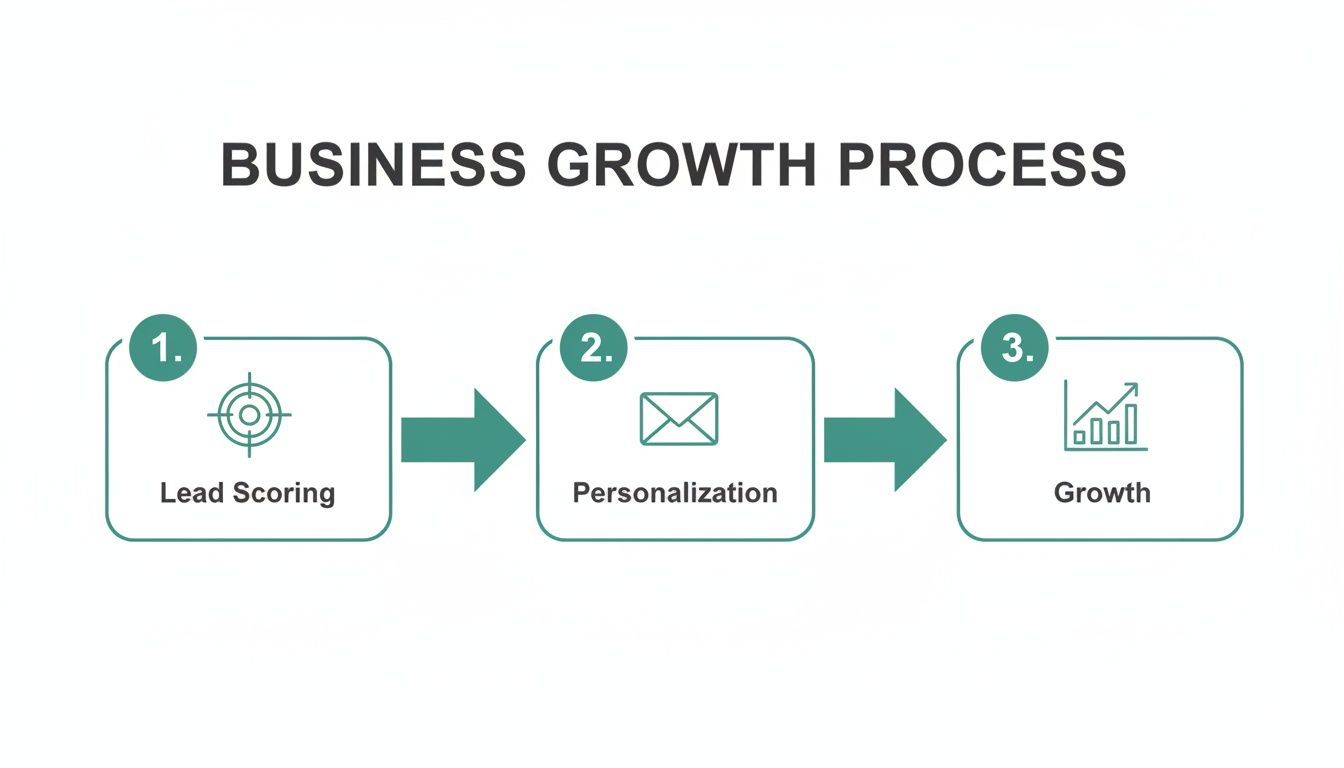
    This visualization shows how enriched data fuels a smarter growth process, starting with better lead scoring and leading to more effective personalization.

    A business growth process diagram showing three steps: Lead Scoring, Personalization, and Growth.

    The takeaway here is that growth isn't a single event. It's the result of systematically applying better data at key stages of the customer journey.

    Building a Frictionless System

    An integrated workflow does more than just save time; it changes how your team operates. When data is reliable and instantly accessible, reps become more strategic. They can quickly segment lists, prioritize the hottest leads, and craft personalized outreach with confidence. Building a solid foundation for this is key, and understanding the principles of effective contact management can provide a significant advantage.

    Ultimately, integrating data enrichment into your workflow is about turning data into an active asset rather than a passive database. It ensures your team has the intel they need at their fingertips, empowering them to build stronger relationships and close deals faster. It’s the difference between owning a library of books and having a personal librarian who hands you the exact page you need, right when you need it.

    Choosing the Right Data Enrichment Service

    With so many vendors out there, picking the right partner for data enrichment services can feel like a shot in the dark. But it doesn't have to be. Once you have a solid framework for evaluation, making a confident choice is actually pretty straightforward. The trick is to look past the flashy marketing and focus on what will genuinely move the needle for your sales and marketing teams.

    Your decision needs to line up with your specific goals, your tech stack, and, of course, your budget. This isn't about finding a magical one-size-fits-all tool—it's about finding the right fit for your business. A good choice becomes a powerful engine for growth. A poor one just leads to wasted money and data that's more frustrating than helpful.

    Evaluating Data Accuracy and Freshness

    Let's be blunt: the single most important thing to look at is the quality of the data. Inaccurate or old information is worse than having no information at all. It leads to bounced emails, awkward outreach calls, and a serious hit to your credibility. Always dig into how a potential vendor sources, verifies, and updates its data.

    A good provider will be completely open about its data hygiene practices. Ask them for an accuracy guarantee or a service-level agreement (SLA) that puts their commitment in writing. And remember, data goes stale fast—people switch jobs, companies get acquired. A vendor relying on static lists is always going to be a step behind one that uses a mix of sources and real-time signals to keep their information fresh.

    Assessing Dataset Breadth and Relevance

    Beyond just being accurate, the data has to be relevant to you. A gigantic database is worthless if it's thin on details for your specific industry or target market. Before you sign anything, make sure the provider has deep coverage of the companies and contacts you actually care about.

    Here are a few questions to ask yourself when looking at a vendor's dataset:

    • Industry Focus: Do they have solid firmographic and technographic data for your main verticals?
    • Geographic Coverage: If you’re selling overseas, does their data cover your target regions?
    • Contact Depth: Can they actually give you direct dials and verified emails for the C-level execs or VPs you need to reach?

    Most reputable vendors will let you run a small sample of your own list through their system. Take them up on it. It’s the best way to see the quality and relevance of their data with your own eyes before you commit.

    The Rise of AI-Powered Enrichment

    The whole data enrichment game is changing, and AI is at the center of it. Modern AI-powered platforms are leaving legacy data brokers in the dust. This isn't just hype; it’s a major driver of growth, with the global data enrichment tool market expected to jump from USD 697 million in 2024 to USD 1,087 million by 2032. Why the explosion? Because it gets results. Marketing teams using AI-powered tools are seeing 22% higher conversion rates. You can find out more about this market's impressive growth trajectory.

    AI-driven services don’t just match data points; they actually interpret them. By spotting patterns and signals, they can deliver insights that are more predictive, helping you figure out not just who a prospect is, but what they’re likely to need next.

    Prioritizing Seamless Integration Capabilities

    Finally, the world's best data is useless if your team can't easily access it where they already work. Smooth integration with your tech stack, especially your CRM, is an absolute must-have. Look for providers that offer native, easy-to-set-up integrations with platforms like Salesforce or HubSpot. They should also have a solid API available for any custom connections you need to build.

    The goal is to create a hands-off, automated workflow where enrichment happens in the background. That way, every new lead that comes in is instantly fleshed out with complete, accurate data, letting your team pounce on opportunities right away.

    To help you narrow down your options, we've put together a practical checklist to guide your evaluation process.

    Vendor Selection Checklist for Data Enrichment Services

    Evaluation Criteria What to Look For Why It Matters for Sales & Marketing
    Data Accuracy & Freshness SLA-backed accuracy guarantees, transparent data sourcing, and real-time update frequency. Reduces bounce rates, prevents wasted outreach on wrong contacts, and protects brand credibility.
    Dataset Relevance Strong coverage in your specific industries, job titles, and geographic regions. Ensures you're enriching leads that actually fit your Ideal Customer Profile (ICP), not just random data.
    Integration Capabilities Native CRM integrations (Salesforce, HubSpot, etc.) and a well-documented API. Automates the data flow, putting enriched information directly into the hands of reps without manual work.
    Compliance & Privacy Clear adherence to GDPR, CCPA, and other regional data privacy regulations. Avoids hefty fines and legal trouble, and builds trust with your prospects and customers.
    Scalability & Pricing Flexible pricing models (per record, subscription) that can grow with your needs. Prevents you from overpaying for data you don't use and ensures the service can keep up as you scale.
    Customer Support Responsive support team, clear documentation, and a dedicated account manager (for larger plans). Gets you back on track quickly if issues arise, ensuring minimal disruption to your sales and marketing engine.

    By carefully weighing these key areas, you can move beyond the sales pitches and choose a service that doesn't just clean up your data but actively fuels your growth. To see how some of the top players stack up, check out our guide on the best data enrichment tools on the market today.

    Measuring Your Success and Ensuring Compliance

    Getting data enrichment services up and running is just the start. The real test is proving its impact and making sure you’re handling all that new information responsibly. You have to connect the investment directly to business outcomes with hard numbers—not just vague promises.

    At the same time, more data means more responsibility. Navigating the maze of privacy rules like GDPR and CCPA isn't just a good idea; it's essential for keeping your customers' trust. A winning strategy has to be both effective and ethical.

    Key Performance Indicators to Track

    To see if your enrichment efforts are actually working, you need to track metrics that tie directly to sales and marketing performance. You can't just hope for the best. Set a baseline before you start, then keep a close eye on these specific KPIs to measure the improvement.

    Here are the essential metrics to start with:

    • Lead-to-Opportunity Conversion Rate: Enriched leads should be better qualified, so this conversion rate should climb. When it does, you know your sales team is spending their time on prospects who are actually a good fit.
    • Reduced Email Bounce Rate: This is one of the quickest wins. Good enrichment delivers clean, verified contact info, which means fewer bounced emails. Check out our guide on how to verify emails to see why this is so critical.
    • Shorter Sales Cycle Length: When your reps have all the details they need from day one, they can jump straight into meaningful conversations. This cuts out the tedious discovery work and speeds up the entire process, from first touch to signed contract.
    • Increased Meeting Book Rate: Personalized outreach works. When you arm your SDRs with rich firmographic and technographic data, their emails get noticed and get replies. Tracking how many meetings they book is a perfect way to measure that impact.

    Proving the value of data enrichment isn't about guesswork. It's about connecting your investment to tangible improvements in core business metrics like conversion rates and sales velocity.

    Navigating Data Privacy and Compliance

    Using third-party data means you have to be serious about privacy. Regulations like Europe's GDPR (General Data Protection Regulation) and California's CCPA have strict rules about how personal data is handled. Getting it wrong can lead to massive fines and a serious blow to your reputation.

    When you use a data enrichment service, it's on you to make sure the data was sourced ethically and that you're using it transparently. Any good vendor will be fully compliant and open about where their data comes from. Always read their privacy policy and make sure they can handle requests from people who want to see or delete their information. It’s a proactive way to build trust while getting the results you want.

    Frequently Asked Questions

    Got questions about putting data enrichment services to work? Let's clear up a few common ones so you can make the right moves for your business.

    How Often Should I Enrich My Data?

    Data goes stale faster than you'd think. People switch jobs, companies get acquired, and contact info changes. A solid rule of thumb is to run a full database refresh every quarter. This keeps your existing records accurate and reliable.

    But for fast-moving sales teams, you can't wait that long. It’s critical to enrich new leads in real time the moment they hit your CRM. Doing so arms your reps with everything they need for a killer first conversation.

    Can Enrichment Services Integrate With My CRM?

    Absolutely. Most of the top data enrichment providers offer clean, native integrations with the big CRMs like Salesforce, HubSpot, and Zoho. This creates a seamless, automated flow that cuts out mind-numbing manual data entry.

    And if you have a custom setup, they almost always provide APIs to build whatever you need. Just be sure to double-check that a provider connects smoothly with your tech stack before you sign up. It’ll save you a ton of headaches down the road.

    Is Using Enriched Data GDPR Compliant?

    Reputable data enrichment providers take privacy regulations like GDPR and CCPA very seriously. They build their businesses around sourcing data ethically and have clear processes for handling data subject requests.

    That said, the responsibility is still on you. Always review a provider's privacy policy and data processing agreements. This is a non-negotiable step to ensure they meet your company's compliance standards and protect your business from legal trouble.


    Ready to turn those half-baked leads into real opportunities? With EmailScout, you can find and verify professional contacts instantly, then enrich them with the details you need to start a meaningful conversation. Try it free and see the difference for yourself.

  • The 12 Best Data Enrichment Tools for Marketers in 2026

    The 12 Best Data Enrichment Tools for Marketers in 2026

    Your CRM is filled with potential, but outdated or incomplete data is a silent killer of opportunity. Every bounced email, every generic outreach attempt, and every missed connection can be traced back to a single problem: you don't have the full picture. This leads to wasted effort, frustrated sales teams, and, ultimately, lost revenue. The fix isn't more data, it's better data. This is where data enrichment comes in.

    Data enrichment is the process of enhancing your existing customer records by appending missing information from reliable third-party sources. It transforms a basic contact list into a powerful strategic asset. Instead of just a name and an email, you gain access to job titles, company firmographics, social profiles, and technographic data. This allows for hyper-targeted segmentation, deeply personalized messaging, and more accurate lead scoring. To truly fix the problem of incomplete data costing you leads, it's crucial to understand what defines a qualified lead and how to attract more of them.

    Finding the right tool, however, can be a challenge. The market is crowded with options, each with different strengths, pricing models, and integration capabilities. This guide is designed to cut through the noise. We've compiled a comprehensive list of the best data enrichment tools available, from all-in-one platforms like EmailScout and Apollo.io to specialized API-first solutions like People Data Labs. We’ll analyze each one with screenshots, key features, pricing, and practical use cases to help you choose the perfect solution for your specific workflow, budget, and technical needs.

    1. EmailScout

    Best For: Frictionless email discovery for sales, marketing, and recruiting.

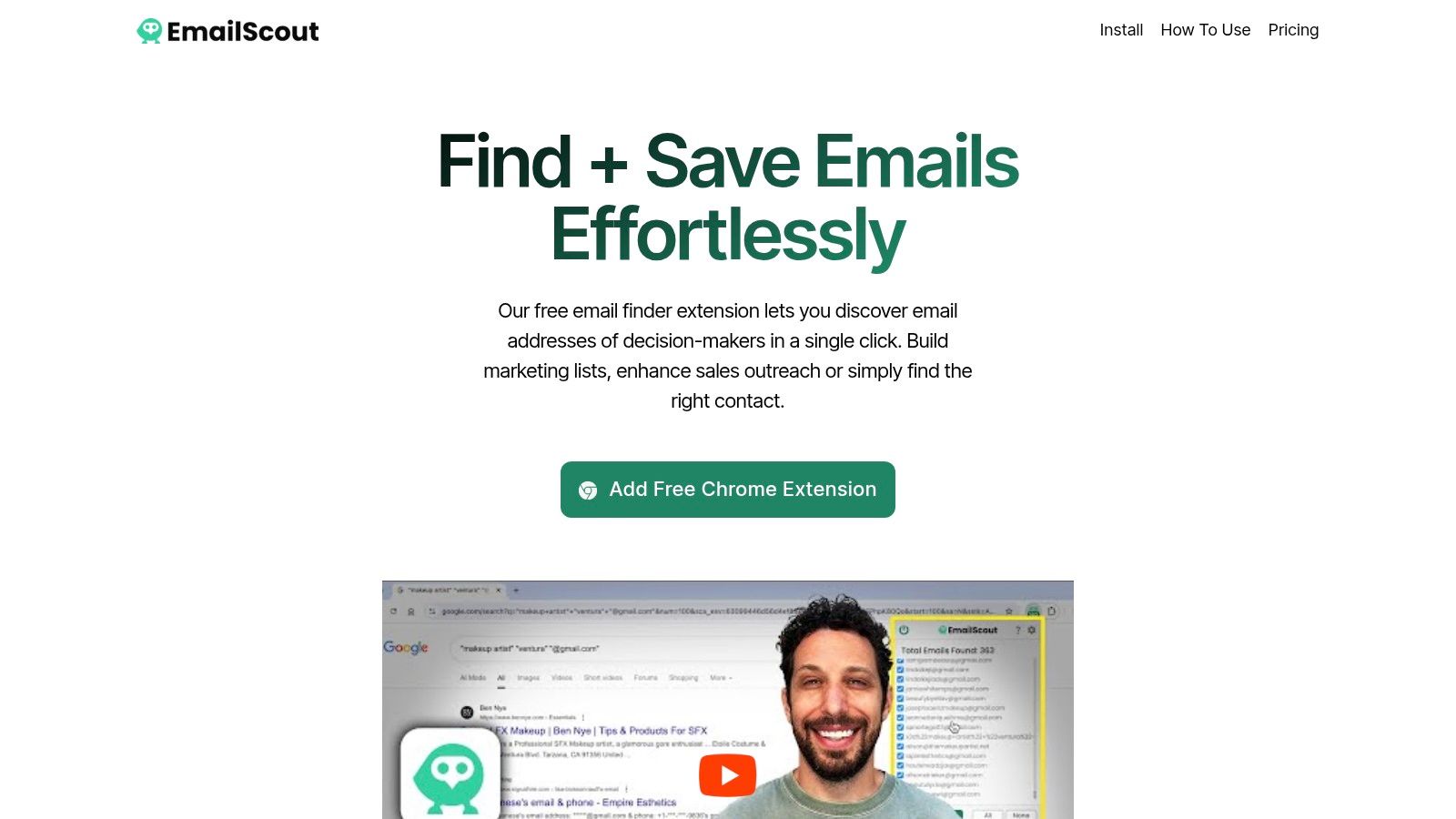
    EmailScout secures the top spot as a featured choice due to its remarkable simplicity and powerful, scalable approach to email discovery. Positioned as one of the best data enrichment tools for prospecting, it operates as a lightweight Chrome extension that transforms any website or Google search into a lead generation asset. With a single click, it scrapes publicly available email addresses from a page’s source code, instantly providing actionable contact data for outreach campaigns.

    EmailScout

    What truly sets EmailScout apart is its accessibility and automation. The free version offers unlimited email finds with manual exports, a feature almost unheard of in this space. For professionals looking to scale, its premium tiers introduce game-changing features like AutoSave, which passively collects emails in the background as you browse, and the URL Explorer, a bulk-scanning tool that can process up to 1,500 URLs at once. This combination makes it ideal for building targeted lists quickly, whether from a curated list of company domains or a simple Google search like “plumbers in Chicago email.”

    Key Features & Use Cases

    • Unlimited Free Email Finds: The free plan allows users to discover and manually export an unlimited number of emails, perfect for budget-conscious freelancers or teams testing new markets.
    • AutoSave (Premium): Automates email collection while you browse multiple sites, eliminating repetitive clicks and manual exports. Ideal for market researchers and sales reps building prospect lists.
    • URL Explorer (Premium): Bulk-processes a list of URLs to extract emails at scale. A powerful tool for lead generation agencies and B2B marketers targeting specific industries.
    • One-Click Workflow: The user experience is incredibly straightforward. Navigate to a site, click the extension icon, and instantly see a list of found emails ready for export to CSV or TXT.

    Pricing Snapshot

    EmailScout offers a uniquely generous model that scales with user needs.

    Plan Key Features Best For
    Free Forever Unlimited email finds, manual exports Individuals and startups testing outreach.
    Premium Trial 200 emails/month, URL Explorer (10 URLs) Evaluating premium automation features.
    Paid Plans Starting at ~$9/month for 5,000 emails/month Scaling teams needing automation and bulk processing.

    Pros & Cons

    Pros:

    • Generous Free Tier: Unlimited email discovery without a monthly cap is a significant advantage.
    • Powerful Automation: AutoSave and URL Explorer drastically reduce manual prospecting time.
    • Simplicity: The one-click Chrome extension workflow is intuitive and requires no technical setup.
    • Affordable Scalability: Premium plans are cost-effective, and the no-credit-card trial removes barriers to entry.

    Cons:

    • Public Data Only: It only finds publicly listed emails, which may require further verification for deliverability.
    • Compliance Responsibility: Users must ensure their outreach complies with regulations like CAN-SPAM and GDPR.

    Website: https://emailscout.io

    2. ZoomInfo – Enrich

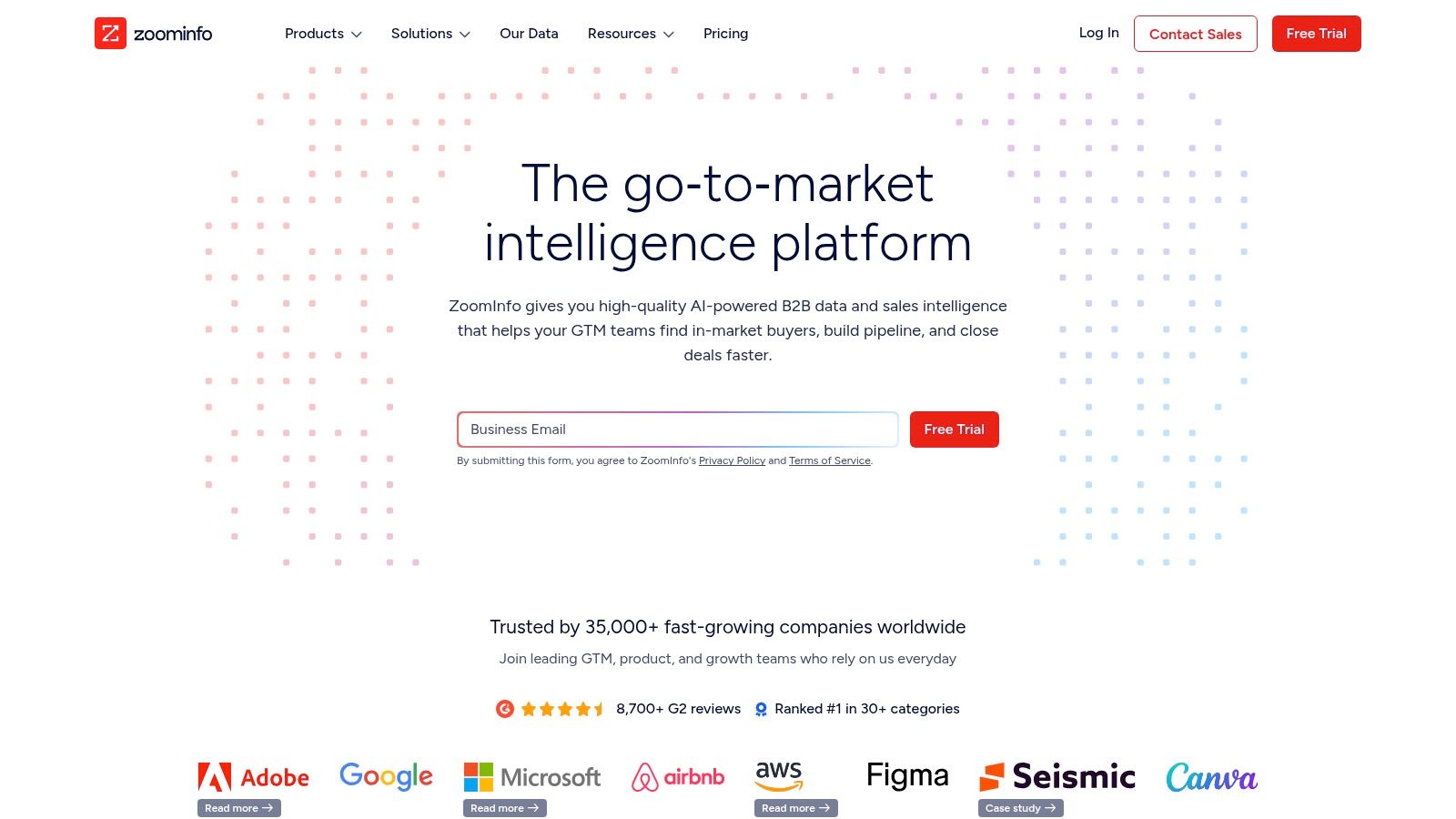
    ZoomInfo offers an enterprise-grade data enrichment solution that excels in providing deep, comprehensive B2B contact and company information. It's a powerhouse for sales and marketing teams needing to append over 200 data attributes, including detailed firmographics, technographics, and individual contact details, directly into their existing workflows. This platform is particularly effective for organizations that require robust data governance and sophisticated integration capabilities.

    ZoomInfo – Enrich

    Unlike many competitors, ZoomInfo’s strength lies in its expansive, frequently updated database and advanced add-ons. Users can layer on intent signals to identify accounts actively researching solutions and receive job-change alerts, creating timely outreach opportunities. These features make it a strategic asset for sophisticated B2B lead generation campaigns. Find out more about how this impacts effective B2B lead generation. The platform’s administrative controls also allow for precise field mapping and rule-setting, ensuring data consistency across large teams.

    Key Features & Use Case

    • Automated Data Cleansing: Continuously updates and cleanses CRM records to maintain data hygiene.
    • Native Integrations: Seamlessly connects with major platforms like Salesforce, HubSpot, and Marketo.
    • Flexible Enrichment: Supports batch, real-time, and scheduled data appends to fit any workflow.
    • Intent Data Add-on: Identifies companies showing purchase intent for targeted outreach.

    Best for: Enterprise sales and marketing teams needing a comprehensive, highly integrated B2B data solution with advanced controls.

    Pros Cons
    Extensive B2B dataset with strong company and contact coverage Premium pricing model requires annual contracts and a sales process
    Advanced admin controls for data governance and mapping Some integrations may require manual workflow design to remove old data
    Numerous native integrations with major CRMs and MAPs Can be overly complex for small businesses or simple use cases

    Website: https://www.zoominfo.com

    3. Clearbit (Breeze Intelligence) via HubSpot

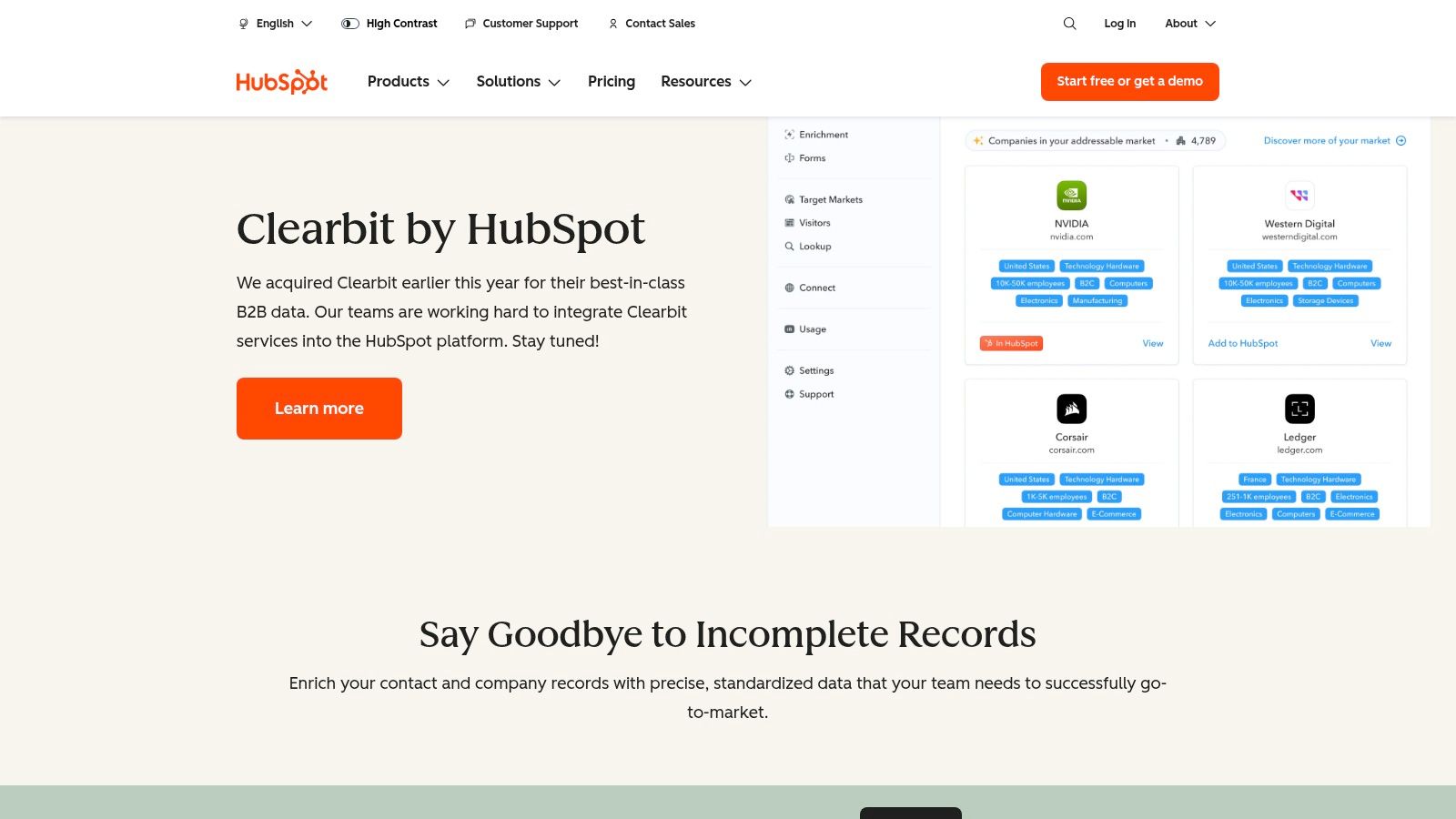
    Clearbit, now integrated into HubSpot as Breeze Intelligence, brings powerful firmographic and contact data enrichment directly into the HubSpot ecosystem. This native solution is designed for marketing and sales teams that live inside HubSpot and want to automate data appending without complex third-party integrations. It excels at turning a simple email address into a full contact and company profile, enabling better segmentation, lead scoring, and personalization from the moment a lead enters the CRM.

    Clearbit (Breeze Intelligence) via HubSpot

    What makes this one of the best data enrichment tools for HubSpot users is its seamless workflow enhancement. Beyond just appending data, it powers features like form shortening to reduce friction and improve conversion rates. It also identifies anonymous website visitors, turning unseen traffic into actionable company-level leads. As legacy free Clearbit tools have been sunset, this HubSpot-centric model offers a fully supported, deeply embedded alternative, though access and pricing are now tied to HubSpot's subscription plans.

    Key Features & Use Case

    • Real-Time Enrichment: Automatically appends over 100 data points to new contacts and companies inside HubSpot.
    • Form Shortening: Increases lead capture rates by enriching partial form submissions with complete data.
    • Website Visitor Identification: Reveals the companies visiting your website, even if they don't fill out a form.
    • Attribute-Based Lead Routing: Uses enriched data like company size or industry to instantly route leads to the correct team.

    Best for: B2B companies heavily invested in the HubSpot platform looking for a native, all-in-one enrichment and intent solution.

    Pros Cons
    Deeply native to HubSpot, eliminating integration complexities Access and pricing are dependent on HubSpot plans and add-ons
    Provides standardized and precise B2B data attributes Less flexible for companies not using HubSpot as their primary CRM
    Powers advanced HubSpot features like lead routing and scoring Legacy free Clearbit tools are no longer available

    Website: https://www.hubspot.com/products/clearbit

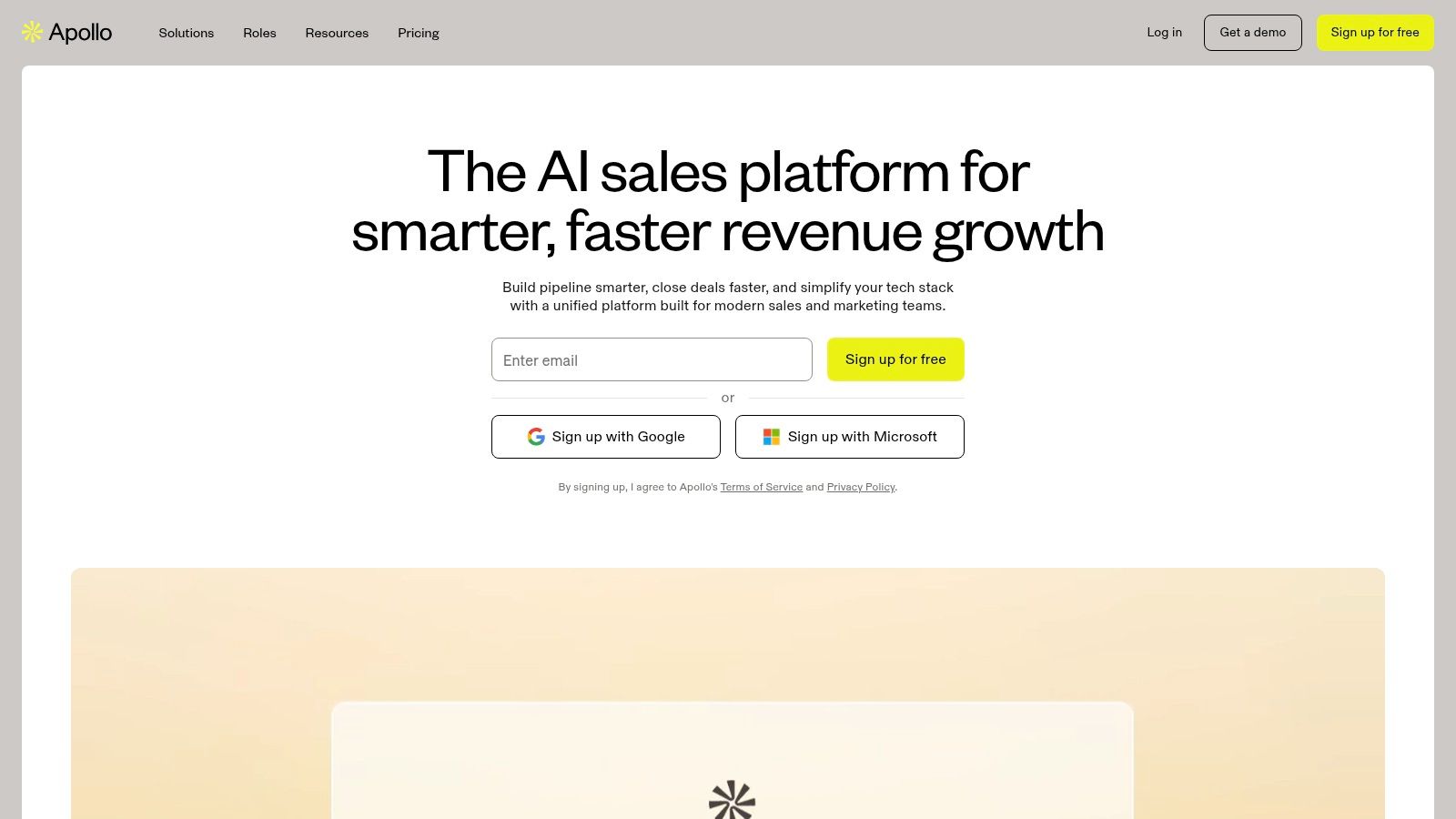
    4. Apollo.io – Data Enrichment

    Apollo.io offers a unified sales intelligence and engagement platform where data enrichment is a core component of a broader prospecting workflow. It stands out by combining a vast B2B database with enrichment, sequencing, and analytics tools, making it a comprehensive solution for sales and marketing teams. The platform supports enriching both company and contact data directly within its ecosystem or by syncing with an existing CRM, providing a seamless operational flow from data acquisition to outreach.

    Apollo.io – Data Enrichment

    Unlike standalone data enrichment tools, Apollo.io’s value lies in its all-in-one nature and transparent, self-serve model. A key differentiator is its waterfall enrichment capability, which can query multiple data sources to find the most accurate information, ensuring a higher fill rate. This flexibility allows users to leverage Apollo's native data or even integrate their own preferred providers. This makes it one of the best data enrichment tools for teams that need both a powerful data source and the tools to act on that data immediately.

    Key Features & Use Case

    • CSV Enrichment: Bulk enrich contact and company lists by uploading files with up to 100,000 rows.
    • Real-time & Scheduled CRM Enrichment: Automatically keep Salesforce and HubSpot records up-to-date with real-time or scheduled jobs.
    • Waterfall Enrichment: Increases data accuracy and fill rates by checking multiple providers, including native and third-party options.
    • Integrated Sales Engagement: Combine enriched data with built-in sequencing, dialer, and analytics for a full-cycle prospecting solution.

    Best for: Sales and growth teams looking for an all-in-one platform that integrates robust data enrichment with prospecting and engagement tools.

    Pros Cons
    Self-serve onboarding and comprehensive documentation Credit consumption can vary depending on the data source being used
    Combines enrichment with sequencing and dialer capabilities in one tool Advanced features like waterfall enrichment may require higher-tier plans
    Transparent, flexible pricing plans suitable for various team sizes The sheer number of features can present a learning curve for new users

    Website: https://www.apollo.io

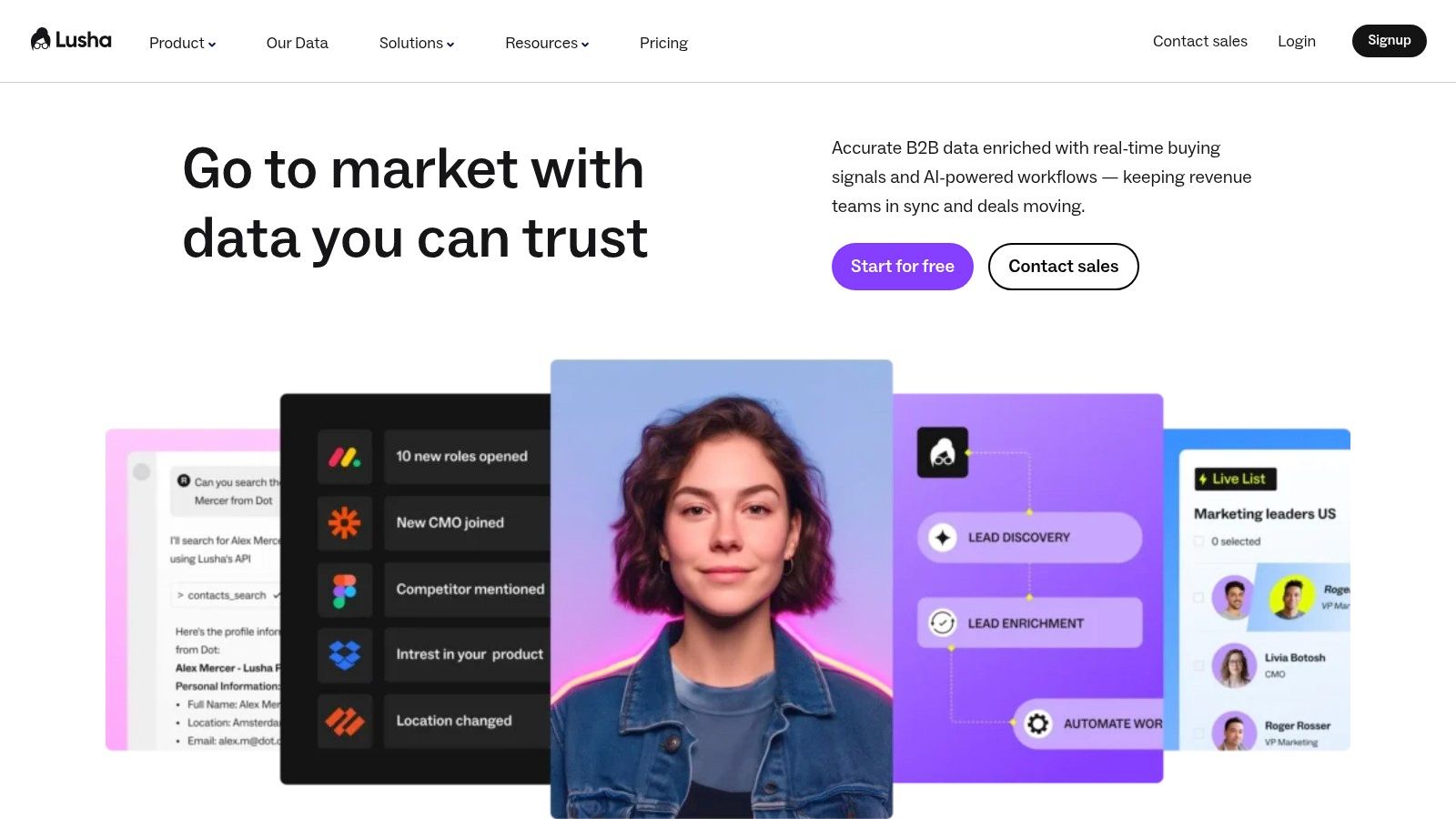
    5. Lusha

    Lusha is a popular data enrichment tool known for its simplicity and ease of use, making it a favorite among sales professionals and recruiters. It primarily operates through a browser extension, API, and a dedicated platform, allowing users to quickly find B2B contact and company data directly from social media profiles, company websites, or their own CRM. Its credit-based model is straightforward, with users spending credits to reveal contact details like email addresses and direct phone numbers.

    Lusha

    What sets Lusha apart is its accessibility and speed, designed for individuals and teams who need on-the-spot enrichment without complex configurations. While many of the best data enrichment tools focus on large-scale, automated database cleansing, Lusha excels at providing immediate, actionable data for prospecting and outreach. The platform’s API allows for programmatic enrichment, but its core strength lies in empowering end-users to enrich contacts one by one or in small batches, directly within their prospecting workflow.

    Key Features & Use Case

    • Chrome Extension: Enables real-time contact data reveals on LinkedIn and other websites.
    • Usage-Based API: Provides programmatic enrichment where you pay per successful data result using credits.
    • CRM Integrations: Connects with popular platforms like Salesforce and HubSpot to enrich existing records.
    • In-Platform Prospecting: Users can search for and export company and contact data using credits.

    Best for: Sales teams and individuals who need a fast, user-friendly tool for on-demand contact and company data enrichment.

    Pros Cons
    Very easy to adopt with quick reveals directly on profiles Advanced filters and key CRM features are limited to higher-priced plans
    Clear credit-based pricing model for API and platform usage The credit math for different API requests can add overhead to planning
    Strong focus on providing direct-dial phone numbers Data accuracy can vary, particularly for smaller or niche industries

    Website: https://www.lusha.com

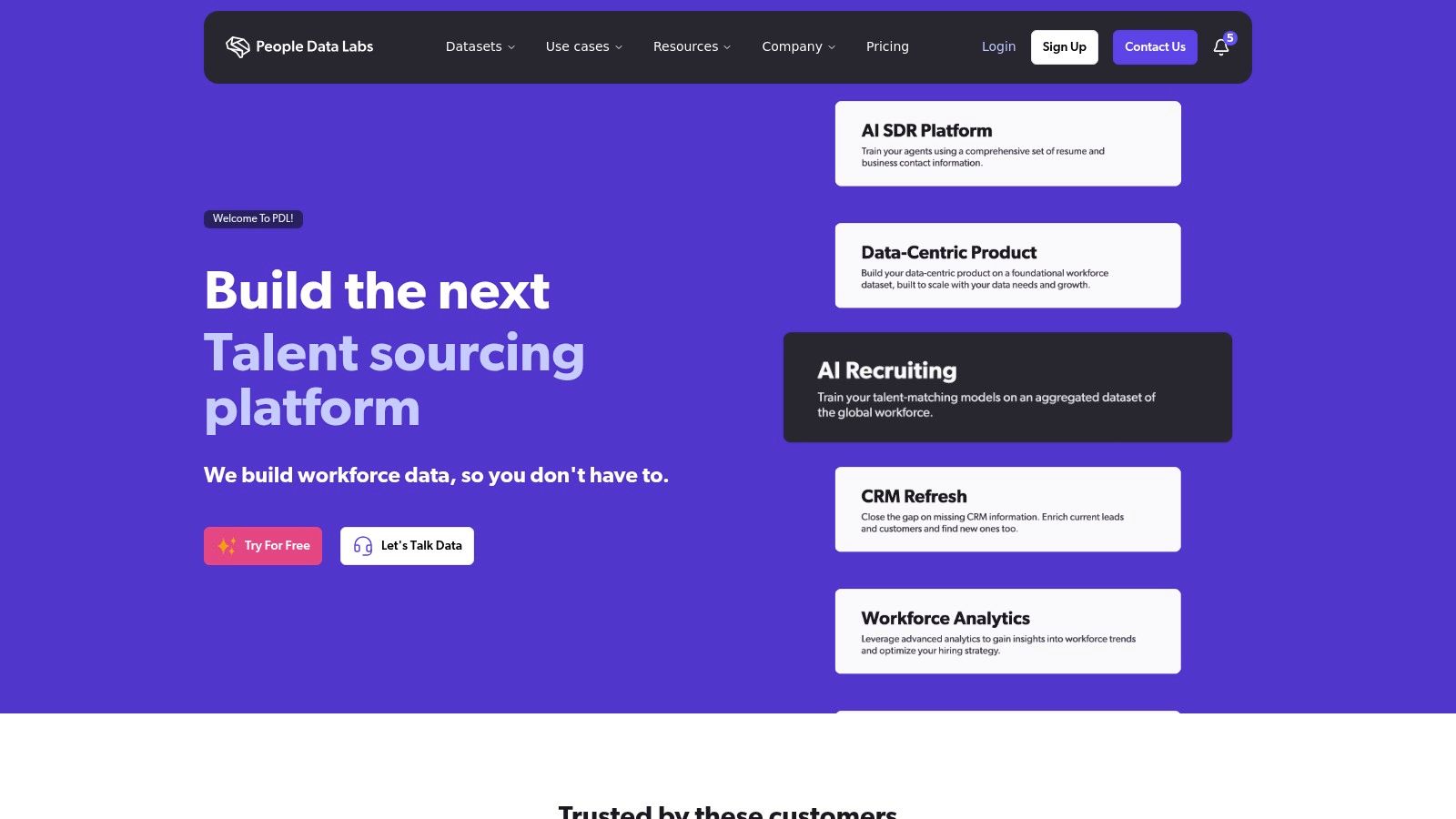
    6. People Data Labs (PDL)

    People Data Labs (PDL) offers a developer-first approach to data enrichment, focusing on robust APIs for person, company, and IP data. It stands out with a transparent, usage-based pricing model that appeals to engineering teams and businesses wanting granular control over their spending. The platform provides a powerful suite of tools designed for programmatic integration, allowing users to build data enrichment directly into their applications and workflows with precision.

    People Data Labs (PDL)

    Unlike all-in-one platforms, PDL’s strength lies in its flexibility and extensive documentation, empowering developers to query a massive dataset of over 3 billion profiles. This makes it one of the best data enrichment tools for custom projects, such as powering recruiting platforms, verifying user identities, or building sophisticated lead-scoring models. While its core is API-centric, PDL also offers a Batch Enrich UI, enabling non-technical users to enrich CSV files without writing any code.

    Key Features & Use Case

    • Person & Company Enrichment APIs: Access detailed profiles using inputs like email, social URLs, or company domains.
    • IP Enrichment API: Reveal company firmographics associated with an IP address for website personalization.
    • Usage-Based Credits: A transparent pricing model where you only pay for the data you use.
    • Batch Enrich UI: A no-code option for enriching large contact or company lists via CSV upload.

    Best for: Engineering teams and data-driven businesses that need flexible, API-first data enrichment with transparent, predictable pricing.

    Pros Cons
    Transparent, per-credit pricing model avoids large contracts API-centric approach may be less friendly for non-technical users
    Generous 30-day free trials with starter credits to test APIs Per-match pricing requires careful volume planning to manage costs
    Extensive, well-documented APIs for easy integration Focus on raw data may require more internal development to operationalize

    Website: https://www.peopledatalabs.com

    7. Dun & Bradstreet – D&B Optimizer / D&B Connect for Salesforce

    Dun & Bradstreet offers an enterprise-grade data enrichment solution directly within Salesforce, built on its foundational D‑U‑N‑S Number system. D&B Connect is designed for organizations that prioritize master data management, providing authoritative firmographic data and clear corporate hierarchies. This tool excels at cleansing, standardizing, and enriching account records, ensuring a single source of truth for global sales teams.

    What sets D&B apart is its legacy and focus on verified, structured business identity. The platform uses the D&B Data Cloud to match and append over 1,000 data attributes, including corporate linkage, revenue, industry codes, and risk indicators. This makes it one of the best data enrichment tools for complex enterprises needing to map large, interconnected accounts and maintain impeccable data hygiene at scale. The platform is less focused on individual contact details like personal emails and more on creating a rock-solid, verifiable account foundation.

    Key Features & Use Case

    • D-U-N-S Number Matching: Matches accounts to a unique nine-digit identifier for high-confidence data accuracy and deduplication.
    • Hierarchical Account Views: Maps corporate family trees, showing parent companies and subsidiaries for strategic account planning.
    • Data Stewardship Dashboards: Provides tools for data governance, monitoring data quality, and managing cleansing rules.
    • Continuous Enrichment: Automatically updates and maintains account data within Salesforce to prevent data decay.

    Best for: Large enterprises using Salesforce that require authoritative, globally consistent firmographic data and corporate linkage.

    Pros Cons
    Strong match rates and clear data lineage via D-U-N-S Numbers Enterprise-oriented pricing and a lengthy procurement process
    Excellent for global B2B firmographics and account hierarchies Primarily focused on account-level data; less emphasis on personal emails/phones
    Robust data governance and stewardship tools Can be complex to implement without dedicated data management resources

    Website: https://www.dnb.com/products/marketing-sales/salesforce-data-management/.html

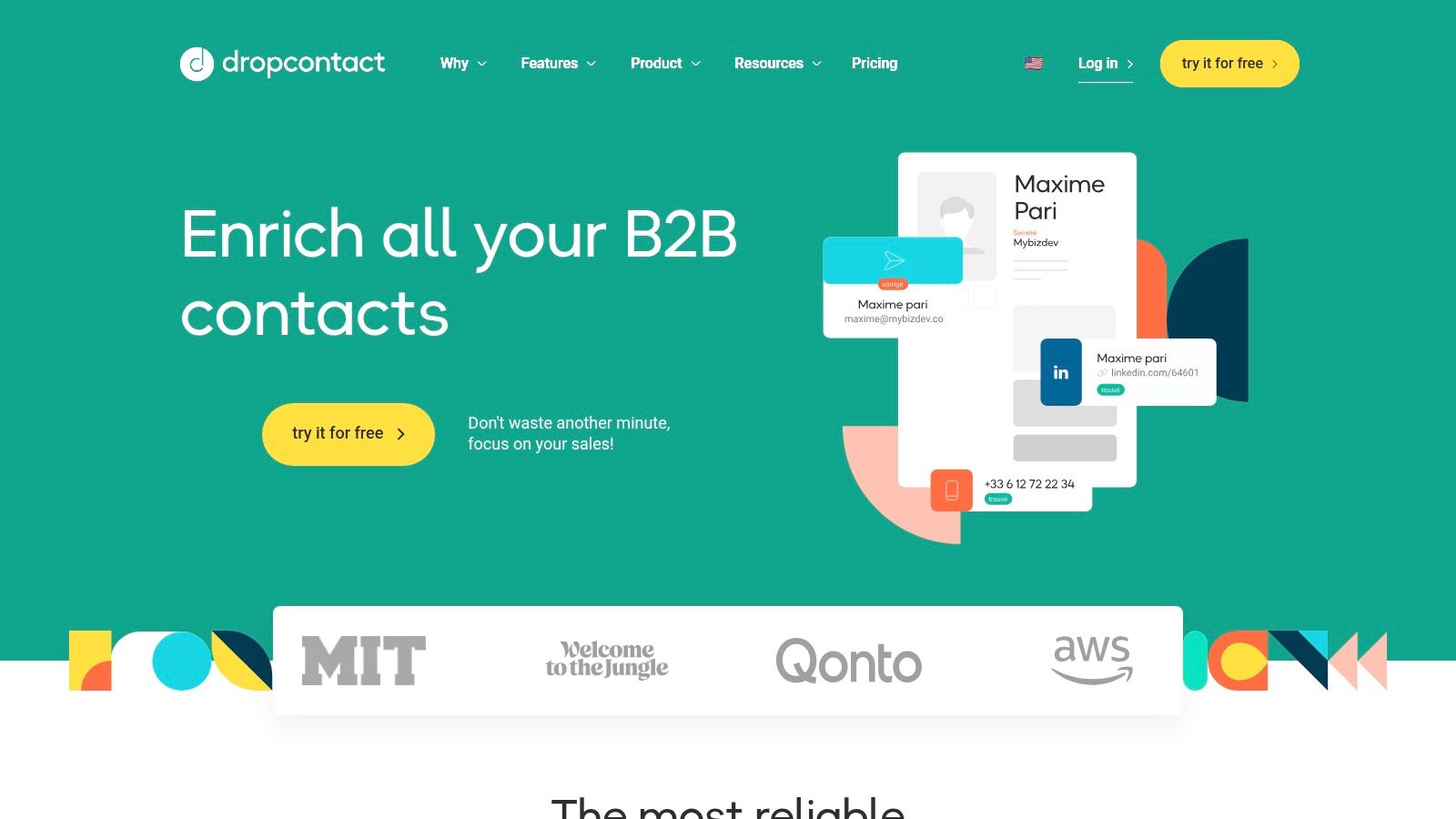
    8. Dropcontact

    Dropcontact offers a unique approach to data enrichment, focusing heavily on finding and validating professional email addresses through sophisticated algorithms rather than a static database. This makes it an excellent choice for businesses, particularly SMBs in the EU and US, that prioritize high email deliverability and want to minimize bounce rates. The platform is designed for simplicity, offering straightforward enrichment from just a first name, last name, and company website.

    Dropcontact

    Unlike database-driven tools, Dropcontact’s real-time verification process ensures the data provided is fresh and accurate at the moment of the request. Its pricing model is also a key differentiator; users are only charged for successfully found and verified emails, with credits for unsuccessful searches being returned to their account. This transparent, performance-based model appeals to teams looking for one of the best data enrichment tools without complex contracts or wasted spend on incomplete data.

    Key Features & Use Case

    • Algorithmic Email Finding: Uses proprietary algorithms to find and verify emails in real time.
    • Native CRM Enrichment: Directly integrates with HubSpot and Pipedrive to enrich contacts automatically.
    • Flexible Enrichment Options: Supports enrichment via file upload, single lookup, and a robust API.
    • Credit Carryover: Unused credits roll over, and credits for unfound contacts are returned.

    Best for: SMBs and sales teams that need highly accurate, verified email addresses and prefer a simple, pay-for-performance pricing model.

    Pros Cons
    You pay only for emails found, and unfound lookups are re-credited Focus is primarily on email; limited phone number and other data coverage
    Built-in verification improves email validity and reduces bounces CRM enrichment is offered as a separate plan from the Email Finder
    Simple and transparent pricing with credit carryover option Less comprehensive firmographic data compared to enterprise platforms

    Website: https://www.dropcontact.com

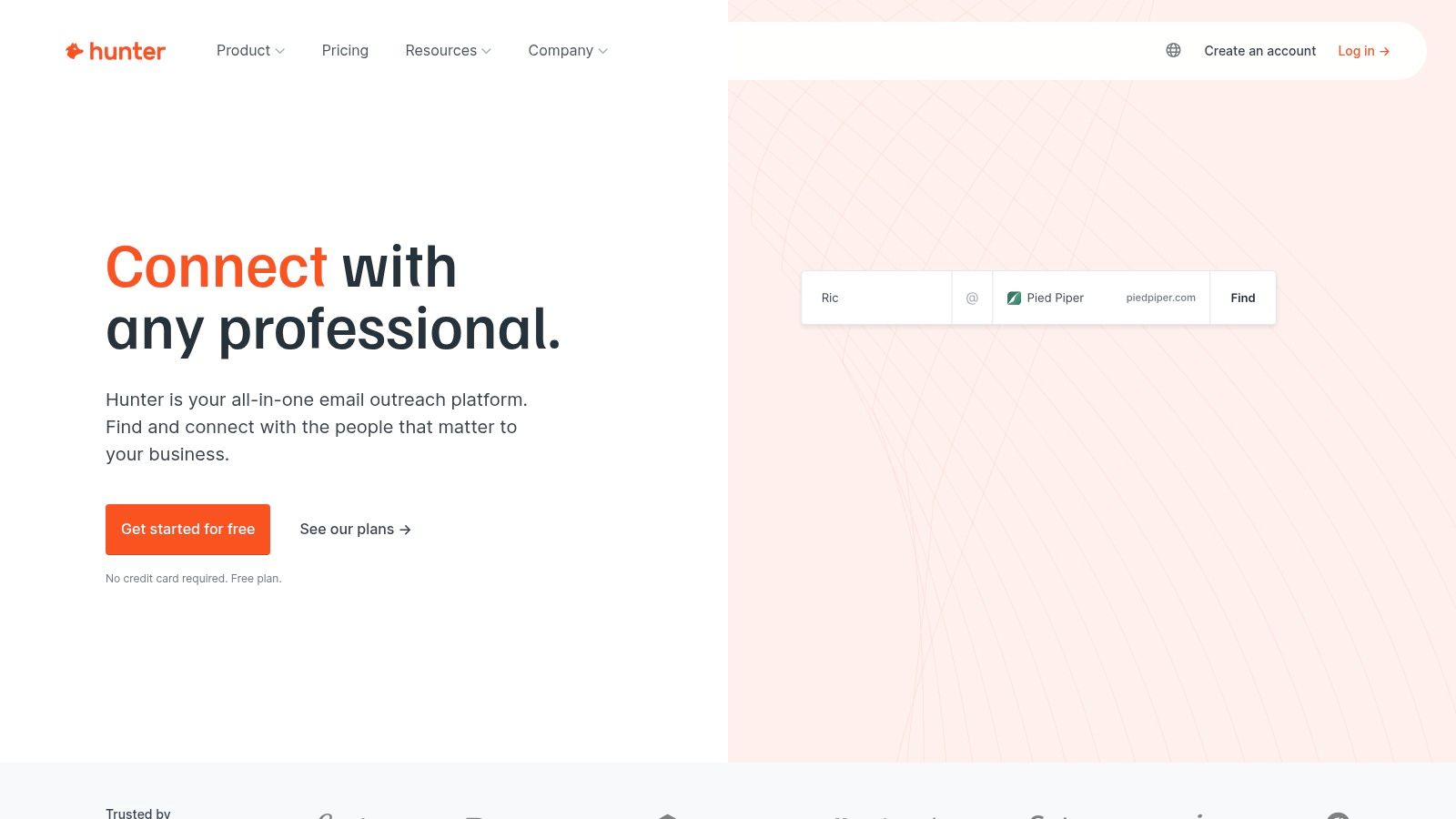
    9. Hunter.io

    Hunter.io is widely known for its email discovery and verification capabilities, but it also offers a straightforward lead enrichment service. It’s an ideal tool for teams prioritizing email-centric outreach, providing a simple way to append names, job titles, and social profiles to an existing list of email addresses or domains. The platform's strength lies in its simplicity and transparent, credits-based pricing model, making it accessible for startups and SMBs.

    Hunter.io

    Unlike more complex platforms, Hunter.io focuses on the core data points most essential for personalized email campaigns. Users can enrich data in bulk by uploading a CSV file or use the Google Sheets add-on for seamless workflow integration. Its API and Chrome extension also allow for on-the-fly lookups, making it a highly practical tool for daily prospecting tasks. While its enrichment data is less extensive than enterprise solutions, its built-in email verification is a major advantage, ensuring list quality and deliverability. You can learn more about how tools like this help you find company email addresses.

    Key Features & Use Case

    • Email-First Enrichment: Appends full names, job titles, social links, and company info from an email address.
    • Bulk Enrichment Tools: Supports CSV uploads and a Google Sheets add-on for processing large lists.
    • Integrated Verification: Every enriched email comes with a verification status to reduce bounce rates.
    • API & Browser Extension: Enables real-time enrichment directly within your browser or custom applications.

    Best for: Sales and marketing teams that need a simple, cost-effective tool for email-focused lead enrichment and verification.

    Pros Cons
    Transparent, scalable pricing plans based on a credits model Enrichment is email‑centric with very limited phone or firmographic data
    Built-in email verification helps maintain data hygiene Advanced filters and features are gated behind higher-priced tiers
    Simple interface with easy-to-use bulk and API tools Not as comprehensive for deep B2B account profiling as other tools

    Website: https://hunter.io

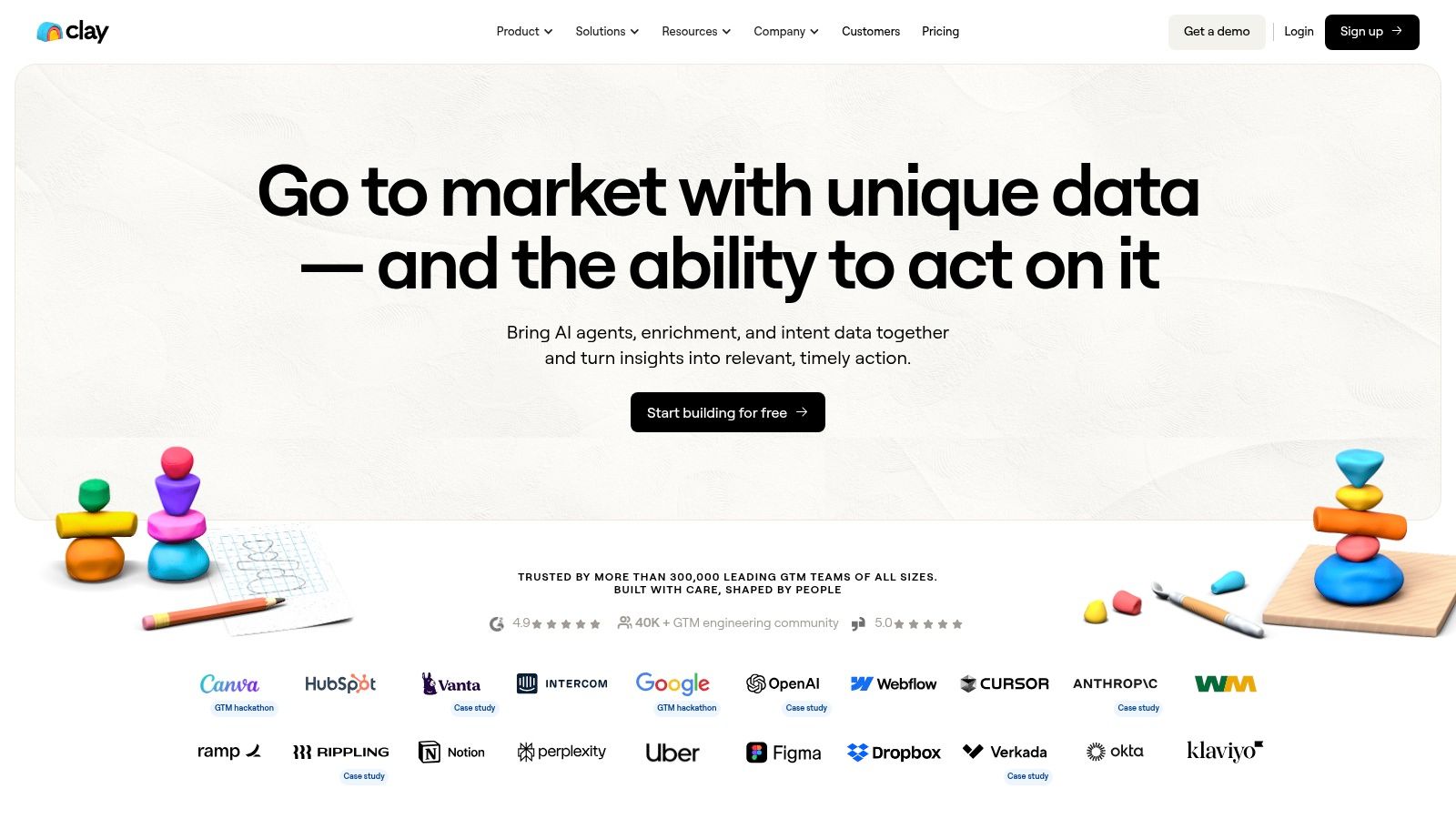
    10. Clay

    Clay positions itself as a powerful metaplatform, integrating over 100 data providers into a single, automated workflow builder. Instead of relying on one enrichment source, Clay allows users to "waterfall" requests across multiple providers, ensuring the highest possible data coverage. This unique approach lets you build custom enrichment sequences, chaining sources like Clearbit, PeopleDataLabs, and others until you find the information you need, all within one credit system.

    Clay

    The platform’s core strength is its flexibility. Users are not locked into a single ecosystem; they can even bring their own API keys for providers they already subscribe to. This makes Clay an ideal hub for orchestrating complex data workflows and controlling costs. By leveraging conditional logic and AI agents to research missing data, it goes beyond simple appending to become a comprehensive prospecting and research tool. It’s one of the best data enrichment tools for teams that need to customize their data-gathering process from the ground up.

    Key Features & Use Case

    • Data Provider Waterfalling: Sequentially queries multiple data sources to maximize fill rates for any data point.
    • Bring-Your-Own-Keys (BYOK): Allows users to integrate their existing provider subscriptions using their own API keys.
    • AI-Powered Research: Uses AI agents to find information that traditional databases miss, such as specific project details.
    • Flexible Integrations: Connects to sources via built-in providers, HTTP/API connectors, and webhooks.

    Best for: Tech-savvy sales and operations teams who need maximum data coverage and want to build custom, multi-step enrichment workflows.

    Pros Cons
    Unmatched flexibility with access to over 100 data sources The credit system and workflow setup can be complex for new users
    Credit-based pricing allows for precise cost control Key CRM and sequencing integrations are limited to higher-priced tiers
    Supports unlimited users and offers rollover credits Requires a more hands-on, technical approach than all-in-one platforms

    Website: https://www.clay.com

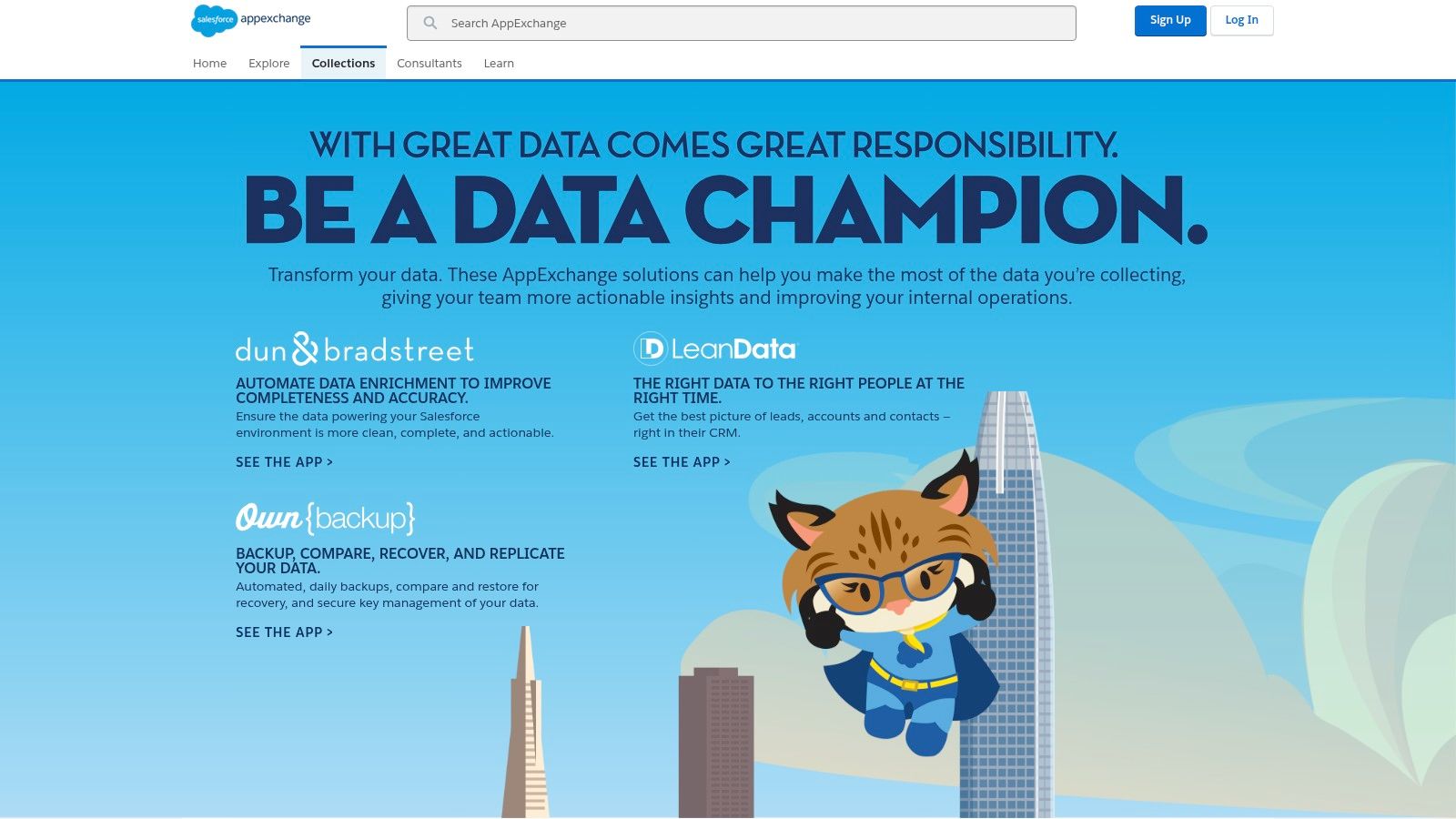
    11. Salesforce AppExchange – Data Enrichment Apps

    The Salesforce AppExchange is not a single tool but rather a centralized marketplace where Salesforce users can discover, evaluate, and install a wide range of data quality and enrichment applications. It serves as a vetted ecosystem, offering native solutions from providers like Dun & Bradstreet, ZoomInfo, and niche vendors that plug directly into a Salesforce environment. This makes it an essential resource for companies that have built their operations around the Salesforce platform and require tools that are pre-approved for security and compatibility.

    Salesforce AppExchange – Data Enrichment Apps

    Unlike standalone platforms, the AppExchange’s primary advantage is its seamless integration model. Apps can often be installed with just a few clicks, eliminating complex API configurations. Users can leverage customer reviews, security documentation, and curated collections to find the perfect fit, from broad firmographic enrichers to specialized vertical data providers. This direct-to-CRM approach streamlines workflows and ensures that enriched data immediately populates the right fields, which is a core benefit for any team managing their customer data within Salesforce. If you're exploring how to manage this data effectively, you can learn more about the best contact management software.

    Key Features & Use Case

    • Vetted and Curated Apps: All listings are reviewed by Salesforce for security and quality standards.
    • Click-to-Install Functionality: Enables easy deployment of apps directly into a Salesforce organization.
    • User Reviews and Ratings: Provides social proof and real-world feedback to guide purchasing decisions.
    • Broad Selection: Offers everything from global B2B data providers to niche industry-specific data sources.

    Best for: Companies heavily invested in the Salesforce ecosystem looking for vetted, native data enrichment solutions without complex integration projects.

    Pros Cons
    Seamless single-sign-on and native Salesforce installation Functionality and data quality can vary widely between different apps
    Wide selection of vertical and region-specific providers Many app listings require contacting the vendor directly for pricing
    Vetted solutions with clear security and compliance notes Can be overwhelming to navigate without a clear set of requirements

    Website: https://appexchange.salesforce.com/mktcollections/curated/datachampion?utm_source=openai

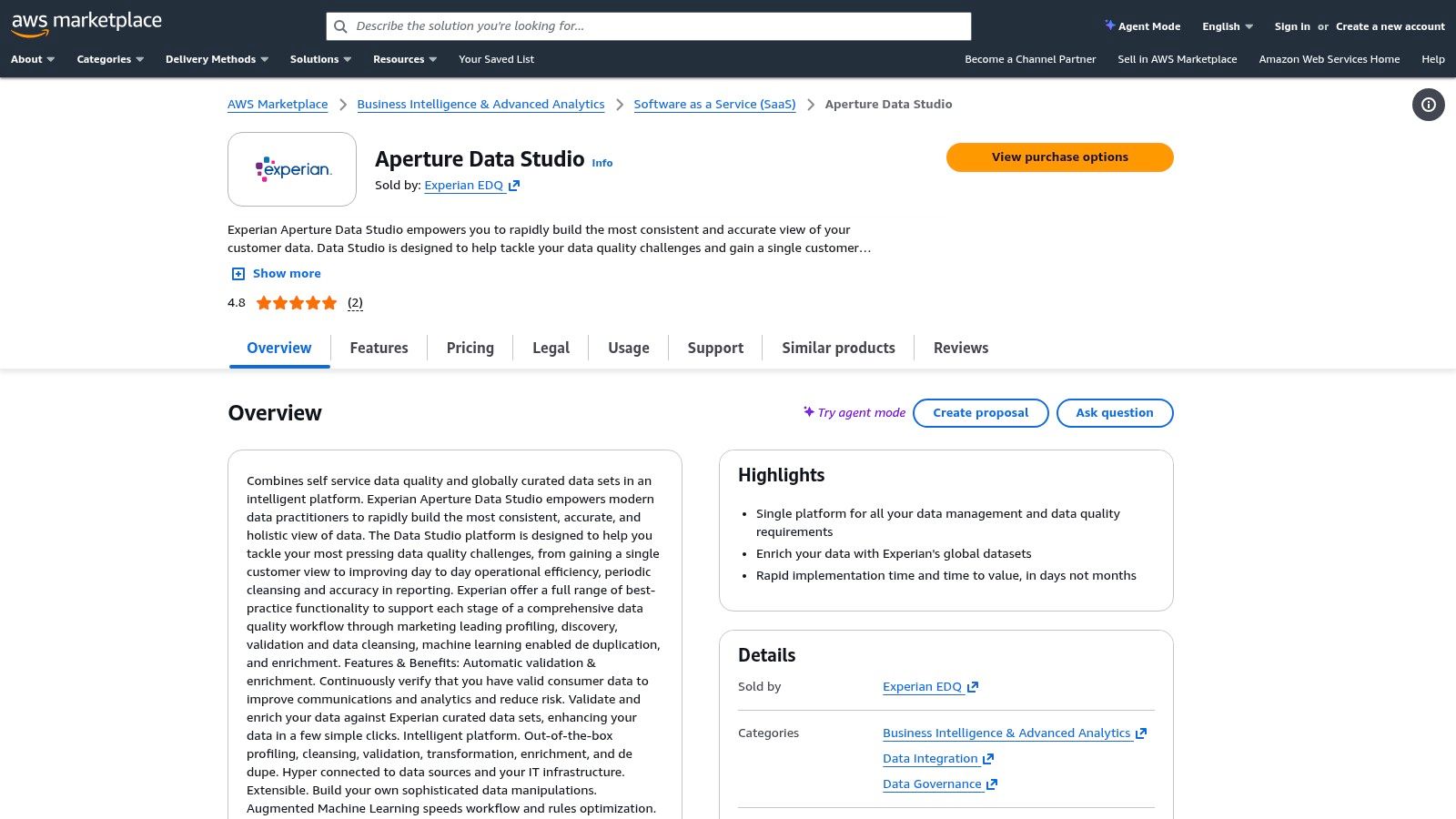
    12. AWS Marketplace – Data Enrichment Solutions

    AWS Marketplace offers a unique approach to data enrichment by acting as a procurement hub rather than a single tool. It allows organizations already within the AWS ecosystem to find, subscribe to, and deploy a wide variety of third-party data enrichment and quality solutions with simplified billing and governance. This platform is ideal for teams that need to integrate enrichment services directly into their cloud infrastructure and prefer a consolidated, pay-as-you-go or private offer procurement model.

    AWS Marketplace – Data Enrichment Solutions

    Unlike standalone vendors, the marketplace's value is in its flexibility and integration with the AWS environment. Users can find specialized tools like Experian for address validation or LeadiQ for sales intelligence and deploy them as SaaS or machine images that work with AWS services. This centralized model streamlines security reviews, compliance, and billing, which is a major advantage for enterprise-level operations looking for some of the best data enrichment tools that fit their existing cloud strategy.

    Key Features & Use Case

    • Consolidated Billing: All procured services are billed through a single AWS account.
    • Flexible Deployment: Offers both SaaS subscriptions and Amazon Machine Image (AMI) options.
    • Integrated Governance: Leverages existing AWS security and compliance frameworks.
    • Varied Pricing Models: Supports metered usage, trials, and private offers for many listings.

    Best for: Organizations deeply integrated with AWS seeking a streamlined procurement process for various data solutions.

    Pros Cons
    Cloud-ready deployment and enterprise security benefits Discovery requires evaluating multiple listings to find the right vendor
    Wide range of products from data quality to sales enrichment Pricing, coverage, and features vary widely by individual vendor listing
    Simplified procurement and consolidated billing Quality and support are dependent on the specific third-party seller

    Website: https://aws.amazon.com/marketplace/pp/prodview-rsn4tn5e5isno?utm_source=openai

    Top 12 Data Enrichment Tools: Side-by-Side Comparison

    Tool Target audience Core features Unique selling point Pricing Best use
    EmailScout (Recommended) Sales reps, marketers, freelancers, entrepreneurs Chrome extension; AutoSave; URL Explorer; CSV/TXT export; unlimited free finds One‑click scraping + free unlimited searches; fast list building from visited pages Free core; premium from ≈ $9/mo (5k emails/mo); free premium trial Quick, budget-friendly email discovery and exports
    ZoomInfo – Enrich Enterprise sales & marketing teams 200+ firmographic/technographic fields; CRM connectors; scheduled & real‑time enrichment Broad B2B dataset, intent add‑ons, governance controls Custom enterprise pricing (annual) Large orgs needing rich firmographics & data governance
    Clearbit (Breeze via HubSpot) HubSpot users / inbound teams Real‑time enrichment in HubSpot; form shortening; visitor reveal Native HubSpot integration reduces integration overhead Pricing tied to HubSpot plans/add‑ons HubSpot‑centric teams wanting in‑CRM enrichment
    Apollo.io – Data Enrichment SMBs and midmarket sales teams CSV & CRM enrichment; waterfall providers; sequencing & dialer All‑in‑one prospecting + self‑serve plans and docs Transparent self‑serve plans; credits; paid tiers for advanced features Prospecting plus outreach automation and enrichment
    Lusha Sales teams needing fast contact reveals Chrome extension; CRM integrations; per‑result credits for email/phone Quick profile reveals with simple credit model Credit‑based tiers (per result) Fast on‑page contact lookups and simple API use
    People Data Labs (PDL) Engineering teams / developers Person, company, IP enrichment APIs; bulk endpoints; CSV UI Developer‑first APIs with transparent per‑credit pricing Usage‑based credits; 30‑day trial credits API-driven enrichment at scale with predictable pricing
    Dun & Bradstreet – D&B Optimizer Large enterprises with account data needs Continuous account enrichment; D‑U‑N‑S matching; stewardship dashboards Strong company match rates and hierarchical account intelligence Enterprise procurement & pricing Master‑data hygiene and account hierarchy intelligence
    Dropcontact EU/US SMBs focused on deliverability Email finder + verification; API; CRM enrichment; CSV Pay only for found emails; built‑in verification reduces bounces Credit/pricing plans with carryover option Low‑bounce email lists and verified enrichment
    Hunter.io Marketers and sales teams Domain search; email finder & verifier; bulk CSV; Chrome & API Widely adopted, strong auto‑verification and simple pricing Credit/plans scalable by usage Email discovery + verification with bulk tools
    Clay Teams wanting max coverage & flexibility 75–100+ data sources; BYO provider keys; webhooks & CRM connectors Large source marketplace and flexible enrichment recipes Credit‑based pricing; higher tiers for CRM/advanced features Chaining providers to maximize coverage and control costs
    Salesforce AppExchange – Data Apps Salesforce admins & customers Curated enrichment apps; click‑to‑install trials; vendor reviews Vetted marketplace + native installs inside Salesforce Varies by vendor; many require contacting sales Discover and install Salesforce‑native enrichers
    AWS Marketplace – Data Solutions Enterprises with AWS procurement SaaS/AMI listings; metered pricing; AWS integrations (RDS, Snowflake) Consolidated billing and cloud deployment integration Pay‑as‑you‑go, private offers, vendor dependent Procurement of cloud‑ready enrichment tools and billing consolidation

    Turning Enriched Data Into Revenue: Your Next Steps

    Navigating the landscape of data enrichment tools can feel overwhelming, but the journey from raw data to actionable intelligence is a critical one for any modern sales or marketing team. Throughout this guide, we've explored a diverse range of platforms, from the hyper-focused efficiency of EmailScout to the enterprise-grade power of Dun & Bradstreet and the versatile, API-first approach of People Data Labs. The core takeaway is clear: data enrichment is not merely an act of data acquisition. It is the strategic process of transforming incomplete contact lists into comprehensive, revenue-generating assets.

    The true value isn't in having more data points; it's in having the right data points that illuminate the path to a personalized conversation. It’s the difference between a cold, generic email and a tailored outreach that references a prospect’s recent job change, company funding round, or specific tech stack. This level of detail, once a luxury, is now a fundamental requirement for cutting through the noise and building meaningful relationships.

    How to Choose the Right Data Enrichment Tool for Your Team

    The central question is no longer if you should enrich your data, but how. The "best data enrichment tools" are not one-size-fits-all. The ideal solution for your business hinges on a thoughtful evaluation of your unique circumstances. To make the right choice, move beyond feature lists and focus on these critical factors:

    • Workflow Integration: How seamlessly does the tool fit into your existing processes? A powerful tool that disrupts your team’s daily routine will struggle with adoption. Consider native integrations with your CRM (like Salesforce or HubSpot), sales engagement platforms, and marketing automation systems. Tools like Apollo.io and Lusha excel here with their deep CRM synergy.
    • Data Needs & Specificity: What specific information gaps are you trying to fill? If your primary goal is verifying email deliverability and gathering social profiles for cold outreach, a specialized tool like EmailScout or Hunter.io is incredibly efficient. If you require deep firmographic data, technographics, and buying intent signals, a more comprehensive platform like ZoomInfo or Clearbit becomes necessary.
    • Scalability and Pricing: Your needs today may not be your needs tomorrow. Evaluate each tool's pricing model carefully. Pay-as-you-go or credit-based systems offer flexibility for startups and smaller teams, while enterprise-level subscriptions provide predictability for large-scale operations. Always ask about overage costs and how pricing scales as your contact database grows.
    • Data Quality and Compliance: Where does the data come from, and how is it verified? Ensure the provider adheres to global data privacy regulations like GDPR and CCPA. Reliable vendors are transparent about their data sourcing and verification methodologies, which is crucial for maintaining both your sender reputation and legal compliance.

    Your Action Plan: From Evaluation to Implementation

    Information alone doesn't drive results; action does. Use this guide as your launchpad. The next step is to move from theoretical analysis to practical application.

    1. Shortlist Your Top 3: Based on the criteria above, select three tools from our list that appear to be the best fit for your team’s budget, workflow, and data requirements.
    2. Sign Up for Free Trials: This is the most critical step. Nearly every provider, from EmailScout to ZoomInfo, offers a free trial or a freemium plan. Use this opportunity to run a small, controlled test with a segment of your own data. This real-world test is the ultimate evaluation.
    3. Measure the Impact: Compare the results. Which tool provided the most accurate and useful data? Which was easiest for your team to use? Did the enriched data lead to a measurable lift in response rates or meeting bookings?

    By systematically testing these solutions, you replace guesswork with evidence. You’re not just buying a software subscription; you’re investing in a system designed to fuel every stage of your customer lifecycle. To truly maximize the impact of your enriched data and transform it into revenue, consider exploring advanced topics like AI-powered sales intelligence, which leverages comprehensive data for deeper insights and more effective sales strategies. Ultimately, the right data enrichment tool empowers you to work smarter, engage more meaningfully, and turn every contact into a potential opportunity for growth.


    Ready to stop guessing and start connecting? EmailScout provides the fast, accurate, and affordable data enrichment you need to supercharge your outreach. Turn a simple name and company into a verified email, LinkedIn profile, and more in seconds, ensuring your message always lands in the right inbox. Start your free premium trial with EmailScout today and see the difference verified data makes.

  • Unmask Senders With a Reverse Search on Email Address

    Unmask Senders With a Reverse Search on Email Address

    Ever gotten an email from a name you don't recognize and wondered, "Who is this?" That's exactly where a reverse email search comes in handy. It's the digital equivalent of looking up a mysterious phone number, giving you a way to connect an email address to a real person, a company, or even just a social media profile.

    Think of it as digital detective work. The process can be as simple as a quick Google search or as advanced as using specialized tools that dig through massive databases. The goal is always the same: turn a single email address into a more complete picture of who's on the other end. It’s a technique used every day for everything from vetting sales leads and preventing fraud to simply making sure the person you're about to reply to is legitimate.

    What a Reverse Email Search Actually Reveals

    A laptop displaying an email inbox, a smartphone, and a notebook on a wooden desk, with 'WHO SENT IT' text overlay.

    So, what can you realistically expect to find? The amount of information you uncover really depends on the email's digital footprint and the methods you use.

    At its core, a reverse search scours public records, social media databases, and domain registration data to piece together a profile. It’s amazing what you can often find just floating around on the public web.

    The Spectrum of Discoverable Information

    A successful search can pull back the curtain on a surprising amount of detail. While you won't get a full dossier every time, here's what's typically on the table:

    • The Basics: The full name of the email's owner is usually the first and easiest piece of the puzzle to find.
    • Professional Life: You can often discover their job title, the company they work for, and maybe even a glimpse into their career history.
    • Social Footprint: This is a big one. You'll frequently find links to their profiles on LinkedIn, X (formerly Twitter), Facebook, and sometimes even more niche platforms like GitHub.
    • Location Clues: It's not going to give you a home address, but a search can often narrow things down to a city or state.
    • Online Accounts: An email address is a digital key. You might find it linked to forum accounts, personal blogs, or other online services.

    A reverse email search isn’t just for satisfying your curiosity. For anyone in a professional role, it's a game-changer. It helps you vet new leads, double-check job applicants, and—critically—protect yourself from phishing scams by confirming a sender's identity before you click anything.

    Powering Professional Outreach

    For sales and marketing teams, these tools are indispensable. Top-tier services boast access to databases with over 270 million email records, giving professionals the power to instantly find names, job titles, and social profiles.

    This isn't just about data; it's about results. One report showed these tools helped clients generate a staggering $312 million in pipeline revenue and $51.2 million in closed deals. When you can quickly and accurately identify your target, your outreach becomes dramatically more effective. You can read more about the impact these tools have on sales outreach.

    To give you a clearer picture, here’s a quick breakdown of the common methods you can use.

    Reverse Email Search Methods at a Glance

    Method Best For Cost Information Found
    Search Engines Quick, basic checks on public information Free Name, associated websites, social profiles
    Social Media Search Finding a person's social media presence Free Profiles, posts, public personal details
    Specialized Tools In-depth, professional-grade searches Freemium / Paid Name, job title, company, location, phone
    Domain Lookup (WHOIS) Identifying the owner of a custom domain Free Registrant name, organization, contact info

    Each approach has its place, from the free and fast checks to the more comprehensive paid services. In this guide, we’ll walk through all of them, showing you the simple tricks and the advanced techniques used by the pros to get the information they need.

    Finding Clues with Free Manual Search Techniques

    A close-up of a desk with a laptop showing text, a spiral notebook, and a green book titled "FIND CLUES".

    Before you even think about paid tools, you can dig up a surprising amount of information for free. A smart reverse search on an email address always starts with the basics. Think of yourself as a digital detective—your first move is to sweep the public web for any breadcrumbs the person might have left behind.

    Often, people use their email to sign up for public forums, comment on a blog, or list it on a professional profile. If you can find those digital footprints, you can often connect the dots without spending a dime.

    Kicking Things Off with Search Engines

    Your first stop should always be a major search engine like Google or DuckDuckGo. Just dropping the email into the search bar is a rookie move, though. It's too broad. The real trick is using search operators to force an exact match.

    Wrap the entire email address in quotation marks. For example, searching for "jane.doe@example.com" tells Google to only show you results containing that exact string of text. This one move cuts through the noise and immediately shows you where that email has been posted publicly. We cover these tactics in more detail in our guide on doing a Google reverse email lookup.

    Pro Tip: Don't just search for the email itself. If you find a name or username connected to it, try searching for that name along with the domain (e.g., "Jane Doe" + "example.com"). This can pull up company bios, articles, or other mentions where the full email wasn't listed.

    You can also play the long game. Instead of just searching once, you can utilize tools like Google Alerts to get an email notification whenever that email address pops up on a new website or forum. It’s a great passive way to keep an eye out for new information.

    Checking Social Media and Professional Sites

    Social media platforms are goldmines for this kind of work, but you need a strategy. Many platforms have a "people search" feature where you can try plugging in an email address directly to find an account.

    For any professional inquiries, LinkedIn is your best bet. If you have a corporate email like "firstname.lastname@company.com," you can usually find their profile just by searching for their name and the company they work for.

    For personal emails (like from Gmail or Yahoo), you’ll need to get a bit more creative.

    • Facebook & Instagram: Direct email searches are usually locked down by privacy settings. Your best shot is checking the "About" section of any profiles you think might belong to the person.
    • X (formerly Twitter): The advanced search feature is your friend here. Use it to look for tweets that mention the email address. You’d be surprised how often people share contact info in public replies.
    • Niche Platforms: Think outside the box. Is the person a developer? Check GitHub. A designer? Try Behance. A forum enthusiast? Look on Reddit. Their email might be right in their profile or mentioned in a post.

    Digging into Domains and Public Records

    If the email address uses a custom domain (like contact@janedoewrites.com), the domain itself is a massive clue. Run it through a free WHOIS lookup tool.

    While many domain owners hide behind privacy services these days, you can sometimes strike gold and find a name, an organization, or even a physical location. This is especially effective for finding info on freelancers, consultants, or small business owners. The details you get from the domain can then fuel more targeted searches back on Google and social media.

    Just remember the limits. A free reverse search on an email address is only as good as the person's public digital footprint. If they’ve kept their email totally private and separate from their public accounts, you’re probably going to hit a wall. When that happens, it’s usually the sign that it’s time to call in the heavy hitters: the specialized lookup services.

    Using Professional Reverse Email Lookup Services

    When your own detective work comes up empty, it’s time to call in the professionals. A manual reverse search on an email address relies on breadcrumbs people leave publicly. Professional services, on the other hand, play in a completely different league. They’re built on massive, private databases that can pull together a detailed profile in seconds.

    Think of these services less like a simple search engine and more like a powerful data-linking machine. They grab bits of information from all over the place—public records, business directories, social media data, and their own web crawlers—and connect the dots. The result is a clean, actionable profile tied to a single email address.

    Why Paid Services Deliver More

    The biggest edge a professional tool has is its access to data that Google just can't see. Your free search might turn up a random blog comment, but a paid service can uncover a full name, their current job title, company details, and a handful of social media profiles.

    This kind of depth is a game-changer for professionals. Recruiters, for example, depend on these tools to turn a generic applicant email into a rich candidate profile. They use services that pull from over 270 million records to instantly find professional histories and LinkedIn profiles—details often hidden behind privacy settings that a normal search would miss. While free methods are hit-or-miss, the best paid tools can hit a 91% accuracy rate, often providing a certainty score so you know how reliable the info is. You can discover more insights about these recruitment tools and their accuracy.

    Comparing Top Reverse Email Search Tools

    The market for these services is packed, and each platform brings something different to the table. Big names like Hunter.io and Tomba.io are well-known for their B2B data, which makes them perfect for sales and marketing teams trying to find the right person to contact.

    For instance, here’s a peek at what you’d see using a tool like Hunter to find emails at a specific company.

    As you can see, the interface is straightforward. You pop in a domain name, and it spits out a list of known contacts at that company. It’s a common feature but incredibly useful for pinpointing specific people inside an organization.

    These platforms usually give you more than just a name. You can expect to find:

    • Job Title and Company: See exactly where they work and what they do.
    • Social Media Links: Get direct links to their LinkedIn, X (formerly Twitter), or other professional profiles.
    • Data Sources: Some of the better tools will even show you where they found the information, which adds a nice layer of trust.

    The right service really comes down to what you need. If you're building large contact lists or running high-volume searches, a subscription is almost always the way to go. For a deeper dive, check out our guide on the best email lookup tools available.

    Understanding Confidence Scores

    One of the most valuable features you'll find in professional lookup tools is the confidence score. This is a simple metric, usually a percentage or a colored dot, that tells you how sure the service is about the information it found.

    A high score—like 95% or a green "Verified" tag—means the tool has confirmed the data across multiple reliable sources. It's a strong signal that the email is correct and active. A lower score suggests the data might be older or came from a less dependable source.

    Key Takeaway: Don't treat every result the same. The confidence score is your cheat sheet for reliability. Focus your energy on contacts with high scores and be a bit more skeptical of the ones with lower scores—they might need a little extra verification before you reach out.

    This one feature is a lifesaver for anyone doing outreach. It helps slash your bounce rates and makes sure you're talking to the right person. It turns a simple piece of data into real, actionable intelligence.

    Going Deeper with Advanced Search and Verification

    Sometimes, a quick reverse search just doesn't cut it. You get a name, maybe a social profile, but you're left wondering if the info is legit or if the email is even active. When you need to be absolutely sure, it's time to go deeper.

    This is especially true for high-stakes situations. A marketing team on the verge of launching a big campaign needs to know their contact list is clean. A high bounce rate could crush their sender reputation. Likewise, if you're trying to verify who's behind a sensitive email, you need total confidence in your results.

    Professional tools follow a simple but powerful process: they take the email, run it through their databases, and give you back a verified profile. It makes a complex job feel simple.

    A three-step professional lookup process flowchart, showing email, search, and profile with green icons.

    Investigating the Email Domain

    One of the most powerful—and often forgotten—clues is right in front of you: the email domain. That's the part after the "@" symbol. If you have an email like jane.doe@acmecorp.com, the domain acmecorp.com is your first stop.

    Hop over to the company's website. Look for an "About Us" or "Team" page. You can often find employee lists that will confirm if the person works there and what their role is. It’s a simple but effective way to cross-reference what a lookup tool told you.

    You can also take that company name straight to LinkedIn. Search for the company's page and then browse its employees. Not only can this verify your contact, but it might also give you a glimpse into their team structure—invaluable context for any sales or B2B outreach.

    Understanding Email Verification vs. Lookup

    People often mix up lookup services and verification tools, but they do two very different jobs. It's crucial to know the difference.

    • Lookup Service: This tells you who is behind an email. It’s all about identity.
    • Verification Tool: This confirms if an email address is active and can actually receive mail. It's all about deliverability.

    A lookup might tell you an email belongs to John Doe, but a verifier confirms John's inbox is open for business. If you're doing any kind of outreach, this step is non-negotiable.

    Why? Because sending emails to dead addresses creates bounces. Internet service providers are watching, and if your bounce rate climbs over 2%, they'll start flagging your domain as spam. Suddenly, none of your emails are getting through.

    To make sure your messages actually land, you need a dedicated email address verification tool. If you're curious about the technical side, you can learn more about how email address verification works and see why it’s a must-have.

    Cross-Referencing Data for Accuracy

    Ultimately, the goal is to build a profile you can trust. No single tool is perfect, which is why the pros always cross-reference their findings across multiple sources.

    If a lookup service gives you a name and a company, go find them on LinkedIn to confirm it. If you find a social media profile, look for other public mentions of that same email address, maybe on a personal blog or in a forum signature. Every piece of matching information adds another layer of confidence.

    This approach transforms a simple reverse search into a full-blown verification process. It takes you from uncertainty to actionable intelligence, giving you data you can actually rely on.

    Navigating the Ethics of Your Email Search

    Having the ability to perform a reverse search on an email address is powerful, but that power comes with some serious responsibility. Just because you can find something out doesn't always mean you should. Knowing where the legal and ethical lines are is absolutely critical for building trust and staying out of hot water.

    The guiding principle here is simple: use what you find for legitimate, respectful reasons. Are you trying to verify a sales lead's company? Confirming a job applicant's professional background? Or maybe just protecting yourself from a potential scammer? These are all solid, acceptable uses.

    But if the goal is harassment, stalking, or building a list for unsolicited spam, you've crossed a line. It all comes down to your intent. Your objective should always be to verify and understand, never to intrude or exploit someone's information.

    Understanding the Rules: Privacy Regulations

    You don't need a law degree, but a basic grasp of major privacy laws like Europe's General Data Protection Regulation (GDPR) and the California Consumer Privacy Act (CCPA) is a must. These regulations are all about giving people rights over how their personal data gets collected, stored, and used.

    In plain English, these laws boil down to consent and legitimate interest. If you gather personal info through a reverse email search, you're on the hook to handle it responsibly. That means keeping the data secure, using it only for your stated purpose, and never, ever sharing or selling it without permission.

    A key takeaway is that these laws apply based on the individual's location, not yours. If you're in New York and look up an email belonging to someone in Germany, GDPR rules apply. When in doubt, always err on the side of caution.

    As you consider the ethics of these searches, it's also helpful to be familiar with broader ethical guidelines for online information gathering. This gives you a bigger-picture framework for a responsible approach.

    The Legitimate Role in Cybersecurity

    Beyond sales or recruiting, reverse email lookups are a vital tool in the fight against fraud. With a shocking 48% of all emails being spam across nearly five billion users, tools that can unmask an unknown sender are more important than ever.

    Figuring out who is behind a suspicious email is often the first line of defense against sophisticated phishing attacks. This protective use is a textbook example of a legitimate interest. When you verify a sender to prevent a security breach, you’re using the tool exactly as intended—for protection, not intrusion.

    A Practical Checklist for Ethical Searching

    To keep your searches on the right side of the line, just follow these simple guidelines. Think of it as your ethical compass for every reverse search on an email address you run.

    • Clarify Your Intent: Before you even type in the email, ask yourself why you need this info. Is it for a valid business purpose, like lead qualification or fraud prevention? If you can't nail down a good reason, stop right there.
    • Respect Privacy Boundaries: Treat any information you find like it's confidential. Don't post it publicly or share it with anyone who doesn't have a right to see it. The goal is to inform your own decisions, not to broadcast someone's details.
    • Verify, Don't Assume: Information you dig up online can be old or just plain wrong. Always cross-reference your findings with other sources before you act on it. A single data point is a clue, not a confirmation.
    • Adhere to the Terms of Service: Every lookup tool has terms of service that spell out what's allowed. Read them. Follow them. Breaking the rules can get your account banned and might even have legal blowback.
    • Prioritize Data Security: If you save any of the data you find, make sure it's locked down. Protect it with strong passwords and access controls, just like you would with any other sensitive business information.

    By sticking to these principles, you can use reverse email search tools effectively while holding yourself to a high ethical standard. It’s all about being a responsible digital citizen—using technology to build connections and protect yourself, not to break trust.

    Frequently Asked Questions About Reverse Email Searches

    When you start digging into reverse email searches, a few questions always pop up. It's natural to wonder about the legal lines, what to do when you hit a dead end, or how to handle those generic Gmail addresses.

    Let's clear up the most common questions so you can search with confidence.

    Is It Legal to Perform a Reverse Search on an Email Address?

    Yes, in most cases, running a reverse email search is perfectly legal. These tools are essentially just very good at gathering publicly available information.

    Think of it as advanced-level Googling. The software scours social media profiles, company websites, public records, and forums for any mention of the email address. This is all part of what experts call Open Source Intelligence (OSINT).

    The real question isn't about the search itself, but your intent. Using what you find for legitimate business reasons is fine. For example:

    • Verifying a sales lead to make sure they are who they say they are.
    • Flagging potential fraud by checking out a suspicious email.
    • Running due diligence on a potential business partner.

    You cross the line when you use the information for anything malicious. Stalking, harassment, or building spam lists is illegal and unethical, period. You also have to be mindful of privacy laws like GDPR and CCPA. The golden rule is simple: act responsibly.

    Can I Find Someone with Just a Gmail or Yahoo Address?

    It’s definitely harder than with a corporate email, but not impossible. An address like jane.doe@company.com gives you a huge head start because it points directly to a business. A generic address from Gmail, Yahoo, or Outlook forces you to be a bit more of a detective.

    Your success hinges entirely on the owner's digital footprint. You’re hunting for places where they’ve used that email address in public.

    For example, if a freelance designer uses their johndesigns@gmail.com address for their public Behance portfolio or to comment on design blogs, a search will probably link the email to their name and work. But if they only use it for private messages, you'll likely come up empty.

    This is where paid services sometimes have an edge. They can cross-reference the email against massive private databases. The hit rate is lower than with corporate emails, but a connection can often be found if the person has left even a small public trace.

    What Should I Do If My Search Returns No Results?

    Getting zero results is frustrating, but it’s not a failure—it's a clue. It usually means the email address is new, kept totally private, or has never been associated with any public account.

    Before you throw in the towel, run through this quick checklist:

    1. Check for Typos: This is the #1 reason for a failed search. A single wrong letter is all it takes. Double-check, then triple-check the address.
    2. Try a Different Method: If a simple Google search gave you nothing, try a specialized lookup service. Different tools have access to different data sets, so one might catch what another missed.
    3. Broaden Your Search: Instead of just the email, try searching for any associated usernames or names you have. You might find a profile that leads you back to the email.

    If you’ve tried a couple of solid methods and still come up with nothing, it’s a pretty strong signal that the owner keeps a very low digital profile. At that point, the best move is to respect their privacy and end the search. Pushing further is unlikely to work and starts to feel a bit invasive.


    Ready to turn email addresses into actionable leads with unmatched ease? EmailScout offers a powerful Chrome extension that helps you discover contact information in a single click. Start building your marketing lists and enhancing your sales outreach today. Find unlimited emails for free by visiting https://emailscout.io.