Author: EmailScout

  • How to Identify Your Target Audience: Tips & Strategies

    How to Identify Your Target Audience: Tips & Strategies

    To find your target audience, you need to dig into your existing customer data, see what your competitors are up to, and then stitch all that information together into detailed buyer personas. It’s a three-part process that swaps guesswork for a data-backed strategy, making sure your marketing efforts actually connect with the people most likely to buy.

    Why Precision Targeting Beats Generic Marketing

    A group of diverse people looking at a business presentation on a laptop, symbolizing a target audience.

    Imagine shouting into a crowded stadium, hoping your perfect customer just happens to be listening. That’s generic marketing. It’s expensive, it’s lazy, and it’s a great way to burn through your budget.

    Now, picture walking right up to that person, knowing their name, understanding their biggest headaches, and handing them the perfect solution. That’s the power of knowing exactly who you’re talking to.

    When you have a crystal-clear picture of your audience, every blog post, every ad, and every product feature becomes sharper and more effective. You stop trying to write for everyone—which usually means you connect with no one—and start crafting messages that hit home with a specific group of people.

    The Real Cost of a Scattergun Approach

    Going broad isn't just inefficient; it's a massive waste of money. A campaign targeting "small business owners" might reach a million people. But what if only 10,000 of them are actually in the market for your B2B software? You just paid to reach 990,000 people who couldn't care less.

    This is why nailing down your target audience isn’t just a "nice to have." It's the foundation that everything else is built on.

    A well-defined target audience is the difference between a marketing strategy and a marketing wish. It turns random shots in the dark into a calculated, high-ROI plan.

    From Vague Ideas to Actionable Insights

    So, how do you get from a fuzzy idea of "our customer" to a profile you can actually use? The process boils down to a few core pillars. We're going way beyond basic demographics like age and location to get at the why behind your customers' decisions.

    To truly understand your audience, you need to look at three key areas. This table breaks down what each pillar means and why it matters.

    Core Pillars of Audience Identification

    Pillar What It Means Key Goal
    Behavioral Data Analyzing what your customers do, not just who they are. Think purchase history, website engagement, and content consumption. To understand real-world actions and identify patterns in how people interact with your brand.
    Psychographic Details Uncovering their values, interests, pain points, and motivations. What keeps them up at night? What are their biggest professional goals? To get inside their heads and learn what truly drives their purchasing decisions.
    Competitive Landscape Seeing who your competitors are successfully reaching and, more importantly, identifying the underserved segments they might be ignoring. To find your unique market position and spot opportunities for growth that others have missed.

    Mastering these elements helps you build a complete picture that leads to better products, more compelling copy, and smarter ad spending. This focused approach is also critical for implementing effective lead generation best practices that attract high-quality prospects right from the start. This guide will give you the roadmap to get there.

    Find Clues Within Your Existing Customer Base

    Before you spend a single dollar on fancy market research, take a look at the people who have already paid you. Your current customer base is an absolute goldmine of information, giving you the most direct path to understanding who you should be targeting next.

    These people are your proven market. Digging into their shared traits is the quickest way to sketch out your first customer persona. The real goal isn't just to find out who they are, but why they chose you in the first place.

    Dive into Your Data Analytics

    Your website and social media analytics are the perfect places to start. These tools are already collecting objective data on who’s visiting your site and engaging with your brand, no surveys required.

    Jump into your Google Analytics account first. It gives you a clean snapshot of your audience’s basic demographics—age, gender, and location. This data immediately helps you bust any assumptions you might have. For instance, you might think you’re selling to young urbanites, but the numbers reveal 45% of your site traffic actually comes from people aged 45-54.

    Next, check your social media insights. Platforms like Facebook and Instagram offer surprisingly deep audience analytics that show you:

    • Top Locations: Which cities and countries are your followers really from?
    • Age & Gender Breakdown: Who makes up the core of your engaged audience?
    • Active Times: When are your followers most likely to see and interact with your posts?

    This information helps confirm the patterns you see in Google Analytics and sharpens your understanding of where your message is hitting home.

    Don’t just glance at the numbers—look for the story they tell. A high concentration of customers in a specific city could signal a regional trend, while a surprising age demographic might reveal an entirely new market opportunity.

    Uncover Behavioral Patterns

    Demographics tell you who your customers are. Behavior tells you what they actually want. By analyzing purchase history and engagement metrics, you can see what practical needs your audience has and how they truly interact with your brand.

    Look inside your CRM or e-commerce platform for the real story. Start asking questions like:

    • What are my most popular products or service tiers?
    • What’s the average order value?
    • Are customers typically one-time buyers, or do they keep coming back?

    A customer who repeatedly buys your premium software subscription is worlds apart from someone who only buys an entry-level product during a flash sale. Identifying these different segments is critical.

    Don't forget to check your customer support tickets and FAQs. What questions pop up over and over again? These recurring issues are direct signals of your audience's pain points and knowledge gaps, giving you perfect topics for your next blog post or email campaign.

    The data you pull together here is also foundational when you decide to learn how to build an email list filled with qualified leads. By combining these different data sources, you start building a real, multidimensional view of your ideal customer, turning a vague idea into a data-backed profile.

    Analyze Market Trends and Competitor Audiences

    A person using a magnifying glass to look at data on a computer screen, representing market analysis.

    Your ideal customers don't exist in a vacuum. They’re out there right now, actively engaging with your competitors and the wider market. If you only look at your own data, you're missing the bigger picture—and probably some huge opportunities.

    Competitor analysis isn't just about knowing who else sells a similar widget. It's about reverse-engineering their success. You need to dig into who they’re talking to, what they're saying, and—most importantly—who they might be ignoring. Think of it as a shortcut to understanding what already resonates with your potential audience.

    Decode Your Competitors' Audience Strategy

    Time to put on your detective hat. Start by visiting the websites and social media profiles of your top three competitors. The language they use is your first big clue. Is it formal and technical, or casual and full of slang? This tells you whether they're aiming for seasoned pros or total newcomers.

    Next, dive into their social media. Who is actually commenting on and sharing their posts? Check out their job titles and see what other brands they follow. You'll start to get a feel for the community your competitor has managed to build.

    Pay close attention to the questions people ask in the comments. These are direct insights into your audience's knowledge gaps and pain points. Each question is a potential content idea handed to you on a silver platter.

    Don't stop there. Go read their customer reviews on sites like G2, Capterra, or even Google. This is a goldmine. You’ll find direct quotes about what people love, what drives them crazy, and what they wish the product could do. These unfiltered thoughts reveal the exact problems people are trying to solve.

    Use Social Listening to Find Untapped Segments

    While checking out your competitors shows you who is being targeted, social listening helps you find the conversations happening on the fringes. Tools like Brand24 or Sprout Social let you monitor keywords across the web, giving you ears everywhere.

    Instead of just tracking your own brand, set up alerts for:

    • Industry keywords: Monitor terms related to your field to see what challenges people are openly discussing.
    • Competitor names: Keep an eye on what customers are saying about them, especially the complaints.
    • Problem-based phrases: Listen for questions like "how do I fix X?" or "what's the best tool for Y?"

    This proactive approach helps you spot underserved needs before anyone else does. You might discover a niche group using a competitor’s product in a totally unconventional way—a segment nobody is actively marketing to yet. For example, a project management tool might notice a growing number of freelance artists using their software for client work. Boom. New audience.

    Tailor Your Approach to Platform Demographics

    Knowing where your people hang out online is half the battle. You can't just spray your message everywhere and hope for the best.

    For instance, Facebook's largest age group is 25-34-year-olds, making up 31.1% of its user base. But younger audiences? They're moving on. The 18-24 crowd now spends just 22 minutes a day there, preferring platforms like TikTok and Instagram.

    You can dig into more social media demographics to make sure your message is hitting the right people on the right channel. Wasting your budget on the wrong platform is one of the easiest marketing mistakes to make.

    Craft Buyer Personas That Feel Real

    A team collaborating around a whiteboard, piecing together information to create a buyer persona.

    So, you've done the hard work of gathering customer data and digging into market trends. You're probably sitting on a goldmine of insights. But let's be honest—raw data doesn't write compelling ad copy or inspire your product team. This is where you bring that data to life by creating a buyer persona.

    Think of it as building a semi-fictional character who embodies your ideal customer. A great persona is more than just a list of bullet points; it's a story. You're moving from a vague concept like "small business owner" to a real, relatable person like "Startup Sarah." This gives your entire team a clear picture of who they're working for.

    Building Your Persona From The Ground Up

    The real goal here is to create a profile that feels like you're reading about an actual human being. Anyone on your team, from a brand-new marketer to a seasoned developer, should be able to look at it and instantly understand who you're trying to help.

    It sounds simple, but start by giving your persona a name and finding a stock photo that fits their description. This small step makes them feel instantly more tangible. Then, you can start layering in the details from your research.

    A truly useful persona should include:

    • Demographics: Nail down the basics like their age, job title, income, and education. This sets the stage.
    • Goals & Motivations: What are they trying to accomplish in their career? What gets them out of bed in the morning?
    • Challenges & Pain Points: What are the biggest headaches and obstacles they deal with every day? What frustrates them the most?
    • Watering Holes: Where do they hang out online to get information? Be specific—name the blogs, podcasts, social media platforms, or influencers they follow.

    This approach transforms a fuzzy idea into a practical tool that can steer decisions across your entire company.

    From Vague Concepts to Actionable Insights

    Let's look at a real-world example of how this works. A lazy persona might just say, "Targets B2B marketers." That's not helpful. An actionable one, however, paints a vivid picture.

    Meet "Marketing Manager Mike"

    • Age: 32
    • Role: Marketing Manager at a mid-sized SaaS company.
    • Goals: He's laser-focused on proving the ROI of his campaigns so he can finally get that promotion to Director.
    • Challenges: Mike is drowning in data from a dozen different tools. He struggles to pull it all together into a cohesive report for his boss and feels like he spends more time crunching numbers than actually thinking about strategy.
    • Watering Holes: He never misses an episode of the Marketing Over Coffee podcast, follows Rand Fishkin on LinkedIn, and regularly reads the HubSpot Marketing Blog.

    See the difference? Now you know exactly what Mike is looking for. He doesn't need another generic "5 marketing tips" article. He needs a guide on "How to Build a Marketing ROI Dashboard That Wows Your CEO."

    When you're building a B2B persona, professional data is everything. For example, LinkedIn demographic trends from Sprinklr.com show that Millennials make up 47% of its U.S. user base, with Gen Z close behind at 29%. This helps you see "Marketing Manager Mike" not as an island, but as part of a huge, digitally-savvy professional cohort that values career growth.

    A powerful buyer persona doesn't just describe your audience; it empathizes with them. It tells you what they fear, what they aspire to, and how your brand can fit into their story.

    Ultimately, a well-crafted persona becomes the North Star for every decision you make. Before you write a blog post, design a feature, or launch an ad campaign, you can just ask one simple question: "What would Mike think of this?"

    Validate and Refine Your Audience Assumptions

    Let's be honest: your buyer persona is really just a well-researched hypothesis. It's a fantastic starting point, but until you test it against actual people, it remains an educated guess. This is where you separate your assumptions from hard facts.

    The whole point is to get direct feedback that either confirms you're on the right track or sends you back to the drawing board. This validation step ensures you're building a strategy for real people, not just a fictional character you invented. It’s the final gut-check before you go all-in.

    Put Your Personas to the Test

    One of the fastest ways to see if your personas hold water is to run small, targeted ad campaigns. You don't need a huge budget for this. The goal is to create a couple of different ad sets on a platform like Facebook or LinkedIn, with each one aimed at a specific persona.

    For instance, you could run one ad with messaging designed for "Startup Sarah" and a completely different one for "Corporate Chris." Once they're live, just watch the numbers.

    • Which ad is getting the better click-through rate (CTR)?
    • Is one audience sending you more qualified leads than the other?
    • Is the cost per acquisition (CPA) way lower for one of the groups?

    The data doesn't lie. It will quickly tell you which persona is actually engaging with your message. This is a crucial piece of the puzzle, especially when you need to figure out how to qualify sales leads and focus your team's energy where it counts.

    Gather Direct Qualitative Feedback

    Ads give you the "what," but talking to people gives you the "why." This is where surveys and quick one-on-one interviews become so valuable for getting inside your audience's head.

    You can start by sending a short survey to your email list, asking questions that poke at the pain points and goals you've assumed.

    Even better? Find five to ten customers who are the living embodiment of your ideal persona and ask for a 15-minute chat. A small incentive like a gift card goes a long way. During these calls, your job is to listen more than you talk. Ask open-ended questions and let them tell you about their real challenges and what truly motivates them.

    A single customer interview can uncover a critical pain point that your analytics dashboard completely missed. This is where you learn the exact words your audience uses to describe their problems.

    This whole process is a loop—you test, you gather feedback, you adjust, and you test again.

    Infographic about how to identify target audience

    Think of it as a roadmap for continuously sharpening your audience understanding.

    It’s also worth remembering that digital access isn't universal, which can throw a wrench in your assumptions. While internet use is highest among those aged 15-24, where they live matters immensely. A whopping 93% of people in high-income countries are online, but that number plummets to just 27% in lower-income regions. It's a stark reminder of why validating your geographic and income-based assumptions is so important. You can dig into more of these global digital population insights on Statista.com.

    Common Questions About Identifying an Audience

    Even with the best research, a few practical questions always pop up once you start defining your audience. It's one thing to have personas on paper, but it's another to actually apply them in the real world. Let's tackle some of the most common hurdles you'll probably face.

    Answering these questions helps bridge the gap between your research and your day-to-day marketing execution. It's how you make sure all that hard work actually pays off.

    How Specific Should My Target Audience Be?

    You're looking for the sweet spot between being too broad and getting way too specific. Your audience definition should be sharp enough that you can easily picture a typical member—what keeps them up at night, their goals, their daily grind. If you're targeting "all small business owners," your message is going to be so diluted it won't resonate with anyone.

    But you also don't want to get so niche that your potential market is too small to be sustainable.

    A great approach is to take a broader group and drill down into a more focused segment.

    • Too Broad: "Millennial women."
    • Just Right: "Career-focused millennial women in urban areas who prioritize sustainable products."

    That level of detail gives you more than enough to work with for crafting relevant messages, but it doesn't box you into a corner.

    What if I Have Multiple Target Audiences?

    This is completely normal. In fact, most businesses find they serve a few different customer groups. Most companies land on 2-4 primary personas that represent the core of their customer base. The big mistake is trying to market to all of them with a single, one-size-fits-all message. That’s a recipe for failure.

    The solution? Create a separate, detailed buyer persona for each one. This lets you tailor your messaging, your content, and your ad campaigns to speak directly to each group's unique needs and pain points.

    Don't try to create one message that appeals to everyone. Craft targeted campaigns for each persona to maximize relevance and engagement. This focused approach is always more effective.

    How Often Should I Update My Audience Research?

    Think of your target audience research as a living document, not something you create once and then file away forever. Markets shift, consumer habits change, and new technologies pop up that can totally alter how people make decisions. Your audience definition needs to keep up.

    Get into the habit of reviewing and updating your buyer personas at least once a year.

    You should also pull them out anytime you're launching a major new product, expanding into a new market, or if you notice a big, unexplained drop in your marketing performance. Keeping your personas fresh ensures your entire strategy stays sharp.


    Ready to stop guessing and start finding the right contacts? EmailScout is a powerful Chrome extension that helps you discover the email addresses of decision-makers in a single click, making it easier than ever to build targeted marketing lists and enhance your sales outreach. Find the people who matter at https://emailscout.io.

  • 12 Best Free Lead Generation Tools for Your Business in 2025

    12 Best Free Lead Generation Tools for Your Business in 2025

    Finding high-quality leads is the lifeblood of any growing business, but filling your sales pipeline shouldn't empty your wallet. The right set of free lead generation tools can automate prospecting, build targeted contact lists, and engage potential customers without the hefty price tag often associated with premium software. Today, an incredible array of freemium and permanently free platforms offers the core functionality you need to kickstart and scale your outreach efforts effectively.

    This guide cuts through the noise to deliver a detailed breakdown of the best free options available. We move beyond generic feature lists to provide an honest assessment of each tool’s strengths and, just as importantly, its limitations. You will discover practical use cases, see real-world screenshots, and get direct links to platforms like HubSpot, Apollo.io, and Hunter.io.

    Our goal is simple: to help you build a powerful, cost-effective growth stack. Whether you're a startup founder, a marketer on a tight budget, or a sales professional looking for an edge, this comprehensive resource will equip you with the free lead generation tools needed to find, connect with, and convert your ideal customers. Let’s dive into the platforms that can transform your prospecting from a costly chore into a streamlined engine for growth.

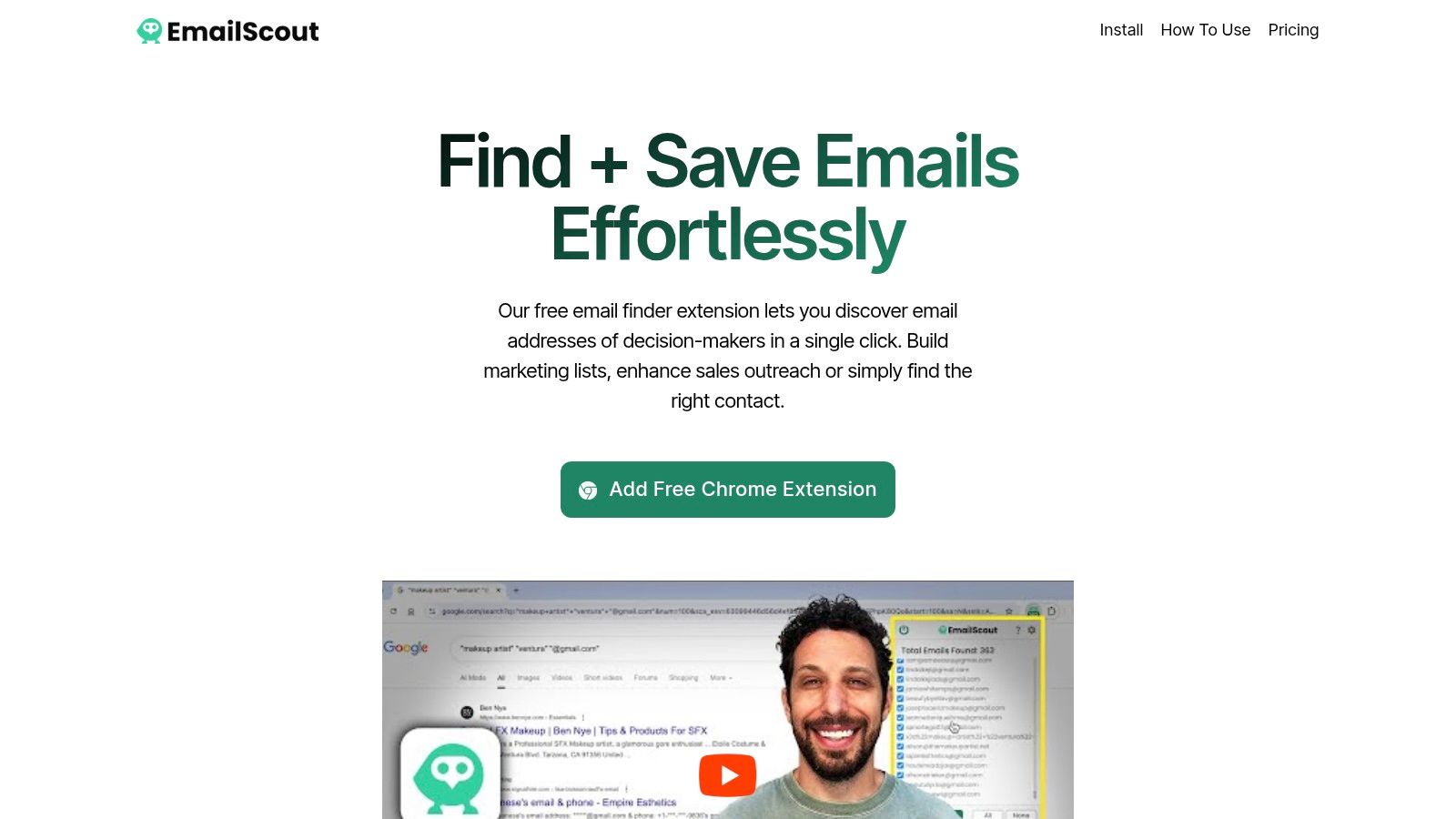
    1. EmailScout

    EmailScout distinguishes itself as a premier choice among free lead generation tools by offering a truly unlimited free plan for its core function: email discovery. This powerful Chrome extension integrates directly into your browser, allowing you to instantly find and export email addresses from any website you visit. Its standout feature is the absence of monthly search or export limits on the free tier, a significant advantage over competitors that often impose strict caps.

    EmailScout

    The user interface is exceptionally clean and intuitive, requiring virtually no learning curve. For sales professionals, marketers, and founders building initial outreach lists, EmailScout provides an unparalleled, cost-free starting point for building highly targeted contact lists directly from company websites, blogs, or online directories.

    Key Features and Use Cases

    • Unlimited Free Email Discovery: Unlike most tools, the free version doesn’t restrict how many emails you can find or export. This is ideal for startups and freelancers who need to build extensive prospect lists without a budget.
    • Seamless Chrome Integration: It operates as a simple, one-click extension. When you land on a target website, just click the EmailScout icon to instantly reveal all discoverable email addresses, which you can then export to a CSV file.
    • Advanced Bulk Processing (Premium): For scaling up, the premium plans unlock the URL Explorer, which extracts emails from up to 1,500 URLs simultaneously, and AutoSave, which passively collects emails as you browse.

    Practical Tip: Use EmailScout while researching industry blogs or competitor websites. You can quickly gather contacts for networking, partnership opportunities, or targeted marketing campaigns without ever leaving your browser.

    While its free offering is robust, the tool's effectiveness depends on emails being publicly available in the site's source code. For more advanced, automated, and large-scale lead generation, upgrading to a paid plan (starting at an affordable $9/month) is necessary to access its full potential.

    • Best for: Sales teams, digital marketers, and entrepreneurs needing a simple, effective, and completely free tool for initial list building.
    • Website: https://emailscout.io

    2. HubSpot Free Marketing + CRM

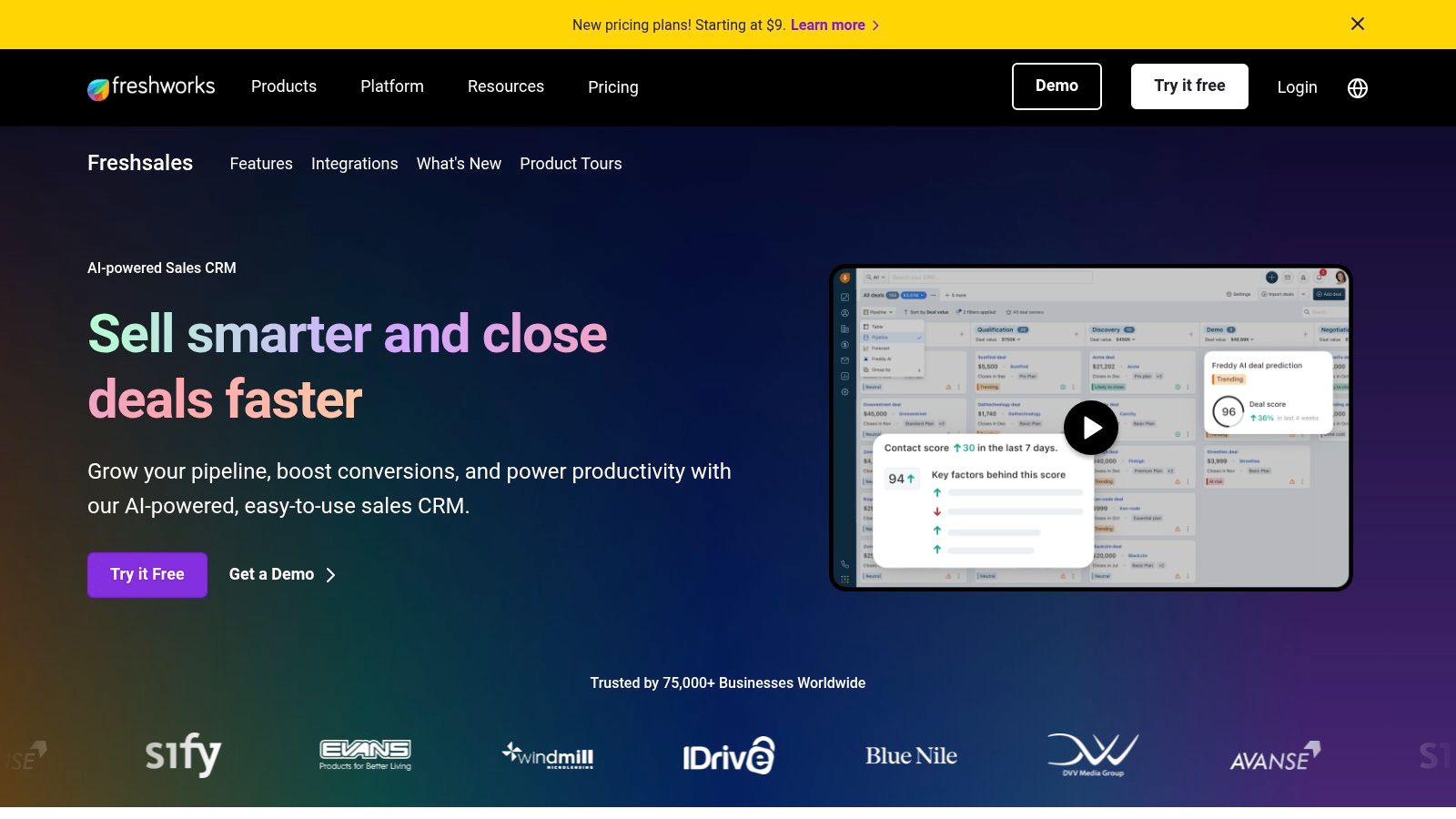
    HubSpot’s free platform is a powerhouse for businesses seeking an integrated system right from the start. Instead of patching together various free lead generation tools, HubSpot offers a unified solution where lead capture is directly connected to a robust, permanently free CRM. This means every lead from a form, pop-up, or live chat session is automatically organized and tracked in one central database.

    The real strength here is the seamless data flow. You can build simple landing pages, embed forms on your site, and deploy a chatbot without ever leaving the HubSpot ecosystem. This integration eliminates the manual work of exporting and importing contacts, giving you a complete view of a lead's journey from their very first interaction.

    HubSpot Free Marketing + CRM

    Key Features & Use Case

    • Best For: Startups and small businesses that want an all-in-one marketing and sales foundation without an initial investment. It’s perfect for users who anticipate scaling and want a smooth upgrade path.
    • Integrated Tools: Access free forms, pop-ups, landing pages, and live chat that all feed directly into the free CRM.
    • Contact Management: The CRM stores up to 1,000,000 contacts and provides detailed activity timelines for each lead.

    Pros & Cons

    Pros Cons
    Unified Data: Marketing and CRM data are connected from day one. HubSpot Branding: Free tools include "Powered by HubSpot" branding.
    Scalability: Easy to upgrade to paid plans for advanced features. Limited Automation: Complex workflows require a paid subscription.
    Generous Free Tier: A powerful set of tools without a time limit. Basic Reporting: Advanced analytics are reserved for paid tiers.

    Get started with HubSpot's free tools: HubSpot Free Marketing + CRM

    3. Mailchimp (Free plan)

    Mailchimp is a household name in email marketing, and its free plan offers a solid entry point for businesses focused on building an audience. It provides the essential tools for lead capture, primarily through landing pages and signup forms, making it one of the most straightforward free lead generation tools to get started with. The platform is designed for simplicity, allowing users to create and publish professional-looking assets without technical expertise.

    The core advantage of Mailchimp's free tier is its user-friendly interface combined with a suite of basic lead management features. You can design a dedicated landing page for a specific campaign or embed a pop-up form on your website, with all new subscribers feeding directly into a single audience list. This simplicity makes it ideal for users whose main goal is to collect email addresses and begin nurturing them right away.

    Mailchimp (Free plan)

    Key Features & Use Case

    • Best For: Solopreneurs, content creators, and small businesses who need a simple, reliable way to build an email list through landing pages and forms. It's perfect for those just starting with email marketing.
    • Lead Capture Tools: Includes free landing pages and pop-up/embeddable signup forms to capture visitor information.
    • Design & Management: Features a drag-and-drop editor with templates for easy design, plus basic audience management and reporting tools.

    Pros & Cons

    Pros Cons
    Very Easy Setup: Guided by extensive tutorials and a mature ecosystem. Strict Contact/Send Limits: Capped at 500 contacts and 1,000 sends/month.
    Native Landing Pages: Create and publish landing pages at no cost. Limited Automation: Advanced features like A/B testing are paid.
    Excellent User Experience: The platform is known for its clean UI. Mailchimp Branding: Free assets include Mailchimp's logo.

    Get started with Mailchimp's free plan: Mailchimp

    4. Brevo (formerly Sendinblue)

    Brevo (formerly Sendinblue) stands out in the crowded field of free lead generation tools by offering a generous multi-channel platform. While primarily known for email marketing, its free plan provides a solid foundation for businesses wanting to engage leads through consistent communication. Its main strength lies in a high daily sending limit, making it ideal for nurturing new leads without an immediate financial commitment.

    This approach allows startups and small businesses to build their initial email lists and run small, consistent campaigns from day one. Instead of just capturing leads, Brevo helps you immediately begin the nurturing process, turning a static list into an engaged audience.

    Brevo (formerly Sendinblue)

    Key Features & Use Case

    • Best For: Small businesses and solo entrepreneurs focused on building and nurturing an email list as their primary lead generation follow-up strategy.
    • Generous Sending Limit: The free plan allows you to send up to 300 emails per day (9,000 per month) to an unlimited number of contacts.
    • Multi-Channel Ready: While advanced channels are paid, the platform is built to integrate SMS and WhatsApp marketing as your business grows.

    Pros & Cons

    Pros Cons
    High Daily Email Limit: Excellent for daily or frequent newsletters. Daily Sending Cap: The 300/day limit can be restrictive for larger sends.
    Transactional Emails: Supports essential emails like password resets. Key Features Gated: Landing pages and advanced automation require an upgrade.
    Scalable Platform: Offers a clear path to add more marketing channels. Brevo Branding: Free emails include Brevo's logo in the footer.

    Get started with Brevo's free tools: Brevo

    5. MailerLite (Free plan)

    MailerLite shines as a free lead generation tool by bundling powerful email marketing capabilities with essential lead capture features. While many platforms separate these functions, MailerLite’s free plan allows you to create sign-up forms and pop-ups that feed directly into your email nurture sequences. This creates a smooth pathway from initial interest to ongoing engagement without needing multiple tools.

    Its strength lies in its user-friendly interface and the inclusion of a drag-and-drop website and landing page builder, even on the free tier. You can launch a simple lead magnet page, capture subscribers, and immediately begin sending automated welcome emails. This makes it an incredibly efficient solution for creators and small businesses focused on building an audience from day one.

    MailerLite (Free plan)

    Key Features & Use Case

    • Best For: Content creators, bloggers, and small businesses who need an easy-to-use tool to capture leads and nurture them through email marketing without a budget.
    • Generous Free Tier: Includes up to 500 subscribers and a high limit of 12,000 monthly emails, which is more than enough for those just starting out.
    • Integrated Builders: Comes with free website, landing page, and pop-up builders to create lead capture points quickly.

    Pros & Cons

    Pros Cons
    All-in-One Simplicity: Combines lead capture with email automation. MailerLite Branding: The free plan includes mandatory branding on assets.
    High Email Send Limit: 12,000 emails per month is generous for free. Limited Support: Free users have access to email support for 30 days only.
    User-Friendly Interface: The platform is clean and intuitive to navigate. Basic Automation: Complex, multi-step automations require a paid upgrade.

    Get started with MailerLite's free plan: MailerLite (Free plan)

    6. Kit (formerly ConvertKit) – Newsletter Free plan

    Kit, which was formerly known as ConvertKit, stands out in the email marketing space with one of the most generous free plans available, specifically tailored for creators and small businesses. Its primary strength lies in allowing users to build a substantial audience foundation without immediate cost. The platform lets you create unlimited landing pages and forms, making it one of the top free lead generation tools for capturing subscribers from your website, social media, or other channels.

    This creator-centric approach means the platform is designed not just for list-building but also for monetization from day one. Even on the free plan, you can sell digital products or run paid newsletters, directly connecting your lead generation efforts to revenue. This integrated functionality makes it an excellent choice for those wanting to quickly build and monetize an audience. To get the most out of it, understanding how to build an email list effectively is key.

    Kit (formerly ConvertKit) – Newsletter Free plan

    Key Features & Use Case

    • Best For: Content creators, freelancers, and authors who need to build and engage a large email list before investing in a paid tool. It's ideal for those focused on direct monetization.
    • Generous Subscriber Limit: The free plan supports up to 10,000 subscribers, a significantly higher limit than most competitors.
    • Unlimited Lead Capture: Build as many landing pages and forms as you need to support various campaigns and traffic sources.

    Pros & Cons

    Pros Cons
    High Subscriber Limit: Accommodates significant list growth for free. Limited Automation: Complex funnels and sequences require a paid plan.
    Creator-Centric Tools: Built-in monetization and segmentation. Basic Analytics: Advanced reporting is reserved for paid subscriptions.
    Simple, Clean Interface: Easy to navigate and use for beginners. No A/B Testing: Free users cannot A/B test email subject lines.

    Get started with Kit's free plan: Kit (formerly ConvertKit) – Newsletter Free plan

    7. Zoho CRM (Free Edition)

    Zoho CRM's Free Edition offers a surprisingly robust customer relationship management system for small teams. Unlike many free lead generation tools that focus solely on capture, Zoho provides the infrastructure to manage leads from acquisition through the entire sales pipeline. It’s built for businesses that need a central database to track interactions, manage contacts, and maintain momentum with new prospects.

    The key advantage is its focus on core CRM functionalities for up to three users at no cost. You can create web-to-lead forms to embed on your website, ensuring new inquiries are automatically funneled directly into your CRM. This direct integration streamlines the process of tracking a lead's journey from their first point of contact, making it a powerful foundation for building a structured sales process.

    Key Features & Use Case

    • Best For: Small businesses or startups with up to three team members who need a dedicated, free CRM to organize and track leads without the cost.
    • Web-to-Lead Forms: Capture visitor information directly from your website and auto-populate it into the leads module in your CRM.
    • Core CRM Functionality: Includes essential modules for leads, contacts, accounts, and deals, plus document storage and mobile app access.

    Pros & Cons

    Pros Cons
    Generous Free Tier: A full-featured CRM for three users is a great value. Complex Interface: Can feel overwhelming for absolute beginners.
    Scalability: Integrates with the extensive Zoho ecosystem as you grow. Gated Features: Marketing automation and advanced tools are paid.
    Direct Lead Capture: Web forms feed leads directly into the system. Limited Customization: Free plan has restrictions on customization.

    Get started with Zoho CRM's free tools: Zoho CRM (Free Edition)

    8. Apollo.io (Free plan)

    Apollo.io stands out in the B2B space by combining a massive contact database with sales engagement tools, all accessible on a limited free plan. Instead of just providing data, it allows you to find ideal prospects using advanced filters and then directly engage them with email sequences. This makes it an end-to-end solution for highly targeted outbound prospecting.

    The platform's strength lies in its integrated workflow. You can use the Chrome extension to find contact information directly on LinkedIn, verify emails, and enroll prospects into an outreach sequence without switching tabs. While the free credits are limited, they offer a powerful way for teams to test outbound strategies and generate initial high-value leads before committing to a paid plan.

    Apollo.io (Free plan)

    Key Features & Use Case

    • Best For: B2B sales teams, freelancers, and startups looking to execute targeted outbound campaigns with a high degree of precision. It's ideal for validating a new market or outreach message.
    • Contact Data Reveal: Access a vast B2B database and use free credits to unlock verified email addresses and direct-dial phone numbers for key decision-makers.
    • Basic Sequencing: Create and send automated, multi-step email sequences to engage prospects and book meetings directly from the platform.

    Pros & Cons

    Pros Cons
    Large B2B Database: Access to millions of verified contacts and companies. Limited Free Credits: The free tier is restrictive for high-volume outreach.
    Integrated Outreach: Find and engage leads within a single platform. Steep Learning Curve: Can be complex for beginners to master all features.
    Transparent Credit System: Clearly see the cost of each data reveal. Aggressive Upselling: Frequent prompts to upgrade to a paid plan.

    Get started with Apollo.io's free plan: Apollo.io Free Plan

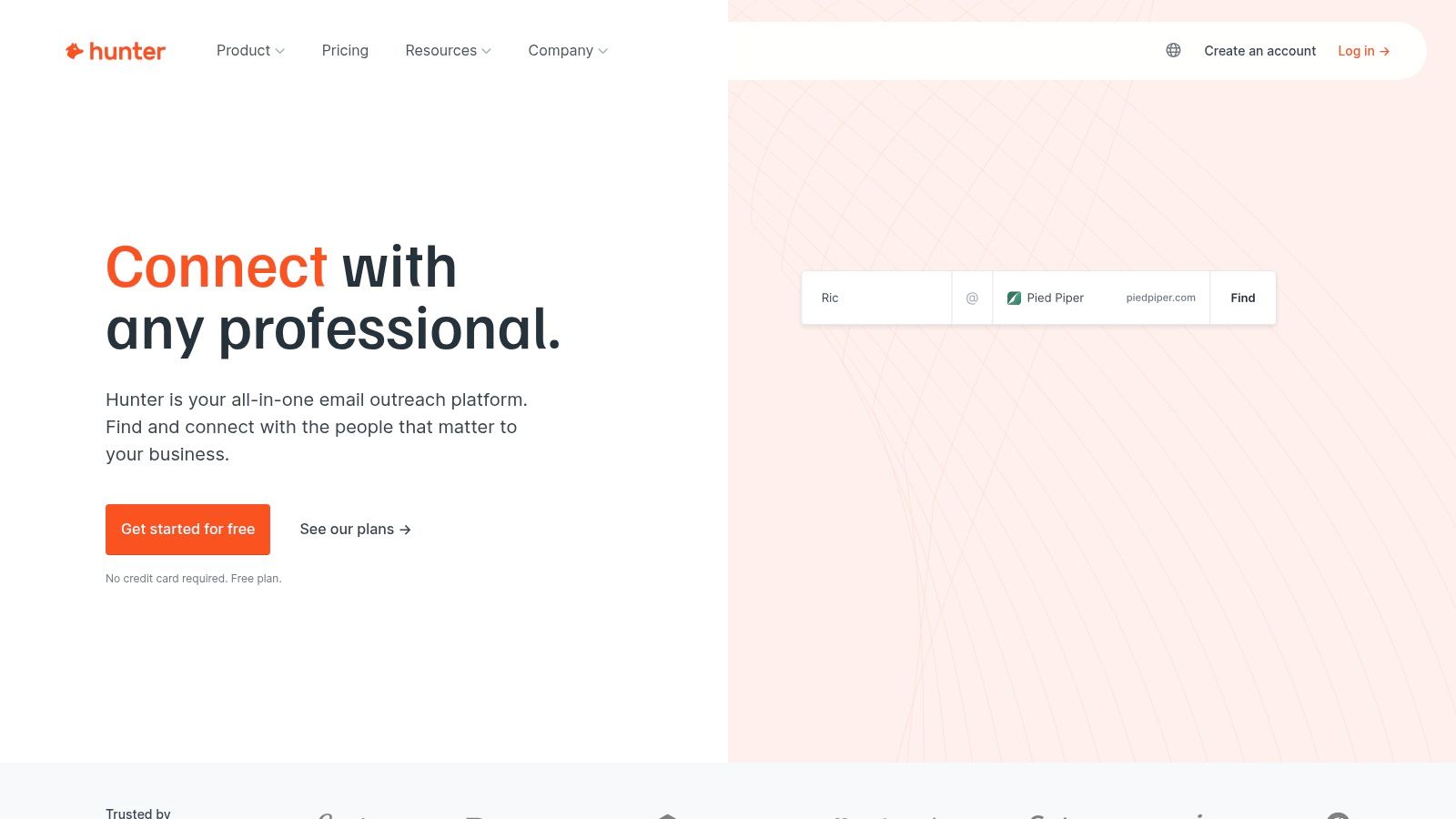
    9. Hunter.io (Free plan)

    Hunter.io is a highly focused B2B tool designed for one core purpose: finding and verifying professional email addresses. It's an essential resource for sales and marketing teams building targeted outreach lists from scratch. Instead of guessing email formats, you can use its powerful Domain Search to uncover the common email pattern for a company and find specific contacts, making it one of the most efficient free lead generation tools for cold outreach.

    The platform operates on a simple credit-based system, providing a monthly allowance for searches and verifications. This straightforward approach allows users to quickly integrate email discovery into their prospecting workflow using tools like its handy browser extension or Google Sheets add-on, streamlining the process of building clean, reliable lead lists.

    Hunter.io (Free plan)

    Key Features & Use Case

    • Best For: B2B sales reps, recruiters, and marketers who need to build targeted cold email lists with verified contact information. It's a great starting point for anyone looking to master the techniques of finding professional emails.
    • Free Credits: The free plan includes 25 monthly searches and 50 monthly verifications.
    • Core Tools: Includes Domain Search, Email Finder, and an Email Verifier to ensure list accuracy.

    Pros & Cons

    Pros Cons
    High Accuracy: Provides reliable data with confidence scores. Strict Credit Limits: Free usage is very limited for volume outreach.
    Simple to Use: The interface is clean and incredibly user-friendly. B2B Focused: Less effective for finding generic or personal emails.
    Reduces Bounce Rates: Built-in verification cleans lead lists. Limited Campaign Features: Not a replacement for a full email service provider.

    Get started with Hunter's free plan: Hunter.io

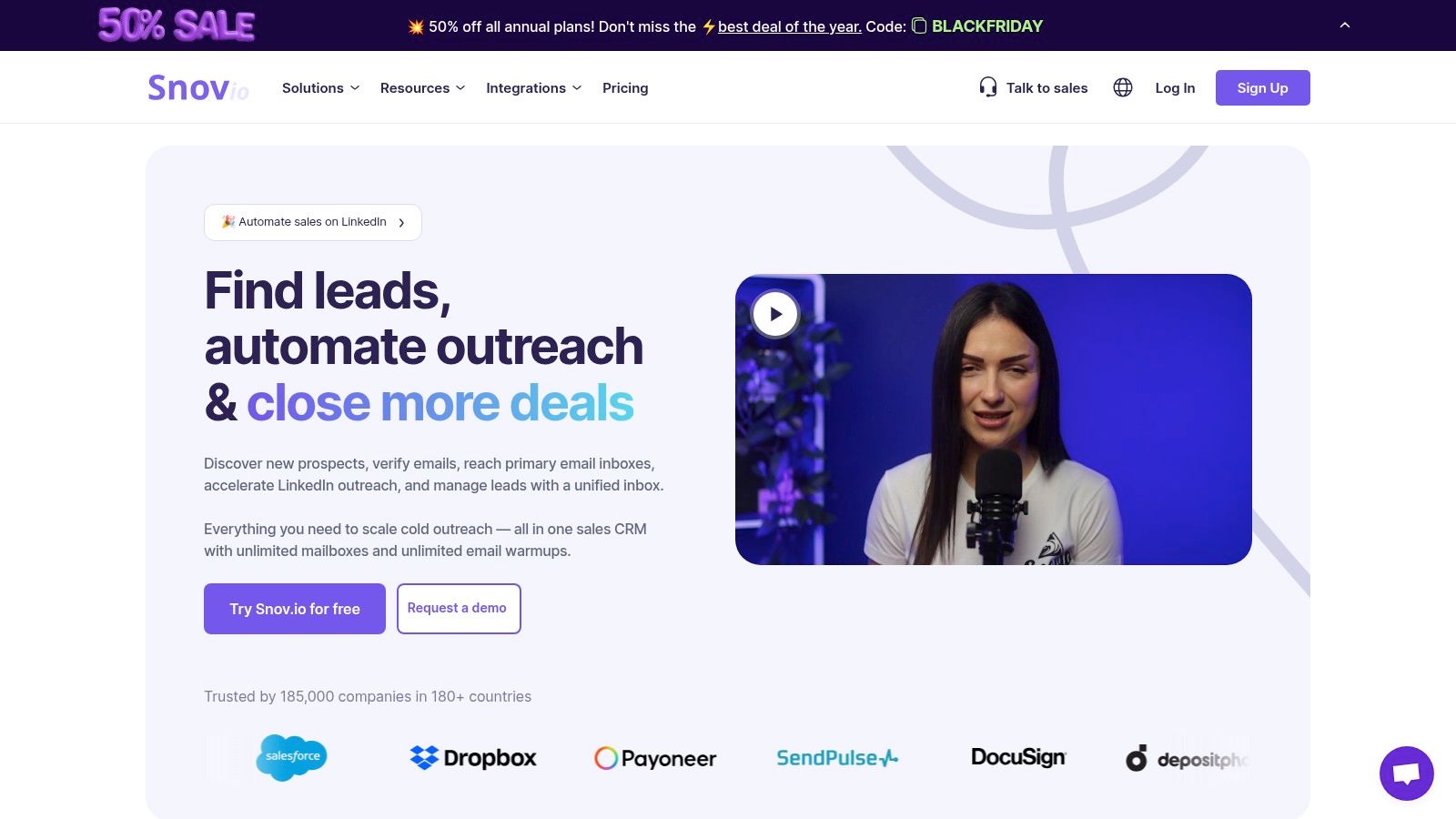
    10. Snov.io (Free trial + forever-free Chrome tools)

    Snov.io is an SMB-friendly prospecting and outreach platform that offers a unique hybrid approach to its free tools. Its free trial provides a monthly credit allowance that can be used across its entire suite, from finding prospects to verifying email addresses. This flexibility lets you test its core lead generation capabilities without commitment.

    The real long-term value lies in its forever-free Chrome extensions. Even after the trial credits are used, the Email Tracker and Technology Checker remain fully functional. This makes Snov.io a valuable tool for continuous, albeit lightweight, sales intelligence and outreach monitoring long after you've evaluated its primary paid features.

    Snov.io (Free trial + forever-free Chrome tools)

    Key Features & Use Case

    • Best For: Sales teams and freelancers who need a flexible tool for B2B prospecting and want to test various functions like email finding and verification before committing to a paid plan.
    • Flexible Credits: The free plan provides monthly credits usable for prospect searches, email finding, and verification services.
    • Forever-Free Extensions: Includes a free Chrome Email Tracker and a Technology Checker to see what software a website uses.

    Pros & Cons

    Pros Cons
    Versatile Credit System: Use your free allowance on what you need most. Production Features Require Subscription: The free plan is for trial purposes.
    Useful Free Extensions: The tracker and checker add value indefinitely. LinkedIn Automation is a Paid Add-on: Not included in standard plans.
    Simple User Interface: Easy to navigate for finding and managing prospects. Low Credit Limit: The free monthly credit allowance is limited.

    Get started with Snov.io's free tools: Snov.io

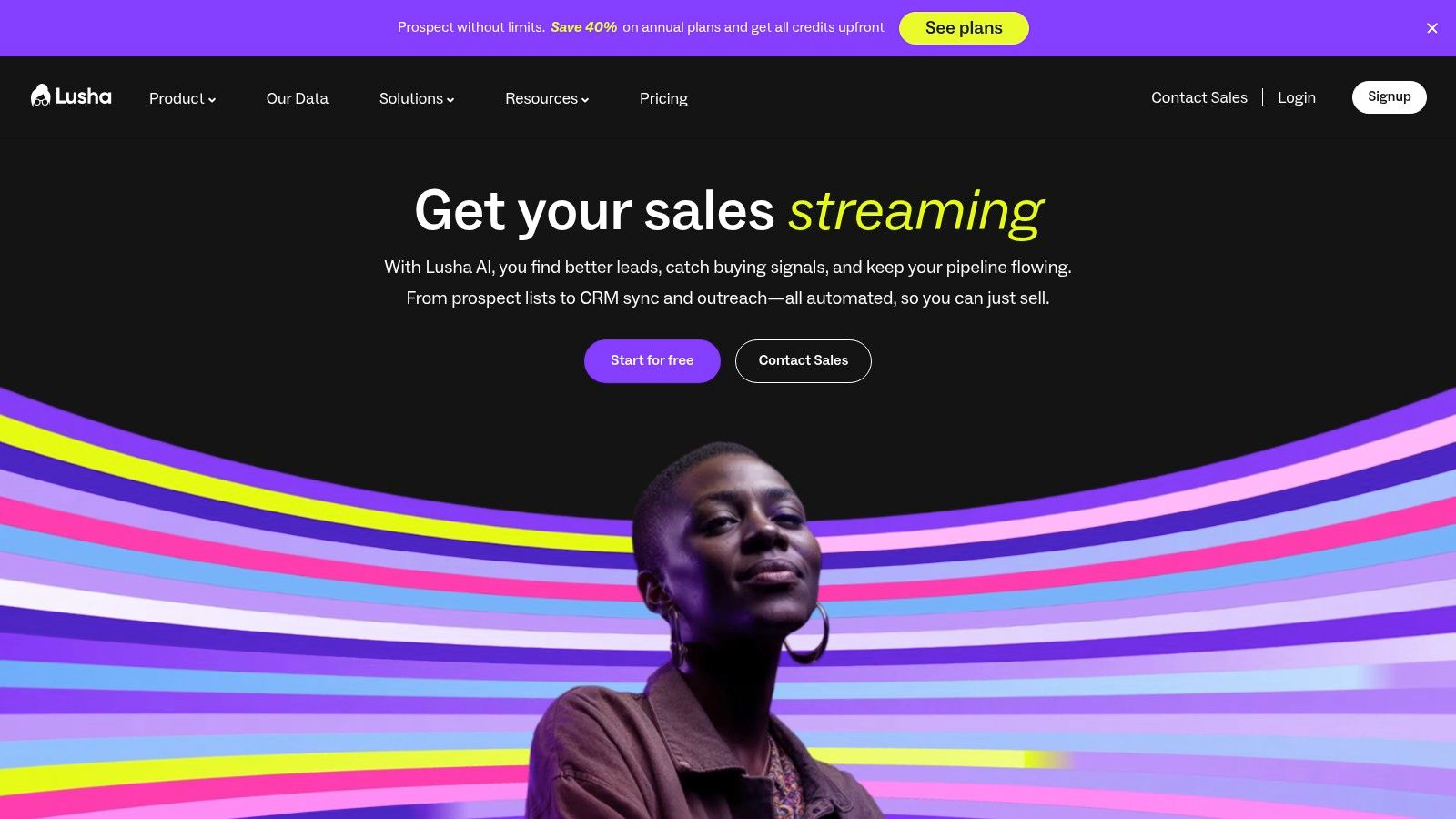
    11. Lusha (Free Plan)

    Lusha provides B2B sales and marketing teams with a direct line to accurate contact data, making it one of the most efficient free lead generation tools for targeted prospecting. Its core function is to reveal verified email addresses and direct phone numbers for decision-makers while you browse professional networks like LinkedIn or company websites via its browser extension. This eliminates the guesswork and lengthy research often involved in finding the right person to contact.

    The platform operates on a credit-based system, offering a limited number of free credits each month. This model allows users to test the quality of the data and the simplicity of the workflow without any financial commitment. For small teams or individual prospectors, the free tier is an excellent way to supplement their outreach efforts by getting crucial contact details for high-priority leads on demand.

    Lusha (Free plan)

    Key Features & Use Case

    • Best For: Sales professionals and recruiters who need to quickly find direct contact information for specific B2B prospects they've identified online.
    • Credit System: The free plan provides monthly credits to reveal contact details (emails and phone numbers), which are consumed per successful lookup.
    • Browser Extension: Seamlessly integrates with LinkedIn and other sites, allowing you to find contact data with a single click without leaving your prospect’s profile.

    Pros & Cons

    Pros Cons
    High-Quality Data: Known for providing accurate, direct-dial phone numbers and verified emails. Limited Credits: The free monthly allowance can be used up quickly, especially for phone numbers.
    Simple Workflow: The browser extension makes contact discovery incredibly fast and intuitive. Export Limitations: Saving and exporting lists of contacts is a feature reserved for paid plans.
    No Time Limit: The free plan and its monthly credits are available indefinitely. API Access: Integration via API requires a premium subscription.

    Get started with Lusha's free plan: Lusha (Free plan)

    12. G2 – Free Lead Generation Software category (comparison)

    Instead of a single tool, G2's dedicated category for free lead generation software acts as a powerful discovery engine. It provides a comprehensive, filterable directory where you can find and compare dozens of tools based on real user reviews. This meta-tool is invaluable for quickly shortlisting options that offer genuine free-forever plans or substantial freemium tiers, saving you the effort of visiting countless pricing pages.

    The platform's strength lies in its aggregated peer feedback and side-by-side comparison tables. You can quickly see how different free lead generation tools stack up in terms of user satisfaction, specific features, and ease of use. This allows you to identify not just popular options, but niche solutions that might be a perfect fit for your specific lead capture strategy, all validated by a community of real-world users.

    Key Features & Use Case

    • Best For: Marketers and business owners in the research phase who want to compare a wide array of free tools using verified user reviews and data-driven comparisons.
    • Curated Directory: A constantly updated list focused specifically on lead generation software that offers a free plan or a free trial.
    • User-Sourced Insights: Access thousands of in-depth reviews, ratings, and feature comparisons from a community of verified business software users.

    Pros & Cons

    Pros Cons
    Saves Research Time: Aggregates top free-tier options in one place. Includes Free Trials: "Free" can include time-limited trials, so verify.
    Authentic User Reviews: Provides honest feedback and real-world insights. Sponsored Listings: Top-ranked results may be influenced by vendors.
    Side-by-Side Comparisons: Easily compare features across multiple tools. Can Be Overwhelming: The sheer number of options can be daunting.

    Explore the directory on G2: G2 Free Lead Generation Software

    Free Lead Generation Tools Feature Comparison

    Product Core Features User Experience / Quality Value Proposition Target Audience Price Points / Limits
    EmailScout Unlimited free email searches, AutoSave, URL Explorer Intuitive Chrome integration, bulk export Unlimited free usage, scalable premium Marketers, sales pros, freelancers Free unlimited; Premium from $9/month (up to 5K emails)
    HubSpot Free Marketing + CRM Lead capture forms, pop-ups, chatbots, CRM Unified data, easy CRM-marketing sync All-in-one free lead capture & basic CRM Businesses needing integrated CRM Free tier with branding and limits
    Mailchimp (Free plan) Landing pages, pop-ups, templates, basic reports Easy setup, drag-drop editor Established email marketing tool Small lists, email marketers 500 contacts, 1,000 emails/month free
    Brevo (formerly Sendinblue) Email, SMS, transactional emails Multi-channel messaging, reporting Generous daily sending limits SMBs starting multi-channel marketing 300 emails/day free
    MailerLite (Free plan) Email marketing, landing pages, pop-ups, automation Built-in site hosting, drag-drop builder Large email volume on free plan Early-stage lead capture & nurturing 500 subscribers, 12,000 emails/month free
    Kit (formerly ConvertKit) Unlimited landing pages/forms, newsletters Creator-focused, tagging & segmentation High subscriber limit for free Creators, newsletter builders Up to 10,000 subscribers free
    Zoho CRM (Free Edition) Lead/contact mgmt, web-to-lead forms Mature CRM, mobile apps Free CRM for small teams Small teams seeking CRM Free for 3 users
    Apollo.io (Free plan) Contact reveal credits, basic sequences Large B2B database, credit transparency Limited free credits for prospecting B2B sales teams, outbound pros Limited credits, upgrades needed for scale
    Hunter.io (Free plan) Email finder, verifier, 50 monthly credits Simple, reliable verification Trusted B2B email discovery B2B lead generation 50 free credits/month
    Snov.io (Free trial + Chrome) Prospecting credits, email tracking, multi-channel Flexible credit usage, useful free tools Free extensions for lightweight use SMBs, sales outreach Free trial and forever-free Chrome tools
    Lusha (Free plan) Email/phone reveals via credits, CRM integrations Straightforward workflow Steady credit rollover for contact reveals B2B sales and recruiting Monthly credits with paid tier upgrades
    G2 – Free Lead Generation Directory, user ratings, feature comparisons Helps shortlist tools with free tiers Saves research time, peer feedback Buyers searching lead generation tools Free to access, varies by product

    Building Your Free Lead Generation Stack

    Navigating the landscape of free lead generation tools can feel overwhelming, but as we've detailed, the goal isn't to find a single, perfect solution. Instead, the most effective strategy is to build a customized, cost-effective "stack" that addresses your unique business challenges. By strategically combining different platforms, you can create a powerful, end-to-end system for identifying, engaging, and nurturing prospects without spending a dime on software.

    The journey from a blank slate to a robust lead generation engine begins with a clear diagnosis of your primary bottleneck. Are you struggling with outbound prospecting and finding accurate contact information? Tools like Apollo.io, Hunter.io, and EmailScout are designed to solve that exact problem. Or perhaps your website traffic isn't converting? In that case, an all-in-one platform like HubSpot Free or a dedicated form and pop-up builder from MailerLite can help capture those valuable inbound leads.

    Assembling Your No-Cost Toolkit

    Think of this process like assembling a toolkit. You wouldn't use a hammer for every job, and the same logic applies here. A potent and completely free stack could look like this:

    • For Prospecting: Use a specialized tool like EmailScout or Lusha to find and verify the email addresses of key decision-makers in your target market.
    • For Lead Capture: Implement HubSpot Free on your website to manage contacts, create forms, and even deploy a live chat widget to engage visitors in real-time.
    • For Nurturing: Connect your captured leads to an email marketing platform like Mailchimp or Brevo to send automated welcome sequences and newsletters, building a relationship over time.

    Key Considerations for Success

    Before you dive in, remember that "free" often comes with limitations. Be mindful of contact caps, feature restrictions, and usage limits. The most successful approach is to start small. Identify your single biggest lead generation hurdle right now and select one or two free lead generation tools from this list that directly address it. Master their core functionalities, integrate them into your daily workflow, and measure their impact. As your business grows and your needs evolve, you can strategically expand your stack.

    Ultimately, the power of these tools lies not in their price tag, but in their application. By being deliberate and strategic, you can build a formidable lead generation machine that fuels your sales pipeline and drives significant growth. The path to a consistent flow of qualified leads is well within reach, and it starts with taking that first, informed step today.


    Ready to kickstart your outbound prospecting? EmailScout offers a powerful and accurate email finder and verifier to ensure your messages land in the right inbox every time. Sign up for EmailScout to start finding qualified leads for free and build your outreach list with confidence.

  • Finding Who Owns an Email Address: Ultimate Lookup Guide

    Finding Who Owns an Email Address: Ultimate Lookup Guide

    Trying to figure out who owns an email address often feels like detective work. There's no single, magical directory you can look up. Instead, it's about piecing together a person's digital footprint.

    You can often strike gold with reverse email lookup tools, digging through social media platforms like LinkedIn, or even just getting creative with your Google searches. The whole game is about finding where someone has publicly tied their email to their identity.

    Why Finding an Email Owner Is So Challenging

    Before we jump into the "how," it's crucial to understand the "why." Why is this so hard? Honestly, the digital world is designed to be this way. Privacy is a feature, not a bug, and that creates a protective wall around personal data.

    Email giants like Gmail and Outlook aren't in the business of revealing user identities—quite the opposite. They build their entire business on trust and security. You won't find a public phonebook of their users, and their terms of service are iron-clad when it comes to protecting personal information.

    A few big factors are at play here:

    • Tough Privacy Laws: Regulations like GDPR in Europe and CCPA in California come with massive penalties for companies that play fast and loose with personal data. This forces email providers to keep user information on lockdown.
    • Provider Security Policies: Beyond the law, it’s just good business. The trust of their users is everything, and a key part of that is making sure an email address alone isn't enough to uncover someone's identity.
    • The World of Throwaway Accounts: Let's be real, the internet runs on temporary and anonymous emails. People create them for everything from signing up for a newsletter to posting on a forum, and these are intentionally disconnected from a real person.

    This process flow shows the main obstacles you'll encounter when finding who owns an email address.

    Infographic about finding who owns an email address

    As you can see, the path from an unknown email to a real name is blocked by a combination of legal, technical, and practical hurdles.

    The Scale of the Search

    The sheer number of email accounts out there is staggering. Trying to find one person manually is like looking for a single grain of sand on every beach in the world. By 2025, experts predict there will be 4.6 billion email users with nearly 5.6 billion accounts.

    Think about it: Gmail alone has over 1.8 billion users. That massive scale is exactly why privacy is so critical and why a direct lookup just isn't possible. You can read more about global email usage statistics to get a better sense of the numbers we're up against.

    The real challenge isn't a lack of tools; it's that the entire email system is designed to protect privacy, not to make people easy to find.

    Public Business vs. Private Personal Accounts

    Here’s a distinction that will save you a ton of time: know what kind of email you're dealing with. There's a world of difference between a public-facing business email (like jane.doe@company.com) and a private, personal one (coolsurfer92@gmail.com).

    Business emails are often meant to be found. They're listed on company websites, professional networks, and contact pages. Personal emails, on the other hand, are usually kept under wraps. Understanding which one you have is the first step to setting realistic expectations for your search.

    How to Use Reverse Email Lookup Tools

    Magnifying glass over a digital screen with email icons

    When you need to figure out who's behind an email address, a reverse email lookup tool is often the first thing that comes to mind. These services are essentially search engines for people, scanning public records, social media, and data broker lists to connect an email to a real person.

    The process is straightforward: you pop in the email, and the tool digs through its massive database for a match. The thing is, the results can be a real mixed bag. The success of these tools hinges on two things: the type of email you're looking up and how much of a digital trail its owner has left.

    For example, you'll have much better luck with a professional email like jane.doe@bigcompany.com than a generic one like surferdude92@yahoo.com. Why? Because the corporate address is usually tied to public-facing roles, company directories, and networks like LinkedIn, giving the tools much more to work with.

    Setting Realistic Expectations

    Let's be real: you have to go into this with a bit of healthy skepticism. A lot of these services promise the world but end up delivering outdated or just plain wrong information. They aren't a magic key that unlocks private inboxes at Google or Microsoft.

    A classic trap is the paywall. A tool will dangle the possibility of a match, get you excited, and then hit you with a fee. You might pay up, only to find the "match" is from a forum comment someone left in 2011. To sidestep this, I always recommend starting with services that offer a few free searches or at least show you a solid preview of what they’ve found before asking for your credit card.

    To save you some time and potential frustration, we've gone ahead and put together a list of the best email lookup tools that actually deliver on their promises.

    Key Takeaway: Reverse email lookup services work best on professional or business emails. For private, personal accounts, their success rate drops off a cliff because those users generally don't want to be found.

    Interpreting the Search Results

    Getting a hit from a lookup tool is just the beginning. The next step—verification—is where the real work happens. Never take the initial results as gospel. A good search might give you a name, a social profile, a job title, or even a general location.

    Here’s my simple, go-to process for vetting the information:

    • Check Social Profiles: If the tool points you to a LinkedIn or X (formerly Twitter) account, go check it out. Does the name, picture, and company info line up?
    • Look for Consistency: Does the info from the tool match what you find with a quick Google search of the name and any other details provided?
    • Confirm Timeliness: Is the job title current? An old, un-updated LinkedIn profile can send you chasing a ghost.

    This verification process is non-negotiable. It’s what turns a piece of raw data into confirmed intelligence. By using these tools as a starting point, not the final word, you’ll be far more effective in your search.

    Comparing Reverse Email Lookup Approaches

    Not all methods are created equal. Depending on what you're trying to find, one approach might be a home run while another strikes out completely. Here's a quick breakdown of the different tools and techniques you might encounter.

    Method / Tool Type Best For Potential Information Privacy Considerations
    Specialized Lookup Tools Professional emails, sales leads, and recruitment Name, job title, company, location, social media profiles Uses publicly available data, but some tools may aggregate data from less transparent sources.
    Social Media Search Personal or professional emails tied to active profiles Name, photos, interests, friend/follower lists, location Relies on user's privacy settings. Information is self-reported and can be outdated.
    General Search Engines Emails linked to public websites, forums, or publications Name, associated websites, public comments, online activity Only uncovers information that has been publicly indexed. Respects robots.txt files.
    People Search Engines Personal emails, finding old contacts Name, address history, phone numbers, relatives, public records Can be invasive. Data is compiled from numerous public and private sources. Often requires a fee.

    Ultimately, the right tool depends on your specific goal. For professional outreach, specialized lookup services are your best bet. For reconnecting with an old friend, a people search engine might be more appropriate. Always consider the context and use these tools responsibly.

    Sifting Through Social Media and Professional Networks

    Professional looking at social media profiles on a laptop

    Sometimes the simplest path is the most direct one. People often share their contact details willingly on social media and professional sites—you just need to know where to look.

    This isn't some shady, back-alley tactic. It’s about smart sleuthing, using the search functions these platforms already provide. Users often link emails to their profiles, leaving a trail of digital breadcrumbs that can lead you right to them.

    Your First Stop Should Be LinkedIn

    When you’re trying to pin down a professional contact, LinkedIn is the gold standard. The entire platform is built on professional identity, which makes it an incredibly reliable resource. It’s common for people to list their work email directly in their contact info.

    Here’s a simple trick I use all the time:

    1. Head over to the LinkedIn search bar.
    2. Type in the full email address you're investigating.
    3. If a public profile is tied to that email, LinkedIn will usually serve it up right in the search results.

    This works far more often than you'd think, since most professionals sign up with their primary work email. Even if their address isn't visible on their profile page, LinkedIn's search algorithm can still connect the dots behind the scenes. And if you really want to go deeper, you can also learn how to find an email by LinkedIn profile with a few more targeted steps.

    The real value of LinkedIn is the context it provides. You don’t just get a name; you get a job title, a company, and a professional history that all help confirm you’ve found the right person.

    Expand Your Search to Other Social Platforms

    LinkedIn is the king for B2B, but don't count out other platforms. You can occasionally get a hit from places like Facebook and X (formerly Twitter), though it's less common for personal emails.

    On Facebook, take a look at the "About" section under "Contact and Basic Info." Some people, especially those who use their profiles for business, list their email there.

    Over on X, users sometimes put their email in their bio or even a tweet. To dodge spam bots, they'll often disguise it. Keep an eye out for formats like:

    • name [at] domain [dot] com
    • name@domain(.)com

    Another good move is to search for the username part of the email (everything before the "@"). People love to use the same handle everywhere, so this can help you cross-reference profiles and build a more complete picture of the person.

    It’s definitely a bigger challenge, though. With Gmail alone holding a 33% global market share, providers have to make privacy a top priority, which is why a universal reverse email lookup service just doesn't exist.

    Mastering Advanced Search in Search Engines

    Sometimes, the best tool for the job is one you already use every day. Believe it or not, a simple Google search can turn into a powerful investigative tool if you know how to go beyond basic queries.

    The secret is using advanced search operators. Think of them as special commands that tell Google to get extremely specific with its results. By learning just a few of these, you can cut through all the online noise and find exactly where an email address has popped up publicly.

    Use Quotation Marks to Find Exact Matches

    The easiest and most powerful trick in the book is using double quotation marks (""). When you put an email address inside quotes, you're telling the search engine to only show you pages that contain that exact string of text.

    For example, searching for "jane.doe@company.com" filters out everything except pages where that specific email is written out. This is a fantastic way to instantly uncover staff directories, author bios on blog posts, forum signatures, or old press releases where that person’s contact info was shared.

    I've found this works best for professional email addresses, since they’re far more likely to be published on company websites or other public-facing pages.

    If you don't want to memorize the syntax, you can just use the Google Advanced Search page. It gives you a simple form to fill out.

    Screenshot from https://www.google.com/advanced_search

    As you can see, there’s a field for "this exact word or phrase." It does the heavy lifting for you, automatically applying the quotation marks to your search.

    Break the Email Down and Isolate the Parts

    What if an exact match turns up nothing? Don't give up. The next step is to break the email address into its two main pieces: the username and the domain. Searching for these parts separately can help you piece together someone's digital footprint.

    • Search the Username: Pop just the username (the part before the "@") into the search bar, again using quotes. For an email like jdoe_creative@gmail.com, a quick search for "jdoe_creative" could lead you to their social media profiles, forum handles, or a personal portfolio where they use the same unique ID.

    • Search the Domain: This is where you can get clever. Combine the person’s name with their company’s domain using the site: operator. A search like "Jane Doe" site:company.com tells Google to look for mentions of her name only on that specific website.

    Pro Tip: This is where things get really powerful. You can combine operators to narrow your results even further. For instance, a search like "Jane Doe" AND "Marketing Manager" site:company.com can quickly confirm if a person with that name and title works at that company, even if their email isn't listed anywhere on the site.

    Navigating Ethical and Legal Boundaries

    Knowing how to find information is just one piece of the puzzle. The real question you need to ask yourself is whether you should.

    When you're digging around to find out who owns an email address, you're walking a very fine line. On one side, you have legitimate, professional research. On the other, a serious violation of someone's privacy. The key is to be crystal clear about your intentions and always respect the individual's data.

    Think about it this way: are you trying to verify a public business contact for professional outreach, or are you trying to dig into someone’s private life? The first is just standard business practice. The second crosses a major ethical line and can quickly land you in legal hot water.

    Understanding the Legal Landscape

    Two big pieces of legislation really set the rules for using email for commercial purposes: GDPR and the CAN-SPAM Act. They might sound complicated, but their core ideas are pretty simple. They’re designed to protect people from being spammed.

    • General Data Protection Regulation (GDPR): This is the EU’s gold standard for data privacy, and it has a global impact. It demands that you have a legitimate reason for processing someone's personal data, which absolutely includes their email address. Just finding an email doesn't give you a free pass to add it to a marketing list without their explicit permission.
    • The CAN-SPAM Act: Over in the United States, this law governs commercial emails. It boils down to a few key rules: be honest about who you are, provide a real physical address, and give people an obvious way to opt out of future emails. The penalties for messing this up are no joke—fines can climb over $50,000 for a single email.

    The bottom line is this: your purpose is everything. If you're looking to spam, harass, or mislead someone, you’re breaking the law. But if you're verifying a professional contact for a legitimate business purpose, you’re generally on solid ground.

    Email anonymity is a huge part of our digital lives. While an incredible 92% of adults online use email, most of them do so with a reasonable expectation of privacy. That massive user base isn't a public phone book. If you want to dive deeper into the numbers, these email marketing statistics show just how much usage trends shape our privacy norms.

    A Simple Ethical Framework

    To keep your search on the right side of the line, just stick to a few common-sense principles. Before you even start, run through these questions to make sure your actions are justified.

    1. What Is My Legitimate Interest? Are you trying to connect with a potential client? Verify a job applicant's details? Reconnect with an old colleague? Having a clear, professional goal is your ethical starting point.
    2. Is the Information Publicly Available? Only use information people have already shared willingly. I'm talking about details on professional networks, company websites, or public directories. If you find yourself using methods that feel sneaky, like trying to get into private accounts, you've gone too far. Our guide on how to find an email from a Facebook profile is a perfect example of how to leverage public information responsibly.
    3. How Will I Use This Information? This is the most important question of all. Are you going to send a thoughtful, personalized message? Or are you just going to dump the address into a bulk list for a generic email blast? Always choose respect and personalization. It’s not just ethical—it gets better results.

    By following these guidelines, you can figure out who owns an email address without compromising your integrity or breaking the law.

    As you start digging into how to find who owns an email address, a few questions always seem to come up. Let's run through the most common ones I hear to clear up any confusion and make sure you're doing this the right way.

    Is It Legal to Do a Reverse Email Lookup?

    Generally, yes. It’s perfectly legal to use public information to figure out who owns an email. The tools and methods we've discussed just pull together data that’s already out there—think social media profiles, company websites, and other public records where people have shared their details themselves.

    But here’s the critical part: it all comes down to your intent. If you use that information for anything shady like harassment, stalking, or breaking privacy laws like GDPR, you're crossing a serious legal line. This guide is strictly about ethical and lawful uses, like verifying a new business contact or getting back in touch with an old colleague.

    Why Can’t I Find Anything on an Email Address?

    Hitting a dead end is more common than you'd think. The email could be brand new, a temporary or disposable one, or maybe the owner just keeps a very low-key digital profile. Some people are just really good at keeping their personal data offline.

    Email providers like Google and Microsoft are built to protect their users. So, if someone hasn't publicly tied their email to any other service, your search will come up empty. When that happens, it's a signal to stop. Trying to dig deeper isn't just unethical; it's usually a waste of time.

    Remember, no result is a result. It often means the person values their privacy, and that's a boundary you should respect. Your search should end where public information does.

    What’s the Best Way to Find a Professional Email Address?

    For any professional email, like jane.doe@company.com, your first and best bet is almost always LinkedIn. Professionals link their work emails to their profiles all the time for networking, making it a goldmine for this kind of search.

    Another great trick is a precise Google search. Just wrap the full email address in quotation marks, like "firstname.lastname@company.com". This tells Google to find that exact phrase, which can uncover a company's team page, a press release, or an article where their email was mentioned.

    I usually combine the two—a quick LinkedIn search followed by a targeted Google query. That combo gives you the highest odds of success for professional emails.

    Can I Actually Find Out Who Owns a Gmail Account?

    Honestly, it's incredibly difficult to track down the owner of a private Gmail account. Google puts a huge emphasis on user privacy and doesn't offer any kind of public directory or reverse lookup.

    Your only real shot is if the person has voluntarily used that Gmail address publicly somewhere else online. Maybe they used it to comment on a blog, sign up for a public forum, or list it on a personal website. If they haven't left that digital trail themselves, the identity behind a private Gmail account is going to stay private, and ethical methods won't get you any further.


    Ready to streamline your outreach and connect with the right people? EmailScout makes finding professional email addresses effortless. With our powerful Chrome extension, you can build marketing lists and enhance your sales process with a single click.

    Start finding unlimited emails for free at https://emailscout.io.

  • How to Find a Business Email Address: Proven Methods

    How to Find a Business Email Address: Proven Methods

    Finding a business email often boils down to a bit of smart guesswork, some clever Google search operators, or using a dedicated tool like EmailScout. These aren't just tricks; they're proven ways to get past the generic info@ inboxes and connect directly with the people who make decisions. Getting this right makes your outreach exponentially more effective.

    Why Finding The Right Business Email Still Matters

    In a world buzzing with social media DMs and chatbots, a direct email can feel almost old-school. But here’s the truth: it’s still one of the most powerful and professional ways to kick off a real business conversation. This isn’t about blasting out impersonal, spammy messages. It’s about making a genuine connection with a specific person who can actually move the needle for your business.

    Think about the last time you used a generic "contact us" form. Where did your message go? Most likely, it landed in a crowded, shared inbox, fighting for attention with hundreds of other requests. Knowing how to find a specific business email lets you skip that line completely.

    A targeted email to the right person is the difference between being heard and being ignored. It shows you’ve done your research and respect their time enough to reach out directly.

    This is a critical skill for almost any professional, including:

    • Sales pros who need to connect with key decision-makers.
    • Marketers trying to build relationships for collaborations or guest posts.
    • Job seekers looking to get their resume in front of a hiring manager.
    • Entrepreneurs hunting for partnerships or pitching investors.

    And the numbers don't lie. The financial impact of well-executed email outreach is huge. Email marketing consistently delivers an incredible return, with an average ROI estimated at $36 for every $1 spent. That stat alone shows just how valuable a clean, verified list of contacts is. If you want to dig deeper, check out these B2B email marketing benchmarks to see the full picture.

    Mastering the art of finding and verifying emails gives you a direct line to the people who matter. In this guide, we'll walk through both the clever manual search tactics and the efficient automated tools that will help you build those crucial connections.

    Mastering Manual Search Techniques

    A magnifying glass hovering over a computer screen, symbolizing a digital search for information.

    Before you fire up any automated tools, it’s worth putting on your detective hat. I’m a big believer in getting your hands dirty with manual searching first. It’s a powerful and often overlooked skill that can uncover email addresses with surprising accuracy. Best of all? It’s completely free.

    The trick is to start with a simple, strategic approach to using search engines like Google. By mastering a few key commands, you can cut through the noise and zero in on the exact information you need.

    Harnessing Google Search Operators

    Think of search operators as your secret codes for Google. They tell the search engine to perform a much more specific, targeted search, which is exactly what you need when you're hunting for something as precise as an email address.

    The site: operator is your best friend here. It’s a game-changer because it restricts your search to a single website, letting you comb through a company's domain without any outside distractions.

    Here are a few search strings I use all the time:

    • site:company.com "Jane Doe": This looks for the name "Jane Doe" only on that specific company’s website.
    • site:company.com "Jane Doe" email: Adding the word "email" tells Google to find pages containing both the name and contact-related terms.
    • site:company.com "Jane Doe" contact: Similar to the above, this query helps find contact pages or bios where an email might be listed.

    Pro Tip: Don't forget to try variations of the person's title. A search for "Jane Doe" "VP of Marketing" can yield different results than "Jane Doe" "Marketing Vice President". Combining specific titles with the site: operator is a highly effective strategy.

    Digging Deeper into Company Websites

    While a savvy Google search is a great start, the company’s website itself is a goldmine if you know where to look. Too many people stop at the main contact page, but the real gems are often buried a little deeper.

    Key Places to Check on a Website

    When I'm trying to find an email manually, these are the first pages I check:

    • About Us or Team Page: This is the most obvious first stop. Many companies proudly display their leadership team with bios, and you'll often find direct email addresses included right there.
    • Press Releases or Newsroom: I always check the "Media" or "Press" section. Press releases almost always include a contact person's name, title, and email for media inquiries. This is frequently a high-level marketing or communications manager.
    • Author Bios on Blog Posts: If your prospect has written for the company blog, their author bio at the top or bottom of the article is a prime spot for an email address. This is incredibly common for subject matter experts within an organization.
    • Case Studies and White Papers: Any downloadable PDF is worth a look. These documents are often authored by specific individuals. Look for a byline or a "contact the author" note inside the PDF itself or on the landing page where you downloaded it.

    Try Smart Guessing and Permutation Strategies

    Sometimes, the simplest tricks are the most effective. Instead of diving down a rabbit hole of complex searches, you can often pinpoint a business email address with a bit of smart guesswork. This works surprisingly well because most companies use a standardized, predictable format for their email addresses to keep things consistent.

    A person's hands typing on a laptop with code-like text on the screen, representing generating email permutations.

    The idea is straightforward: find just one confirmed email from the company, and you’ve likely cracked the code for everyone else on the team. If you know the marketing manager's email follows a certain pattern, you can bet the sales director you're trying to reach uses the same one. This turns a wild guess into a calculated move.

    Decoding Common Email Patterns

    Companies usually stick to one of a handful of common patterns. Your first move is to generate a list of the most likely combinations for your contact. Let’s say you’re trying to reach Jane Doe at a company with the domain AcmeCorp.com.

    Your list of potential emails might look something like this:

    • First Name: jane@acmecorp.com
    • First Initial + Last Name: jdoe@acmecorp.com
    • First Name + Last Name Initial: janed@acmecorp.com
    • First Name . Last Name: jane.doe@acmecorp.com
    • Full Name: janedoe@acmecorp.com

    You can spin these up in a simple spreadsheet in a matter of minutes. Just list the most common formats, plug in your contact’s details, and use a quick formula to combine them. Now you have a targeted list to test instead of just guessing randomly.

    Smart guessing isn't about throwing darts in the dark; it's about systematically testing the most probable patterns until you find the one that works. It’s a game of logic, not luck.

    The Critical Verification Step

    Just because you have a list of potential emails doesn't mean your job is done. Sending a message to every single permutation is a terrible idea—it's inefficient and can seriously damage your sender reputation if too many of your emails bounce.

    This is where verification becomes an absolutely essential step. You have to confirm which of your guessed addresses is valid before you hit send.

    Verification ensures your outreach actually lands in an inbox. Globally, email continues to deliver an incredible ROI, pulling in between $36 and $40 for every dollar spent. But that return is completely dependent on deliverability. Some large organizations even report inbox placement rates as low as 27%.

    You can dig into more of these email marketing statistics and their impact. Using a tool to verify your guessed addresses is a small step that protects this massive potential ROI by preventing bounces and keeping your sender score healthy.

    Leveraging Social and Professional Networks

    An image showing logos of social media platforms like LinkedIn and Twitter with network connection lines between them, symbolizing professional networking to find contacts.

    Sometimes your prospect's email is hiding in plain sight. Social and professional networks are way more than just places to connect and share updates—they’re goldmines of information, as long as you know where to look.

    Platforms like LinkedIn and Twitter can be surprisingly effective for finding business emails. You just have to move beyond a surface-level search.

    The trick is to think like a detective. Pay close attention to the details people share about themselves and their work. This method takes a bit more finesse than a simple search, but the payoff is often a direct, personal contact.

    Beyond the LinkedIn Contact Info Button

    Everyone knows to check the "Contact Info" button on a LinkedIn profile. But the real pros know the best clues are often found somewhere else entirely. You can uncover some great hints without even being a first-degree connection.

    Here are a few spots I always check:

    • The "About" Section: You'd be surprised how many professionals drop their email right in their summary. They want recruiters and potential collaborators to find them easily.
    • Profile Banner Image: I've seen countless consultants and founders customize their banner image to include their website and email address. It’s prime real estate, after all.
    • Recent Posts and Articles: If your contact is active, scan their recent posts. They might have shared their contact info while promoting a project or a webinar.

    This kind of manual digging on LinkedIn really works. For a much deeper dive, check out our complete guide on how to find emails on LinkedIn. It's packed with advanced techniques that pick up right where these tips leave off.

    Remember, the goal is to find information that is publicly shared, not to breach privacy. If an email is in their bio or a public post, it's generally considered fair game for professional outreach.

    Using Twitter's Advanced Search

    Twitter (now X) can also be a fantastic source if you know how to use its search features. Lots of users have shared their email address at some point, often using creative spellings to dodge spam bots.

    Your strategy here is to fire up Twitter's Advanced Search and look for tweets from a specific user containing keywords like "email" or "contact."

    Try searching for phrases like:

    • (at) or (dot) instead of "@" and "."
    • jane [at] acme [dot] com
    • email me at
    • reach me at

    Just plug these phrases into the search bar along with the person's Twitter handle in the "From these accounts" field. This can quickly surface old tweets where they shared their details. When you reach out, it’s always good practice to mention where you found their email—it adds context and helps build a little trust from the get-go.

    Automating Your Search With Email Finder Tools

    Manual methods are great when you’re looking for just a handful of contacts, but they simply don’t scale. If you need to find dozens or hundreds of business emails for a sales campaign, you absolutely need automation. This is where email finder tools come in, transforming a painstaking manual chore into something fast and efficient.

    These tools are workhorses. They scrape public data, tap into their own proprietary databases, and run all sorts of permutation algorithms in the background to find and verify emails in seconds. Instead of you sitting there guessing between j.doe@ and jane.doe@, the software does it for you at a massive scale. It's a huge time-saver.

    This infographic breaks down how to pick and use these tools for whatever you’re trying to accomplish.

    Infographic about how to find a business email address

    The main takeaway here is to match the tool to the task. Don't grab a bulk finder for a single lookup, and don’t expect a simple browser extension to handle your 1,000-person prospect list.

    Choosing the Right Type of Tool

    Not all email finders are created equal. I've found they generally fall into three buckets, each built for a different kind of workflow. Figuring out these differences is the first step toward picking the right tool for your goals and budget.

    Here’s a look at the different categories and how you can decide which is best for your specific needs.

    Comparing Email Finder Tool Types

    Tool Type Typical Use Case Pricing Model Example Tools
    Browser Extensions On-the-fly lookups while browsing LinkedIn or company sites. Freemium or monthly subscription. Hunter, Lusha
    Bulk Finders Enriching a spreadsheet of names and companies with email addresses. Credit-based (pay per email) or subscription. VoilaNorbert, FindThatLead
    All-in-One Platforms A complete sales outreach suite with CRM, sequencing, and analytics. Higher-tier monthly or annual subscription. SalesLoft, Outreach

    As you can see, the right choice really hinges on how you plan to use it—whether for quick, individual searches or for building massive campaign lists.

    Let's dig a bit deeper into these categories:

    • Browser Extensions: These are my go-to for on-the-fly prospecting. A tool like EmailScout works as a Chrome extension, letting you pull an email right from a LinkedIn profile or company website with one click. They're perfect for salespeople and recruiters who are actively hunting for leads.
    • Bulk Finders: Got a spreadsheet full of names and companies? A bulk email finder is your best friend. You just upload your list (usually a CSV file), and the service spits it back out, enriched with verified emails. This is the engine for marketing teams building large-scale campaign lists.
    • All-in-One Sales Platforms: Think of these as the complete ecosystem for sales and outreach teams. They bundle email finding with other critical features like CRM integration, email sequencing, and deep analytics. It’s a bigger investment, but you get a ton of power in one place.

    When you're making a choice, it almost always comes down to a trade-off between cost, features, and accuracy. Free tools can be great for occasional use, but I've consistently found that paid options deliver much higher accuracy rates and essential features like real-time verification.

    Key Features to Compare

    It's easy to get lost in the sea of features when you’re evaluating different email finders. In my experience, you should zero in on the metrics that directly impact your campaign’s success. As you start exploring your options, including looking into some of the best free email finder tools, keep these critical factors top of mind.

    Here’s what really moves the needle:

    1. Accuracy and Verification: How good is the data, really? Look for services that give you a confidence score or, even better, perform real-time verification to confirm an email is deliverable before you use it. A tool that boasts 95% accuracy is far more valuable than one with a giant database of unverified, stale contacts.
    2. Pricing Model: Most tools run on a credit-based system, where one credit gets you one email lookup or verification. You’ll want to compare the cost per credit and find out if unused credits roll over to the next month. For heavy users, some platforms offer unlimited plans that can be much more cost-effective.
    3. Integrations: The best tool is one that fits seamlessly into your existing workflow. Check for native integrations with your CRM (like Salesforce or HubSpot), spreadsheet apps (like Google Sheets), and any other sales software you rely on. Good integration saves a ton of time and prevents those annoying manual data entry errors.

    The Crucial Step: Verifying Business Email Addresses

    Finding what you think is the right business email is only half the job. Without verification, you're essentially launching your carefully crafted message into a black hole and just hoping for the best.

    This is a non-negotiable step for any serious outreach campaign. It doesn’t matter if it’s for sales, marketing, or networking—skipping this will sink your efforts.

    Sending emails to unverified addresses racks up a high bounce rate, a massive red flag for email providers like Google and Microsoft. A few bounces might seem harmless, but they add up fast and absolutely tank your sender reputation. A poor reputation means more of your future emails—even the ones sent to valid addresses—will land in spam or get rejected outright.

    A smaller, verified list is always more valuable than a huge, unverified one. Prioritizing quality over quantity protects your domain's health and ensures your messages are actually seen.

    The consequences of skipping verification are severe. Consistently high bounce rates can land your domain on an email blacklist, making it nearly impossible to reach anyone's inbox. That's a nightmare scenario for any business that relies on email.

    Why Verification Is About More Than Just Deliverability

    Beyond just protecting your sender score, verifying business emails has become a crucial security measure. Today, Business Email Compromise (BEC) attacks account for a staggering 73% of all reported cyber incidents.

    Scammers use sophisticated methods to find and exploit business emails for fraudulent activities, like fake wire transfers that average $24,586. Verifying contact information helps ensure you're talking to a real person, not a potential threat. You can dig into more of these business email compromise statistics and their impact on security.

    Fortunately, verifying an email is pretty straightforward. You can use free mail tester tools for a quick spot-check on a single address. For anything more serious, professional services and many email finder tools have verification built right in.

    For a deeper look at the process, check out our guide on how to validate an email address to protect your outreach efforts.

    Common Questions About Finding Business Emails

    When you're first learning how to find business emails, a few questions pop up almost immediately. Let's tackle them head-on so you can feel confident in your outreach.

    Is This Actually Legal to Do?

    Yes, finding and emailing a business address is perfectly legal in most places, including the United States. You just need to play by the rules, like those outlined in the CAN-SPAM Act.

    This means your email must:

    • Have an honest subject line that isn't misleading.
    • Include a clear and simple way for them to opt out.
    • Display your physical business address.

    Just be mindful of where your recipient is located. If you're reaching out to someone in Europe, for instance, you'll need to consider stricter regulations like GDPR.

    What Is the Most Accurate Method?

    There's no single method that's 100% foolproof, but high-quality, paid email finders with real-time verification get you the closest. These tools are so effective because they check multiple data sources at once to confirm an email is active and deliverable.

    For one-off searches, you can't go wrong with a manual approach. Digging through a company's website and LinkedIn profile is still a very reliable—though definitely slower—way to find what you need.

    The best strategy is often a hybrid one. Use automation to build your lists at scale, but double-check your most important, high-value prospects by hand. This mix of speed and precision is what gets the best results.


    Ready to stop guessing and start connecting? The EmailScout Chrome extension finds verified email addresses in a single click, right from LinkedIn or company websites. Try EmailScout for free and streamline your outreach today!

  • How to Find Email Address Fast: Proven Tips & Tools

    How to Find Email Address Fast: Proven Tips & Tools

    Before you even think about paying for a fancy tool, let's talk about the old-school way of finding an email address. It often comes down to smart guesswork, not expensive software.

    The most reliable, cost-free method is learning to predict common email patterns and then using a few simple search tricks to see if you're right. This is a foundational skill that sharpens your intuition and often works where automated tools give up.

    Mastering Manual Email Discovery Techniques

    Think of this as digital detective work. It’s a skill that pays off big time when you're going after high-value contacts or when the automated systems inevitably come up empty. These aren’t just backup plans; they're the bedrock of effective outreach.

    A person using a laptop with code on the screen, representing digital detective work

    The core idea is surprisingly simple: most companies use a standardized format for their email addresses. Your first job is to figure out what that pattern is.

    Predicting Common Email Formats

    Start by jotting down a list of the most likely email combinations for your target. Let’s say you’re trying to reach someone named Jane Doe who works at company.com.

    Your list of educated guesses should look something like this:

    • jane.doe@company.com (First.Last)
    • jdoe@company.com (First Initial + Last)
    • janed@company.com (First + Last Initial)
    • jane@company.com (First Name Only)
    • j.doe@company.com (First Initial.Last)

    This simple, methodical approach gives you a handful of strong possibilities. Now, the trick is to figure out which one is correct without sending a blind email that just bounces back.

    Use Advanced Google Searches

    Google is your best friend here. With a few advanced search operators, you can uncover publicly available emails that confirm a company's pattern. These are just simple commands you add to your search to get laser-focused results.

    For instance, you could try to find an email for another employee at the same company. A search like ("john smith" AND "email") site:company.com might pull up a press release or a blog post mentioning his contact details. Once you find a single valid email, you’ve probably cracked the code for everyone else.

    Another powerful technique is to search for your specific guesses. Try putting one of your predicted emails in quotes, like this: "jane.doe@company.com". If that exact email appears anywhere online—maybe in an author bio, on a conference speaker list, or a personal blog—you've got a direct hit.

    Key Takeaway: The goal isn't just to guess an email address but to find digital proof. A single confirmed email from a company often reveals the pattern for the entire organization, turning a difficult search into a simple one.

    Digging into Websites and Social Profiles

    Sometimes, the answer is hiding in plain sight. Don’t overlook these obvious—but often fruitful—sources:

    • Company 'About Us' or 'Team' Page: You'd be surprised how often key personnel have their contact info listed right here.
    • Author Bios on Blogs: If your contact has written articles for their company or another site, their email might be in their author bio.
    • Personal Websites or Portfolios: Many professionals have a personal site with a contact page. A quick search for their name plus "portfolio" or "website" can lead you straight to their inbox.

    These manual techniques build a powerful foundation. They take a bit of patience, but they are incredibly effective and cost you nothing, making them the perfect first step in any outreach campaign.

    Using Social Networks for Contact Clues

    Professional networks are the obvious first stop when you’re looking up someone’s career history, but they’re also a goldmine for contact information—if you know where to dig. You have to go beyond a simple profile glance to uncover the breadcrumbs people leave behind.

    A person's hand holding a phone displaying social network icons.

    This kind of digital detective work has become a vital skill. Back in 1997, finding an email was a simpler task with only about 10 million users out there. Fast forward to today, and with a projected 4.6 billion users globally by 2025, the sheer volume of online activity actually creates more chances to find what you're looking for.

    Uncovering Emails on LinkedIn

    LinkedIn is where most of us start, but it's easy to miss the hidden gems. Of course, the first place you should check is the "Contact Info" section on a person's profile. You might get lucky and find a direct email, but more often than not, it's either private or completely outdated.

    When that well is dry, it’s time to start looking at their activity. Pay close attention to:

    • Recent Posts and Articles: Professionals sometimes drop their contact details in their long-form posts or while replying to comments.
    • Group Discussions: Check the groups they’re active in. I’ve seen people share their email in a comment thread to move a conversation offline.
    • The Profile 'About' Section: A lot of people put a direct call-to-action right in their summary, something like, "Feel free to reach out to me at myemail@domain.com for collaborations."

    For a much deeper dive, you should check out our guide on https://emailscout.io/find-emails-on-linkedin/.

    Using Twitter for Contact Clues

    Twitter (or X, as it's now called) can be surprisingly useful for finding an email, especially if your target is active on the platform. The bio is your first port of call. Users often put their email right there, sometimes disguised to throw off spam bots (e.g., jane [at] company [dot] com).

    If their bio comes up empty, Twitter's advanced search is your next best friend. You can filter a specific user's entire tweet history for keywords that might give you what you need.

    Pro Tip: Try running search queries like (from:username) "email" or (from:username) "contact me". This is a quick-and-dirty way to sift through thousands of tweets and pinpoint any time they might have shared their contact info. It cuts through all the noise.

    This method takes a bit of patience, but it’s a great way to find publicly available information without being intrusive. It’s about being a smart researcher, not a spammy scraper.

    Look, manual searching is a fantastic skill to have in your back pocket. It's perfect when you're targeting that one C-level executive or a hard-to-find decision-maker. But let's be real—it has a ceiling.

    If your goal is to connect with dozens, or even hundreds, of potential leads, that manual detective work quickly becomes a massive time sink. It’s just not scalable. This is the exact moment you need to pivot and bring in an email finder tool.

    An illustration of a browser extension icon next to a contact list, symbolizing automation.

    These tools are built for one thing: speed and efficiency at scale. Instead of spending hours piecing together clues, you can pull a list of verified contacts in seconds. It’s the difference between trying to chop down a tree with a pocketknife and firing up a chainsaw.

    How Email Finders Completely Change Your Workflow

    Imagine you’re building a prospect list for a new sales campaign. Doing it by hand, you might find five to ten emails in an hour if you're really on a roll.

    Now, picture this: with an email finder extension like EmailScout, the process is totally different. You land on a target company’s website, click the extension icon, and it instantly scans the site and pulls up a list of employee emails tied to that domain.

    What just took you an hour now takes less than a minute.

    This shift from manual grunt work to automated discovery frees you up to focus on what actually matters—crafting personalized outreach that gets replies, instead of getting lost down a research rabbit hole.

    The Real-World Impact: An efficient tool doesn't just save you time; it multiplies your opportunities. Finding emails quickly means you can build bigger, more targeted lists, which directly leads to more conversations and, you guessed it, more conversions.

    The Tech Behind the Magic

    So how do these tools work? They aren’t just pulling names out of a hat. They use a sophisticated, multi-layered approach to find and confirm contact info with impressive accuracy. Behind the scenes, a few key things are happening.

    First, the tool scrapes publicly available data from across the web, looking for any mention of emails connected to a company's domain. Then, it uses pattern matching algorithms to figure out the most common email format the company uses (like first.last@company.com or f.last@company.com).

    The final step is the most important: a server verification check. The tool essentially pings the company's mail server to confirm a specific email address can receive mail, all without actually sending anything. This validation is what helps keep your bounce rate low and protects your sender reputation. If you want to see what's out there, you can check out a detailed breakdown of the best email finder tools on the market today.

    Manual vs. Automated: Which One Should You Use?

    Choosing the right approach comes down to your immediate goals. Neither method is better than the other; they're just different tools for different jobs. Knowing when to use each one is key to an effective outreach strategy.

    Here’s a practical comparison to help you decide which method is right for your situation, weighing the pros, cons, and ideal scenarios for each approach.

    Manual Search vs Email Finder Tools

    Attribute Manual Search Email Finder Tool (e.g., EmailScout)
    Speed Slow and methodical; best for individual targets. Extremely fast; ideal for building lists at scale.
    Scalability Very low; not feasible for hundreds of contacts. High; can find thousands of emails efficiently.
    Cost Free (requires only your time). Typically a subscription, with free tiers available.
    Accuracy Can be very high but requires manual verification. High, with built-in verification to reduce bounce rates.
    Best For Reaching a few high-value, hard-to-find individuals. Sales prospecting, marketing campaigns, and recruitment.

    Ultimately, a smart strategy often involves a mix of both. Use manual techniques for your top-tier, "whale" prospects and lean on an email finder tool to build out the rest of your pipeline with speed and efficiency.

    Navigating the Ethics of Email Outreach

    Finding a valid email address is just the first domino to fall. How you actually use that information is what separates a genuine connection from a one-way ticket to the spam folder—and a damaged brand reputation. It's time to shift your mindset from just collecting contacts to actually starting conversations.

    Responsible outreach isn't just a "nice-to-have" anymore; it's a core business necessity. Get it wrong, and you risk hurting your domain's sending authority, making it harder for any of your messages to get through. The goal is to be a welcome guest in someone's inbox, not an uninvited pest.

    Respecting Boundaries and Regulations

    You don’t need a law degree to navigate regulations like GDPR and the CAN-SPAM Act. At their heart, they boil down to basic principles of respect and transparency. The spirit of these laws is simple: protect people from communication they don't want.

    This infographic breaks down a simple, ethical workflow for your outreach.

    Infographic about how to find email address

    Following a process like this keeps your outreach respectful, compliant, and far more likely to get a positive response.

    From Collection to Conversation

    Here’s the real secret to ethical outreach: personalization. A generic, copy-pasted message blasted to a hundred people feels impersonal because, well, it is. Before you even think about hitting "send," ask yourself: what value am I offering this specific person?

    Mention something about their work, a recent project you admired, or a shared interest you noticed. It's a small step that proves you’ve done your homework and value their time.

    A personalized, value-driven first message is non-negotiable. It proves you see the recipient as a potential partner, not just another name on a list, which dramatically increases your chances of getting a reply.

    This human approach is more critical than ever, especially when you consider the sheer volume of digital noise. Projections estimate we'll see roughly 376.4 billion daily emails by 2025. And with spam making up 46% of all emails in 2023, your first impression has to immediately signal that you're legitimate and relevant. You can discover more email usage trends and projections to get a better sense of the landscape.

    Finally, always—always—provide a clear and easy way for people to opt out. Hiding the unsubscribe link is a shortsighted tactic that only leads to frustration and spam complaints. Making it simple to unsubscribe shows confidence and respects the recipient’s control over their own inbox. It's a simple courtesy that goes a long way in building long-term trust.

    Alright, let's put this into practice. Theory is great, but a repeatable workflow is what gets results.

    Imagine you need to connect with Sarah Jenkins, the Head of Marketing at a hot new tech startup called "Innovate Solutions." Your goal is to find her real email address so you can start a genuine conversation.

    https://www.youtube.com/embed/ZtN5a9s9lFQ

    I always recommend starting with the most direct, manual methods before jumping to any tool. It’s a layered approach that maximizes your chances of a quick win without wasting time.

    Starting With Smart Reconnaissance

    Your first move isn't guessing email patterns—it's gathering intel. A few minutes of strategic Googling can often give you everything you need right away.

    Try a few targeted searches for Sarah's name and her company:

    • "Sarah Jenkins" Innovate Solutions email
    • "S. Jenkins" contact site:innovatesolutions.com
    • "Sarah Jenkins" marketing "press release"

    These kinds of queries can turn up an author bio on the company blog or a mention in a news article where her contact details are listed outright. Seriously, this simple step can solve the puzzle in less than a minute.

    Next, I'd pivot over to LinkedIn for a bit of deeper digging. First, check Sarah’s profile and click on the "Contact Info" section. If that’s a dead end, scan her "About" summary—I’ve found that a surprising number of professionals just list their email right there.

    Still nothing? Take a look at her recent activity. Has she commented on a post or shared an article where she might have dropped her email to take a conversation offline? It happens more often than you think.

    Pivoting to Automated Tools

    If you’ve spent 10-15 minutes on your manual search and come up empty, it's time to work smarter, not harder. This is the perfect moment to bring in an email finder tool like the EmailScout Chrome extension.

    Instead of continuing the hunt yourself, you’d just navigate to the Innovate Solutions website and click the EmailScout icon in your browser.

    The tool instantly gets to work, scanning the domain, checking its own massive database, and running real-time verification checks. Within seconds, it will likely show you a list of employees, including "sarah.jenkins@innovatesolutions.com," conveniently marked as verified.

    This one click transforms a potentially long and frustrating search into a quick, decisive action. And knowing how to find the right email address this efficiently is a game-changer because of just how powerful this channel is.

    With a reported $36 return for every $1 spent, email marketing delivers an incredible 3,500% ROI. Your ability to locate the correct address directly fuels the success of your outreach. You can discover more email engagement statistics to really see its impact.

    Verification and Outreach Prep

    Once you have a promising email, the final step is to make sure it's valid and get your message ready.

    Even if a tool says an email is verified, I always suggest running it through a secondary verification service. It’s an extra layer of confidence that protects your sender reputation from bounces.

    With a confirmed email in hand, your focus shifts to crafting a compelling, personalized message. This is critical. Never send a generic template. Mention a recent company achievement you saw on LinkedIn or reference a blog post she wrote. It shows you’ve done your homework and are genuinely interested in starting a conversation, not just blasting out a sales pitch.

    This thoughtful approach is what turns a cold email into a warm introduction.

    Common Questions About Finding Emails

    Even with the best tools and a solid strategy, you're going to run into questions when you start hunting for email addresses. It just comes with the territory. Let's tackle some of the most common ones I hear so you can keep moving forward with confidence.

    Is It Actually Legal to Find and Email Someone?

    This is easily the number one question, and the answer isn't a simple yes or no—it's all about context. For most business-to-business outreach, finding a publicly listed email and sending a professional, relevant message is completely fine. Laws like CAN-SPAM in the US and GDPR in Europe are really designed to shut down shady, large-scale spam operations, not legitimate business communication.

    The whole game boils down to intent and respect. Is your message genuinely valuable to the person based on their professional role? If so, you're likely in the clear. Just make sure you always give them a dead-simple, one-click way to opt out. Good, ethical outreach isn't just about staying on the right side of the law; it's about building a reputation people trust.

    What Should I Do If I Just Can’t Find an Email Address?

    Hitting a brick wall is frustrating, but it’s definitely not the end of the road. When the usual methods come up empty, it's time to pivot.

    • Switch Up the Channel: A polite, professional message on LinkedIn or even Twitter can work wonders. You're not pitching them right there; you're just asking if they'd be open to a quick email.
    • Find a Colleague: Try to locate an email for someone else in the same department. A brief, respectful note asking if they could point you to the right person (or forward your message) is often very effective.
    • Engage with Their Work: Leave a thoughtful comment on their company's latest blog post or one of their LinkedIn articles. This gets your name on their radar in a natural, non-pushy way.

    Sometimes the best way in is the indirect route. Building a little bit of rapport on another platform can make your email feel a lot warmer and more welcome when you finally do find their address.

    How Accurate Are Email Finder Tools, Really?

    This varies a lot, but top-tier tools like EmailScout often hit accuracy rates well above 95% on their verified emails. They don’t just guess. The process involves cross-referencing public data, spotting common email patterns for that company, and even pinging the server to see if an address is live.

    That said, no tool is infallible. People change jobs, and companies restructure their email formats. A small margin of error is always possible. This is exactly why running your final list through a dedicated verification service is such a crucial last step. To see how that works, check out our guide on how you can validate an email address and keep your sender score high.


    Ready to stop guessing and find verified emails in seconds? EmailScout lets you pull contacts directly from company websites and LinkedIn profiles with a single click. It's time to connect with the right people.

    Find Unlimited Emails for Free with EmailScout

  • How to Get Email Addresses for Marketing: Tips & Strategies

    How to Get Email Addresses for Marketing: Tips & Strategies

    Before we even get into how to find email addresses for marketing, we need to talk about why a high-quality list is the most important asset you can build. It's not like social media followers. An email list is a direct line of communication that you completely own, insulating you from the chaos of algorithm changes. Building a list of people who are genuinely interested is the real foundation for long-term, sustainable growth.

    Why a Quality Email List Is Your Greatest Asset

    A person typing on a laptop with a lightbulb icon above it, symbolizing marketing ideas.

    Too many marketers get hung up on the size of their email list. The truth is, the real power is in its quality. I'd take a small, engaged list of 1,000 true fans over a bloated list of 100,000 uninterested contacts any day of the week. The goal here is to shift your thinking from just collecting addresses to building a real business asset that gets predictable results.

    A good list isn't just a database. It's a direct connection to your most loyal customers and prospects. This is an audience you own, making you immune to the whims of social media platforms where your reach can get cut off overnight. With email, you control the conversation.

    The Unmatched ROI of Email Marketing

    When it comes to return on investment, nothing really touches email marketing. It’s not just effective; it’s brutally efficient. On average, the ROI for email marketing is estimated at $36 for every $1 spent—a staggering 3,600% return. You can read more insights about this powerful statistic and see why it's a non-negotiable for smart marketers.

    This massive financial impact comes down to a few simple things:

    • Direct Communication: You can send personalized messages straight to someone's inbox, cutting through the noise of crowded social feeds.
    • Audience Ownership: You aren't just renting an audience from a third-party platform. Your list is a tangible asset that only grows more valuable over time.
    • High Engagement: These people have literally asked to hear from you, which means they're far more receptive to your content and offers.

    From Collection to Connection: A Real-World Example

    Let's imagine a small e-commerce brand that sells artisanal coffee. Instead of buying some generic list, they focused on building a quality one by offering a simple discount code to first-time visitors on their site. Over a year, they grew their list to just 2,500 subscribers.

    That number might not sound huge, but the list was filled with genuine coffee lovers. When the holiday season rolled around, they launched a targeted campaign for some exclusive gift bundles. The result? That small, dedicated list drove 40% of their total holiday sales.

    This scenario proves a critical point: you don't need a massive following to achieve significant results. A well-curated list of people who actually want to hear from you is far more valuable than a vast, indifferent crowd.

    This quality-over-quantity mindset is the guiding principle for every ethical strategy we’ll cover. It's all about building relationships, not just filling a database. Each verified, interested contact is a potential long-term customer and brand advocate. This approach transforms email collection from a chore into a core business-building activity. As we get into the specific methods, just remember: the goal is to attract the right people, not just more people.

    Alright, let's get down to the real work—sourcing email addresses the right way, without any shortcuts or shady tactics. The best strategies don't involve quick fixes. Instead, they’re built on two solid pillars: drawing in interested people with valuable content and doing respectful, targeted outreach.

    Forget about buying email lists. Seriously. It's a dead-end street that wrecks your sender reputation and breaks trust before you even start. A contact you bought has no idea who you are and never asked to hear from you, which is a fast track to getting marked as spam. We're going to build a list of genuinely interested people, one at a time.

    Attract Prospects With High-Value Resources

    Honestly, the most powerful way to get emails is to have people give them to you. This happens when you offer something so valuable that an email address feels like a fair trade. This is the heart of inbound marketing.

    Think about your ideal customer. What keeps them up at night? What information would make their job ridiculously easier? The answer to that is your next "lead magnet"—an irresistible resource they get in exchange for their email.

    This doesn't have to be some massive undertaking. Check out these proven ideas:

    • A Niche Industry Report: Pull together some original data or break down existing research into a report that offers insights they can't get elsewhere. For a cybersecurity firm, this could be a "State of Small Business Data Breaches" report.
    • An Exclusive Webinar: Host a live training session that teaches your audience how to solve one specific, nagging problem. A project management software company could host a webinar on "Running Agile Sprints With a Remote Team."
    • A Comprehensive Checklist or Template: Give them a practical tool they can use immediately. A content marketing agency might offer a downloadable "100-Point SEO Audit Checklist."

    When you offer real value first, you start the relationship off on the right foot. You’re not just another company selling something; you're a helpful resource, which makes every future email you send that much more effective.

    The infographic below gives a great visual breakdown of the key metrics for the ethical email collection methods we're talking about.

    Infographic about how to get email addresses for marketing

    As you can see, while inbound methods naturally pull in higher engagement, combining them with targeted outreach and solid verification creates a really powerful system for building your list.

    To give you a clearer picture, here's how different methods stack up against each other.

    Comparing Email Acquisition Methods

    Method Best For Effort Level Quality of Leads
    Inbound Lead Magnets Building a warm, engaged audience over time. Medium to High High
    Outbound Prospecting Targeting specific, high-value accounts and decision-makers. Medium Varies (High if targeted well)
    Networking Events Making personal connections and gathering direct contacts. High Very High
    Purchasing Lists (Not Recommended) Quick acquisition, but with major risks. Low Very Low

    Ultimately, a balanced approach using a mix of inbound and outbound tactics will give you the most sustainable results.

    Pivot to Proactive Outbound Prospecting

    While inbound marketing is busy building you a strong foundation, proactive outbound prospecting lets you go after specific accounts and decision-makers with surgical precision. The whole key is to be strategic and respectful, not spammy. For this, there's no better place to start than LinkedIn.

    Let's say you're a B2B SaaS company selling an analytics tool for project managers. Your goal is to connect with VPs of Operations at mid-sized tech companies. Instead of blasting out generic connection requests, you need a much sharper approach.

    Start by using LinkedIn's search filters to zero in on people who fit your ideal customer profile. You can filter by job title, industry, company size, and location to build a hyper-relevant list of prospects. This initial homework is non-negotiable—it ensures you’re only talking to people who can actually benefit from what you offer.

    Once you find a promising prospect on LinkedIn, you hit the next hurdle: finding their professional email address. This is where manual guesswork falls flat and a dedicated tool becomes a lifesaver.

    Use Smart Tools for Targeted Email Discovery

    Trying to find someone's email by hand is a massive time-sink, and you're often just guessing. A much better way is to use a specialized tool like the EmailScout Chrome extension. It plugs right into your browser, letting you find a verified email address with a single click, directly from a person's LinkedIn profile.

    Let's go back to our scenario. You've found a VP of Operations on LinkedIn who looks like a perfect fit. With the EmailScout extension installed, you just go to their profile, click the icon, and it instantly finds and shows their verified corporate email.

    This is a total game-changer for outbound sales and marketing. It takes all the friction and guesswork out of the equation, turning a manual scavenger hunt into a smooth, repeatable workflow. You end up spending less time digging and more time connecting.

    The process is incredibly simple:

    1. Identify Prospects: Use LinkedIn Sales Navigator or regular search to build your target list.
    2. Visit Their Profile: Head over to the individual's LinkedIn page.
    3. Find the Email: Click the EmailScout extension to instantly uncover their verified email.
    4. Save and Organize: Add the new contact and their email to your outreach list or CRM.

    For anyone who wants to go even deeper, our guide on how to build an email list covers additional strategies and best practices that complement this workflow.

    By combining the broad appeal of inbound with the precision of smart outbound prospecting, you create a balanced, powerful system to get email addresses for your marketing. This dual approach keeps your pipeline full with both warm, self-identified leads and hand-picked, high-value prospects, giving your campaigns all the fuel they need to succeed.

    Automate Email Discovery with Smart Tools

    Let’s be honest: manually searching for email addresses is one of the fastest ways to burn through your day. Digging through websites, sifting through social profiles, and running endless Google searches for a single contact is tedious and just doesn't scale. This is where you learn to work smarter, not harder, by bringing smart automation into your workflow.

    A person at a desk using a laptop with icons representing email automation.

    Think about a real-world scenario. You just got back from a big industry trade show. It was a huge success, and you have a spreadsheet with the names and companies of 100 promising leads. The old-school approach would mean blocking off the next few days for a mind-numbing scavenger hunt online.

    But instead of facing that manual grind, you can turn a multi-day project into a task that takes just a few minutes. This is exactly how you get email addresses for marketing at scale without sacrificing quality.

    From Manual Grind to Automated Enrichment

    The modern approach is to use a bulk email finder, a tool designed for this exact challenge. With a service like EmailScout, you can take that raw list of prospects and automatically enrich it with verified, accurate contact information.

    The process is refreshingly simple. Just format your spreadsheet into a CSV file with columns for the first name, last name, and company domain. Then, upload it directly into the tool’s Bulk Finder feature.

    In a matter of minutes, the system gets to work on your entire list. It systematically searches for and pins down the correct email addresses for each person, turning your basic spreadsheet into a powerful outreach list, ready to go.

    Understanding Confidence Scores for Smarter Outreach

    Once the tool processes your list, it doesn't just dump a bunch of emails on you. A critical feature you'll notice is a confidence score next to each result. This little number is a game-changer for prioritizing your outreach.

    Here’s a quick breakdown of what these scores usually mean:

    • High Confidence (e.g., 90-99%): The tool is almost certain this is the correct, deliverable email. These are your top-tier contacts to hit up first.
    • Medium Confidence (e.g., 60-89%): There's a solid chance this email is correct, but it might be a catch-all address or based on a common pattern that couldn't be 100% verified.
    • Low Confidence (e.g., below 60%): These are educated guesses. Approach these with caution to avoid hurting your sender reputation with a high bounce rate.

    By paying attention to these scores, you can segment your outreach intelligently. Kick off your campaign with the high-confidence contacts to get the best initial engagement and deliverability. For the lower-scoring ones, you might decide a little extra manual research is worth it before you hit send.

    This strategic prioritization is what separates efficient marketers from busy ones. Instead of treating every contact the same, you're using data to focus your energy where it will have the biggest impact, ensuring your first wave of emails reaches the right inboxes.

    Integrating Tools into a Seamless Workflow

    The real magic happens when you integrate these tools into your larger sales and marketing process. Finding the emails is just one piece of the puzzle. The next step is getting rid of the friction caused by manual data entry.

    Modern email finders like EmailScout are built to connect with the platforms you already use. This means you can often send the enriched data straight to your Customer Relationship Management (CRM) or email marketing platform.

    This creates a seamless lead generation machine:

    1. Acquire Leads: Gather company names and decision-makers from events, LinkedIn, or other sources.
    2. Enrich Data: Use a bulk finder to automatically discover verified email addresses.
    3. Sync Contacts: Push the enriched, high-confidence contacts directly into your CRM.
    4. Launch Campaigns: Immediately enroll these new contacts into your targeted outreach sequences.

    This closed-loop system pretty much eliminates the risk of human error from copy-pasting data and dramatically shrinks the time from lead identification to first contact. You're not just finding emails faster; you're acting on them faster, too. For a detailed comparison of different options, our guide on the best email finder tools offers a comprehensive look at the top solutions available.

    Ultimately, automating email discovery is about building a system that can grow with you. It frees you from the repetitive tasks, so you can focus on crafting compelling messages and building relationships—the work that truly drives results.

    Verify Emails to Protect Your Sender Reputation

    Sending an email campaign to a list you haven't cleaned is a massive gamble. Think of it like shipping expensive products without double-checking the delivery addresses first—it's wasteful, costly, and ultimately damages your brand's reputation with postal services.

    In the email world, those "postal services" are Internet Service Providers (ISPs) like Gmail and Outlook.

    When you fire off emails to invalid or dead addresses, they bounce back. A high bounce rate is one of the biggest red flags for ISPs. It signals that you might be a spammer using sloppy list-building habits, which can absolutely tank your sender reputation and future deliverability.

    The Anatomy of Email Verification

    So what’s actually going on when you verify an email address? It’s not just a quick check to see if the format looks right. A proper verification process is a sequence of technical checks running behind the scenes to confirm an inbox is real, active, and ready to receive mail.

    A solid verification tool will run through a few key steps:

    • Syntax Check: This is the first, most basic pass. It just makes sure the email follows the standard name@example.com format and doesn't have any weird characters or obvious typos.
    • Domain Validation: Next, the tool checks if the domain (example.com) is even real and has active mail servers set up to receive email. No point in going further if the domain itself is a dud.
    • SMTP Ping: This is where the magic happens. The system basically starts a "handshake" with the recipient's mail server without actually sending an email. This "ping" confirms whether that specific user account actually exists on that server.

    This multi-layered process is what separates a clean, effective list from one that’s going to get your domain flagged.

    A Practical Walkthrough with an Email Verifier

    Let’s make this real. Say you have a list of 500 contacts you pulled together from a networking event and some LinkedIn prospecting. Before you even dream of loading them into your campaign software, you need to run them through a verifier.

    Using a tool like EmailScout's verifier makes this painless. You just upload your list, usually as a CSV file. The platform then churns through each contact, running all the checks we just talked about.

    The output you get back isn't just a simple "valid" or "invalid" stamp. You get much richer feedback, like "deliverable," "risky" (maybe it's a catch-all server), or "undeliverable." This is the kind of detail that lets you make smart decisions instead of just guessing.

    If you really want to get into the weeds on this, our complete guide on email address verification breaks down every single step and why it matters for your campaigns.

    The Real-World Impact of Verification

    Cleaning your list isn't just some technical busywork; it has a direct, measurable impact on how your campaigns perform.

    I know of a B2B software startup that was getting killed on their cold outreach. Their initial campaigns had a painful bounce rate of around 12%, and their open rates were limping along below 20%. It was a mess.

    Frustrated, they made one simple change: they made pre-send verification mandatory for every list. No exceptions. They started running every batch of new contacts through a verifier before hitting send.

    The results were almost immediate:

    1. Bounce Rate Plummeted: Their bounce rate dropped from a scary 12% to less than 1% on their very next campaign.
    2. Open Rates Soared: With their sender reputation on the mend, their open rates jumped by 15% in just two months.
    3. Engagement Spiked: Because their emails were actually landing in real inboxes, they saw a huge lift in replies and demo requests.

    That small shift in their process turned their email outreach from a frustrating waste of time into a predictable way to get leads. Making pre-send verification a non-negotiable step is one of the most powerful things you can do to protect your most valuable digital asset: your sender reputation.

    Organize and Segment Contacts for High Impact Campaigns

    A flowchart showing email contacts being segmented into different campaign groups.

    Getting a list of fresh emails is a great start, but it's just raw potential. The real power comes from organizing that list. If you just blast the same generic message to everyone, you’re setting yourself up for low open rates and a flood of unsubscribes.

    The secret to making your marketing actually work is segmentation. It’s a simple concept: you slice your main email list into smaller, more focused groups based on what you know about them. This lets you stop sending one-size-fits-all emails and start delivering personalized content that actually connects with each group. It’s how you turn a list of names into a real source of revenue.

    Moving Beyond Basic Segmentation

    Good segmentation is way more than just sorting by location. To create campaigns that really land, you have to group your contacts by data that reflects who they are professionally, what they care about, and how they found you in the first place. The more detail you have, the more personal you can get.

    Here are a few powerful ways I like to segment contact lists:

    • By Job Title: You wouldn't talk to a CEO the same way you'd talk to a Marketing Manager. Grouping by title lets you adjust your tone and focus on the specific problems and goals that matter to their role.
    • By Industry: A software company selling to both healthcare and finance needs completely different messaging for each. When you segment by industry, you can use case studies, jargon, and examples that resonate with them.
    • By Company Size: A 10-person startup has wildly different needs than a 1,000-employee corporation. This simple filter helps you frame your offer as the perfect solution for their scale.
    • By Lead Source: Think about where you got the contact. Someone who signed up for your webinar is a much warmer lead than a cold prospect from LinkedIn. Tagging them by source helps you decide how direct or gentle your follow-up should be.

    For example, a digital marketing agency could create a segment of contacts from e-commerce companies. To that group, they might send a case study on boosting online sales with SEO. At the same time, they could send a completely different offer about local lead generation to another segment of brick-and-mortar businesses.

    Prioritizing List Hygiene and Compliance

    As you organize your list, you absolutely have to keep it clean and legal. This isn't optional.

    List hygiene is just the process of regularly clearing out dead-weight—inactive subscribers and bad email addresses. Cleaning your list keeps your bounce rate low, which protects your sender reputation and makes sure your emails actually get delivered.

    Equally important is playing by the rules. Following email marketing laws isn't just about avoiding hefty fines; it’s about building trust with your audience.

    Key Compliance Checkpoints

    • CAN-SPAM Act (U.S.): This law means you must include your physical address in every email, have a clear unsubscribe link, and honor opt-out requests immediately.
    • GDPR (EU): If you have contacts in the European Union, the General Data Protection Regulation demands you get clear, explicit consent before sending them marketing emails. You also need to be able to prove they opted in.

    Make these practices part of your workflow from day one. An organized, clean, and compliant list is the bedrock of every successful email campaign you’ll ever run.

    Common Questions About Finding Email Addresses

    As you start pulling together email lists for your marketing campaigns, you're bound to run into a few tricky questions. Figuring out the legal and strategic details is key to building an outreach process that actually works without getting you blacklisted.

    Let's clear up some of the most common concerns right now.

    Is It Legal to Email People I Find Online?

    This is the big one, and the short answer is: it depends. The crucial factor is who you're emailing—another business (B2B) or a regular consumer (B2C).

    For B2B outreach, regulations like the CAN-SPAM Act in the U.S. often operate under the idea of “legitimate interest.” In simple terms, this means you can generally email a business contact if your product or service is truly relevant to what they do for a living.

    But this isn't a free-for-all. Your outreach still has to play by some non-negotiable rules:

    • Offer Real Value: Don't just send a lazy sales pitch. Your message needs to offer a genuine solution or a useful insight.
    • Be Upfront: Make it crystal clear who you are and what your company does. No mystery games.
    • Provide a Clear Opt-Out: Every single email must have an obvious, one-click way for them to say "no thanks" and unsubscribe.

    How Many Follow-Up Emails Are Too Many?

    This is where a lot of people go wrong. Bombarding someone with follow-ups is the fastest way to get your emails sent straight to the spam folder.

    A good rule of thumb for cold outreach is a sequence of 3-4 emails spaced out over a few weeks. Anything beyond that usually just annoys people and can start to tarnish your brand's reputation.

    The real secret is making every follow-up different. Instead of just saying "Hey, just checking in," bring something new to the table each time—a relevant case study, a helpful article, or a new idea they hadn't considered.

    What Is a Realistic Bounce Rate for a Cold Campaign?

    When you're running a cold campaign with a list you've sourced and verified yourself, you should aim for a bounce rate under 5%. This is a healthy target that tells you your list quality is solid.

    If you see your bounce rate climbing over 5%, that's a red flag. It’s a loud-and-clear signal that something is wrong with your list's accuracy or your verification process is broken. You need to fix it immediately to protect your sender reputation.


    Ready to build a high-quality, verified email list the smart way? EmailScout gives you the tools to find, verify, and organize contacts for your marketing campaigns, all with a single click. Start finding unlimited emails for free at https://emailscout.io.

  • How to Find Email by LinkedIn The Smart Way

    How to Find Email by LinkedIn The Smart Way

    Let's be honest: generic cold outreach is a complete waste of time. If you really want to connect with someone, you need to find their email directly from their LinkedIn profile. This one simple move turns a shot-in-the-dark message into a targeted, personal conversation. It's how you get out of the spam folder and start building actual professional relationships.

    Why Finding Emails on LinkedIn Is a Game Changer

    LinkedIn is so much more than a digital resume cabinet. It's a living, breathing ecosystem of professional activity, making it an absolute goldmine for smart prospecting.

    The sheer scale of the platform is staggering. In 2025, LinkedIn is home to over 1.2 billion registered members and saw 1.77 billion website visits in a single month. This isn't just about big numbers; it shows how deeply engaged its user base is. As Sprout Social's LinkedIn statistics confirm, it's the undisputed hub for professional networking.

    This constant activity is the perfect backdrop for your outreach. When you find an email through LinkedIn, you're not just grabbing a contact detail—you're getting critical context.

    The Power of Contextual Outreach

    Imagine sending an email where you can reference a recent article they shared, a project they just completed, or a connection you both have in common. All of a sudden, your message isn't "cold" anymore. It's relevant, timely, and personal.

    This kind of contextual approach has a ridiculously higher chance of getting a response compared to a generic template blasted out to a faceless list. The difference is that your personalization is grounded in real, professional information you found right on their profile.

    The real value isn't just the email address itself, but the context you gain from their profile. This context is what turns a cold email into a warm conversation starter.

    Building Relationships Beyond the Platform

    While LinkedIn messages have their place, they can feel a bit transactional and easily get buried in a sea of notifications. Email is a more direct and professional channel for a real conversation.

    It gives you the space for a more detailed message and quietly signals that you've done your homework. It’s a subtle but powerful way to show you’re genuinely interested.

    Here’s exactly why this strategy works so well:

    • Hyper-Targeted Communication: You can tailor your message based on their specific role, accomplishments, and professional interests you see on their profile.
    • Increased Credibility: Referencing their LinkedIn activity shows you’ve invested time in understanding who they are, which builds immediate trust.
    • Ethical Foundation: This is about quality, not quantity. You're not spamming; you're starting meaningful conversations with the right people for the right reasons.

    Ultimately, using LinkedIn to find emails is a strategic shift. It's about building a foundation for real professional relationships, one thoughtful, context-aware email at a time.

    Your Pre-Search Checklist for Success

    A professional preparing a checklist for a successful project launch, symbolizing readiness for LinkedIn outreach.

    Before you jump in and start hunting for emails, taking a few minutes to prepare can make a massive difference in your results. I’ve seen it time and again: diving into LinkedIn without a clear plan is like sailing without a map. You might find something, but it's rarely what you were actually looking for.

    The most effective outreach always starts with knowing exactly who you're trying to reach. A little bit of prep work here will save you hours of wasted effort and lead to much stronger connections.

    Define Your Ideal Customer Profile

    First things first, you need to lock down your Ideal Customer Profile (ICP). This is way more than just a job title. It's about getting into the nitty-gritty of who gets the most value from what you offer. Without a clear ICP, you’ll burn through credits and time chasing leads who are a poor fit from the start.

    Think about details like:

    • Industry: Which specific sectors are crying out for your solution?
    • Company Size: Are you targeting scrappy startups with 10 employees or enterprise giants with 10,000?
    • Job Title & Seniority: Who's the real decision-maker? A VP of Marketing, a CTO, or a hands-on project manager?
    • Geography: Is your focus local, national, or global?

    Nailing your ICP makes every search sharp and purposeful. It keeps you from getting sidetracked by profiles that seem interesting but don't actually move the needle for your business goals. For those aiming to build large, targeted lists, our guide on how to scrape thousands of LinkedIn contacts from Google search pairs perfectly with a well-defined ICP.

    Polish Your Own LinkedIn Profile

    Think about it: what’s the first thing someone does when they get a cold email from a stranger? They look you up. A half-baked or unprofessional LinkedIn profile can sink your credibility before they even think about hitting "reply."

    Your LinkedIn profile is your digital first impression. Make sure it represents you as a credible, professional, and trustworthy contact. A strong profile supports your outreach efforts and encourages replies.

    Give your own profile a quick audit. Does it have these essentials?

    • Professional Headshot: A clear, friendly photo is non-negotiable. No exceptions.
    • Compelling Headline: Don't just list your job title. Explain the value you bring to the table.
    • Complete "About" Section: This is your chance to tell a story. Highlight your expertise and how you solve problems for people.

    Get Your Toolkit Ready

    Alright, last step before the fun begins. Let's get your primary tool installed and ready to go. The EmailScout Chrome extension is the engine that will power your search, so you'll want it locked and loaded. The good news is it takes less than a minute.

    Just head over to the Chrome Web Store, search for EmailScout, and click "Add to Chrome." Once it's installed, I highly recommend pinning the extension to your browser's toolbar for easy access. That one simple click turns your browser into a serious prospecting machine, ready to find an email from any LinkedIn profile you land on.

    Using EmailScout to Find Emails on LinkedIn

    Alright, you've done the prep work. Now it’s time to put the theory into practice and see just how easy it is to pull an email address right from a LinkedIn profile using a tool built for the job.

    We'll walk through the entire process, starting with snagging a single email and then scaling up to build entire prospect lists without breaking a sweat.

    What I love about using a browser extension like EmailScout is how it slips right into my existing workflow. I don't have to jump over to another tab or manually copy-paste names into a different tool. The contact info I need pops up exactly where I need it, right when I need it.

    Finding an Email on a Single Profile

    Let's kick things off with a classic scenario. You’ve found a key decision-maker you need to talk to—let's say it's the VP of Marketing at a company on your target list. You land on their LinkedIn profile, and your mission is to get their direct professional email to start a real conversation.

    Once EmailScout is installed, this part is almost laughably simple. A small EmailScout button appears directly on their profile page. All it takes is one click.

    The extension immediately gets to work, checking its data sources to find and verify the correct email. In just a few seconds, a verified email appears, ready for you to copy or save.

    Here’s exactly what that looks like in action:

    Screenshot from https://www.emailscout.com/linkedin-email-finder

    As you can see, the tool just becomes part of the LinkedIn interface. It shows you the verified email with a single click, completely killing the guesswork and tedious manual searches.

    This one-click process completely changes the game for prospecting speed. What could have easily eaten up several minutes of searching and guessing email patterns now takes less than five seconds. That means you get to spend your time where it counts: writing a killer outreach message.

    Scaling Up with Bulk Email Finding

    Finding one email is great, but what happens when you need to build a list of 50 or 100 prospects? Clicking into each profile one-by-one would be a nightmare. This is where the bulk-finding feature, used directly on a LinkedIn search results page, becomes an absolute game-changer.

    Imagine you’ve just used LinkedIn’s search filters to build a perfect, hyper-targeted list of leads. Maybe you searched for "Software Engineers" in "Austin, Texas" working at companies with 50-200 employees. Instead of opening every single profile, EmailScout lets you extract the emails from the entire search results page in one go.

    The ability to find emails in bulk directly from a search page is what separates casual prospecting from scalable lead generation. It allows you to build targeted lists in minutes, not hours.

    To get this done, you just run your search on LinkedIn and then click the EmailScout extension icon. It scans all the visible profiles on that page, finding and verifying their emails simultaneously. I've found this feature to be incredibly powerful for:

    • Sales Teams: Quickly building a pipeline of qualified leads for a new campaign.
    • Marketers: Creating a custom audience for a targeted webinar or content promotion.
    • Recruiters: Sourcing a whole slate of potential candidates for a specific role.

    The whole process is built for efficiency. While the tool does its thing in the background, you can keep refining your search or start prepping your outreach sequence. Once it’s done, you have a clean, ready-to-use list of verified emails. This is how you find email addresses on LinkedIn at scale and turn a simple search into a powerful lead-gen asset.

    Comparing Manual Methods to Automated Tools

    So, when it comes to grabbing an email from a LinkedIn profile, you really have two ways to go about it. You can either put on your detective hat and do the legwork yourself, or you can let a specialized tool handle the heavy lifting. Both can get you an email address, but the time, effort, and quality of what you find are worlds apart.

    The Old-School Manual Hunt

    Let's start with the classic, hands-on approach. This usually means clicking into someone's profile, heading straight for the "Contact Info" section, and crossing your fingers. More often than not, it's empty.

    When that fails, you're left playing the guessing game. You start testing common email patterns like first.last@company.com or maybe f.last@company.com. While this method costs nothing but your time, it's a real shot in the dark. It’s a low-odds gamble that gets incredibly frustrating, especially with bigger companies that have unpredictable email formats.

    The Speed and Scale of Automation

    This is where automated tools like EmailScout completely change the game. Instead of a manual treasure hunt that might lead nowhere, you get a direct answer in a single click. These tools tap into massive databases and use smart algorithms to pinpoint the correct professional email address in just a few seconds.

    The biggest win here is scale. Finding ten emails manually could easily eat up an hour of your day. With an automated tool, you could pull a hundred verified emails in a fraction of that time, right from a LinkedIn search results page.

    This infographic lays out the performance gap pretty clearly.

    Infographic comparing the success and accuracy rates of manual vs. tool-assisted LinkedIn email discovery.

    The numbers don't lie. Automation gives you a massive edge, not just in finding an email but in knowing it's actually accurate—which is everything for protecting your sender reputation.

    Why Accuracy is Non-Negotiable

    This is where the two methods really diverge. A manually guessed email is exactly that: a guess. Sending emails to bad addresses racks up your bounce rate, which is a huge red flag for email providers. Do it too often, and your domain's reputation gets torched, landing your future emails in the spam folder.

    Good automated tools, on the other hand, almost always include a verification step. They don't just find a possible email; they confirm it's active and ready to receive messages. This isn't a small detail—it's a critical distinction.

    A quick comparison makes the choice pretty clear.

    Email Finding Methods: Manual vs. Automated

    Factor Manual Methods Automated Tool (EmailScout)
    Speed Slow and tedious; minutes per contact Nearly instant; seconds per contact
    Accuracy Low; based on guesswork and patterns High; uses verification to confirm deliverability
    Scalability Very limited; not practical for large lists Excellent; can find hundreds of emails quickly
    Effort High; requires focused, repetitive work Minimal; often just a single click
    Bounce Rate High risk of bounces, damaging sender score Low risk of bounces, protecting sender score
    Cost Free (in terms of money, not time) Typically requires a subscription, but with high ROI

    Ultimately, using a tool like EmailScout isn't just about saving time; it's about protecting your outreach efforts from the damage that bad data can cause.

    For a single, must-have contact, a manual search might be worth a shot. But if you're serious about building a sales pipeline or running any kind of outreach at scale, an automated tool is essential. If you’re looking at your options, our breakdown of the best free email finder tools is a great place to start. The right tool turns a time-wasting chore into a real strategic advantage.

    Ethical Outreach and Best Practices

    A professional writing a personalized outreach email on a laptop, with a focus on ethical practices and building trust.

    Okay, so you've got the email address. That's the easy part. The real work begins now, and how you use that contact information is what separates a genuine professional from a run-of-the-mill spammer.

    Getting someone's email from their LinkedIn profile is a powerful tool, but it comes with responsibility. Your entire outreach strategy has to be built on a solid foundation of respect, genuine value, and—this is a big one—compliance.

    That means you have to respect privacy and follow the rules of the road, like GDPR and CAN-SPAM. Think of these less as legal hoops to jump through and more as a playbook for building trust. The core principle is simple: don't ever add someone to a marketing list without their explicit permission.

    Crafting Your First Message

    That first email is your one and only shot to make a good impression. If you send a generic, copy-pasted message, you’re practically guaranteeing a one-way trip to their trash folder. Your goal is to show you've actually done your homework.

    Here are a few things that are absolutely non-negotiable:

    • Get Personal (The Right Way): Reference something specific, like an article they just published, a recent promotion you saw, or a connection you have in common. This shows you see them as a person, not just another name on a list.
    • Offer Clear Value: Don't beat around the bush. Tell them what's in it for them, right away. How can you solve a problem they have or help them hit a goal?
    • Keep It Short and Sweet: Nobody has time for a novel. Get straight to the point in a clear, concise, and professional way.

    When you do this, your message stops being an annoying interruption and starts feeling like a welcome opportunity. It's about starting a real conversation, not just firing off a sales pitch.

    Navigating Data Privacy and Reputation

    One of the biggest hurdles in finding emails from LinkedIn is the massive gap between the number of users on the platform and how few of them make their contact info public. In places with strict data protection laws, getting too aggressive with your tactics can seriously damage your reputation. Ethical networking isn't just nice—it's critical for long-term success.

    Protecting your sender reputation is just as crucial as finding the email itself. High bounce rates from unverified addresses can get your domain flagged as spam, making all future outreach efforts invisible.

    This is exactly why you must verify every single email before you hit send. A tool that automatically confirms an address is deliverable is your best friend here. It protects your reputation and makes sure your carefully crafted message actually lands in their inbox.

    For a deeper dive, check out our guide on how to validate an email address. At the end of the day, building trust and protecting your reputation isn't just good ethics—it’s the secret to getting better response rates and building relationships that actually mean something.

    Answering Your Top Questions About Finding Emails on LinkedIn

    Even with a great tool in your corner, you've probably got a few questions. That's a good thing. Let's walk through the most common ones people ask when they start hunting for emails on LinkedIn, so you can move forward feeling completely confident.

    Honestly, knowing the rules of the road is just as important as finding the email itself. Getting these details straight from the beginning ensures your outreach is both effective and professional.

    Is It Actually Legal to Use Emails I Find on LinkedIn?

    This is the big one, and the short answer is yes, as long as you're smart about it. Finding a business email address that’s publicly available isn’t the issue. Where people get into trouble is how they use it.

    Your responsibilities kick in the moment you hit send. You have to comply with regulations like GDPR and CAN-SPAM. This means your outreach must be targeted, professional, and relevant to the person you're contacting. Most importantly, you always have to give them a crystal-clear way to opt out. Never, ever add someone to a marketing newsletter without their direct permission.

    The legality of using a found email really comes down to ethical outreach. Your goal should be to start a one-on-one professional conversation, not to dump someone into a mass-marketing funnel.

    How Accurate Are Tools Like EmailScout, Really?

    Accuracy is everything. Firing off emails to bad addresses racks up your bounce rate, and that’s a fast way to wreck your domain's sending reputation. Before you know it, all your messages are landing in the spam folder.

    Email finders definitely vary in quality, but the top-tier solutions like EmailScout live and die by their accuracy. They don't just take a wild guess based on name patterns. Instead, they cross-reference a ton of different data sources and run real-time verification checks to make sure an email is active before they give it to you. While no tool on earth can promise 100% accuracy on every single search, a quality tool gives you a success rate that blows manual guesswork out of the water and keeps your sender score safe.

    What if I Just Can't Find an Email for Someone?

    It's going to happen. Sometimes an email just isn't out there to be found. But when you hit a dead end, don't just throw in the towel. You've got a few other solid plays you can run.

    • Engage directly on LinkedIn. Send a personalized connection request. If they accept, follow up with a genuine, non-salesy message to build a little rapport before you suggest taking the chat over to email.
    • Look for a colleague. See if you can find the email for someone else in their department. A polite note asking to be pointed in the right direction often works wonders.
    • Use your mutual connections. This is the gold standard. If you know someone in common, ask for a warm introduction. It’s hands-down the most powerful way to get a response.

    Ready to stop guessing and start making real connections? EmailScout lets you find verified email addresses directly from any LinkedIn profile in just one click. Try EmailScout for free today and see what a difference it makes.

  • How to Qualify Sales Leads and Boost Conversions

    How to Qualify Sales Leads and Boost Conversions

    Ever feel like your sales team is spinning its wheels? It’s a common frustration. But the problem usually isn't a lack of effort—it's a lack of focus.

    When your reps are busy chasing down every single lead that comes in, they’re not really selling. They’re just staying busy. Chasing unqualified prospects wastes an incredible amount of time, tanks team morale, and throws your sales forecasts completely out of whack.

    Let's fix that. We'll walk through how to qualify sales leads by defining exactly who you want to talk to, setting up a smart scoring system, and using proven frameworks to guide your sales conversations.

    Why Qualifying Sales Leads Is a Non-Negotiable

    Treating every inbound inquiry or contact form submission as a hot lead feels productive on the surface. In reality, it’s a fast track to burnout and missed quotas.

    When sales reps spend their days calling prospects who have no budget, no authority to make a decision, or no genuine need for your solution, they aren’t closing deals. This inefficiency hits your bottom line hard, driving up what you spend to get each new customer. If you’re not sure how those costs add up, you can check out our handy guide on calculating customer acquisition cost to see just how much unqualified leads can hurt your numbers.

    The data here is pretty stark. A staggering 67% of lost sales can be chalked up to reps not qualifying their leads properly. Let that sink in. Nearly two-thirds of deals that fall apart could have been saved if the right questions were asked from the get-go.

    It doesn’t stop there. Roughly 75% of marketing leads are never a good fit for a sales conversation, and 79% of those will never convert. By simply learning to disqualify these poor-fit leads early, your team can reclaim about 32% of their time. That’s a huge chunk of the week they can now spend on leads that actually have potential.

    Moving Beyond Busy Work

    So, what’s the alternative to the "chase everything" approach? It’s all about creating a strategic filter that separates the real opportunities from the time-wasting distractions. This is what effective lead qualification is all about.

    When you get this right, your sales team can finally prioritize their efforts with precision. They move from a scattergun approach to a focused strategy, dedicating their energy to building relationships with prospects who are a genuinely great fit for what you offer.

    The benefits pop up almost immediately:

    • Faster Sales Cycles: Reps spend less time on dead-end conversations and more time moving real deals through the pipeline.
    • Happier, More Motivated Reps: Nothing kills motivation faster than constant rejection from unqualified prospects. Focusing on winnable deals keeps morale high.
    • Forecasts You Can Actually Trust: When your pipeline is filled with properly vetted opportunities, your revenue predictions become far more reliable.
    • Higher Close Rates: By engaging with prospects who have a clear need and the ability to buy, your team's conversion rate naturally goes up.

    To give you a clearer picture, let's lay out the basic pillars of a solid qualification framework.

    Your Lead Qualification Framework at a Glance

    This table breaks down the core components of an effective lead qualification process, giving you a high-level overview of the strategy before we dive into the details.

    Framework Pillar Key Objective Primary Action
    Ideal Customer Profile (ICP) Define the "perfect" customer company Analyze your best existing customers to identify common attributes (industry, size, revenue).
    Buyer Persona Understand the individual decision-makers Create detailed profiles of the key roles involved in the buying process (e.g., goals, challenges).
    Qualification Framework Standardize the discovery process Implement a proven model like BANT, MEDDIC, or CHAMP to ask consistent, targeted questions.
    Lead Scoring Prioritize leads based on fit and interest Assign points to leads based on their demographic data and their actions (e.g., website visits).

    This framework provides the structure your team needs to stop guessing and start selling with intention.

    The core idea is simple but powerful: stop treating every lead equally. By learning how to qualify sales leads effectively, you empower your team to work smarter, not just harder, transforming your entire sales operation from the ground up.

    Define Your Ideal Customer Profile

    A team collaborating around a whiteboard, mapping out customer profiles with sticky notes and diagrams, illustrating the process of defining an ideal customer.

    Before your team even thinks about picking up the phone, the most critical work has already started. Effective lead qualification isn't just about asking good questions—it's about knowing exactly who you should be talking to in the first place.

    This is where your Ideal Customer Profile (ICP) comes in.

    Think of your ICP as a blueprint for the perfect company for your product. It’s not just a vague idea of your target market. It's a specific, data-driven definition that becomes the north star for your entire sales and marketing operation. Without a clear ICP, your team is flying blind, wasting time on leads that were never going to convert.

    The best way to build this? Look at your existing customers. Who are your happiest, most successful clients? The ones who renew without a fuss and send you glowing testimonials? They hold all the answers.

    Look for Common Threads in Your Best Customers

    Start by listing your top 10-20 customers. Now, it's time to play detective and figure out what makes them so great. You're searching for shared attributes you can use to spot similar companies out in the wild.

    A truly powerful ICP goes way beyond basic demographics. It's multi-dimensional.

    • Firmographics: This is the basic company data. What do they have in common? Look at industry, company size, annual revenue, or location. You might find your sweet spot is B2B SaaS companies with 50-250 employees in North America.
    • Technographics: What's in their tech stack? Do they all use Salesforce, HubSpot, or AWS? This tells you about their technical maturity and whether they can even integrate with your solution.
    • Psychographics: Now you're getting into their heads. What were their biggest headaches before they found you? What goals were they trying to hit? Understanding their pain points helps you craft a message that resonates.

    Analyzing these layers transforms a generic target into a crystal-clear picture of your ideal fit.

    Build a Real-World ICP Example

    Let's say you run a SaaS company that sells project management software to creative agencies. After digging into your best accounts, your ICP might look something like this:

    ICP Criteria Ideal Profile Specification
    Industry Digital Marketing & Advertising Agencies
    Company Size 20-100 employees
    Annual Revenue $2 million – $15 million
    Geography United States, Canada, UK
    Tech Stack Uses Slack for comms, Google Workspace for collaboration, and HubSpot for their CRM.
    Pain Points Struggles with managing client feedback, tracking project profitability, and hitting deadlines.
    Buying Triggers Recently hired a "Head of Operations" or is actively posting jobs for Project Managers.

    This detailed profile becomes an invaluable filter. When a new lead from a 300-person manufacturing firm in Brazil comes in, your team knows instantly it's not a priority. That simple check saves them countless hours.

    Your ICP isn't just a marketing document; it's a strategic sales tool. It empowers your reps to disqualify poor-fit leads confidently and quickly, freeing them to focus their energy where it matters most—on prospects who look just like your best customers.

    Distinguish Between Fit and Intent

    With your ICP defined, you can qualify leads on two critical axes: fit and intent.

    • Fit is how well a lead matches your ICP. Do they check the boxes for industry, size, and tech? This is the first gate.
    • Intent is all about their behavior. Have they visited your pricing page, requested a demo, or downloaded a case study? These actions signal they are actively looking for a solution.

    A lead could be a perfect ICP fit but show zero buying intent. They're a great prospect to nurture for the future, but not a hot lead for today. On the flip side, someone might request a demo (high intent) but work for a company that's a terrible fit. That's a lead to disqualify quickly to avoid a frustrating sales process for everyone.

    The sweet spot is where high fit meets high intent. These are the leads your sales team should jump on immediately. This is the first and most critical step in learning how to qualify sales leads effectively.

    Implement a Practical Lead Scoring System

    Knowing who your ideal customer is only half the battle. The other half is actually finding them in the flood of leads that come in every day. This is exactly where a lead scoring system shines. It’s a simple but powerful method of assigning points to leads, ranking them by how likely they are to actually become customers.

    Instead of your sales team manually digging through every single form submission, a lead scoring model automatically pushes the hottest prospects right to the top. It’s a data-driven way to make sure your team consistently spends their time on leads with the highest chance of converting.

    Think of it as a bouncer for your sales pipeline. A lead has to rack up enough points to get past the velvet rope and earn a conversation with a sales rep. This process is absolutely essential if you want to build a sales pipeline filled with real opportunities instead of just noise.

    Differentiating Explicit and Implicit Data

    A solid lead scoring system needs to balance two kinds of information: what people tell you directly, and what their actions tell you indirectly.

    Explicit Scoring: This is all about the data a lead gives you willingly. It's the firmographic and demographic info that tells you if they're a good fit for your product.

    • Job Title: A "Director of Marketing" might get +15 points, while an "Intern" gets 0.
    • Company Size: If your sweet spot is businesses with 50-200 employees, leads in that range could get +20 points.
    • Industry: A lead from a target industry like "B2B SaaS" could earn +10 points.

    Implicit Scoring: This is all about behavior, which signals a lead's intent to buy. These are the digital breadcrumbs that show how engaged they are with your brand.

    • Website Behavior: Visiting your pricing page is a huge sign of interest, easily worth +20 points.
    • Content Engagement: Requesting a product demo? That's a massive buying signal, worth at least +25 points.
    • Email Interaction: Just opening a marketing email might be worth +2 points, while clicking a link inside is a stronger signal worth +5.

    The infographic below shows how these two types of criteria come together to qualify a lead.

    Infographic showing the lead scoring process from firmographic criteria to behavioral engagement and finally to the qualification threshold.

    This simple flow highlights a powerful truth: the best leads are always a mix of a strong profile fit and active buying signals.

    Let’s look at a concrete example. Here’s a sample model you could adapt for a B2B SaaS company trying to filter its inbound leads.

    Sample Lead Scoring Model for a B2B SaaS Company

    Category Criteria Points Awarded
    Explicit (Fit) Job Title (Manager or above) +15
    Company Size (50-500 employees) +20
    Industry (Technology, Marketing) +10
    Using a competitor's technology +5
    Implicit (Intent) Visited Pricing Page +20
    Requested a Demo +25
    Downloaded a Case Study +10
    Clicked a link in an email +5
    Negative Score Email domain is "gmail.com" or "yahoo.com" -10
    Unsubscribed from email list -50
    Job Title includes "Intern" or "Student" -20

    This table makes it clear how different attributes and actions can be weighted. A "Marketing Manager" from a 100-person tech company who requested a demo would quickly hit a high score, while a student with a Gmail address would be filtered out.

    Setting Your Qualification Threshold

    Once you start assigning points, you need to decide what score makes a lead "sales-ready." This magic number is your qualification threshold. For instance, you might decide that any lead who hits 75 points gets automatically sent to a sales development rep (SDR) for immediate follow-up.

    This number shouldn't be pulled out of thin air. You'll need to analyze your past sales data to find the sweet spot. It's also important to remember that not all qualified leads are the same.

    In fact, surveys show 46.4% of sales pros prefer Product Qualified Leads (PQLs)—people who have actually used the product—over any other type. Sales Qualified Leads (SQLs) come next at 37.5%, with Marketing Qualified Leads (MQLs) trailing at 16.1%. If you have a free trial or freemium model, your scoring should absolutely reflect this by giving more weight to in-product actions.

    Using Negative Scoring to Filter Out the Noise

    Just as you award points for good signs, you should also subtract them for red flags. This is called negative scoring, and it's your secret weapon for automatically disqualifying poor-fit leads before they ever reach your sales team.

    Think of it this way:

    Negative scoring is your system's immune response. It actively identifies and weeds out leads that would otherwise waste your sales team's valuable time, keeping your pipeline healthy and focused.

    Here are a few classic examples where negative scoring is a lifesaver:

    • Student or Personal Emails: A lead using a "gmail.com" or ".edu" email address might get -20 points.
    • Competitor Snooping: If a lead's domain matches a known competitor, you can hit them with -50 points to keep them out of your pipeline.
    • Going Cold: A lead who hasn't opened an email in 90 days could have -15 points applied to lower their priority.
    • Wrong Department: If your software is for engineers, a lead with "Human Resources" in their title could get -10 points.

    By combining positive and negative scores, you create a dynamic system that doesn't just rank leads—it actively cleans your database. This way, when a lead finally hits that qualification score, your sales team can engage with total confidence.

    Master Qualification Frameworks Like BANT and MEDDIC

    Two business professionals in a modern office, using a transparent whiteboard to map out a sales framework like BANT or MEDDIC.

    Once your ideal customer is defined and leads are scored, it’s time to talk. This is where a good qualification framework shifts from a "nice-to-have" to a must-have. Instead of just winging your discovery calls, a framework gives you a structured way to uncover the critical details you need to move a deal forward.

    These aren't meant to be rigid scripts. Think of them more like conversational roadmaps. They guide you toward the right questions, helping you dig deep into a prospect’s world and ensuring you only spend your energy on deals with a real shot at closing.

    The Classic Approach: BANT

    Developed by IBM way back when, BANT is the OG of qualification frameworks. It's still incredibly popular today because it’s simple and it works. It boils everything down to four essential pillars for any successful deal.

    • Budget: Can they actually afford what you're selling?
    • Authority: Are you talking to the person who can sign the check?
    • Need: Do they have a real, painful problem that your product solves?
    • Timeline: How soon do they need to fix this problem?

    The trick with BANT is to avoid sounding like you’re just going down a checklist. Asking a blunt question like, "Do you have the budget?" is a surefire way to kill the conversation. You have to weave these ideas into a natural dialogue.

    For instance, instead of asking about budget directly, try something like, "What have you invested in similar tools before?" or "What kind of financial impact would solving this problem have?" These questions get you the answers you need without putting the prospect on the defensive.

    Going Deeper with MEDDIC

    For those in the trenches of complex, high-ticket B2B sales, a more robust framework like MEDDIC is often the answer. This model pushes you to go much deeper, focusing not just on the prospect's immediate needs but on their entire internal buying machine.

    MEDDIC is an acronym that breaks down like this:

    1. Metrics: What are the hard numbers they want to achieve? Think increased revenue, lower operational costs, or better efficiency.
    2. Economic Buyer: Who holds the ultimate P&L responsibility for this? This is the person who can push a deal through even when others are hesitant.
    3. Decision Criteria: What specific, formal criteria will they use to judge vendors? This could be anything from technical specs to pricing models.
    4. Decision Process: What are the exact, literal steps they take to buy something? This includes the paper-pushing, the legal review, and all the internal sign-offs.
    5. Identify Pain: What business pain is so bad it’s forcing them to act? And, more importantly, what happens if they do nothing?
    6. Champion: Who on the inside is genuinely rooting for you? This is your advocate who will sell on your behalf when you're not in the room.

    MEDDIC forces you to get past the surface-level stuff. It makes you understand the prospect’s world—the politics, the processes, the financial drivers—which is exactly the insight you need to navigate those big, complicated deals.

    Choosing and Adapting Your Framework

    There’s no single "best" framework. The right one for you comes down to your business, how long your sales cycle is, and your average deal size.

    Framework Best For… Key Focus
    BANT Shorter sales cycles, high-velocity teams, and less complex products. Quickly spotting deal-breakers like budget and authority.
    MEDDIC Long, complex enterprise sales with high contract values. Deeply understanding the customer's buying process and proving ROI.

    Here’s the thing: the most successful sales teams don't just pick one and stick to it blindly. They adapt. Start with a model like BANT or MEDDIC and then tweak it to fit your industry and your buyers.

    Maybe "Timeline" in BANT is less critical for you than understanding their current tech stack. Fine. Create a "BANT-T" model where the second "T" is for Technology. The goal is to build a repeatable process that arms your reps with the info they need to qualify sales leads effectively and build a pipeline you can count on. This structure turns every discovery call from a simple chat into a strategic move.

    Use Automation and Tools to Streamline Your Process

    Let’s be honest: manual lead qualification doesn't scale. As you start bringing in more leads, your team will eventually hit a wall. They’ll spend more time sifting through contacts than actually selling.

    This is where technology becomes your secret weapon. The right tools can turn a clunky, inconsistent process into a well-oiled machine, freeing your reps to focus on what they do best: building relationships and closing deals.

    The goal isn’t to replace your sales team’s expertise, but to supercharge it. Automation handles the grunt work—the initial filtering, scoring, and data checks—so every lead that lands on a rep's desk is already warmed up and ready for a real conversation.

    Build an Automated Qualification Engine

    Your CRM is the best place to start. Most modern CRMs let you build simple workflows that trigger actions based on lead data and behavior. You can essentially put your lead scoring and initial qualification on autopilot.

    Imagine a new lead fills out your demo request form. Instantly, an automated workflow can:

    • Assign a score based on their job title, company size, and the high-intent action of requesting a demo.
    • Verify their contact info to make sure the email is valid and deliverable.
    • Route the lead to the right sales rep based on territory, industry, or even current workload.

    This all happens in seconds, not hours. And that speed is everything. Research shows there’s a shocking 10-fold drop in your odds of qualifying a lead if you wait longer than five minutes to follow up. That's a tiny window, and manual processes almost guarantee you’ll miss it. You can see more on the importance of speed in these sales lead statistics.

    Use Tools for Instant Data Verification and Enrichment

    One of the biggest time-sinks in sales is chasing down leads with bad contact information. A lead can look perfect on paper, but if their email bounces, they’re useless. This is where specialized tools are non-negotiable.

    Platforms like EmailScout are built to solve this exact problem before it even pollutes your pipeline. Instead of leaving data validation to chance, you can integrate tools that automatically verify and enrich lead data the moment it arrives.

    This screenshot shows how EmailScout can instantly flag valid email addresses—a crucial first step.

    By automating this check, you guarantee your sales team is working with clean, accurate outreach lists, which dramatically boosts their connect rates.

    Automating data validation isn't just about efficiency; it's about protecting your team's most valuable asset—their time. Every minute spent on a bounced email is a minute not spent with a real buyer.

    This is a fundamental part of building an effective sales process. If you want to explore more options, check out some of the other best lead generation tools that can work alongside your existing stack.

    Let AI Uncover Hidden Patterns

    Beyond simple, rule-based automation, AI can bring a whole new level of intelligence to your qualification process. AI-powered tools can analyze huge amounts of data to find subtle patterns and buying signals that a human would easily miss.

    For instance, an AI model might analyze all your past closed-won deals and discover that prospects who visit your pricing page, a specific case study, and your integrations page are 80% more likely to buy.

    That’s a game-changing insight you can feed right back into your lead scoring model to make it hyper-accurate. AI helps you move from qualifying leads based on what you think is important to what the data proves is important.

    Here’s how AI can be applied:

    • Predictive Lead Scoring: Goes beyond adding up points and instead calculates a lead's actual probability of converting.
    • Sentiment Analysis: Scans email or chat conversations to gauge a lead's interest level and urgency.
    • Lookalike Modeling: Finds new prospects in the market who share the key traits of your absolute best customers.

    When you bring automation and smart tools together, you create a system that's not just faster, but also smarter. This ensures you never let a hot prospect go cold and empowers your sales team to perform at their absolute best.

    Common Lead Qualification Questions Answered

    Even with a solid framework, a few practical questions always pop up once you start digging in. This is your quick-reference guide for those "what if" scenarios that can kill your momentum. We'll tackle some of the most common hurdles I've seen teams face when they're learning how to qualify sales leads.

    So, what do you do with leads that get disqualified? It’s tempting to just hit delete and move on, but that’s a huge mistake. A lead might be a poor fit today but turn into a perfect one in six months when their company lands a new round of funding or brings on a new VP.

    Don't just discard them. Instead, drop them into a long-term nurture sequence. Send them your monthly newsletter or some high-value content that keeps your brand on their radar without being pushy. It's a simple strategy that makes sure you don’t lose out on future opportunities.

    Differentiating MQLs from SQLs

    Another common point of confusion is the whole MQL vs. SQL thing. They sound similar, but they represent completely different stages of the buying journey. Treating them the same is a recipe for wasted effort.

    • An MQL (Marketing Qualified Lead) shows interest based on marketing engagement. Maybe they downloaded an ebook or attended a webinar. They’re curious, but they’re not knocking on your door asking for a sales call.
    • An SQL (Sales Qualified Lead) has been properly vetted and confirmed as a genuine opportunity. They match your ICP, have shown clear buying intent (like requesting a demo), and are actually ready to talk to a sales rep.

    That handoff from MQL to SQL is a make-or-break moment. Marketing’s job is to generate and nurture interest to create MQLs. Sales then has to validate that interest and intent to see if that MQL graduates into a true SQL.

    How Often Should You Update Your Criteria?

    Finally, remember that your qualification criteria should never be set in stone. Markets shift, products evolve, and your ideal customer profile will change right along with them. Your criteria have to keep up.

    So, how often should you revisit your rules?

    A good rule of thumb is to sit down and review everything at least once a quarter. This is your chance to analyze what's working and what's not. Take a hard look at your recent closed-won deals—what did they all have in common? Did a new type of customer start showing up?

    And most importantly, talk to your sales team constantly. They’re on the front lines. They'll be the first to tell you if lead quality is dipping or if the current criteria are accidentally filtering out promising prospects. Keeping that feedback loop wide open is the key to maintaining a sharp, effective qualification process that works in the real world.


    Ready to stop wasting time on bad leads and start automating your qualification process? EmailScout helps you instantly verify contact data and enrich lead profiles, ensuring your sales team only focuses on prospects who are ready to convert. Find your next customer with EmailScout today!