Author: EmailScout

  • How to Find Email Addresses Free (Proven Methods)

    How to Find Email Addresses Free (Proven Methods)

    Finding an email address for free is a bit like being a digital detective. It's a skill you build by combining clever Google searches, sifting through social media profiles for clues, and knowing which specialized tools to use. Once you get the hang of it, you can build a killer contact list without ever pulling out your wallet.

    Why Manual Email Prospecting Still Wins

    Image

    Before you jump into all the shiny automated tools and Chrome extensions, it's worth taking a moment to appreciate the raw power of just doing it yourself. I know, I know—in a world obsessed with automation, going manual feels a bit backward. But when you're trying to connect with high-value contacts, it's the secret weapon that separates a successful campaign from one that falls flat.

    Automated tools are fantastic for casting a wide net, but they simply can't replicate human intuition.

    When you need the direct email of a specific decision-maker, manual prospecting is your best bet. It’s how you bypass those generic info@company.com black holes and land your message right where it needs to be. That precision alone can make a huge difference in your response rates.

    The Contextual Advantage of Manual Searches

    Here's the thing: when you're manually looking for an email, you're not just hunting for a string of text. You're gathering intelligence. You might stumble upon their latest blog post, a project they shared on GitHub, or a professional group where they're active. That context is pure gold for personalizing your outreach.

    Automation finds the "what" (the email address), but manual prospecting uncovers the "why" (the reason to connect). This insight is the foundation of any effective outreach campaign.

    This deeper understanding lets you craft an opening line that actually resonates. A message that kicks off with, "I saw your recent talk on marketing analytics…" is infinitely more powerful than a generic template. It shows you've actually done your homework, a level of detail that automation just can't touch.

    The Budget-Friendly and Accurate Foundation

    Let's be real—the best part about manual methods is that they're free. Mastering these skills means you can build a high-quality list from the ground up without spending a dime. On top of that, verifying contact info yourself often leads to much higher accuracy, which helps lower your bounce rate and protects your all-important sender reputation.

    It's entirely possible because of the sheer scale of email use. With an estimated 4.83 billion active email users worldwide by 2025, countless addresses are scattered across public websites, social profiles, and forums. These digital breadcrumbs are exactly what you're looking for, making this a surprisingly reliable way to find the info you need. If you're curious, CloudHQ has some great insights on the global email ecosystem.

    Uncovering Emails with Advanced Search Tactics

    Image

    If manual prospecting is your game, then Google is your most valuable player. It's the ultimate free email finder, but only if you know how to talk to it. With the right commands, you can slice right through the internet's noise and pull email addresses from deep within company websites, online articles, and digital portfolios.

    This is about more than just typing a name into the search bar and hoping for the best. We're talking about using search operators—special commands that act like super-filters for your search. They tell Google exactly what to look for and where, giving you a level of precision that a basic search just can't touch.

    Think about it: a standard search might throw hundreds of irrelevant pages at you. But a sharp, well-crafted query using operators can pinpoint the exact page where a person's email is hiding in plain sight.

    Mastering Basic Search Operator Formulas

    The best way to get started is by combining a few core operators. Think of them as your building blocks for crafting some seriously powerful searches. The most effective ones, time and again, are site:, intext:, and good old-fashioned quotation marks ("").

    Here’s a quick look at what each one does:

    • site: This is your sniper rifle. It restricts your search to a single website, which is perfect for zeroing in on a specific company's domain.
    • intext: This command tells Google to hunt for specific text inside the body of a webpage, like the "@company.com" part of an email address.
    • "" Wrapping a name or phrase in quotation marks forces Google to search for that exact phrase. No more mixed results for people with common names.

    Let's put this into action. Say you're trying to track down the email for "Jane Doe" at a company called "ExampleCorp," and their website is examplecorp.com.

    Pro Tip: Your go-to search string would look like this:
    site:examplecorp.com intext:"@examplecorp.com" "Jane Doe"

    This query tells Google to search only on the examplecorp.com website for pages containing both the exact phrase "Jane Doe" and the text "@examplecorp.com".

    This single command is a workhorse. It regularly uncovers emails listed on team pages, in press releases, or tucked away in author bios. It's a simple formula that works an astonishing amount of the time.

    Expanding Your Search Beyond Company Websites

    While targeting a company’s own website is a solid first step, people leave digital breadcrumbs all over the web. Their contact info could be on personal blogs, social media profiles, or industry forums. The trick is to adapt your search queries to these different platforms.

    Let's say your target is active on Twitter. You can tweak your search to look for clues there, since many professionals drop their contact details or a link to their personal site right in their bio.

    A couple of creative search strings for this might be:

    • "Jane Doe" twitter email
    • site:twitter.com "Jane Doe" contact

    These broader searches can help you stumble upon a personal blog or online portfolio you didn't even know existed. Once you find it, you can run another site: search on their personal domain—a goldmine for finding direct email addresses.

    Finding Common Email Patterns

    What happens when direct searches come up empty? Don't give up. Instead, use Google to play detective and figure out the company's email format. Most organizations use a consistent pattern, like firstname.lastname@company.com or firstinitiallastname@company.com.

    To crack the code, you can run a more general search on their domain.

    Example Search Query:
    site:examplecorp.com intext:"@examplecorp.com" email

    This type of search often pulls up the "Contact Us" or "Team" pages, revealing the email addresses of other employees. Once you see a couple of examples, you'll know the company's preferred format. From there, you can piece together your target's likely email and pop it into a verification tool to see if it's valid. It's a powerful one-two punch of smart guesswork and confirmation.

    This same operator-driven approach is also fantastic for finding contacts on professional networks. If you want to take it to the next level, you can learn more about how to scrape thousands of LinkedIn contacts from Google search, which applies these same principles at scale. Once you master these simple commands, you've effectively turned Google into a powerful, free tool for building your contact list.

    Finding Contact Info on Social Networks
    Image

    Think of social and professional networks as more than just places to connect. They're massive, public databases overflowing with contact information. The key is to approach them like a digital detective, piecing together clues that others overlook.

    LinkedIn is the obvious place to start, but you can't stop there. Platforms like GitHub and even niche industry forums are goldmines where professionals often share more than they realize. This isn't about mindless scrolling; it's about systematically analyzing profiles to find the info you need.

    Your LinkedIn Profile Analysis Checklist

    LinkedIn is the undisputed champ for B2B prospecting, but most people only scratch the surface of what’s available for free. Before you even think about paying for a tool, a deep dive into someone's profile can often get you exactly what you're looking for.

    Start with the most obvious spot: the "Contact Info" section. It sounds basic, but you'd be surprised how many people just list their email address right there. If it's empty, your real detective work begins.

    Next, turn your attention to these key areas:

    • The About Section: Professionals, especially freelancers and consultants, often drop a call-to-action or a link to their personal website right in their summary. I’ve found direct email addresses hidden in plain sight here countless times.
    • The Banner Image: This is prime real estate that almost everyone ignores. Founders and marketers frequently customize their banner with their company name, website, and sometimes, a direct email.
    • Recent Activity and Posts: Quickly scan what your prospect has recently shared or commented on. They might have posted a link to a personal blog or a guest article that contains their contact details in the author bio.

    Your goal is to find any digital breadcrumb that leads away from LinkedIn to a place the person actually controls, like a personal website or portfolio. That’s usually where the direct contact info is hiding.

    This whole process takes just a few minutes but can dramatically boost your success rate. For a more detailed breakdown, our guide on how to find emails on LinkedIn covers even more advanced tricks.

    Decoding Clues on GitHub and Niche Forums

    While LinkedIn is buttoned-up and corporate, platforms like GitHub are where developers and tech folks actually work. This environment reveals a completely different set of clues that can lead straight to an email address.

    A developer's GitHub username is often a huge hint. It frequently mirrors the first part of their work email. For instance, a user with the handle jdoe-dev could very likely have the email jdoe-dev@company.com.

    Another powerful, slightly more technical trick is to check their commit history. When developers push code to a public project, their email address is sometimes embedded directly in the commit data itself. It's a surprisingly effective way to find a verified email.

    Don't forget about niche industry forums. Whether it’s a community for marketers, designers, or engineers, people often create profiles with signatures. These signatures are a fantastic source for clues:

    • Links to personal blogs or portfolios.
    • Direct mentions of their company website.
    • Sometimes, the email address itself, but slightly disguised to fool spam bots (e.g., jane [at] company [dot] com).

    Piecing Together the Puzzle for an Educated Guess

    Ultimately, all this social media snooping is about gathering enough puzzle pieces to make a highly accurate guess. You might not find the email address spelled out for you, but you can find all the building blocks you need.

    Let’s walk through a real-world scenario. You're looking for "John Smith," a marketing manager at "Innovate Inc."

    1. From LinkedIn: You confirm his full name and current company. His profile also links out to a personal blog he runs.
    2. From His Blog: You click over to his blog, and on the "About" page, you find a contact email: johnsmith.writes@gmail.com. It’s a personal one, but it's a solid start.
    3. From Google: A quick search for other employees at Innovate Inc. reveals their company email format seems to be firstinitial.lastname@innovateinc.com.

    Putting it all together, you can now construct his work email with a high degree of confidence: j.smith@innovateinc.com. This multi-source approach turns simple guesswork into a repeatable system for finding almost anyone's email.

    Putting Free Email Finder Tools to the Test

    While manual detective work is a powerful skill, free email finder tools can seriously speed things up. Think of them as a turbo-boost for your prospecting, not a total replacement for your own skills. I'm going to give you an honest, no-fluff look at the best free and freemium tools out there today, focusing on how you can get the most out of their free plans without spending a dime.

    These tools are so effective because we're all swimming in a sea of digital communication. By 2025, it's estimated that a staggering 376.4 billion emails will fly across the internet every single day. This explosion means more email addresses are documented on public websites, company pages, and social networks—exactly where these free tools go hunting.

    Understanding the Freemium Model

    Most of the top-tier email finders work on a "freemium" basis. In plain English, that means you get a certain number of free "credits" each month. Typically, one credit gets you one successful email lookup.

    This limited supply forces you to be smart.

    Instead of burning through your credits on every random contact, save them for when your manual searches hit a dead end or when you absolutely need to find a specific decision-maker, and fast. Managing these credits wisely is the secret to getting consistent value from these tools.

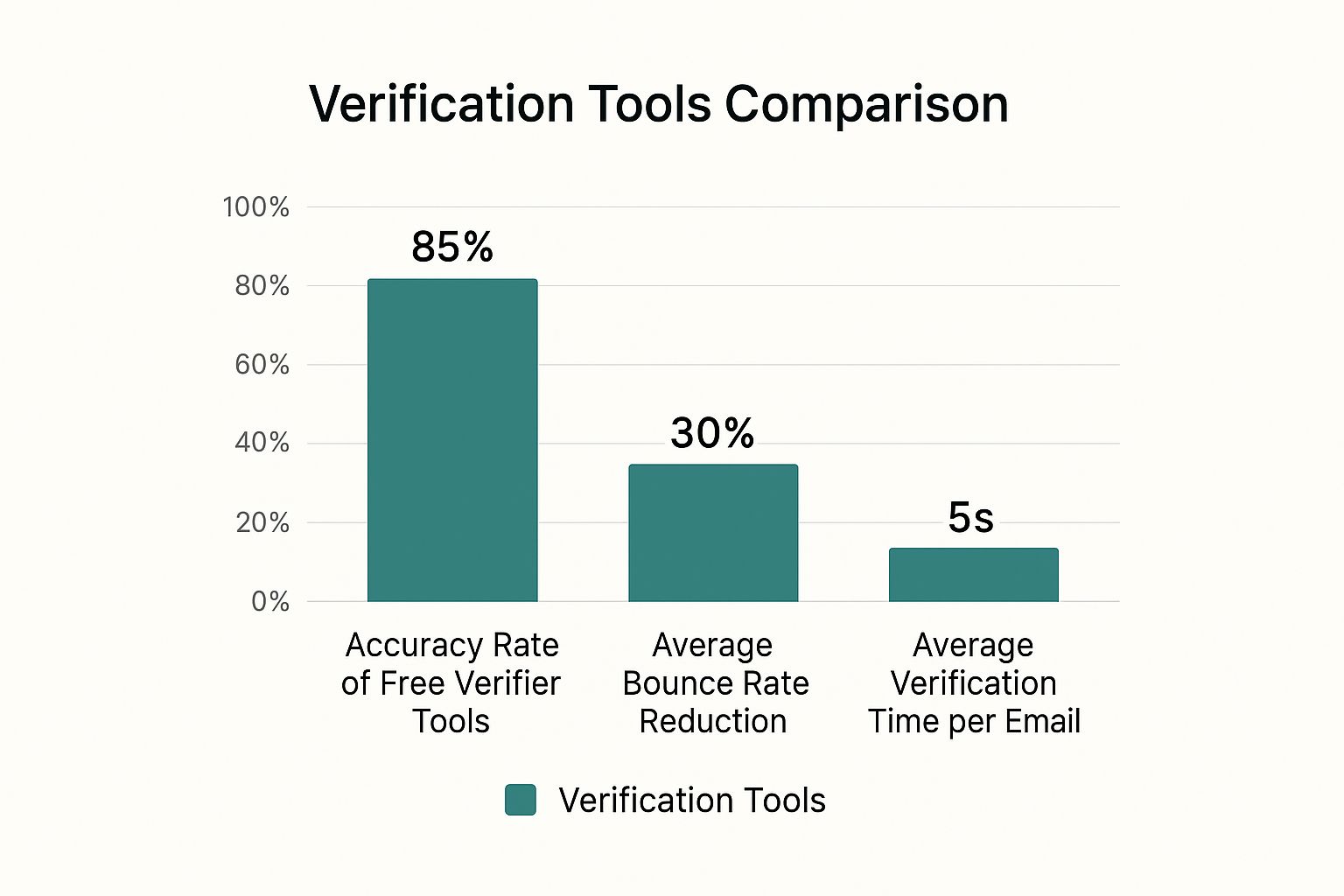
    And they do work. Here’s a quick breakdown of what you can generally expect from free tools in terms of performance.
    Image

    As you can see, even the free options deliver solid accuracy, slash your bounce rates, and find emails in just a few seconds.

    Top Free Email Finder Tools Head-to-Head

    So, let's dive into some of the most reliable options on the market. Each one has its own strengths, so the right choice really depends on how you work.

    Choosing the right tool is key to maximizing your free prospecting efforts. This table breaks down the essential features of the top free email finders to help you decide which one fits your workflow best.

    Top Free Email Finder Tool Comparison

    Tool Name Free Plan Limit Primary Use Case Browser Extension Available
    EmailScout Unlimited Building lists at scale while browsing Yes (Chrome)
    Hunter 25 searches/month Finding company-wide email patterns Yes (Chrome, Firefox)
    Skrapp 20 searches/month LinkedIn-focused prospecting Yes (Chrome, Firefox)

    Ultimately, your choice depends on your specific needs. For high-volume list building, a tool with an unlimited plan is a game-changer, while for targeted, occasional searches, a limited plan can be perfectly adequate.

    Now, let's look a little closer at each one.

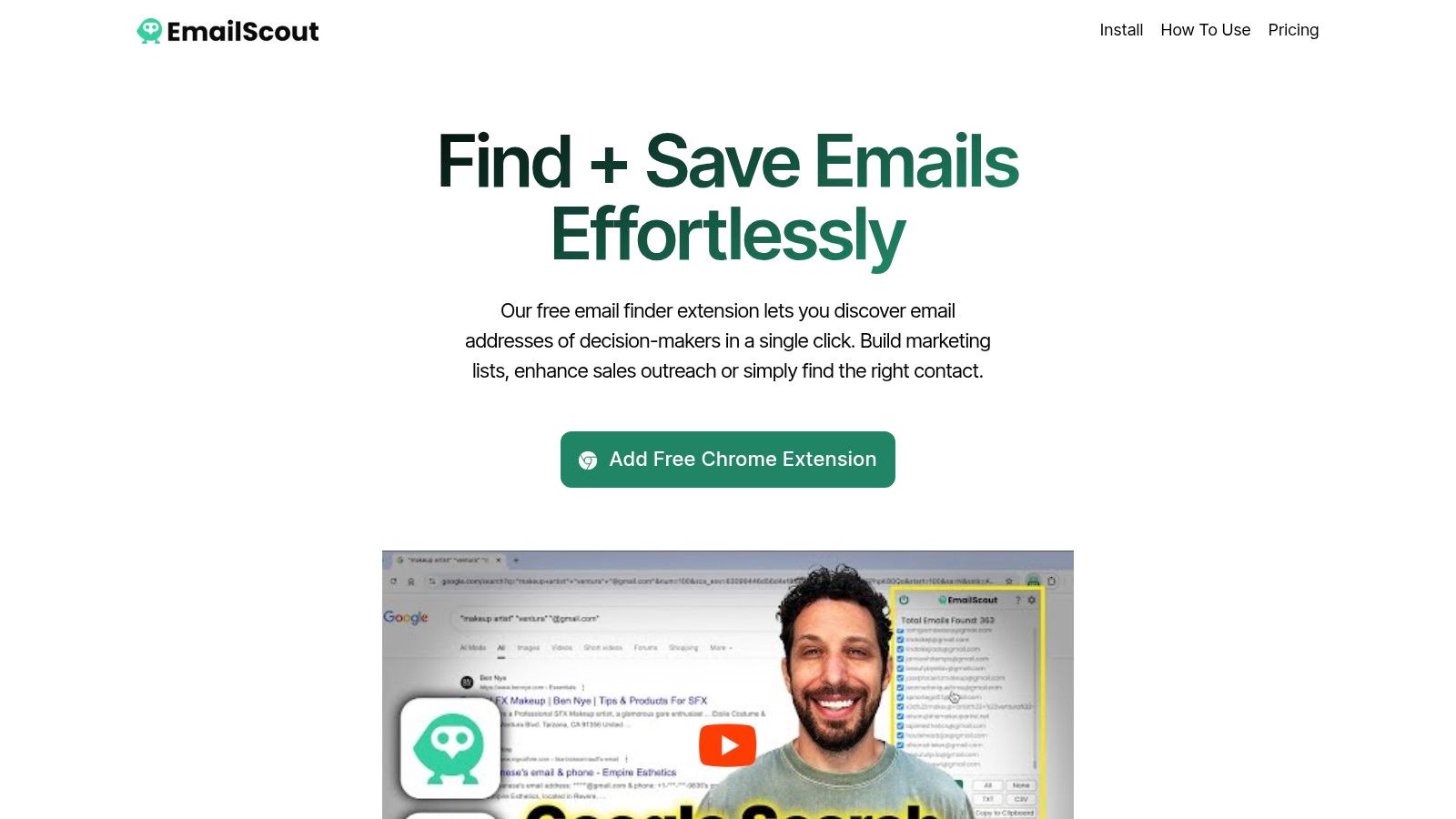
    EmailScout

    EmailScout really stands out with its generous free plan and a super clean Chrome extension. It's built for efficiency, letting you grab emails right from LinkedIn profiles or company sites with a single click. The AutoSave feature is a personal favorite for building lists on the fly as I browse.

    • Free Plan: Unlimited free email lookups.
    • Best For: Sales pros and marketers who need to build lists quickly without constantly worrying about credit limits.
    • Pro Tip: The URL Explorer feature is a beast. You can feed it a list of company websites, and it will pull all available emails for you, saving a massive amount of manual work.

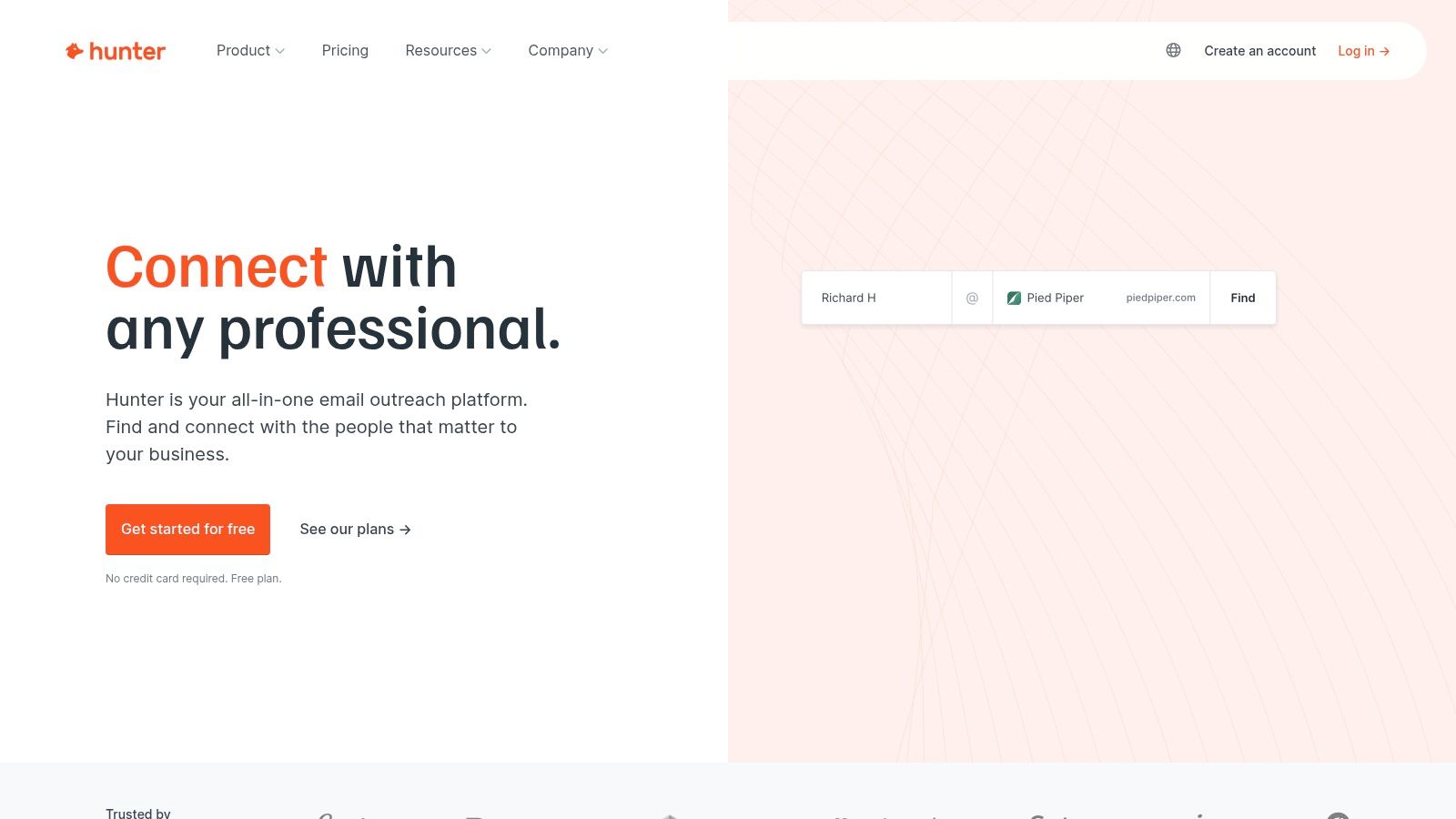
    Hunter

    Hunter is one of the most well-known names in the game, and for good reason. Its domain search is fantastic for quickly figuring out the common email pattern at any company (like firstname.lastname@company.com). The free plan is a bit tight, but it’s still incredibly valuable for targeted searches.

    • Free Plan: 25 free searches per month.
    • Best For: Finding the email format for a specific company or running a few high-priority individual searches.
    • Pro Tip: Use Hunter’s domain search first to get the company's email pattern. Then, try to construct the email yourself using manual methods. This saves your precious credits for when you truly need them.

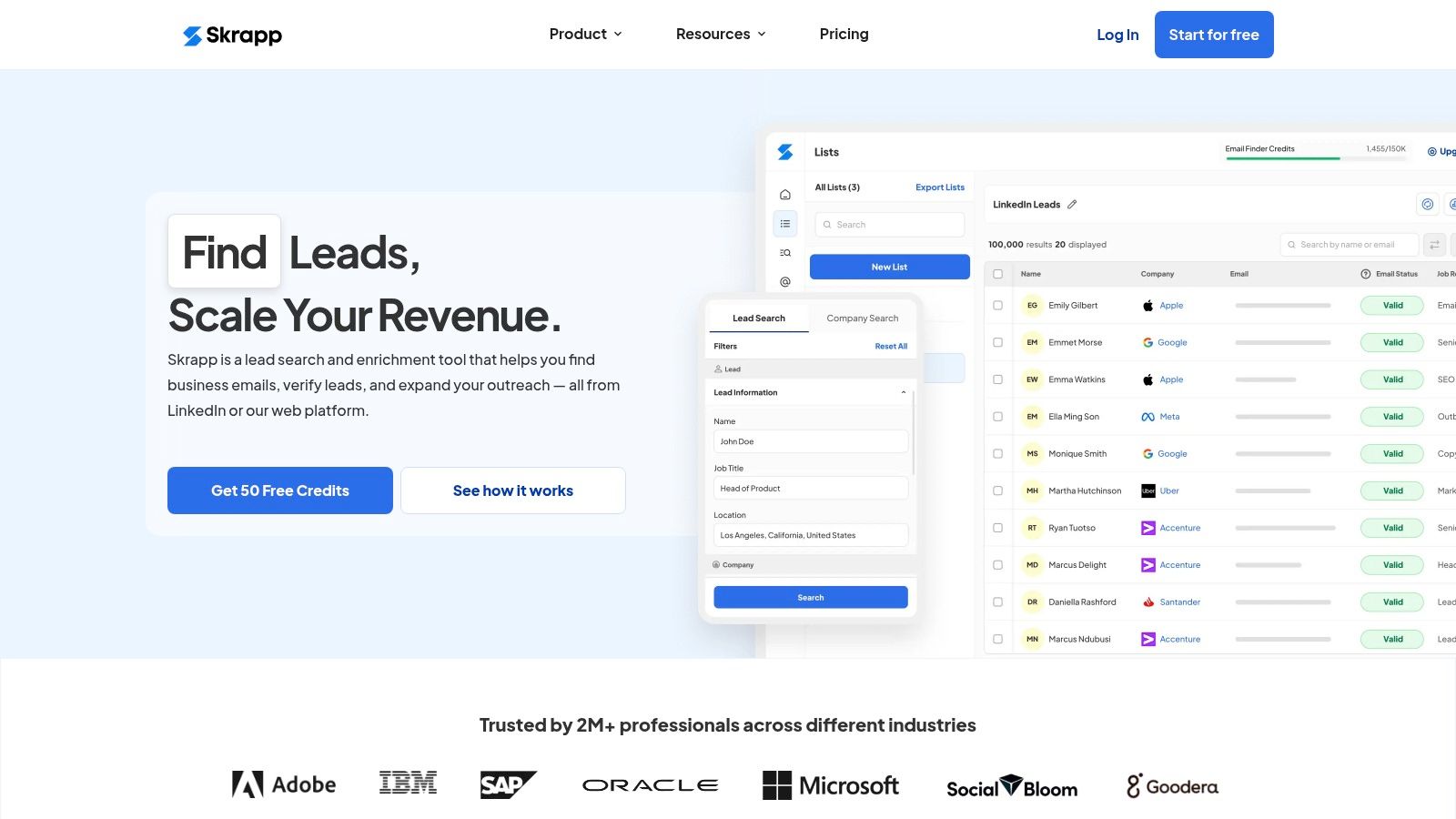
    Skrapp

    Skrapp is another heavy hitter, especially for anyone living on LinkedIn. Its browser extension plugs right into LinkedIn profiles and Sales Navigator, which makes finding and saving prospect info incredibly smooth.

    • Free Plan: 20 free searches per month.
    • Best For: Sales teams who rely heavily on LinkedIn for their prospecting.
    • Pro Tip: Create separate lists inside Skrapp for different campaigns. This helps keep your free lookups organized and focused on your most important outreach.

    The right tool really comes down to your primary goal. If you're building bigger lists, a tool with a generous free plan like EmailScout is your best bet. For those occasional, high-stakes lookups, the limited plans from Hunter or Skrapp will get the job done.

    A Practical Workflow for Using Free Tools

    Knowing how to find email addresses for free is all about having a smart, repeatable process. Don't just click the extension button on every profile you stumble upon. Instead, weave these tools into your manual workflow.

    Here’s an approach that has worked well for me:

    1. Manual First, Always. Start with the simple Google and social media searches we covered earlier. You’ll be surprised how often you find what you need without using a single credit.
    2. Find the Pattern. If a direct search comes up empty, use a tool like Hunter to find the company's email pattern. This gives you the formula to build the email yourself.
    3. Use Your Credits Strategically. When all else fails, then you can use a credit from EmailScout or Skrapp on that high-value prospect's LinkedIn profile. Make this your final step.

    This tiered approach ensures you never waste your limited free resources. For a deeper dive into comparing different options, check out our guide on the best free email finder tool to see which one aligns perfectly with your needs.

    By combining your own ingenuity with the speed of these free tools, you can build a powerful and completely cost-effective system for connecting with just about anyone.

    How to Verify Emails Without Sending Anything

    Finding what you think is the right email address is only the first part of the puzzle. The real test is whether it actually works. Hitting 'send' on a bad email is more than just a waste of time—it hurts your sender reputation and can get your future messages flagged as spam.

    Verification is the step that separates the pros from the amateurs. The great news is you can do it for free without ever sending a single test email and tipping off your prospect. The whole point is to confirm an email is real before you reach out, keeping your strategy clean and your contact list full of high-quality, deliverable addresses.

    Using Free Online Email Verifiers

    The fastest way to run a quick spot-check is with a free online email verifier. There are tons of them out there. You just pop the email into a search bar, and the tool runs a few instant checks behind the scenes.

    Most of these free tools will look at a few key things:

    • Syntax Check: Is the format right? It sounds basic, but a quick check for name@domain.com structure and illegal characters weeds out simple typos.
    • Domain Check: It confirms the domain (@company.com) actually exists and is set up to receive mail.
    • Role-Based Detection: It flags generic addresses like info@, support@, or contact@. These are rarely useful for targeted outreach, so it's good to know upfront.

    While these tools won't give you a 100% "deliverable" guarantee, they are perfect for a first pass to get rid of the obvious duds. It takes seconds and costs nothing.

    Verification isn't just about avoiding a bounce. It's about protecting your sender reputation. Every bounce tells email providers like Gmail that you might be a spammer, making it more likely your future messages go straight to junk.

    The Password Recovery Trick

    Here’s a slightly unconventional but incredibly effective trick that works for emails hosted on major platforms like Gmail and Outlook. You're basically using their own account recovery system to see if an address is active.

    This method is so powerful because of how many people use these services. Gmail alone holds about 27.76% of the email client market share, with around 1.8 billion active users. Chances are, a good chunk of the emails you find will be hosted there. You can dig deeper into these numbers with these insights on email provider statistics.

    Here’s how it works—it's surprisingly simple.

    1. Head over to the provider's login page (like Gmail.com or Outlook.com).
    2. Click the "Forgot Password" or "Can't access your account?" link.
    3. Type in the email address you're trying to verify.

    Now, just watch the platform's response.

    • If it says something like "Couldn't find your Google Account" or "That Microsoft account doesn't exist," bingo. The email is fake.
    • If it moves on to the next step, asking for a recovery phone number or an old password, the account is real.

    That’s all you need to know. Just close the window. You’ve just confirmed the email exists without sending a single thing or alerting the owner. You're using the provider's own infrastructure to get a clear yes-or-no answer, making this one of the most reliable free tricks in the book.

    Your Questions on Finding Emails Answered

    Even with the best tools and a solid game plan, you're going to hit some snags. It’s just part of the process. This section is all about tackling the most common questions that pop up when you're trying to find someone's email for free.

    Think of this as your personal cheat sheet for handling those tricky situations, from the legal stuff to what to do when you just can't find that one crucial address.

    Is It Legal to Find and Use Someone's Email for Outreach?

    This is the big one, and it's a fair question. The short answer is: Yes, it's generally legal, but with some important caveats. You have to be working with publicly available information and, crucially, follow email compliance laws like GDPR and CAN-SPAM.

    These rules aren't just red tape; they're there to stop people from getting buried in spam. The key is to be responsible. Your message has to be relevant to their professional role, and you must always give them an obvious, easy way to opt out.

    Ethical prospecting is more than just staying on the right side of the law. It’s about respecting that you’re landing in someone’s personal workspace. As long as your intent is genuine professional communication, you're doing it right.

    What Should I Do If I Still Cannot Find an Email?

    It’s going to happen. Some people are digital ghosts, keeping their email address under lock and key. When all the usual tricks fail, don't just throw in the towel. It's time to get a little creative.

    Here are a few moves I make when I hit a dead end:

    • Engage on Social Media: Don't just send a bland LinkedIn connection request and hope for the best. Drop a thoughtful comment on their latest post or reply to something they shared. Start a real conversation before you even think about asking for an email.
    • Use the Company Contact Form: A lot of people ignore these, but a short, sharp message sent through a company's general contact form can work wonders. They often get routed to exactly the right person.
    • Ask for an Introduction: This is the gold standard. Check for mutual connections on LinkedIn. A warm intro from someone you both know is a thousand times more effective than the best cold email you could ever write.

    Are Free Email Finder Tools Better Than Manual Methods?

    This isn't really an "either/or" question. The smartest prospectors use both. Free email finders and manual sleuthing have their own strengths, and they work beautifully together.

    Doing it by hand—like digging through Google search results—is incredible for finding context. It helps you understand the person you’re trying to reach, which is key for writing an email that actually gets a response.

    But when you need speed and volume, that's where the tools shine. They can track down and verify emails in seconds, a task that would take ages manually. The best workflow is often to use manual tricks to get started, then bring in a tool to confirm what you've found or to scale up your search.

    How Accurate Are the Emails Found with Free Tools?

    You might be surprised. The accuracy of good free email finders is actually pretty high, often landing somewhere in the 85-95% range. These tools aren't just guessing; they use smart algorithms to scrape public data, spot common email patterns, and check in real-time if an address is active.

    Of course, no tool is foolproof. People switch jobs, companies restructure their email formats, and data gets old. That’s precisely why verification is a non-negotiable final step. Before you send anything, run your list through a verification check to weed out the duds. It protects your sender reputation and makes sure all your hard work doesn't just end up as a bounce-back.


    Ready to stop guessing and start finding? EmailScout gives you the power to discover unlimited email addresses for free, directly from your browser. Our intuitive Chrome extension helps you build high-quality contact lists in minutes, not hours. Find your next lead with EmailScout today!

  • 12 Best Free Email Finder Tool Options for 2025

    12 Best Free Email Finder Tool Options for 2025

    In today's competitive environment, connecting with the right people is the backbone of successful sales, marketing, and networking. The primary challenge is often the first step: finding a verified email address. This process can be a significant drain on time and resources, directly impacting your outreach potential and slowing down your growth pipeline. This is precisely the problem a dedicated email finder tool solves, automating prospecting and ensuring your message reaches the intended inbox.

    The great news is that you don't need a significant budget to access this powerful technology. A high-quality, best free email finder tool can be a game-changer, helping you build targeted lists, verify contact data, and dramatically improve your outreach efficiency without any initial investment. However, the market is saturated with options, and navigating the limitations of free plans can be confusing. Each tool offers a different number of free credits, data accuracy levels, and feature sets, making it difficult to determine which one truly fits your specific workflow.

    This comprehensive guide is designed to eliminate that guesswork. We provide a detailed, hands-on analysis of the 12 best free email finders available today. For each tool, we'll dive into its real-world performance, practical use cases, and the genuine capabilities of its free tier. You'll find direct links and screenshots to guide you. Whether you're a freelancer building a client base, a startup founder seeking investors, or a sales professional aiming to crush your quota, this resource will equip you to select the perfect tool to fuel your outreach strategy.

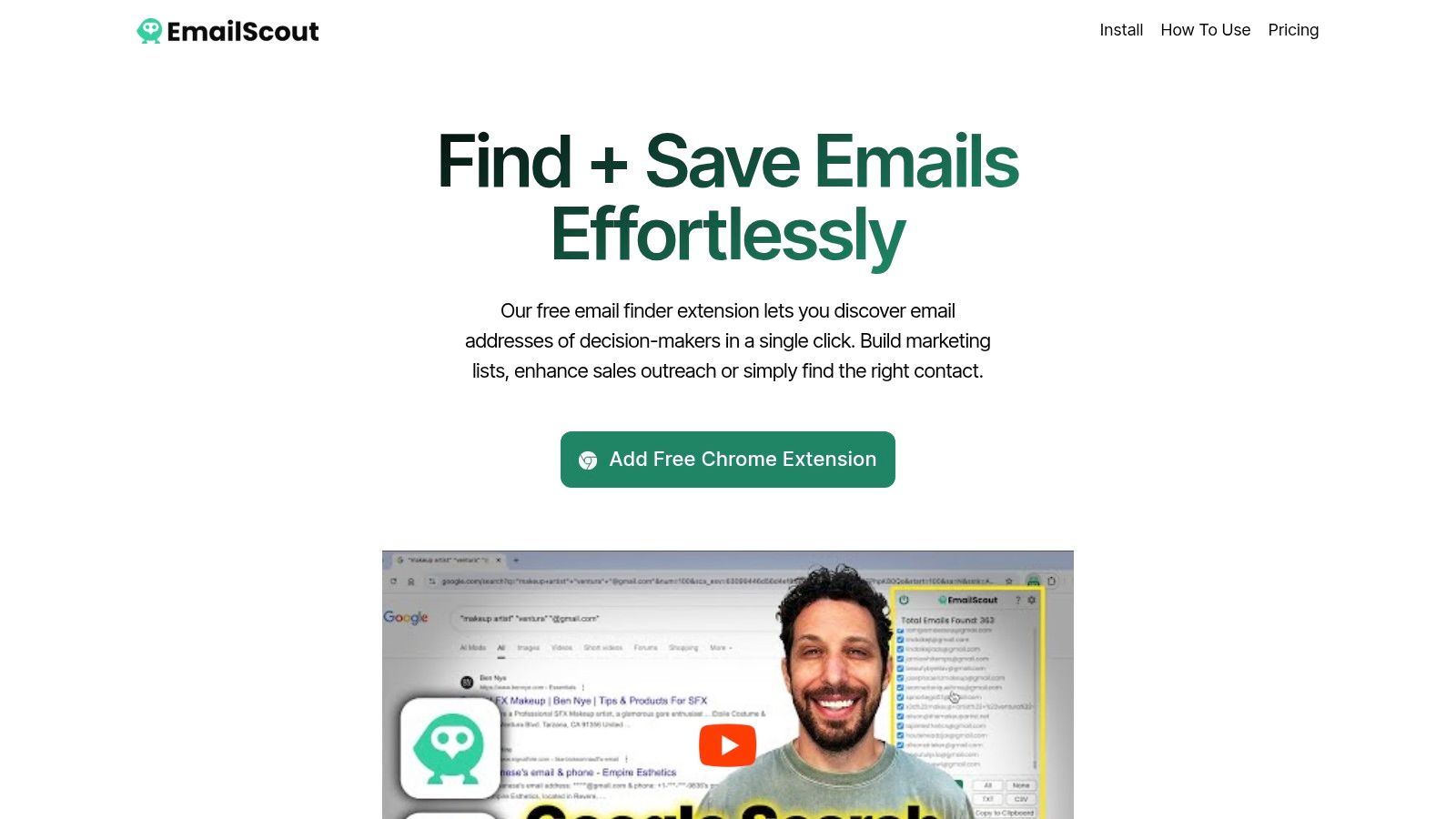
    1. EmailScout

    EmailScout distinguishes itself as the best free email finder tool by offering a rare and highly valuable feature: unlimited email searches and exports at no cost. This single attribute makes it a powerful ally for sales professionals, marketers, and entrepreneurs who need to build substantial contact lists without an initial investment. Its streamlined Chrome extension integrates directly into your browser, allowing for one-click email extraction from any webpage you visit, making it incredibly efficient for on-the-fly lead generation.

    EmailScout

    While the free version is robust, EmailScout’s premium features are where it truly excels in scalability. For users needing to build massive lists, the URL Explorer is a game-changer, capable of scanning up to 1,500 URLs in a single operation. Another standout is the AutoSave feature, which passively collects emails in the background as you browse, creating a hands-free lead generation workflow.

    Key Features & Use Cases

    • Unlimited Free Searches: Build extensive email lists without ever hitting a monthly credit limit. This is ideal for startups and freelancers operating on a tight budget.
    • One-Click Extraction: Instantly pull all available email addresses from a webpage directly from the Chrome toolbar, saving significant manual effort.
    • URL Explorer (Premium): A perfect tool for large-scale campaigns. Simply paste a list of company websites, blog posts, or directory pages to extract thousands of potential leads in minutes.
    • AutoSave (Premium): Activate this feature during research sessions. As you browse competitor sites or industry forums, EmailScout automatically populates your lead list without any extra clicks.

    Why It Stands Out

    EmailScout’s core advantage is its frictionless entry point. The unlimited free plan provides immediate, tangible value, which is a significant differentiator in a market often limited by restrictive credit systems. The user interface is clean and intuitive, requiring virtually no learning curve. Upgrading is also straightforward, with plans starting at an accessible $9/month, ensuring the tool can grow with your outreach needs.

    Pros:

    • Completely free unlimited email searches and exports
    • AutoSave feature for hands-free, passive lead generation
    • URL Explorer can process up to 1,500 URLs at once
    • Affordable and flexible pricing plans for scaling up

    Cons:

    • Advanced automation features like AutoSave and URL Explorer are behind a paywall
    • Only scrapes emails from visited pages, so it may miss contacts hidden behind forms or in databases

    Website: https://emailscout.io

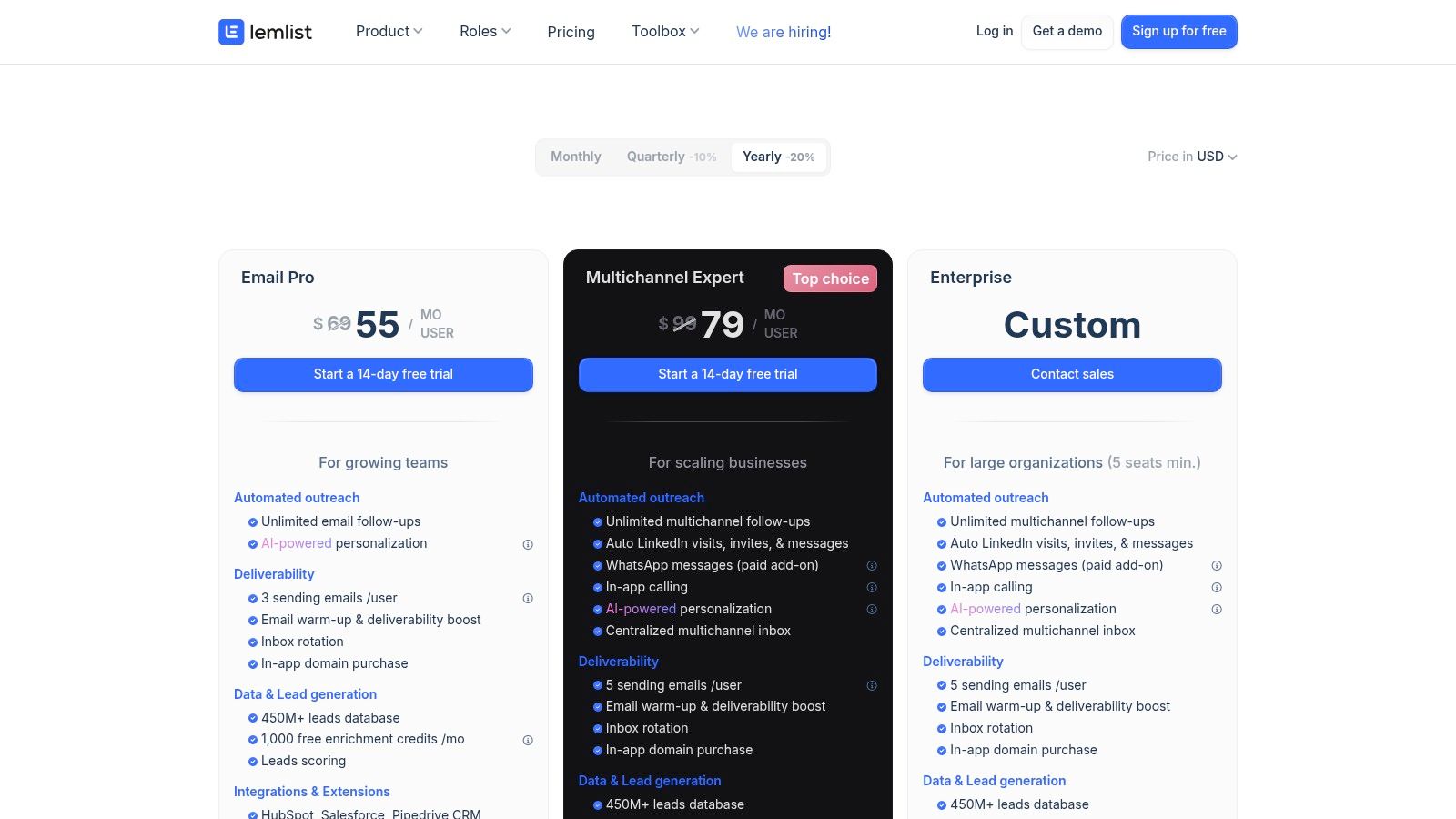
    2. Hunter.io

    Hunter is a giant in the B2B email prospecting world, widely recognized for its comprehensive domain search feature. It excels at finding all publicly available email addresses associated with a specific company domain, making it an ideal starting point for broad outreach campaigns or mapping out an organization's structure. Its straightforward interface and reliable data have cemented its place as a go-to tool for sales and marketing professionals.

    The platform's free plan is designed for light use and evaluation, offering a solid entry point for freelancers or small teams just beginning their prospecting efforts. While the tool is powerful, understanding its credit system is key to maximizing its free offering.

    Hunter.io

    Key Features & Use Cases

    Hunter's strength lies in its simplicity and direct approach to lead generation. It's not just a finder; it's a complete outreach toolkit.

    • Domain Search: The most popular feature, allowing you to input a company website (e.g., company.com) and retrieve a list of associated email addresses. This is perfect for identifying key contacts within a target account.
    • Email Finder: If you have a person's name and company, Hunter can find their specific email address. This is highly effective for targeted outreach to specific decision-makers.
    • Built-in Verification: Each email search also acts as a verification, helping to maintain a clean email list and protect your sender's reputation.
    • Browser Extension: Its Chrome extension allows you to find email addresses associated with the website you are currently visiting, streamlining your prospecting workflow.

    Pricing & Limitations

    Hunter's free plan provides 25 monthly searches and 50 monthly verifications. A "search" is counted for each domain search or individual email lookup. While generous for testing, these credits can be consumed quickly if you're building a large list. Advanced features like bulk tasks and advanced data exports are reserved for paid tiers, which start at $49/month.

    Practical Tip

    Use the Domain Search feature to get a general feel for a company's email pattern (e.g., firstname.lastname@company.com). You can then use this pattern to guess an email and use your free verifications to confirm it, saving your valuable search credits. For more strategies on finding email addresses, you can find a comprehensive guide on how to find someone's email address on EmailScout.io.

    Feature Best For Free Plan Limit
    Domain Search Broad company-level prospecting 25 searches/mo
    Email Finder Targeting specific individuals (Counts toward search limit)
    Email Verifier List cleaning and validation 50 verifications/mo
    Integrations CRM and workflow automation Available on free plan

    Website: https://hunter.io

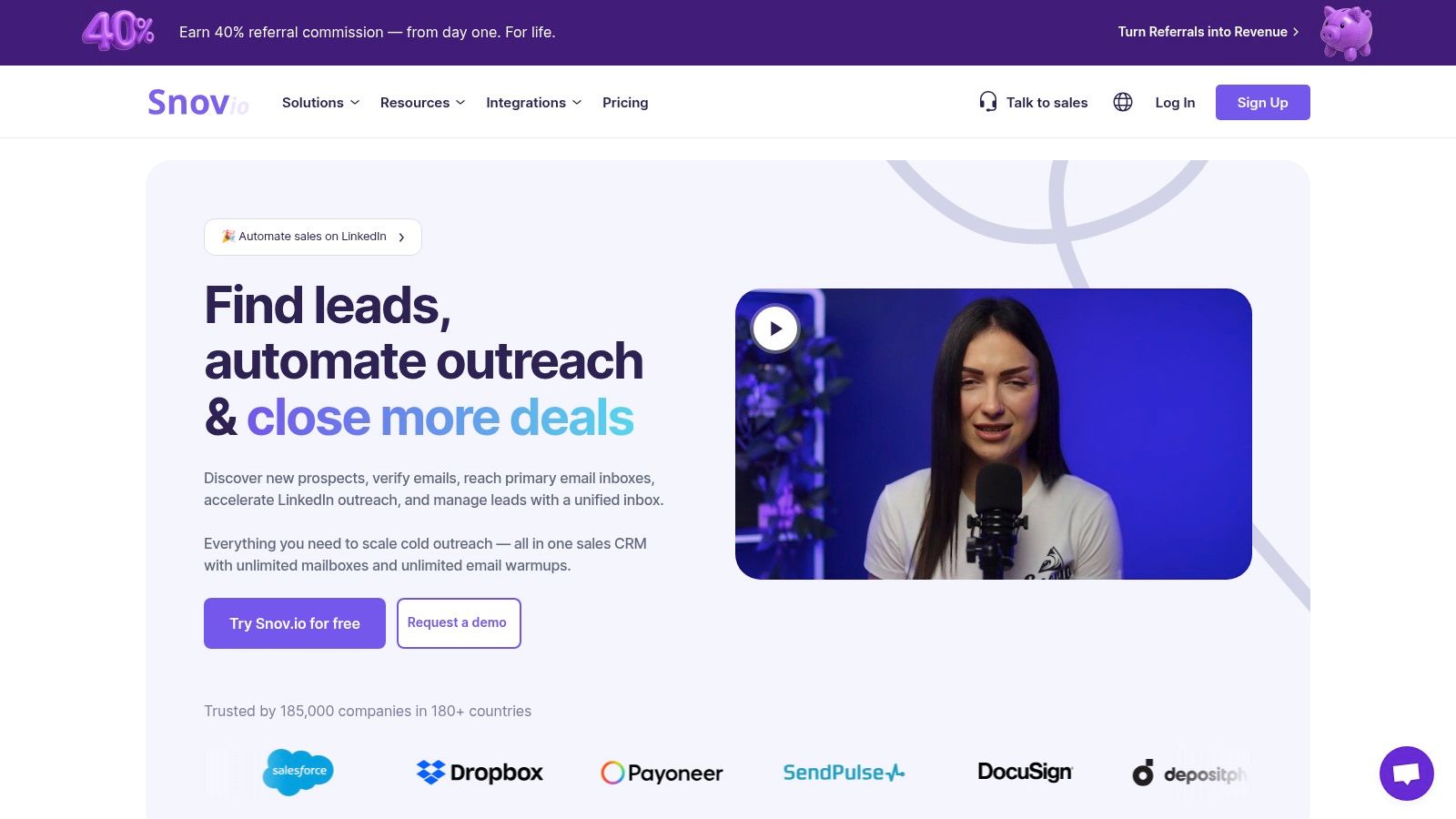
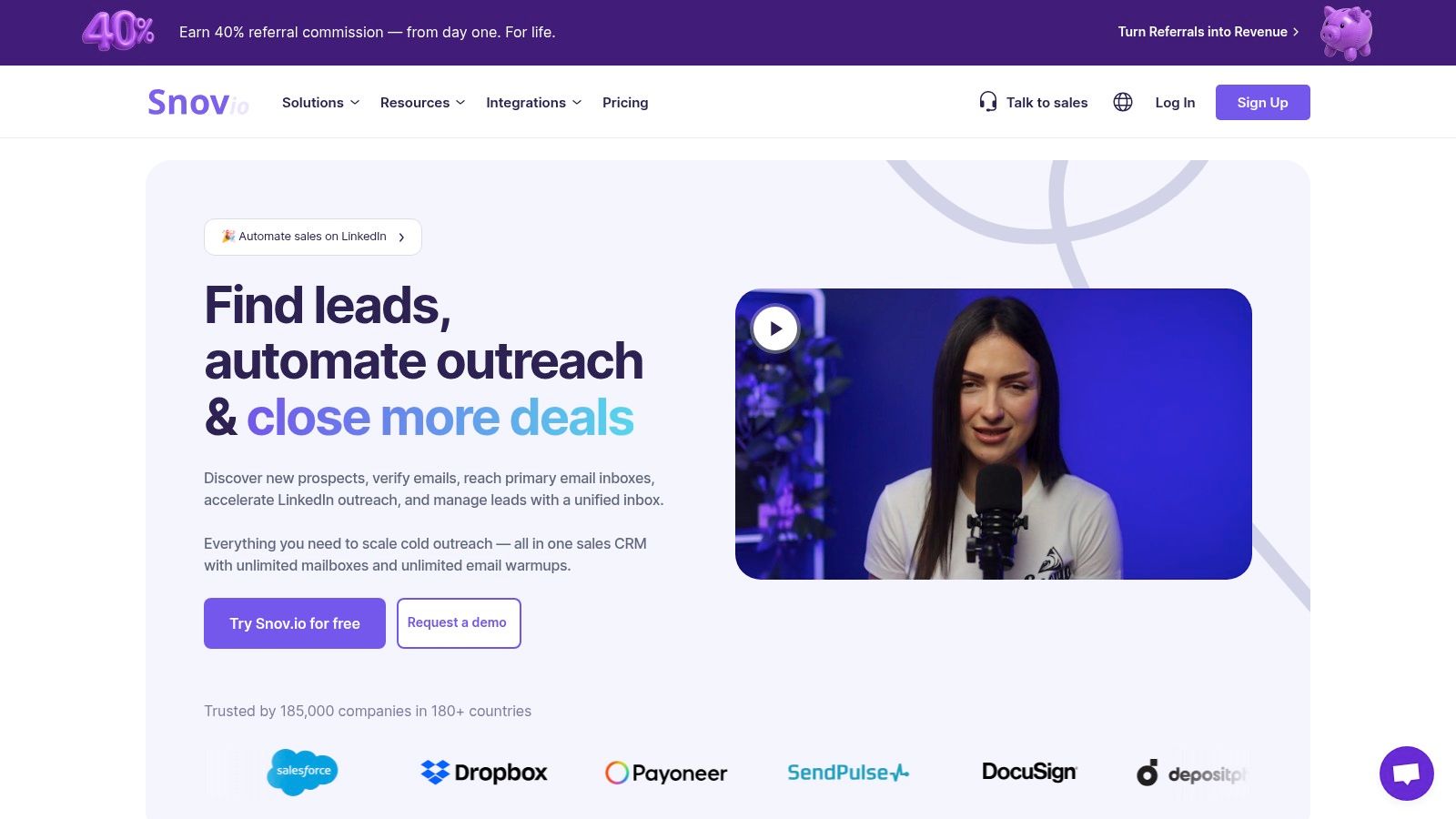
    3. Snov.io

    Snov.io positions itself as an all-in-one cold outreach automation platform, and its email-finding capabilities are a core component of that suite. It's more than just a simple lookup tool; it's designed to support the entire prospecting workflow, from finding leads to verifying their emails and launching automated drip campaigns. This integrated approach makes it a strong contender for users looking to manage multiple aspects of their outreach from a single dashboard.

    The free plan is generous enough to give users a real feel for the platform's power, offering credits that can be used flexibly across its different tools. This makes it a great entry point for those wanting to test a more holistic prospecting solution without immediate financial commitment.

    Snov.io

    Key Features & Use Cases

    Snov.io's feature set is built for sales and marketing teams who need a cohesive, scalable system for lead generation and engagement.

    • Email Finder: Search for emails by individual name, company domain, or even in bulk by uploading a list of names and companies. This is ideal for building targeted prospect lists quickly.
    • LI Prospect Finder: A powerful Chrome extension feature that allows you to find and save leads directly from LinkedIn profiles and search results, complete with email addresses and other data.
    • Email Drip Campaigns: A standout feature that lets you build and automate email outreach sequences directly within the platform, a function often reserved for separate, dedicated tools.
    • Email Verifier: Clean your lists by verifying email addresses in bulk or one by one to reduce bounce rates and protect your sender reputation.

    Pricing & Limitations

    Snov.io's free "Trial" plan provides 50 monthly credits and allows you to add up to 100 recipients to an email campaign. Credits are consumed for different actions: 1 credit per single email found, and 0.5 credits per single verification. This flexible system lets you choose how to spend your allowance, but the credit accounting can feel complex at first. Paid plans with more credits and features start at $39/month.

    Practical Tip

    Leverage the LI Prospect Finder extension on LinkedIn Sales Navigator searches. You can build highly targeted lead lists and then use your free Snov.io credits to find their email addresses directly from the search results page, saving significant time compared to manual lookups.

    Feature Best For Free Plan Limit
    Email Finder Building lists by name or domain 50 credits/mo
    LI Prospect Finder Sourcing leads from LinkedIn (Counts toward credit limit)
    Email Verifier Validating email addresses (Counts toward credit limit)
    Email Drip Campaigns Small-scale automated outreach 100 recipients/mo

    Website: https://snov.io

    4. Apollo.io

    Apollo.io positions itself as more than just an email finder; it's an end-to-end sales intelligence platform. It boasts a massive B2B database, making it a powerful tool for users who need not only contact information but also deep prospecting and engagement features. Its strength lies in integrating the entire top-of-funnel sales process, from finding leads to enriching data and executing outreach sequences.

    The platform's generous "free forever" plan is a major draw, offering a taste of its enterprise-grade capabilities. While it operates on a credit system for revealing contact details, its comprehensive nature makes it one of the best free email finder tool options for those looking to build a full sales workflow.

    Key Features & Use Cases

    Apollo.io excels by combining a vast contact database with powerful sales engagement tools, all within a single interface.

    • Vast Prospecting Database: Access a huge B2B database with advanced filters (job title, company size, location, etc.) to build highly targeted lead lists directly within the platform.
    • Email & Phone Reveal: Use credits to unlock verified email addresses and direct-dial phone numbers for prospects, a key feature for multi-channel outreach.
    • Enrichment & Sequences: Automatically enrich your existing CRM contacts with fresh data or enroll prospects into automated email sequences to nurture leads at scale.
    • CRM Integrations: Seamlessly sync data with popular CRMs like Salesforce and HubSpot, ensuring your sales data remains consistent across your tech stack.

    Pricing & Limitations

    Apollo's free plan is quite robust, offering 60 email credits per year (5 per month) and 10 export credits per month. The monthly email credits are limited, which encourages strategic use for high-value prospects. The free plan also includes access to the Chrome Extension and basic sequencing. Paid plans unlock higher credit limits and advanced features, starting at $49/month.

    Practical Tip

    Use Apollo's advanced prospecting filters to build highly specific lists of your ideal customers first. Before spending your limited monthly email credits, save these lists. Then, strategically use your credits only on the highest-priority contacts in your saved lists to maximize the value of the free plan.

    Feature Best For Free Plan Limit
    Prospecting Database Building targeted lead lists Unlimited browsing, credit-based reveal
    Email & Phone Reveal Obtaining direct contact info 60 email credits/year (5/month)
    Data Enrichment Updating and completing CRM data (Uses export credits)
    Chrome Extension Finding contacts on LinkedIn/websites Included in free plan

    Website: https://www.apollo.io

    5. Skrapp

    Skrapp is a powerful B2B prospecting tool with a strong emphasis on LinkedIn integration, making it a favorite for sales professionals who live on the platform. It excels at extracting email addresses directly from LinkedIn profiles, Sales Navigator, and company websites through its versatile Chrome extension. Its focus on social prospecting workflows makes it a highly efficient tool for building targeted lead lists.

    The platform's free plan is designed for consistent, low-volume use, offering a recurring monthly credit allowance. This makes Skrapp an excellent choice for users who need a reliable, albeit limited, email finder to supplement their ongoing sales activities without a financial commitment.

    Skrapp

    Key Features & Use Cases

    Skrapp is built to streamline the process of finding verified B2B emails, integrating seamlessly into existing sales workflows.

    • LinkedIn & Sales Navigator Integration: The Chrome extension allows you to find emails from individual profiles or search result pages directly within LinkedIn, which is ideal for sales development representatives.
    • Company Email Finder: Use the extension on a company website to uncover email addresses associated with that domain, helping you map out potential contacts.
    • Bulk Email Finder: Upload a CSV file with names and company information to find corresponding email addresses in bulk, saving significant manual effort.
    • Built-in Verification: Each email found is cross-referenced against Skrapp's database to ensure a high level of accuracy and reduce bounce rates.

    Pricing & Limitations

    Skrapp’s free plan offers 20 credits per month. A single credit is used for one email lookup. While the monthly credit count is lower than some competitors, the simplicity of its one-credit-per-email system is a plus. Paid plans, which offer more credits and features like bulk exports, start at $49/month.

    Practical Tip

    Leverage the LinkedIn Sales Navigator extension to its fullest. Build highly targeted lead lists within Sales Navigator and then use Skrapp to enrich those lists with contact information in one go. This targeted approach ensures you use your limited free credits on the most promising prospects. To understand more about company-level searches, see this guide on how to find company email addresses on EmailScout.io.

    Feature Best For Free Plan Limit
    LinkedIn Extension Sales prospecting on LinkedIn 20 credits/mo
    Company Finder Website-based email discovery (Counts toward credit limit)
    Bulk Finder Enriching existing lead lists (Counts toward credit limit)
    Email Verification Data accuracy and validation Included with each search

    Website: https://skrapp.io

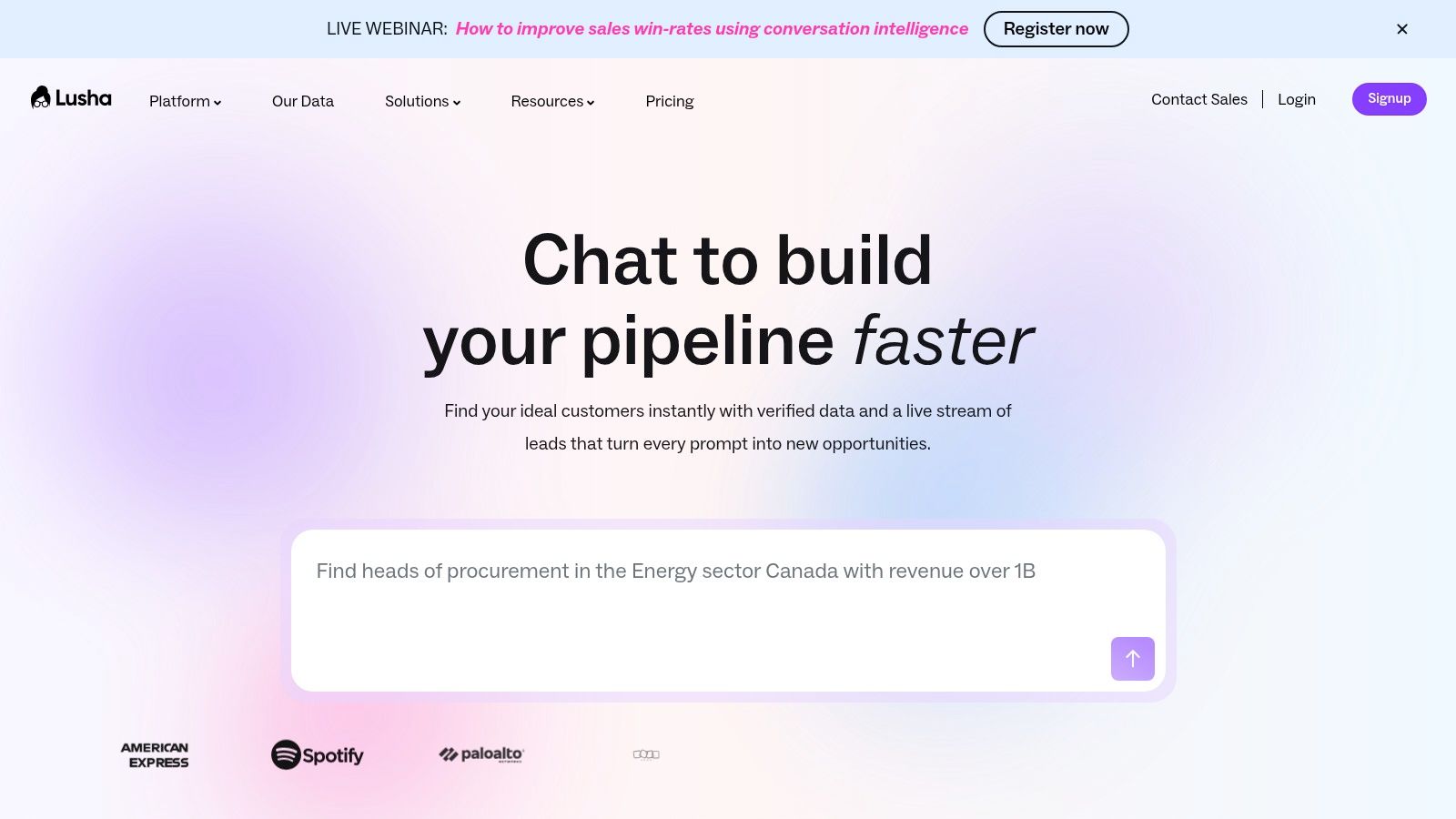
    6. Lusha

    Lusha has carved out a strong reputation as a premium sales intelligence platform, excelling at providing not just email addresses but also direct-dial phone numbers for B2B contacts. Its polished interface and seamless integration with platforms like LinkedIn make it a favorite among sales teams who need accurate, multi-channel contact information to close deals. The tool is designed for speed and accuracy, helping users bypass gatekeepers and connect directly with decision-makers.

    The free plan offers a taste of its powerful capabilities, providing a small number of credits each month. This makes it a great supplementary tool for high-value targets or for professionals who only need to find a few key contacts periodically.

    Lusha

    Key Features & Use Cases

    Lusha's primary strength is providing both email and phone contact details, offering a more holistic approach to prospecting than many competitors.

    • Email & Phone Number Reveal: With a single click on a contact's LinkedIn profile or in the web app, Lusha reveals verified email addresses and direct phone numbers.
    • Browser Extension: The Chrome extension is the core of the Lusha experience, allowing you to find contact details directly on LinkedIn, Salesforce, and company websites.
    • CRM Integrations: Seamlessly save and enrich contacts in your CRM (like Salesforce, HubSpot, etc.), reducing manual data entry and keeping your records up-to-date.
    • Team Management: Paid plans offer features for teams to share credits and manage user access, making it a scalable solution for growing sales organizations.

    Pricing & Limitations

    Lusha's free plan provides 5 credits per month. A credit is used to reveal one contact's full details (email and phone number). These credits are quickly consumed, making the free plan suitable for only highly targeted prospecting. Phone number reveals can sometimes cost more credits than emails on certain paid plans. Paid tiers start at $29/month per user (billed annually) for more credits and features.

    Practical Tip

    Reserve your limited free Lusha credits for your highest-value prospects where a direct phone call could make a significant difference. For general email finding, use another tool with more generous free credits and save Lusha for the critical contacts that warrant a multi-channel outreach approach.

    Feature Best For Free Plan Limit
    Email & Phone Reveal Multi-channel sales outreach 5 credits/mo
    Browser Extension Finding contacts on LinkedIn (Uses monthly credits)
    CRM Integrations Automating lead data entry Available on free plan
    Team Features Collaborative prospecting Paid plans only

    Website: https://www.lusha.com

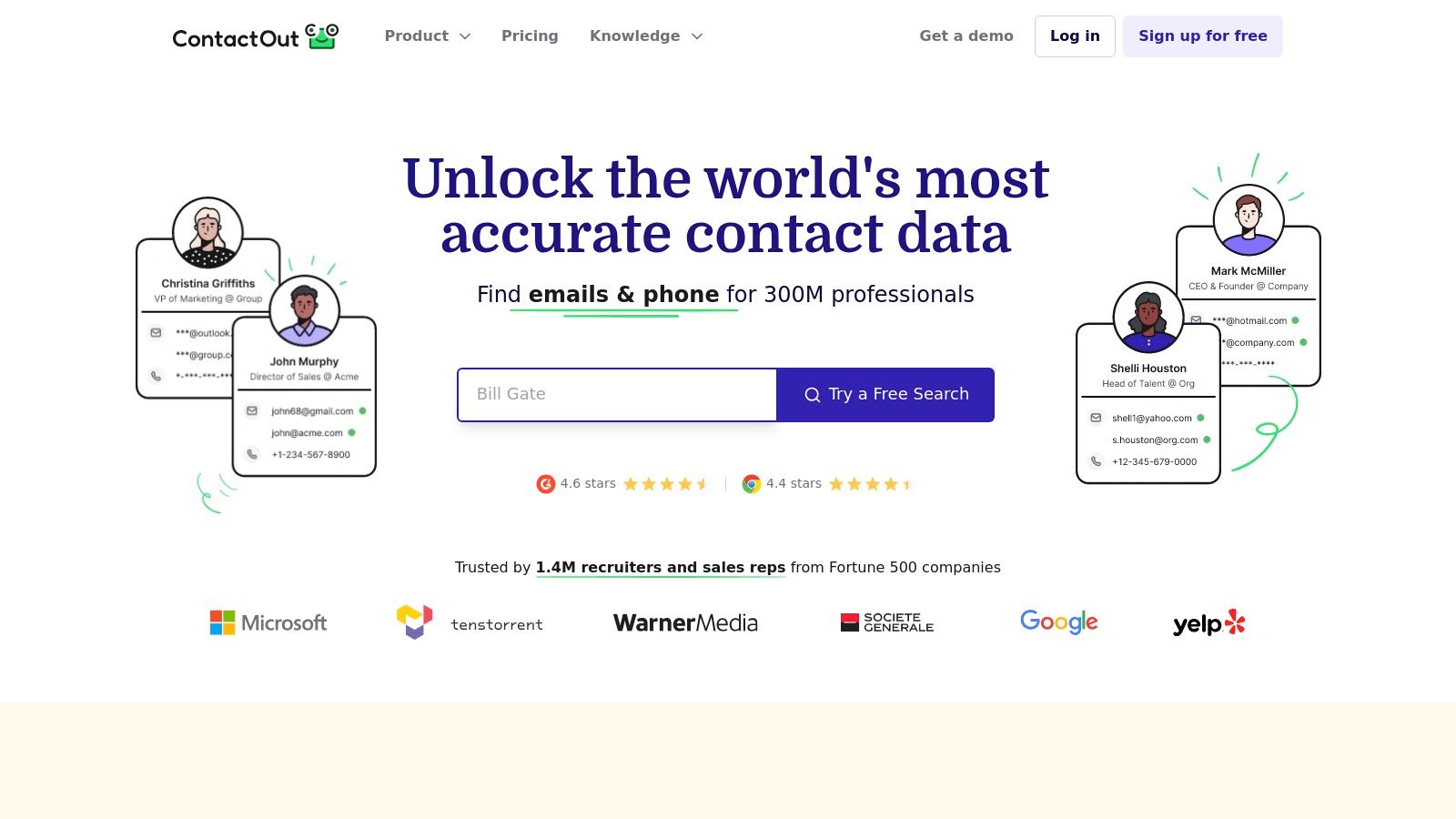
    7. ContactOut

    ContactOut is a powerful email and phone number finder, heavily favored by recruiters and sales professionals for its direct integration with LinkedIn. It operates primarily through a Chrome extension, allowing users to uncover contact details from personal profiles with a single click. Its reputation is built on providing both professional and personal email addresses, offering multiple avenues for outreach.

    The platform's free plan is notable for providing a recurring daily allowance of credits, making it a sustainable option for consistent, low-volume prospecting. This model allows users to continuously test data quality and integrate the tool into their daily workflow without needing an immediate subscription, making it a strong contender for the title of best free email finder tool for LinkedIn-centric users.

    ContactOut

    Key Features & Use Cases

    ContactOut excels at enriching profiles directly where most prospecting happens: on LinkedIn. Its features are designed to quickly turn a social profile into an actionable lead.

    • LinkedIn Profile Enrichment: The core feature, its Chrome extension, adds a sidebar to LinkedIn profiles, revealing work emails, personal emails, and sometimes phone numbers.
    • Email & Phone Finder: Beyond LinkedIn, you can use its web app to search for contacts, although the extension-based workflow is its primary strength.
    • Data Accuracy: The tool claims a high accuracy rate by cross-referencing multiple data sources, which is particularly useful for recruiters trying to reach passive candidates.
    • Search Portal: Users can search for candidates within ContactOut’s own database of professional profiles, filtering by job title, skills, and location.

    Pricing & Limitations

    ContactOut's free plan offers 40 contacts per month, which is a solid starting point for individual users. The main limitation is that its full potential is realized only through its Chrome extension on LinkedIn. Full pricing details for paid plans are not publicly listed and often require a sales consultation. Advanced features like team management and API access are reserved for higher-tier paid plans.

    Practical Tip

    Since the free credits are limited, be strategic. Before using a credit on a LinkedIn profile, quickly assess if the person is the right decision-maker for your outreach. Prioritize high-value prospects to ensure every credit counts towards a meaningful connection.

    Feature Best For Free Plan Limit
    LinkedIn Extension Recruiters & sales reps on LinkedIn 40 contacts/mo
    Email Finder Sourcing both work & personal emails (Counts toward contact limit)
    Phone Number Search Multi-channel outreach (Included in contact limit)
    Search Portal Sourcing outside of LinkedIn Available on free plan

    Website: https://contactout.com

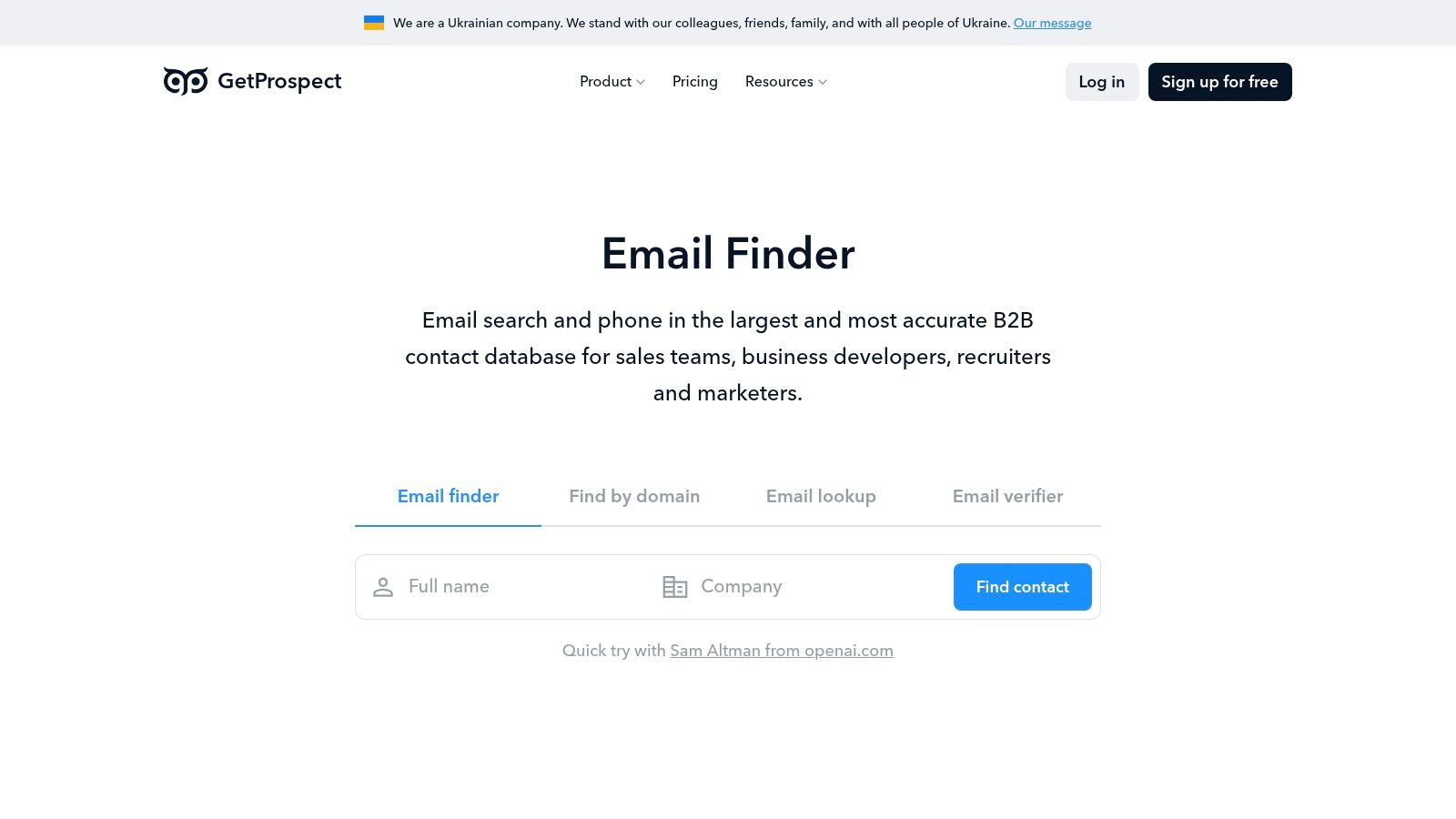
    8. GetProspect

    GetProspect is a highly regarded email finder that strikes a compelling balance between a generous free plan and powerful B2B prospecting features. It is particularly well-suited for users who need a reliable stream of verified contacts without an immediate financial commitment. The platform is designed for efficiency, focusing on providing valid email addresses and essential data points to fuel sales and marketing pipelines.

    The free plan is one of the most generous available, offering a substantial number of credits for both finding and verifying emails each month. This makes GetProspect an excellent choice for startups, freelancers, or sales teams looking to build their initial contact lists without incurring costs.

    GetProspect

    Key Features & Use Cases

    GetProspect combines a powerful LinkedIn extension with a robust web app to create a seamless prospecting workflow.

    • LinkedIn Prospecting: Its Chrome extension is a standout feature, allowing users to find email addresses and other contact data directly from LinkedIn profiles and search results.
    • Bulk & Single Finder: You can search for individual contacts by name and company or upload a CSV file with names and companies to enrich the list with emails in bulk.
    • Built-in Verification: The platform prioritizes data quality by including a verifier, ensuring the emails you find are valid and reducing bounce rates.
    • Basic Cold Emailing: GetProspect includes a simple sequence builder, allowing you to send basic cold email campaigns directly from the platform, which is a useful addition for small-scale outreach.

    Pricing & Limitations

    The GetProspect free plan provides 50 valid email credits and 100 verifications per month. A "valid email" credit is only consumed when a verified, valid email is found. This is a key distinction that makes its free offering particularly valuable. While the UI is clean and functional, it lacks the polish of some larger sales suites. Paid plans start at $49/month for 1,000 valid emails.

    Practical Tip

    Leverage the LinkedIn extension for targeted list-building. Identify key decision-makers on LinkedIn, and use your free credits to pull their verified contact information. This targeted approach ensures you use your monthly credits on the highest-value prospects.

    Feature Best For Free Plan Limit
    LinkedIn Extension Finding emails from LinkedIn profiles 50 valid emails/mo
    Email Finder Individual or bulk contact lookups (Counts toward email limit)
    Email Verifier Validating existing email lists 100 verifications/mo
    Data Export Saving prospects to CSV/XLSX Available on free plan

    Website: https://getprospect.com

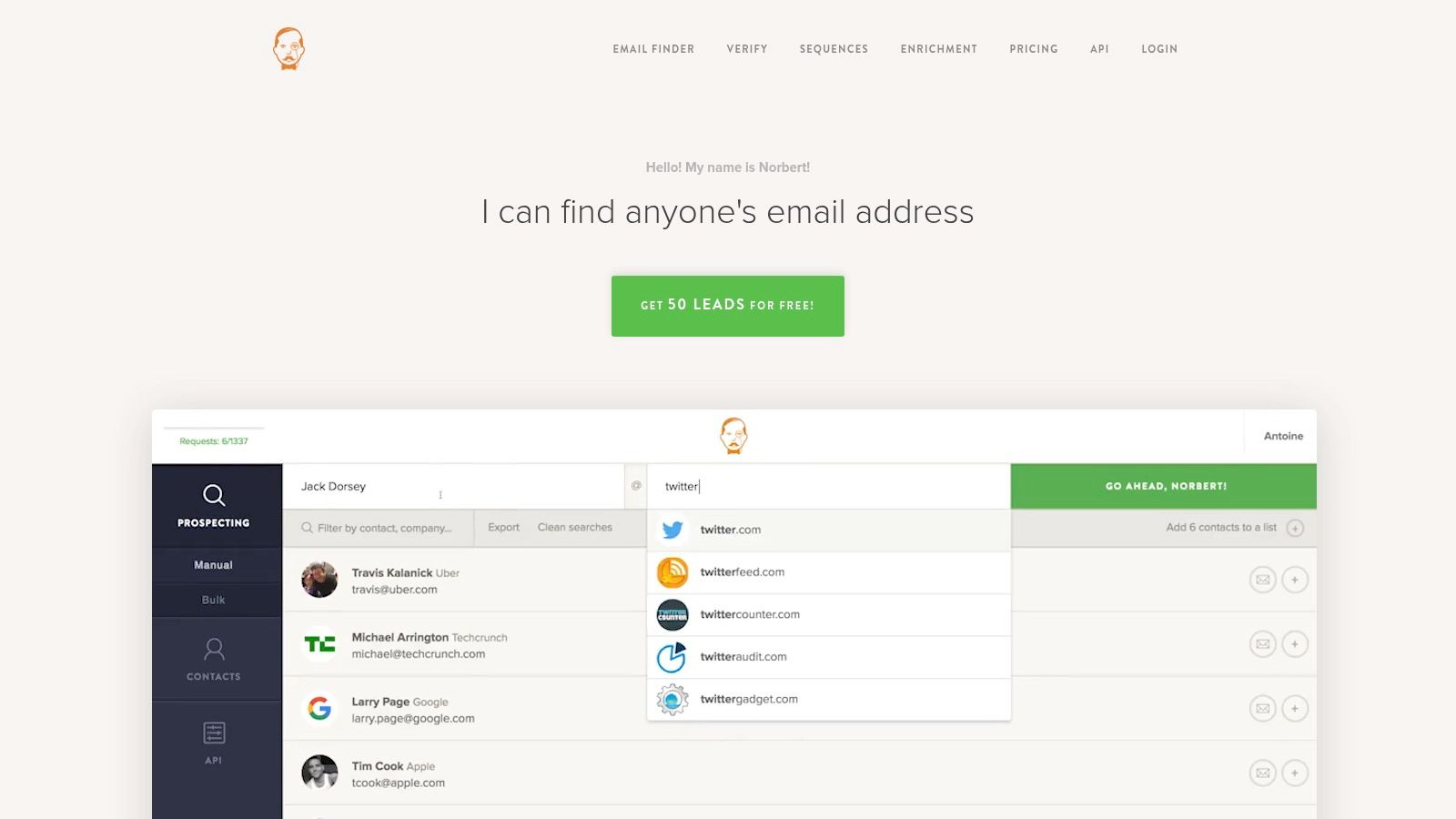
    9. Voila Norbert

    Voila Norbert has built a strong reputation over the years for its simplicity and accuracy in finding corporate email addresses. It operates on a straightforward principle: you provide a name and a company domain, and Norbert finds the corresponding email. Its clean interface and "pay-for-what-you-find" philosophy make it an attractive option for users who need a reliable, no-frills email finder without a complex subscription.

    The platform offers a one-time trial for new users to test its capabilities. While not a recurring free plan, this initial credit pack is a great way to evaluate its accuracy and see if its pay-as-you-go model fits your workflow, making it a valuable contender for anyone testing the best free email finder tool options.

    Voila Norbert

    Key Features & Use Cases

    Voila Norbert focuses on doing one thing exceptionally well: finding emails. Its features are built around this core function to ensure high deliverability and user confidence.

    • Single & Bulk Email Finding: Ideal for both targeted searches for specific decision-makers and enriching larger prospect lists by uploading a CSV file.
    • High-Confidence Results: Norbert provides a confidence score for each email it finds, helping you prioritize the most likely valid addresses and reduce bounce rates.
    • Verification & Enrichment: Beyond just finding, it offers services to verify existing email lists and enrich contacts with additional data points like job titles and social profiles as add-ons.
    • Chrome Extension: The browser extension allows for quick prospecting directly from company websites and LinkedIn profiles, integrating smoothly into your research process.

    Pricing & Limitations

    Voila Norbert’s free offering consists of 50 free credits as a one-time trial for new sign-ups. Unlike other tools with recurring monthly limits, these credits do not renew. The key advantage is that you are only charged a credit for a successful find. After the trial, paid plans start at $49/month for 1,000 credits, with pay-as-you-go options also available.

    Practical Tip

    Use your 50 free trial credits strategically on high-value prospects where you are confident about the name and company domain. Since credits are only deducted for successful finds, you don't have to worry about wasting them on unsuccessful searches, allowing you to maximize the value of your trial.

    Feature Best For Free Plan Limit
    Email Finding High-accuracy individual lookups 50 credits (one-time)
    Confidence Score Ensuring list quality (Included with searches)
    Integrations Connecting with other sales tools Available on trial
    API Access Custom tool development Available on paid plans

    Website: https://www.voilanorbert.com

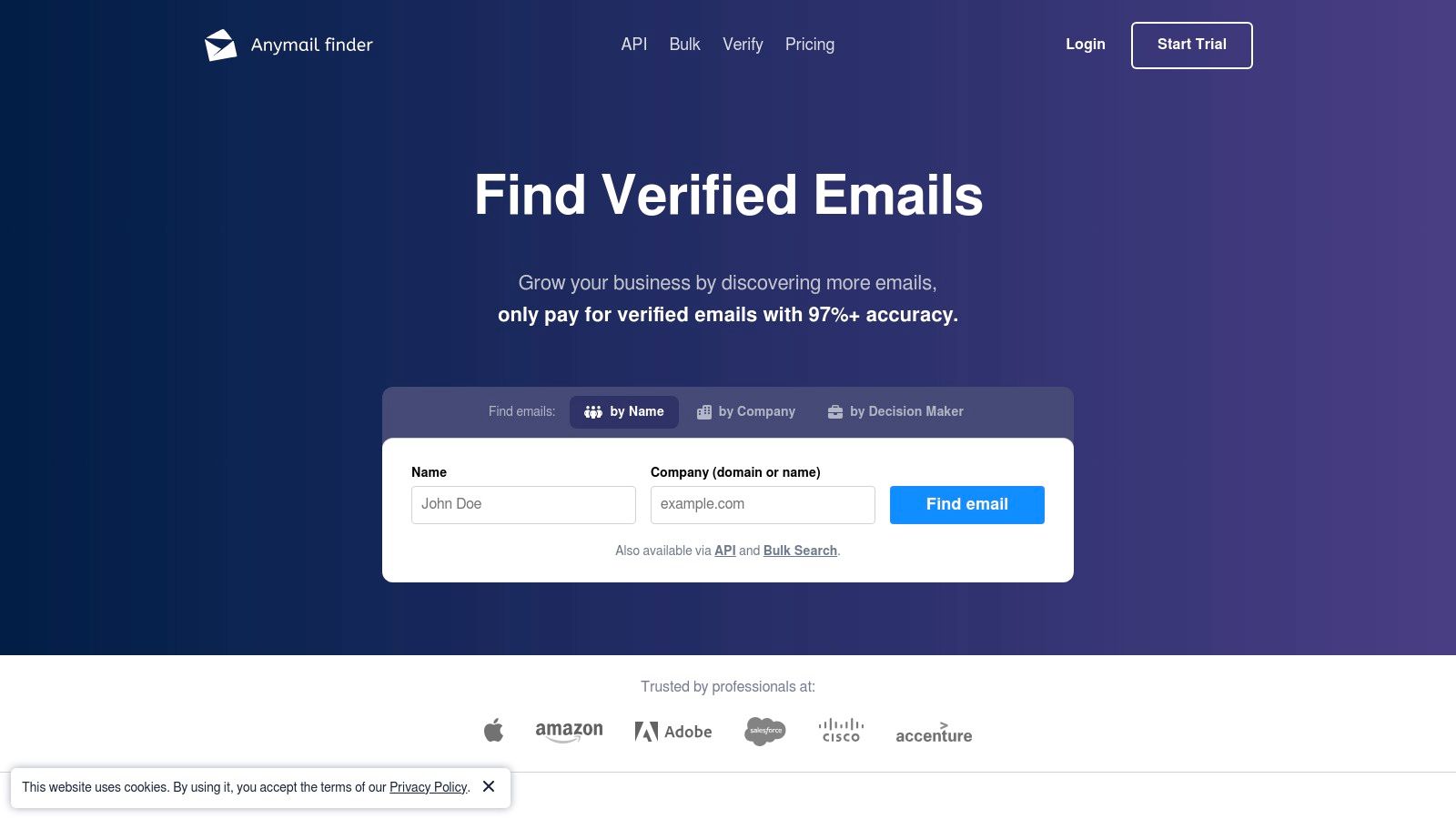
    10. Anymail Finder

    Anymail Finder distinguishes itself with an accuracy-first approach, built around a unique credit system that prioritizes deliverability. The platform charges users only for verified, high-confidence email addresses, making it an excellent choice for teams who cannot afford high bounce rates and need predictable costs for their outreach campaigns.

    While it doesn't offer a perpetual free plan, its trial provides a risk-free way to test its performance. This model is best suited for professionals ready to invest in a reliable tool after validating its effectiveness, ensuring every credit spent translates directly into a usable contact.

    Anymail Finder

    Key Features & Use Cases

    Anymail Finder’s core value is its promise of quality over quantity, with features designed to maximize the ROI of your prospecting efforts.

    • Pay-for-Verified Model: Its most significant feature is that credits are only consumed for emails with a 97%+ deliverability rating. Guessed or unverified emails are free, protecting your budget.
    • Bulk Finder & Verifier: Upload a list of names and companies to find or verify email addresses in bulk, saving significant manual effort.
    • Rollover Credits: Unused credits roll over each month, providing flexibility for fluctuating campaign needs without wasting your subscription value.
    • Duplicate Prevention: The system automatically detects and provides duplicates free of charge within a 30-day window.

    Pricing & Limitations

    Anymail Finder offers a free trial with 20 verified emails. After the trial, you must upgrade to a paid plan, which starts at $49/month for 1,000 verified emails. The primary limitation is the absence of a recurring free monthly plan, making it a "try-before-you-buy" tool rather than a long-term free email finder tool.

    Practical Tip

    Use the free trial to test the tool on your most difficult-to-find prospects. This will give you a clear indication of its data quality and accuracy before you commit to a paid subscription, ensuring it aligns with your specific industry or niche needs.

    Feature Best For Free Plan Limit
    Verified Email Search Ensuring high deliverability rates 20 verified emails (Trial)
    Bulk Finder Processing large prospect lists (Counts toward trial limit)
    Rollover Credits Flexible monthly usage Paid plans only
    Duplicate Prevention Cost-effective list building Included in all plans

    Website: https://anymailfinder.com

    11. AeroLeads

    AeroLeads is a versatile prospect and lead generation tool that excels at finding business emails and phone numbers, particularly from professional networks like LinkedIn. It operates primarily through a Chrome extension, integrating directly into your browsing workflow to capture contact information from profiles on platforms such as LinkedIn, Crunchbase, and AngelList. This makes it a strong contender for sales teams and recruiters who spend significant time on these sites.

    The platform offers a free trial that acts as its entry-level free plan, allowing users to test its capabilities without a credit card commitment. While many advanced features are gated, the trial provides a good sense of its core functionality, positioning it as an accessible, free email finder tool for initial prospecting needs.

    Key Features & Use Cases

    AeroLeads is built to streamline the data-gathering process from professional networking sites into a manageable, actionable list.

    • LinkedIn Prospecting: Its Chrome extension is the star feature, allowing you to find email addresses and other data from LinkedIn profiles with a single click. This is ideal for sales development representatives building targeted lists.
    • Data Enrichment: The tool finds not only emails but also company names, phone numbers, job titles, and locations, providing a more complete profile for each prospect.
    • CRM Integration: AeroLeads supports exporting data to popular CRMs like Salesforce, HubSpot, and Zoho, making it easy to transfer your newly found leads into your sales pipeline.
    • Data Export: You can export your collected data as a .csv file, which is useful for bulk uploads or further analysis in spreadsheets.

    Pricing & Limitations

    AeroLeads offers a free trial with 10 credits to find prospects. These credits are used each time you add a prospect to your list. While this is a small number, it's sufficient for evaluating the tool's accuracy and workflow. The free plan has significant limitations; for instance, exporting data requires a paid subscription. Paid plans offer more credits and features, starting at $49/month.

    Practical Tip

    Use your 10 free credits very strategically on high-value prospects you find on LinkedIn. Since the data is captured in real-time, prioritize decision-makers at your top target accounts. You can find more tips on how to validate an email address on EmailScout.io to ensure your limited credits are used on high-quality contacts.

    Feature Best For Free Plan Limit
    LinkedIn Prospecting Sales and recruitment on LinkedIn 10 credits (total)
    Data Enrichment Building complete prospect profiles (Counts toward credit limit)
    Data Export Transferring leads to other systems Paid feature
    Integrations Pushing leads to CRMs Paid feature

    Website: https://aeroleads.com

    12. FindThatLead

    FindThatLead positions itself as more than just an email finder, offering a suite of prospecting and outreach tools aimed at streamlining the entire sales process. It’s built for users who want to not only discover contacts but also engage with them directly from the same platform. The tool is particularly useful for building targeted lists based on specific criteria like industry and location.

    Its permanent free plan offers a sustainable option for individuals or small teams with very light, ongoing prospecting needs. While the limits are modest, it provides a genuine opportunity to integrate the tool into a workflow and evaluate its full potential before considering an upgrade.

    FindThatLead

    Key Features & Use Cases

    FindThatLead combines data discovery with simple campaign management, making it a balanced tool for sales and marketing startups.

    • Prospector Tool: Search and build targeted lists using filters for company, industry, job title, and location. This is ideal for defining a specific market segment and finding relevant leads within it.
    • Email Finder: Find individual email addresses by inputting a person's name and company domain, perfect for direct outreach to key decision-makers.
    • Built-in Outreach: Send simple email sequences directly from the platform, allowing you to quickly act on the leads you've just discovered.
    • Chrome Extension: Scrape contact information from LinkedIn profiles and company websites, adding a layer of convenience to your daily prospecting routine.

    Pricing & Limitations

    The free-forever plan provides 20 monthly credits, which are only consumed when a valid email is found. This makes it a great entry-level option. However, this credit limit is restrictive for any significant list-building efforts. Paid plans offer more credits and unlock advanced features like bulk processing, starting at different price points that can vary by region.

    Practical Tip

    Use the Prospector tool to build a highly targeted, small list of ideal contacts. Since credits are only used on successful finds, you can focus on quality over quantity without wasting your limited free allowance. This makes it a great free email finder tool for hyper-specific campaigns.

    Feature Best For Free Plan Limit
    Prospector Building targeted lead lists 20 successful finds/mo
    Email Finder Locating specific contacts (Counts toward credit limit)
    Outreach Basic email campaigns Available on free plan
    Chrome Extension LinkedIn and website prospecting Available on free plan

    Website: https://findthatlead.com

    Top 12 Free Email Finder Tools Comparison

    Product Core Features User Experience & Quality Value Proposition Target Audience Pricing & Plans
    EmailScout Unlimited email searches/exports; AutoSave; URL Explorer (up to 1,500 URLs) Easy Chrome toolbar integration; highly accurate; time-saving Free unlimited email searches; premium automation; flexible plans Marketers, sales pros, entrepreneurs, freelancers Free unlimited; Premium from $9/month (5,000 emails)
    Hunter.io Domain and person email finder; verifier; team sharing Robust integrations; browser & Sheets extensions Generous free plan; straightforward credit system B2B sales and marketing teams Free limited credits; paid tiers for bulk & advanced
    Snov.io Email finder/verification; LinkedIn sourcing; outreach No credit card signup; flexible credits All-in-one prospecting; free testing tier Small teams, sales & marketing Free tier; paid add-ons for automation
    Apollo.io Email/phone reveal; prospecting filters; CRM sync Large contact database; broad sales tools Free tier to test; integrated sales workflows Sales professionals and teams Free forever core features; paid plans for scale
    Skrapp LinkedIn & website email finder; verification; bulk exports Simple pricing; credit rollover Rolling free plan; good LinkedIn tools Recruiters & sales pros Limited free; paid plans with credit rollover
    Lusha Email & phone reveals; CRM integration; team features Polished UX; easy onboarding Flexible team options; scalable credits Sales teams and recruiters Free limited credits; paid scalable plans
    ContactOut Email & phone finder; LinkedIn-centric workflow Strong recruiting reputation; free daily credits Recurring free credits; Chrome required Recruiters, sales professionals Free daily credits; premium team/API options
    GetProspect Email finder by name/company; verifier; CSV enrichment Clear pricing; utilitarian UI Free email & verification credits; add-ons Small teams, startups Free 50 emails + 100 verifications; paid plans
    Voila Norbert Email finder & verification; pay-as-you-go pricing Transparent per-email pricing Only pay for successful finds; one-time free credits Sales & marketing individuals Pay-as-you-go; free trial credits
    Anymail Finder Person, domain, LinkedIn search; 97%+ delivery verifier Focus on accuracy; credits roll over Pay for valid emails only; risk-free trial Teams focused on deliverability Paid plans only after trial; credits rollover
    AeroLeads LinkedIn & other sources email/phone finder; CRM integration Competitive pricing; free trial Low-cost trial; CRM export Small teams, solo users Free trial; paid credit-based plans
    FindThatLead Email finder with filters; outreach sequences; Chrome extension Balanced toolset; free forever plan Ongoing free plan for light users Small teams, startups Free forever (20 emails/month); paid plans

    Start Building Your Connections Today

    Navigating the crowded landscape of outreach tools can feel overwhelming, but finding the right instrument to build your network doesn't have to be a costly endeavor. Throughout this comprehensive guide, we've explored a dozen of the top contenders, each offering a unique approach to uncovering the contact information essential for growth. The journey from a cold prospect to a warm lead begins with a single, accurate email address, and the tools we've detailed provide a powerful starting point for any sales, marketing, or business development professional.

    The primary takeaway is that there is no single, one-size-fits-all solution. The best free email finder tool is ultimately the one that seamlessly integrates into your specific workflow, respects your budgetary constraints, and consistently delivers the accurate data you need to make meaningful connections. Your ideal choice depends entirely on your strategy and operational needs.

    How to Choose the Right Tool for Your Needs

    To make the best decision, you must first define your primary use case. Are you a freelancer focused on targeted outreach for a handful of high-value clients each month, or are you a startup aiming to build a massive top-of-funnel list?

    Consider these key scenarios when making your selection:

    • For High-Volume Prospecting: If your strategy involves building large lists from various online sources without worrying about monthly credit limits, a tool with generous free search capabilities is paramount. EmailScout's unlimited free searches make it an exceptional choice for this purpose, allowing for extensive research without financial friction.
    • For Deep LinkedIn Integration: Sales professionals and recruiters who live on LinkedIn will benefit most from a tool with a robust and reliable Chrome extension. Solutions like Apollo.io, Snov.io, and ContactOut excel in this environment, offering rich profile data and seamless integration directly within the LinkedIn interface.
    • For All-in-One Sales Engagement: If you need more than just an email finder and are looking for a platform that includes sequencing, CRM integration, and analytics, a comprehensive tool is your best bet. Apollo.io stands out here, providing an entire sales intelligence platform, though its free tier is more limited for pure email finding compared to specialized tools.
    • For Domain-Level Searches: Marketers and business development teams often need to find key contacts within a specific company. Hunter.io has long been the gold standard for its powerful domain search feature, making it incredibly efficient for account-based marketing strategies.

    Final Considerations Before You Begin

    Before committing to a tool and integrating it into your daily operations, remember to consider a few critical factors. Data accuracy should always be a top priority; a large list of unverified emails is far less valuable than a smaller, highly accurate one. Test the verification features of any tool you consider.

    Furthermore, think about your long-term needs. While a free plan is an excellent starting point, evaluate the paid tiers to ensure the tool can scale with your success. Look at the cost per valid email and the additional features unlocked at each level. Finally, always respect data privacy regulations like GDPR and CCPA. Use these tools responsibly to build genuine professional relationships, not to spam.

    The power to connect with almost anyone is now more accessible than ever. By experimenting with the free plans of the tools listed in this article, you can identify the perfect fit for your outreach goals. The right technology will not only save you time but will also open doors to opportunities that can fundamentally transform your business. Start experimenting, find your ideal tool, and begin building the valuable connections that will drive your success forward.


    Ready to stop worrying about monthly credits and start building your prospect lists without limits? EmailScout offers unlimited free email searches, making it the most generous and truly free email finder tool available. Discover the freedom of limitless prospecting with EmailScout today!

  • Boosting Your Cold Email Response Rate

    Boosting Your Cold Email Response Rate

    So, what’s a “good” cold email response rate?

    Honestly, it’s not as simple as picking one magic number. A solid benchmark to aim for is anything over 10%, with most campaigns landing somewhere around the 5% mark.

    Think of it like this: if you’re just starting out, even a 1% response rate is a foothold. It’s data. It tells you something is happening, but your targeting or messaging probably needs a serious tune-up. On the flip side, if you're consistently hitting 20% or more, you're in elite territory. That means your personalization, offer, and timing are all working in perfect harmony.

    A low rate isn’t a failure—it’s a diagnostic tool. It’s your campaign telling you, "Hey, let's fix this!"

    What Do the Numbers Really Mean?

    To get a better handle on where you stand, it helps to think in tiers. This gives you a realistic snapshot of your campaign’s health and shows you what to aim for next. Analyzing different email response rates is the fastest way to understand what's working and what isn't.

    Here’s a quick reference guide to see how your campaigns stack up against industry standards.

    Cold Email Response Rate Benchmarks

    Performance Tier Response Rate What This Means
    Needs Work 1-4% You're getting started, but something's off. Your targeting might be too wide, or your message just isn't connecting. This is a common starting point with lots of room to grow.
    Average 5-9% You're hitting the industry standard. Your campaign has a decent foundation, but you can definitely boost results by tweaking your subject lines, personalizing more, or strengthening your CTA.
    Excellent 10-19% Now we're talking! Your outreach is sharp and effective. You know your audience, your offer is compelling, and your emails are grabbing attention.
    Elite Performer 20%+ You've cracked the code. Your emails feel like they were written just for the recipient. They're valuable, perfectly timed, and start real conversations.

    Keep in mind, the game is getting tougher.

    Recent B2B data shows the average reply rate has dipped to about 5.1%, down from the 7-8% we saw just a few years ago. With around 95% of all cold emails getting completely ignored, a generic, spray-and-pray approach just doesn't cut it anymore.

    How to Accurately Measure Your Response Rate

    Image

    Before you can start improving your numbers, you have to know what they actually are. It's a common trap to use a flawed calculation, which gives you a false sense of either security or failure. You end up trying to fix things that aren't even broken.

    The good news? The formula for this is dead simple. There's only one right way to do it.

    To figure out your true cold email response rate, you just need three pieces of information: the total number of emails you sent, how many of those bounced back, and the number of unique replies you got.

    The Essential Calculation

    This is the only formula you should ever use. It’s simple, but every single part is crucial for getting an honest look at your campaign's performance.

    (Unique Replies / (Total Emails Sent – Bounced Emails)) * 100 = Your Response Rate

    So, why is subtracting those bounced emails so important?

    Think of it like sending physical mail. If you send out 100 letters but 20 come back stamped "wrong address," you didn't really try to reach 100 people—you only actually reached 80. The exact same logic applies here.

    Your campaign’s success should only be judged by the emails that actually landed in a real inbox. Bounces are a deliverability problem, not a messaging problem. With roughly 17% of emails bouncing on average, ignoring them will seriously skew your results and hide how well your message is really connecting. You can learn more about how bounces impact your metrics at infraforge.ai.

    Measuring What Truly Matters

    Let’s be honest, just getting a reply isn’t the goal. Getting the right kind of reply is. A high response rate packed with "unsubscribe" or "not interested" messages isn't a win. It's just noise.

    This is why you have to segment your replies to understand what’s actually working.

    Start tracking different types of responses:

    • Positive Replies: These are the gold. Prospects showing interest, asking for more info, or booking a meeting.
    • Neutral Replies: This could be someone saying, "I'm not the right person, but try my colleague Jane Doe."
    • Negative Replies: These are the straightforward "no thanks" or requests to be removed from your list.

    When you separate them out, you get a much clearer picture of your campaign's health. A 5% positive response rate is worlds better than a 10% overall rate that’s mostly rejections.

    Why Your Cold Emails Are Getting Ignored

    Image

    So, you’ve built your list, crafted what you thought was the perfect message, and hit “send.” And now… crickets.

    It’s one of the most frustrating feelings in sales and marketing. But here’s the thing: the reason your emails are disappearing into a void almost always comes down to a few fundamental mistakes. You’re not just sending a message; you’re interrupting someone’s day. To get a response, you have to earn it.

    Think of their inbox like a crowded, noisy party. A generic, self-serving opener is like shouting into the void—you’ll be ignored. But a thoughtful, relevant comment can start a genuine conversation. If your response rate is in the gutter, your approach is failing that crucial first-impression test.

    Most of the time, it boils down to one of these three core issues.

    Your Message Is Irrelevant

    This is, by far, the biggest killer of cold email campaigns. An irrelevant email isn’t just about offering the wrong product. It’s a message that screams, "I haven't done my homework."

    It feels like junk mail because it’s completely disconnected from the recipient's world—their role, their challenges, and their goals.

    Research backs this up. A 2024 analysis of over 11 million emails found that while decision-makers actually prefer cold email, a staggering 95.9% of messages go unanswered. The main culprit? A whopping 71% of people cited a lack of relevancy as the number one reason they hit delete. You can read the full research on the state of cold email at hunter.io.

    An email only becomes relevant when it solves a problem the recipient is actually thinking about. Pitching social media management to a CFO worried about quarterly financial reporting is a complete waste of everyone’s time.

    The Email Feels Impersonal and Automated

    Personalization is so much more than just dropping in a {{first_name}} tag. Real personalization shows you’ve invested a moment to understand who you’re actually talking to. It’s the difference between a mass-produced flyer and a handwritten note.

    When an email is clearly a generic template blasted to hundreds of people, it triggers an immediate mental spam filter. Prospects can spot these a mile away.

    • Generic Compliments: "I love what your company is doing." (Doing what, exactly?)
    • Vague Openings: "I came across your profile and was impressed." (Impressive how?)
    • No Real Context: The message has zero reference to their recent work, a company announcement, or a shared connection.

    This lack of specific detail signals that the sender is just playing a numbers game. It tells the recipient you don't actually care about starting a conversation—you just want to make a sale.

    You Haven't Established Any Trust

    Let's be honest, you’re a stranger asking for someone's time and attention. In the world of communication, trust is everything. If your email looks unprofessional or even a little sketchy, you’ll never earn it.

    Your domain, your email signature, and the clarity of your ask all build your credibility. A message from a generic Gmail account with a fuzzy call-to-action is an immediate red flag. You have to present yourself as a legitimate professional who has a clear, valuable reason for reaching out.

    Proven Strategies to Get More Replies

    Okay, so you know why your emails might be getting ignored. That’s the first step. Now, let's get into the good stuff—the actionable strategies that turn that silence into actual conversations.

    Boosting your cold email response rate isn’t about a single magic bullet. It's about methodically tuning up every single piece of your outreach.

    From the second your email hits their inbox to the final call-to-action, every word counts. The goal is to make opening, reading, and replying feel like the most natural thing in the world for your prospect. We'll break down exactly how to do that.

    Craft an Irresistible Subject Line

    Your subject line has one job and one job only: get the open. Think of it as the bouncer at the club. If it's boring, generic, or looks spammy, your email is getting kicked to the curb (or the archive folder) instantly.

    To make your subject line pop, you need to either spark curiosity or show immediate relevance. Forget the clickbait. Just give a tiny hint of the value waiting inside.

    • Weak: "Quick Question" (Vague, overused, and immediately forgettable.)
    • Strong: "Question about [Recipient's Company] podcast" (Specific, relevant, and shows you've done some homework.)
    • Weak: "Introduction from [Your Name]" (No one cares. It's all about them, not you.)
    • Strong: "[Mutual Connection] suggested I reach out" (Boom. Instant trust and social proof.)

    A great subject line feels personal and professional all at once. It tells the reader that giving you a few seconds of their time won't be a waste.

    Personalize Beyond the First Name

    Look, true personalization is so much more than just dropping a {{first_name}} tag in your template. It's about proving you have a legitimate, specific reason for contacting them—and not the other 100 people on your list. This is easily the most powerful lever you can pull to jack up your response rate.

    Sending a highly personalized message shows you've invested time and respect their position. It instantly changes your email from an annoying interruption into a potential opportunity.

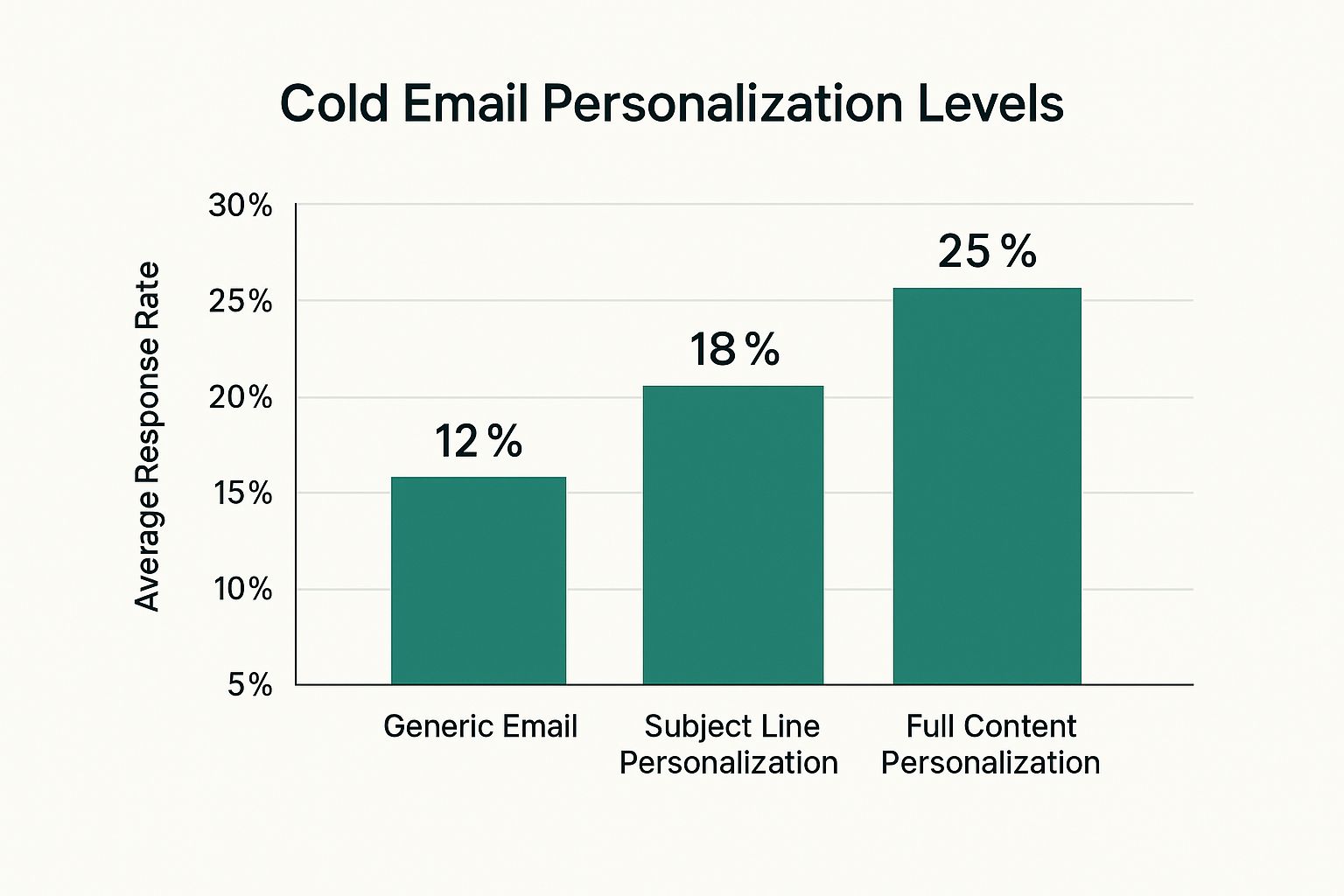
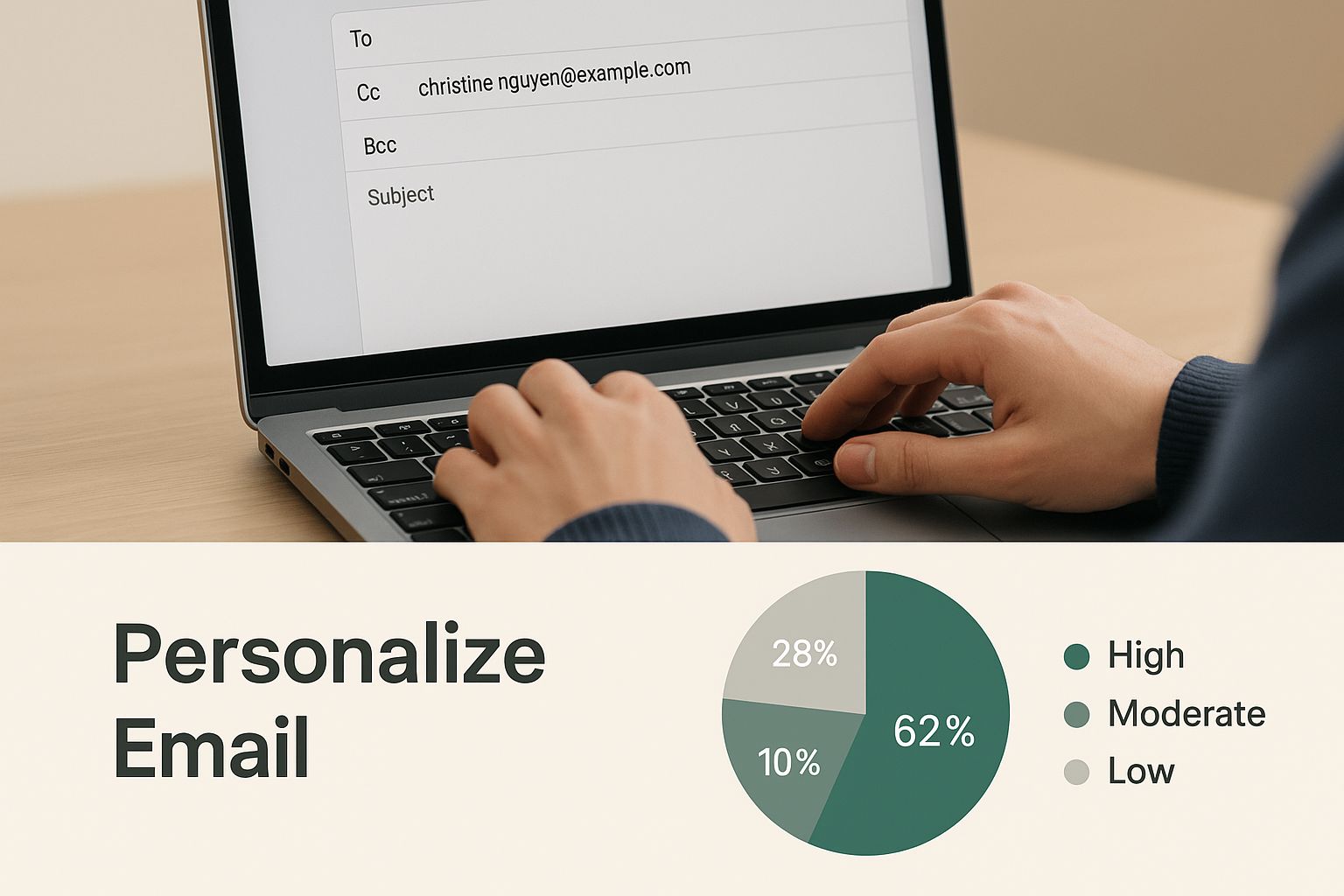
    This is where you bring in the "custom snippets"—those specific, recent, and relevant details that make each email feel unique. It proves you're a human, not a robot blasting out emails. The payoff for this effort is huge.

    Image

    The numbers don't lie. A little bit of genuine personalization can easily double your response rate compared to a generic message.

    To make this crystal clear, here’s how different levels of effort play out.

    Personalization Levels and Expected Impact

    Personalization Level Example Expected Response Rate Impact
    Basic (Low Effort) Using their first name and company name. Low. Better than nothing, but barely.
    Intermediate Referencing their job title or industry. Moderate. Shows you're targeting the right role.
    Advanced (High Effort) Mentioning a recent LinkedIn post, a quote from a podcast they were on, or a recent company award. High. This is the gold standard and gets replies.

    Dedicating a few extra minutes to find that advanced, high-effort snippet is almost always worth the return you'll get in replies.

    Write a Compelling Email Body

    You got the open. Congrats! Now the body of your email has to deliver on the promise your subject line made. This is where you connect their world to your solution. The biggest mistake people make here is talking endlessly about themselves, their company, and their list of features.

    Don't do that. Frame the entire message around the recipient.

    Start by showing you get it—you understand their world. You can learn a lot more about this in our full guide on how to write cold emails that people actually look forward to reading.

    Here's a simple, effective framework:

    1. The Hook: Kick things off with your personalized snippet. "Saw your LinkedIn post on scaling sales teams…"
    2. The Problem: Touch on a relevant pain point. "…and it made me think about how tough it is to keep lead quality high during a growth spurt."
    3. The Value Prop: Gently introduce your solution without a hard sell. "We help B2B tech companies like yours solve this by…"
    4. The Call-to-Action (CTA): Make the next step incredibly easy and low-friction.

    This structure keeps the focus squarely on them and builds a natural bridge from their problem to your solution.

    Use a Smart Follow-Up Strategy

    Here's a hard truth: most replies don't come from the first email. Not even close.

    Campaigns with 4-7 emails in a sequence see a reply rate that is three times higher than campaigns that give up after 1-3 emails. A polite, persistent follow-up strategy isn't optional; it's essential for a healthy response rate.

    But "following up" does not mean sending the same email again with "Just checking in" tacked on top. Gross. Each follow-up needs to add a little more value or offer a new angle.

    • Follow-Up 1 (2-3 days later): A simple, polite bump. That's it.
    • Follow-Up 2 (4-5 days later): Share a relevant case study, blog post, or a surprising stat.
    • Follow-Up 3 (1 week later): Reframe your value prop. Try a different angle that might resonate more.

    Put these strategies into practice—a killer subject line, deep personalization, a recipient-focused body, and a smart follow-up sequence—and you’ll stop being an annoyance in their inbox and start becoming a powerful conversation starter.

    Mastering the Technical Side of Email Deliverability

    Image

    Here's a hard truth: even the most persuasive, perfectly written email is worthless if it lands in the spam folder. Boosting your cold email response rate isn't just about clever copy. It’s about getting the technical stuff right—the behind-the-scenes setup that trips up most outreach campaigns before they even get a chance to start.

    Think of your email domain like a person trying to get through airport security. To get past the gate, they need a passport and an official ID. Technical email settings are your domain’s passport. They prove to email providers like Gmail and Outlook that you are who you say you are.

    Without that authentication, your emails look sketchy. They get flagged as suspicious and sent straight to the junk pile. Nailing these fundamentals ensures your messages actually hit the inbox, giving them a fighting chance to get read.

    Setting Up Your Domain's Passport

    You don’t need to be a developer to get this right. There are three key records that work together to build trust with mail servers and protect your reputation as a sender.

    • SPF (Sender Policy Framework): This is like a public list of authorized senders for your domain. It tells the world, "Only these specific mail servers are allowed to send emails on my behalf."
    • DKIM (DomainKeys Identified Mail): Think of this as a tamper-proof seal on a physical letter. DKIM adds a unique digital signature to every email, proving that the message wasn't faked or altered on its way to the recipient.
    • DMARC (Domain-based Message Authentication, Reporting & Conformance): This is the security guard that checks both the sender list (SPF) and the seal (DKIM). DMARC gives instructions to receiving servers on what to do if an email fails these checks, which protects your domain from being used by spammers.

    Setting these up is a one-time task, but it makes a massive difference in your deliverability.

    Building Your Sender Reputation

    Just like a person has to build up their credit score over time, a new email account needs to establish its sender reputation. You can’t just fire up a brand-new email and blast out 500 messages on day one. That’s exactly what spammers do, and it’s a surefire way to get your account flagged immediately.

    The process of gradually increasing your sending volume is called "warming up." It shows ISPs that you're a legitimate user, not a spam bot, by mimicking human behavior over time.

    This means starting with just a handful of emails each day and slowly increasing that number over several weeks. A solid warm-up routine is non-negotiable if you're serious about your emails actually landing in front of people.

    On top of that, keeping a clean email list is critical for your reputation. You need to get in the habit of using a tool to validate an email address before you hit send. This weeds out the bad or risky contacts, which keeps your bounce rate low and signals to email providers that you're a responsible sender.

    Moving Beyond Email with Multi-Channel Outreach

    A killer cold email strategy is a fantastic engine for growth, but it works even better when it’s not flying solo. If you really want to crank up your cold email response rate, you have to start thinking beyond the inbox and embrace a multi-channel game plan.

    This just means blending your emails with smart, timely touchpoints on other platforms—and for most of us, that means LinkedIn.

    Think about it like this: if you meet someone once at a big conference, they’ll probably forget you by the time they get home. But if you run into them a few times over the course of the event, a bit of familiarity starts to set in. You’re not a stranger anymore.

    The same principle applies here. By engaging with a prospect’s content or connecting with them on LinkedIn before your first email even hits their inbox, you stop being a random name. This one move can turn a cold outreach into a much warmer one, seriously boosting the odds they’ll actually open and reply to your message.

    A Simple Multi-Channel Sequence That Works

    Getting this all set up doesn't have to be some complex, over-engineered process. The real goal is just to create a series of light, professional interactions that build recognition without coming across as pushy or desperate.

    Here’s a proven sequence you can steal and adapt right away:

    • Day 1: The LinkedIn Touchpoint. Kick things off by simply viewing their LinkedIn profile. After that, find a recent post they shared and leave a genuine, thoughtful comment or give it a like. This is your first, no-pressure signal that you exist.

    • Day 3: The First Email. Two days later, it’s time to send your highly personalized cold email. Now, when they see your name, there’s a flicker of recognition, making your subject line infinitely more compelling.

    • Day 5: The Connection Request. Finally, send a LinkedIn connection request. Keep the note short and sweet: "Really enjoyed your recent post on [Topic]. Thought it would be great to connect."

    This approach flips the script, turning your outreach from a single shot in the dark into a well-timed, thoughtful campaign.

    A multi-channel strategy is built on a simple truth: your prospects don't just live in their inbox. By meeting them where they are, you build the kind of rapport and trust that every real business relationship is founded on.

    This layered approach does more than just boost your immediate response rate. It helps you build a stronger, more engaged network for the long haul. You’ll find yourself shifting from a mindset of just "sending emails" to one of genuinely starting conversations.

    Common Questions About Cold Emailing

    When you're fine-tuning your cold email game, a few questions always seem to pop up. Getting them answered is the key to breaking through the roadblocks that keep your campaigns from really taking off.

    How Long Should I Wait Between Follow-Ups?

    This is the big one, and the answer is all about finding that sweet spot. Timing is everything. If you follow up too quickly, you come across as pushy and aggressive. But if you wait too long, you lose all the momentum you built.

    The best approach is to create slightly irregular intervals—it just feels more human. A good rule of thumb is to wait 2-3 days after your first email. After that, start stretching it out. Send the next one 4-5 days later, and then maybe wait a full week for the one after that. This keeps you on their radar without clogging up their inbox.

    The goal of a follow-up isn't to demand a reply. It's a gentle, professional reminder that adds a bit more value with each touchpoint, showing persistence without being a pest.

    The real key here is sticking with it. The data doesn't lie: campaigns that include 4-7 emails in a sequence can see triple the reply rate compared to campaigns that give up after just one or two messages. Don't quit too early, because most of your best replies are hiding in those later follow-ups.


    Ready to find the right contacts and build your outreach lists in seconds? EmailScout is a powerful email finder that helps you connect with decision-makers effortlessly. Find unlimited emails for free and streamline your sales outreach. Learn more at emailscout.io.

  • 7 Welcome Email Example Strategies That Work in 2025

    7 Welcome Email Example Strategies That Work in 2025

    The welcome email is your digital handshake. It sets the tone for your entire relationship with a new subscriber, lead, or customer. With average open rates soaring above 80%, this first impression is a critical opportunity you simply cannot afford to waste.

    A generic "thanks for subscribing" no longer makes an impact. To build lasting engagement and convert interest into action, you need a strategy that welcomes, guides, and provides immediate, tangible value from the very first interaction. A strong welcome email doesn't just confirm a subscription; it validates your new contact's decision to connect with you.

    In this comprehensive guide, we move beyond basic templates to dissect seven powerful welcome email example strategies. You will learn the specific tactics behind each approach, from crafting hyper-personalized greetings to building story-driven narratives that forge an instant connection. We will break down what makes each example effective and provide actionable takeaways you can implement immediately.

    Get ready to transform your onboarding process. By the end of this article, you’ll have a clear framework for creating a high-performing welcome email that turns new subscribers into your most loyal advocates.

    1. The Personal Welcome

    The Personal Welcome email is a powerful strategy that moves beyond a generic greeting to create an immediate, one-to-one connection with a new subscriber. This approach leverages user-provided data, such as their name, interests, or signup source, to craft a message that feels uniquely tailored. Instead of a one-size-fits-all template, this welcome email example makes the recipient feel seen and valued from the very first interaction.

    Brands like Netflix and Spotify excel at this. When you sign up for Netflix and select your favorite genres, your welcome email often highlights movies or shows from those exact categories. Similarly, a local gym might send a welcome email that references the specific fitness class you expressed interest in during registration, creating instant relevance.

    Strategic Breakdown

    The core principle is to use personalization to build rapport and demonstrate that you understand the subscriber's needs. This isn't just about using their first name; it's about reflecting their choices back to them, validating their decision to sign up.

    Key Tactic: Collect one or two key pieces of preference data during the signup process. This could be their primary goal, favorite product category, or specific interest. Use this data point immediately in the welcome email to create a "wow" moment.

    The following bar chart visualizes the significant performance uplift seen in personalized welcome emails compared to their generic counterparts.

    Infographic showing key data about The Personal Welcome

    As the data clearly shows, personalization directly boosts engagement metrics while significantly reducing the likelihood of a new subscriber churning out.

    Actionable Takeaways

    • Reference the Signup Source: Mention how they joined your list. For example, "Thanks for signing up after our webinar on content marketing!"
    • Use Dynamic Content: Insert product or content recommendations based on the preferences they shared.
    • Include a Human Touch: Add a photo and a brief note from your founder or a key team member to make the connection more personal.

    This method works exceptionally well for businesses that offer a wide range of products or content, as it helps guide the new user toward the most relevant options immediately. You can find more tips on crafting an effective first message by learning how to write a compelling introductory email.

    2. The Value-Packed Welcome Series

    The Value-Packed Welcome Series is a sophisticated strategy that extends the initial greeting into a multi-part sequence designed to build trust and demonstrate expertise. Instead of a single email, this approach delivers a drip campaign of educational content, exclusive resources, or practical tips over several days. This welcome email example shifts the focus from an immediate sale to nurturing a long-term relationship by providing genuine value upfront.

    Industry leaders like HubSpot and ConvertKit have perfected this model. When you subscribe to HubSpot’s blog, you don't just get a confirmation; you begin a mini-course on inbound marketing. Similarly, ConvertKit offers an email marketing masterclass series, positioning them as an authority and proving their product's value before you ever log in.

    Strategic Breakdown

    The core principle here is to educate and empower the new subscriber, establishing your brand as a credible, helpful resource. This method systematically builds a foundation of trust, making a future sales pitch feel like a natural next step rather than an unwanted intrusion. The sequence is carefully paced to maintain engagement without overwhelming the recipient.

    Key Tactic: Structure your welcome series like a mini-course or a resource library. Plan a clear content theme for each email in the sequence, with each message building upon the last to solve a specific problem for your new subscriber.

    The series format allows you to introduce different facets of your brand, from your educational content to your community and, eventually, your core product. It turns a cold lead into a warm, engaged prospect who understands your value proposition.

    Actionable Takeaways

    • Pace Your Emails: Space your emails 2-3 days apart initially to maintain momentum without flooding their inbox.
    • Focus on a Single CTA: Each email should have one clear call-to-action, such as "Read the Guide" or "Watch the Tutorial."
    • Mix Content Strategically: Blend educational content with soft-sells. For instance, an email teaching a concept can subtly mention how your tool simplifies its execution.

    This method is ideal for SaaS companies, course creators, and service-based businesses whose products require some level of user education. To ensure your valuable content reaches its audience, you can learn more about the importance of email address verification.

    3. The Social Proof Champion

    The Social Proof Champion is a welcome email strategy designed to build instant trust and credibility by showcasing the positive experiences of existing customers. Instead of telling new subscribers how great your brand is, this approach shows them through testimonials, user-generated content, reviews, and community statistics. This welcome email example leverages the powerful psychological principle that people are more likely to adopt a behavior if they see others doing it.

    Brands like Glossier and Peloton master this by integrating authentic customer stories directly into their onboarding. Glossier often features photos of real customers using their products, while Peloton highlights member achievements and impressive community metrics. This immediately validates a new subscriber's decision to join, reducing potential buyer's remorse and building a sense of belonging from day one.

    Infographic showing key data about The Social Proof Champion

    Strategic Breakdown

    The goal of this welcome email is to quell any doubts a new subscriber might have by surrounding them with positive social signals. By presenting evidence that many others have made the same choice and are happy with it, you make the path to conversion feel safer and more compelling. This builds confidence and transforms a new lead into a community member.

    Key Tactic: Feature a specific, relatable customer quote or a powerful statistic in your welcome email. For example, a SaaS company could state, "Join 50,000+ marketers who save 10 hours a week with our tool," to instantly frame the value through the lens of a thriving community.

    As the data illustrates, integrating social proof elements like testimonials and reviews can dramatically increase conversion rates by building trust early in the customer journey.

    Actionable Takeaways

    • Showcase Real Customers: Use authentic photos and quotes from your actual users instead of stock images and generic praise.
    • Highlight Impressive Numbers: Feature statistics like your total number of customers, 5-star reviews, or successful projects completed.
    • Link to Your Community: Include prominent links to your social media channels where new subscribers can see more user-generated content and interaction.

    This method is particularly effective for direct-to-consumer brands, subscription services, and software companies where community and user trust are critical drivers of growth. You can learn more about building this type of community by exploring strategies for customer engagement.

    4. The Interactive Welcome

    The Interactive Welcome email transforms the new subscriber experience from a passive reading session into an active, engaging activity. This strategy embeds interactive elements like quizzes, surveys, polls, or clickable carousels directly into the email, encouraging immediate participation. Instead of just telling subscribers what to do next, this welcome email example invites them to play a role, making the onboarding process more memorable and fun.

    Brands like Stitch Fix and BuzzFeed are masters of this approach. Stitch Fix often integrates a "style quiz" into its welcome flow, gathering crucial preference data from day one. Similarly, BuzzFeed might feature a mini-quiz or poll that reflects its signature content style, turning a simple greeting into a brand-aligned experience that captures user attention.

    The Interactive Welcome

    Strategic Breakdown

    The core principle is to leverage gamification and curiosity to boost engagement and collect valuable zero-party data. By making the interaction simple and rewarding, you lower the barrier to participation and encourage subscribers to share their preferences willingly, which fuels future personalization efforts.

    Key Tactic: Embed a single, high-impact interactive element that aligns with your brand's core value. For an e-commerce brand, this could be a "pick your favorite" image poll; for a SaaS company, it might be a quick survey about their primary goal.

    The goal is to gather data while providing an enjoyable experience, creating a positive feedback loop where subscribers feel understood and are more receptive to future communications.

    Actionable Takeaways

    • Integrate a Simple Quiz: Ask 2-3 fun, multiple-choice questions to help segment your new subscriber immediately.
    • Use Clickable Surveys: Embed a one-click poll or rating scale to gather quick feedback on their interests or expectations.
    • Provide Fallback Options: Always include a simple link to the interactive element on a landing page for email clients that don't support embedded features.

    This method works best for brands aiming to build a deeply personalized user journey from the very first email. While this approach is for warm leads, you can discover different strategies for initial outreach by exploring examples of effective cold emails.

    5. The Exclusive Insider Welcome

    The Exclusive Insider Welcome email transforms a simple subscription into an exclusive membership. This strategy immediately makes new subscribers feel like VIPs by granting them access to special perks, such as early product launches, member-only discounts, or content not available to the general public. This welcome email example is designed to create a powerful sense of belonging and privilege from the very first interaction.

    Brands like Nike and Sephora master this approach. Nike often welcomes new subscribers with a gateway to exclusive product drops on their SNKRS app, while Sephora’s Beauty Insider program immediately offers points and access to special events. These emails don’t just say "welcome"; they say "welcome to the inner circle," which is a far more compelling proposition for a new fan of the brand.

    Strategic Breakdown

    The core principle is to use exclusivity as a value proposition to reinforce the subscriber's decision. By offering something they can't get elsewhere, you instantly increase the perceived value of being on your email list and reduce the likelihood they will unsubscribe. It frames the relationship as a two-way street where their attention is rewarded with tangible, exclusive benefits.

    Key Tactic: Offer a specific, immediate, and exclusive benefit in the welcome email itself. Avoid vague promises of future perks and instead provide instant gratification, such as a link to a hidden sale page or a code for an exclusive discount.

    This approach effectively shifts the dynamic from a passive subscription to an active, privileged membership, encouraging long-term loyalty.

    Actionable Takeaways

    • Create a Sense of Urgency: Combine exclusivity with scarcity. For example, "You have 48-hour early access to our new collection before anyone else."
    • Segment Your Insiders: Create different tiers of exclusivity. A new subscriber might get a 10% discount, while a repeat customer gets invited to a private online event.
    • Clearly State the Benefits: Use a bulleted list to outline all the perks they now receive as an "insider," reinforcing the value of their subscription.

    This method works exceptionally well for e-commerce, fashion, and lifestyle brands where community and status are powerful motivators. By making subscribers feel special, you build a loyal audience that is more likely to engage and purchase. You can learn more about crafting these high-value offers by exploring loyalty program strategies.

    6. The Story-Driven Welcome

    The Story-Driven Welcome email shifts the focus from an immediate sale to building a deep, emotional connection with the new subscriber. This strategy uses compelling narrative to share a brand's origin, mission, or core values. Instead of a standard product-focused message, this welcome email example invites the user into a larger story, making them feel like part of a community with shared beliefs.

    Brands built on a strong ethos, like Patagonia and TOMS Shoes, master this approach. Patagonia’s welcome email often dives into its environmental activism, sharing its mission to save our home planet. Similarly, TOMS uses its first email to explain its one-for-one giving model, instantly aligning the new subscriber with the brand's social impact. This transforms a simple signup into a meaningful affiliation.

    Strategic Breakdown

    The core principle here is to connect with subscribers on a human level by sharing the "why" behind your brand. A powerful story resonates far more than a discount code, building long-term loyalty and turning customers into advocates. It frames their future purchases not just as transactions, but as contributions to a cause they believe in.

    Key Tactic: Identify the single most compelling element of your brand's story, whether it's an origin story, a powerful mission, or a core value. Craft a concise and authentic narrative around that one point to create an immediate emotional hook.

    This approach is particularly effective for mission-driven businesses or brands with a unique founding story that differentiates them in a crowded market. It sets the foundation for a relationship based on shared values rather than just price.

    Actionable Takeaways

    • Focus on the "Why": Clearly articulate your mission or the problem you set out to solve. Let new subscribers feel the passion behind your brand.
    • Show, Don't Just Tell: Use authentic images of your founders, your team in action, or the community you support to make the story more tangible and believable.
    • Connect Your Story to the Customer: Frame your narrative in a way that shows how the subscriber's involvement helps advance the mission. For example, "By joining us, you're now part of the movement to…"

    This method works exceptionally well for brands that want to build a strong, loyal community and differentiate themselves beyond their products or services. It establishes an identity that customers are proud to associate with.

    7. The Quick-Start Guide Welcome

    The Quick-Start Guide Welcome email is a critical onboarding tool for SaaS products, complex services, or any offering with a learning curve. This approach goes beyond a simple greeting to provide new users with a clear, step-by-step roadmap for getting started. By guiding users toward their first "aha!" moment, this welcome email example is designed to reduce friction, boost activation rates, and demonstrate immediate value.

    Companies like Slack, Canva, and Dropbox have perfected this model. Slack’s welcome email famously guides new users to create their first channel and send a message, while Canva provides links to beginner tutorials and popular templates. These emails are structured to help users achieve a quick, meaningful win, which significantly increases their likelihood of becoming long-term, active customers.

    The Quick-Start Guide Welcome

    Strategic Breakdown

    The core principle here is to combat user overwhelm by focusing on the most critical first actions. Instead of listing every feature, you curate a small set of high-impact steps that lead to the product's core value proposition. This builds momentum and user confidence right from the start.

    Key Tactic: Identify the 3-5 essential actions a new user must take to experience your product's value. Structure your welcome email around these steps, using clear calls-to-action, visuals like GIFs or screenshots, and links to short tutorials for each one.

    This video from Notion demonstrates how to structure onboarding to guide users through initial setup and feature discovery, a key principle of the Quick-Start Guide.

    Actionable Takeaways

    • Focus on First Wins: Frame your steps as achievements. For example, use "Create Your First Design" instead of "Learn About Our Editor."
    • Use Visual Aids: Incorporate screenshots, short GIFs, or embedded videos to demonstrate exactly how to complete each step.
    • Set Clear Expectations: Include an estimated time commitment for the initial setup to make it feel more manageable (e.g., "Get started in just 5 minutes!").
    • Offer Further Support: Provide a clear link to a help center, a live demo registration, or a support chat for users who need more assistance.

    This method is indispensable for technology companies and any business where user adoption is tied to understanding how to use the product effectively. It transforms the first interaction from a simple welcome into a productive, value-driven onboarding session.

    Welcome Email Styles Comparison

    Welcome Email Type Implementation Complexity Resource Requirements Expected Outcomes Ideal Use Cases Key Advantages
    The Personal Welcome Medium to High – requires data and variations Robust data collection and management Strong emotional connection, higher engagement Small to medium lists, personalized brands High open rates, personalized experience
    The Value-Packed Welcome Series High – multi-email setup and content creation Significant content development needed Builds trust and authority, long-term engagement Educational brands, content-driven products Educates customers, higher lifetime value
    The Social Proof Champion Medium – requires ongoing testimonial updates Consistent collection of reviews and UGC Builds trust, reduces purchase hesitation Established brands with user base Immediate credibility, reduces buyer anxiety
    The Interactive Welcome High – advanced tech and testing required Advanced ESP, AMP or interactive HTML support Higher engagement, collects data for personalization Brands with tech-savvy audiences Active subscriber engagement, memorable emails
    The Exclusive Insider Welcome Medium – content and offer management Creation of exclusive offers and segmentation Creates value and urgency, drives early purchase Loyalty programs, premium/retail brands Builds loyalty, differentiates brand
    The Story-Driven Welcome Medium – compelling narrative creation Storytelling expertise and authentic content Emotional connection, trust through transparency Mission-driven brands, lifestyle products Builds brand personality and authenticity
    The Quick-Start Guide Welcome Medium – detailed onboarding content Up-to-date tutorials, videos, and support Reduces confusion, accelerates product adoption SaaS, complex product onboarding Faster user success, reduces support requests

    Putting Your Welcome Email Strategy into Action

    We've journeyed through a diverse landscape of high-performing welcome emails, dissecting seven powerful strategies that transform a simple sign-up into a meaningful brand relationship. From the immediate connection of The Personal Welcome to the practical guidance of The Quick-Start Guide, each welcome email example serves a distinct strategic purpose. The core lesson is clear: your first email is not merely a transactional confirmation; it's a strategic first impression that sets the tone for the entire customer lifecycle.

    The most effective approach isn't about copying a template verbatim. It's about understanding the underlying psychology of each strategy and adapting it to your unique brand voice and audience needs. Your goal is to choose the path that best delivers on the promise you made when a user subscribed.

    Synthesizing the Core Strategies

    To bring these concepts together, let's distill the most critical takeaways from the examples we explored:

    • Clarity is Paramount: Whether you're guiding users with a quick-start checklist or telling a compelling brand story, your primary goal must be immediately obvious. A confused subscriber is a lost subscriber.
    • Deliver Value Instantly: The best welcome emails don't just say hello; they provide immediate utility. This could be a discount, a valuable resource, a dose of social proof, or exclusive access.
    • One Email, One Goal: Resist the temptation to ask for everything at once. The Social Proof Champion focuses on building trust, while The Interactive Welcome aims for engagement. Define your primary objective and build the email around that single call to action.
    • Personalization Goes Beyond a Name: True personalization, as seen in The Personal Welcome, uses data to create a relevant, one-to-one experience. It demonstrates that you understand the subscriber's context and needs from the very beginning.

    Your Actionable Next Steps

    Mastering the art of the welcome email is an ongoing process of testing and refinement. Instead of feeling overwhelmed by options, start with a focused, deliberate plan. First, define the single most important feeling or action you want a new subscriber to experience. Is it excitement? Trust? Empowerment?

    Next, select the one welcome email example strategy from this article that aligns most closely with that goal. Don't try to merge multiple concepts at once. If your product has a learning curve, the Quick-Start Guide Welcome is a logical choice. If you're building a community, the Exclusive Insider Welcome will resonate more deeply.

    Finally, commit to measuring performance. Track your open rates, click-through rates, and subsequent conversion actions. This data will be your guide, telling you what's working and where you have opportunities to iterate. Your first version won't be your last. The goal is to build a powerful, automated asset that consistently turns new leads into loyal customers, setting a strong foundation for long-term growth and brand affinity.


    Before you can send the perfect welcome email, you need to be certain you're reaching the right person. EmailScout provides powerful email finding and verification tools to ensure your carefully crafted messages land in the inboxes of key decision-makers, not the spam folder. Build a higher quality list and give your outreach strategy the foundation it needs to succeed by visiting EmailScout today.

  • 7 Winning Examples of Cold Emails That Get Replies in 2025

    7 Winning Examples of Cold Emails That Get Replies in 2025

    Cold emailing often feels like shouting into the void. Despite the effort, an overwhelming majority of outreach emails are ignored, deleted, or marked as spam. The reason is simple: they lack personalization, fail to offer immediate value, and follow a generic, self-serving structure. They ask for time without first earning attention.

    But what if you could craft emails that decision-makers actually want to read and reply to? It's not about a magic formula; it's about a repeatable method. This guide breaks down the proven strategies behind successful cold outreach, moving far beyond ineffective, copy-paste templates. We will dissect powerful examples of cold emails, exploring the psychology, structure, and specific tactics that make them work so effectively.

    You won't just see what to write; you will understand why it works. We’ll analyze several distinct approaches, from leveraging mutual connections to providing value upfront. By the end, you'll have a replicable framework to not only find the right contacts but also to engage them meaningfully. This is how you turn a truly cold lead into a warm conversation, opening doors that were previously locked shut.

    1. The Mutual Connection Email

    Leveraging a shared connection is arguably the most effective way to transform a cold email into a warm introduction. This approach, often called a referral email, immediately breaks down the recipient's natural skepticism by borrowing credibility from a trusted mutual contact. Instead of being an unknown sender, you become a recommended professional, dramatically increasing your chances of getting a response.

    The core principle is simple: social proof. When a prospect sees a familiar name, it triggers an immediate sense of obligation and curiosity. This is why it’s one of the best examples of cold emails for securing high-value meetings. The key is to get permission from your mutual contact first, ensuring the introduction is both genuine and expected.

    Example Template & Breakdown

    Here’s a practical template that puts this strategy into action.

    Subject: Introduction from [Mutual Connection's Name]

    Hi [Prospect's Name],

    My name is [Your Name], and I'm the [Your Title] at [Your Company].

    Our mutual connection, [Mutual Connection's Name], suggested I reach out to you. I was speaking with them recently about our work helping B2B SaaS companies streamline their lead qualification process, and they mentioned you were looking for innovative ways to improve your sales funnel efficiency.

    At [Your Company], we developed a platform that automates [specific task], helping teams like yours cut down on manual data entry by up to 40%. Given your role as [Prospect's Title] at [Prospect's Company], I thought our approach might be relevant.

    Would you be open to a brief 15-minute chat next week to explore if this could be a good fit?

    Best,

    [Your Name]

    Strategic Analysis

    • Immediate Credibility: The subject line and opening sentence instantly establish trust. Naming the mutual connection upfront ensures the email gets opened and read.
    • Contextual Relevance: The email explains why the connection was made, linking the referrer's suggestion directly to the prospect's potential needs.
    • Clear Value Proposition: It quickly pivots from the introduction to a concise and data-backed value proposition ("cut down on manual data entry by up to 40%").
    • Low-Friction Ask: The call-to-action is a simple, time-boxed request ("brief 15-minute chat"), making it easy for the prospect to say yes.

    Before you can send an email like this, you'll need the right contact information. If you're struggling to find verified addresses, you can discover more about how to find anyone's email address.

    The following summary box highlights the key reasons this email strategy is so powerful.

    Infographic showing key data about The Mutual Connection Email

    As the data shows, the combination of a trusted referrer and the inherent accountability it creates makes this approach a top performer in any outreach campaign.

    2. The Problem-Solution Email

    This classic approach works by directly addressing a specific pain point the recipient likely experiences in their role. It demonstrates that you've done your research, understand their challenges, and have a relevant solution. By leading with empathy and insight, you immediately position yourself as a valuable consultant rather than just another salesperson.

    The goal is to make the prospect feel understood. When you accurately diagnose a problem they are facing, it creates an instant connection and builds credibility. This is why it’s one of the most effective examples of cold emails for B2B SaaS, consulting, and marketing agencies, as it frames the conversation around value from the very first sentence.

    The Problem-Solution Email

    Example Template & Breakdown

    Here’s a template designed to pinpoint a specific business challenge.

    Subject: A thought on improving [Prospect's Company]'s user onboarding

    Hi [Prospect's Name],

    I was reviewing the user journey for [Prospect's Company] and noticed that new sign-ups must complete a 7-step setup process. Based on our work with other SaaS platforms, we've found that multi-step onboarding flows like this can sometimes lead to a 30% drop-off rate before a user ever reaches the "aha!" moment.

    At [Your Company], we help businesses like yours simplify this process. We recently helped [Similar Company] redesign their onboarding and they increased new user activation by 22% in the first month.

    I have a couple of specific ideas for streamlining your flow that I’d be happy to share.

    Do you have 15 minutes next Tuesday or Thursday for a quick call?

    Best,

    [Your Name]

    Strategic Analysis

    • Hyper-Specific Observation: The email opens with a precise, researched observation ("7-step setup process"). This proves you aren't just sending a generic blast.
    • Problem Agitation: It quantifies the potential negative impact ("30% drop-off rate"), making the problem feel more urgent and tangible.
    • Relevant Social Proof: The solution is introduced through a success story with a similar company ("increased new user activation by 22%"), making the value proposition credible and concrete.
    • Value-First Ask: The call-to-action offers immediate value ("I have a couple of specific ideas… to share"), which incentivizes the prospect to agree to a meeting.

    3. The Compliment and Question Email

    Opening a cold email with a genuine compliment is a powerful way to disarm the recipient and demonstrate that you’ve done your homework. This approach immediately sets you apart from generic, mass-blasted emails by showing you value the recipient’s work. By following the praise with a relevant, insightful question, you create a natural bridge to a business conversation.

    This method builds rapport before you ever make a pitch. The compliment must be specific and recent, such as referencing a recent company achievement, a well-written blog post, or a successful product launch. This authenticity makes it one of the most effective examples of cold emails for engaging busy decision-makers who appreciate being seen for their accomplishments.

    The Compliment and Question Email

    Example Template & Breakdown

    Here is a template demonstrating how to combine sincere praise with a strategic question.

    Subject: Big fan of your recent [Achievement]

    Hi [Prospect's Name],

    I just wanted to say congratulations on your recent Series B funding. Scaling a tech company in this climate is incredibly impressive, and your team's work on [Specific Project or Product] is clearly paying off.

    As you prepare to scale operations, I was curious how you're planning to maintain your award-winning customer support quality with a rapidly growing user base. It's a challenge many companies in your position face.

    My team at [Your Company] specializes in helping post-funding SaaS businesses implement scalable customer success platforms without sacrificing personalization. We’ve helped partners like [Similar Company] reduce their ticket resolution time by 30%.

    Would you be open to a quick 15-minute call next week to discuss some of the strategies we've seen work?

    Best regards,

    [Your Name]

    Strategic Analysis

    • Flattery with a Purpose: The email starts with a specific, timely compliment ("Series B funding") that feels genuine, not generic. This builds immediate goodwill.
    • Insightful Question: The question ("how are you planning to maintain…quality") is thoughtful and directly ties their recent success to a common business challenge, positioning you as a strategic thinker.
    • Pivots to Value: It smoothly transitions from the question to a solution-oriented value proposition, backed by a relevant data point ("reduce…resolution time by 30%").
    • Problem-Aware CTA: The call-to-action offers a discussion around "strategies," which is more appealing than a generic sales pitch, making it an easy "yes" for a leader focused on growth challenges.

    4. The Research-Heavy Personalized Email

    In a world of automated outreach, demonstrating genuine effort is a powerful differentiator. This approach involves deep, specific research into the recipient's company, recent achievements, or public commentary. It proves you've invested time to understand their world before asking for theirs, immediately elevating your email from spam to a bespoke communication.

    The goal is to move beyond generic compliments and connect your value proposition directly to a recent, relevant event. By referencing a specific podcast appearance, a company milestone, or a quote from an article, you create an undeniable and authentic hook. This makes it one of the most effective examples of cold emails for targeting high-value prospects or executives who are inundated with generic requests.

    Example Template & Breakdown

    Here’s a template demonstrating this highly personalized strategy.

    Subject: Your recent interview on the "Growth Unpacked" podcast

    Hi [Prospect's Name],

    My name is [Your Name], and I'm the [Your Title] at [Your Company].

    I was listening to your interview on the "Growth Unpacked" podcast last week and was really impressed by your point about the challenges of scaling customer support while maintaining a human touch. Your focus on proactive engagement over reactive ticket-handling is a philosophy we share.

    At [Your Company], we help B2B tech leaders like you solve this exact problem. Our platform uses AI to identify at-risk customers and provides your team with actionable insights to engage them proactively, reducing churn by an average of 18%.

    Given your priorities at [Prospect's Company], I thought our approach might resonate. Would you be open to a 15-minute call to discuss how we could help your team get ahead of customer issues?

    Best,

    [Your Name]

    Strategic Analysis

    • Ultra-Specific Hook: The subject line and opening sentence are hyper-personalized and timely, guaranteeing the prospect’s attention and demonstrating genuine interest.
    • Intelligent Connection: The email doesn't just mention the research; it connects the prospect's stated challenge directly to the sender's solution, creating a logical bridge.
    • Clear, Relevant Value: The value proposition ("reducing churn by an average of 18%") is concise and directly tied to the problem discussed in the podcast interview.
    • Respectful Call-to-Action: The ask is low-commitment and frames the conversation around the prospect's already-stated goals, making it an easy "yes."

    Before you can send an email this targeted, you'll need the right contact information to ensure it reaches the decision-maker's inbox. If you need help finding accurate addresses for key executives, you can discover more about how to find anyone's email address.

    5. The Value-First Email

    The Value-First email flips the traditional sales model on its head. Instead of asking for something, you give something away freely, positioning yourself as a helpful expert rather than just another salesperson. This strategy is built on the principle of reciprocity; by providing genuine value upfront, you create a positive impression and make the recipient more inclined to engage with you later.

    This approach is highly effective because it disarms the prospect's natural defenses. You aren't pitching a product or requesting a meeting. You are simply sharing a valuable resource, like an industry report, a custom insight, or a helpful tool. This makes it one of the most powerful examples of cold emails for building long-term relationships and establishing thought leadership. The initial goal isn't a sale, but to become a trusted resource.

    Example Template & Breakdown

    Here’s a practical template that demonstrates how to lead with value.

    Subject: A few thoughts on [Prospect's Company]'s content strategy

    Hi [Prospect's Name],

    I’m a big admirer of the work your team at [Prospect's Company] is doing, especially your recent [mention a specific project or piece of content].

    As the [Your Title] at [Your Company], I spend a lot of time analyzing marketing trends in the [Prospect's Industry] space. I was looking at your main competitor, [Competitor's Name], and noticed they are gaining significant traction with video testimonials on LinkedIn.

    I put together a brief, one-page document outlining three actionable video strategies that could help you capture some of that market share. It’s not a sales pitch, just some ideas I thought you'd find useful.

    You can view the document here: [Link to resource]

    Hope it helps!

    Best,

    [Your Name]

    Strategic Analysis

    • No Initial Ask: The email's power lies in what it doesn't do. It doesn't request a meeting or a call, which completely removes pressure from the recipient.
    • Highly Personalized Value: The value provided isn't generic. It’s a customized insight based on research into the prospect's company and their direct competitors.
    • Builds Authority and Trust: By offering free, expert advice, you immediately establish credibility and position yourself as a helpful authority in your field.
    • Creates a "Reason to Follow Up": This email perfectly sets the stage for a future conversation. You can later follow up to ask what they thought of the insights, making the next email much warmer.

    Crafting an email that provides value without selling can be a delicate balance. To perfect this approach, you can explore detailed guides on how to write cold emails that convert.

    The following summary box highlights the key reasons this email strategy is so powerful.

    As the data shows, leading with genuine helpfulness not only builds goodwill but also creates a foundation for future, more direct sales conversations.

    6. The Broken Link Building Email

    This strategy, a cornerstone of modern SEO, turns a website maintenance issue into a valuable opportunity. Instead of asking for something outright, you start by giving something valuable: a heads-up about a broken link on their website. By identifying a non-functioning link on a prospect's page, you create an immediate opening to offer your own relevant content as a superior replacement.

    The principle here is reciprocity. You provide a helpful fix for their website, which makes them far more likely to consider your suggestion. This approach is one of the most effective examples of cold emails for content marketers and SEO specialists looking to earn high-quality backlinks, as it solves a real problem for the recipient while achieving your goal.

    Example Template & Breakdown

    Here is a template that demonstrates how to execute this technique effectively.

    Subject: Broken link on your [Page Title] page

    Hi [Prospect's Name],

    I was doing some research on [Topic] today and came across your excellent article: [Link to Their Article].

    I noticed that the link pointing to "[Anchor Text of Broken Link]" is no longer working and leads to a 404 error page. It's the one that originally pointed to this URL: [Dead URL].

    I actually just published a comprehensive guide on a similar topic: [Link to Your Content].

    It might make a great replacement for the broken link, and I thought it could be a helpful resource for your readers.

    Either way, hope this helps you clean up the page!

    Best,

    [Your Name]

    Strategic Analysis

    • Value-First Approach: The email immediately offers value by pointing out a technical issue. This positions you as a helpful expert rather than a self-serving marketer.
    • Specific and Actionable: It clearly identifies the exact location of the broken link and the dead URL, making it easy for the website owner to verify and fix.
    • Seamless Pivot: The transition from identifying the problem to suggesting a solution (your content) is natural and non-aggressive.
    • No-Pressure CTA: The call-to-action is soft. By framing the suggestion as a helpful option, you reduce friction and avoid sounding demanding, which increases the likelihood of a positive response.

    This video from Ahrefs provides a great visual walkthrough of the broken link building process.

    By leading with a helpful gesture, this type of cold email builds goodwill and dramatically increases your chances of securing a valuable backlink.

    7. The Short and Direct Email

    In a world of overflowing inboxes, brevity is a superpower. This minimalist approach respects the recipient's time by getting straight to the point in two or three sentences, making it one of the most effective examples of cold emails for reaching busy executives and decision-makers. It cuts through the noise by eliminating fluff and focusing on a single, compelling idea.

    The core principle is to trade elaborate introductions for immediate value. By condensing your entire pitch into a powerful, data-driven statement and a simple call-to-action, you make it incredibly easy for the recipient to understand your offer and make a quick decision. This high-impact, low-friction method is designed for a fast 'yes' or 'no', maximizing efficiency for both parties.

    The Short and Direct Email

    Example Template & Breakdown

    Here is a template that embodies the short and direct philosophy.

    Subject: Quick question about [Prospect's Company]

    Hi [Prospect's Name],

    My name is [Your Name]. I help [industry] companies like yours reduce customer acquisition costs by up to 25% using a proprietary data enrichment framework.

    Would you be open to a 15-minute call next week to see how we do it?

    Best,

    [Your Name]

    Strategic Analysis

    • Radical Brevity: The email is extremely short and can be read and understood in under 10 seconds. This respects the recipient's time and increases the likelihood of a response.
    • Punchy Value Proposition: It leads with a specific, quantifiable outcome ("reduce customer acquisition costs by up to 25%"). This immediately answers the "what's in it for me?" question.
    • Laser-Focused Ask: The call-to-action is a simple, singular request for a brief meeting. There are no confusing options or multiple links, making the next step clear.
    • Low Cognitive Load: By removing unnecessary details, the email makes it easy for the prospect to process the information and decide whether to engage.

    This direct approach relies on having the correct contact information to ensure deliverability. To improve your campaign's success rate, you should understand the importance of email address verification.

    The following summary box highlights the key reasons this email strategy is so powerful.

    Strategy Key Benefit Best For
    Brevity Respects recipient's time, boosts replies Busy C-level executives, decision-makers, and high-volume outreach
    Direct Value Communicates ROI immediately Products/services with a clear, quantifiable benefit
    Simple CTA Makes it easy to say yes Securing initial meetings, gauging interest, and starting conversations
    Confidence Projects authority and self-assurance Sales professionals and founders who are confident in their offering

    As the data shows, the combination of a concise message and a clear value proposition makes this approach a standout performer for professionals who value efficiency.

    7 Cold Email Types Comparison

    Email Type Implementation Complexity Resource Requirements Expected Outcomes Ideal Use Cases Key Advantages
    The Mutual Connection Email Medium Requires research on network Higher open and response rates, instant trust When shared connections exist Builds credibility quickly, lowers spam risk
    The Problem-Solution Email Medium to High In-depth industry research Demonstrates expertise, creates urgency B2B outreach with clear pain points Highly relevant, easy to personalize at scale
    The Compliment and Question Email Medium Significant research time Positive impression, encourages dialogue Building rapport and low-pressure sales Creates genuine interest, fosters conversation
    The Research-Heavy Personalized Email High Extensive detailed research Extremely high relevance and credibility High-value prospects with big deals Shows serious intent, reduces spam perception
    The Value-First Email Low to Medium Content creation Builds goodwill and trust, long-term relationships Brand building and awareness efforts Low pressure, positions sender as helpful
    The Broken Link Building Email Medium Technical SEO and link tools High success in link-building, mutual benefit SEO/content marketing Immediate value, builds industry relationships
    The Short and Direct Email Low Minimal Quick reads, higher engagement Busy executives and decision-makers Concise, confident, easy to respond to

    From Template to Triumph: Your Next Steps in Cold Email Mastery

    We’ve navigated through a diverse landscape of cold email strategies, from leveraging mutual connections to offering upfront value and conducting deep-dive research. The common thread weaving through all these powerful examples of cold emails is not a magic formula but a fundamental mindset shift: from sender-centric broadcasting to recipient-focused conversation starting.

    The goal was never to hand you a script to copy and paste. Instead, these templates are strategic frameworks, blueprints you can deconstruct and rebuild to fit your unique voice, industry, and prospect. The most successful cold outreach is born from this process of adaptation, not blind adoption.

    Your Action Plan for Effective Outreach

    True mastery comes from implementation and refinement. Moving forward, focus your efforts on these three critical pillars:

    1. Personalization with Purpose: Ditch generic compliments and surface-level observations. The Research-Heavy and Compliment-and-Question examples demonstrate that powerful personalization connects your solution directly to a specific, observable detail about their work, a recent company achievement, or an articulated challenge. Your research should always serve the purpose of building a relevant bridge to your value proposition.

    2. Strategic Variability: Don't become a one-trick pony. The Short and Direct email works wonders on a busy C-level executive, while the Value-First approach is perfect for building trust with a technical manager. Your ability to choose the right strategy for the right audience is what separates amateurs from professionals. Use these examples as a menu of options, not a single recipe.

    3. Ruthless Iteration: Your first cold email campaign will not be your best. Your tenth will be better, and your hundredth will be a finely tuned machine. Track your open rates, reply rates, and positive response rates. Test subject lines, opening sentences, and calls to action relentlessly. Every email you send is a data point that can inform a more effective strategy tomorrow.

    Ultimately, the power of a great cold email lies in its ability to make the recipient feel understood and respected. It signals that you’ve done your homework, you value their time, and you have a genuine reason for being in their inbox. This is how you transform a cold lead into a warm conversation and, eventually, a valuable partnership. The journey from template to triumph is paved with genuine curiosity, strategic thinking, and a commitment to continuous improvement.


    Ready to ensure your perfectly crafted emails land in the right inbox? The best templates in the world are useless if they never get delivered. Use EmailScout’s powerful email finder and verification tools to get accurate, up-to-date contact information, so your strategic outreach always reaches its target. Start finding verified emails today with EmailScout.

  • How to Write Cold Emails That Get Replies

    How to Write Cold Emails That Get Replies

    Let's be honest, writing a great cold email has very little to do with the actual writing. The real magic happens before you even think about typing a subject line.

    The secret isn't some killer template or a clever turn of phrase. It’s about ditching the generic, copy-paste approach and doing a bit of old-fashioned, personalized research. That’s what makes your message feel like it was written for one person, and one person only.

    The Real Work Happens Before You Write

    Too many people get hung up on finding the perfect opening line. But the truth is, successful outreach is built on a solid foundation of prep work. This is what separates an email that feels insightful and relevant from one that gets sent straight to the trash.

    This isn't just a box to tick off a list; it’s the engine that powers your whole campaign. Without it, you’re just more noise in an already deafeningly loud inbox.

    Think about it: cold email is still the top choice for decision-makers in the US, with 71% saying they prefer it over a LinkedIn message or a phone call. But with reply rates hovering around a measly 4.1%, something is clearly broken. That gap is where relevance and personalization live.

    First, Define Your One Clear Goal

    Before you even look up a single contact, you need to know exactly what you want them to do. Trying to do too much in one email just creates confusion, and a confused mind always says no. Remember, you're not trying to close a deal here—you're just trying to start a conversation.

    Keep your objective simple, specific, and incredibly easy to act on. Pick just one:

    • Book a quick 15-minute intro call.
    • Get a referral to the right person.
    • Gauge interest in seeing a case study.
    • Get feedback on a new idea.

    Focusing on a single goal makes it easy for your prospect to respond. A vague ask like "let me know your thoughts" is work. A specific question like, "Are you the right person to chat about this?" is a simple yes or no.

    Become a Detective, Not a Seller

    Once you have your goal, it's time to put on your detective hat. Your mission is to find a genuine, timely reason to get in touch. This is your "hook," and it’s what proves you've actually done some homework.

    This goes way beyond just finding a name and a job title. You need to understand what's happening in their world right now. Start by digging into their recent digital footprint. This is how you turn a generic pitch into a relevant message that feels like it was meant for today.

    And if you get stuck finding their actual email address during this phase, our guide on how to find company email addresses can help you out.

    Your Research Checklist

    Plan to spend a solid 5-10 minutes on each high-value prospect. Don't just skim their profile; you're looking for little details that reveal their priorities and what they’ve been up to lately.

    Where to Look:

    • LinkedIn Profile: The "Activity" tab is pure gold. See what they've recently posted, liked, or commented on. It’s a direct window into what’s on their mind.
    • Company Press Releases: Did they just launch a product, land a round of funding, or announce a big partnership? Mentioning this shows you’re actually following their company’s story.
    • Industry News & Podcasts: Have they been quoted in an article or interviewed on a podcast? Referencing an insight they shared is a killer way to build instant rapport.
    • Job Postings: If a company is suddenly hiring a "Head of Customer Success," that's a huge signal about their current priorities. You can frame your entire pitch around solving the challenges that come with that kind of growth.

    When you do this level of prep work, the email almost writes itself. You’ll have a solid, relevant foundation that makes your message stand out and, most importantly, earn a reply.

    Crafting an Unforgettable First Impression

    Image

    Let's be real: your subject line and the first sentence are the gatekeepers to your entire cold email. You could have the most valuable, game-changing offer in the world, but it means absolutely nothing if they never even click open. This is your one shot to cut through the inbox noise.

    Think of your subject line as a headline. Its only job is to be interesting enough to make someone stop scrolling. You aren't trying to sell your product here; you're just trying to spark enough curiosity to earn that click.

    Writing Subject Lines That Demand an Open

    The best subject lines I've ever seen are short, specific, and feel personal. Anything that sounds generic or salesy is an instant red flag that gets your email deleted or, even worse, flagged as spam. You want it to sound like it came from a human, not an automation tool.

    Here are a few angles that consistently work well:

    • The Quick Question: A simple, relevant question is a killer way to get an open. Something like, "Question about [Their Company]'s new launch?" is direct, shows you're paying attention, and makes them want to know what you're asking.

    • The Mutual Connection: This is the gold standard. If you have a shared connection, lead with it. A subject line like "Referred by Jane Doe" is probably the most powerful you can write because it instantly borrows credibility.

    • The Hyper-Personalized Reference: Mention something specific you found in your research. A subject like "Your recent podcast on SaaS growth" immediately proves you've done your homework and aren't just blasting out a generic template.

    Just remember one crucial rule: no clickbait. Your subject line has to be an honest preview of your email's content. If you mislead someone, you'll lose their trust before you even get a chance to earn it.

    Hooking Them with a Powerful Opening Line

    Okay, they opened it. Now the clock is ticking. You have about three seconds to convince them to keep reading. This is where your opening line has to shine. Forget stale greetings like "I hope this email finds you well"—it’s a complete waste of prime digital real estate.

    Your first sentence needs to immediately answer their unspoken question: "Why me, and why should I care?" This is the perfect spot to deploy the research you did earlier.

    A strong opening line demonstrates immediate relevance. It shows you're not a spammer but a thoughtful professional who has taken the time to understand their world. This simple act of personalization is what separates emails that get replies from those that get deleted.

    Let's walk through a few real-world scenarios to see how this plays out.

    Scenario 1: The Company Milestone

    • Research: You see on their blog that they just won a big industry award.
    • Weak Opening: "My name is John, and I work for a company that helps with…"
    • Strong Opening: "Hi Sarah, saw the great news about your team winning the Innovator of the Year award—congratulations on the well-deserved recognition."

    Scenario 2: The Shared Experience

    • Research: You notice on their LinkedIn that you both worked at the same company years ago.
    • Weak Opening: "I came across your profile and wanted to reach out."
    • Strong Opening: "Hi Mark, I noticed we both spent some time in the trenches at Acme Corp back in the day. Hope you're doing well."

    Scenario 3: The Insightful Observation

    • Research: You read an article where they were quoted talking about challenges with scaling customer support.
    • Weak Opening: "Are you looking to improve your customer support?"
    • Strong Opening: "Hi Emily, I just read your interview in Tech Weekly and your point about the difficulty of maintaining personal support during rapid growth really resonated."

    See the difference? Each of the strong examples immediately creates context and shows that the email was written specifically for them. That alone makes them far more likely to stick around and read what you have to say next.

    Building a Message Focused on Their World

    You got them to open the email. Now what?

    The body of your email has one simple job: deliver value, and do it fast. This is exactly where most cold emails completely fall apart. They bait you with a great subject line and then switch into a robotic, self-absorbed sales pitch about company awards and product features, killing any connection they just built.

    The best cold emails I've ever seen—and sent—are built entirely around the recipient's world. You have to force yourself to shift from a "what I want to sell" mindset to a "what problem can I help them solve" mindset. This is the heart of the "What's In It For Them" (WIIFT) principle, and it needs to be the filter for every single word you write.

    Don't talk about your product; talk about their goals. Don't list your features; highlight tangible outcomes that matter to them.

    Frame Your Solution as Their Advantage

    Your research should have given you a few solid clues about their current priorities or challenges. Now it’s time to connect the dots between your offer and what they actually care about. The trick is to be incredibly concise and benefit-driven.

    Nobody has time to wade through dense paragraphs. Break your value proposition down into short, scannable points that are easy to absorb at a glance. Bullet points are perfect for this.

    For instance, don't send this:

    "Our software provides a comprehensive suite of analytics tools, including real-time performance tracking, user segmentation capabilities, and automated reporting features to optimize your workflow."

    This is much, much better:

    "I saw your team is hiring several new SDRs. Based on my work with similar fast-growing teams, I thought you might find this interesting. We help sales leaders:

    • Cut new rep ramp-up time by 30% in their first quarter.
    • Get a clear view of which outreach sequences are actually driving pipeline.
    • Automate tedious reporting so they can spend more time coaching."

    See the difference? The second version hits on potential pain points—training new hires, proving ROI, and saving time—and frames the solution as a direct win for the manager. It’s all about them.

    This approach is what separates the emails that get a reply from those that get deleted.

    Image

    As you can see, personalization isn't just a nice-to-have; it's the single most critical factor in getting someone to hit "reply."

    Build Trust with a Touch of Social Proof

    Once you’ve dangled a compelling benefit, you need to quickly show them you're credible. Why should they believe you? This is where a quick dose of social proof comes in. A brief, relevant data point or name-drop can make your claims feel real and trustworthy.

    You don't need to paste in a whole case study. A single, powerful sentence is usually more effective. Your only goal here is to give them just enough evidence to feel confident you can actually deliver on your promise.

    Here are a few ways I like to weave in social proof:

    • Mention a similar client: "We recently helped [Similar Company in Their Industry] achieve a 15% increase in qualified demos using this exact approach."
    • Reference a mutual connection: "Jane Doe from your marketing team suggested I reach out."
    • Share a key stat: "Companies using our framework typically see a reduction in customer churn within the first 60 days."

    This small addition transforms your email from a simple claim into a believable solution. It shows you’ve done this before and you understand their world.

    Remember: The goal of a cold email isn't to close a deal. It's just to start a conversation. Every single element, from your value prop to your social proof, is designed to build just enough interest and trust to earn a simple reply.

    Make Your Data Matter

    Sprinkling in data can make your message much more powerful, but only if you use it with purpose. Vague market statistics are just noise. The numbers that really grab attention are the ones that relate directly to the results they could get.

    Think about the quantifiable impact of your solution.

    • Does it save time? ("…reduce report generation time by 5 hours per week")
    • Does it make money? ("…boost conversion rates by 22%")
    • Does it cut costs? ("…lower customer acquisition costs by 18%")

    Using specific, bolded numbers makes your claims tangible and easy to process in a split second.

    The gulf between generic and personalized outreach is massive. This data table helps put the difference in perspective.

    Impact of Personalization and Campaign Size on Response Rates

    This table illustrates the significant difference in cold email response rates based on the level of personalization and the total number of recipients in a campaign.

    Campaign Type Typical Recipient Count Average Response Rate
    Low-Personalization, High-Volume 1,000+ 1% – 5%
    Segmented, Light Personalization 250 – 1,000 5% – 15%
    Highly-Personalized, Small Batch 10 – 50 20% – 50%+

    The numbers don't lie. While the average cold email response rate hovers around 4.1%, you can see that highly personalized campaigns targeting small, well-researched lists can achieve response rates between 40% and 50%. You can learn more about how campaign size impacts these rates.

    This proves that abandoning the "spray and pray" model in favor of a quality-first approach is the surest way to start a real dialogue.

    Make It Easy for Them to Say Yes

    Even the most well-researched, persuasive email will fall flat if the final step is unclear or demanding. You’ve done all the hard work to build rapport and show them you’re for real; now you have to make it incredibly simple for them to take the next step. This is where you gently guide them toward a reply.

    Too many cold emails end with a high-friction request like, "Do you have 15 minutes to chat next week?" This immediately puts the burden on the recipient. Now they have to check their calendar, find a time, and coordinate with you. It feels like work, and frankly, most busy people will just archive your email instead of taking on another task.

    The Low-Friction Call to Action

    Your goal is to propose a next step that requires the absolute minimum effort. Instead of asking for a meeting, you should aim for a simple "yes" or "no" response. This is often called an interest-based CTA. You're not asking for their time; you're just gauging their interest.

    This approach removes the pressure and makes replying feel effortless. Think about it: firing off a one-word response from a phone is much easier than pulling up a calendar to schedule a call.

    Here are a few low-friction CTAs that work wonders:

    • "If this sounds interesting, would you be open to me sharing a brief one-page summary of how we helped [Similar Company]?"
    • "Are you the right person to discuss this with? If not, could you point me in the right direction?"
    • "Would you be open to a quick look at the case study I mentioned?"

    Each of these questions can be answered with a simple "yes," "no," or a quick name. They start a conversation without demanding a chunk of the recipient's valuable time.

    A great Call to Action doesn't ask for a meeting. It asks for permission to continue the conversation. By making the next step small and simple, you dramatically increase your chances of getting a response.

    This is a critical part of learning how to write cold emails that actually get results. Before you hit send, always ask yourself: "How much work am I asking them to do?" If the answer is anything more than "hit reply and type one word," you need to simplify your ask.

    Perfecting Your Professional Signature

    After your CTA, the final piece is your signature. This is your digital business card, and it should reinforce your credibility without adding a bunch of clutter. A messy, overstuffed signature can make your carefully crafted email look unprofessional or, even worse, like spam.

    The key is to keep it clean, professional, and functional. You only need the essentials that prove you're a real person and make it easy for them to learn more about you if they want to.

    Your signature should include just four key elements:

    1. Your Full Name: This one’s non-negotiable.
    2. Your Title and Company: Clearly state your role and where you work.
    3. A Link to Your Website: Let them see what your company does.
    4. A Link to Your LinkedIn Profile: This is crucial for building trust. It lets them put a face to your name and check out your professional background.

    That’s it. Resist the urge to add your phone number, physical address, social media icons, or a cheesy quote. Each extra element is a distraction that pulls attention away from your CTA. And while you're at it, double-check that the email address you're sending from is the right one. If you need help verifying contact info, our guide on how to find anyone's email has some useful strategies.

    Here’s a quick comparison of a bad signature versus a good one:

    Cluttered Signature (Avoid This) Clean Signature (Use This)
    John "The Closer" Doe
    Sales Ninja at Solutions Corp
    Call me: 555-123-4567
    123 Main Street, Anytown, USA
    "The future belongs to those who believe…"
    John Doe
    Account Executive, Solutions Corp
    Website | LinkedIn

    The clean version is professional, scannable, and gives them everything they need without being overwhelming. It supports your message instead of distracting from it, making it far more likely they'll focus on your CTA and hit "reply."

    Mastering the Art of the Follow-Up

    Image

    Sending that first cold email is really just kicking things off. The hard truth is that most of them won't get a reply. It's not because they don't care—it's because they're swamped. Your email probably landed while they were in a meeting, putting out a fire, or just buried under a mountain of other messages.

    This is where a little polite persistence goes a long way. The real conversation often starts on the second or third email, but the trick is to be helpful, not a pest. Think of each follow-up as another chance to provide value and gently remind them why you reached out.

    The Value-First Follow-Up Strategy

    Let's get one thing straight: the absolute worst follow-up you can send is the dreaded, "Just checking in to see if you saw my last email." It adds zero value and immediately makes you sound like a nuisance. All it does is make the other person feel guilty for not responding.

    Instead, every single follow-up needs to offer something new. Your goal is to be a resource, not just another salesperson demanding their time. This simple shift in approach shows you respect their schedule and keeps you on their radar in a positive way.

    Try one of these value-add approaches for your next follow-up:

    • Share a new insight: Got a quick, relevant data point or an interesting observation about their industry? Share it.
    • Provide a helpful resource: Send a link to a recent article, a podcast episode, or a case study that speaks to their challenges.
    • Reframe your value: Briefly highlight how your solution solves a different problem than the one you mentioned in your first email.

    The golden rule of the follow-up is simple: never show up empty-handed. Each message should be a small gift of value, making it easier and more compelling for them to eventually reply.

    Timing Your Follow-Up Sequence

    Persistence is key, but so is patience. Hitting someone's inbox every day is the fastest way to get your emails sent straight to spam. A well-paced sequence shows you're a professional who respects their time. While there’s no one-size-fits-all formula, a proven cadence gives your emails the best shot at getting seen without becoming annoying.

    Here’s a simple, effective schedule to start with:

    1. Email 1: The initial outreach with your personalized hook and core value prop.
    2. Email 2 (2-3 days later): Follow up with a new piece of value, like a link to a relevant blog post.
    3. Email 3 (4-5 days later): Come at it from a different angle. Maybe a short case study or a different benefit.
    4. Email 4 (7 days later): Time for the "break-up" email. Politely let them know you’re closing the loop and won’t follow up again unless they reply.

    This staggered approach gives them breathing room and shows you mean business. And it works—an analysis found that campaigns with follow-ups are 2 to 3 times more likely to get a reply.

    Scaling Personalization with Modern Tools

    Writing thoughtful, unique follow-ups for every single prospect can feel impossible, especially when you're trying to scale. This is where email automation tools, when used correctly, can be a game-changer. You can set up a sequence of emails that sends automatically until you get a response.

    The secret is to avoid sounding like a robot. Use custom fields to keep that personal touch alive. By including placeholders for {{firstName}}, {{companyName}}, or even a {{customCompliment}}, you can automate the process without losing the personalization that makes cold outreach effective in the first place.

    Just make sure your email lists are squeaky clean. Our guide on how to validate an email address effectively can help you keep bounces low and protect your sender reputation.

    When you combine a value-first strategy with smart automation, you build a follow-up machine that’s both efficient and effective—dramatically increasing your odds of starting a real conversation.

    Your Questions on Cold Email Answered

    Even when you've got a solid plan, a few nagging questions always seem to pop up as you get deeper into writing cold emails. It happens to everyone.

    Let's clear up some of the most common sticking points. Think of this as your go-to reference for those finer details that can make or break a campaign. Getting these right often separates a successful outreach from one that falls flat.

    What Is the Ideal Length for a Cold Email?

    Keep it short. The sweet spot is almost always between 50 and 125 words.

    Remember, you're interrupting someone's day. Busy professionals don't read essays from strangers—they scan, and they decide in seconds whether to keep reading or hit delete. Show you respect their time by getting straight to the point. A quick, personalized opener, your core value prop, and a simple call to action are all you need.

    Long paragraphs are the enemy of cold email. They're a one-way ticket to the trash folder.

    How Many Follow-Up Emails Should I Send?

    Persistence is key, but there’s a big difference between being persistent and being a pest. A sequence of 2-3 follow-up emails is the gold standard in the industry. It shows you’re serious without coming across as desperate or annoying.

    The trick is to make every follow-up count. Don't just nudge them. Each message should offer a new piece of value or reframe your offer in a new light. If you hear nothing back after 3-4 total emails, it's time to move on. Push any further, and you risk getting marked as spam.

    The purpose of a follow-up isn't to ask, "Did you see my last email?" It's to provide another piece of value—a new insight, a relevant resource, or a different angle—that gives them a fresh reason to engage.

    What Are the Best Times to Send Cold Emails?

    While there's no single "magic" time that works for everyone, the data does show some clear trends. The best days of the week are typically Tuesday, Wednesday, and Thursday.

    As for the time of day, aim for the morning. Sending between 8 AM and 10 AM in your prospect's local time zone usually works best. This is when most people are settling in, clearing their inbox, and are most receptive to new messages.

    But here’s the real secret: test it for yourself. Pay close attention to your own open and reply rates. Your audience might be different. A great email sent at a "good enough" time will always beat a mediocre email sent at the "perfect" time.

    How Can I Avoid Landing in the Spam Folder?

    Staying out of the spam folder is non-negotiable. This comes down to a mix of technical setup and the actual content of your message.

    Here’s what you need to lock down for good deliverability:

    • Authenticate Your Domain: This is a must. Make sure your email account has SPF, DKIM, and DMARC records set up correctly. Think of these as a digital passport that proves to email providers that you are who you claim to be.
    • Avoid Spam Trigger Words: You know the ones. Words like "free," "guarantee," "act now," or just littering your email with exclamation points will set off alarm bells for spam filters.
    • Send to Targeted Lists: This is the most important one. Sending a relevant, personalized email is your best defense. When people don't engage with your emails, it signals to providers that your messages are unwanted—and that’s the fastest way to land yourself in the spam folder for good.

    Ready to build highly targeted prospect lists without the manual grind? EmailScout helps you find the right decision-makers in a single click, so you can focus on writing emails that get replies. Find unlimited emails and streamline your outreach for free at EmailScout.io.

  • Your Customer Acquisition Cost Calculator & Guide

    Your Customer Acquisition Cost Calculator & Guide

    A simple customer acquisition cost calculator gives you a quick snapshot of what you spend to bring on a new customer. It’s a great first step, but the real magic happens when you understand why that number is so important and how you can actually start improving it.

    Why Ignoring Your CAC Is Costing You Money

    Let's be real—nobody gets into business to stare at spreadsheets. But getting a handle on your Customer Acquisition Cost (CAC) is often the one thing that separates sustainable growth from just spinning your wheels. It’s what moves you from, "I think this marketing campaign is working," to "I know it's working, and here's the data to prove it."

    Flying blind on this metric is like driving a car without a fuel gauge. Sure, you're moving forward, but you have absolutely no idea when you're about to run out of gas.

    Image

    The Real-World Impact of an Unknown CAC

    When you don’t have a solid grasp on your CAC, a bunch of sneaky problems start bubbling up, quietly chipping away at your profits. You might feel like cash flow is always tight or that your marketing campaigns seem ridiculously expensive, but you can’t quite put your finger on why.

    This kind of uncertainty leads to some seriously costly mistakes:

    • Wasted Ad Spend: You keep pouring money into marketing channels that feel like they should be working but aren’t actually delivering a positive return.
    • Poor Strategic Decisions: You end up making big calls on pricing, product updates, or expansion based on gut feelings instead of cold, hard data.
    • Scaling an Unprofitable Model: This is the most dangerous one. Aggressively growing a business where it costs more to get a customer than that customer is actually worth is a fast-track to going under.

    Knowing your CAC shines a bright light on these issues. It turns those vague worries into clear, actionable insights and shows you which marketing efforts are your real profit engines and which are just budget drains.

    Navigating the Rising Tide of Acquisition Costs

    Figuring out your CAC is more critical now than ever before. Why? Because getting new customers is way more expensive than it was a decade ago.

    In fact, customer acquisition cost has shot up by a staggering 222% since 2013, mostly because of skyrocketing digital ad costs and way more competition. To put that in perspective, brands lost an average of $9 per new customer back in 2013. That number has now tripled to an estimated loss of $29. You can discover more insights about these rising acquisition costs and see what they mean for businesses today.

    This trend makes one thing crystal clear: marketing efficiency isn't just a "nice-to-have" anymore. It's an absolute must for survival.

    "Understanding your CAC isn't just a marketing exercise; it's a fundamental business health check. It tells you if your growth engine is sustainable or if you're burning through cash with every new customer you bring on board."

    The First Step to Taking Control

    So, where do you start? The first thing you need to do is pull together all the costs tied to your sales and marketing. This isn't just about your ad spend—it includes salaries, software tools, freelance fees, and anything else you spend to win new business.

    Here's a quick look at the typical costs you'll need to round up.

    Core Components of Your CAC Calculation

    Cost Category Specific Examples Why It's Included
    Marketing & Ad Spend Google Ads, Facebook Ads, content promotion, sponsorships These are the most direct costs of reaching potential customers.
    Salaries Salaries for marketers, sales reps, and support staff The people executing your strategy are a significant part of the cost.
    Tools & Software CRM (e.g., HubSpot), email marketing platform (e.g., Mailchimp), analytics tools The tech stack that powers your acquisition efforts has a price tag.
    Creative & Content Freelance writers, designers, video production, agency fees Creating the assets you use to attract customers is a direct expense.
    Overhead A portion of office rent or utilities allocated to the sales/marketing team These operational costs support the team's ability to acquire customers.

    Gathering this data is the foundational step. While our simple calculator can give you a quick answer, a truly strategic approach means digging into each of these components. This guide will walk you through exactly how to track down these numbers and use them to make smarter, more profitable decisions for your business.

    Finding the Right Numbers for an Accurate CAC

    Your customer acquisition cost calculation is only as good as the numbers you put into it. It’s the classic "garbage in, garbage out" scenario. To get a CAC you can actually trust for big-picture decisions, you have to become a bit of a data detective.

    This means hunting down the right figures from every corner of your business. It might sound daunting, but it's really just about systematically gathering all your sales and marketing expenses over a specific period—whether that’s a month, a quarter, or a full year. The goal is to be thorough so the final number reflects what you truly invested to win each new customer.

    Tracking Your Direct Ad Spend

    This is usually the easiest part of the equation. Your direct ad spend is simply the money you pay platforms to get your message in front of potential customers.

    You'll want to log into each advertising platform you use and pull the total spend for your chosen time frame. Don't guess—get the exact figures.

    • Google Ads: Head over to your account's billing section to find precise invoices for any month or custom date range.
    • Meta (Facebook & Instagram) Ads: Your Ads Manager has a dedicated billing section that details all payments and campaign spending.
    • LinkedIn Ads: The Campaign Manager provides detailed reports on what you've spent over any period you select.
    • Other Platforms: Whether it’s TikTok, X (formerly Twitter), or a niche industry platform, find their reporting dashboard and export your total spend.

    Once you have these numbers, pop them all into a spreadsheet. This is the first major piece of your total cost puzzle.

    Accounting for People and Salaries

    Your team's time is one of your biggest—and most frequently forgotten—expenses. Leaving out salaries will give you a dangerously low and misleading CAC. You have to account for the people whose work directly contributes to winning new customers.

    This means calculating the portion of salaries for your:

    1. Sales Team: Include base salaries, commissions, and any bonuses paid out during the period. If a sales rep also manages existing accounts, you might only attribute a percentage (say, 75%) of their salary to acquisition.
    2. Marketing Team: This covers your content writers, SEO specialists, social media managers, and paid ad managers. Their jobs are fundamentally geared toward attracting new business.

    For example, if your marketing manager earns a $72,000 annual salary ($6,000/month) and you're calculating CAC for a single quarter, you would add $18,000 to your costs. Do this for every relevant team member.

    Factoring in Tools and Overhead

    The tech stack that powers your acquisition engine isn't free. These recurring software costs are a direct part of what you spend to attract and convert leads. Missing them will absolutely skew your calculation.

    Make a list of all the sales and marketing tools you pay for. Here’s a quick checklist to get you started:

    Add up the monthly or quarterly costs for these tools and add them to your total expenses. This ensures your customer acquisition cost calculator reflects the full investment needed to keep your marketing operations running. It’s these small, recurring costs that often get overlooked but add up fast, impacting the final accuracy of your CAC.

    Using the CAC Formula to Get Real Answers

    Okay, you’ve gathered your data. Now it’s time to move past simple data entry and start digging for real, actionable answers. The basic formula for customer acquisition cost is refreshingly simple: Total Sales & Marketing Costs / New Customers Acquired.

    But the real magic happens when you understand the nuances packed into each half of that equation.

    What you count as a "Total Cost" can change everything. Same goes for defining a "New Customer"—it’s not always as clear-cut as it seems. Getting these definitions right is the key to calculating a CAC that actually reflects the health of your business and helps you make smarter decisions. This is where a simple math problem turns into a strategic analysis.

    Keeping your workflow organized is a huge help. A clear picture of your process, from grabbing the data to the final calculation, prevents things from getting messy.

    Image

    This visual really drives home the need for a step-by-step approach. It ensures you’ve checked off all the relevant costs and customer data before you land on that final number.

    Defining Your Total Costs

    This is where so many businesses trip up. It’s incredibly tempting to just plug in your direct ad spend because that number is easy to find. But doing that will give you a dangerously low—and completely inaccurate—CAC.

    Let’s look at how this plays out in the real world:

    • For a SaaS Company: Your costs aren't just ad spend on Google and LinkedIn. You have to include the salaries for your sales development reps, commissions for your account executives, and even the subscription fees for your CRM, email automation tool, and demo software.
    • For an E-commerce Store: This means tallying up your Meta ad spend, influencer marketing fees, the cost of your Shopify Plus subscription, email marketing platform fees, and the salaries for your marketing team.
    • For a B2B Service Agency: You need to factor in any agency fees if you outsource marketing, salaries for your business development team, the costs of attending industry conferences, and even the expenses tied to producing case studies or white papers. Our guide on B2B lead generation strategies offers more context on these kinds of expenses.

    The main idea? Be brutally honest about every single dollar you spend with the goal of bringing in new customers.

    Nailing Down Who Counts as a New Customer

    The other side of the equation—New Customers Acquired—demands strict, consistent definitions. The biggest headache here is usually attribution. How can you be 100% sure which marketing effort sealed the deal?

    Was it that first ad they clicked? The email newsletter they opened last week? The sales call they finally took? For most businesses, it's a mix of all of the above.

    Key Takeaway: For a clean CAC calculation, you must decide on a consistent attribution model. It doesn't matter as much whether you choose "first touch" (crediting the very first interaction) or "last touch" (crediting the final one before conversion). What matters is that you stick with it. Consistency is more important than finding a "perfect" model.

    You also need a clear definition of what "new" actually means. Are you including returning customers who haven't bought anything in a year? Or is it strictly first-time buyers? Just set a rule and apply it across the board.

    The Power of Calculating CAC per Channel

    An overall CAC gives you a nice, high-level health check. But the real strategic power is unlocked when you calculate it for each individual marketing channel. This is how you find your goldmines.

    The formula is just a small tweak:
    Total Channel-Specific Spend / New Customers from that Channel

    Let's say you're running two main campaigns for your e-commerce business this month:

    • Google Ads: You spend $5,000 and get 100 new customers.
    • Instagram Influencers: You spend $3,000 and get 25 new customers.

    Let's do the math:

    • Google Ads CAC: $5,000 / 100 = $50
    • Instagram CAC: $3,000 / 25 = $120

    That insight is invaluable. It tells you immediately that your Google Ads are more than twice as efficient at bringing in customers. This doesn't necessarily mean you should ditch Instagram entirely, but it’s a massive blinking sign that you could reallocate your budget for much better returns.

    This channel-specific approach is what turns a simple metric into a powerful tool for optimizing every dollar you spend on marketing.

    What a Good CAC Actually Looks Like

    So, you've plugged your numbers into a customer acquisition cost calculator and now you're staring at a number. A CAC of $50, $200, or even $1,000 is pretty meaningless on its own. It's like knowing your car’s top speed without knowing if you’re driving on a racetrack or in a school zone.

    The number itself isn't the point. What really matters is how that number stacks up against the value a customer brings to your business over their entire relationship with you. This simple comparison is the key to knowing if your marketing is building a sustainable business or just burning through cash.

    Image

    The Most Important Ratio in Your Business

    To give your CAC some much-needed context, you have to pair it with another critical metric: Customer Lifetime Value (LTV). LTV is the total revenue you can reasonably expect from a single customer account.

    When you put these two numbers together, you get the LTV:CAC ratio. This one ratio is the ultimate health check for your business model. It answers the most fundamental question: for every dollar I spend to get a customer, how many dollars do I get back?

    This ratio is your North Star. A strong LTV:CAC ratio means you have a scalable, profitable business. A weak one is a major red flag that something in your strategy—be it pricing, marketing, or your product itself—needs a serious overhaul.

    Why a 3:1 Ratio Is the Gold Standard

    For most businesses, especially in the SaaS and subscription world, a 3:1 LTV:CAC ratio is the benchmark for a healthy, sustainable model. Put simply, for every dollar you spend to acquire a customer, you should generate at least three dollars in lifetime value.

    This isn't just some arbitrary number. A 3:1 ratio generally means you have enough margin to cover your acquisition costs, pay for operational overhead (like R&D and support), and still walk away with a healthy profit.

    • Below 1:1: You're losing money on every new customer. You’re paying more to get them than they will ever give you back. Time to hit the brakes.
    • A 1:1 ratio: You’re breaking even. It's not a disaster, but there's no profit left over to reinvest in growth.
    • A 5:1 ratio or higher: This is fantastic, but it can sometimes mean you're underinvesting in marketing. You might have an opportunity to grow even faster.

    Understanding this ratio gives you a clear framework for judging your marketing performance and making smarter decisions about your budget.

    Understanding Your LTV to CAC Ratio

    The LTV:CAC ratio isn't just a number; it's a direct signal from your business telling you what to do next. This table breaks down what different ratios are really telling you.

    LTV:CAC Ratio Business Health Indicator Recommended Action
    Less than 1:1 Unsustainable Stop spending immediately. Re-evaluate your entire acquisition strategy and unit economics.
    1:1 Breaking Even Not profitable. Focus on optimizing campaigns, increasing LTV, or reducing acquisition costs.
    3:1 Healthy & Profitable You have a solid business model. This is the ideal target for most SaaS and subscription businesses.
    5:1+ High Growth Potential Excellent. Consider investing more aggressively in your marketing channels to accelerate growth.

    Seeing your ratio laid out like this makes it clear that a "good" CAC is all about balance. The goal is to find that sweet spot where you're acquiring customers profitably without leaving growth opportunities on the table.

    Context Is Everything: The Industry Matters

    A "good" CAC is completely relative. A $200 CAC could be a massive win for a B2B software company whose average customer sticks around for three years, paying them $5,000 in total. That’s a phenomenal 25:1 LTV:CAC ratio.

    But that same $200 CAC would be an absolute catastrophe for an e-commerce t-shirt shop where the average customer only buys two $30 shirts, for an LTV of just $60. You’d be looking at a money-losing 0.3:1 ratio.

    Acquisition costs vary wildly from one industry to the next, which directly shapes how companies think about their marketing spend. For instance, benchmarks in consumer goods show average CACs ranging from $53 in food and beverage to $91 in jewelry, where lifetime values are often 4 to 10 times higher. You can discover more insights on industry acquisition costs to see how you stack up.

    This is why looking at your CAC in a vacuum is useless. It’s only when you analyze it through the lens of your specific industry and business model that it becomes a powerful tool for making smart decisions.

    Proven Strategies to Lower Your Acquisition Cost

    Once you have a firm grasp on your Customer Acquisition Cost, the next logical step is to start shrinking that number. Lowering your CAC isn't just about saving money—it’s about making your entire marketing engine more efficient and profitable. The goal is simple: get more customers for every dollar you spend.

    This isn't about slashing budgets blindly. It's about making smarter, more targeted improvements that deliver a bigger impact. We'll skip the generic advice and focus on specific, actionable tactics you can start implementing right away.

    Optimize Your Landing Page Conversion Rates

    One of the fastest ways to lower your CAC is to get more value from the traffic you already have. Think about it: you're already paying to get visitors to your site. The key is to convert a higher percentage of them into paying customers. This is where landing page optimization becomes your best friend.

    A small lift in your conversion rate can have a massive impact on your acquisition cost.

    Here’s a quick scenario:

    Imagine you spend $2,000 on a Google Ads campaign that drives 1,000 visitors to your landing page. If your page has a 2% conversion rate, you'll get 20 new customers.

    • Your CAC: $2,000 / 20 customers = $100

    Now, let's say you run some A/B tests. You rewrite the headline, simplify the form, and add a compelling customer testimonial. These changes boost your conversion rate to just 3%.

    • With the same $2,000 ad spend and 1,000 visitors, you now get 30 new customers.
    • Your New CAC: $2,000 / 30 customers = $66.67

    That's a 33% reduction in your customer acquisition cost without spending a single extra dollar on ads. You simply made your existing assets work harder for you.

    Sharpen Your Ad Targeting

    Pouring money into ads that reach the wrong audience is one of the quickest ways to inflate your CAC. The more precisely you can target your ideal customer profile, the less you'll waste on clicks from people who were never going to buy from you anyway.

    Think of it like fishing. You can cast a huge, wide net and catch a lot of things you have to throw back, or you can use the right bait in the right spot to catch exactly what you're after.

    To refine your targeting, you should:

    • Use Negative Keywords: Actively tell Google Ads which search terms you don't want to show up for.
    • Leverage Lookalike Audiences: Use your existing customer list to find new people on platforms like Meta who share similar characteristics.
    • Drill Down on Demographics: Get specific with age, location, job titles, and interests to ensure your message resonates.

    By tightening your targeting, you reduce irrelevant clicks, which in turn lowers your cost-per-click and, ultimately, your overall CAC.

    A lower cost-per-click is a direct lever you can pull to improve your CAC. If each click costs you less, and your conversion rate stays the same, your cost to acquire a new customer will inevitably go down.

    Build a Simple Customer Referral Program

    Why spend a fortune finding new customers when your happiest existing customers can do it for you? A referral program turns your loyal user base into a powerful, low-cost acquisition channel. It’s one of the most effective strategies because it relies on social proof and trust.

    A recommendation from a friend is far more powerful than any ad you could ever create. In fact, people are four times more likely to buy when referred by a friend.

    Here’s a straightforward referral model to get you started:

    1. Offer a Double-Sided Incentive: Give a reward to both the referrer and the new customer. For example, "Give $20, Get $20."
    2. Make It Easy to Share: Provide a unique referral link that customers can easily share via email or social media.
    3. Promote It: Don't hide your referral program. Mention it in your email newsletters, on your order confirmation pages, and within your app.

    The cost of the referral incentive is typically far lower than what you would have spent acquiring that customer through paid advertising. A well-executed referral program can become a predictable and highly efficient source of new business, a critical part of any strategy focused on best practices for lead generation.

    Common Questions About Calculating CAC

    Even with a solid formula in hand, you’re bound to run into some practical questions when you start calculating your customer acquisition cost. Nailing these details is what separates a vanity metric from a genuinely useful tool for your business strategy. Let's clear up some of the most common questions that pop up.

    How Often Should I Calculate My CAC?

    There’s no single "right" answer here—it really comes down to your sales cycle and how fast your marketing moves. But here are some solid guidelines I’ve seen work well.

    Most businesses, especially in e-commerce or SaaS, should start by calculating CAC monthly. This gives you a great rhythm for spotting trends and lets you react quickly if a campaign starts going off the rails.

    If you’re in B2B with a much longer sales cycle, a quarterly calculation often makes more sense. It smooths out the big swings you might see from month to month, where a few large deals could throw your numbers way off.

    And of course, always calculate CAC on a per-campaign basis. This is non-negotiable. It’s the only way to know the direct impact of a specific marketing push and decide where your budget should go next.

    What Are the Most Common Calculation Mistakes?

    It’s surprisingly easy to get a misleading CAC, and it usually comes down to a few common slip-ups. The absolute biggest mistake is only including ad spend in your costs. This will give you a dangerously rosy picture of your performance. You have to include everything: salaries, commissions, software tools, and any agency or freelance fees.

    Another classic error is not having a consistent definition of a "new customer." Is it a first-time buyer only? Does it include returning customers who buy a new product? You need to set a firm rule and stick to it every single time you run the numbers. Otherwise, you can't make a true apples-to-apples comparison.

    The point of a customer acquisition cost calculator isn’t just to get a number—it’s to get an honest number. Tossing every relevant expense into the mix is the only way to get a figure you can actually trust for strategic planning.

    How Is CAC Different From CPA?

    This one trips people up all the time. While they sound similar, Customer Acquisition Cost (CAC) and Cost Per Acquisition (CPA) measure two very different things.

    CPA (Cost Per Acquisition) is the granular, tactical metric. It measures the cost of a specific action, which isn't always a paying customer. Think of it as the cost to get a lead, a webinar sign-up, or an app download.

    CAC (Customer Acquisition Cost) is the big-picture, strategic metric. It tells you the total cost to bring an actual paying customer through the door. Basically, CPA tracks campaign performance, while CAC tracks the health of your entire business model.

    Can I Have a Negative CAC?

    Not in the traditional sense, no. You’ll always spend something—even if it's just your time—to get a customer, so the cost can't technically be negative.

    However, you can achieve a "net-negative" CAC, which is the holy grail of efficient growth. This happens when a new customer's referrals generate more immediate profit than what it cost you to acquire them in the first place. For example, say your CAC is $50. If that new customer refers two friends who each bring in $30 of profit right away, you’ve instantly made back your initial investment and more. That’s when you know your viral or referral engine is really humming.


    EmailScout helps you find the right people to contact, making your outreach efforts more efficient and helping you lower your acquisition costs. Start finding emails for free with EmailScout today!

  • 12 Best Cold Email Software Platforms for 2025

    12 Best Cold Email Software Platforms for 2025

    Cold email is more than just sending messages; it's a strategic system for lead generation, personalization, and automated follow-up. The right software is the engine that powers this system, but choosing one is a significant challenge. With dozens of platforms promising sky-high open rates and streamlined workflows, how do you find the best cold email software for your specific needs?

    This guide cuts through the marketing noise to deliver a practical analysis of the top 12 platforms available today. We move beyond generic feature lists to provide an in-depth look at what makes each tool unique. You'll find detailed rundowns of platforms like Instantly, lemlist, and Smartlead, complete with screenshots, direct links, and clear pricing breakdowns.

    Our focus is on real-world application. We'll explore ideal use cases, from solo entrepreneurs needing a simple Gmail-based tool to large agencies managing high-volume, multi-channel campaigns. We'll also explain why a foundational tool like EmailScout for accurate contact data is a critical first step for any successful outreach strategy. By the end of this resource, you will have a clear understanding of which platform aligns perfectly with your goals, team size, and budget, enabling you to make a confident, informed decision.

    1. EmailScout

    EmailScout solidifies its position as a top-tier tool, not as a full-suite cold email platform, but as a crucial first step in the process: powerful, high-volume email sourcing. It operates as a seamless Chrome extension, designed to drastically reduce the time spent on lead generation by extracting publicly available email addresses directly from websites and Google search results. This makes it an indispensable asset for sales teams and marketers who need to build targeted lists quickly.

    The platform distinguishes itself with an exceptionally generous free plan, offering unlimited email searches and exports, a feature rarely seen in competing tools. This allows users to build substantial contact lists without any initial investment. For those needing to scale their efforts, EmailScout’s premium features, like AutoSave and URL Explorer, provide a significant boost in efficiency, making it one of the best cold email software components for list building.

    EmailScout

    Key Features & Use Cases

    • URL Explorer: This is EmailScout's standout feature for bulk prospecting. Users can input up to 1,500 URLs at once to perform a mass extraction of email contacts. This is ideal for marketers analyzing competitor backlinks or sales teams targeting companies from a conference attendee list.
    • AutoSave Functionality: For continuous prospecting, the AutoSave feature automatically collects and saves email addresses in the background as you browse different websites. This passive collection method is perfect for building a lead repository with minimal manual effort.
    • Unlimited Free Searches: The free tier is genuinely useful. It allows for unlimited one-click email extractions from any webpage or SERP, along with unlimited CSV exports, providing significant value for freelancers and startups.

    Pricing and Value

    EmailScout’s pricing structure is highly accessible. The free plan covers essential needs, while premium plans start at an affordable $9 per month. This tiered approach allows the tool to scale with your business, from initial prospecting to large-scale outreach campaigns.

    Website: https://emailscout.io

    2. Instantly

    Instantly has cemented its place as a leader in the cold email software space, primarily by focusing on unlimited scalability. Its core differentiator is allowing users to connect and warm up an unlimited number of sending accounts on its paid plans, a feature that is invaluable for agencies and high-volume outreach teams looking to maximize their sending capacity without incurring per-mailbox fees. This model supports aggressive scaling efforts directly.

    Instantly

    The platform separates its offerings into Outreach, Leads, and CRM, allowing users to build a package that fits their specific needs. While the base plan is cost-effective for its features, a significant drawback is that total costs can escalate quickly with add-ons and tier jumps for higher sending volumes. For teams that already have their lead sources sorted, Instantly's outreach platform is a powerful, specialized tool. If you need help sourcing contacts first, you can learn how to find anyone's email address here.

    Key Details & Pricing

    • Best For: Agencies and sales teams needing to scale outreach across many inboxes.
    • Key Feature: Unlimited sending accounts and email warmup.
    • Pricing: Starts at $30/month (billed annually) for the Growth plan, which includes 1,000 active leads and 5,000 monthly emails.

    Website: https://instantly.ai

    3. lemlist

    lemlist has carved out a niche in the cold email software market by championing hyper-personalization across multiple channels. It goes beyond standard mail merges by allowing users to dynamically insert custom text, images, and even landing pages into their emails, creating a unique experience for each recipient. This makes it an ideal platform for SDR teams and marketers who prioritize quality and creativity over sheer volume in their outreach efforts.

    lemlist

    The platform integrates email, LinkedIn actions, and cold calls into unified sequences, providing a true multichannel sales engagement experience. A major advantage is that its email warm-up tool, lemwarm, is included in its mid and upper-tier plans. However, the per-user pricing model can become expensive for larger teams, and the built-in lead finder credits are limited by plan tier. For those who need more robust lead generation, you can use an email finder tool to build targeted lists before importing them into lemlist for personalized outreach.

    Key Details & Pricing

    • Best For: Sales teams focused on highly personalized, multichannel outreach campaigns.
    • Key Feature: Advanced personalization with dynamic images, text, and video.
    • Pricing: Starts at $32/user/month (billed annually) for the Email Starter plan. Multichannel plans with LinkedIn and Call steps start at $50/user/month.

    Website: https://www.lemlist.com

    4. Smartlead

    Smartlead positions itself as a robust solution for agencies and power users, focusing on unlimited accounts and a centralized management hub. Like some competitors, it offers unlimited sending accounts and warmup on all plans, but it stands out with its integrated infrastructure provisioning. This allows users to purchase and set up domains, mailboxes, and dedicated servers directly within the platform, creating a full-stack outreach environment from a single dashboard.

    Smartlead

    This all-in-one approach is highly attractive for agencies wanting to manage client accounts and scale outreach without juggling multiple vendors. However, the advanced features introduce a steeper learning curve, especially for those new to deliverability and email infrastructure. While the base plans are generous, the total cost can grow with infrastructure add-ons. For those seeking one of the best cold email software options with built-in scalability, Smartlead is a strong contender, though success often depends on mastering its more technical aspects.

    Key Details & Pricing

    • Best For: Agencies and advanced users who need to manage outreach infrastructure and client accounts.
    • Key Feature: Unlimited sending accounts with a centralized inbox and integrated infrastructure add-ons.
    • Pricing: Starts at $29/month (billed annually) for the Basic plan, which includes 2,500 active leads and 12,500 monthly emails.

    Website: https://www.smartlead.ai

    5. Woodpecker

    Woodpecker is a veteran in the cold email software market, earning its spot through a relentless focus on deliverability and reliability. Its key differentiator is a built-in, real-time catch-all email verification system, designed to protect sender reputation by minimizing bounces before a campaign even starts. This emphasis on technical execution makes it a trusted choice for users who prioritize inbox placement and long-term domain health over flashy, less essential features. The platform is robust, offering both individual and agency-focused plans with features like inbox rotation and white-label reporting.

    Woodpecker

    While its feature set is comprehensive, the user interface is geared more towards experienced outreach professionals and may present a steeper learning curve for complete beginners. Woodpecker's pricing structure is transparent but can become costly for teams sending very high email volumes, especially when factoring in add-ons. However, for those who value stability, excellent deliverability tools, and reliable support, Woodpecker remains one of the best cold email software options available for scaling campaigns safely and effectively.

    Key Details & Pricing

    • Best For: Solo users and agencies prioritizing deliverability and sender reputation.
    • Key Feature: Integrated real-time catch-all email verification and free warmup.
    • Pricing: Starts at $29/month per slot for the Cold Email plan, which includes 500 contacts and 2,000 emails sent.

    Website: https://woodpecker.co

    6. Mailshake

    Mailshake positions itself as a straightforward, email-first sales engagement platform that has expanded into multichannel outreach. It’s known for its simple per-user pricing model and an easy onboarding process, making it a strong contender for teams that want to get up and running quickly. The platform combines core cold email features like automated sequences and A/B testing with tools for social selling and phone calls, aiming to be an all-in-one solution for sales reps.

    Mailshake

    A key advantage of Mailshake is its inclusion of unlimited email warmup and verification credits in its plans, which simplifies deliverability management. Proper email address verification is crucial, and having it bundled is a significant plus. However, a notable drawback is the lack of a free trial, requiring an upfront commitment. The starter plan also has a relatively low sending cap, which might be restrictive for higher-volume campaigns, pushing users toward the more expensive Sales Engagement plan to unlock full potential.

    Key Details & Pricing

    • Best For: Sales teams looking for an easy-to-use, multichannel outreach tool with clear pricing.
    • Key Feature: Unified platform for email, phone, and social outreach with unlimited warmup included.
    • Pricing: Starts at $58/user/month (billed annually) for Email Outreach, which includes 5,000 recipients per month.

    Website: https://mailshake.com

    7. GMass

    GMass stands out by operating entirely within the Gmail and Google Workspace ecosystem. It functions as a powerful Chrome extension, transforming your standard inbox into a capable mail merge and cold email machine. This native integration is its greatest strength, offering a virtually non-existent learning curve for anyone already familiar with Gmail's interface. It’s an ideal choice for individuals and small teams who want to run outreach campaigns without ever leaving their primary email client.

    GMass

    The platform is surprisingly robust for a Gmail extension, offering features like automated follow-up sequences, A/B testing, and a unique "Spam Solver" to help diagnose deliverability issues. However, its biggest limitation is its complete dependence on Google's infrastructure; you are bound by Gmail's sending limits and reputation constraints. This makes it less suitable for high-volume, multi-inbox campaigns that require the scalability of a standalone platform, but perfect for streamlined outreach within a single Google account. GMass is one of the best cold email software options for a quick start.

    Key Details & Pricing

    • Best For: Solo entrepreneurs and small teams deeply integrated with Google Workspace.
    • Key Feature: Native Gmail integration via a Chrome extension for a seamless workflow.
    • Pricing: Starts at $25/month for the Standard plan, which includes unlimited campaigns and contacts, limited by your Gmail account's daily sending capacity.

    Website: https://www.gmass.co

    8. Reply.io

    Reply.io positions itself as a comprehensive multichannel sales engagement platform, making it a strong contender for teams that want to move beyond email-only outreach. Its core strength lies in unifying email sequences with tasks across LinkedIn, SMS, calls, and even WhatsApp. This integrated approach allows users to build more sophisticated and varied touchpoints into their campaigns, increasing the chances of engagement without juggling multiple tools.

    Reply.io

    The platform includes unlimited email warmup and mailbox rotation, ensuring deliverability remains high even at scale. One significant advantage is the inclusion of B2B data credits with its plans, which helps teams build their lead lists directly within the platform. However, its broad feature set can present a steeper learning curve for beginners, and the fact that LinkedIn automation is a separate add-on can increase the total cost for users who rely heavily on that channel.

    Key Details & Pricing

    • Best For: Sales teams looking for an all-in-one, multichannel engagement solution.
    • Key Feature: Unified sequences across email, LinkedIn, calls, SMS, and WhatsApp tasks.
    • Pricing: Starts at $49/user/month (billed annually) for the Starter plan, which includes 1,000 data credits and unlimited contacts.

    Website: https://reply.io

    9. Snov.io

    Snov.io positions itself as a comprehensive, all-in-one platform for prospecting and cold outreach. Its main advantage lies in its flexible, credits-based system that integrates lead generation, email verification, and drip campaigns into a single workflow. This model allows users to manage their entire top-of-funnel process without juggling multiple subscriptions, making it a strong contender among the best cold email software for those who need more than just a sending tool.

    Snov.io

    The platform’s strength is its versatility. You can use credits to find emails with its Chrome extension, verify a list of contacts, or send outreach sequences. While this flexibility is powerful, the credit and recipient-based model can have a slight learning curve. A notable drawback is that its LinkedIn automation capabilities, while available, are sold as a separate add-on, which can increase the overall cost for users heavily reliant on that channel.

    Key Details & Pricing

    • Best For: Individuals and small teams looking for an integrated prospecting and outreach solution.
    • Key Feature: A flexible credits system for email finding, verification, and sending.
    • Pricing: Starts at $30/month (billed annually) for the Starter plan, which includes 1,000 credits and 5,000 unique recipients.

    Website: https://snov.io

    10. QuickMail

    QuickMail is a versatile outreach platform that combines email and LinkedIn automation, making it a strong contender in the multi-channel sequence space. Its primary appeal lies in its aggressive entry-level pricing and transparent limits, which cater well to solo users and small agencies testing the waters of cold outreach. The platform allows for scaling with unlimited sender accounts on its higher-tier plans, a key feature for growing teams.

    QuickMail

    The platform is known for its straightforward, outreach-focused interface, avoiding the complexity of a full-blown CRM. One of its standout offerings is the free AutoWarmer tool (via MailFlow integration), which helps maintain sender reputation. While the starter plan is quite limited in volume, the generous 14-day free trial, which doesn't auto-charge, provides a risk-free way to evaluate if it's the right fit. This makes it a great piece of best cold email software for those just starting out.

    Key Details & Pricing

    • Best For: Solo entrepreneurs and small agencies needing a low-cost, multi-channel entry point.
    • Key Feature: Multi-channel sequences (Email & LinkedIn) with a very low starting price.
    • Pricing: Starts at $49/month for the Basic plan, which includes 1,000 contacts and 3,000 emails per month.

    Website: https://quickmail.com

    11. Saleshandy

    Saleshandy positions itself as a robust cold email platform designed for high-volume outreach, particularly for sales teams and agencies. Its standout feature is the integration of deliverability tools and optional infrastructure provisioning, allowing users to manage their entire sending setup from one place. This includes purchasing domains, mailboxes, and dedicated IPs directly within the app, simplifying a complex but crucial part of scaling cold email campaigns.

    The platform supports connecting unlimited sending accounts on all plans, with sender rotation enabling multiple accounts per sequence to maximize sending volume and protect domain reputation. While the core outreach features are comprehensive, some of the most powerful tools, like the Inbox Radar deliverability testing suite and white-labeling for agencies, are available as add-ons or on higher-tier plans. This makes Saleshandy an excellent piece of cold email software for teams who value an all-in-one approach to sending and deliverability management.

    Key Details & Pricing

    • Best For: Teams and agencies needing a unified platform for outreach, deliverability, and sending infrastructure management.
    • Key Feature: Optional in-app infrastructure purchasing and an integrated deliverability testing suite (Inbox Radar).
    • Pricing: Starts at $27/month (billed annually) for the Outreach Starter plan, which includes 2,000 total contacts and 6,000 monthly emails.

    Website: https://www.saleshandy.com

    12. Apollo

    Apollo has carved out a unique space in the sales engagement market by combining a massive B2B contact database with a robust outreach engine. Its core value proposition is consolidating lead sourcing and sales sequencing into a single platform, eliminating the need for separate tools. This makes it a powerful all-in-one solution for teams that want to find prospects and engage them through multi-channel sequences without juggling subscriptions.

    The platform supports sequences that integrate email, phone calls, and manual tasks, all fueled by its extensive database featuring intent data and enrichment capabilities. While this integrated approach is its greatest strength, the platform can feel more complex than a dedicated cold email tool. For teams looking to build a streamlined prospecting workflow, learning how to implement lead generation best practices within Apollo is key to maximizing its value.

    Key Details & Pricing

    • Best For: Sales teams and startups wanting an all-in-one platform for prospecting and outreach.
    • Key Feature: Integrated B2B database with multi-channel sales sequencing.
    • Pricing: A free plan is available. Paid plans start at $49/user/month (billed annually), with customized pricing for enterprise needs.

    Website: https://www.apollo.io

    Top 12 Cold Email Software Comparison

    Product Core Features User Experience / Quality Value Proposition Target Audience Price Points
    EmailScout Unlimited free email search, AutoSave, URL Explorer (bulk scan) Easy install, intuitive Chrome extension Free unlimited usage + affordable premium Marketers, sales pros, freelancers Free plan; Premium from $9/month
    Instantly Unlimited accounts, warmup, tiered sending limits Scales massively, clear docs High-volume sending without per-mailbox fees Agencies, large-scale senders Tiered pricing; add-ons increase cost
    lemlist Email + LinkedIn sequences, personalization, CRM integration Modern UX, warmup included Deep personalization, multichannel outreach SDR teams, personalization-focused Per user; plans capped lead credits
    Smartlead Unlimited warmup/accounts, centralized inbox, API, infrastructure add-ons Agency-friendly, analytics included High quotas, full-stack provisioning Agencies, email infrastructure users Add-ons raise overall cost
    Woodpecker Catch-all verification, warmup, agency panel Deliverability-first, reliable uptime Scales solo to agency level Agencies, outreach pros Per user; add-ons may add cost
    Mailshake Email sequences, dialer, LinkedIn, CRM integrations Easy onboarding, unlimited warmup Clear pricing, multi-channel features Sales teams, outreach beginners No free trial; plans capped sends
    GMass Gmail-native, sequences, verification, Spam Solver Fast setup, Google Workspace friendly Low entry price, unlimited campaigns on paid Solo users, Google Workspace teams Low price; limited by Gmail limits
    Reply.io Email+LinkedIn+calls+SMS, warmup, anti-spam suite Flexible pricing, 14-day trial Multichannel, scalable teams Teams expanding outreach channels Usage-based pricing; LinkedIn add-on
    Snov.io Email finder & verifier, unlimited campaigns, LinkedIn add-on Credits model, affordable starter Flexible credit system, all-in-one Small teams, credit-based users Starter affordable; add-ons extra
    QuickMail Email + LinkedIn sequences, free AutoWarmer Low starting price, simple interface Transparent limits, multiple senders Solo users, agencies Low entry; trial with no auto-charge
    Saleshandy Warmup, sender rotation, deliverability testing Agency features, onboarding required Deliverability focus, white-label options Teams, agencies Varies; add-ons for advanced tools
    Apollo Large B2B database, multichannel sequences Enterprise features, robust reporting Combines data and outreach in one tool Enterprise, data-driven teams Startup pricing; complex billing

    Making Your Final Decision on Cold Email Software

    Navigating the landscape of the best cold email software can feel overwhelming, but the right choice ultimately hinges on your unique strategic needs. We've explored a dozen powerful platforms, from all-in-one sales behemoths like Apollo and Reply.io to specialized sending powerhouses like Instantly and Smartlead. Each tool offers a distinct pathway to reaching your audience, but the core principles of successful outreach remain constant: precision targeting, genuine personalization, and technical deliverability.

    Your final decision should be a direct reflection of your operational priorities. Are you a startup or a solo entrepreneur focused on scrappy, high-volume campaigns? The unlimited email accounts offered by Instantly or Smartlead provide an unmatched foundation for scaling your outreach without ballooning costs. Conversely, are you part of a sales team that values creative, highly personalized campaigns designed to stand out in crowded inboxes? Lemlist’s innovative features, like dynamic image and video personalization, give you the creative edge needed to capture attention and start conversations.

    Key Factors for Your Final Selection

    Before you commit, re-evaluate your choice against these critical factors:

    • Team Size and Collaboration: Does the platform support the number of users you need? Consider features like shared inboxes, team-level analytics, and role-based permissions. Tools like QuickMail and Woodpecker are built with agency and team collaboration in mind.
    • Technical Complexity: Are you comfortable managing multiple domains and advanced warmup settings, or do you need a simpler, more guided experience? Platforms like Mailshake and GMass offer a lower barrier to entry for those new to cold outreach.
    • Integration and Workflow: How well does the software fit into your existing tech stack? Check for native integrations with your CRM, lead sources, and other sales tools. A seamless workflow prevents data silos and saves valuable time.
    • Budget vs. Long-Term Value: Don't just look at the monthly price. Consider the cost per send, the value of included features like email verification, and the potential ROI from a higher-performing campaign.

    The Foundation of Every Successful Campaign

    Ultimately, the most sophisticated sending tool is only as effective as the list it's sending to. Poor data quality leads to high bounce rates, damaged domain reputation, and wasted effort. No amount of A/B testing or clever copywriting can save a campaign sent to outdated or incorrect email addresses. This is why the first step in building a successful cold email machine isn't choosing your sender; it's securing a reliable source of accurate contact information. This foundational step ensures your carefully crafted messages actually land in front of the right people. Choosing the best cold email software for your needs is crucial, but it's only half the battle.


    Ready to build the high-quality lead lists that fuel successful campaigns? Start for free with EmailScout to find verified email addresses from any professional network or website with a single click. Equip your chosen sending platform with the accurate data it needs to drive real results. Get your first 50 credits on us at EmailScout.

  • 12 Best Lead Generation Tools for Unstoppable Growth in 2025

    12 Best Lead Generation Tools for Unstoppable Growth in 2025

    In today's competitive landscape, a steady stream of high-quality leads is the lifeblood of any successful business. Manually prospecting, capturing, and nurturing potential customers is a slow, inefficient process that drains valuable resources. The right technology transforms this challenge into a strategic advantage, automating repetitive tasks and empowering your team to focus on building relationships and closing deals.

    This comprehensive guide cuts through the noise to reveal the 12 best lead generation tools designed to fuel your growth. We'll move beyond generic feature lists and dive deep into practical use cases, honest limitations, and critical implementation advice. Our goal is to help you build a powerful, scalable lead generation engine tailored to your specific needs.

    Each tool profiled includes a detailed breakdown, screenshots, and direct links to help you evaluate your options quickly. Whether you need to find accurate contact data with tools like Apollo.io and EmailScout, build high-converting landing pages with Unbounce, or manage your entire funnel with HubSpot, you'll find the perfect solution here. Let’s find the right tools to supercharge your sales pipeline.

    1. EmailScout

    EmailScout distinguishes itself as a premier email discovery tool, offering a potent and remarkably accessible solution for professionals aiming to enhance their outreach. This Chrome extension is engineered for efficiency, enabling users to instantly extract email addresses from any website or Google search results with a single click. Its clean, intuitive interface integrates directly into your browsing workflow, drastically reducing the time spent on manual prospecting.

    For teams building targeted lists, EmailScout is one of the best lead generation tools available, striking an ideal balance between powerful features and ease of use. It’s a standout choice for anyone from freelancers to enterprise sales teams who need to connect with key decision-makers quickly and reliably.

    EmailScout

    Key Strengths & Use Cases

    EmailScout’s primary advantage lies in its generous free plan, which provides unlimited email searches and exports without a monthly cap. This makes it an invaluable asset for startups and small businesses operating on tight budgets.

    For power users, the premium plans unlock sophisticated automation features. The AutoSave function automatically collects and saves emails as you browse, eliminating repetitive manual work. The URL Explorer is a game-changer for large-scale campaigns, allowing you to paste up to 1,500 URLs to extract verified email contacts in bulk.

    Best For:

    • Sales Professionals: Quickly find direct contact information for prospects on corporate websites or LinkedIn.
    • Digital Marketers: Build targeted email lists for content promotion or outreach campaigns.
    • Entrepreneurs & Startups: Generate initial lead lists without significant upfront investment.

    Implementation & Pricing

    Getting started is simple: install the Chrome extension, and you can begin finding emails immediately. To maximize efficiency, learn more about strategies for finding company email addresses on EmailScout.io.

    Plan Key Features Pricing
    Free Unlimited manual searches & exports $0/month
    Premium AutoSave, URL Explorer, 5,000 emails/month Starts at $9/month
    • Pros: Unmatched free plan with unlimited searches, affordable and scalable premium options, user-friendly one-click operation, powerful bulk extraction tools.
    • Cons: Automation features like AutoSave and URL Explorer are reserved for paid plans; the free version requires manual exports per site.

    Website: EmailScout.io

    2. HubSpot – Marketing Hub (plus Breeze Intelligence add-on)

    HubSpot’s Marketing Hub is a comprehensive platform designed to unify every aspect of the marketing and sales funnel, from initial attraction to final conversion. More than just a collection of features, it’s an ecosystem that connects lead capture tools like forms, pop-ups, and live chat directly to a powerful CRM. This tight integration means every lead interaction is tracked, scored, and seamlessly passed to sales, making it one of the best lead generation tools for businesses seeking a single source of truth.

    HubSpot – Marketing Hub (plus Breeze Intelligence add-on)

    The platform’s strength lies in its scalability. A free tier allows startups to build a solid foundation, while paid plans unlock sophisticated visual automation workflows, A/B testing, and advanced reporting. The Breeze Intelligence add-on further enhances this by providing data enrichment and buyer intent signals, helping you prioritize the most engaged prospects. While a fantastic all-in-one solution, be mindful that professional-tier plans require onboarding fees, and costs can increase significantly based on your contact list size and user seats.

    Feature Highlights Best For Pricing
    All-in-one CRM, marketing, sales, & service platform Teams needing a scalable, unified system for growth. Free plan exists.
    Visual automation workflows and lead scoring Automating nurturing sequences and identifying sales-ready leads. Starts at $800/mo
    Breeze Intelligence add-on for enrichment and intent Businesses prioritizing high-quality, intent-driven leads. (Professional)
    Website: https://www.hubspot.com

    3. LinkedIn Sales Navigator

    LinkedIn Sales Navigator transforms the world’s largest professional network into a precision-guided prospecting tool. It moves beyond standard LinkedIn searches by offering an advanced filtering engine that allows sales professionals to pinpoint ideal customer profiles with unparalleled accuracy. By leveraging real-time data on job changes, company growth, and shared connections, it provides the context needed to turn a cold outreach into a warm conversation, making it one of the best lead generation tools for B2B social selling.

    The platform’s true power lies in its AI-driven insights and activity alerts, which notify you of key buying signals and opportunities to engage. Higher-tier plans introduce features like TeamLink for identifying warm introduction paths and CRM integrations for a seamless workflow. While its data is incredibly current, be aware that exporting leads can be restrictive without third-party tools, and key features like CRM sync are locked behind the most expensive plan. For those looking to maximize their outreach efforts, it's possible to scrape LinkedIn contacts from Google Search to build targeted lists.

    Feature Highlights Best For Pricing
    Advanced lead & account search with 50+ filters B2B sales teams needing highly specific prospect targeting. Starts at $99/mo
    Real-time alerts on lead and company activity Identifying timely engagement opportunities and buying signals. (Core)
    TeamLink for warm intro visibility & CRM sync Sales organizations focused on relationship-based selling. (Advanced Plus)
    Website: https://business.linkedin.com/sales-solutions/sales-navigator

    4. ZoomInfo – SalesOS

    ZoomInfo’s SalesOS is an enterprise-grade B2B intelligence platform built for sales and marketing teams that need highly accurate and extensive contact and company data. It excels at providing direct-dial phone numbers, verified email addresses, and detailed organizational charts, making it a go-to resource for outbound prospecting. The platform’s true power is unlocked when combining this data with its advanced features like buyer intent signals and website visitor identification, which helps teams prioritize accounts actively researching their solutions.

    ZoomInfo – SalesOS

    This tool is a powerhouse for account-based marketing (ABM) and high-volume sales development representative (SDR) workflows. Native integrations with major CRMs and sales engagement platforms like Salesforce and Outreach streamline the process of exporting contacts and enriching existing records. While its data breadth is a significant advantage, ZoomInfo comes with a high price tag, often requiring a substantial annual commitment and negotiation. The lack of transparent pricing means its total cost can be a significant investment best suited for mid-market and enterprise-level organizations looking for one of the best lead generation tools to fuel their growth at scale.

    Feature Highlights Best For Pricing
    Large North American contact and company database Outbound sales teams needing accurate direct dials and emails. Quote-based;
    Buyer intent signals and organizational charts ABM campaigns and identifying key decision-makers within accounts. requires annual
    WebSights visitor identification and automation Uncovering and engaging anonymous, high-intent website visitors. commitment.
    Website: https://www.zoominfo.com

    5. Apollo.io

    Apollo.io streamlines prospecting by combining a massive B2B contact database with a full suite of sales engagement tools. It’s a powerful platform where you can find verified emails and direct dials for over 275 million contacts, then immediately enroll them in automated email sequences or call them directly from the platform. This tight integration of data and action makes it one of the best lead generation tools for sales teams who need to move quickly from prospect identification to outreach without switching between multiple applications.

    The platform’s real value is its all-in-one nature at an accessible price point. A generous free tier gives small teams a running start, while paid plans unlock buying intent data, a power dialer, and A/B testing for sequences. The Chrome extension is particularly effective, allowing users to find contact data directly on LinkedIn profiles and company websites. However, teams must carefully manage their credit usage, as limits apply, and the highest quality data is often concentrated in the US market. Advanced features like call recording are also reserved for higher-tier plans.

    Feature Highlights Best For Pricing
    Access to 275M+ contacts with advanced filters SMB and mid-market sales teams needing integrated data and outreach. Free plan exists.
    Email sequencing with A/B testing and a power dialer Automating cold outreach and improving outbound efficiency. Starts at $49/user/mo
    Data enrichment and CRM synchronization Keeping sales data accurate and up-to-date across platforms. (billed annually)
    Website: https://www.apollo.io

    6. Lusha

    Lusha is a B2B contact data provider designed for sales and marketing professionals who need direct, accurate contact information. It operates on a simple, credit-based model, allowing users to reveal direct dials and email addresses for prospects with a click. Its primary strength lies in its browser extension, which integrates seamlessly with LinkedIn and company websites, making it one of the best lead generation tools for enriching prospect lists in real time without leaving your workflow.

    Lusha

    The platform is exceptionally easy to adopt, offering a free plan with monthly credits that lets individuals test its accuracy and utility. Paid plans scale predictably, providing more credits and features like team administration and CRM integrations with platforms like Salesforce and HubSpot. While its global contact coverage may be less extensive than some enterprise-level databases, Lusha's focus on ease of use and providing direct phone numbers makes it a powerful asset for teams looking to accelerate their outreach efforts efficiently.

    Feature Highlights Best For Pricing
    Credit-based contact reveals (direct dials & emails) Sales teams needing to quickly find direct prospect information. Free plan exists.
    Chrome extension for LinkedIn and company websites Building and enriching prospect lists directly from the browser. Starts at $29/mo
    CRM and Sales Engagement Platform integrations Streamlining data transfer and automating outreach workflows. (per user)
    Website: https://www.lusha.com

    7. Hunter.io

    Hunter.io specializes in one core function and executes it with precision: finding and verifying professional email addresses. Rather than offering a broad suite of multi-channel tools, it provides a streamlined and effective solution for building targeted email lists. Its Domain Search feature allows you to uncover all the email addresses associated with a specific company, making it incredibly efficient for account-based marketing or sales prospecting efforts. This focus on email-first outreach makes it one of the best lead generation tools for teams that prioritize compliant and high-deliverability campaigns.

    Hunter.io

    The platform is praised for its transparent pricing and generous free plan, which includes 25 monthly searches and 50 verifications. Paid plans are flexible, offering monthly subscriptions or yearly credit bundles that don't expire. While it excels at email discovery and even includes a lightweight outreach campaign feature, its scope is intentionally narrow. It does not provide phone numbers or deep social data, and its database, while robust, may be smaller than larger, more expensive data vendors. This makes it ideal for startups, freelancers, and sales teams needing an affordable, accurate, and easy-to-use email prospecting tool.

    Feature Highlights Best For Pricing
    Domain Search, Email Finder, & Email Verifier Sales and marketing teams focused on targeted email outreach. Free plan exists.
    Built-in outreach with sequences and tracking Running simple, effective cold email campaigns without a new tool. Starts at $49/mo
    Chrome extension, Google Sheets add-on, and API access Integrating email finding directly into existing workflows. (for 1,000 credits)
    Website: https://hunter.io

    8. RocketReach

    RocketReach serves as a powerful contact lookup service designed for sales professionals and recruiters who need accurate email addresses and phone numbers on demand. Its core function is to enrich contact data, turning a name and company into a detailed profile with verified contact information. The platform operates on a simple credit-based system, making it a flexible tool for ad-hoc enrichment tasks without locking users into a complex, feature-heavy sales engagement suite.

    RocketReach

    The platform’s real strength lies in its extensive database and user-friendly Chrome extension, which allows for quick lookups directly from LinkedIn profiles or company websites. While it excels at providing raw contact data, it's less of a workflow tool compared to all-in-one solutions. Its integrations with major CRMs and sales platforms like Salesforce and HubSpot, available on higher-tier plans, help bridge this gap. A key consideration is that unused credits don't roll over monthly, so teams must accurately forecast their usage to maximize value from what can be one of the best lead generation tools for data acquisition.

    Feature Highlights Best For Pricing
    Person & company search with Chrome extension Sales teams needing quick contact info from LinkedIn or websites. Starts at $53/mo (billed annually)
    Bulk lookups and API access Automating data enrichment for large lists or custom applications. (On Ultimate plan)
    Direct CRM and sales engagement platform integrations Seamlessly syncing enriched contact data into existing workflows. (On Pro & Ultimate plans)
    Website: https://rocketreach.co

    9. lemlist

    lemlist is a multichannel cold outreach platform that excels at blending automation with deep personalization. It goes beyond standard email sequences by integrating LinkedIn actions and calls, allowing you to create comprehensive outreach campaigns that engage prospects across different touchpoints. Its standout feature is an unwavering focus on deliverability, with built-in tools like lemwarm to warm up email accounts and ensure your messages land in the primary inbox, not the spam folder.

    lemlist

    The platform empowers users to craft highly personalized messages at scale using custom variables, including personalized images and videos. While its built-in lead database offers a convenient starting point, its real power is in nurturing cold leads effectively. The free tier is quite limited, and users must be cautious with LinkedIn automation to stay within the platform's guidelines. For sales and marketing teams serious about cold outreach, lemlist is one of the best lead generation tools for turning cold contacts into warm opportunities.

    Feature Highlights Best For Pricing
    Multichannel sequences (Email, LinkedIn, Calls) Sales teams building multi-touch, personalized outreach campaigns. Free plan exists.
    lemwarm for email warm-up and high deliverability Users prioritizing inbox placement for cold email campaigns. Starts at $59/mo
    Dynamic personalization with custom images and text Creating memorable, high-impact messages that stand out. (per user)
    Website: https://www.lemlist.com/pricing

    10. Unbounce

    Unbounce is a conversion optimization platform laser-focused on turning traffic into leads. Its core strength is a powerful drag-and-drop landing page builder that empowers marketers to create, launch, and test high-converting pages without touching a line of code. By decoupling landing pages from the core website, teams can move with incredible speed, running campaigns and A/B testing variations to maximize lead capture from paid ads, social media, or email marketing efforts.

    Unbounce

    The platform goes beyond just pages, offering pop-ups and sticky bars to capture leads across any website. Higher-tier plans introduce AI-powered Smart Traffic, which automatically directs visitors to the page variant most likely to convert for them, optimizing performance on the fly. While it excels at on-site conversion, it's not an outbound tool and lacks data enrichment features. Pricing is based on traffic and conversion volume, so costs will scale alongside your success, making it one of the best lead generation tools for performance marketers.

    Feature Highlights Best For Pricing
    Drag-and-drop builder with over 100 templates Marketers needing to quickly launch and test campaign-specific landing pages. Starts at $74/mo
    Unlimited landing pages, pop-ups, and sticky bars Maximizing conversion opportunities from existing website traffic. (billed annually)
    AI Smart Traffic optimization (Optimize plan) Businesses looking to automate conversion rate optimization for paid traffic.
    Website: https://unbounce.com/pricing/

    11. G2 – Lead Generation Software Category

    Instead of being a singular tool, G2's Lead Generation Software category is a marketplace that empowers you to find the right tool for your specific needs. It serves as a comprehensive discovery platform, aggregating hundreds of the best lead generation tools in one place. By leveraging its vast collection of verified user reviews, feature comparisons, and satisfaction scores, you can perform side-by-side evaluations to see how different platforms stack up based on real-world user experiences rather than just marketing claims.

    The platform's true value lies in its granular filtering options, allowing you to narrow down choices by company size, pricing models, and specific features. This helps you create a shortlist that aligns with both your budget and technical requirements. While G2 is an invaluable research asset, be aware that sponsored listings appear at the top, and it's wise to cross-reference pricing information directly with vendor sites, as it can sometimes be outdated. It's a great starting point for understanding your options before diving into your own lead generation best practices.

    Feature Highlights Best For Pricing
    Category filters by company size, features, & pricing Teams conducting in-depth, comparative research on software options. Free to use.
    Verified user reviews and satisfaction scores Evaluating real-world performance and user satisfaction.
    Pricing snapshots and detailed buyer’s guides Creating a shortlist of tools that fit your budget and needs.
    Website: https://www.g2.com/categories/lead-generation

    12. Salesforce AppExchange – Marketing/Lead Capture Apps

    For organizations already embedded in the Salesforce ecosystem, the AppExchange isn't just a marketplace; it's an essential extension of their CRM. It offers a curated collection of hundreds of marketing and lead capture applications designed for seamless, native integration. This eliminates the common friction of connecting third-party tools, as apps installed from the AppExchange can directly create, route, and enrich leads within Salesforce, making it one of the best lead generation tools for maximizing an existing Salesforce investment.

    Salesforce AppExchange – Marketing/Lead Capture Apps

    The platform's value lies in its centralized governance and procurement. Teams can find, trial, and purchase vetted solutions for everything from chat and events to data enrichment, all within a familiar environment. Users can filter by Salesforce edition, price, and compliance to find the perfect fit. While this provides unparalleled integration for Salesforce users, the value is diminished for those outside the ecosystem, and app quality can vary, so careful review of ratings and piloting is highly recommended.

    Feature Highlights Best For Pricing
    Hundreds of pre-vetted, installable marketing apps Teams already using Salesforce seeking native integrations. Varies by app.
    Deep CRM hooks for lead creation, routing, & attribution Centralizing lead data and streamlining sales handoffs. Free & paid apps.
    Filters by Salesforce edition, price, and ratings Finding compatible and trusted lead generation solutions.
    Website: https://appexchange.salesforce.com/category/marketing/

    Lead Generation Tools Feature Comparison

    Product Core Features / Capabilities User Experience / Quality Metrics Value Proposition Target Audience Price Points
    EmailScout Unlimited free email searches, AutoSave, URL Explorer User-friendly, one-click email discovery Free unlimited searches, affordable premium Marketers, sales pros, freelancers Free; Premium from $9/mo
    HubSpot – Marketing Hub + Breeze Marketing automation, CRM, lead scoring, enrichment add-on Scalable platform with rich resources All-in-one marketing & sales platform Growing businesses, enterprises Free tier; paid tiers scale with contacts/seats
    LinkedIn Sales Navigator Advanced search, AI insights, warm intro visibility Largest B2B network, up-to-date data Direct outreach with warm intros Sales teams targeting B2B prospects Subscription-based, tiered pricing
    ZoomInfo – SalesOS Large contact database, buyer intent, org charts, CRM sync Enterprise-grade data & integrations Comprehensive data for ABM & SDR workflows Mid-market & enterprise sales teams High cost, negotiated pricing
    Apollo.io Prospecting database + sales engagement tools Clear upgrade paths, integrated data & engagement Data plus email sequencing and dialer SMBs, mid-market sales teams Free tier; paid plans with credits
    Lusha Credit-based email & phone reveals, Chrome extension Easy start with free credits, team controls Simple credit model with CRM integrations Small to medium teams Free plan; paid credits monthly
    Hunter.io Email discovery, verification, outreach sequences Transparent pricing, improves deliverability Email-first prospecting with verifier Email prospectors, small businesses Credit-based, yearly bundles
    RocketReach Email & phone lookup, bulk export, API, CRM integrations Competitive per-contact cost, simple credit model Ad-hoc enrichment focused on emails & phones Teams needing quick data access Credit-based, no rollover
    lemlist Multichannel sequences; LinkedIn, calls, deliverability tools Strong email deliverability, personalization features Balances automation with personalization Outreach teams focused on cold campaigns Paid plans, limited free tier
    Unbounce Landing pages, pop-ups, AI traffic optimization Fast launch without coding, clear traffic limits Conversion optimization platform Marketers focusing on lead capture Paid plans based on traffic volume
    G2 – Lead Generation Software User reviews, comparisons, buyer guides Fresh user insights, extensive vendor info Marketplace for lead-gen software evaluations Software buyers & decision makers Free
    Salesforce AppExchange Salesforce compatible lead capture & enrichment apps Native integrations, centralized procurement Extensive app ecosystem for Salesforce users Salesforce users & admins Free and paid apps available

    Choosing the Right Tool to Fuel Your Pipeline

    Navigating the vast landscape of lead generation software can feel overwhelming, but the journey to finding the perfect solution starts with a clear understanding of your unique business needs. This comprehensive review of the best lead generation tools demonstrates that there is no single "best" platform, only the one that is best for you. The ideal choice hinges on your specific goals, the scale of your operations, and how a new tool will integrate into your existing technology stack.

    We've explored a wide spectrum of solutions, from all-encompassing platforms like HubSpot and ZoomInfo that offer end-to-end sales and marketing intelligence, to highly specialized tools. For instance, Unbounce excels at converting website traffic through optimized landing pages, while lemlist revolutionizes cold outreach with personalized, multi-channel campaigns. Similarly, platforms like LinkedIn Sales Navigator are indispensable for B2B teams focused on relationship-building and social selling.

    How to Make Your Final Decision

    Your primary bottleneck should be your guiding star. Is your team struggling with finding accurate contact data? Tools like Apollo.io, Lusha, or RocketReach are designed to solve precisely that problem. Are you focused on scalable email verification and prospecting without a hefty price tag? A powerful, user-friendly tool like EmailScout delivers exceptional value.

    Before committing to any platform, consider these critical factors:

    • Integration Capabilities: How well will the tool connect with your current CRM, email marketing software, and other essential systems? A seamless integration prevents data silos and streamlines your workflow.
    • Scalability: Will this tool support your growth? Look for pricing plans and feature sets that can evolve with your team as you expand your lead generation efforts.
    • User Experience (UX): A powerful tool is useless if your team finds it difficult to use. Prioritize platforms with an intuitive interface to ensure high adoption rates and a quick return on investment.
    • Total Cost of Ownership: Look beyond the monthly subscription fee. Factor in any implementation costs, training requirements, and potential add-ons to understand the full financial commitment.

    Your Next Steps to a Fuller Pipeline

    The most effective way to validate your choice is through direct experience. Nearly every tool on this list offers a free trial or a limited free plan. Use these opportunities to test the core functionalities that matter most to your team. Assign a small pilot project to a few team members and gather their honest feedback on the workflow and the quality of the results.

    Ultimately, the best lead generation tools are not just software; they are strategic investments that empower your team to work smarter, not harder. By carefully aligning a tool's strengths with your specific challenges, you can build a robust, predictable, and high-quality sales pipeline that fuels sustainable business growth.


    Ready to kickstart your prospecting with unmatched accuracy and efficiency? EmailScout provides a powerful and affordable solution for finding and verifying professional email addresses, making it one of the most accessible and effective lead generation tools for teams of all sizes. Start for free on EmailScout and see how quickly you can build your ideal prospect list.