Tag: email finder

  • 12 Best Email Lookup Tool Options for 2025 (Reviewed)

    12 Best Email Lookup Tool Options for 2025 (Reviewed)

    In today's competitive landscape, reaching the right decision-maker directly can make or break a deal. Generic outreach is dead; personalized communication is key, but getting that crucial email address without spending hours on manual searches is a significant challenge. The right technology doesn't just save time, it multiplies your opportunities.

    An effective email lookup tool is the engine behind successful sales prospecting, targeted marketing campaigns, and meaningful networking. It cuts through the noise, delivering accurate contact information directly into your workflow, and a single verified email can be the difference between a closed deal and a bounced message. The core problem these platforms solve is bridging the gap between identifying a key prospect and actually initiating a conversation.

    This guide is designed to help you navigate the crowded market and identify the best email lookup tool for your specific goals. We'll move beyond marketing claims to provide an in-depth, practical analysis of 12 leading solutions, including Hunter, Apollo.io, ZoomInfo, and Lusha. We evaluate their core strengths, hidden limitations, and ideal use cases. Each review includes screenshots and direct links to help you see the platform in action.

    Whether you're a solo founder building your first contact list or a sales leader equipping a global team, you'll find the insights needed to make an informed decision. This resource will help you stop guessing and start connecting with the people who matter most to your business's growth.

    1. EmailScout

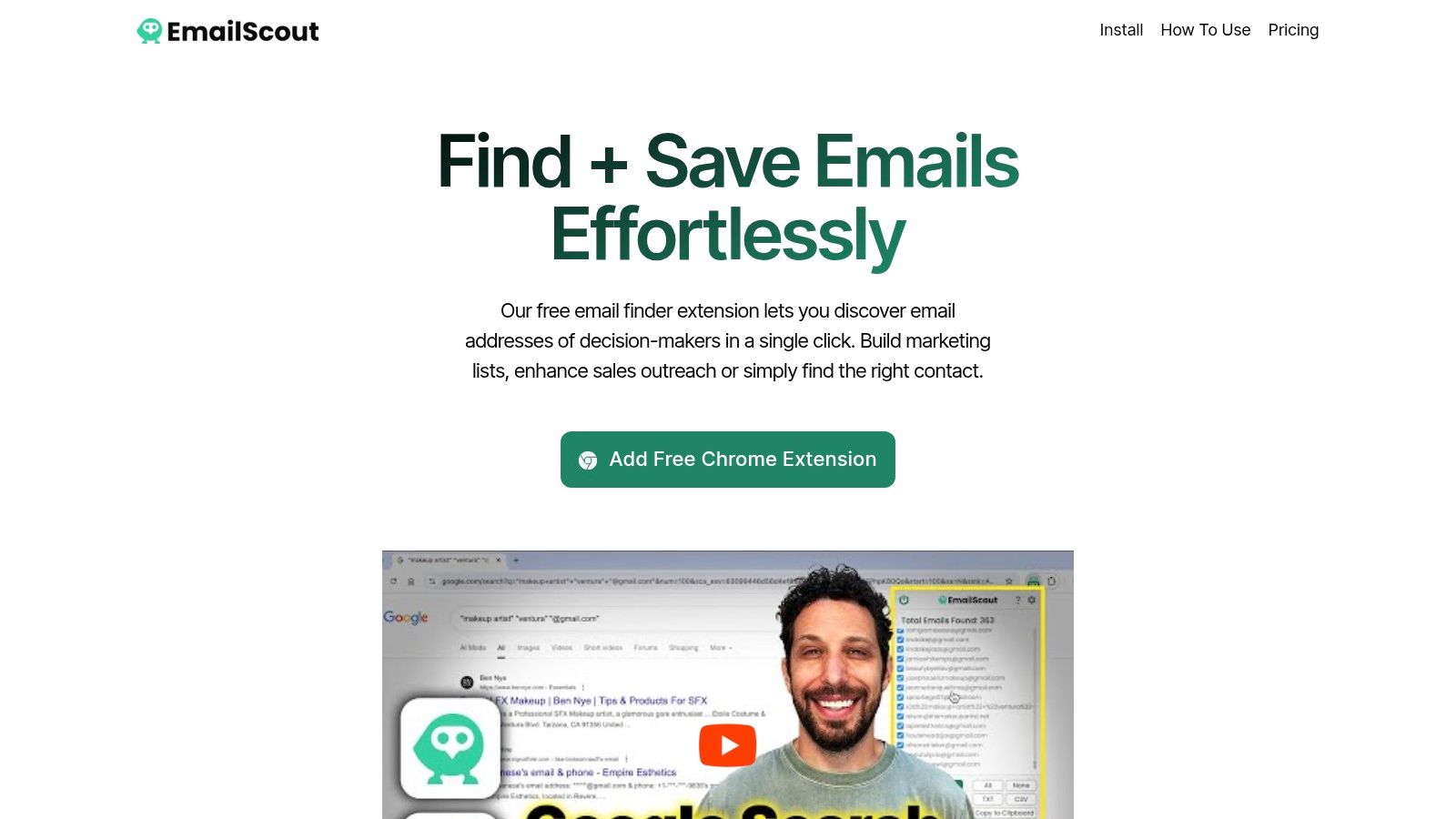
    EmailScout stands out as a premier and remarkably accessible choice for professionals seeking the best email lookup tool. It operates as a powerful yet intuitive Chrome extension, seamlessly integrating into your daily workflow to uncover valuable email contacts directly from websites and Google search results. Its primary strength lies in its ability to automate and simplify the often tedious process of lead generation.

    For sales teams, digital marketers, and entrepreneurs, EmailScout transforms browsing into a productive data-gathering activity. The extension’s core function allows you to extract publicly available email addresses with a single click, immediately populating a clean, manageable list. This efficiency is a significant advantage for anyone building outreach campaigns from scratch.
    EmailScout

    Key Features and Practical Applications

    EmailScout's feature set is designed for both initial outreach and large-scale campaigns, making it a versatile tool.

    • Generous Free Plan: Unlike many competitors, EmailScout offers unlimited email discoveries and exports on its free tier. This makes it an ideal starting point for freelancers, startups, or anyone wanting to test its capabilities without financial commitment.
    • AutoSave (Premium): This feature is a game-changer for passive lead collection. Once enabled, it automatically captures emails from every page you visit, building a substantial contact list in the background with zero manual effort.
    • URL Explorer (Premium): For massive data extraction projects, the URL Explorer allows you to input up to 1,500 URLs at once. It then systematically visits and scrapes emails from these pages, an invaluable tool for market research or building hyper-targeted lists.

    Pricing and Overall Value

    EmailScout’s pricing model is structured to support growth. The free plan provides foundational tools, while Premium plans start at an affordable $9 per month for 5,000 emails. This scales up to enterprise-level packages that can handle one million emails monthly, ensuring the tool remains cost-effective as your outreach needs expand. The ability to export findings as CSV, TXT, or to the clipboard adds to its practical utility.

    Pros:

    • Unlimited email finding and exports on the free plan
    • AutoSave feature provides hands-free list building
    • URL Explorer is excellent for bulk extraction and scaling
    • Highly affordable and flexible pricing tiers
    • Simple, user-friendly Chrome extension

    Cons:

    • Advanced automation features (AutoSave, URL Explorer) require a paid subscription
    • Effectiveness is limited to publicly visible emails on web pages

    Website: https://emailscout.io

    2. Hunter

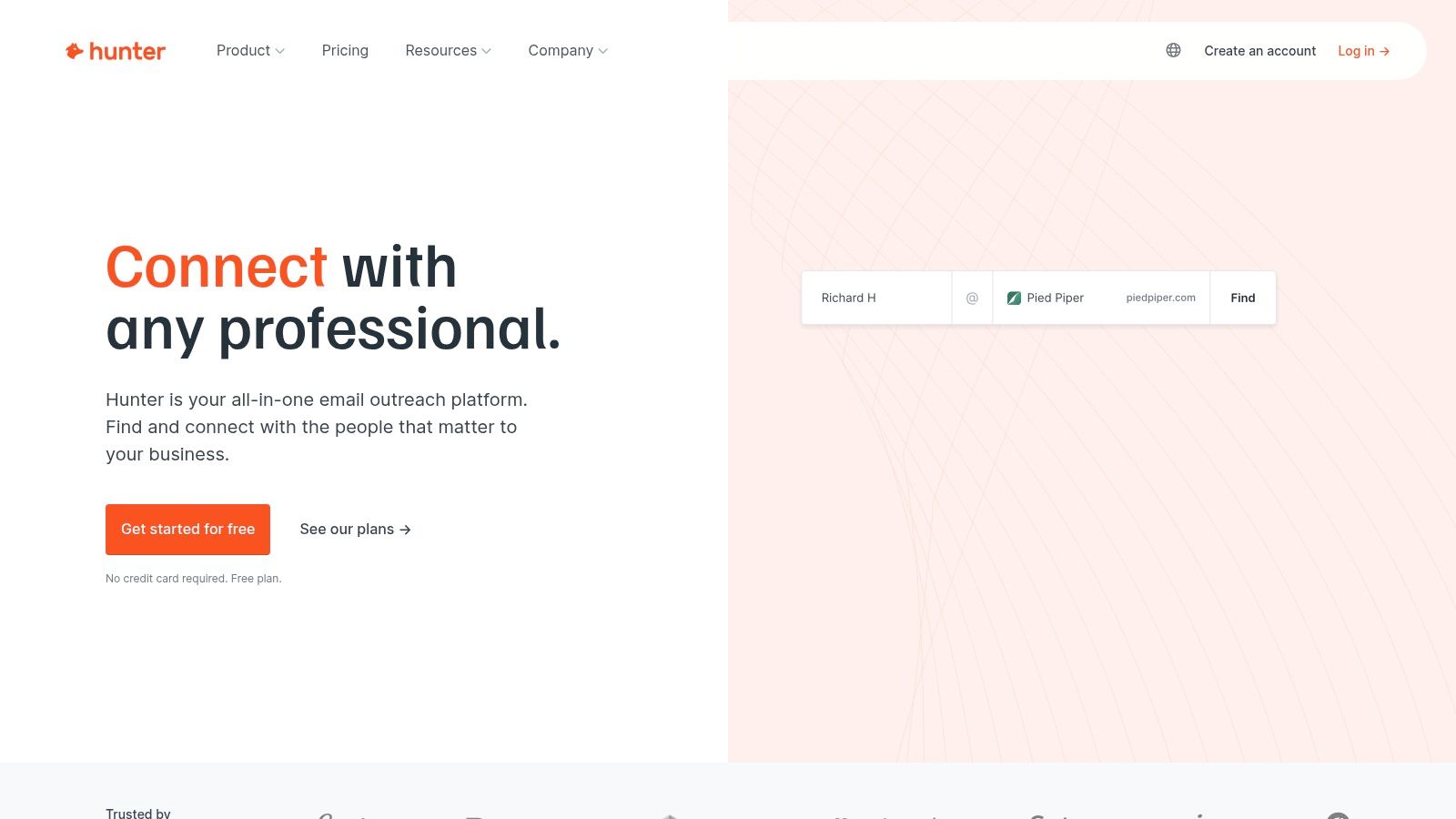
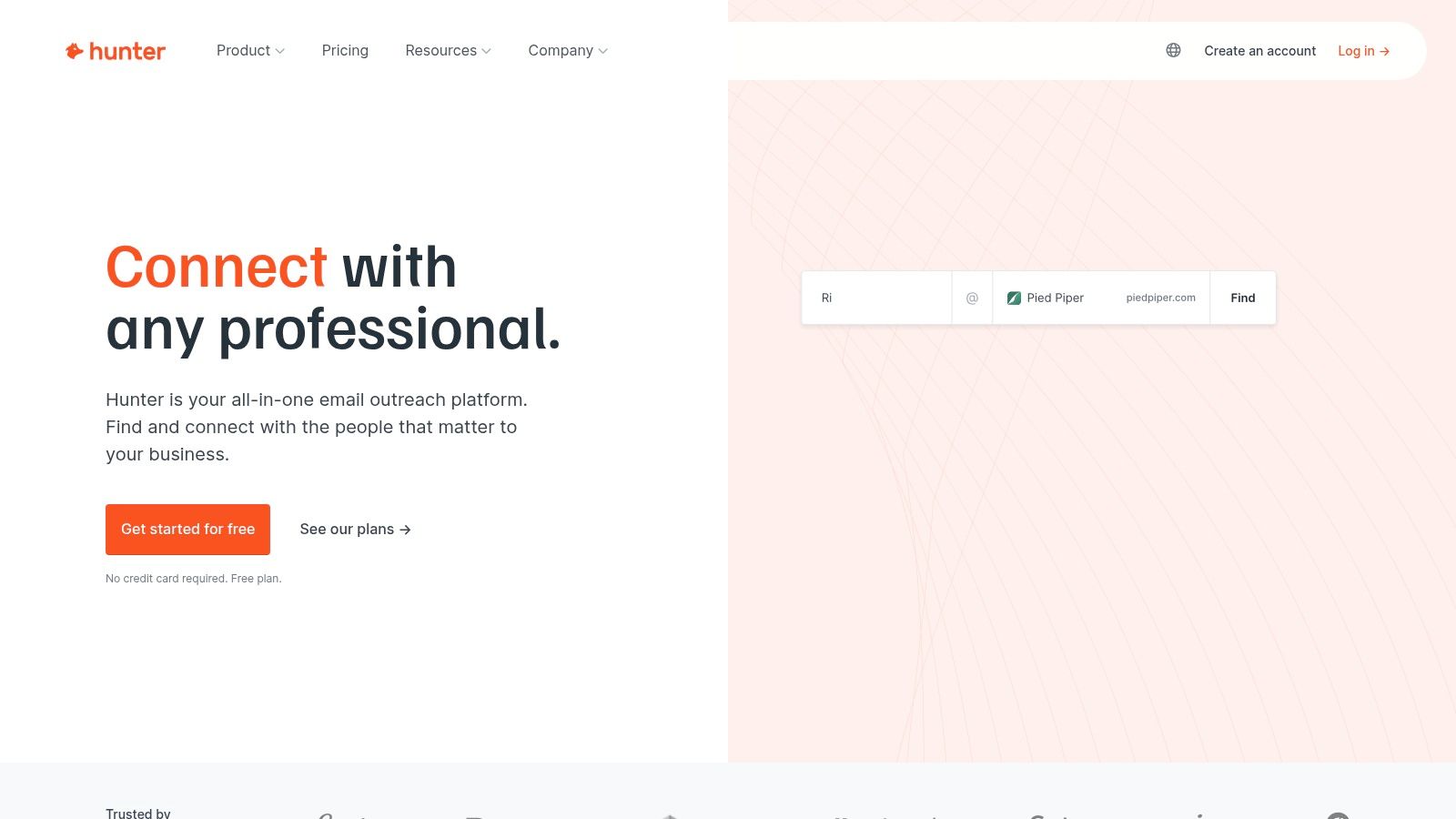
    Hunter is a highly reputable and well-established player in the email lookup space, making it one of the best email lookup tool options for sales professionals and marketers. It excels at finding professional email addresses associated with a specific company domain. Its straightforward interface and powerful browser extensions for Chrome, Firefox, and Edge allow you to find email addresses directly from a company's website or a LinkedIn profile, streamlining your prospecting workflow significantly.
    Hunter

    The platform offers a suite of tools including a single Email Finder, a bulk Domain Search, and an Email Verifier to ensure your outreach lists are clean. A standout feature is the built-in Campaigns tool, which allows you to send cold email sequences directly from the platform. For those looking to integrate email finding into their existing processes, Hunter offers a robust API and a convenient Google Sheets add-on. Its transparent, credit-based system is easy to understand, and its free plan is perfect for occasional users.

    Key Features & Pricing

    • Core Tools: Email Finder, Domain Search, Email Verifier, and Bulk Search.
    • Integrations: Native browser extensions, a Google Sheets add-on, and a full-featured API.
    • Unique Offering: A built-in "Campaigns" feature for sending cold email sequences.
    • Pricing: Starts with a free plan offering 25 monthly searches. Paid plans begin at $49/month for 500 monthly searches and 1,000 verifications. A key benefit is that all paid plans include unlimited team members (seats), making it cost-effective for larger teams.

    Pros:

    • Generous free plan for light usage.
    • Unlimited seats on all paid plans.
    • User-friendly interface and seamless browser extensions.

    Cons:

    • Primarily focused on B2B; less effective for finding personal or generic emails.
    • Credits can be consumed quickly with large-scale bulk searches.

    Visit Hunter

    3. Apollo.io

    Apollo.io transcends being just an email finder; it's a comprehensive go-to-market platform designed for sales and marketing teams who need an all-in-one prospecting solution. While its core strength is a massive B2B database, its email lookup capabilities are seamlessly integrated into powerful sequencing, lead scoring, and analytics tools. This makes it an incredibly efficient and one of the best email lookup tool choices for users looking to manage the entire outreach lifecycle, from finding a contact to closing a deal, within a single ecosystem.

    The platform is distinguished by its deep filtering capabilities and flexible credit system. The robust Chrome extension allows for one-click prospecting on LinkedIn and company websites, feeding contacts directly into your customized outreach sequences. A unique benefit is its credit refund policy; Apollo automatically refunds credits for any emails that bounce when sent through its native sequencer, ensuring you only pay for valid data. This integrated workflow from discovery to outreach makes it a favorite for teams aiming for high-velocity sales.

    Key Features & Pricing

    • Core Tools: B2B database with advanced filters, Email and Phone Number Finder, robust Chrome Extension, and a fully integrated Sequencer.
    • Integrations: Deep integration with Salesforce, HubSpot, and other major CRMs, plus a comprehensive API.
    • Unique Offering: Refunds credits for bounced emails sent via Apollo. A single credit can reveal a business, personal, or any available email for a contact.
    • Pricing: Offers a generous free plan with 60 email credits per year. Paid plans start at $49/user/month, providing significantly more credits and features. Pricing tiers are not all public and may require a sales consultation for enterprise needs.

    Pros:

    • All-in-one platform combining prospecting, engagement, and analytics.
    • Flexible credit logic can provide multiple email types for one credit.
    • Credit refunds for bounced emails reduce wasted spend.

    Cons:

    • Can be more complex than standalone email finders.
    • Credit costs for phone numbers (direct dials) can add up quickly.
    • Some advanced features are locked behind higher-tier plans.

    Visit Apollo.io

    4. ZoomInfo (SalesOS)

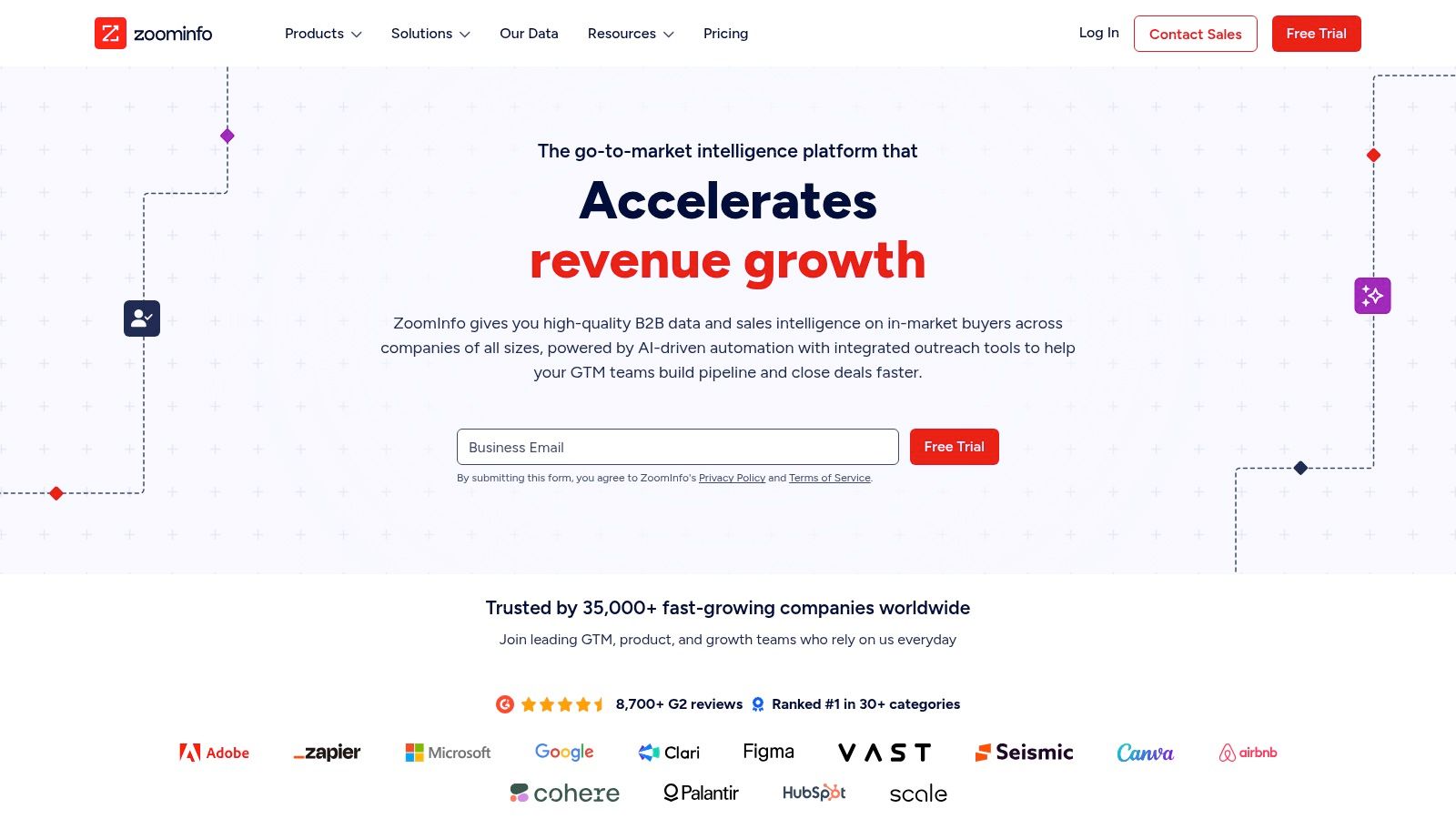
    ZoomInfo is an enterprise-grade B2B intelligence platform that goes far beyond simple email lookups. Positioned as a go-to-market (GTM) solution, it offers one of the most comprehensive databases of company and contact information, particularly for the US market. Its power lies not just in finding emails but in providing a complete profile, including direct-dial phone numbers, company firmographics, buying intent signals, and organizational charts, making it an indispensable tool for established sales and marketing teams.
    ZoomInfo (SalesOS)

    The platform, known as SalesOS, integrates deeply into existing workflows with a robust Chrome extension and native integrations for popular CRMs like Salesforce and HubSpot. This allows for seamless data enrichment and prospecting directly within the systems your team already uses. While its extensive features and data depth make it a top-tier email lookup tool, its enterprise focus means it operates on a different pricing model than many competitors, requiring annual contracts and custom quotes tailored to specific data needs and team sizes.

    Key Features & Pricing

    • Core Tools: Extensive B2B contact and company database, advanced search filters, data enrichment, and intent data signals.
    • Integrations: Powerful Chrome extension ("ReachOut") and deep native integrations with major CRM and marketing automation platforms.
    • Unique Offering: Provides a full suite of GTM intelligence, including direct dials, org charts, and technographics, not just emails.
    • Pricing: Custom quote-based pricing on annual contracts. There are no public monthly plans, and pricing is geared towards mid-market and enterprise teams. Access is often based on a system of view/export credits.

    Pros:

    • Extremely high data accuracy and depth, especially for US-based contacts.
    • Comprehensive feature set including intent data and direct-dial numbers.
    • Seamless integration with existing sales and marketing stacks.

    Cons:

    • Pricing is not transparent and can be a significant investment.
    • Annual contracts make it inaccessible for individuals or small businesses.
    • The credit system for exports and views can be complex to manage.

    Visit ZoomInfo

    5. Lusha

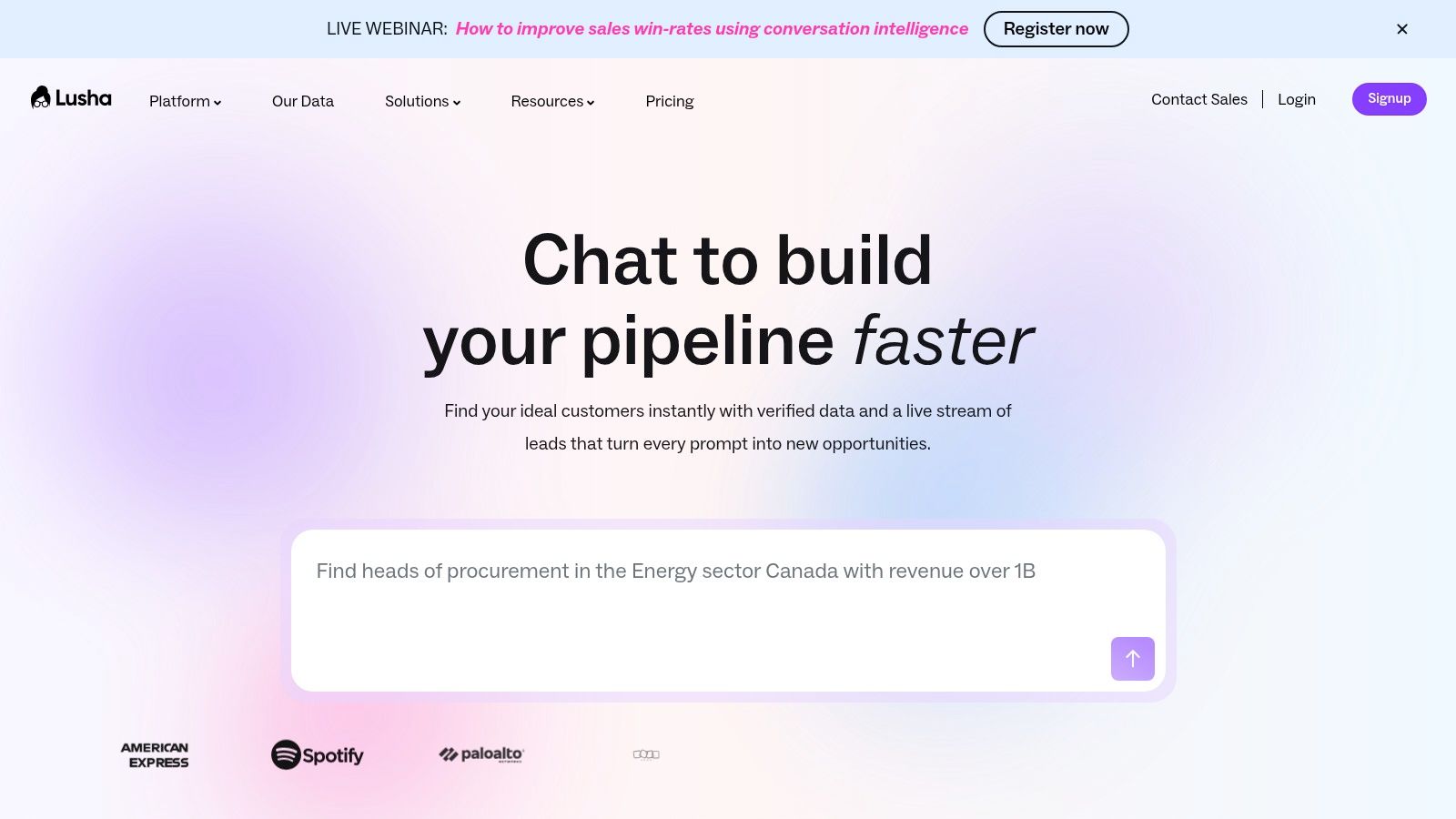
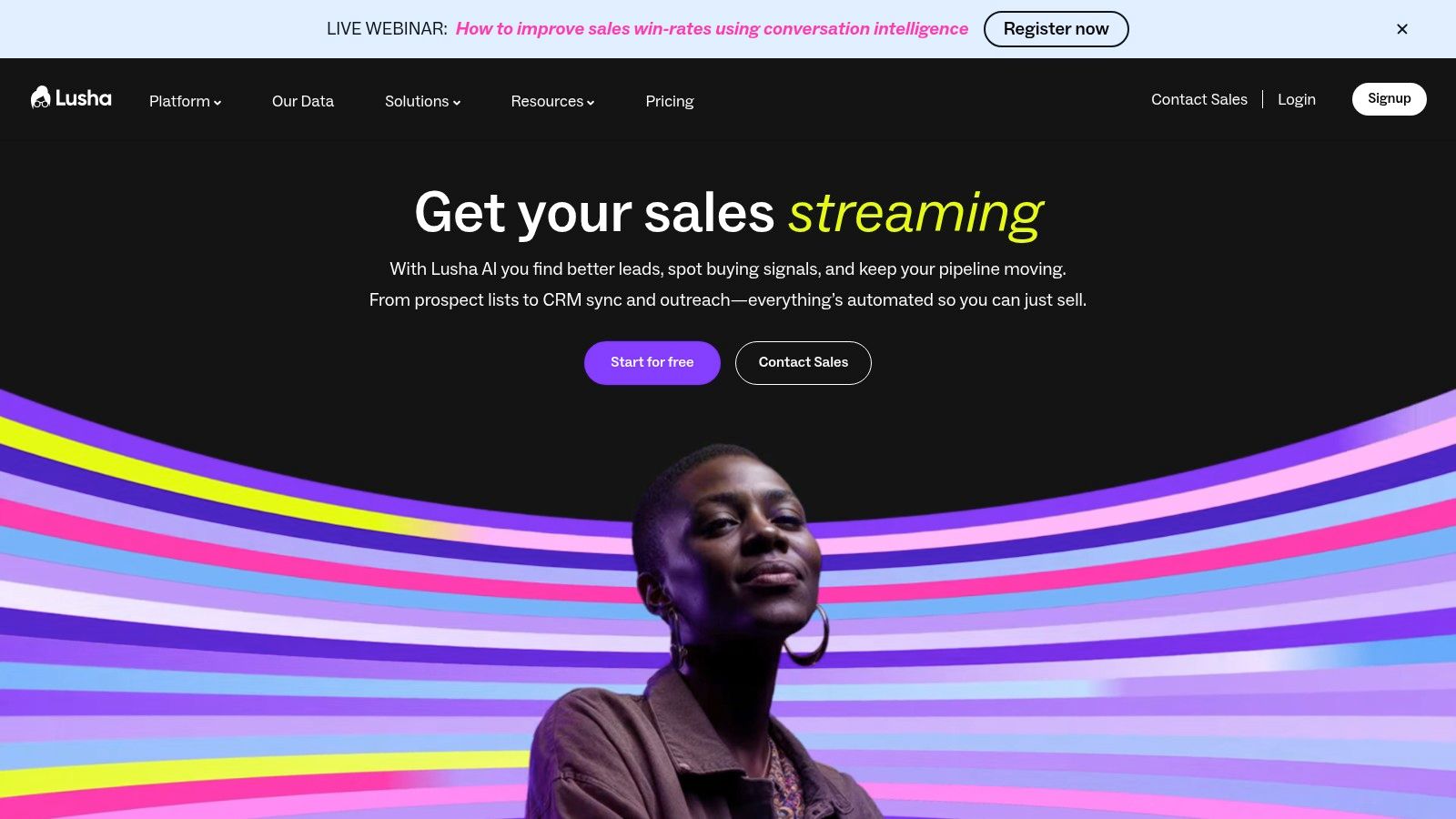
    Lusha has established itself as a leading contender for the title of best email lookup tool, particularly for sales and recruiting teams who need accurate B2B contact data, including direct dial phone numbers. Its primary strength lies in its powerful Chrome extension, which integrates seamlessly with LinkedIn, Salesforce, and company websites, allowing users to reveal contact information with a single click. This streamlined workflow makes it incredibly efficient for building targeted prospect lists on the fly.
    Lusha

    The platform operates on a straightforward credit-based system and places a strong emphasis on data privacy and compliance with GDPR and CCPA. Beyond just email finding, Lusha provides access to mobile numbers, company firmographics, and technology stacks, making it a comprehensive intelligence tool. Lusha is often featured among the best lead generation tools because it goes beyond simple email lookups to enrich contact profiles with valuable context for outreach. Its free plan offers a handful of credits each month, providing a great starting point for individuals.

    Key Features & Pricing

    • Core Tools: Chrome Extension for one-click lookups, API for programmatic access, Bulk Enrichment, and CRM integrations.
    • Integrations: Connects directly with major CRM and sales platforms like Salesforce, HubSpot, and SalesLoft.
    • Unique Offering: Strong focus on providing both verified emails and direct-dial phone numbers for contacts.
    • Pricing: A free plan is available with 5 credits per month. Paid plans start at $39/user/month for 480 annual credits. Credits are used for revealing contacts, with phone numbers costing significantly more credits than emails.

    Pros:

    • Excellent for finding both email addresses and direct phone numbers.
    • Simple credit system and a very fast, efficient workflow via the browser extension.
    • Strong commitment to data compliance (CCPA/GDPR).

    Cons:

    • Phone numbers are expensive, consuming a large number of credits per reveal.
    • Advanced features like CRM integrations are reserved for higher-tier plans.

    Visit Lusha

    6. RocketReach

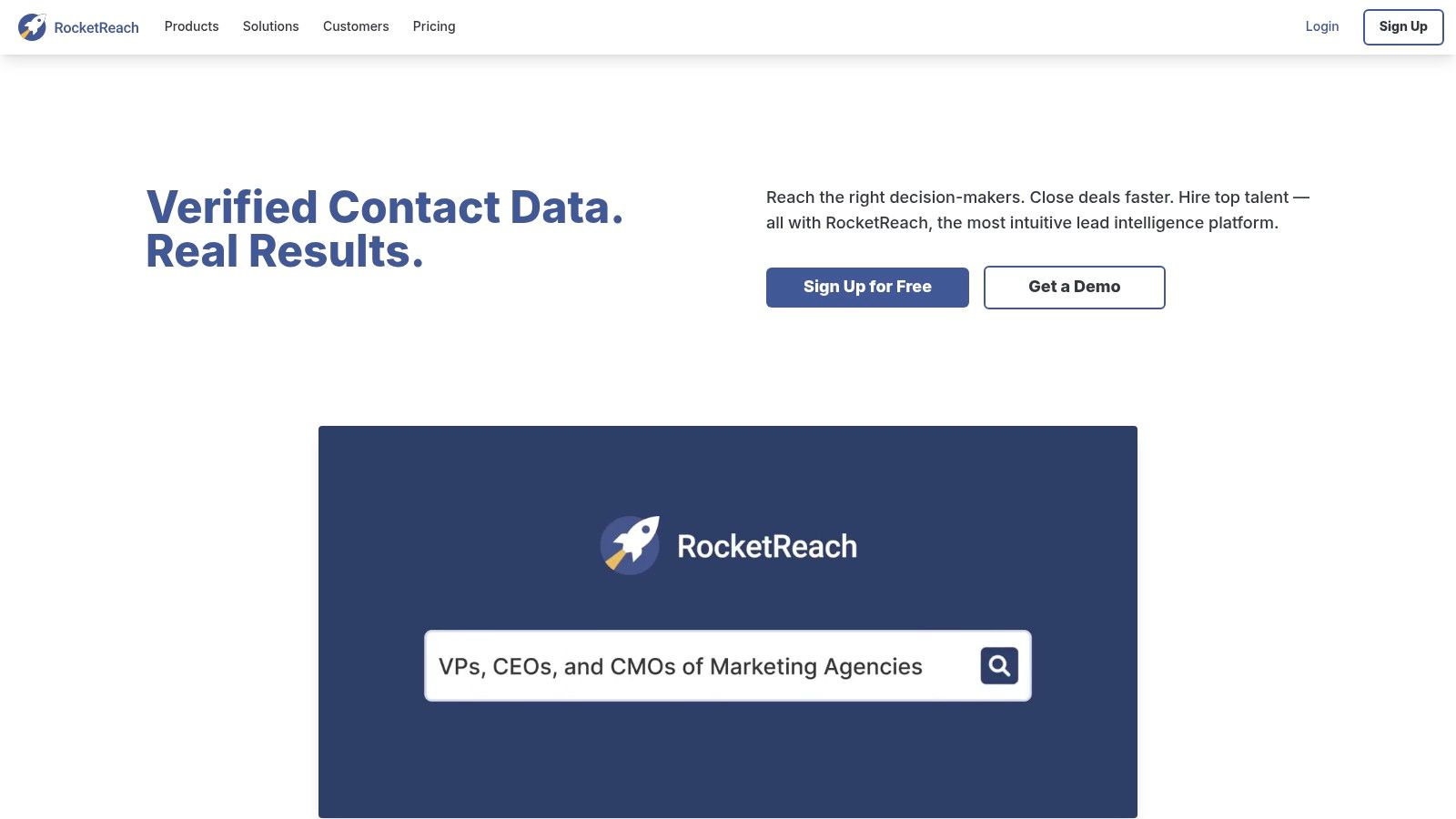
    RocketReach is a popular and robust email lookup tool, trusted by major companies for its extensive database of professional and personal contact information. It’s designed to help both individuals and large teams streamline their prospecting and outreach efforts. The platform offers a user-friendly Chrome extension that allows users to find contact details directly from company websites, LinkedIn profiles, and other web pages, making it a highly efficient part of any workflow.
    RocketReach

    The platform is more than just an email finder; higher-tier plans also provide direct phone numbers, adding another layer to your outreach strategy. RocketReach features advanced search filters, bulk lookup capabilities, and CRM integrations to keep your data synchronized. A key differentiator is its credit system, which separates "lookups" (finding contact info) from "exports" (saving it to a list or CRM). While its pricing can seem complex, the low-friction signup with free lookups is a great way to test its data quality before committing.

    Key Features & Pricing

    • Core Tools: Individual and bulk email lookups, phone number search, and company information.
    • Integrations: Chrome/Edge browser extensions, a robust API on higher tiers, and various CRM integrations.
    • Unique Offering: Provides both professional and personal emails, along with direct phone numbers on Pro/Ultimate plans.
    • Pricing: Starts with a free trial of 5 lookups. Paid plans like Essentials (email only) begin around $39/month (billed annually) for 125 lookups. Pro and Ultimate plans add phone lookups and higher credit limits. Pricing and limits often vary based on the billing term (monthly vs. annual).

    Pros:

    • Generous free lookups to test data accuracy before purchase.
    • Provides both email and phone numbers, offering more contact options.
    • Extensive database with high accuracy rates.

    Cons:

    • The credit system distinguishing between "lookups" and "exports" can be confusing for new users.
    • Exact pricing is sometimes unclear until you proceed to the checkout page.

    Visit RocketReach

    7. Snov.io

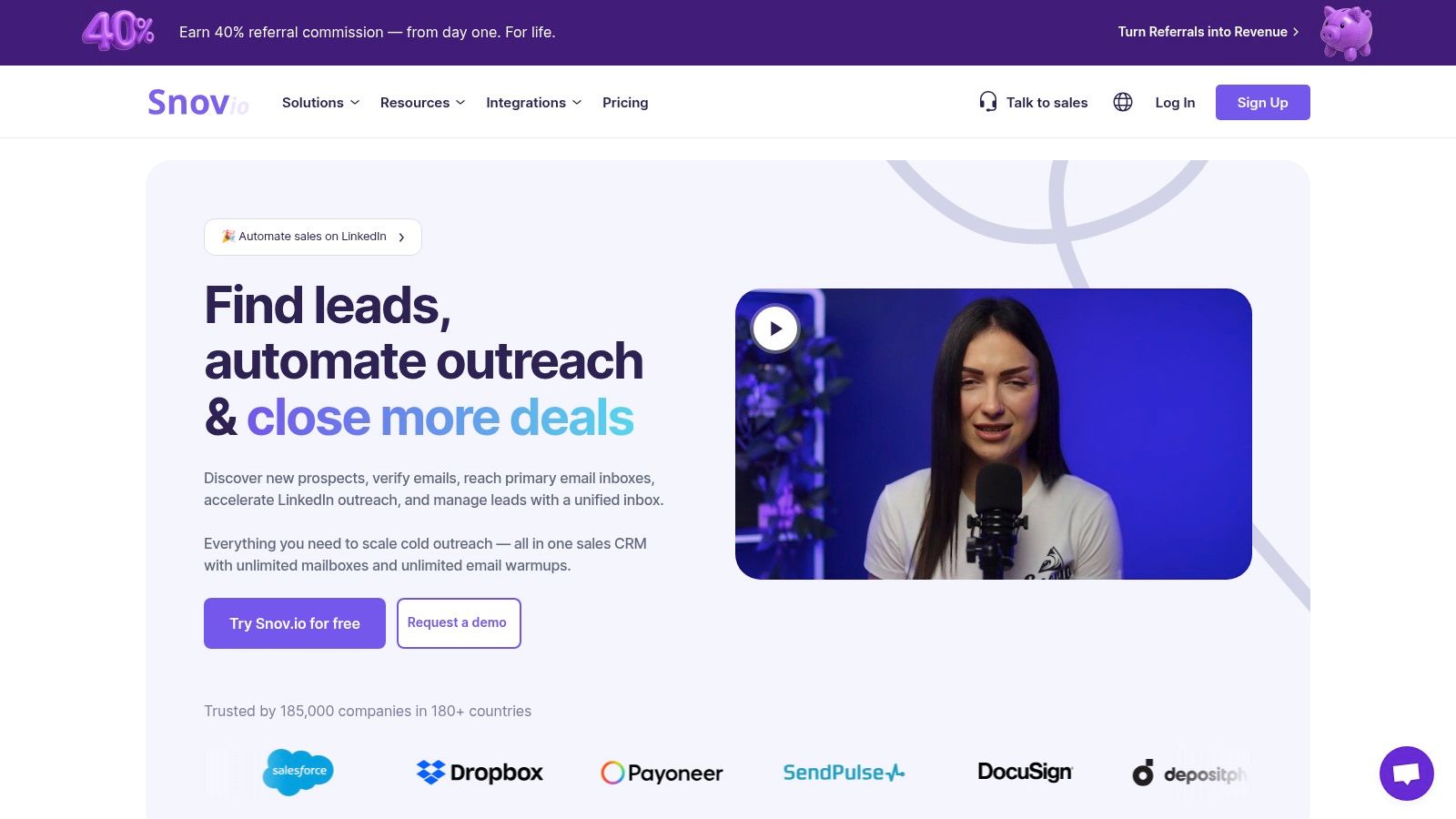
    Snov.io positions itself as more than just an email finder; it's an all-in-one cold outreach automation platform. This makes it an ideal candidate for the best email lookup tool for sales teams and marketers who want a unified solution for prospecting and outreach. Its strength lies in its comprehensive suite of tools, which includes an email finder, a verifier, a drip campaign sender, and even a free sales CRM, all managed from a single dashboard.
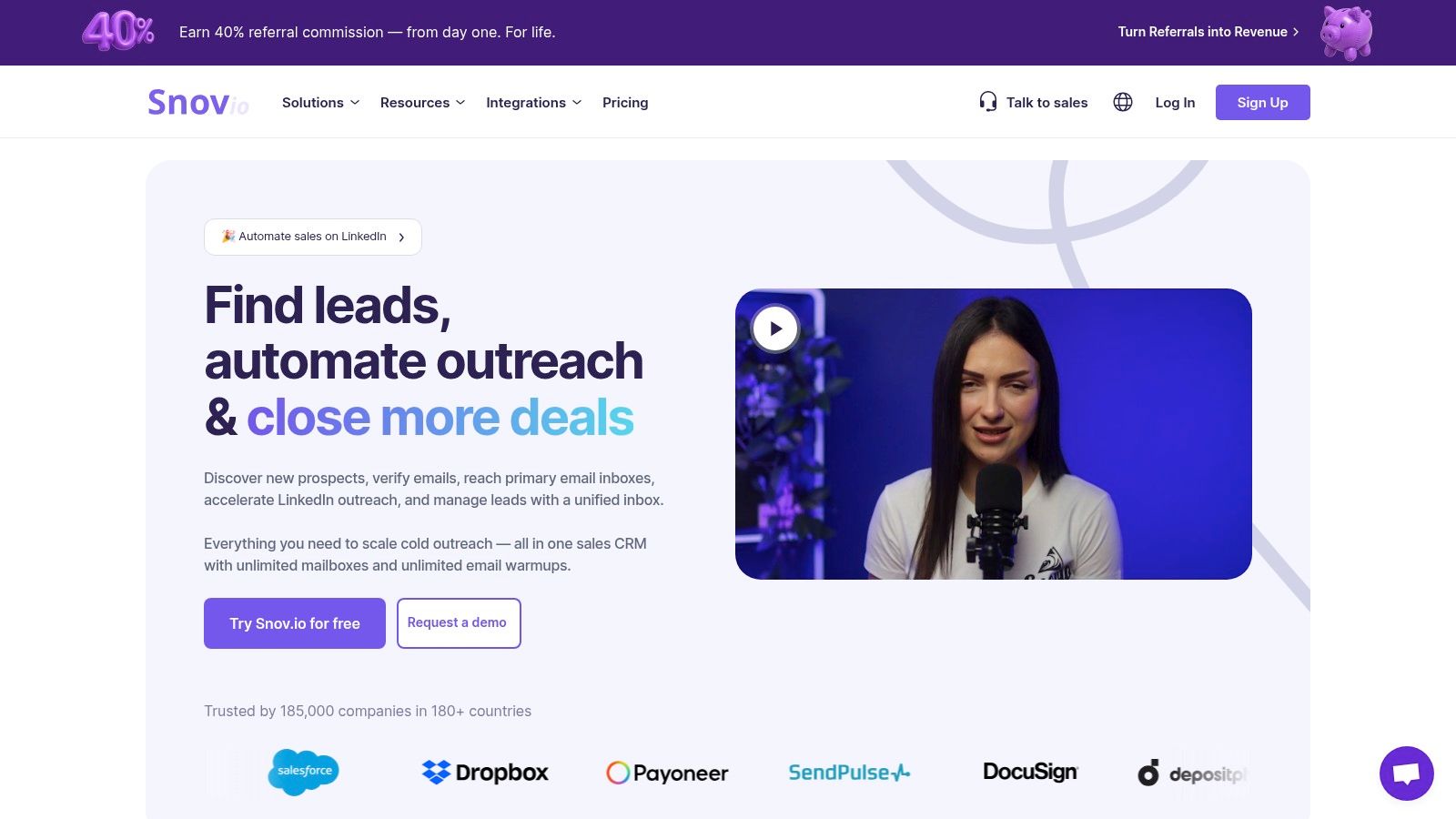
    Snov.io

    The platform provides powerful Chrome extensions, including an Email Finder for company websites and a LI Prospect Finder for sourcing leads directly from LinkedIn. A key differentiator is its credit system, where credits are universal and can be used for email searches, verifications, or campaign recipients. This flexibility, combined with its strong feature-to-price value, makes it particularly attractive for startups and small to medium-sized businesses looking to scale their outreach without a massive budget.

    Key Features & Pricing

    • Core Tools: Email Finder, Email Verifier, Email Drip Campaigns, Sales CRM, and Technology Checker.
    • Integrations: Chrome extensions for website and LinkedIn prospecting, plus integrations with Pipedrive, Zapier, and more.
    • Unique Offering: A flexible credit system usable across multiple tools and an included email warm-up feature on higher-tier plans.
    • Pricing: Offers a free, renewable monthly plan with 50 credits. Paid plans start at $39/month for 1,000 credits and 2,000 email recipients. All paid plans include unlimited users (seats), offering exceptional value for teams.

    Pros:

    • Excellent all-in-one value with CRM and outreach tools included.
    • Unlimited seats on paid plans makes it highly scalable for teams.
    • Flexible credit system can be used across different features.

    Cons:

    • Advanced features like LinkedIn automation may require separate add-on costs.
    • Data accuracy and coverage can be inconsistent for certain niche industries.

    Visit Snov.io

    8. VoilaNorbert

    VoilaNorbert positions itself as a friendly and highly accurate email finder, focusing on a simple, effective approach that makes it a strong contender for the best email lookup tool. Its core strength lies in its transparency and "pay-only-for-found" logic, where you are not charged a credit for searches that don't yield a valid email address. This fair-use policy, combined with a clean user interface, makes it particularly appealing for users who prioritize accuracy and predictable costs in their prospecting efforts.
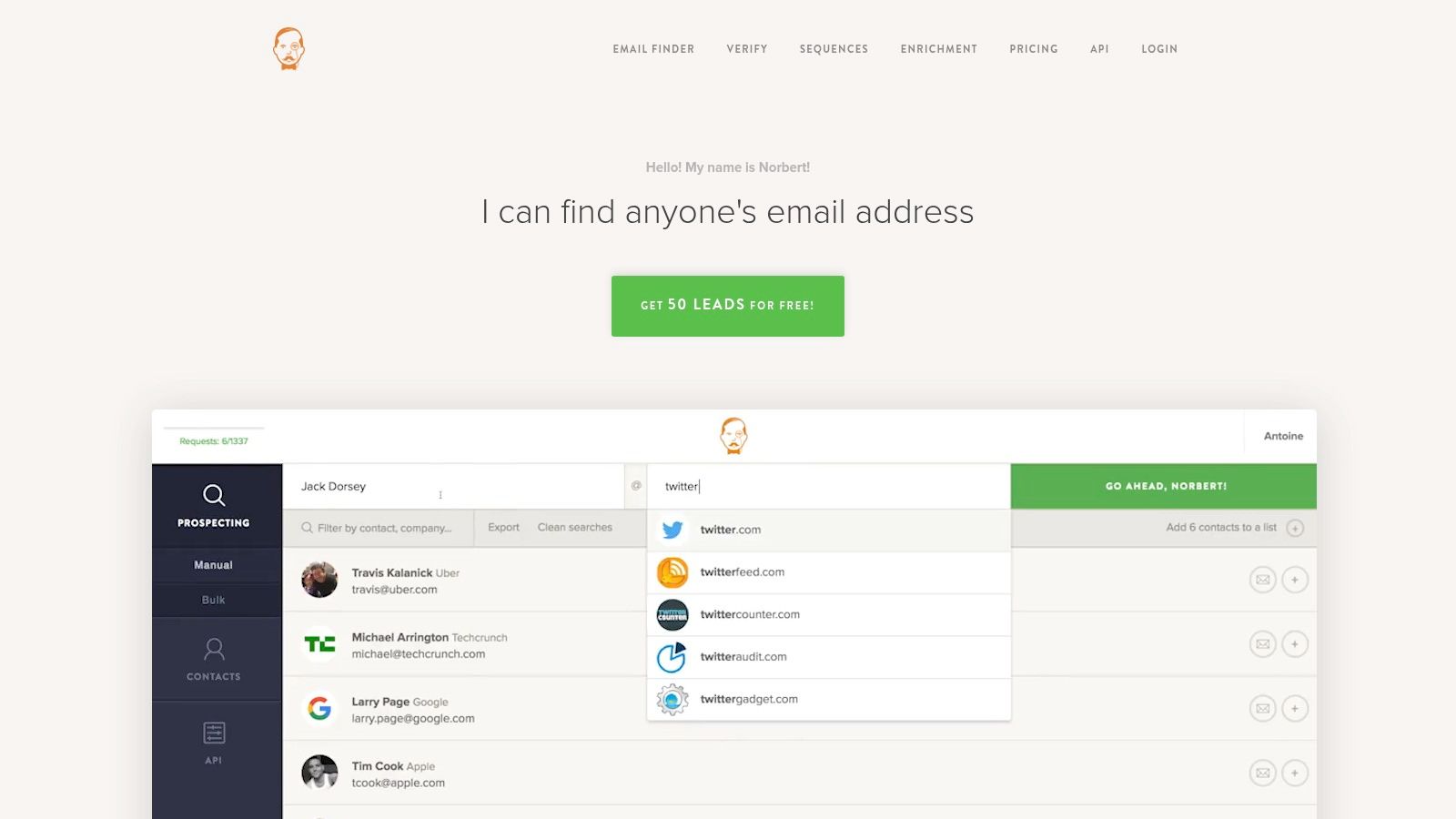
    VoilaNorbert

    The platform offers a focused set of tools, including a single email finder, bulk verification, data enrichment, and a simple outreach tool called "Sequences" for sending basic email campaigns. VoilaNorbert also provides a convenient Chrome extension for finding emails on the fly from websites and LinkedIn profiles. Its API and bulk worker options on paid plans cater to more demanding, high-volume needs, allowing for seamless integration into custom workflows. The free trial of 50 credits is a great way to test its accuracy firsthand.

    Key Features & Pricing

    • Core Tools: Email Finder, Email Verifier, Data Enrichment, and Bulk Search.
    • Integrations: Chrome extension, a full-featured API, and various native integrations.
    • Unique Offering: A fair "pay-only-for-found" credit system and a simple "Sequences" outreach module.
    • Pricing: Starts with a free trial of 50 credits. Paid plans begin at $49/month for 1,000 leads and scale up. Pay-as-you-go options are also available, and credits on annual plans roll over, a significant benefit for users with fluctuating monthly needs.

    Pros:

    • You only pay for successfully found emails.
    • Simple, user-friendly interface.
    • Credits on annual plans roll over month-to-month.

    Cons:

    • Primarily focused on B2B emails; less effective for personal emails.
    • Outreach features are less advanced than dedicated sales engagement platforms.

    Visit VoilaNorbert

    9. ContactOut

    ContactOut positions itself as a powerful recruiting and sales intelligence platform, excelling at finding personal and work emails with impressive accuracy, particularly from LinkedIn profiles. It is widely regarded as one of the best email lookup tool choices for sourcing professionals who need direct contact details, including phone numbers, which many other tools do not provide. Its primary strength lies in its powerful Chrome extension, which integrates seamlessly with LinkedIn and company websites, allowing users to uncover contact information with a single click.
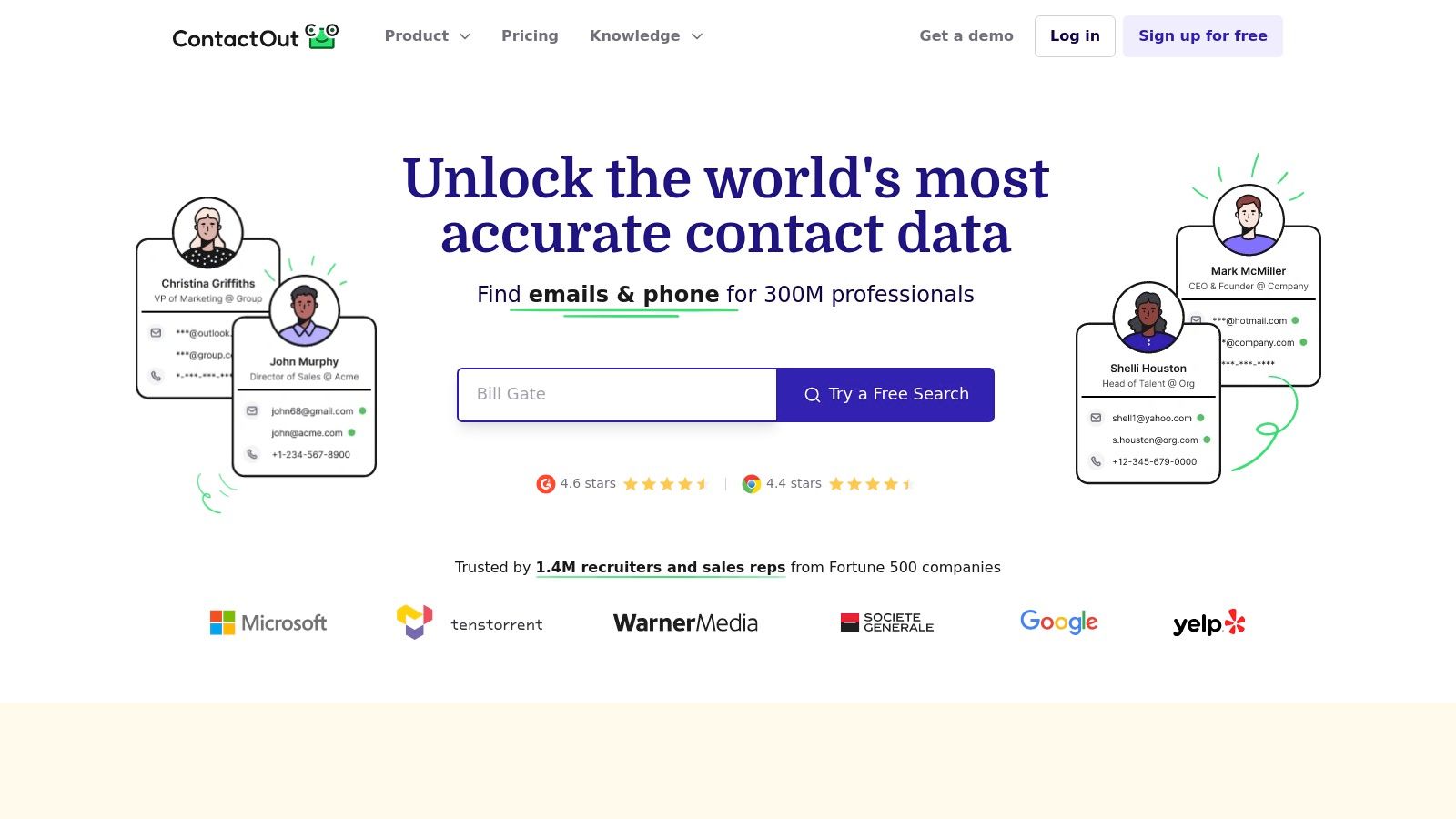
    ContactOut

    The platform is more than just a finder; it includes a comprehensive search portal for building targeted lists, an email campaigns feature for outreach, and a Google Sheets add-on called ContactSheets for enriching data in bulk. This makes it a versatile solution for users who want to manage a significant portion of their outreach workflow within one ecosystem. The combination of high match rates for both personal and professional emails, plus the inclusion of phone numbers, makes it a unique and valuable asset for sales and recruitment teams.

    Key Features & Pricing

    • Core Tools: Chrome Extension, Search Portal, List Building, Email Campaigns, and API access.
    • Integrations: Deep LinkedIn integration via its extension and a Google Sheets add-on for bulk enrichment.
    • Unique Offering: High success rate in finding personal emails and direct dial phone numbers, not just professional addresses.
    • Pricing: Offers a free plan with a generous allotment of credits. Paid plans are available, but pricing for team and API access is not transparent and requires contacting their sales team for a custom quote.

    Pros:

    • Excellent data coverage and speed, especially for LinkedIn prospecting.
    • Free daily credits allow for consistent trial usage.
    • Easy installation and user-friendly extension.

    Cons:

    • Pricing is not fully transparent, particularly for team or API plans.
    • The strong focus on personal emails may raise data compliance considerations depending on your region.

    Visit ContactOut

    10. UpLead

    UpLead positions itself as a premium B2B data provider, making it a strong contender for the best email lookup tool for teams that prioritize accuracy above all else. Its core value proposition is a 95% data accuracy guarantee, which ensures that outreach efforts are directed at real, verified contacts. This commitment to quality data extends beyond emails to include mobile direct dials, making it a comprehensive solution for sales and business development professionals who need multiple touchpoints.
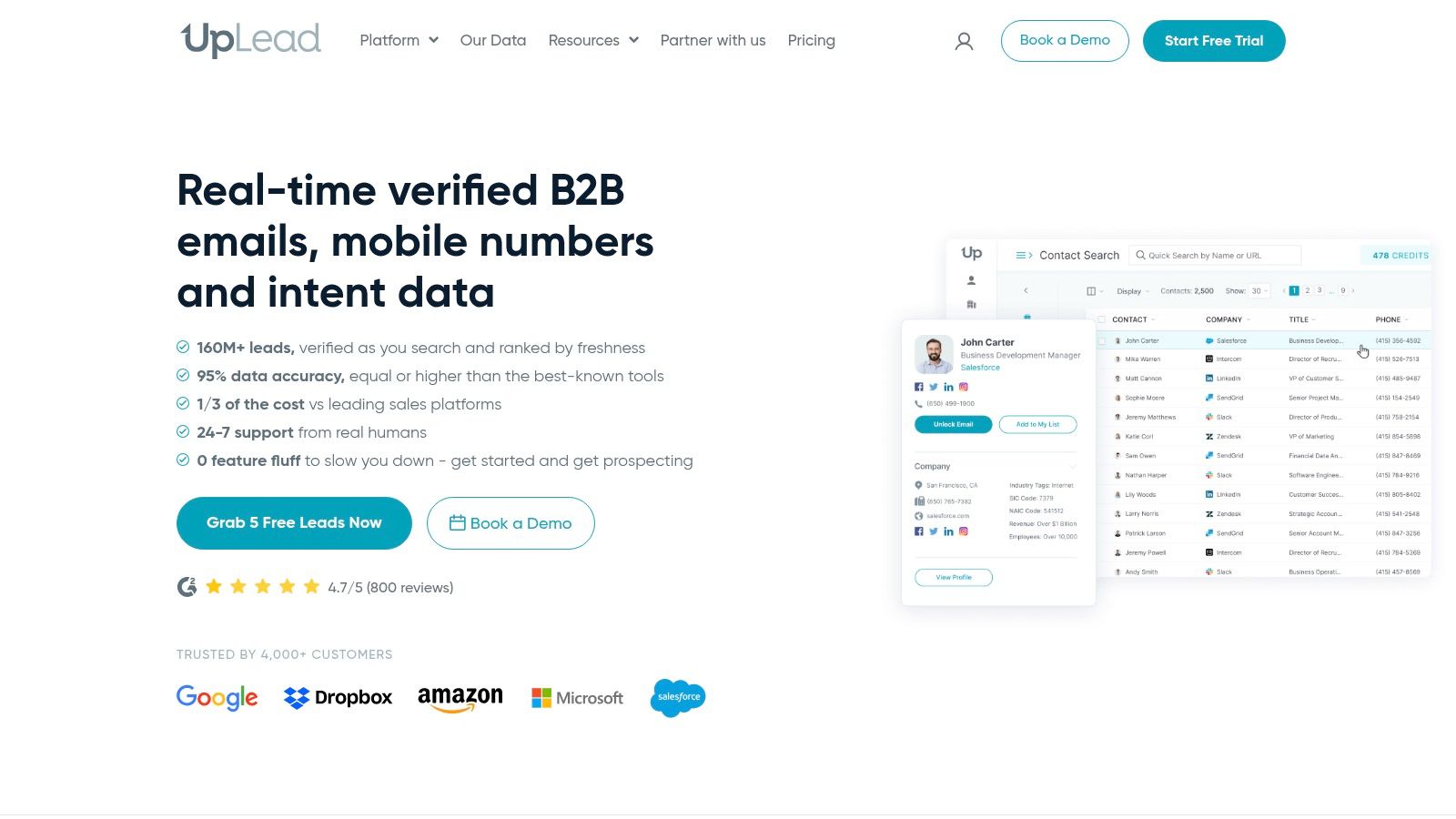
    UpLead

    The platform offers an impressive array of over 50 search filters, including technographics (what software a company uses) and buyer intent data on higher-tier plans. This allows for highly targeted prospecting. Users can find contacts through its web platform or a convenient Chrome Extension that works over company websites and LinkedIn profiles. Its seamless CRM integrations and data enrichment capabilities help maintain a clean and up-to-date database, solidifying its place for data-driven teams.

    Key Features & Pricing

    • Core Tools: B2B Prospecting Database, Data Enrichment, Chrome Extension, Real-time Email Verification.
    • Integrations: Direct integrations with popular CRMs like Salesforce, HubSpot, Zoho, and more.
    • Unique Offering: Includes advanced data points like technographics and buyer intent data on higher plans.
    • Pricing: Starts with a free trial of 5 credits. The Essentials plan begins at $74/month for 170 credits per month (billed annually). Credits roll over, and all plans include a single user seat.

    Pros:

    • Industry-leading 95% data accuracy guarantee.
    • Advanced filtering with technographics and intent data.
    • Provides mobile direct dials in addition to verified emails.

    Cons:

    • Monthly credit allowances on lower-tier plans can be limited.
    • Some of the most powerful features are gated behind more expensive plans.

    Visit UpLead

    11. Anymail Finder

    Anymail Finder distinguishes itself with a unique, cost-effective pricing model: you only pay for verified, deliverable email addresses. This makes it a strong contender for the title of best email lookup tool, especially for users who prioritize budget predictability and data accuracy. The platform guarantees a 97%+ delivery rate for the emails it provides, ensuring that credits are not wasted on addresses that are likely to bounce. It is designed for efficiency, allowing users to find emails individually by name and domain or in bulk for larger campaigns.
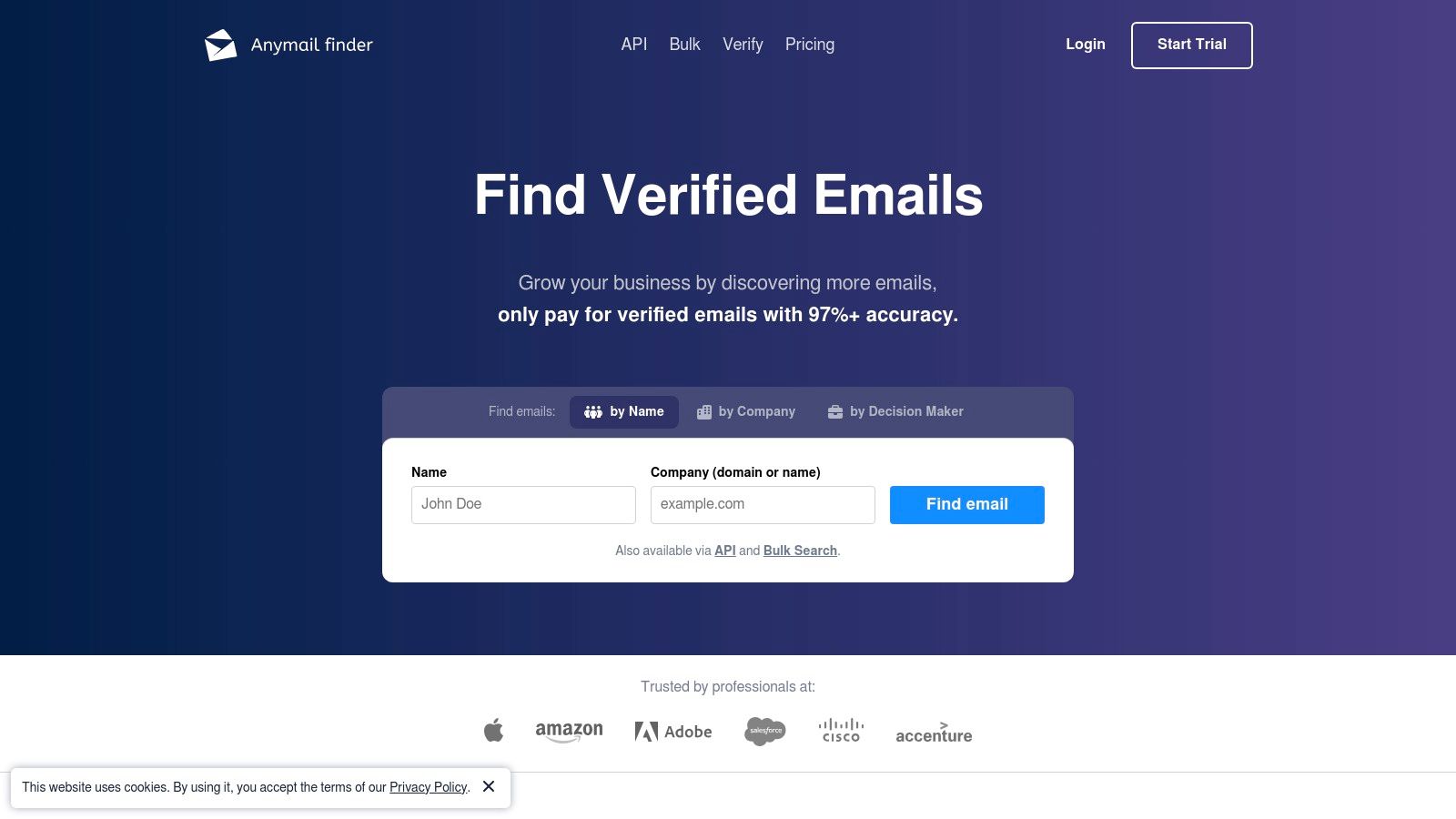
    Anymail Finder

    The platform's core philosophy is that users should not pay for uncertain results. Any email classified as risky or that cannot be found is provided free of charge, which is a significant advantage over many competitors. Anymail Finder offers both a powerful API for developers looking to integrate email finding into their own applications and a simple bulk finder for sales and marketing teams. The combination of its pay-for-performance model and robust technical tools makes it a highly practical choice for data-driven outreach efforts. Learn more about the importance of this process in our guide to email address verification.

    Key Features & Pricing

    • Core Tools: Single and Bulk Email Finder, API access.
    • Integrations: Robust API for custom integrations and a Zapier connection.
    • Unique Offering: Pay-only-for-valid-emails model where you are not charged credits for risky or unfound emails.
    • Pricing: Offers a free trial with 20 verified emails. Paid plans start at $49/month for 1,000 verified emails. Annual plans offer the best value with a large upfront credit allocation and the ability to roll over unused credits up to 2x the annual amount.

    Pros:

    • Excellent value with its "pay-for-verified-emails-only" system.
    • Generous credit rollover on annual plans.
    • Powerful API is ideal for large-scale data enrichment projects.

    Cons:

    • Monthly plans are less cost-effective per credit compared to annual commitments.
    • Lacks the built-in sales engagement features (e.g., email sequencing) of all-in-one platforms.

    Visit Anymail Finder

    12. Dropcontact

    Dropcontact is a privacy-first, EU-based email lookup tool that sets itself apart by generating and validating emails in real-time rather than pulling from a static database. This approach makes it a standout option for teams highly conscious of GDPR and data privacy. The platform is designed to find, verify, and enrich B2B contact information directly within your workflow, ensuring you have the most current data without relying on stored, potentially outdated lists.
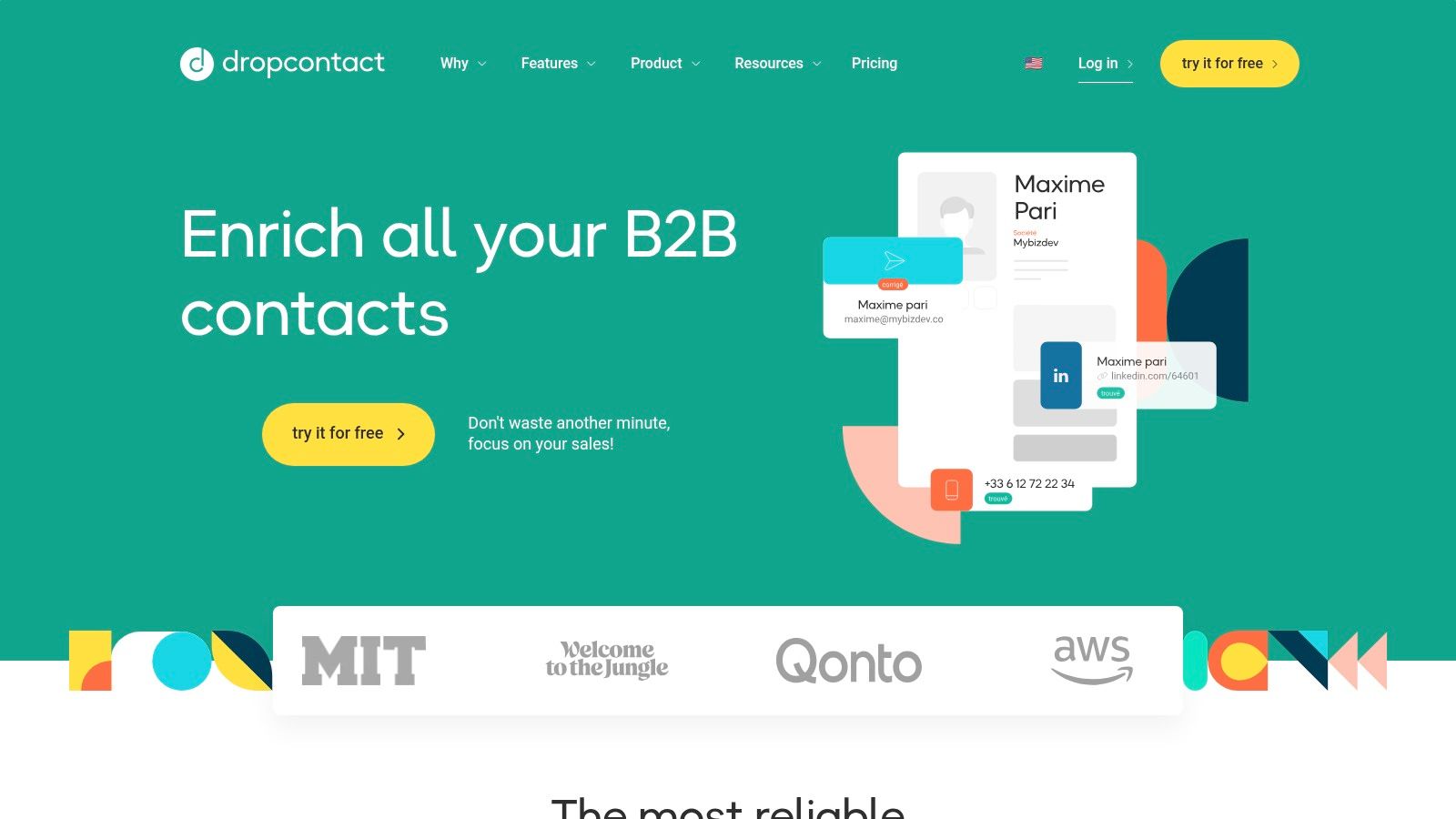
    Dropcontact

    Beyond its single and bulk email finder, Dropcontact's core strength lies in its deep CRM integration and data enrichment capabilities. It can automatically correct and enrich contact data within HubSpot, Pipedrive, and Salesforce, adding verified professional emails, job titles, and company information. This makes it an invaluable tool for maintaining a clean and powerful CRM. Its pricing model is straightforward, where a single credit covers the entire find, verify, and enrich process.

    Key Features & Pricing

    • Core Tools: Real-time email finding, data enrichment (job title, company info), and email verification.
    • Integrations: Native integrations with HubSpot, Pipedrive, and Salesforce for seamless CRM enrichment.
    • Unique Offering: GDPR-compliant, database-free approach that generates emails on-demand.
    • Pricing: Standalone finder plans start at €24/month for 1,000 credits. CRM enrichment is priced separately, starting at €49/month. A free trial is available to test the platform.

    Pros:

    • Excellent for GDPR compliance and data privacy.
    • One credit conveniently covers finding, verifying, and enriching a contact.
    • Powerful, native CRM integrations for automated data cleaning.

    Cons:

    • Primarily focused on B2B contacts; less effective for personal emails.
    • CRM enrichment plans are priced separately from the standalone lookup tool.

    Visit Dropcontact

    Top 12 Email Lookup Tools Comparison

    Product Core Features User Experience/Quality Value Proposition Target Audience Price Points
    EmailScout Unlimited free email finds; AutoSave; URL Explorer (bulk) User-friendly Chrome extension; seamless Free unlimited emails; affordable premium plans Marketers, sales pros, entrepreneurs From $9/month for 5K emails
    Hunter Email finder, verifier; browser & Sheets add-ons; campaigns Clear pricing; good data quality Generous annual discounts; native integrations Marketing, sales teams Credits-based, free plan available
    Apollo.io Email/phone lookup; Chrome extension; credit refunds Deep workflows; strong documentation Flexible credits; all-in-one prospecting Sales, marketing professionals Credit system, pricing varies
    ZoomInfo (SalesOS) Large US B2B data; intent & enrichment; CRM integrations Enterprise-grade; broad product suite High coverage for mid/enterprise Enterprises, mid-market Quote-based, annual contracts
    Lusha Email/phone lookup; Chrome extension; API access Simple credit system; fast workflow Compliance-focused; free monthly credits Salespeople, recruiters Credits-based, free plan
    RocketReach Email+phone lookup; bulk options; API access Easy signup; public pricing references Team & solo plans; multiple pricing tiers Solopreneurs, teams Tiers vary, some pricing opaque
    Snov.io Email finder, verifier, warm-up; campaigns Strong value; unlimited exports Competitive pricing; free trial Startups, SMBs Credit-based, free trial
    VoilaNorbert Email finder/verifier; pay-only-for-found; sequences Clear pricing; simple interface No charge if email not found Small teams, SMBs Pay-as-you-go, free 50 credits
    ContactOut LinkedIn-focused; email+phone; Google Sheets add-on Fast, high LinkedIn coverage Free daily credits; strong sourcing Recruiters, sales pros Pricing not fully transparent
    UpLead Verified emails; intent data; CRM integrations Transparent pricing; 95% verification guarantee Strong accuracy and filters SMBs, professionals Per-credit pricing, annual discounts
    Anymail Finder Pay only for valid emails; bulk finder; API access High delivery rate; budget predictable Credit rollover; cost-effective for large scale Developers, verification teams Pay-for-valid, annual plans better
    Dropcontact Real-time email finding & enrichment; CRM integration Privacy-by-design; GDPR compliant One credit for find + verify + enrichment GDPR-conscious teams, CRM users Pricing mainly in euros

    Finding Your Connection: The Final Verdict

    Navigating the crowded landscape of email verification and discovery platforms can feel overwhelming. After dissecting a dozen of the top contenders, from comprehensive sales intelligence giants like ZoomInfo to agile, specialized finders like VoilaNorbert, a clear pattern emerges: the best email lookup tool is not a one-size-fits-all solution. Instead, it is the one that seamlessly integrates into your unique workflow, respects your budget, and most importantly, delivers the accurate data you need to forge meaningful professional connections.

    Your choice should be a strategic one, directly tied to your primary objectives. Are you a solo entrepreneur or a small startup focused on lean growth? A tool with a generous free tier and scalable features, like EmailScout or Hunter, provides a powerful yet cost-effective entry point. Are you part of a large sales organization that requires deep company insights, org charts, and buying intent signals? In that case, an investment in a robust platform like ZoomInfo or Apollo.io becomes a critical competitive advantage.

    Key Takeaways and Decision-Making Framework

    To simplify your decision, let's distill our findings into actionable insights. Your ideal tool likely excels in one of these key areas:

    • For All-in-One Sales Engagement: If you need a platform that not only finds emails but also manages sequences, tracks engagement, and enriches CRM data, Apollo.io and Snov.io are standout choices. They centralize the entire top-of-funnel process, saving valuable time by keeping everything under one roof.
    • For High-Accuracy and Direct Dials: When your strategy relies heavily on phone outreach alongside email, accuracy is paramount. Lusha and ContactOut have built their reputations on providing reliable mobile numbers and direct dials, making them indispensable for sales development representatives who need to get decision-makers on the phone.
    • For Bulk Enrichment and Data Cleansing: If your primary need is to enrich large existing lists of leads or clean your CRM data, tools like UpLead and Dropcontact offer powerful, API-driven solutions. Their focus is less on manual lookups and more on automated, high-volume data processing.
    • For Unmatched Value and Automation: For users who demand efficiency and robust features without a hefty price tag, EmailScout carves out a unique position. Its unlimited free plan removes the barrier to entry, while its innovative automation features like AutoSave and URL Explorer drastically reduce manual prospecting time, making it a powerful contender for the title of best email lookup tool for productivity-focused users.

    Actionable Next Steps: Putting Your Knowledge to Work

    Reading reviews is just the first step. The true test comes from real-world application. We strongly recommend you identify the top two or three tools from this list that align with your specific use case and budget. Sign up for their free trials or utilize their free credit allowances.

    Create a small, targeted list of 20-30 prospects you want to reach. Run this same list through each of your chosen platforms. This hands-on comparison will give you a definitive answer on:

    1. Data Accuracy: Which tool returned the most valid and verified emails?
    2. User Experience: Which interface felt the most intuitive and efficient for your workflow?
    3. Speed and Performance: How quickly could you build your target list?
    4. Feature Utility: Did the supplementary features (like social media links or technology lookups) provide tangible value?

    Choosing the right tool is more than a software decision; it's a strategic investment in your outreach effectiveness. It’s about minimizing bounces, maximizing deliverability, and ultimately, spending less time searching and more time connecting. The perfect tool will feel like an extension of your team, empowering you to build your network and drive growth with confidence.


    Ready to experience the next level of prospecting efficiency? EmailScout offers an unlimited free plan to help you find the verified email addresses you need without any upfront cost. Stop guessing and start connecting today by trying the EmailScout Chrome extension.

  • 12 Best Free Email Finder Tool Options for 2025

    12 Best Free Email Finder Tool Options for 2025

    In today's competitive environment, connecting with the right people is the backbone of successful sales, marketing, and networking. The primary challenge is often the first step: finding a verified email address. This process can be a significant drain on time and resources, directly impacting your outreach potential and slowing down your growth pipeline. This is precisely the problem a dedicated email finder tool solves, automating prospecting and ensuring your message reaches the intended inbox.

    The great news is that you don't need a significant budget to access this powerful technology. A high-quality, best free email finder tool can be a game-changer, helping you build targeted lists, verify contact data, and dramatically improve your outreach efficiency without any initial investment. However, the market is saturated with options, and navigating the limitations of free plans can be confusing. Each tool offers a different number of free credits, data accuracy levels, and feature sets, making it difficult to determine which one truly fits your specific workflow.

    This comprehensive guide is designed to eliminate that guesswork. We provide a detailed, hands-on analysis of the 12 best free email finders available today. For each tool, we'll dive into its real-world performance, practical use cases, and the genuine capabilities of its free tier. You'll find direct links and screenshots to guide you. Whether you're a freelancer building a client base, a startup founder seeking investors, or a sales professional aiming to crush your quota, this resource will equip you to select the perfect tool to fuel your outreach strategy.

    1. EmailScout

    EmailScout distinguishes itself as the best free email finder tool by offering a rare and highly valuable feature: unlimited email searches and exports at no cost. This single attribute makes it a powerful ally for sales professionals, marketers, and entrepreneurs who need to build substantial contact lists without an initial investment. Its streamlined Chrome extension integrates directly into your browser, allowing for one-click email extraction from any webpage you visit, making it incredibly efficient for on-the-fly lead generation.

    EmailScout

    While the free version is robust, EmailScout’s premium features are where it truly excels in scalability. For users needing to build massive lists, the URL Explorer is a game-changer, capable of scanning up to 1,500 URLs in a single operation. Another standout is the AutoSave feature, which passively collects emails in the background as you browse, creating a hands-free lead generation workflow.

    Key Features & Use Cases

    • Unlimited Free Searches: Build extensive email lists without ever hitting a monthly credit limit. This is ideal for startups and freelancers operating on a tight budget.
    • One-Click Extraction: Instantly pull all available email addresses from a webpage directly from the Chrome toolbar, saving significant manual effort.
    • URL Explorer (Premium): A perfect tool for large-scale campaigns. Simply paste a list of company websites, blog posts, or directory pages to extract thousands of potential leads in minutes.
    • AutoSave (Premium): Activate this feature during research sessions. As you browse competitor sites or industry forums, EmailScout automatically populates your lead list without any extra clicks.

    Why It Stands Out

    EmailScout’s core advantage is its frictionless entry point. The unlimited free plan provides immediate, tangible value, which is a significant differentiator in a market often limited by restrictive credit systems. The user interface is clean and intuitive, requiring virtually no learning curve. Upgrading is also straightforward, with plans starting at an accessible $9/month, ensuring the tool can grow with your outreach needs.

    Pros:

    • Completely free unlimited email searches and exports
    • AutoSave feature for hands-free, passive lead generation
    • URL Explorer can process up to 1,500 URLs at once
    • Affordable and flexible pricing plans for scaling up

    Cons:

    • Advanced automation features like AutoSave and URL Explorer are behind a paywall
    • Only scrapes emails from visited pages, so it may miss contacts hidden behind forms or in databases

    Website: https://emailscout.io

    2. Hunter.io

    Hunter is a giant in the B2B email prospecting world, widely recognized for its comprehensive domain search feature. It excels at finding all publicly available email addresses associated with a specific company domain, making it an ideal starting point for broad outreach campaigns or mapping out an organization's structure. Its straightforward interface and reliable data have cemented its place as a go-to tool for sales and marketing professionals.

    The platform's free plan is designed for light use and evaluation, offering a solid entry point for freelancers or small teams just beginning their prospecting efforts. While the tool is powerful, understanding its credit system is key to maximizing its free offering.

    Hunter.io

    Key Features & Use Cases

    Hunter's strength lies in its simplicity and direct approach to lead generation. It's not just a finder; it's a complete outreach toolkit.

    • Domain Search: The most popular feature, allowing you to input a company website (e.g., company.com) and retrieve a list of associated email addresses. This is perfect for identifying key contacts within a target account.
    • Email Finder: If you have a person's name and company, Hunter can find their specific email address. This is highly effective for targeted outreach to specific decision-makers.
    • Built-in Verification: Each email search also acts as a verification, helping to maintain a clean email list and protect your sender's reputation.
    • Browser Extension: Its Chrome extension allows you to find email addresses associated with the website you are currently visiting, streamlining your prospecting workflow.

    Pricing & Limitations

    Hunter's free plan provides 25 monthly searches and 50 monthly verifications. A "search" is counted for each domain search or individual email lookup. While generous for testing, these credits can be consumed quickly if you're building a large list. Advanced features like bulk tasks and advanced data exports are reserved for paid tiers, which start at $49/month.

    Practical Tip

    Use the Domain Search feature to get a general feel for a company's email pattern (e.g., firstname.lastname@company.com). You can then use this pattern to guess an email and use your free verifications to confirm it, saving your valuable search credits. For more strategies on finding email addresses, you can find a comprehensive guide on how to find someone's email address on EmailScout.io.

    Feature Best For Free Plan Limit
    Domain Search Broad company-level prospecting 25 searches/mo
    Email Finder Targeting specific individuals (Counts toward search limit)
    Email Verifier List cleaning and validation 50 verifications/mo
    Integrations CRM and workflow automation Available on free plan

    Website: https://hunter.io

    3. Snov.io

    Snov.io positions itself as an all-in-one cold outreach automation platform, and its email-finding capabilities are a core component of that suite. It's more than just a simple lookup tool; it's designed to support the entire prospecting workflow, from finding leads to verifying their emails and launching automated drip campaigns. This integrated approach makes it a strong contender for users looking to manage multiple aspects of their outreach from a single dashboard.

    The free plan is generous enough to give users a real feel for the platform's power, offering credits that can be used flexibly across its different tools. This makes it a great entry point for those wanting to test a more holistic prospecting solution without immediate financial commitment.

    Snov.io

    Key Features & Use Cases

    Snov.io's feature set is built for sales and marketing teams who need a cohesive, scalable system for lead generation and engagement.

    • Email Finder: Search for emails by individual name, company domain, or even in bulk by uploading a list of names and companies. This is ideal for building targeted prospect lists quickly.
    • LI Prospect Finder: A powerful Chrome extension feature that allows you to find and save leads directly from LinkedIn profiles and search results, complete with email addresses and other data.
    • Email Drip Campaigns: A standout feature that lets you build and automate email outreach sequences directly within the platform, a function often reserved for separate, dedicated tools.
    • Email Verifier: Clean your lists by verifying email addresses in bulk or one by one to reduce bounce rates and protect your sender reputation.

    Pricing & Limitations

    Snov.io's free "Trial" plan provides 50 monthly credits and allows you to add up to 100 recipients to an email campaign. Credits are consumed for different actions: 1 credit per single email found, and 0.5 credits per single verification. This flexible system lets you choose how to spend your allowance, but the credit accounting can feel complex at first. Paid plans with more credits and features start at $39/month.

    Practical Tip

    Leverage the LI Prospect Finder extension on LinkedIn Sales Navigator searches. You can build highly targeted lead lists and then use your free Snov.io credits to find their email addresses directly from the search results page, saving significant time compared to manual lookups.

    Feature Best For Free Plan Limit
    Email Finder Building lists by name or domain 50 credits/mo
    LI Prospect Finder Sourcing leads from LinkedIn (Counts toward credit limit)
    Email Verifier Validating email addresses (Counts toward credit limit)
    Email Drip Campaigns Small-scale automated outreach 100 recipients/mo

    Website: https://snov.io

    4. Apollo.io

    Apollo.io positions itself as more than just an email finder; it's an end-to-end sales intelligence platform. It boasts a massive B2B database, making it a powerful tool for users who need not only contact information but also deep prospecting and engagement features. Its strength lies in integrating the entire top-of-funnel sales process, from finding leads to enriching data and executing outreach sequences.

    The platform's generous "free forever" plan is a major draw, offering a taste of its enterprise-grade capabilities. While it operates on a credit system for revealing contact details, its comprehensive nature makes it one of the best free email finder tool options for those looking to build a full sales workflow.

    Key Features & Use Cases

    Apollo.io excels by combining a vast contact database with powerful sales engagement tools, all within a single interface.

    • Vast Prospecting Database: Access a huge B2B database with advanced filters (job title, company size, location, etc.) to build highly targeted lead lists directly within the platform.
    • Email & Phone Reveal: Use credits to unlock verified email addresses and direct-dial phone numbers for prospects, a key feature for multi-channel outreach.
    • Enrichment & Sequences: Automatically enrich your existing CRM contacts with fresh data or enroll prospects into automated email sequences to nurture leads at scale.
    • CRM Integrations: Seamlessly sync data with popular CRMs like Salesforce and HubSpot, ensuring your sales data remains consistent across your tech stack.

    Pricing & Limitations

    Apollo's free plan is quite robust, offering 60 email credits per year (5 per month) and 10 export credits per month. The monthly email credits are limited, which encourages strategic use for high-value prospects. The free plan also includes access to the Chrome Extension and basic sequencing. Paid plans unlock higher credit limits and advanced features, starting at $49/month.

    Practical Tip

    Use Apollo's advanced prospecting filters to build highly specific lists of your ideal customers first. Before spending your limited monthly email credits, save these lists. Then, strategically use your credits only on the highest-priority contacts in your saved lists to maximize the value of the free plan.

    Feature Best For Free Plan Limit
    Prospecting Database Building targeted lead lists Unlimited browsing, credit-based reveal
    Email & Phone Reveal Obtaining direct contact info 60 email credits/year (5/month)
    Data Enrichment Updating and completing CRM data (Uses export credits)
    Chrome Extension Finding contacts on LinkedIn/websites Included in free plan

    Website: https://www.apollo.io

    5. Skrapp

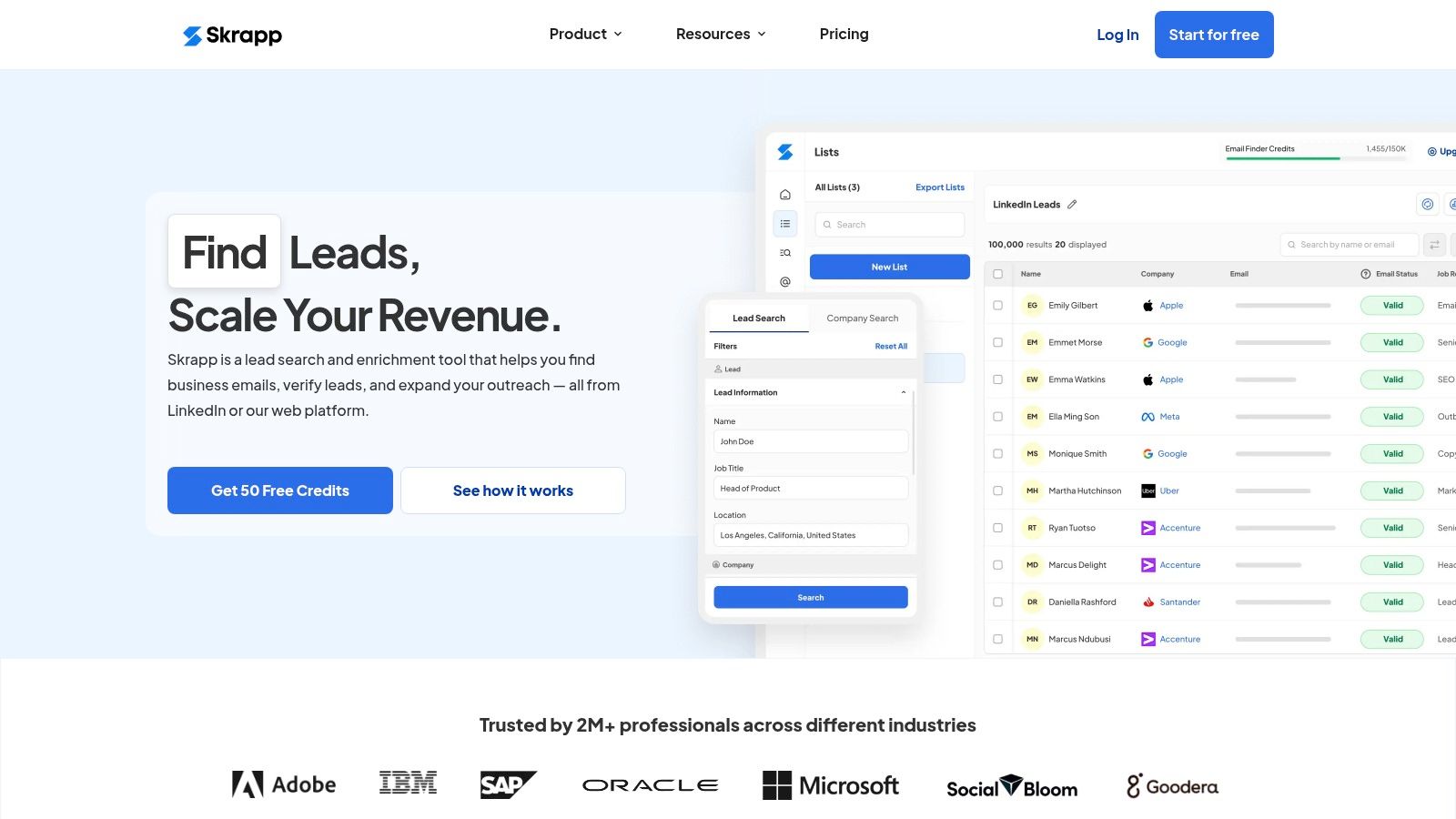
    Skrapp is a powerful B2B prospecting tool with a strong emphasis on LinkedIn integration, making it a favorite for sales professionals who live on the platform. It excels at extracting email addresses directly from LinkedIn profiles, Sales Navigator, and company websites through its versatile Chrome extension. Its focus on social prospecting workflows makes it a highly efficient tool for building targeted lead lists.

    The platform's free plan is designed for consistent, low-volume use, offering a recurring monthly credit allowance. This makes Skrapp an excellent choice for users who need a reliable, albeit limited, email finder to supplement their ongoing sales activities without a financial commitment.

    Skrapp

    Key Features & Use Cases

    Skrapp is built to streamline the process of finding verified B2B emails, integrating seamlessly into existing sales workflows.

    • LinkedIn & Sales Navigator Integration: The Chrome extension allows you to find emails from individual profiles or search result pages directly within LinkedIn, which is ideal for sales development representatives.
    • Company Email Finder: Use the extension on a company website to uncover email addresses associated with that domain, helping you map out potential contacts.
    • Bulk Email Finder: Upload a CSV file with names and company information to find corresponding email addresses in bulk, saving significant manual effort.
    • Built-in Verification: Each email found is cross-referenced against Skrapp's database to ensure a high level of accuracy and reduce bounce rates.

    Pricing & Limitations

    Skrapp’s free plan offers 20 credits per month. A single credit is used for one email lookup. While the monthly credit count is lower than some competitors, the simplicity of its one-credit-per-email system is a plus. Paid plans, which offer more credits and features like bulk exports, start at $49/month.

    Practical Tip

    Leverage the LinkedIn Sales Navigator extension to its fullest. Build highly targeted lead lists within Sales Navigator and then use Skrapp to enrich those lists with contact information in one go. This targeted approach ensures you use your limited free credits on the most promising prospects. To understand more about company-level searches, see this guide on how to find company email addresses on EmailScout.io.

    Feature Best For Free Plan Limit
    LinkedIn Extension Sales prospecting on LinkedIn 20 credits/mo
    Company Finder Website-based email discovery (Counts toward credit limit)
    Bulk Finder Enriching existing lead lists (Counts toward credit limit)
    Email Verification Data accuracy and validation Included with each search

    Website: https://skrapp.io

    6. Lusha

    Lusha has carved out a strong reputation as a premium sales intelligence platform, excelling at providing not just email addresses but also direct-dial phone numbers for B2B contacts. Its polished interface and seamless integration with platforms like LinkedIn make it a favorite among sales teams who need accurate, multi-channel contact information to close deals. The tool is designed for speed and accuracy, helping users bypass gatekeepers and connect directly with decision-makers.

    The free plan offers a taste of its powerful capabilities, providing a small number of credits each month. This makes it a great supplementary tool for high-value targets or for professionals who only need to find a few key contacts periodically.

    Lusha

    Key Features & Use Cases

    Lusha's primary strength is providing both email and phone contact details, offering a more holistic approach to prospecting than many competitors.

    • Email & Phone Number Reveal: With a single click on a contact's LinkedIn profile or in the web app, Lusha reveals verified email addresses and direct phone numbers.
    • Browser Extension: The Chrome extension is the core of the Lusha experience, allowing you to find contact details directly on LinkedIn, Salesforce, and company websites.
    • CRM Integrations: Seamlessly save and enrich contacts in your CRM (like Salesforce, HubSpot, etc.), reducing manual data entry and keeping your records up-to-date.
    • Team Management: Paid plans offer features for teams to share credits and manage user access, making it a scalable solution for growing sales organizations.

    Pricing & Limitations

    Lusha's free plan provides 5 credits per month. A credit is used to reveal one contact's full details (email and phone number). These credits are quickly consumed, making the free plan suitable for only highly targeted prospecting. Phone number reveals can sometimes cost more credits than emails on certain paid plans. Paid tiers start at $29/month per user (billed annually) for more credits and features.

    Practical Tip

    Reserve your limited free Lusha credits for your highest-value prospects where a direct phone call could make a significant difference. For general email finding, use another tool with more generous free credits and save Lusha for the critical contacts that warrant a multi-channel outreach approach.

    Feature Best For Free Plan Limit
    Email & Phone Reveal Multi-channel sales outreach 5 credits/mo
    Browser Extension Finding contacts on LinkedIn (Uses monthly credits)
    CRM Integrations Automating lead data entry Available on free plan
    Team Features Collaborative prospecting Paid plans only

    Website: https://www.lusha.com

    7. ContactOut

    ContactOut is a powerful email and phone number finder, heavily favored by recruiters and sales professionals for its direct integration with LinkedIn. It operates primarily through a Chrome extension, allowing users to uncover contact details from personal profiles with a single click. Its reputation is built on providing both professional and personal email addresses, offering multiple avenues for outreach.

    The platform's free plan is notable for providing a recurring daily allowance of credits, making it a sustainable option for consistent, low-volume prospecting. This model allows users to continuously test data quality and integrate the tool into their daily workflow without needing an immediate subscription, making it a strong contender for the title of best free email finder tool for LinkedIn-centric users.

    ContactOut

    Key Features & Use Cases

    ContactOut excels at enriching profiles directly where most prospecting happens: on LinkedIn. Its features are designed to quickly turn a social profile into an actionable lead.

    • LinkedIn Profile Enrichment: The core feature, its Chrome extension, adds a sidebar to LinkedIn profiles, revealing work emails, personal emails, and sometimes phone numbers.
    • Email & Phone Finder: Beyond LinkedIn, you can use its web app to search for contacts, although the extension-based workflow is its primary strength.
    • Data Accuracy: The tool claims a high accuracy rate by cross-referencing multiple data sources, which is particularly useful for recruiters trying to reach passive candidates.
    • Search Portal: Users can search for candidates within ContactOut’s own database of professional profiles, filtering by job title, skills, and location.

    Pricing & Limitations

    ContactOut's free plan offers 40 contacts per month, which is a solid starting point for individual users. The main limitation is that its full potential is realized only through its Chrome extension on LinkedIn. Full pricing details for paid plans are not publicly listed and often require a sales consultation. Advanced features like team management and API access are reserved for higher-tier paid plans.

    Practical Tip

    Since the free credits are limited, be strategic. Before using a credit on a LinkedIn profile, quickly assess if the person is the right decision-maker for your outreach. Prioritize high-value prospects to ensure every credit counts towards a meaningful connection.

    Feature Best For Free Plan Limit
    LinkedIn Extension Recruiters & sales reps on LinkedIn 40 contacts/mo
    Email Finder Sourcing both work & personal emails (Counts toward contact limit)
    Phone Number Search Multi-channel outreach (Included in contact limit)
    Search Portal Sourcing outside of LinkedIn Available on free plan

    Website: https://contactout.com

    8. GetProspect

    GetProspect is a highly regarded email finder that strikes a compelling balance between a generous free plan and powerful B2B prospecting features. It is particularly well-suited for users who need a reliable stream of verified contacts without an immediate financial commitment. The platform is designed for efficiency, focusing on providing valid email addresses and essential data points to fuel sales and marketing pipelines.

    The free plan is one of the most generous available, offering a substantial number of credits for both finding and verifying emails each month. This makes GetProspect an excellent choice for startups, freelancers, or sales teams looking to build their initial contact lists without incurring costs.

    GetProspect

    Key Features & Use Cases

    GetProspect combines a powerful LinkedIn extension with a robust web app to create a seamless prospecting workflow.

    • LinkedIn Prospecting: Its Chrome extension is a standout feature, allowing users to find email addresses and other contact data directly from LinkedIn profiles and search results.
    • Bulk & Single Finder: You can search for individual contacts by name and company or upload a CSV file with names and companies to enrich the list with emails in bulk.
    • Built-in Verification: The platform prioritizes data quality by including a verifier, ensuring the emails you find are valid and reducing bounce rates.
    • Basic Cold Emailing: GetProspect includes a simple sequence builder, allowing you to send basic cold email campaigns directly from the platform, which is a useful addition for small-scale outreach.

    Pricing & Limitations

    The GetProspect free plan provides 50 valid email credits and 100 verifications per month. A "valid email" credit is only consumed when a verified, valid email is found. This is a key distinction that makes its free offering particularly valuable. While the UI is clean and functional, it lacks the polish of some larger sales suites. Paid plans start at $49/month for 1,000 valid emails.

    Practical Tip

    Leverage the LinkedIn extension for targeted list-building. Identify key decision-makers on LinkedIn, and use your free credits to pull their verified contact information. This targeted approach ensures you use your monthly credits on the highest-value prospects.

    Feature Best For Free Plan Limit
    LinkedIn Extension Finding emails from LinkedIn profiles 50 valid emails/mo
    Email Finder Individual or bulk contact lookups (Counts toward email limit)
    Email Verifier Validating existing email lists 100 verifications/mo
    Data Export Saving prospects to CSV/XLSX Available on free plan

    Website: https://getprospect.com

    9. Voila Norbert

    Voila Norbert has built a strong reputation over the years for its simplicity and accuracy in finding corporate email addresses. It operates on a straightforward principle: you provide a name and a company domain, and Norbert finds the corresponding email. Its clean interface and "pay-for-what-you-find" philosophy make it an attractive option for users who need a reliable, no-frills email finder without a complex subscription.

    The platform offers a one-time trial for new users to test its capabilities. While not a recurring free plan, this initial credit pack is a great way to evaluate its accuracy and see if its pay-as-you-go model fits your workflow, making it a valuable contender for anyone testing the best free email finder tool options.

    Voila Norbert

    Key Features & Use Cases

    Voila Norbert focuses on doing one thing exceptionally well: finding emails. Its features are built around this core function to ensure high deliverability and user confidence.

    • Single & Bulk Email Finding: Ideal for both targeted searches for specific decision-makers and enriching larger prospect lists by uploading a CSV file.
    • High-Confidence Results: Norbert provides a confidence score for each email it finds, helping you prioritize the most likely valid addresses and reduce bounce rates.
    • Verification & Enrichment: Beyond just finding, it offers services to verify existing email lists and enrich contacts with additional data points like job titles and social profiles as add-ons.
    • Chrome Extension: The browser extension allows for quick prospecting directly from company websites and LinkedIn profiles, integrating smoothly into your research process.

    Pricing & Limitations

    Voila Norbert’s free offering consists of 50 free credits as a one-time trial for new sign-ups. Unlike other tools with recurring monthly limits, these credits do not renew. The key advantage is that you are only charged a credit for a successful find. After the trial, paid plans start at $49/month for 1,000 credits, with pay-as-you-go options also available.

    Practical Tip

    Use your 50 free trial credits strategically on high-value prospects where you are confident about the name and company domain. Since credits are only deducted for successful finds, you don't have to worry about wasting them on unsuccessful searches, allowing you to maximize the value of your trial.

    Feature Best For Free Plan Limit
    Email Finding High-accuracy individual lookups 50 credits (one-time)
    Confidence Score Ensuring list quality (Included with searches)
    Integrations Connecting with other sales tools Available on trial
    API Access Custom tool development Available on paid plans

    Website: https://www.voilanorbert.com

    10. Anymail Finder

    Anymail Finder distinguishes itself with an accuracy-first approach, built around a unique credit system that prioritizes deliverability. The platform charges users only for verified, high-confidence email addresses, making it an excellent choice for teams who cannot afford high bounce rates and need predictable costs for their outreach campaigns.

    While it doesn't offer a perpetual free plan, its trial provides a risk-free way to test its performance. This model is best suited for professionals ready to invest in a reliable tool after validating its effectiveness, ensuring every credit spent translates directly into a usable contact.

    Anymail Finder

    Key Features & Use Cases

    Anymail Finder’s core value is its promise of quality over quantity, with features designed to maximize the ROI of your prospecting efforts.

    • Pay-for-Verified Model: Its most significant feature is that credits are only consumed for emails with a 97%+ deliverability rating. Guessed or unverified emails are free, protecting your budget.
    • Bulk Finder & Verifier: Upload a list of names and companies to find or verify email addresses in bulk, saving significant manual effort.
    • Rollover Credits: Unused credits roll over each month, providing flexibility for fluctuating campaign needs without wasting your subscription value.
    • Duplicate Prevention: The system automatically detects and provides duplicates free of charge within a 30-day window.

    Pricing & Limitations

    Anymail Finder offers a free trial with 20 verified emails. After the trial, you must upgrade to a paid plan, which starts at $49/month for 1,000 verified emails. The primary limitation is the absence of a recurring free monthly plan, making it a "try-before-you-buy" tool rather than a long-term free email finder tool.

    Practical Tip

    Use the free trial to test the tool on your most difficult-to-find prospects. This will give you a clear indication of its data quality and accuracy before you commit to a paid subscription, ensuring it aligns with your specific industry or niche needs.

    Feature Best For Free Plan Limit
    Verified Email Search Ensuring high deliverability rates 20 verified emails (Trial)
    Bulk Finder Processing large prospect lists (Counts toward trial limit)
    Rollover Credits Flexible monthly usage Paid plans only
    Duplicate Prevention Cost-effective list building Included in all plans

    Website: https://anymailfinder.com

    11. AeroLeads

    AeroLeads is a versatile prospect and lead generation tool that excels at finding business emails and phone numbers, particularly from professional networks like LinkedIn. It operates primarily through a Chrome extension, integrating directly into your browsing workflow to capture contact information from profiles on platforms such as LinkedIn, Crunchbase, and AngelList. This makes it a strong contender for sales teams and recruiters who spend significant time on these sites.

    The platform offers a free trial that acts as its entry-level free plan, allowing users to test its capabilities without a credit card commitment. While many advanced features are gated, the trial provides a good sense of its core functionality, positioning it as an accessible, free email finder tool for initial prospecting needs.

    Key Features & Use Cases

    AeroLeads is built to streamline the data-gathering process from professional networking sites into a manageable, actionable list.

    • LinkedIn Prospecting: Its Chrome extension is the star feature, allowing you to find email addresses and other data from LinkedIn profiles with a single click. This is ideal for sales development representatives building targeted lists.
    • Data Enrichment: The tool finds not only emails but also company names, phone numbers, job titles, and locations, providing a more complete profile for each prospect.
    • CRM Integration: AeroLeads supports exporting data to popular CRMs like Salesforce, HubSpot, and Zoho, making it easy to transfer your newly found leads into your sales pipeline.
    • Data Export: You can export your collected data as a .csv file, which is useful for bulk uploads or further analysis in spreadsheets.

    Pricing & Limitations

    AeroLeads offers a free trial with 10 credits to find prospects. These credits are used each time you add a prospect to your list. While this is a small number, it's sufficient for evaluating the tool's accuracy and workflow. The free plan has significant limitations; for instance, exporting data requires a paid subscription. Paid plans offer more credits and features, starting at $49/month.

    Practical Tip

    Use your 10 free credits very strategically on high-value prospects you find on LinkedIn. Since the data is captured in real-time, prioritize decision-makers at your top target accounts. You can find more tips on how to validate an email address on EmailScout.io to ensure your limited credits are used on high-quality contacts.

    Feature Best For Free Plan Limit
    LinkedIn Prospecting Sales and recruitment on LinkedIn 10 credits (total)
    Data Enrichment Building complete prospect profiles (Counts toward credit limit)
    Data Export Transferring leads to other systems Paid feature
    Integrations Pushing leads to CRMs Paid feature

    Website: https://aeroleads.com

    12. FindThatLead

    FindThatLead positions itself as more than just an email finder, offering a suite of prospecting and outreach tools aimed at streamlining the entire sales process. It’s built for users who want to not only discover contacts but also engage with them directly from the same platform. The tool is particularly useful for building targeted lists based on specific criteria like industry and location.

    Its permanent free plan offers a sustainable option for individuals or small teams with very light, ongoing prospecting needs. While the limits are modest, it provides a genuine opportunity to integrate the tool into a workflow and evaluate its full potential before considering an upgrade.

    FindThatLead

    Key Features & Use Cases

    FindThatLead combines data discovery with simple campaign management, making it a balanced tool for sales and marketing startups.

    • Prospector Tool: Search and build targeted lists using filters for company, industry, job title, and location. This is ideal for defining a specific market segment and finding relevant leads within it.
    • Email Finder: Find individual email addresses by inputting a person's name and company domain, perfect for direct outreach to key decision-makers.
    • Built-in Outreach: Send simple email sequences directly from the platform, allowing you to quickly act on the leads you've just discovered.
    • Chrome Extension: Scrape contact information from LinkedIn profiles and company websites, adding a layer of convenience to your daily prospecting routine.

    Pricing & Limitations

    The free-forever plan provides 20 monthly credits, which are only consumed when a valid email is found. This makes it a great entry-level option. However, this credit limit is restrictive for any significant list-building efforts. Paid plans offer more credits and unlock advanced features like bulk processing, starting at different price points that can vary by region.

    Practical Tip

    Use the Prospector tool to build a highly targeted, small list of ideal contacts. Since credits are only used on successful finds, you can focus on quality over quantity without wasting your limited free allowance. This makes it a great free email finder tool for hyper-specific campaigns.

    Feature Best For Free Plan Limit
    Prospector Building targeted lead lists 20 successful finds/mo
    Email Finder Locating specific contacts (Counts toward credit limit)
    Outreach Basic email campaigns Available on free plan
    Chrome Extension LinkedIn and website prospecting Available on free plan

    Website: https://findthatlead.com

    Top 12 Free Email Finder Tools Comparison

    Product Core Features User Experience & Quality Value Proposition Target Audience Pricing & Plans
    EmailScout Unlimited email searches/exports; AutoSave; URL Explorer (up to 1,500 URLs) Easy Chrome toolbar integration; highly accurate; time-saving Free unlimited email searches; premium automation; flexible plans Marketers, sales pros, entrepreneurs, freelancers Free unlimited; Premium from $9/month (5,000 emails)
    Hunter.io Domain and person email finder; verifier; team sharing Robust integrations; browser & Sheets extensions Generous free plan; straightforward credit system B2B sales and marketing teams Free limited credits; paid tiers for bulk & advanced
    Snov.io Email finder/verification; LinkedIn sourcing; outreach No credit card signup; flexible credits All-in-one prospecting; free testing tier Small teams, sales & marketing Free tier; paid add-ons for automation
    Apollo.io Email/phone reveal; prospecting filters; CRM sync Large contact database; broad sales tools Free tier to test; integrated sales workflows Sales professionals and teams Free forever core features; paid plans for scale
    Skrapp LinkedIn & website email finder; verification; bulk exports Simple pricing; credit rollover Rolling free plan; good LinkedIn tools Recruiters & sales pros Limited free; paid plans with credit rollover
    Lusha Email & phone reveals; CRM integration; team features Polished UX; easy onboarding Flexible team options; scalable credits Sales teams and recruiters Free limited credits; paid scalable plans
    ContactOut Email & phone finder; LinkedIn-centric workflow Strong recruiting reputation; free daily credits Recurring free credits; Chrome required Recruiters, sales professionals Free daily credits; premium team/API options
    GetProspect Email finder by name/company; verifier; CSV enrichment Clear pricing; utilitarian UI Free email & verification credits; add-ons Small teams, startups Free 50 emails + 100 verifications; paid plans
    Voila Norbert Email finder & verification; pay-as-you-go pricing Transparent per-email pricing Only pay for successful finds; one-time free credits Sales & marketing individuals Pay-as-you-go; free trial credits
    Anymail Finder Person, domain, LinkedIn search; 97%+ delivery verifier Focus on accuracy; credits roll over Pay for valid emails only; risk-free trial Teams focused on deliverability Paid plans only after trial; credits rollover
    AeroLeads LinkedIn & other sources email/phone finder; CRM integration Competitive pricing; free trial Low-cost trial; CRM export Small teams, solo users Free trial; paid credit-based plans
    FindThatLead Email finder with filters; outreach sequences; Chrome extension Balanced toolset; free forever plan Ongoing free plan for light users Small teams, startups Free forever (20 emails/month); paid plans

    Start Building Your Connections Today

    Navigating the crowded landscape of outreach tools can feel overwhelming, but finding the right instrument to build your network doesn't have to be a costly endeavor. Throughout this comprehensive guide, we've explored a dozen of the top contenders, each offering a unique approach to uncovering the contact information essential for growth. The journey from a cold prospect to a warm lead begins with a single, accurate email address, and the tools we've detailed provide a powerful starting point for any sales, marketing, or business development professional.

    The primary takeaway is that there is no single, one-size-fits-all solution. The best free email finder tool is ultimately the one that seamlessly integrates into your specific workflow, respects your budgetary constraints, and consistently delivers the accurate data you need to make meaningful connections. Your ideal choice depends entirely on your strategy and operational needs.

    How to Choose the Right Tool for Your Needs

    To make the best decision, you must first define your primary use case. Are you a freelancer focused on targeted outreach for a handful of high-value clients each month, or are you a startup aiming to build a massive top-of-funnel list?

    Consider these key scenarios when making your selection:

    • For High-Volume Prospecting: If your strategy involves building large lists from various online sources without worrying about monthly credit limits, a tool with generous free search capabilities is paramount. EmailScout's unlimited free searches make it an exceptional choice for this purpose, allowing for extensive research without financial friction.
    • For Deep LinkedIn Integration: Sales professionals and recruiters who live on LinkedIn will benefit most from a tool with a robust and reliable Chrome extension. Solutions like Apollo.io, Snov.io, and ContactOut excel in this environment, offering rich profile data and seamless integration directly within the LinkedIn interface.
    • For All-in-One Sales Engagement: If you need more than just an email finder and are looking for a platform that includes sequencing, CRM integration, and analytics, a comprehensive tool is your best bet. Apollo.io stands out here, providing an entire sales intelligence platform, though its free tier is more limited for pure email finding compared to specialized tools.
    • For Domain-Level Searches: Marketers and business development teams often need to find key contacts within a specific company. Hunter.io has long been the gold standard for its powerful domain search feature, making it incredibly efficient for account-based marketing strategies.

    Final Considerations Before You Begin

    Before committing to a tool and integrating it into your daily operations, remember to consider a few critical factors. Data accuracy should always be a top priority; a large list of unverified emails is far less valuable than a smaller, highly accurate one. Test the verification features of any tool you consider.

    Furthermore, think about your long-term needs. While a free plan is an excellent starting point, evaluate the paid tiers to ensure the tool can scale with your success. Look at the cost per valid email and the additional features unlocked at each level. Finally, always respect data privacy regulations like GDPR and CCPA. Use these tools responsibly to build genuine professional relationships, not to spam.

    The power to connect with almost anyone is now more accessible than ever. By experimenting with the free plans of the tools listed in this article, you can identify the perfect fit for your outreach goals. The right technology will not only save you time but will also open doors to opportunities that can fundamentally transform your business. Start experimenting, find your ideal tool, and begin building the valuable connections that will drive your success forward.


    Ready to stop worrying about monthly credits and start building your prospect lists without limits? EmailScout offers unlimited free email searches, making it the most generous and truly free email finder tool available. Discover the freedom of limitless prospecting with EmailScout today!

  • Using a Free Email Extractor Online

    Using a Free Email Extractor Online

    Let's be real, hunting for email addresses one by one is a mind-numbing task that drains hours from your day. This is exactly where a free email extractor online becomes a lifesaver for anyone in sales, marketing, or research. These tools are designed to do the heavy lifting for you, automatically scanning web pages or text to pull out email addresses. It's the difference between building a contact list in minutes instead of hours.

    Why a Free Email Extractor Is Your Secret Weapon

    Image

    The biggest win here is just pure efficiency. Think about it: you need to build a prospect list for a new campaign. The old way involves spending an entire afternoon slogging through industry blogs and online directories, copying and pasting every email you find. An extractor automates that whole mess, freeing you up to focus on what actually matters—writing a killer outreach message.

    For sales reps, that means more time closing deals and less time digging for leads. For marketers, it means quickly building targeted lists for hyper-specific campaigns. Even researchers can use it to gather contacts for surveys or academic outreach in a fraction of the time.

    Making Data Collection Easy for Everyone

    What's really great is how simple these tools are now. The best free online email extractors run right in your browser, so there’s no clunky software to download or install.

    They work by scanning raw text, website source code, or specific URLs to spot and pull out valid email addresses. They're smart, too—most use pattern recognition to automatically ditch duplicates, so you get a clean list right off the bat. Plus, since many are browser-based, they don't store or share your data, which is a nice peace of mind. You can get more insight into how these in-browser tools operate from leaders in email verification.

    The real power of a free email extractor isn't just about finding emails. It’s about reclaiming the time you’d otherwise lose to tedious, manual work. It turns a chore into a simple, automated step.

    At the end of the day, these tools give you a serious leg up. You can kickstart any outreach effort without spending a dime or wasting your valuable time.

    How to Choose the Right Free Extractor

    Image

    With so many free tools out there, picking the right free email extractor online can feel like a shot in the dark. The secret is to stop looking for the "best" tool and start looking for the right tool for your specific mission.

    Not all extractors are built the same. Some are great at sifting through a giant wall of text, while others are designed to crawl live websites.

    Think about what you're actually trying to do. Are you a sales rep needing to pull a few emails from an industry report? Or are you a marketer building a list from a dozen different online forums? Where your data comes from will immediately tell you which tool is going to work best.

    Evaluate Key Features and Capabilities

    When you start comparing options, cut through the noise and focus on the practical features that will actually speed up your workflow. A tool might have a flashy interface, but it's useless if it can't handle the type of content you're working with.

    Here’s what I always look for:

    • Input Method: Can you just copy and paste raw text, or does it let you plug in URLs? A simple text box is fine for a one-off job, but you’ll need URL support for anything more serious.
    • Export Options: How do you get the emails out? A simple "copy to clipboard" is okay, but a clean CSV or TXT download saves you a ton of time on reformatting later.
    • Data Cleaning: Does the extractor automatically get rid of duplicates? This is a non-negotiable for me. It’s a huge time-saver that gives you a clean list from the start.
    • Usage Limits: Let's be real—free tools always have a catch. Check if there are daily limits on how many pages you can scan or how many emails you can pull in one go.

    The goal isn't to find the single "best" extractor on the market. It's about finding the right one for the task you have right now. A tool that’s perfect for pulling emails from a blog post is probably the wrong choice for analyzing a list of company domains.

    For example, if you're a marketer trying to extract contacts from a long PDF you've copied, you'll want a tool with a high character limit and solid duplicate removal. But if you're a researcher hunting for leads on company websites, you absolutely need a tool that can process URLs.

    And if you’re trying to find specific company email addresses, that’s a whole different game. Our guide on how to find company email addresses gives you a bunch of strategies that work perfectly alongside these tools.

    Comparing Popular Free Email Extractor Tools

    To make your decision easier, I've put together a quick comparison table. This breaks down the most common types of free extractors to help you see which one fits your needs at a glance.

    Tool Name Primary Use Case Input Method Export Format Key Feature
    Text-Based Extractor Scraping emails from raw text, articles, or source code. Copy & Paste Plain Text, Copied List Simplicity and speed for text blocks.
    URL-Based Extractor Pulling contacts from specific web pages or a list of URLs. Single or Bulk URLs CSV or TXT File Great for targeted website scraping.
    Browser Extension Extracting emails in real-time as you browse websites. Live Web Page Copy to Clipboard, CSV Convenience for on-the-fly collection.

    Ultimately, having one of each type bookmarked can be a lifesaver. You never know when you'll need to quickly grab emails from a block of text versus an entire website. Choose the one that solves today's problem, and keep the others in your back pocket.

    A Practical Guide to Extracting Emails

    Talking about a free email extractor is one thing, but seeing it in action makes all the difference. Let's walk through a common scenario using EmailScout's extractor to see how it turns a messy data-gathering task into a simple, repeatable process.

    Imagine you're a sales rep who just stumbled upon an online directory of local businesses—a goldmine for your product. The page lists dozens of companies, but all the contact info is scattered everywhere. Your goal is to pull every single email address from that page without spending the next hour manually copying and pasting.

    The good news is that most modern extractors are built to get you from that jumbled data to a clean list in just a few clicks.

    This visual shows just how simple the three-stage process really is.
    As you can see, the path from a messy web page to a usable contact list has been stripped down to the bare essentials, making it accessible to anyone.

    Getting Your Source Data Ready

    First thing's first: you need to decide what you're extracting from. The beauty of these tools is their flexibility, so you can tackle this in a couple of different ways.

    • Pasting Raw Text: If you’re working with a document, a PDF, or just one section of a website, this is your go-to. Just highlight the text you want, copy it (Ctrl+C or Cmd+C), and you're ready to paste it directly into the tool.
    • Using a URL: Got an entire public webpage you want to scrape? Don't bother copying anything. Simply grab the URL from your browser's address bar. This works perfectly for articles, directories, or company "contact us" pages.

    A little pro tip from experience: The quality of your results is directly tied to the quality of your source. You'll always get better contacts from a well-structured, relevant website than you will from some random, outdated forum thread.

    Running the Extraction and Getting Your List

    Once you have your source data, the rest is a breeze. The interface for tools like EmailScout is designed to be dead simple, so you can get started immediately without a learning curve.

    Here’s a peek at a typical, clean interface where you'll plug in your data.
    The layout is all about function—a big input box for your text or URL and a clear button to kick things off. No guesswork needed.

    Just paste your content or URL into the field and hit the "Extract" button. The tool instantly gets to work, scanning the information and using pattern recognition to spot anything that looks like an email address. Within seconds, it spits out a clean, deduplicated list.

    From there, you have two main options: copy the list to your clipboard for a quick paste somewhere else, or download it as a CSV file. I almost always go for the CSV. It's perfect for importing directly into a CRM or email marketing platform, saving a ton of formatting headaches later.

    For more advanced B2B strategies, check out our guide on how to find thousands of local business emails in minutes.

    Verifying and Managing Your New Contact List

    Image

    Grabbing a list of emails with a free online extractor is a great start, but don't pop the champagne just yet. The job’s not finished. Real success comes from making sure the addresses you just collected are actually deliverable. I’ve seen countless people skip this step, and it almost always ends in disaster for their outreach campaigns.

    Here’s the problem: when you send emails to a list packed with invalid addresses, your bounce rate goes through the roof. Internet Service Providers (ISPs) like Google and Microsoft pay very close attention to this metric. If they see too many of your emails bouncing, they'll flag your entire domain as spam. This move absolutely tanks your sender reputation and crushes the deliverability of every email you send from that point on.

    The Importance of List Hygiene

    Think of your freshly extracted list as raw data—it needs to be cleaned up before it’s useful. This cleanup process is often called "verification," and it's all about weeding out the junk: invalid addresses, temporary emails, and even dangerous spam traps. A clean list is the bedrock of any solid email marketing or sales outreach strategy.

    You don't need a huge budget for this, either. Plenty of services offer free or freemium plans that are more than capable of cleaning up the lists you generate. These tools work by scanning each email and checking its validity without ever sending a message.

    A good verifier will help you filter out a few key types of bad emails:

    • Invalid Emails: These are addresses with typos or ones that just don't exist anymore.
    • Disposable Addresses: Think of these as temporary, self-destructing inboxes.
    • Spam Traps: These are addresses used by ISPs specifically to catch and block spammers.

    As more and more marketers and sales pros turn to email generators for lead gen, we're seeing a rise in platforms that build verification right into their workflow. It just makes sense—they want to improve delivery outcomes and keep bounce rates low for their users. You can discover more about these integrated tools and their impact.

    A raw, unverified email list is a liability, not an asset. Taking the time to clean your contacts protects your sender reputation and ensures your message actually reaches a real person.

    Once your list is sparkling clean, you have one final step: segmentation. Don’t just blast the same generic message to everyone. Group your contacts by how you found them, their industry, or what they might be interested in. This simple action transforms a raw data dump into a powerful, targeted asset for your next campaign.

    What Not to Do: Common Mistakes With Free Extractors

    Getting your hands on a free email extractor online can feel like a major win, but it's surprisingly easy to trip up if you're not paying attention. The biggest mistake I see people make is treating their new list like a blank check, completely ignoring the legal and ethical lines that govern email outreach.

    Just because you have an email doesn't mean you have permission to spam. Seriously. Regulations like GDPR in Europe and the CAN-SPAM Act in the U.S. aren't messing around. Sending unsolicited commercial emails without a crystal-clear way to opt-out can get you into a world of trouble, from massive fines to a trashed sender reputation that's hard to recover from. Your outreach should always provide real value and make it dead simple for recipients to unsubscribe.

    Overlooking Data Quality and Verification

    Another classic blunder is assuming every single email the tool scrapes is good to go. I can tell you from experience, that's almost never the case. Many free tools are designed to just grab anything that looks like an email address, which means you'll end up with a mix of outdated, inactive, or straight-up fake ones.

    Using that raw, unverified data is a recipe for a sky-high bounce rate. Email providers see that as a huge red flag, and it can tank your deliverability.

    Skipping the verification step is like trying to build a house on a shaky foundation—it’s just not going to work. Before you even think about sending your first message, you absolutely must clean your list. This is the crucial step that weeds out the junk, protects your sender score, and makes sure your hard work doesn't go to waste.

    It's easy to think more emails automatically means better results. The reality? A smaller, clean list of 100 verified and interested contacts is infinitely more valuable than a messy list of 10,000 unverified, random addresses.

    At the end of the day, using these tools smartly and ethically is what separates the pros from the amateurs. When you pair a good extractor with solid list hygiene and respectful outreach, you turn a simple free tool into a powerful lead-generation asset. For a deeper look into doing this the right way, check out our guide on how to find anyone's email address for more advanced techniques.

    FAQs

    When you're first dipping your toes into the world of email extraction, it's natural to have a few questions. Let's clear up some of the most common ones I hear about legality and capabilities.

    Is Email Scraping Legal?

    Yes, collecting publicly available email addresses is generally fine. The real question isn't about the collecting—it's about the sending.

    How you use those emails is what matters. You absolutely must comply with regulations like the CAN-SPAM Act and GDPR. The golden rule? Always provide value, be respectful, and make it incredibly easy for people to opt out.

    Can You Extract Emails From Social Media Sites?

    Most free, browser-based tools are built to read the code on a standard website. That means they usually can't get behind the login wall of social media platforms like LinkedIn.

    Scraping data from those closed networks requires much more specialized (and often paid) software. For general web scraping, a tool like EmailScout is perfect.

    Here's something to remember: The strength of any email list comes down to two things—where you got it from and whether you've cleaned it. Start with relevant sources, then run your list through a verification tool. This simple process will do wonders for your campaign results and keep your sender reputation safe.


    Ready to stop hunting and start building? Grab the EmailScout Chrome extension today and see how fast you can build a targeted contact list. Get started for free.

  • How to Find Anyone’s Email Address

    How to Find Anyone’s Email Address

    Finding the right email is often the first domino to fall, unlocking a major opportunity. When it comes to the hunt, you really have two paths: old-school manual detective work or firing up a dedicated email finder tool. Which way you go usually depends on whether you're tracking down one VIP contact or building a list of hundreds.

    Why Finding the Right Email Is Still a Game Changer

    Image

    In a world drowning in social media DMs and push notifications, the humble email inbox remains one of the last bastions of direct, focused communication. Sure, other platforms are great for a quick back-and-forth, but a well-crafted email to the right person just hits different. It signals professionalism and serious intent.

    Think of it as the difference between shouting into a crowded room and sitting down for a real, one-on-one conversation.

    Knowing how to find anyone's email address is more than just a party trick; it's a legitimate strategic advantage. It lets you sidestep gatekeepers, bypass clunky contact forms, and escape the dreaded info@company.com black hole. When your message lands directly in the inbox of a decision-maker, your odds of getting a response go through the roof.

    The Strategic Value of a Direct Connection

    A verified email address is your key to unlocking meaningful professional opportunities. It doesn't matter if you're in sales, marketing, recruiting, or just trying to network—direct access is everything.

    Here’s why this skill matters so much:

    • Sky-High Response Rates: An email sent to a specific person is infinitely more likely to be opened and read than one blasted to a generic inbox.
    • Bypassing the Gatekeepers: You get a direct line to founders, hiring managers, or potential partners without getting screened out by assistants or automated filters.
    • Building Real Relationships: A direct email is the start of a personal conversation. It's the foundation for a future partnership, a sales deal, or a career-changing opportunity.

    The inbox is one of the few digital spaces left where you can command someone's undivided attention. Unlike a social media feed designed for distraction, an email invites a focused, thoughtful response.

    Email Is More Relevant Than Ever

    Despite all the new ways we have to communicate, email isn't going anywhere. In fact, it's bigger than ever. The user base is massive and still climbing.

    Projections show that by 2025, there will be 4.59 billion email users globally. That's over half the world's population! This number has exploded from just 10 million users back in 1997, and with an average of 1.86 accounts per user, the total number of inboxes is just staggering. You can dig into more data on global email usage and see for yourself why it remains a critical channel.

    At the end of the day, learning how to find an email address isn't about being sneaky. It’s about being resourceful. It's about valuing the other person's time by making sure your message is relevant, personal, and delivered to the one place it's guaranteed to be seen. It’s the first—and most important—step in making a real connection.

    Mastering Manual Email Discovery Techniques

    Image

    Before you fire up an automated tool, it’s worth trying a bit of old-fashioned digital detective work. Manual email discovery is a solid skill that often gets you the address you need with just some clever thinking. It’s all about piecing together clues that are usually hiding in plain sight.

    The best place to start? Figuring out the company's email pattern. Most organizations use a standard format for their employee emails, which makes them surprisingly predictable. Once you crack the code, you can guess an individual's address with a pretty high degree of accuracy.

    Decode the Company Email Pattern

    Your first stop should be the company's website. The goal here is simple: find just one email address from anyone at that company. That single address will almost always reveal the pattern they use for everyone.

    Common places to look include:

    • The "Contact Us" or "Team" page. Smaller companies, in particular, often list direct emails for key people.
    • Press releases or media kits. These usually have a direct contact email for media inquiries.
    • Blog author bios. If the company has a blog, the author's bio at the end of a post is a great place to check.

    Once you find an example, say j.doe@company.com, you can be pretty confident that firstinitial.lastname@company.com is the format. This simple trick is surprisingly effective and should always be your first move.

    Pro Tip: Don't just look for email addresses. Sometimes, you'll find a person's guest post or an interview on another site. Their author bio in those places often contains the direct contact info you're looking for.

    Use Advanced Google Search Operators

    When a company website comes up empty, Google is your next best friend. But a simple search probably won’t cut it. You need to use search operators—special commands that narrow your search to pinpoint exactly what you need.

    Let's say you're looking for Jane Smith at ExampleCorp. Instead of just typing her name, try these powerful queries:

    • site:examplecorp.com "Jane Smith" email
    • "Jane Smith" contact filetype:pdf
    • intitle:"team" site:examplecorp.com

    The site: operator tells Google to only search that specific website. Putting the name in quotes ensures it searches for that exact phrase. These simple tweaks can uncover resumes, staff directories, or press mentions that a basic search would have buried.

    Sift Through Social and Professional Profiles

    Professional networks are absolute goldmines for contact details. LinkedIn is the obvious starting point; always check the "Contact Info" section on a person's profile. A lot of people keep their email private, but you’d be surprised how many don’t.

    Twitter (now X) is another fantastic resource. Use its advanced search to look for tweets where your target might have shared their email. Try searching for terms like (from:username) "email" or (from:username) "contact". It happens more often than you think.

    Don't forget to check if they have a personal website or portfolio linked from their social media—the email is almost always listed there. For creators, this information is often on their YouTube channel, too. If you’re trying to connect with influencers, our guide on how to get YouTube leads from Google search has more strategies for that. These manual checks only take a few minutes but can quickly get you the direct line you need.

    Using Smart Guesses and Permutation Tools

    Image

    When you've hit a dead end with manual searches, it's time to get a little more strategic. This is where smart guessing—powered up by an email permutation tool—really shines. It’s the perfect middle ground between a simple shot in the dark and full-blown automation.

    The idea here is pretty straightforward. Most companies follow a standard, predictable pattern for their email addresses. Your goal is to crack that pattern.

    Instead of sitting there typing out a dozen different combinations by hand, a free email permutation tool does the heavy lifting for you. All you need is a first name, last name, and the company's domain, and it'll spit out a list of the most common variations instantly.

    Generating Your List of Likely Emails

    Let's run through a quick scenario. Say you’re trying to connect with "Maria Garcia" at a company called nextgen.io.

    An email permutator would generate a list that looks something like this:

    • maria.garcia@nextgen.io
    • mgarcia@nextgen.io
    • maria@nextgen.io
    • mariag@nextgen.io
    • maria_garcia@nextgen.io

    This gives you a solid list of the most probable formats companies use, covering your bases so you don’t miss the right one. It's a fantastic way to turn just a few bits of info into a real list of possibilities. But what you do with that list is what really matters.

    Hold on before you start blasting out messages to every address on that list. That's a one-way ticket to getting your domain flagged as spam, which torpedoes your sender reputation. The whole point is to find the one valid email before you even think about hitting "send."

    Verifying Your Guesses Without Sending an Email

    So, you have your list. Now what?

    There's a slick little trick you can use right inside Gmail to see which address is the real deal—without ever sending a single email. It works by taking advantage of Google's user profile feature.

    Here’s how you do it:

    1. Pop open a "New Message" window in your Gmail account.
    2. Copy and paste one of the email addresses from your list into the "To" field.
    3. Now, just hover your mouse over that address and give it a second.

    If a little pop-up appears with a profile picture and name, you've almost certainly found an active Google account tied to that email. Bingo. If you see nothing, or just a generic grey icon, that address is probably a dud. You can work through your whole list in a minute or two this way to pinpoint the right contact.

    Getting this right is more important than ever. The number of emails sent and received daily is expected to jump from 392 billion in 2025 to a staggering 523 billion by 2030. It’s still the backbone of business communication. To dive deeper into why this channel is so critical, check out the latest trends in email statistics.

    When your manual digging and educated guesses just aren't cutting it, it's time to call in the specialists. Email finder tools are built specifically to automate the discovery process. They'll save you countless hours of grunt work and deliver verified contacts with impressive accuracy.

    These aren't just simple search bots. Think of them as sophisticated platforms that scan public data, proprietary databases, and company websites to pinpoint the right inbox.

    It's a bit like this: searching manually is like panning for gold in a river. Sure, you might find a nugget here and there, but it's slow, tedious work. Using an email finder tool is like having a high-tech scanner that tells you exactly where the gold is buried.

    This chart shows just how much more effective these tools are compared to hunting down emails by hand.

    Image

    The numbers make it pretty clear. While manual techniques have their place for a quick one-off search, dedicated tools give you a dramatically higher success rate. They're an absolute must-have for any serious outreach campaign.

    Types of Email Finder Tools

    Not all email finders are created equal. They generally fall into a few categories, and knowing the difference helps you pick the right tool for the job.

    • Browser Extensions: These are lightweight tools that live right in your browser, often designed to work seamlessly on sites like LinkedIn. They're perfect for on-the-fly searches when you're targeting one or two specific contacts. For instance, a tool like EmailScout lets you find an email with a single click while you're browsing someone's profile.
    • Web Applications: These are more powerful, standalone platforms. They're built for bulk email finding, letting you upload a list of names and company domains to find hundreds—or even thousands—of emails at once.
    • API-Based Services: This one's for the tech-savvy crowd. APIs allow you to plug email-finding capabilities directly into your own apps or CRM, putting your lead generation workflow on autopilot.

    The best approach often involves a combination. I'll use a browser extension for my daily prospecting on LinkedIn, then switch over to a web application when I need to build a big, targeted list for a major campaign.

    How Do These Tools Actually Work?

    At their core, these tools work by combining several techniques to triangulate the correct email address. It starts by identifying a company's email pattern—just like we did manually, but on a massive scale.

    Then, they cross-reference that information with huge databases of publicly available professional data.

    The best tools take it a step further with a real-time verification check. This "ping" confirms that an email address is active and can actually receive mail. This is crucial for protecting your sender reputation and keeping your bounce rate low. If you want to go deeper on this, you can learn more about how to find company email addresses in our detailed guide.

    Choosing the right method can feel overwhelming, so let's break it down.

    Email Finding Methods At a Glance

    This table compares the different approaches we've covered, looking at everything from speed to cost. It's a quick way to see which method best fits your specific needs and resources.

    Method Speed Typical Accuracy Cost Best For
    Manual Guess & Check Slow Low (20-30%) Free Finding a single, high-value contact when you have time.
    Social Media & Web Search Slow to Moderate Low to Medium (30-50%) Free Quick, targeted searches for individuals with a public presence.
    Email Permutator Tools Moderate Medium (50-70%) Free to Low-Cost Generating and testing multiple patterns for a specific company.
    Dedicated Email Finders Fast High (85-98%) Subscription-Based Bulk searches, building large lists, and ensuring high deliverability.

    As you can see, while free methods have their place, nothing beats the speed and accuracy of a dedicated tool when you need reliable results at scale. This efficiency is what makes these platforms indispensable for modern sales and marketing teams.

    Email Outreach Ethics and Best Practices

    Knowing how to find anyone's email is a powerful skill. But as the old saying goes, with great power comes great responsibility.

    Finding an email address is just the starting line. Using it correctly is what separates a professional from a spammer. Before you even think about hitting "send" on that first cold email, you need to understand the ethical and legal lines you should never cross.

    The goal isn't just to get a response; it's to start a real, professional relationship built on respect. That means treating the contact information you've worked so hard to find with care.

    Complying with Email Regulations

    Let's get the legal stuff out of the way first. Regulations like the CAN-SPAM Act in the U.S. and GDPR in Europe aren't just polite suggestions—they're laws with very real penalties.

    While they have their differences, the core principles are all about transparency and consent.

    Here are the non-negotiable rules you have to follow:

    • Be Truthful: Your "From" name, subject line, and the content of your message must be honest. No tricks.
    • Provide a Physical Address: You have to include a valid physical postal address for your business.
    • Offer an Easy Opt-Out: Every single email needs a clear and simple way for the recipient to unsubscribe.

    The golden rule of outreach is simple: if you wouldn't want to receive the email you're about to send, don't send it. Respecting the inbox is the first step to earning a response.

    Best Practices for Professional Cold Outreach

    Beyond the legal minimums, ethical outreach is really about one thing: providing value. Your first email should never, ever be a hard sell. Instead, your job is to show that you've done your homework and have a legitimate reason for getting in touch.

    Personalization is everything. A generic, copy-pasted message is a one-way ticket to the trash folder or, worse, the spam filter.

    Mention a recent project they worked on, a blog post they wrote, or a connection you share. This simple step shows you have a genuine interest and immediately sets you apart from the noise. It’s a common tactic for digital marketers engaging with content creators—and it works because it’s authentic.

    The impact of getting this right is huge. The global email marketing market is on track to grow from $14.8 billion in 2025 to a massive $36.3 billion by 2033. And it's no surprise when you see that 54% of marketers are using personalization to drive engagement. You can find more stats on the growth of email marketing on hostinger.com.

    Ultimately, successful outreach is a long game. Focus on building bridges, not just sending messages.

    Even with the best tools in your arsenal, you're going to hit a few snags when you're learning how to track down anyone's email. Let's walk through some of the most common questions and roadblocks I see people run into.

    Is It Actually Legal to Find and Use Emails for Outreach?

    Yes, it’s generally above board to find and use publicly available business emails for outreach, as long as you play by the rules. The big ones you need to know are the CAN-SPAM Act in the U.S. and GDPR in Europe.

    These laws aren't there to stop you from making legitimate professional connections. They’re really about transparency and being respectful.

    To make sure you're always in the clear, just stick to these core principles:

    • Be Honest: Your "From" name and subject line can't be misleading. They have to accurately represent who you are and what the email is about.
    • Give an Easy Out: Every single email needs a clear, simple way for someone to opt out of future messages. No hoops to jump through.
    • Include Your Address: You have to put a valid physical postal address for your business somewhere in the email.

    Follow these, and your outreach will be professional, ethical, and, most importantly, compliant.

    How Can I Check If an Email Address Is Even Valid?

    Once you think you've found the right email, you absolutely have to verify it before hitting send. Firing off an email to a bad address jacks up your bounce rate, which is a huge red flag for email providers and can wreck your sender reputation.

    An email verification tool is your best bet here. These services ping the server to see if an address can receive mail without actually sending a full message. They usually sort emails into a few buckets:

    • Valid: The green light. This address is active and safe to send to.
    • Risky: This means the server is a "catch-all," so it accepts mail for any address at that domain. These can be a bit of a gamble and have a higher chance of bouncing.
    • Invalid: The address is a dead end. Never send to these.

    I can't stress this enough: verifying an email before you send is non-negotiable. It protects your sender score, boosts your deliverability, and gives your message the best possible shot at actually being seen.

    What Should I Do When I've Tried Everything and Still Can't Find It?

    It happens. Sometimes, no matter how deep you dig, you come up empty. Some people are just really private, or their details aren't floating around on public channels. When you've exhausted all the usual tricks, it’s time to pivot.

    First, try a different channel. A polite, quick message on LinkedIn can work wonders. Just mention you were hoping to connect via email about a specific topic and ask if they'd be open to it.

    Another great move is to try connecting with one of their colleagues. A friendly note to someone in a similar department could get you a warm introduction or at least a nudge in the right direction. Remember, the goal is to make a professional connection. The most direct path isn't always the only one.


    Ready to stop guessing and start connecting? EmailScout is the powerful, easy-to-use Chrome extension that finds verified email addresses in a single click. Build your lists, supercharge your outreach, and connect with decision-makers effortlessly. Find unlimited emails for free and see the difference for yourself. Get started with EmailScout today

    Article created using Outrank