Tag: CRM software

  • Top 10 B2B Sales Tools: Your 2026 Tech Stack Guide

    Top 10 B2B Sales Tools: Your 2026 Tech Stack Guide

    Monday morning usually exposes the state of a sales stack. The CRM looks healthy, reps are still building lists in browser tabs, marketing is asking for a cleaner handoff, and leadership wants forecast confidence without buying five more point solutions. On paper, the setup looks modern. In practice, contact data still gets copied into spreadsheets, account records go stale, and teams keep paying for tools that never change rep behavior.

    That gap matters because digital selling now carries a larger share of the pipeline. Analysts at Gartner have projected that by 2025, 80% of B2B sales interactions between suppliers and buyers will happen in digital channels. The operational problem is not access to software. It is tool sprawl, weak adoption, and poor sequencing across the stack.

    The best teams do not buy sales tools as isolated products. They build around jobs to be done. One layer helps reps find the right people and find contact information efficiently. Another handles outreach and follow-up. Another captures conversation data, routes meetings, or improves forecast accuracy. Each tool has a role, and the value shows up faster when the stack matches your sales motion.

    That is the lens for this guide. Instead of treating EmailScout, HubSpot Sales Hub, LinkedIn Sales Navigator, ZoomInfo SalesOS, Apollo.io, Outreach, Salesloft, Gong, Chili Piper, and Clari as unrelated picks, we group them by what they do in the workflow. That makes the trade-offs clearer. A lean outbound team needs speed and contact coverage. A mid-market sales org usually needs stronger process control, handoff discipline, and forecasting. An enterprise team often needs all of it, but with tighter governance and cleaner integration between systems.

    Tool order matters too. Start with account and contact intelligence. Add engagement once reps trust the data. Add call intelligence, routing, and forecasting after the frontline workflow is stable. That sequence prevents a common mistake. Teams buy orchestration and analytics before they have reliable inputs, then wonder why adoption stays low and forecast quality never improves.

    1. EmailScout

    EmailScout

    If your team is still prospecting in live browser sessions, EmailScout is one of the easiest places to start. It's a lightweight Chrome extension built for one job: finding decision-maker email addresses quickly while you're already researching accounts.

    That sounds simple, but simplicity is the point. A lot of B2B sales tools try to become your database, sequencer, CRM, and intelligence layer at once. EmailScout doesn't. It reduces the friction between "I found the right company" and "I have a usable contact list."

    Where it fits in the stack

    EmailScout works best as a top-of-funnel prospecting layer for reps, founders, freelancers, and lean business development teams that need speed more than process complexity. The strongest use case is manual or semi-manual list building, especially when your ideal customer profile is clear but your workflow is slow.

    Its standout features are practical:

    • One-click discovery: You can pull email addresses while browsing company pages or profiles.
    • AutoSave workflow: The extension captures contacts automatically while you research, which keeps reps from losing good prospects mid-session.
    • URL Explorer: Bulk extraction across multiple pages is useful when a rep already knows which sites or directories to mine.

    For teams that want to move from browsing to outreach faster, that's enough value on its own. If you want a walkthrough of the research side, EmailScout's guide to finding contact info is a useful companion to the tool itself.

    Practical rule: Use a lightweight finder when your bottleneck is contact capture. Don't buy an enterprise data suite just to solve a browser-tab problem.

    What works and what doesn't

    What works is the low-friction setup. Reps don't need a long onboarding cycle. They install the extension, search, save, and build lists. The free tier, which the site advertises as unlimited email finds, lowers the risk of testing it inside a real workflow.

    The trade-off is equally clear. EmailScout is Chrome-only, and the public product page doesn't give much detail on pricing tiers, data verification standards, or compliance certifications. That doesn't make it unusable. It means serious teams should validate data quality and outbound compliance against their own requirements before they scale campaigns.

    For many teams, EmailScout isn't the whole stack. It's the front door. That's often enough.

    Use EmailScout when list building speed matters more than deep admin controls.

    2. HubSpot Sales Hub

    A common sales ops problem looks like this: the CRM holds pipeline data, reps run sequences in a separate tool, meetings live somewhere else, and forecasting depends on spreadsheet cleanup every Friday. HubSpot Sales Hub is a good fit when the job is not just sending more emails, but running the core sales motion from one system.

    That matters because tool choice should follow workflow. In a modern B2B sales stack, HubSpot often sits at the center. It covers contact and deal management, sequencing, meeting booking, quotes, reporting, and forecasting inside the same CRM environment. For teams that also care about inbound, handoffs, and lifecycle visibility, that shared foundation removes a lot of operational drag.

    Best fit

    HubSpot is strongest for startup and mid-market teams that want fast adoption without hiring a large RevOps team to keep the system standing. Reps usually learn it quickly. Managers get enough structure to inspect pipeline and activity without building a custom process from scratch.

    A few reasons teams choose it:

    • One system for daily execution: Reps can manage contacts, deals, tasks, email activity, and follow-up from the same workspace.
    • Good coverage across the funnel: It supports outbound work, inbound lead routing, meeting scheduling, quote generation, and basic forecasting.
    • Clear expansion path: If the go-to-market motion grows more account-based or more marketing-led, HubSpot connects well with the rest of its own product suite and many third-party tools.

    The trade-off is real. HubSpot is rarely the cheapest option once the team adds seats, automation, reporting, and higher-tier controls. It also works best for organizations that accept HubSpot's opinionated way of structuring data and process. Teams with highly customized enterprise sales motions may outgrow parts of it and add specialists around it.

    That said, plenty of teams do not need a fully customized stack on day one. They need a system reps will use, managers can inspect, and ops can maintain without constant rescue work. In that role, HubSpot Sales Hub is one of the safer picks.

    It also pairs well with channel-specific tools. If your team wants to drive quality B2B leads on LinkedIn, HubSpot can serve as the system that captures, routes, and advances that demand after the first touch.

    3. LinkedIn Sales Navigator

    LinkedIn Sales Navigator

    Sales Navigator isn't your outreach engine. It's your targeting and relationship engine. That distinction matters.

    When teams say they need better leads, they often mean one of three things. They need a cleaner account list, better timing signals, or a clearer path into the buying committee. Sales Navigator is best at the third problem, and very good at the first two when LinkedIn activity is relevant to your motion.

    Why teams keep it

    The professional graph is the product. Reps can search accounts and people with precision, save leads, monitor job changes, and watch company activity without relying on static snapshots. For account-based selling, that's hard to replace.

    It also works well alongside broader prospecting efforts. If your team is trying to drive quality B2B leads on LinkedIn, Sales Navigator gives structure to that work instead of leaving reps to do ad hoc searches inside standard LinkedIn.

    Good outreach starts before the first message. If the rep can't map the account, the sequence won't save them.

    The trade-offs are familiar. InMail isn't a full engagement system, and many teams still need a separate sequencing or CRM workflow after they identify the right people. Seat costs also rise fast if you give access to everyone.

    Still, for ICP discovery, account research, and warm-path selling, LinkedIn Sales Navigator remains one of the most dependable B2B sales tools you can add to a modern stack.

    4. ZoomInfo SalesOS

    ZoomInfo SalesOS

    ZoomInfo SalesOS is the classic enterprise answer to a scale problem. If your team needs broad contact coverage, direct dials, enrichment, and buying signal layers in one commercial package, ZoomInfo is usually on the shortlist.

    Its value isn't just data volume. It's operational reach. Sales teams use it to enrich records, route intelligence into CRM, and support prospecting motions that would be painful to run manually.

    Where ZoomInfo makes sense

    This is usually a fit for larger teams, especially those selling into North America and needing coverage across many segments. It can also reduce vendor sprawl if you're replacing multiple smaller tools with one broader platform.

    What it does well:

    • Enterprise-grade breadth: Contact and company records are the core draw.
    • Signal expansion: Intent and visitor identification add useful context if your team can operationalize them.
    • Workflow integration: Enrichment use cases often matter as much as rep search.

    What buyers should watch is total complexity. ZoomInfo often works best when RevOps owns configuration and governance. Without that, teams can end up paying for layers they don't fully use. Public pricing isn't available, and quote-based buying can make comparison harder.

    The deeper lesson is stack order. Start with data quality. Then add engagement and analytics. The overlooked gap in many buying decisions is what some newer guides call the stack layering problem. If account intelligence is weak, AI layers won't change rep behavior. That "intelligence first, engagement second, analytics third" logic is highlighted in the Salesmotion guide on AI sales stack layering.

    For enterprise data depth, ZoomInfo SalesOS is still a serious option. Just make sure your team is ready to use it as infrastructure, not just a search bar.

    5. Apollo.io

    Apollo.io sits in the sweet spot between affordability and coverage. For many startups and mid-market teams, it feels like the fastest way to get a functioning prospecting and engagement motion without buying separate tools for every step.

    That bundled approach is the appeal. Apollo combines database access, a Chrome extension, sequences, a dialer, tracking, and some signal layers in one place. If you're building from scratch, that can remove a lot of operational drag.

    Why it's popular

    The strongest Apollo use case is the team that needs one tool to get moving. Instead of buying a data platform, then a sequencer, then another app for basic workflow support, teams can launch inside a single interface.

    A practical view of the pros and cons:

    • Strong value for lean teams: One subscription can cover prospecting and outreach together.
    • Faster rollout: Less integration work means reps can start building pipeline sooner.
    • Useful for early process formation: Teams can standardize around one workflow before they specialize.

    Apollo's limitations show up later. Credit rules and packaging require attention, especially once usage scales. Data quality also varies by segment, and some organizations eventually outgrow the all-in-one model when they need deeper enrichment, stricter controls, or more advanced analytics.

    That doesn't make Apollo a temporary tool. It makes it a stage-appropriate tool. For many sales orgs, Apollo.io is exactly the right bridge between lightweight prospecting and a more layered revenue stack.

    6. Outreach

    Outreach

    A rep finishes the day with 60 accounts to touch, overdue follow-ups in three channels, and no clear view of which step drives replies. That is the problem Outreach is built to solve.

    Outreach sits in the sales engagement layer of a modern B2B sales stack. Its job is not just sending sequences. It gives teams a system for running outbound with task control, rep accountability, workflow reporting, and process consistency across email, calls, and social touches.

    That distinction matters. Teams usually adopt Outreach when the challenge shifts from "how do we contact prospects?" to "how do we run the same motion well across dozens or hundreds of sellers?"

    Best for structured outbound teams

    Outreach tends to fit sales orgs with clear ownership across SDR leadership, AEs, and RevOps. In that environment, the platform does real work. Managers can enforce process, RevOps can inspect adoption, and reps can work from a defined operating rhythm instead of managing outreach from their inbox and a spreadsheet.

    What stands out in practice:

    • Process control: Leaders can standardize sequence entry criteria, task timing, and activity expectations.
    • Strong Salesforce fit: Teams with heavy CRM requirements usually value the integration depth and governance options.
    • Operational reporting: You can see where reps fall off process, which sequences stall, and where coaching needs to happen.
    • Support for multichannel execution: Email, calls, and task-based actions live in one execution layer.

    For teams refining the motion itself, this guide to sales cadence best practices is a useful companion. Outreach works best when targeting rules, channel mix, and follow-up timing are already thought through.

    Field note: Outreach helps teams that already know who they want to reach and how they want reps to work the account. If ICP definition and messaging are still loose, the platform can scale bad habits as efficiently as good ones.

    The trade-off is straightforward. Outreach is rarely the right first tool for a small team still proving outbound. Admin overhead, implementation work, and pricing make more sense once sales leadership cares about inspection, standardization, and forecast discipline, not just activity volume. But for companies building a serious engagement layer in their sales stack, Outreach remains one of the strongest options in the category.

    7. Salesloft

    Salesloft

    Salesloft competes in the same broad category as Outreach, but the feel is different. Where Outreach often wins on operational rigor, Salesloft tends to win teams over with guided execution and seller-friendly workflow design.

    The centerpiece is Rhythm, which prioritizes next actions for reps. In practical terms, that's useful when sellers are drowning in tasks and don't need more options. They need a cleaner answer to "what should I do now?"

    What stands out

    Salesloft is a strong fit for teams that want execution guidance, good reporting, and a rep experience that feels less mechanical. It's often a good middle ground between manager control and daily usability.

    Reasons teams choose it:

    • Cadences plus prioritization: Reps can work from a clearer action queue.
    • Good manager visibility: Reporting supports coaching without too much manual cleanup.
    • Broad enough for scaling teams: It handles core engagement jobs well.

    The usual cautions apply. It's still quote-based, and total cost rises with add-ons. Some specialized features may not be as deep as the very best point solution in each category. That's normal for a platform that tries to cover execution broadly.

    If your reps need help focusing their day, not just automating touches, Salesloft is worth a serious look.

    8. Gong

    Gong

    A rep says a late-stage deal looks solid after the call. The manager hears confidence but has no proof, no consistent call review process, and no fast way to spot whether the buyer discussed budget, timing, or internal blockers. Gong earns its place when that kind of guesswork starts hurting forecast accuracy and coaching quality.

    Its job in the stack is clear. Gong sits downstream from prospecting and sequencing tools and turns conversations into reviewable evidence. That makes it useful for two specific jobs-to-be-done: improving rep execution through call coaching, and improving pipeline inspection through better visibility into deal activity.

    The real job Gong does

    The best Gong deployments are tied to management habits, not just recording settings. Frontline leaders use it to review discovery calls, compare winning and losing talk tracks, and inspect deals based on what happened in customer conversations. Revenue leaders use the same system to pressure-test pipeline quality instead of relying only on CRM notes.

    That matters because conversation intelligence does not fix a weak sales motion by itself. If reps are targeting the wrong accounts, running poor discovery, or skipping follow-up, Gong will expose the problem. It will not correct it for them.

    Teams usually get the most value when Gong is connected to a CRM and paired with an engagement platform such as Outreach or Salesloft. Then the stack starts to work as a system. One layer drives activity, another captures what happened in buyer conversations, and management can coach against real examples. For teams tightening manager cadence and rep standards, this guide to sales enablement best practices is a useful companion to the software.

    The trade-off is straightforward. Gong is expensive, and shelfware risk is real if managers do not review calls consistently or use the insights in deal inspections and coaching sessions.

    For mid-market and enterprise teams that already have sales activity at scale, Gong is one of the strongest tools for adding an intelligence layer to the revenue stack.

    9. Chili Piper

    Chili Piper

    Chili Piper solves a very different problem from most B2B sales tools on this list. It isn't about finding prospects. It's about making sure qualified inbound leads don't leak out between form submit and booked meeting.

    That sounds narrow until you watch how many teams still route demos through slow handoffs, manual assignment, or calendar friction. If you're paying for inbound traffic, that delay is expensive.

    Who should buy it

    This is a strong fit for organizations with meaningful inbound volume, complex territories, or multiple routing rules across SDRs, AEs, regions, and product lines. Chili Piper is built for that operational mess.

    Its strengths are straightforward:

    • Immediate booking: High-intent leads can move to a meeting without waiting for manual follow-up.
    • Routing logic: Territory and ownership rules are usually easier to enforce consistently.
    • Better handoffs: Marketing, SDR, and AE workflows connect more cleanly.

    The limitation is just as clear. Chili Piper doesn't replace your outbound stack, your CRM, or your sequencing platform. It's a conversion layer, not a complete sales system. Quote-based and modular pricing also means buyers need to understand exactly which workflows they're purchasing.

    For inbound-heavy teams, Chili Piper can remove one of the most frustrating leaks in the funnel.

    10. Clari

    Clari

    Monday forecast call. One manager says a deal is solid because the buyer sounded positive. Another says the number will slip because legal has gone quiet. If that conversation feels familiar, Clari is built for your sales stack.

    Clari handles a specific job in a modern B2B sales system: forecast control and pipeline inspection. It matters most once you already have CRM data, rep activity, and deal stages flowing, but leadership still lacks a reliable view of what is real, what is at risk, and where execution is drifting. As noted earlier, more sales organizations are shifting from intuition toward data-backed operating rhythms. Clari sits in that layer.

    Where Clari earns its keep

    Clari fits multi-segment teams with enough pipeline volume that CRM snapshots stop being useful on their own. Sales leaders use it to inspect movement across deals, manager commits, coverage, and risk patterns without rebuilding the story in spreadsheets before every call.

    Teams usually buy Clari for a few practical reasons:

    • Forecast consistency: Managers and reps work from the same inspection framework.
    • Earlier risk detection: Slippage, weak engagement, and stalled deals are easier to catch before the quarter is gone.
    • Stronger operating cadence: RevOps and leadership get a cleaner structure for weekly pipeline reviews and executive reporting.

    There is a trade-off. Clari does not fix bad process. If CRM hygiene is poor, stage definitions are loose, or managers coach inconsistently, the platform will expose those gaps fast. That is useful, but it can also frustrate teams that hoped software would solve an execution problem.

    Cost is the other consideration. Clari usually makes more sense after a company has enough revenue at risk that forecast accuracy and inspection discipline justify a premium layer in the stack.

    For teams that need tighter revenue control, Clari is one of the clearest purpose-built options.

    Top 10 B2B Sales Tools Comparison

    Product Core features Target audience Unique selling point / Value prop Pricing & considerations
    EmailScout One‑click email finder, AutoSave, URL Explorer (bulk extract) Marketers, sales reps, founders, freelancers, BDRs Fast, frictionless list building while browsing; free unlimited finds advertised Free tier (unlimited finds advertised); premium plans for advanced needs; Chrome extension only; verify compliance/accuracy
    HubSpot Sales Hub CRM, sequences, email tracking, forecasting, reporting Scaling teams (startup → mid‑market/enterprise) All‑in‑one sales + marketing ecosystem with strong UX & integrations Seat & tier pricing; advanced features in Pro/Enterprise
    LinkedIn Sales Navigator Advanced people/account search, alerts, InMail Account‑based sellers, ICP researchers Access to LinkedIn professional graph and fresh role signals Per‑seat subscription; InMail limits; best paired with engagement tools
    ZoomInfo SalesOS Large contact DB, direct dials, intent, enrichment Enterprise US‑focused GTM teams Market‑leading US coverage and enrichment at scale Quote‑only pricing; add‑ons/credits can raise total cost
    Apollo.io B2B database, Chrome extension, sequences, dialer Startups & mid‑market teams seeking value Single tool for prospecting + engagement at lower entry cost Freemium/credit limits; packaging nuances; variable data quality
    Outreach Sequences, ML testing, analytics, CRM integrations Large SDR/AE teams and RevOps Enterprise sales execution with deep analytics & automation Quote‑based; higher TCO and admin complexity
    Salesloft Cadences, dialer, conversation insights, Rhythm AI Teams wanting prioritized seller workflows Rhythm AI guides daily actions; strong reporting Quote‑based; add‑ons increase cost
    Gong Conversation intelligence, coaching, deal insights Teams focused on revenue intelligence & coaching AI‑driven coaching and deal risk visibility Premium pricing; best with disciplined adoption
    Chili Piper Form concierge, instant booking, chat‑to‑book Inbound teams maximizing demo conversions Instant qualification, routing and booking to cut speed‑to‑lead Quote‑based, modular pricing; solves inbound conversion (not outbound)
    Clari AI forecasting, pipeline inspection, deal risk signals Multi‑segment pipelines, RevOps & execs Consistent forecasting and pipeline health analytics Quote‑based; requires clean CRM hygiene for full value

    Final Thoughts

    A sales team misses forecast, blames rep execution, and starts shopping for AI. Two quarters later, the problem is still there. Bad contact data at the top of the funnel, inconsistent follow-up in the middle, and weak inspection in the CRM.

    That is why the right question is not which tool has the longest feature list. The right question is which job in your sales motion is breaking, and what needs to be fixed first. Good stacks are built in layers. Data first. Execution second. Inspection and forecasting after the team can trust what goes into the system.

    As noted earlier, analysts expect far more sales workflow automation over the next few years. The mistake is buying automation before the underlying process is stable. If account selection is sloppy, outreach gets noisy. If outreach is inconsistent, call analysis and forecasting inherit bad inputs. Leaders then blame the platform for a process problem.

    A practical buying sequence looks like this:

    • Fix targeting and contact coverage first: EmailScout, LinkedIn Sales Navigator, Apollo.io, and ZoomInfo solve different parts of prospecting and account selection.
    • Standardize rep execution next: Outreach and Salesloft help teams turn good targeting into repeatable activity, manager visibility, and cleaner follow-up.
    • Improve conversion and inspection where needed: Chili Piper reduces inbound handoff friction, Gong sharpens coaching and deal review, and Clari improves forecast accuracy when CRM discipline is already in place.
    • Choose your operating core early: HubSpot Sales Hub fits teams that want CRM, pipeline management, and sales execution in one place with less admin work than a stitched-together stack.

    The trade-off is straightforward. Fewer tools usually mean easier adoption and lower admin load. More specialized tools can produce better results, but only if RevOps can manage integrations, governance, and rep behavior across the stack.

    Restraint matters here.

    If you are building with tighter budgets, this resource for indie founders is worth keeping in your reading rotation. The same rule applies. Buy tools in the order your workflow earns them.

    The best sales stack should feel predictable. Clean inputs. Clear actions. Fast handoffs between research, outreach, meetings, and forecast reviews. That is usually what high-performing teams are really paying for.

  • 12 Best Contact Management Software Options for 2025

    12 Best Contact Management Software Options for 2025

    In today's fast-paced business world, managing relationships is everything. A scattered collection of business cards, spreadsheet chaos, and a simple address book just won't do. Effective contact management is the backbone of successful sales, marketing, and networking. It’s about more than just storing names and numbers; it’s about understanding relationships, tracking interactions, and never letting a valuable connection fall through the cracks. But with so many options, how do you find the right tool?

    We've analyzed the market to bring you the definitive guide to the best contact management software available. This list cuts through the marketing noise to focus on what truly matters: real-world performance, practical use cases, and honest limitations. Each review is structured for quick scanning, complete with direct links and screenshots to give you a clear view of the user experience.

    Whether you're a solopreneur managing freelance clients, a sales team tracking leads, or a startup building its network, this guide will help you find the perfect system. We'll examine top solutions like HubSpot, Pipedrive, and specialized tools like EmailScout, helping you select a platform to centralize your contacts and supercharge your professional relationships.

    1. EmailScout

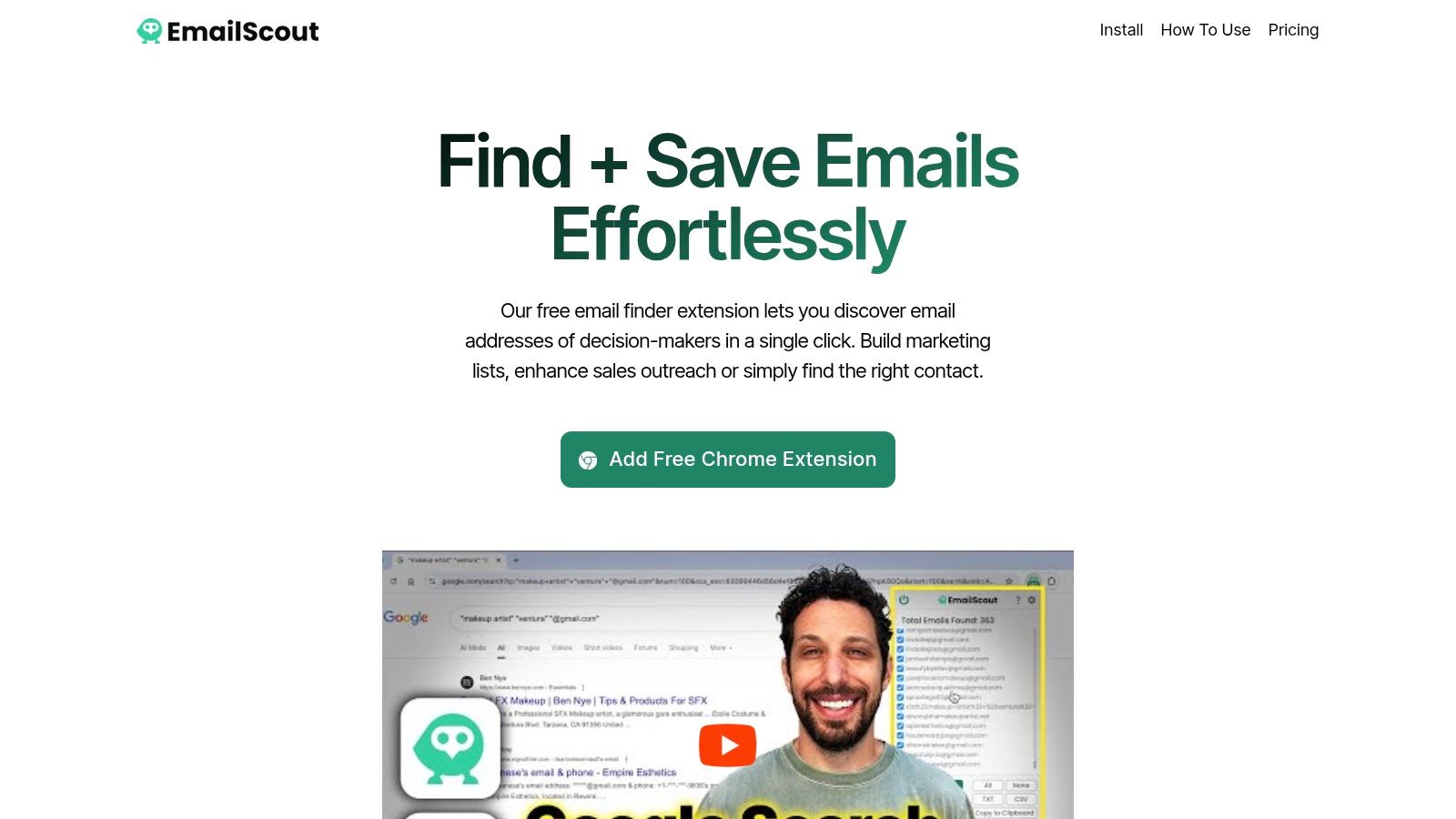
    EmailScout distinguishes itself not as traditional contact management software, but as a premier lead generation and contact discovery tool that serves as the crucial first step in any effective contact management strategy. It operates as a powerful Chrome extension designed to find and collect email addresses from virtually any website, making it an indispensable asset for sales, marketing, and business development professionals. Its core function is to streamline the prospecting process, allowing users to build targeted contact lists with remarkable efficiency and precision.

    The platform excels by automating what is often the most time-consuming part of outreach: finding the right person to contact. By extracting verified emails with a single click, it ensures your database is populated with high-quality, relevant leads from the outset. This focus on accurate data acquisition makes it a foundational tool that enhances the value of any downstream CRM or contact management system.

    EmailScout

    Standout Features and Practical Use Cases

    EmailScout’s feature set is engineered for maximum efficiency. The AutoSave function, available on premium plans, passively collects emails as you browse, while the URL Explorer allows for bulk extraction from up to 1,500 URLs at once. This transforms lead generation from a manual chore into a scalable, automated process.

    • For Sales Teams: Quickly build prospect lists by targeting company websites, industry directories, or professional networks.
    • For Marketers: Gather contacts for targeted email campaigns, PR outreach, or influencer collaborations.
    • For Freelancers & Startups: Identify key decision-makers for partnership opportunities or to pitch services without a large budget.

    Key Advantage: The most significant benefit is its unlimited free email finding and exporting capability. This removes the financial barrier to entry, allowing users to build robust contact lists before committing to a paid plan, making it some of the best contact management software for initial prospecting.

    Pricing and Onboarding

    EmailScout offers a uniquely accessible pricing model. The free tier provides unlimited email searches and manual exports, which is perfect for users with smaller-scale needs. For those requiring automation and bulk processing, paid plans are highly competitive:

    • Starter: $9/month for 5,000 emails/month
    • Growth: $29/month for 50,000 emails/month
    • Pro: $99/month for 1,000,000 emails/month

    Getting started is seamless. Simply install the Chrome extension from their website; no credit card is required for the free version. The interface is intuitive, minimizing the learning curve and allowing you to start finding contacts immediately.

    Pros:

    • Unlimited free email searches and exports with no monthly limits.
    • AutoSave feature automatically collects emails while browsing, saving time.
    • URL Explorer supports bulk email extraction from up to 1,500 URLs.
    • Scalable pricing plans starting at just $9/month.
    • User-friendly Chrome extension integrates seamlessly into daily workflow.

    Cons:

    • Free version lacks AutoSave and bulk email extraction features.
    • Premium plans are email-volume based, which may not suit very infrequent users.

    Website: https://emailscout.io

    2. HubSpot CRM

    HubSpot CRM is an industry-leading platform that offers a powerful, free-forever core CRM, making it one of the best contact management software options for businesses of all sizes. It excels at providing a single source of truth, unifying contact records with detailed interaction histories, including website activity, email opens, and call logs. This comprehensive view allows sales and marketing teams to have contextual conversations.

    What sets HubSpot apart is its scalability. You can start with its generous free tools, which include contact management, deal pipelines, and a shared inbox, and then add paid "Hubs" for Marketing, Sales, or Service as your business needs evolve. The user interface is clean and intuitive, significantly lowering the learning curve for new teams. The platform's true power is unlocked when you start exploring its vast app marketplace, which boasts thousands of integrations.

    Key Features & Use Cases

    • Best For: Startups and SMBs needing a free, robust system that can scale into an all-in-one marketing and sales platform.
    • Unified Contact Timeline: Automatically logs emails sent from Gmail or Outlook, tracks website visits, and records sales calls, giving you a complete history of every interaction.
    • List Segmentation: Create static or dynamic lists based on contact properties and behaviors to personalize marketing campaigns and sales outreach.
    • Pricing: The core CRM is free for unlimited users and up to 1 million contacts. Paid hubs start at around $18/month (billed annually).
    • Website: https://hubspot.com

    Pro Tip: To maximize its effectiveness, ensure your contact data is accurate before importing. Utilizing tools to find verified company email addresses will significantly improve your outreach success rates within the HubSpot ecosystem.

    3. Zoho CRM

    Zoho CRM is a powerhouse platform known for its extensive feature set and competitive pricing, making it a top choice for the best contact management software. It provides a comprehensive solution that combines contact organization, sales automation, and performance analytics into one system. The platform is highly customizable, allowing businesses to adapt everything from page layouts to entire modules to fit their specific operational workflows.

    What truly makes Zoho CRM stand out is its value proposition and seamless integration within the extensive Zoho ecosystem. It offers advanced features like AI-powered sales assistance (Zia) and customer journey orchestration, which are often reserved for much more expensive competitors. For businesses already using other Zoho products like Books or Campaigns, the CRM acts as a central hub, creating a deeply interconnected and efficient business management environment.

    Key Features & Use Cases

    • Best For: SMBs and mid-market companies seeking a highly customizable, all-in-one CRM at an affordable price point.
    • Workflow Automation: Automate routine tasks such as sending follow-up emails, updating contact records, and assigning tasks based on specific triggers and rules.
    • Zia AI Assistant: Get predictions on the best time to contact a lead, detect sales anomalies, and use voice commands to manage your CRM data.
    • Pricing: Offers a free plan for up to 3 users. Paid plans start at $14/user/month (billed annually), with more advanced features in higher tiers.
    • Website: https://www.zoho.com/crm

    Pro Tip: Take advantage of Zoho's sandbox environment (available in Enterprise plans) to test complex customizations and workflows before deploying them to your live system. This minimizes disruption and ensures your new processes work as intended.

    4. Pipedrive

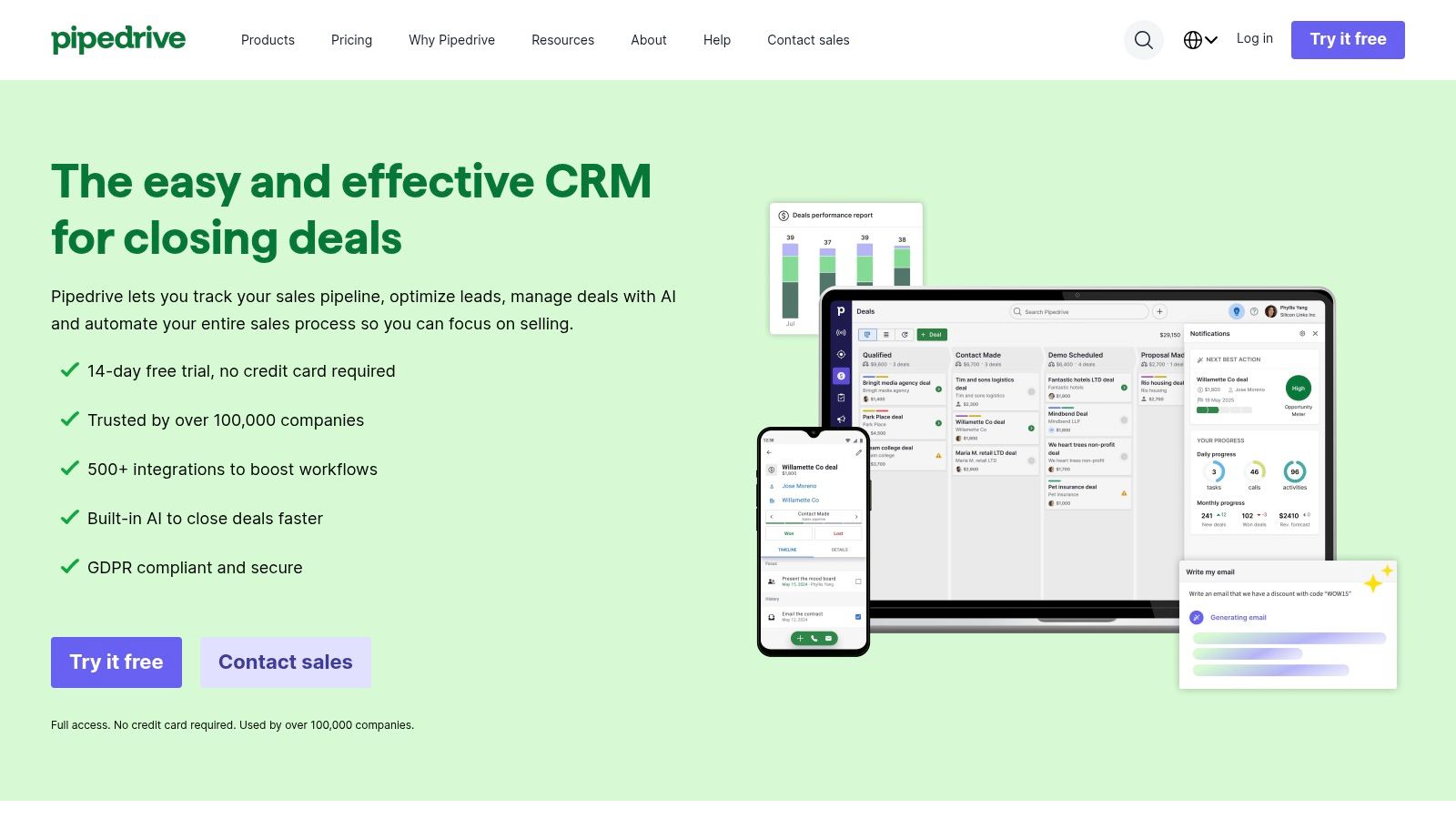
    Pipedrive is a sales-focused CRM renowned for its visual pipeline management, which makes it an excellent choice for teams that want to track deals from start to finish. Its design philosophy centers on activity-based selling, prompting users to focus on the actions that close deals. While its core strength is sales pipeline visualization, its contact management features are robust, providing a clear, centralized hub for all contact information, communication history, and associated deals.

    What makes Pipedrive stand out is its simplicity and intuitive user interface. It’s incredibly easy for sales teams to get started with minimal training, and the platform’s visual nature helps everyone understand the sales process at a glance. It also offers powerful email synchronization and tracking, and its marketplace features over 500 integrations, allowing you to connect it with the other tools in your stack. The flexible add-on model means you only pay for the advanced features you need.

    Pipedrive

    Key Features & Use Cases

    • Best For: SMBs and sales teams looking for a user-friendly, visually-driven CRM to manage deals and contacts effectively.
    • Visual Sales Pipeline: A drag-and-drop interface to track deal progress, which is directly linked to contact records for full context.
    • Activity-Based Selling: Prompts and reminders for scheduled activities (calls, emails, meetings) to ensure no lead falls through the cracks.
    • Pricing: Plans start at $14.90/user/month (billed annually). A 14-day free trial is available. Add-ons are priced separately.
    • Website: https://www.pipedrive.com

    Pro Tip: Enhance Pipedrive's effectiveness by pairing it with its LeadBooster add-on. This feature helps capture inbound leads directly from your website, which is a key component of the best lead generation tools available to grow your sales pipeline.

    5. Contacts+

    Contacts+ is a specialized personal CRM designed to master the art of contact management by unifying and enriching your address book across multiple platforms. It stands out by focusing purely on contacts, synchronizing them seamlessly between your Google, Apple, and Microsoft accounts. This ensures you have a consistent, up-to-date contact list on every device you use, from your phone to your desktop.

    The platform's strength lies in its intelligent data enrichment. It automatically scans for and merges duplicate contacts, corrects outdated information, and even captures contact details from email signatures to keep your database clean and current. For teams, its shared address book feature is a simple yet powerful way to ensure everyone has access to the same key contacts without the complexity of a full-blown sales CRM.

    Contacts+

    Key Features & Use Cases

    • Best For: Individuals, freelancers, and small teams who need a powerful, dedicated tool to organize and enrich personal and shared contacts across devices.
    • Multi-Platform Sync: Keep a single, unified address book by synchronizing contacts across Google, iCloud, and Microsoft Exchange/Office 365.
    • Automatic Enrichment: Scans email signatures and social profiles to add photos, job titles, and company information, while also de-duplicating records.
    • Pricing: A basic free plan is available for individuals. Paid plans for advanced features and team sharing start at $9.99/month (billed annually).
    • Website: https://www.contactsplus.com

    Pro Tip: Regularly use the "Scan for Updates" feature to allow Contacts+ to refresh your contact information. This ensures you're always working with the most accurate data, which is crucial for maintaining professional relationships.

    6. Streak CRM for Gmail

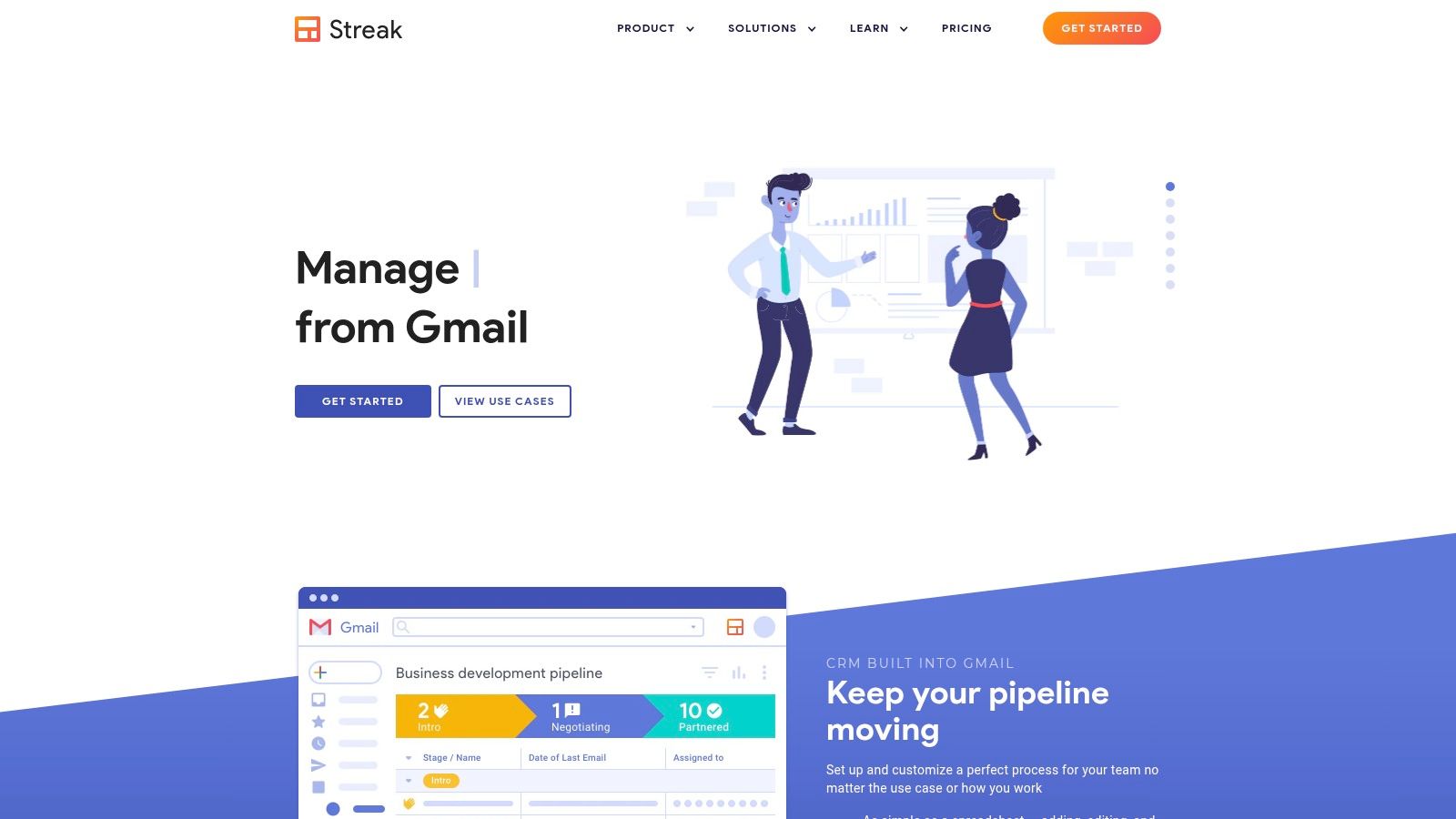
    Streak is a unique customer relationship manager built directly inside your Gmail inbox, effectively turning your email client into a flexible and powerful CRM. This makes it one of the best contact management software choices for individuals and teams who live in their inbox and want to avoid switching between different applications. It allows you to track sales pipelines, support tickets, and hiring processes right alongside your emails, grouping all interactions with a contact into a single, organized view.

    What makes Streak stand out is its native Gmail integration, which dramatically reduces the friction of CRM adoption. The interface is familiar because it’s part of an environment you already use daily. You can create custom pipelines, track email opens and clicks, and use mail merge features to send personalized bulk emails without ever leaving Gmail. Its lightweight Chrome extension is easy to install, making setup nearly instantaneous.

    Streak CRM for Gmail

    Key Features & Use Cases

    • Best For: Freelancers, startups, and small teams that operate primarily within the Google Workspace ecosystem and want a CRM with no learning curve.
    • Gmail-Native Pipelines: Manage contacts and deals through customizable stages directly within your inbox. All related emails are automatically linked to the right contact or deal.
    • Email Power Tools: Includes email tracking, snippets for frequently used text, and mail merge capabilities to streamline outreach and follow-ups.
    • Pricing: A free plan is available for personal use. Paid plans with more features like shared pipelines start at $15/user/month (billed annually).
    • Website: https://start.streak.com

    Pro Tip: Use Streak's "Snippets" feature to create and save templated email responses. This saves significant time on repetitive communication and ensures consistent messaging across your team for common inquiries.

    7. Nimble

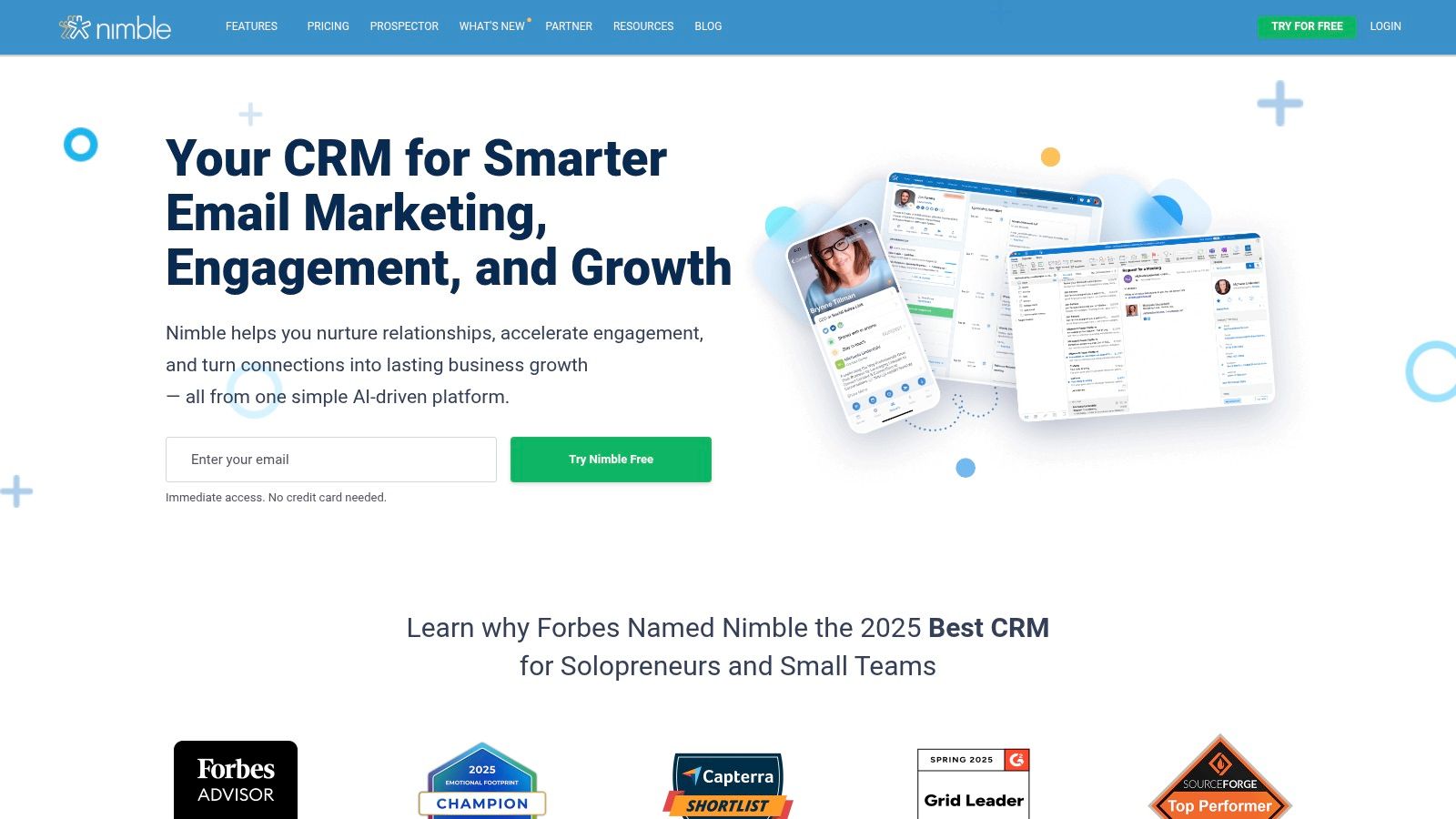
    Nimble presents itself as the relationship-focused CRM, designed for individuals and small teams who operate heavily within Google Workspace or Microsoft 365. It automatically builds contact profiles by unifying communication histories, calendar appointments, and social media details into a single, enriched record. This focus on automatic data enrichment makes it one of the best contact management software options for users who want to spend less time on data entry and more time building relationships.

    What makes Nimble stand out is its "work-everywhere" philosophy, embodied by the Nimble Prospector browser extension. This tool allows you to access and update contact information from anywhere on the web, including social media platforms and in your inbox. It brings the power of the CRM directly into your daily workflow, reducing the need to constantly switch tabs and applications. The platform’s seamless two-way sync with major email and calendar providers ensures your data is always current across all your tools.

    Nimble

    Key Features & Use Cases

    • Best For: Solopreneurs and small teams deeply integrated with Microsoft 365 or Google Workspace who need strong social profile enrichment.
    • Unified & Enriched Profiles: Automatically combines contact details with social media profiles and interaction history from emails, calendars, and social signals.
    • Nimble Prospector Extension: A powerful browser extension that lets you view, create, and update contact records from within your inbox, on social networks, or any website.
    • Pricing: Starts at $29.90/user/month (billed monthly) or $24.90/user/month (billed annually).
    • Website: https://www.nimble.com

    Pro Tip: Heavily utilize the Nimble Prospector extension during your daily browsing. When you encounter a potential lead on LinkedIn or a company website, you can instantly create or enrich their contact record without leaving the page, dramatically streamlining your prospecting efforts.

    8. Copper

    Copper is the go-to CRM for teams deeply embedded in the Google Workspace ecosystem. It stands out by eliminating manual data entry, automatically capturing contacts, emails, and files directly from Gmail and Google Drive. This native integration creates a seamless workflow, allowing users to manage customer relationships without ever leaving their inbox. The platform is designed for rapid deployment and user adoption, making it a strong contender for the best contact management software for Google-centric businesses.

    What makes Copper unique is its focus on user experience within a familiar environment. It functions like an extension of your Google tools, not a separate, clunky system. The Chrome extension is particularly powerful, surfacing contact details and deal history right inside Gmail. This approach ensures high adoption rates and keeps teams focused on relationships rather than administrative tasks. The platform scales well from basic contact organization to more complex sales and project management.

    Copper

    Key Features & Use Cases

    • Best For: Businesses that run entirely on Google Workspace (Gmail, Calendar, Drive) and need a CRM that feels like a natural extension of their existing tools.
    • Automatic Data Capture: Scrapes contact information from Gmail conversations and automatically links files from Google Drive to the relevant records, minimizing manual work.
    • Visual Sales Pipelines: Manage deals and projects with customizable, drag-and-drop pipelines that provide a clear view of your entire sales process.
    • Pricing: Plans start at $29/user/month for the Basic tier. A Professional tier with more automation is available for $69/user/month.
    • Website: https://www.copper.com

    Pro Tip: Heavily utilize the Copper Chrome extension. It transforms your Gmail interface, allowing you to update contact records, track email opens, and add new deals on the fly without switching tabs, which dramatically boosts productivity.

    9. Google Workspace (Contacts)

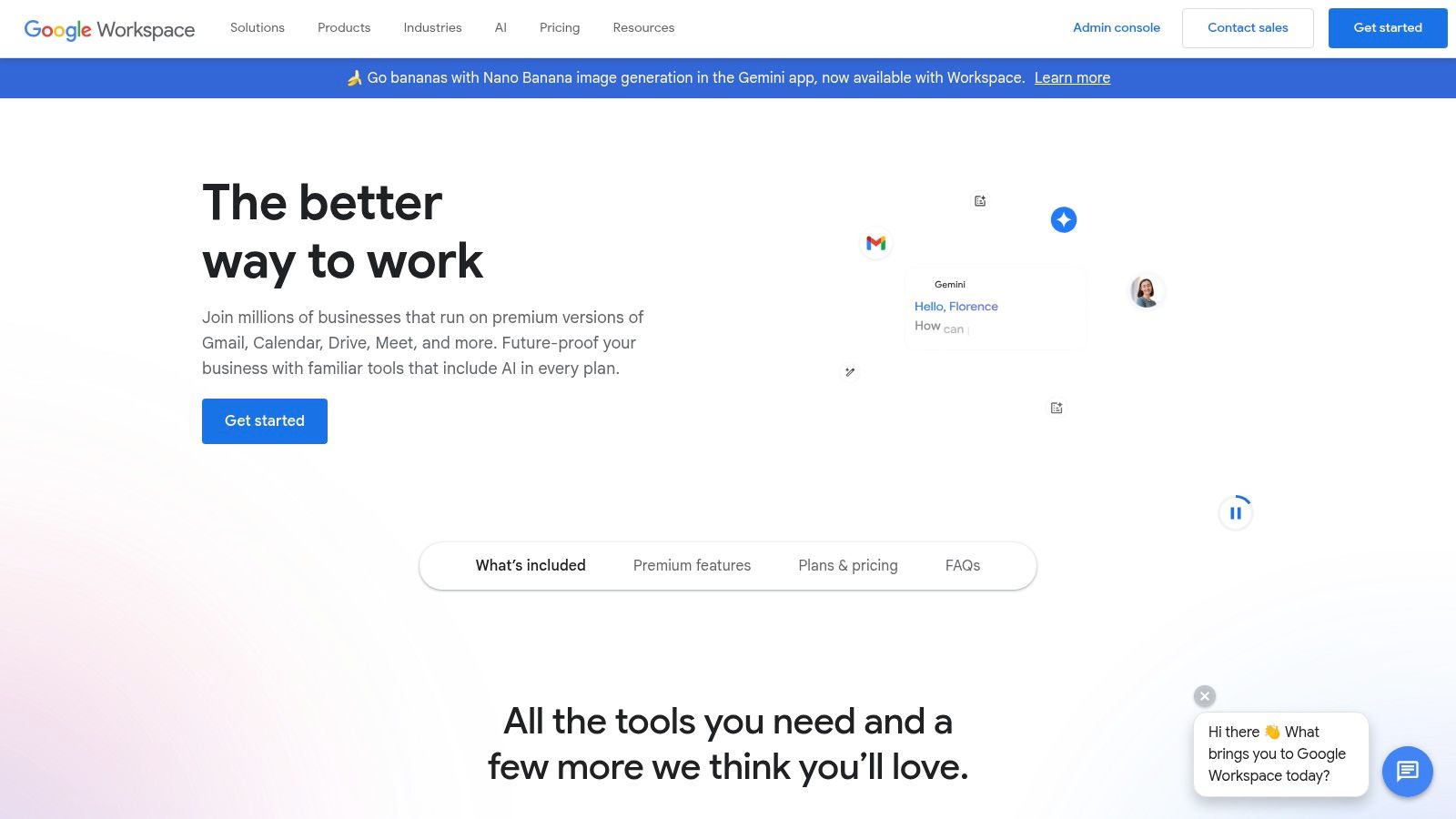
    For businesses deeply integrated into Google's ecosystem, Google Workspace offers a surprisingly effective, built-in contact management solution. While not a standalone CRM, Google Contacts acts as a centralized address book that syncs seamlessly across Gmail, Calendar, and mobile devices. It provides a foundational layer of organization, allowing teams to create shared contact labels and access a company-wide directory, ensuring everyone has the most up-to-date information.

    The primary advantage of using Google Contacts is its native integration and simplicity. There is virtually no setup required for teams already using Gmail and Android. It excels at basic organization and ensures contact data is instantly available wherever you're working, from drafting an email to scheduling a meeting. While it lacks advanced features like sales pipelines, its strength lies in its frictionless, no-cost inclusion within a platform millions already use daily, making it a great starting point for contact management.

    Google Workspace (Contacts)

    Key Features & Use Cases

    • Best For: Solopreneurs and small teams heavily reliant on the Google ecosystem who need a simple, free, and integrated contact hub.
    • Centralized Directory: Provides a company-wide directory and the ability to share contacts through Google Groups, streamlining internal communication.
    • Seamless Syncing: Automatically syncs contact information across all logged-in devices and Google applications like Gmail and Calendar.
    • Pricing: Included with all Google Workspace plans, which start at $6/user per month.
    • Website: https://workspace.google.com

    Pro Tip: Enhance Google Contacts' capabilities by exploring the Google Workspace Marketplace. Add-ons like Shared Contacts for Gmail can transform the basic tool into a more powerful, collaborative database without leaving the Google environment.

    10. Microsoft 365 (Outlook People/Contacts)

    For organizations deeply embedded in the Microsoft ecosystem, Microsoft 365’s built-in contact management, primarily through Outlook's "People" hub, is a surprisingly capable solution. It excels at unifying contacts across Outlook, Teams, and other Microsoft services, providing a shared address book and detailed contact cards that are accessible wherever your team works. This native integration eliminates the need for a separate system, streamlining workflows within a familiar environment.

    What makes this a strong contender is its foundation in enterprise-grade security and administration. Features like Exchange Online global address lists and shared contacts are managed with robust controls, ensuring data integrity and compliance. While it's not a full-featured CRM out of the box, it serves as an excellent, secure starting point for contact organization, with the ability to expand its capabilities through Power Apps or third-party integrations as your business needs for advanced sales and marketing workflows grow.

    Key Features & Use Cases

    • Best For: Businesses already standardized on Microsoft 365 who need a secure, integrated, and no-cost-added solution for centralizing contact information.
    • Deep Ecosystem Integration: Contacts are natively available and synchronized across Outlook, Teams, and mobile devices, providing a seamless user experience.
    • Centralized Administration: Utilizes Exchange Online for powerful tools like global address lists and shared contacts, simplifying management for IT admins.
    • Pricing: Included with Microsoft 365 Business plans, which start at $6.00 per user/month.
    • Website: https://www.microsoft.com/microsoft-365

    Pro Tip: Leverage shared mailboxes and contact folders to create centralized contact lists for specific departments (e.g., "Sales Leads," "Vendor Contacts"). This keeps individual inboxes clean while providing team-wide access to crucial information.

    11. Insightly

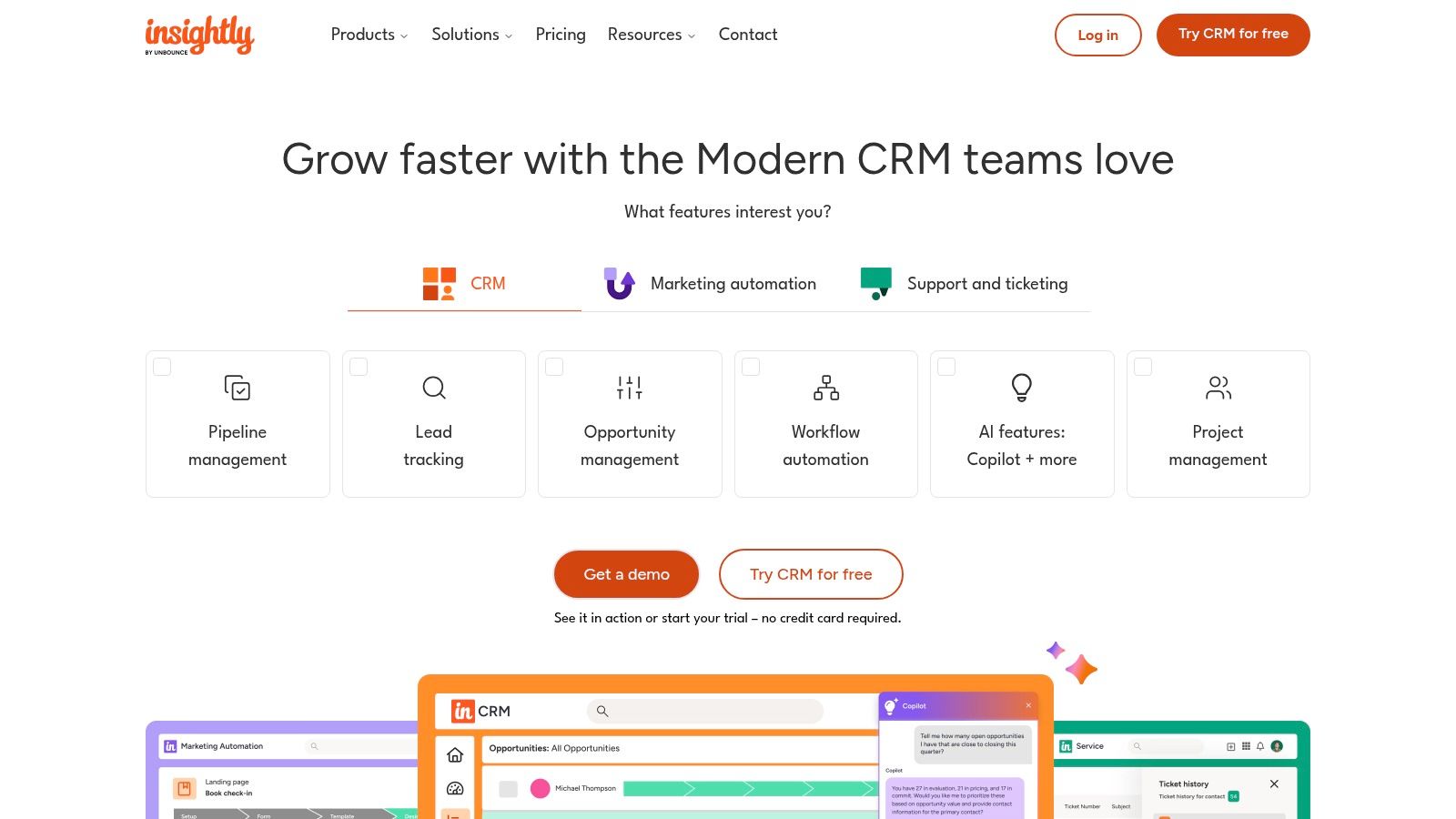
    Insightly carves out a unique space in the CRM market by seamlessly integrating powerful project management capabilities directly into its contact management software. This makes it an excellent choice for businesses whose sales cycle extends into post-sale delivery and implementation. The platform excels at creating and visualizing complex relationship links between contacts, organizations, and projects, providing a 360-degree view that other systems often miss.

    What distinguishes Insightly is its unified approach, offering optional Marketing and Service modules that create a true "all-in-one" platform. This bundling helps businesses reduce vendor sprawl and data silos. The user interface is clean, with dashboards that provide clear, actionable insights into sales performance and project progress. For teams that manage detailed customer journeys from lead to project completion, Insightly provides the necessary tools without being overly complex.

    Insightly

    Key Features & Use Cases

    • Best For: Service-based businesses, agencies, and B2B companies that need to manage client relationships and subsequent projects within a single system.
    • Relationship Linking: Go beyond standard contact records by mapping intricate relationships between contacts, organizations, partners, and vendors.
    • Integrated Project Management: Create, manage, and track projects tied directly to CRM records, ensuring a smooth handoff from sales to delivery.
    • Pricing: Offers a free plan for up to 2 users. Paid plans start at $29/user/month (billed annually), with bundled "All-in-One" options available.
    • Website: https://www.insightly.com

    Pro Tip: Use Insightly's workflow automation (on Professional+ plans) to automatically create a project shell once a deal is marked as "won." This helps teams build a sales pipeline that flows directly into project execution, eliminating manual data entry.

    12. Nutshell

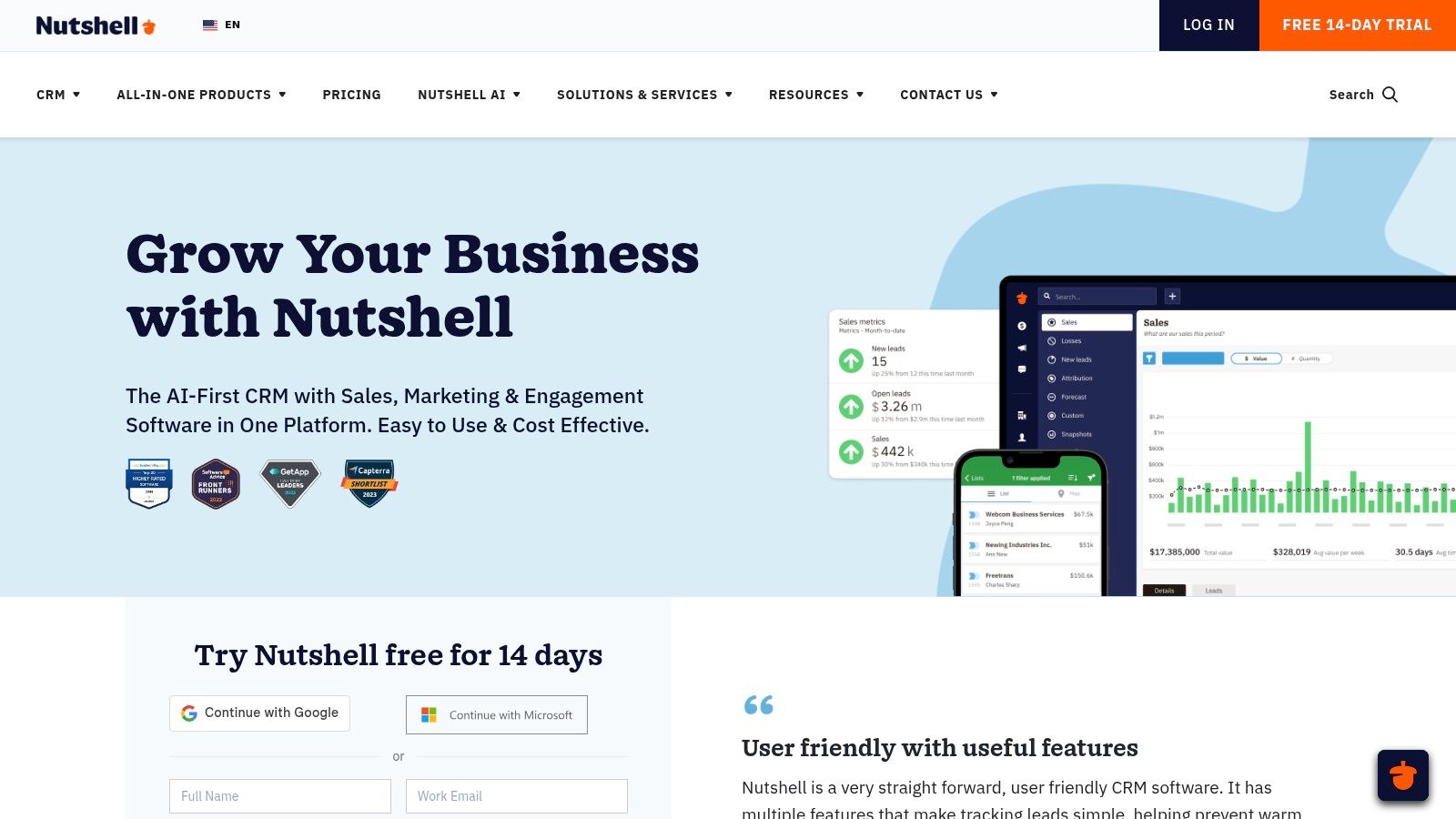
    Nutshell is a sales-focused CRM designed for simplicity and effectiveness, making it an excellent contact management software choice for small and medium-sized businesses. It provides a clean, user-friendly interface that helps teams manage leads and customer relationships without a steep learning curve. The platform's strength lies in its straightforward approach, offering unlimited contacts and data storage on all plans, which is a significant advantage for growing companies.

    What makes Nutshell stand out is its combination of robust CRM features with built-in sales and marketing automation, all backed by accessible, award-winning live support. It centralizes communication by syncing emails and calendars, creating a unified timeline for every contact. This ensures sales reps have the full context they need for every conversation, streamlining their workflow and improving customer engagement. The optional add-ons for quoting and prospecting provide flexibility without forcing users into a higher-priced tier.

    Nutshell

    Key Features & Use Cases

    • Best For: SMBs looking for an affordable, all-in-one CRM with excellent support and built-in sales automation capabilities.
    • Unlimited Contacts: All pricing tiers include unlimited contacts and data storage, removing a common growth barrier found in other CRMs.
    • Sales Automation: Design and automate sales processes to guide reps, send timed emails, and ensure no lead falls through the cracks.
    • Pricing: Starts at $16/user/month (billed annually) for the Foundation plan. The Pro plan with advanced features is $42/user/month.
    • Website: https://www.nutshell.com

    Pro Tip: Take full advantage of Nutshell's pipeline automation features early on. By defining your sales stages and setting up automated tasks or email drips for each stage, you can standardize your sales process and significantly improve follow-up consistency across your team.

    Top 12 Contact Management Software Comparison

    Product Core Features User Experience & Quality Value Proposition Target Audience Price Points
    EmailScout Unlimited free email search, AutoSave, URL Explorer Easy, fast, intuitive Chrome extension Free unlimited emails; scalable paid plans Marketers, sales pros, startups Free & Premium from $9/month
    HubSpot CRM Contact tracking, list segmentation, integrations Generous free tier, large ecosystem Free core CRM; paid automation Growing sales & marketing teams Free + paid hubs
    Zoho CRM Contact/workflows, AI (Zia), customization Broad functionality, moderate learning Competitive pricing, extensive features SMBs to enterprises User-based tiers
    Pipedrive Pipeline, email sync, AI reports, lead add-ons User-friendly, quick setup Flexible add-ons for sales focus SMB sales teams Paid plans, free trial
    Contacts+ Multi-account sync, enrichment, shared books Strong contact management Dedicated contact manager Small teams, individuals Tiered plans
    Streak CRM for Gmail Gmail-native CRM, mail merge, shared pipelines Seamless Gmail integration Simple pricing; Gmail focused Gmail users, small teams Free + Pro tiers
    Nimble Contact/social profiles, templates, two-way sync Flat pricing, good onboarding Enrichment focused, add-ons available Small teams, solopreneurs Paid plans only
    Copper Google Workspace native, pipeline, task mgmt Simple UX, deep Google integration Google-native CRM Google Workspace users Tiered paid plans
    Google Workspace (Contacts) Shared directory, labels, syncing Native Gmail/Android experience Built-in contact management Google Workspace users Part of Workspace pricing
    Microsoft 365 (Outlook People) Shared contacts, org info, Outlook/Teams integration Enterprise-grade security Solid contact mgmt, add-ons needed for CRM Microsoft 365 organizations Part of Microsoft 365 plans
    Insightly Contact/linking, automation, project mgmt Combined CRM & project mgmt Value bundles for CRM + projects SMBs to enterprises Tiered paid pricing
    Nutshell Unlimited contacts, email sync, reporting Simple, affordable, live support Sales-focused with useful add-ons SMB sales teams Tiered paid plans

    Choosing the Right System for Your Connections

    Selecting the best contact management software is far more than an administrative task; it's a strategic decision that directly fuels your business's growth engine. Throughout this comprehensive guide, we've explored a diverse landscape of tools, each with its own distinct strengths, target audiences, and operational philosophies. The right choice is not a one-size-fits-all solution but a tailored fit for your specific circumstances.

    Your ideal platform depends entirely on your existing ecosystem and future goals. For instance, a sales team living inside their Gmail inbox will find the seamless integration of a tool like Streak or Copper revolutionary. In contrast, a rapidly scaling enterprise demanding a unified system for sales, marketing, and service will gravitate toward the all-in-one powerhouses like HubSpot CRM or Zoho CRM.

    How to Make Your Final Decision

    The key takeaway is to move beyond feature lists and focus on your core workflow. Before committing, take a moment to map out your daily processes and identify the most significant bottlenecks. Is your primary challenge lead prospecting? Or is it nurturing long-term client relationships?

    Consider these critical questions to guide your selection:

    • Ecosystem Integration: How critical is native integration with your existing tools like Google Workspace or Microsoft 365? A tool like Pipedrive or Insightly might offer robust features, but a native app could save your team hours each week.
    • Scalability: Where do you see your business in two years? A free tool like Google Contacts is perfect for a freelancer, but a growing team will quickly need the advanced automation and reporting found in platforms like Nutshell.
    • Primary Use Case: Are you a marketer focused on segmentation, a salesperson managing a pipeline, or an entrepreneur needing a simple, unified contact database? Your primary function should dictate your choice.
    • Ease of Adoption: How much time and resources can you dedicate to implementation and training? A simple, intuitive interface like Contacts+ requires minimal ramp-up time compared to a more complex, feature-rich CRM.

    Putting Your New System to Work

    Once you've narrowed down your options, the most crucial step is to test them in a real-world environment. Nearly every provider on this list offers a free trial or a freemium plan. Use this opportunity to import a small segment of your contacts and run through your daily tasks. This hands-on experience is invaluable and will reveal usability quirks and integration strengths that a feature comparison chart simply cannot.

    Ultimately, the best contact management software for you is the one that your team will actually use consistently. It should feel less like a chore and more like a powerful ally, transforming a static list of names and emails into a dynamic network of valuable relationships that drives your business forward.


    Ready to kickstart your outreach without the complexity of a full CRM? If your immediate goal is to find accurate contact information and build targeted prospect lists, EmailScout is the perfect starting point. It provides a powerful, user-friendly platform to discover and verify professional email addresses, helping you build a high-quality contact database from the ground up. Get started for free at EmailScout and see how quickly you can grow your network.