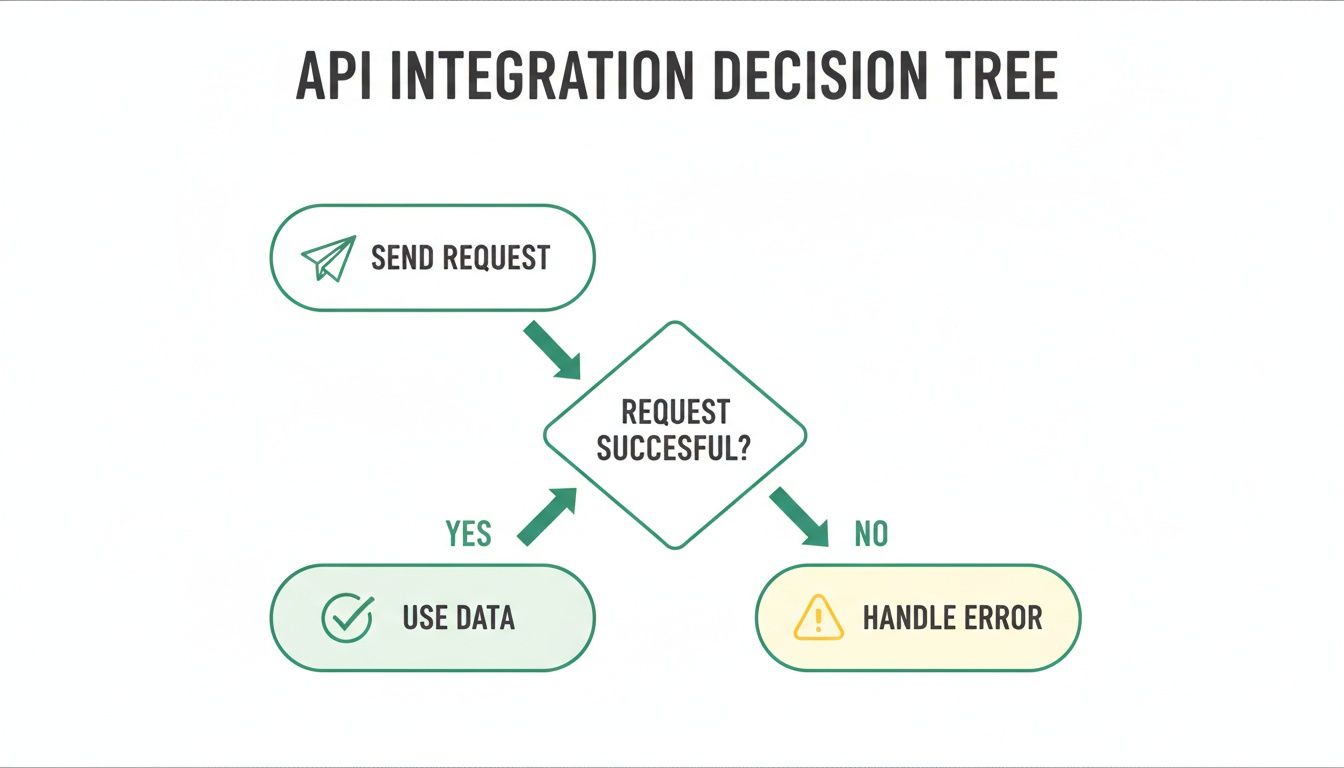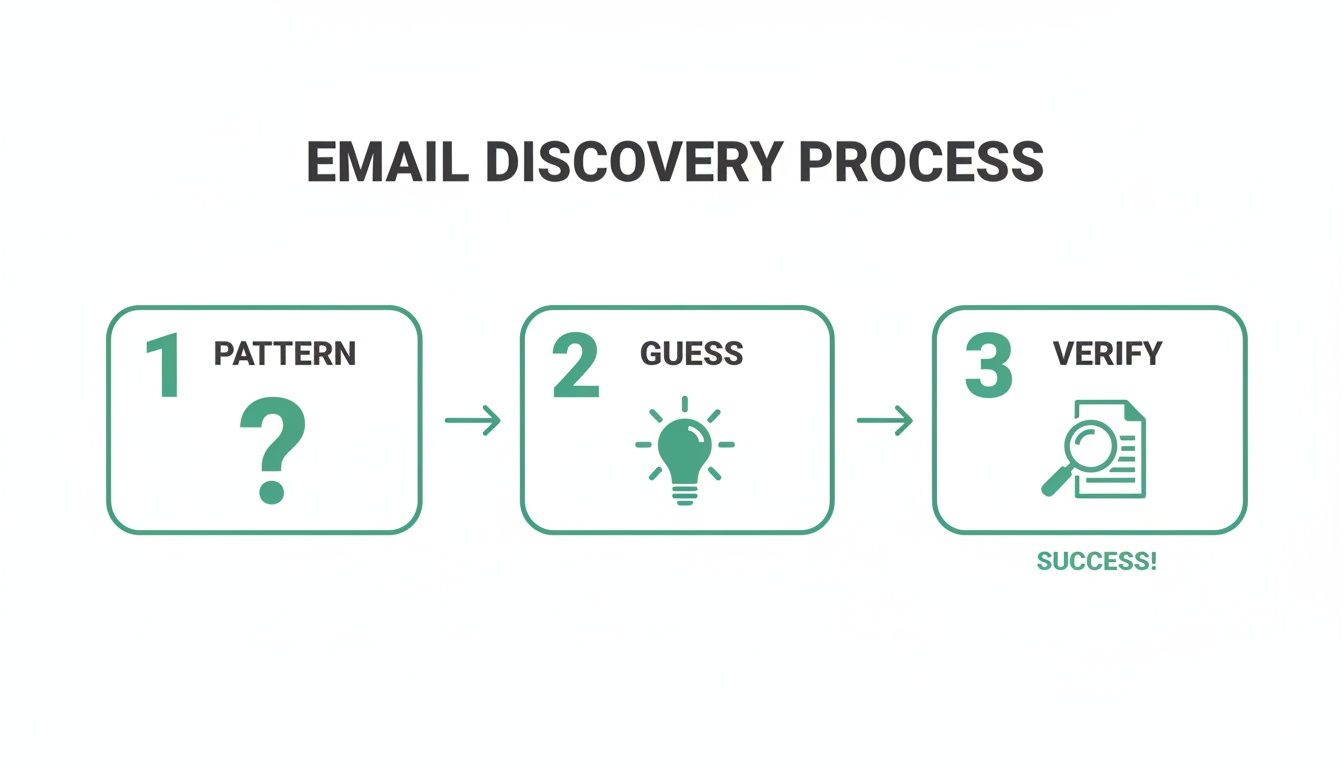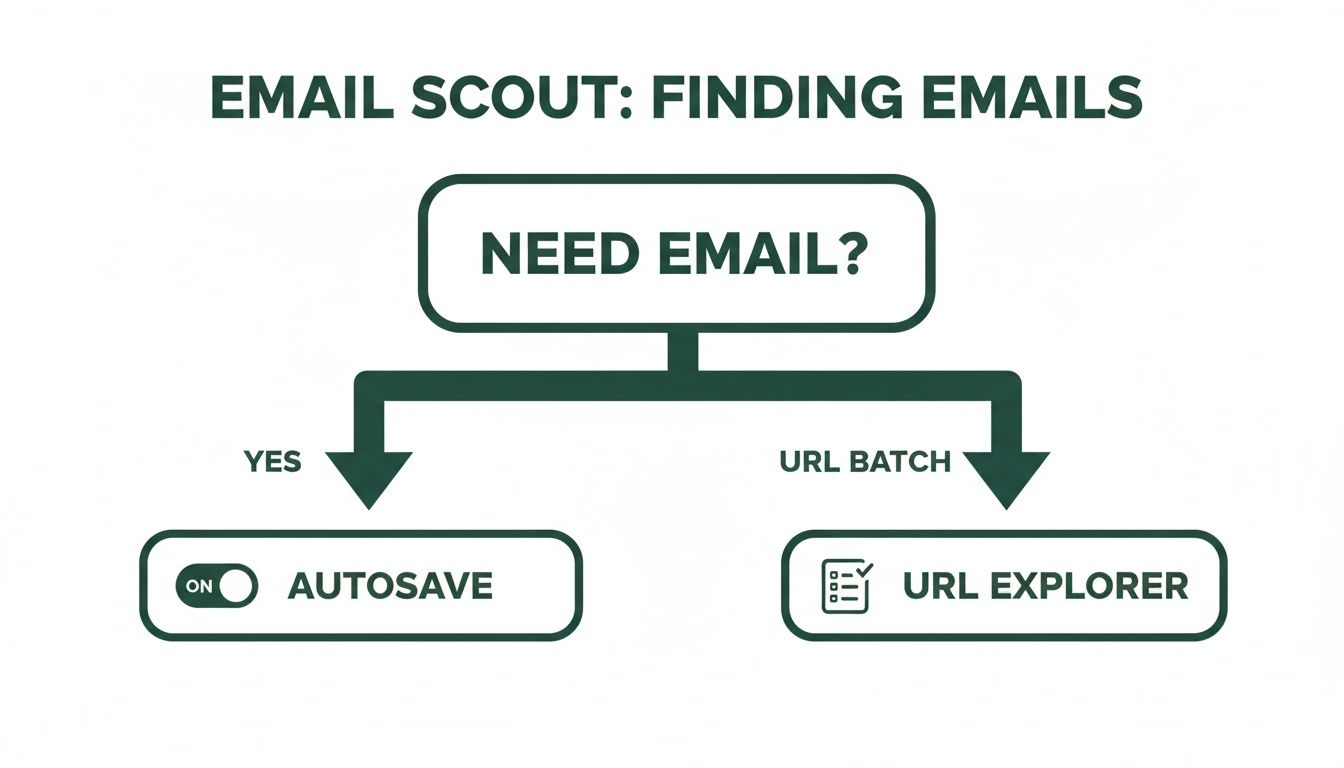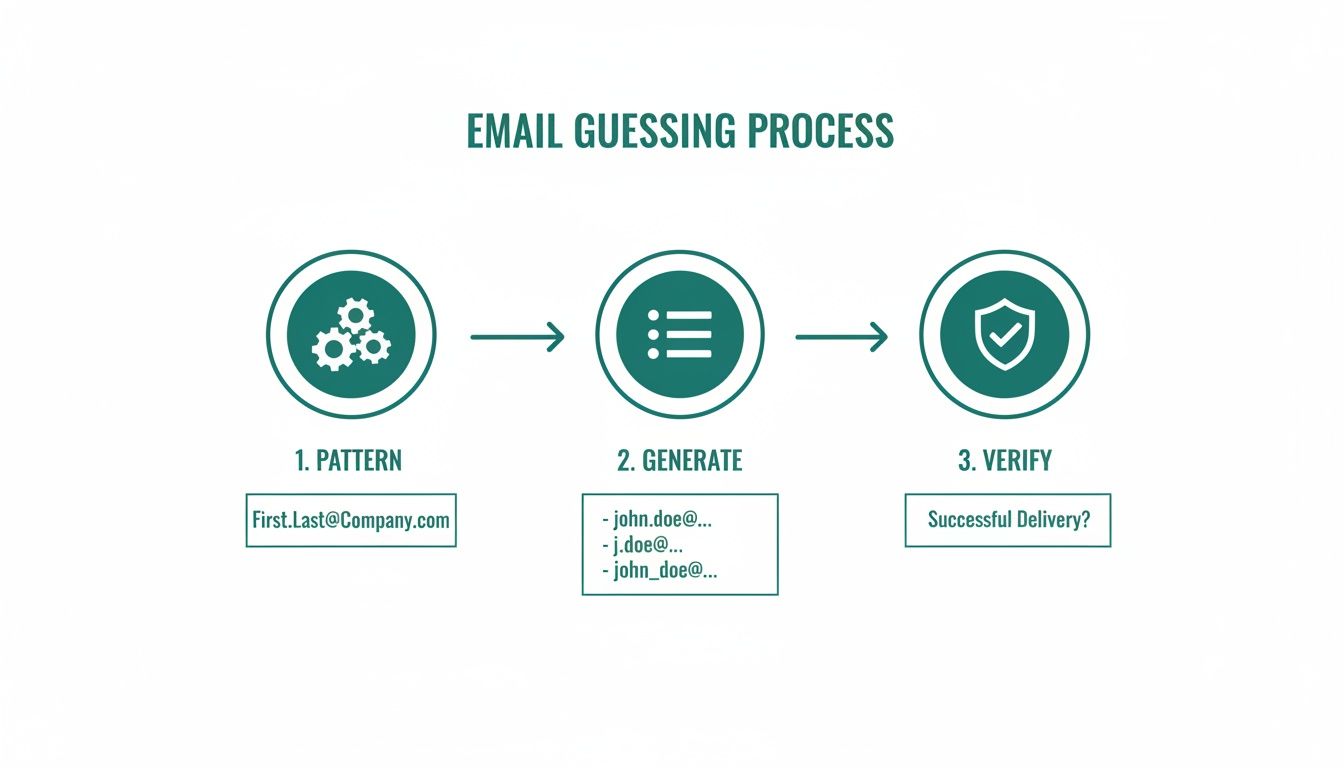
It all boils down to a simple formula: attract the right people, offer them something they can’t refuse, and consistently build that relationship. This isn’t just about hoarding contacts; it's about opening a direct line to an audience that actually wants to hear from you. The most successful email lists are built on a strategy that starts long before the first sign-up form ever goes live.
Building Your List on a Solid Foundation
Jumping into lead capture without a plan is like building a house with no blueprint. Sure, you might end up with something, but I guarantee it won't be strong, functional, or built to last. Before you can build a high-quality email list, you have to lay the groundwork. This initial work ensures every person you add is a potential customer, not just another number inflating your subscriber count.
This foundation is all about defining who you're talking to, what you want to achieve, and why they should even care. Get this right, and you'll avoid wasted effort and turn your list into one of your most valuable business assets.
Define Your Ideal Customer Profile
First things first: who are you really trying to reach? Answering this with a detailed Ideal Customer Profile (ICP) is the single most critical step you can take. An ICP isn't about basic demographics like age or city. It’s about digging into the psychographics—the real goals, frustrations, and motivations of your perfect subscriber.
For example, "small business owners" is way too broad. A powerful ICP sounds more like this: "female founders of e-commerce startups with 1-5 employees who are struggling with time management and actively looking for marketing automation tools."
This level of detail changes everything:
- The problems you solve: Your content can speak directly to their biggest headaches.
- The language you use: You can adopt a tone that resonates with their world.
- Where you find them: You’ll know exactly where they hang out online, from specific LinkedIn groups to niche industry forums.
Set Crystal-Clear Goals
Your email list is a tool, and every tool needs a job. What's the primary purpose of this list? The answer dramatically shapes your entire strategy. A list built to nurture a weekly newsletter community requires a totally different approach than one designed to drive a high-ticket sales funnel.
A classic mistake is treating every subscriber the same. A list for building long-term brand loyalty needs different content and cadence than a list built for immediate sales outreach. You absolutely have to align your goal with your strategy.
Get specific about your main objective. Is it to drive direct sales? Boost brand awareness? Announce product updates? Or build a thriving community? Knowing this helps you measure what matters and keeps your content sharp and effective.
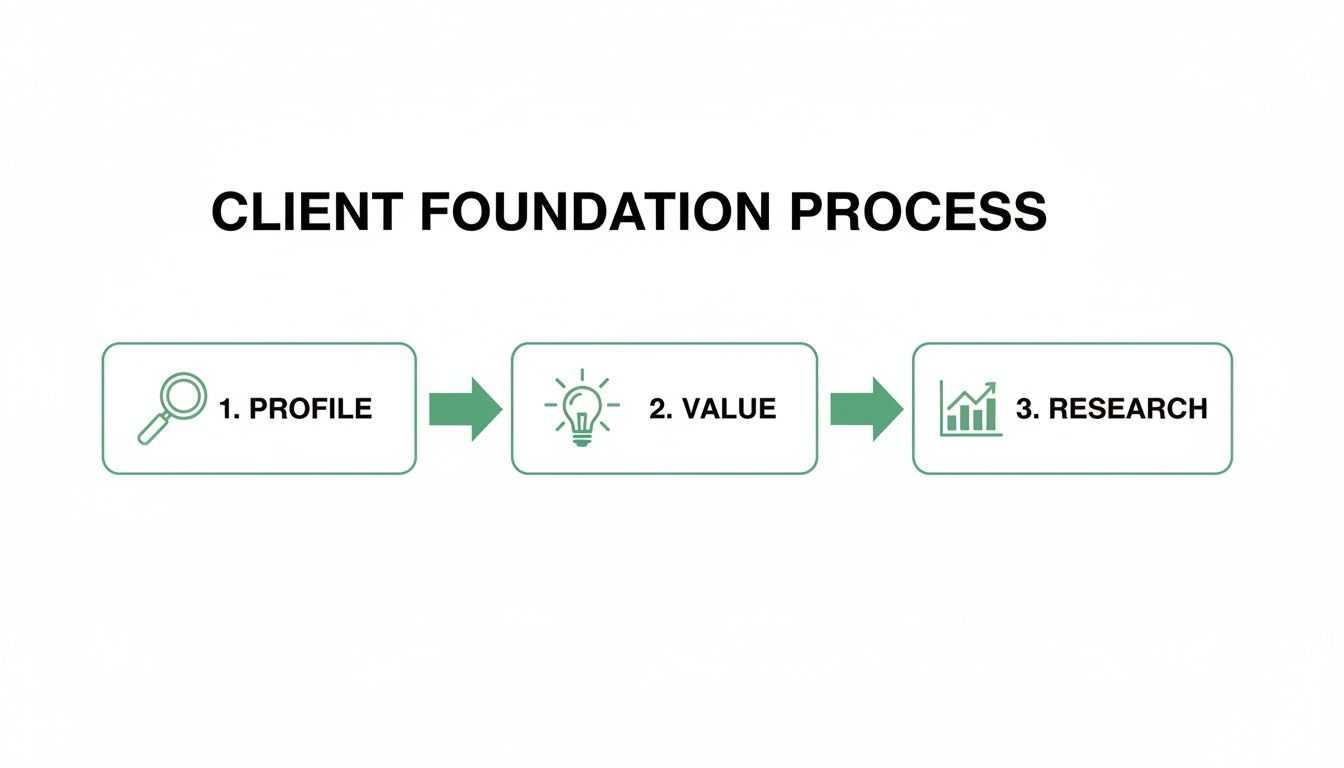
This simple flowchart shows how these foundational pieces fit together.
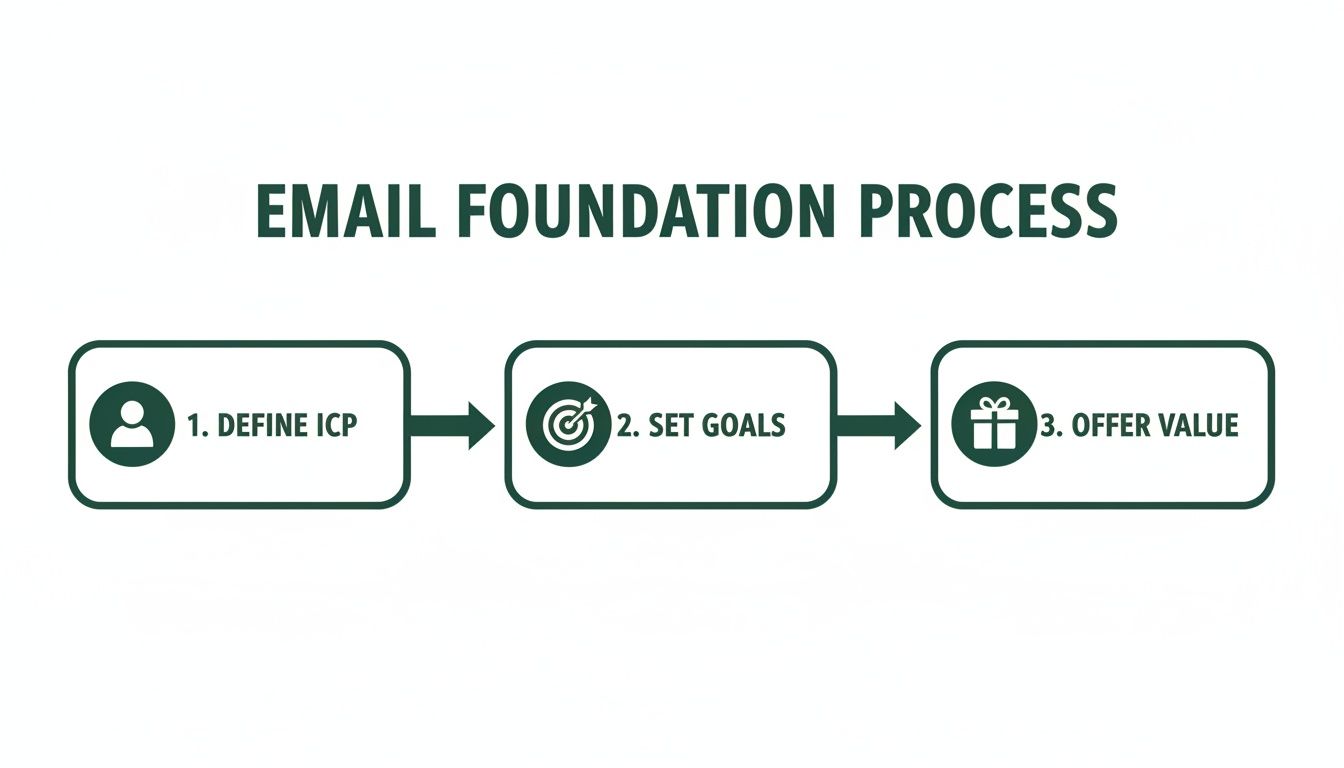
As you can see, a successful list always starts with a deep understanding of your audience, followed by clear goals and a compelling reason for them to join.
Craft an Irresistible Value Proposition
Finally, you have to answer the subscriber's most important question: "What's in it for me?" People guard their inboxes. They won't hand over their email address without a seriously compelling reason. This is where your value proposition comes in—it’s the promise you make in exchange for their trust.
This could be a valuable resource (often called a "lead magnet"), like an exclusive ebook, a practical checklist, or free access to a webinar. It could also be the promise of consistently amazing content, like a weekly newsletter packed with industry insights they can't get anywhere else.
Whatever you offer, it has to be valuable enough to make the exchange feel like a clear win for them.
To make sure you have all your bases covered, here’s a quick-glance table of these core components.
Core Components of a Successful Email List Strategy
| Component | Key Objective | Example Action |
|---|---|---|
| Ideal Customer Profile (ICP) | To deeply understand who you're targeting. | Create a one-page document detailing the demographics, pain points, and goals of your perfect subscriber. |
| Clear Goals | To define what success looks like for your list. | Set a primary KPI, such as "Increase webinar sign-ups by 20% this quarter." |
| Value Proposition | To give people a compelling reason to subscribe. | Design a high-value lead magnet, like a 10-page guide solving a common industry problem. |
Think of these three elements—ICP, Goals, and Value—as the pillars of your entire email marketing program. With a strong foundation in place, you’re ready to start capturing leads the right way.
Proven Methods for Capturing High-Intent Leads
Alright, you’ve got your strategy locked in. Now it’s time to build the machinery that actually collects emails. This is where your plans turn into action, transforming passive website visitors and social media scrollers into genuinely interested subscribers. The goal is to create multiple, compelling entry points that feel natural and valuable to your Ideal Customer Profile (ICP).

Think of these digital touchpoints—your website, a landing page, an event form—as gateways. Each one is a potential opportunity for a new subscriber to join your list. These aren't just empty forms; they're invitations backed by a clear value exchange.
A solid grasp of lead generation marketing is the bedrock of any sustainable email list. It's all about building a system that consistently attracts and converts strangers into qualified leads, keeping the top of your funnel full.
The numbers don't lie. Email marketing is still the heavyweight champion, with 89% of marketers using it as their primary lead-gen channel. It's an incredible 40 times more effective than social media for acquiring customers, and email traffic converts to purchases at a rate of 4.24%. That absolutely crushes search (2.49%) and social media (0.59%).
Create High-Value Lead Magnets
A lead magnet is essentially an ethical bribe you offer in exchange for an email address. Its quality has a direct impact on the quality of leads you attract. Generic, one-size-fits-all offers will only pull in low-intent subscribers who are quick to hit the unsubscribe button.
Instead, create resources that solve a specific, nagging problem for your ICP.
- Ebooks and Guides: Offer a deep dive into a core topic your audience is wrestling with. A marketing agency, for example, could create something like "The SaaS Founder's Playbook for Scaling with SEO."
- Checklists and Templates: Provide a practical tool that gets users an immediate win. A project management software company might offer a "Flawless Project Kickoff Checklist."
- Webinars and Workshops: Host a live or on-demand training session to showcase your expertise. This format is a magnet for high-intent leads who are actively looking for solutions right now.
The best lead magnets are hyper-specific, easy to consume, and deliver instant value.
Optimize Your Website Opt-In Forms
Your website is prime real estate for building your list. But just slapping a "Subscribe" form in your footer and calling it a day is a recipe for disappointment. Placement, timing, and design are everything.
You have to think about the user's journey. A first-time visitor reading a blog post probably isn't ready to subscribe to your newsletter. But an exit-intent popup offering a checklist directly related to the article they just read? That’s a hook.
Consider a few strategic placements:
- Header or Announcement Bar: A thin, non-intrusive bar at the top of your site is always visible without being annoying.
- Within Blog Posts: Offer "content upgrades"—a bonus resource that complements the article they're reading.
- Dedicated Landing Pages: Build a specific page for your best lead magnet to drive targeted traffic from ads, social media, or other channels.
Don't be afraid to experiment. I once saw a 300% increase in daily sign-ups just by changing the headline on an exit-intent popup and making the call-to-action more specific. A/B testing your forms isn't just a good idea; it's essential.
Leverage LinkedIn for B2B Lead Generation
For B2B companies, LinkedIn is an absolute goldmine. It's where decision-makers hang out, making it the perfect hunting ground for contacts that match your ICP. The problem? Manually searching profiles and sending connection requests is painfully slow.
This is where the right tool can completely change the game. An email finder that integrates into your browser can transform how you source B2B contacts.
Take the EmailScout Chrome extension, for instance. It lets you visit a LinkedIn profile and uncover a verified professional email address with a single click. This simple action turns passive browsing into a scalable lead generation machine. You can build a highly targeted list of decision-makers in your niche without ever leaving their profiles. For a deeper look, check out our guide on https://emailscout.io/how-to-get-email-addresses-for-marketing/.
This direct approach helps you bypass gatekeepers and connect straight with the right people, making your entire outreach process more effective from the very start.
How to Keep Your Email List Healthy and Engaged
Getting someone's email is just the starting line. The real work—and the secret to long-term success—is keeping that list clean, active, and full of people who actually want to hear from you. An unhealthy list isn't just a waste of time; it's actively harmful. It tanks your sender reputation, inflates your bounce rates, and burns marketing budget on messages that go nowhere.
I always tell people to think of their email list like a garden. You can't just plant seeds and walk away. You have to constantly tend to it—pulling out the weeds (bad contacts) and nurturing the good ones—if you want to see any real growth. Without that regular maintenance, your list will get overrun with dead-end contacts.
The Critical Role of Email Verification
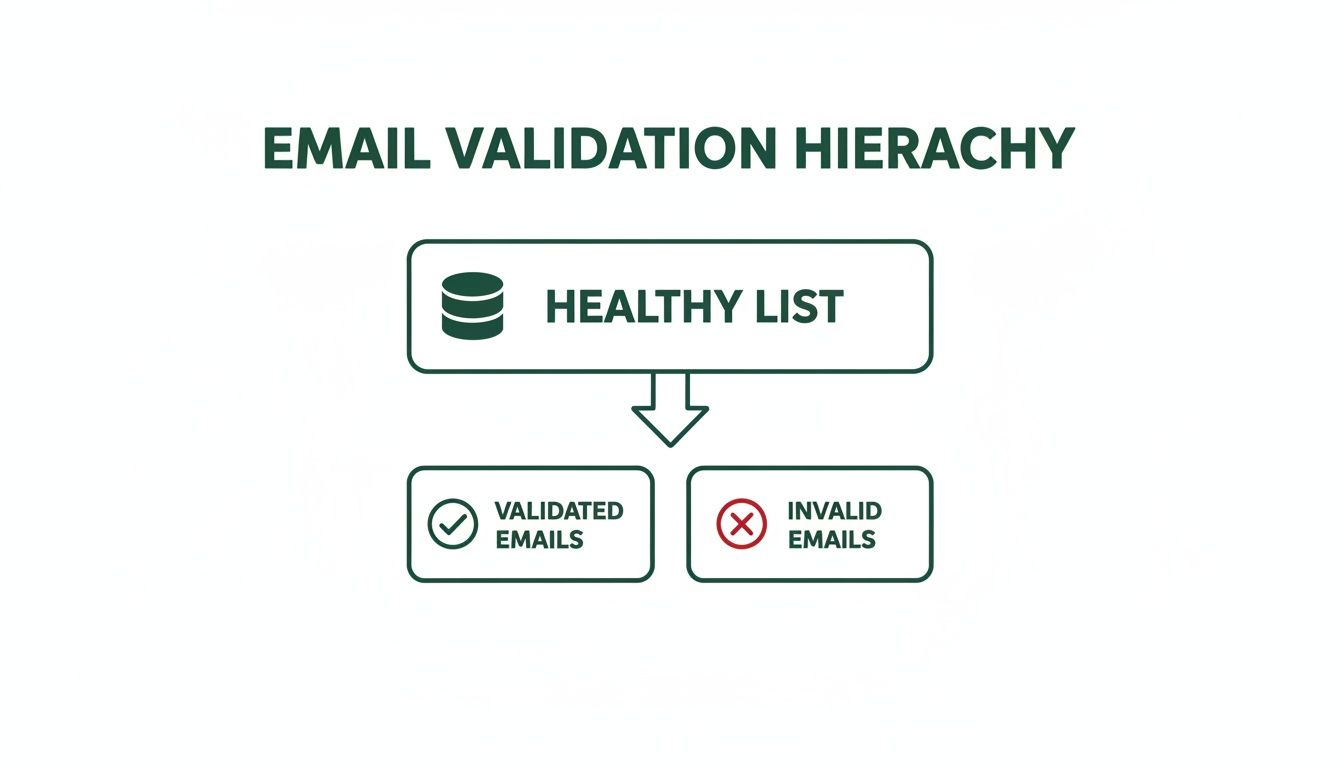
If you do only one thing for your list hygiene, make it email verification. This is how you confirm an email address is valid and can actually receive mail before you hit send. When you email a bad address, you get a hard bounce, which is a massive red flag for providers like Gmail and Outlook.
Too many hard bounces make you look like a spammer. Suddenly, your emails start landing in the junk folder for everyone, even your most loyal subscribers. That's why you have to verify emails at two crucial points:
- At the Point of Capture: A real-time verification API on your signup forms is a must. It catches typos and fake emails the second they're entered.
- Periodically for Your Entire List: Every few months, run your whole list through a bulk verification tool. You'll be surprised how many emails go bad over time.
For a deeper look at the mechanics, you can learn more about the fundamentals of email address verification and how it protects your sender score.
Combating Natural List Decay
Every email list has a shelf life. It's just a fact of life in this business. People change jobs, ditch old email accounts, or just stop caring. This is called list decay, and it happens way faster than you’d think.
Your email list is degrading as we speak. On average, at least 23% of a list goes bad within a single year. That means without constant building and cleaning, you could lose a quarter of your audience annually. To put that in perspective, in 2025 alone, over 2.6 billion emails were found to be invalid. That's a staggering amount of bad data that can wreck a campaign.
A decaying list isn't just shrinking; it's getting weaker. The longer you put off cleaning it, the more your deliverability, open rates, and ROI will crater. Proactive hygiene isn't just a good idea—it's a survival tactic.
The best defense is simple: clean your list regularly. This means getting rid of contacts that hard bounce or have been completely unengaged for 90 to 180 days. I know it feels wrong to shrink your list on purpose, but trust me on this. A smaller, highly engaged list will always crush a massive, inactive one.
Re-Engaging Inactive Subscribers
Now, before you go deleting every quiet subscriber, it's worth a shot to win them back. A re-engagement campaign (or a "win-back" campaign) is your chance to remind them why they signed up in the first place.
The goal here isn't just a cheap open or click. It's about sparking a genuine connection again.
Here’s a simple, effective way to do it:
- Find the Sleepers: First, create a segment of everyone who hasn't opened or clicked an email in the last 90 days.
- Send a "We Miss You" Email: This is your opening shot. Try a special offer, a poll asking what content they want to see, or a simple question to get a reply. Keep it friendly and low-pressure.
- Send the "Last Chance" Email: If you still hear crickets, send one last message. Let them know you'll be removing them from your list unless they click a link to stay. No hard feelings.
This process gives people a fair chance to stick around while making sure you're cleanly removing the ones who are truly gone. By combining solid verification, regular cleaning, and smart re-engagement, you'll make sure your emails actually land in the inbox and get the results you're after.
Turning Your List into an Engine with Segmentation and Automation
Okay, so you've started collecting emails. That's a great first step, but it's just that—a first step. A raw list of emails is like a pile of lumber. The real magic happens when you build something with it. Just blasting the same generic message to everyone is a fast track to high unsubscribe rates and dismal engagement.

This is where you get smart with segmentation and automation. By slicing your audience into focused groups and setting up automated email workflows, you can send messages that feel personal, relevant, and perfectly timed. It makes people feel like you get them, which is the cornerstone of building real loyalty.
Unlock the Power of Smart Segmentation
Segmentation is just a fancy word for dividing your email list into smaller subgroups based on shared characteristics. Instead of shouting into a crowded room, you're having meaningful conversations with people who actually want to hear what you have to say. It makes your marketing so much more effective.
You can slice and dice your list in a million ways, but these are the big ones:
- Demographic Segmentation: This is the basic stuff—location, age, job title, company size. A B2B software company isn't going to send the same pitch to a startup CEO as they would to an enterprise marketing manager.
- Behavioral Segmentation: This is all about what people do (or don't do). Think purchase history, pages they've visited on your site, or if they clicked a link in your last newsletter. It’s powerful stuff.
- Engagement Segmentation: This is where you group subscribers based on how they interact with your emails. You can create buckets for your die-hard fans, the occasional openers, and the folks who have gone radio silent.
Segmentation transforms your list from a static database into a dynamic communication tool. A simple split between new subscribers and repeat customers lets you nurture one group and reward the other. It's a simple change that maximizes the impact of every single email.
Imagine an e-commerce store that sells outdoor gear. They can create a segment of everyone who bought hiking boots in the last year. When a new line of waterproof socks comes out, that specific group gets a targeted email. The rest of the list doesn't. That relevance is what drives sales.
Set Up Your Automation Workflows
Once your list is segmented, you can let automation do the heavy lifting. An email automation workflow is just a series of pre-written emails that get sent automatically when someone meets a specific trigger.
This isn't just about saving time; it's about creating a consistent, positive experience for every single subscriber, right from the start. There are two automated campaigns that every business needs, no exceptions.
The Nurturing Welcome Series
Your first email is your most important. Seriously. Welcome emails have an average open rate of a staggering 82%. That's your best shot to make a killer first impression, so don't waste it. A welcome series builds on that initial momentum, introducing new subscribers to your brand and what you're all about.
Here’s a simple but effective sequence:
- Email 1 (Immediate): Deliver the goods. Send the lead magnet they signed up for, along with a warm, personal welcome.
- Email 2 (2 Days Later): Tell a story. Share your brand's mission or a customer success story to build a connection.
- Email 3 (4 Days Later): Add pure value. Send them your best blog post, a helpful tutorial, or a useful resource with no strings attached.
- Email 4 (7 Days Later): Make a soft pitch. Gently introduce your core product or service, maybe with a small introductory offer.
Check out some great welcome email examples to see how the pros nail that first impression. This initial nurturing process really sets the tone for the entire relationship.
The Re-Engagement Campaign
It’s just a fact of life: some subscribers will eventually tune out. A re-engagement campaign (also called a win-back campaign) is your automated attempt to bring them back into the fold before they're gone for good.
This workflow usually triggers when someone hasn't opened or clicked an email in a while—say, 90 days. The campaign could be a simple "We miss you" email with a special discount, a quick poll asking what content they want to see, or a final "goodbye" email before you clean them from your active list. This keeps your list healthy and full of people who actually want to hear from you.
Navigating Compliance and Building Subscriber Trust
Let's get one thing straight: building a powerful email list comes with real responsibility. It’s not just about what you send, but how you collect and handle people's information. Getting this part right isn't just about ticking a legal box—it's the bedrock of a long-term, trust-based relationship with your audience.
Screw this up, and you're looking at more than just hefty fines. You'll torpedo your sender reputation and end up with a list of people who hit the spam button the second they see your name.
Think of compliance as the ultimate sign of respect. When you play by the rules, you're telling your subscribers that you value their privacy and their time. This isn't some annoying hurdle; it's your chance to build a loyal, engaged community right from the start.
Understanding the Rules of the Road
Two major regulations basically set the global standard for email marketing: the CAN-SPAM Act in the U.S. and the General Data Protection Regulation (GDPR) in the European Union. Even if you're not based in those regions, your subscribers could be, so treating these rules as best practices will keep you safe everywhere.
CAN-SPAM Act: This law is all about commercial emails. It boils down to this: be honest in your subject lines, clearly state your message is an ad, include a physical mailing address, and—this is the big one—give people a dead-simple way to unsubscribe.
GDPR: This one is much broader and way stricter. It's all about data privacy and user rights. The key mandate for list builders is that you must get explicit and affirmative consent before adding someone. That means no pre-checked boxes or sneaky, fine-print sign-ups.
Following these regulations isn't just about dodging fines that can climb into the tens of thousands of dollars. It’s about proving you're a trustworthy brand that doesn't play fast and loose with personal data.
Consent Is Everything
If you remember one thing, make it this: consent is the most important principle in building a compliant list. You must have clear, undeniable permission to email someone. This is where opt-ins come into play. A single opt-in, where someone fills out a form and is instantly added, is generally fine under CAN-SPAM.
But the double opt-in process is the undisputed gold standard, especially if you have any subscribers in the EU. This is where a new subscriber has to click a confirmation link in an email before they’re officially on your list.
Using a double opt-in is one of the smartest moves you can make. It proves the email address is real and that its owner genuinely wants to hear from you. The payoff is dramatically better engagement rates and a rock-solid sender reputation down the line.
That little extra step acts as a powerful filter. It weeds out typos, bots, and half-interested people, leaving you with a list of subscribers who are actually ready to engage.
Make Unsubscribing Effortless
It sounds backward, but a clear, easy-to-find unsubscribe link is one of your best friends. Hiding it or making people jump through hoops is a direct violation of CAN-SPAM and a guaranteed way to get your emails marked as spam.
Think about it. When someone can't easily opt out, they don't just delete your email—they report it. Get enough of those spam complaints, and email providers will blacklist your domain. Once that happens, it becomes nearly impossible for any of your messages to land in the inbox.
An obvious unsubscribe link respects your subscriber's choice. It also keeps your list healthy by pruning people who are no longer interested, which naturally boosts your open and click-through rates. Following these rules isn’t a chore; it’s just smart marketing. It's how you build an email list that actually lasts.
Measuring Your Success and Optimizing for Growth
Building an email list without measuring its performance is like driving blind. Sure, you're moving, but you have no clue if you're headed in the right direction. If you want to turn your list-building efforts into a predictable growth engine, you have to track what works and kill what doesn't.
This means looking beyond vanity metrics like the total subscriber count. A huge list of unengaged contacts is just dead weight. Instead, you need to zero in on the key performance indicators (KPIs) that signal a healthy, growing list of actual potential customers.
Key Metrics That Actually Matter
To get a real sense of your list-building health, you only need to track a few core metrics. These numbers tell a story, revealing how well you're attracting the right people and keeping them hooked over time.
Get started by keeping a close eye on these essentials:
- Sign-Up Conversion Rate: This is the percentage of visitors who see your opt-in form and actually sign up. A low rate (anything below 1-2%) is a red flag that your offer isn't compelling enough or your form is buried.
- Lead Quality: This one is less about a single number and more about observation. Are the new subscribers you're getting actually your ICP? Are they opening your welcome emails? High-quality leads engage right from the get-go.
- Long-Term Engagement: Keep an eye on your open and click-through rates over a 3-6 month period. A healthy list will maintain steady engagement, while a decaying one will show a slow but steady decline.
Your goal isn't just to get an email address; it's to start a conversation. Tracking these specific metrics helps you see if you're attracting people who actually want to listen, which is the only way to build an email list that drives real business results.
A Simple Framework for A/B Testing
The fastest way to improve your metrics is through relentless optimization. Your best friend here is A/B testing, also known as split testing. It's a simple concept: you create two versions of something (like an opt-in form), show each to a different segment of your audience, and see which one performs better.
You don't need fancy, expensive software to get started. Most modern email service providers like Mailchimp or ConvertKit have A/B testing features baked right in.
Here’s what you can test for an immediate impact:
- Your Headline: Try pitting a benefit-driven headline ("Get the 5-Step SEO Checklist") against one that sparks curiosity ("The SEO Mistake 99% of People Make").
- The Call-to-Action (CTA): Test a generic CTA button like "Subscribe" against something more specific and action-oriented like "Send Me the Guide!"
- The Lead Magnet: See what your audience really wants by testing two different offers against each other, like a comprehensive ebook versus a quick video tutorial.
By methodically testing just one element at a time, you can systematically dial in your conversion rates. This data-driven approach takes the guesswork out of the equation, transforming your list-building from a shot in the dark into a reliable growth machine.
Got Questions About Building Your List? We've Got Answers.
When you're just getting started, a few questions always seem to pop up. Let's run through the big ones so you can move forward with confidence and clarity.
How Big Does My List Need to Be Before I Start Marketing?
This is easily the most common question I hear, and the answer almost feels too simple: start with one.
Seriously. The goal isn't to hit some magic number. It's about building a small, hyper-engaged group of people who actually want to hear from you. An email list with just 50 true fans who open every email is infinitely more valuable than a list of 5,000 people who send you straight to the trash.
Focus on quality over quantity from the get-go. Those first subscribers are your goldmine for figuring out what works.
How Often Should I Actually Email a New List?
Consistency trumps frequency, every time. For a brand new list, a great rhythm to get into is emailing once a week. This keeps you top-of-mind and helps build a real relationship without drowning your new subscribers in content.
Once you start getting some data back, you can play with the timing. The most important thing is picking a schedule you can realistically stick to, whether that's weekly, bi-weekly, or something else.
A high-value newsletter that lands in their inbox every Tuesday morning like clockwork is far better than sending random emails whenever you feel like it. Predictability builds trust.
What’s a Good Open Rate for a Brand New List?
For a fresh, healthy list—especially one you built using a double opt-in process—you should be aiming for an open rate of 30-40%, or maybe even higher. Your first subscribers are usually your biggest fans, so it's normal for these initial numbers to be well above industry averages.
But if you're seeing open rates below 20% right out of the gate, that’s a red flag. It’s time to take a hard look at a few things:
- Your subject lines: Are they actually interesting enough to make someone stop scrolling and click?
- Your audience quality: Did your lead magnet attract the right people, or just anyone looking for a freebie?
- Your first emails: Did you deliver on the promise you made when they signed up?
Ready to turn LinkedIn profiles into a pipeline of verified leads? The EmailScout Chrome extension lets you find unlimited emails for free and build a high-quality list in seconds. Start connecting with the right decision-makers today. Get started with EmailScout.