
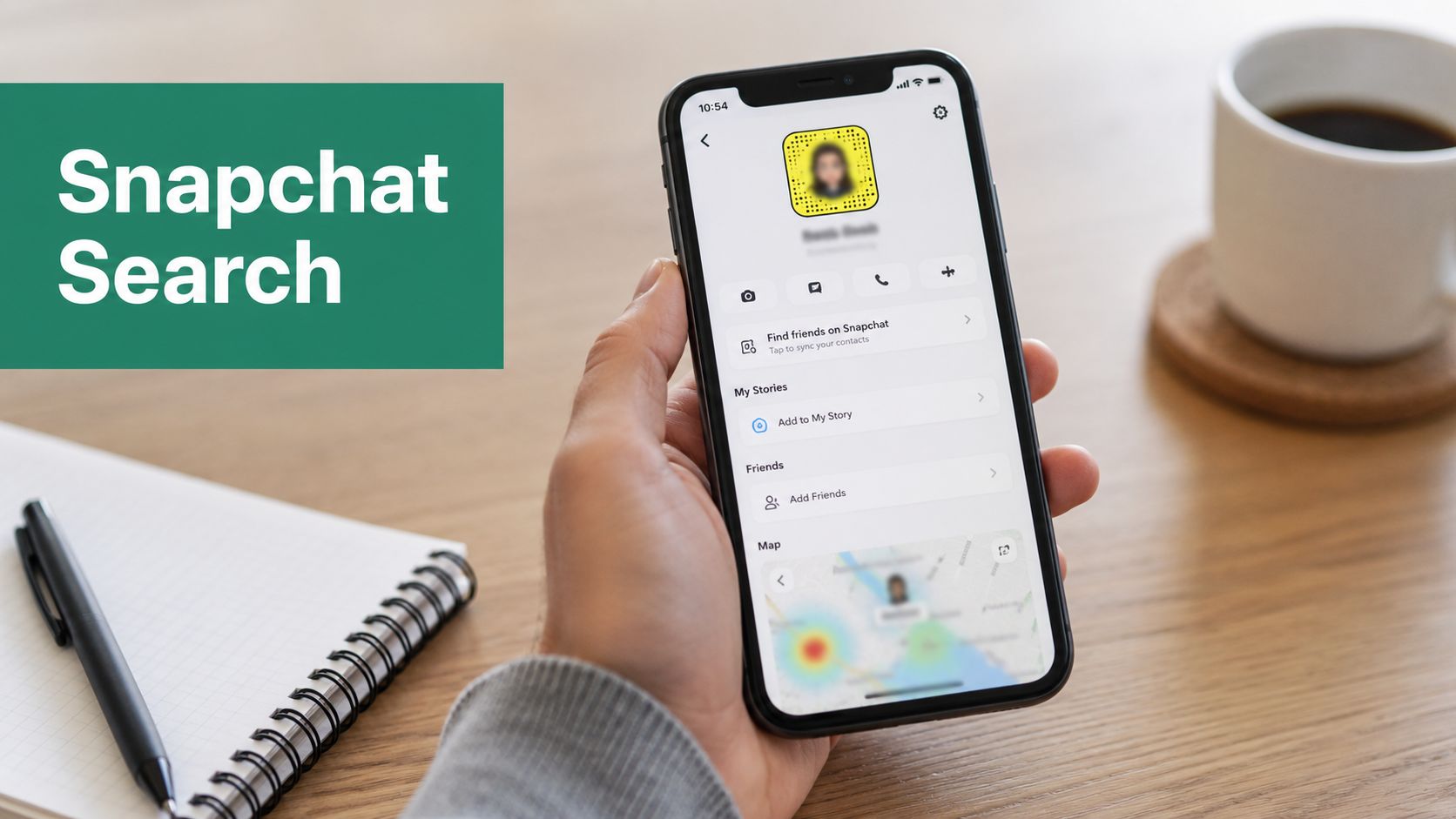
You're usually searching for a Snapchat profile in one of three situations. A prospect mentioned they're active on Snapchat but didn't share their handle. A creator or partner listed Snapchat somewhere else and you need to verify it. Or a teammate handed you a name, not a username, and told you to “find the account.”
That's where most Snapchat profile search guides fall apart. They dump a list of tricks without explaining which source you're searching from, why some methods fail even when the account exists, or why many lookup sites are more dangerous than useful.
Snapchat is a large platform, but it's also a closed one. In 2024, Snapchat generated $5.3 billion in revenue and had 432 million daily users, yet it still doesn't provide open public search APIs for general users, which is why profile discovery depends on official in-app tools or careful external validation rather than a central public directory (Business of Apps Snapchat statistics). For marketers, sales teams, and digital investigators, that single constraint explains most of what works and what doesn't.
Mastering In-App Snapchat Search Functions
Start inside Snapchat. It's the fastest route when the person wants to be found.

Search by username, not display name
The first rule of Snapchat profile search is simple. Usernames are durable identifiers. Display names are not.
If you have an exact username, type it into Snapchat's search bar exactly as given. This usually outperforms searching a real name, brand name, or nickname because display names can be changed, styled, shortened, or duplicated across many accounts.
Use this quick decision table:
| Search input | Reliability | Why |
|---|---|---|
| Exact username | High | It points to a specific account identity |
| Display name | Low to medium | Many users share similar names |
| Full real name | Low | Snapchat isn't built like a public people directory |
If someone says “my Snap is Jamie Carter,” pause and ask whether that's their username or just the name shown on profile. That distinction saves time.
Practical rule: If you're doing outreach or partner verification, always ask for the exact Snapchat username in writing.
Sync contacts with intention
Snapchat can surface people from your phonebook when you allow contact syncing. That works well when the other person registered the account with the same number you have saved and hasn't restricted discoverability.
A practical workflow looks like this:
- Save the contact cleanly with the person's current number and name.
- Open Snapchat and allow contacts access if you haven't already.
- Check friend suggestions and contact-based discovery after the sync completes.
This method is effective because it uses Snapchat's own relationship signals instead of guessing through names alone. The trade-off is privacy. When you sync contacts, you're giving Snapchat access to more of your address book, not just one lead.
Understand Quick Add for what it is
Quick Add isn't a search engine. It's a recommendation layer.
It tends to surface people based on mutual connections, contact overlap, and other internal signals. That makes it useful when you're trying to identify someone already close to your network, but weak when you're cold-searching a stranger or a lightly connected creator.
Quick Add is best for:
- Mutual-network discovery when coworkers, clients, or event contacts overlap
- Second-degree validation when you already suspect the right profile
- Speed checks after adding a number to contacts
It's poor for:
- Broad identity lookup
- Name-only searches
- Investigations where precision matters
If your goal is precision, start with username. If your goal is suggestion-based discovery, use contacts and Quick Add.
Using Visual and Location-Based Discovery
A common failure case looks like this. You have the right person, the right spelling, and still no clean match in search. On Snapchat, visual identifiers and location context often outperform text because users share those signals more deliberately than display names.
Start with the methods Snapchat built for this job. Use outside clues only to support verification, not to guess your way into a match.
Scan Snapcodes from live camera or saved images
Snapcodes are the fastest low-ambiguity route when someone has published one. If a creator posts a Snapcode in an Instagram Story, on a conference slide, or on a landing page, scan it instead of trying name variations and hoping Snapchat surfaces the right account.
Two workflows work well:
Live scan through the Snapchat camera
Open Snapchat, point the camera at the Snapcode, then press and hold until Snapchat recognizes it.Scan from a saved screenshot
Save the image first. Then open Snapchat's scan flow and read the code from your camera roll.
This works well in field marketing, event ops, and creator outreach because it cuts out username confusion. It also reduces false matches. If you already verify people across professional channels, pairing a Snapcode with structured employment screening gives you a much stronger identity check than a handle alone.
Later, if you want a quick visual walkthrough, this demo helps:
Use Snap Map for context, not proof
Snap Map can help when the search problem is tied to a place. A venue activation, campus event, retail location, or live appearance can give you enough context to narrow a profile. The trade-off is simple. It only works if the user has chosen to share location visibility.
If the person uses Ghost Mode or limits who can see their location, Snap Map will not help you find them. That is a product design choice, not a search error.
Here is the practical value:
| Scenario | Snap Map value | Limitation |
|---|---|---|
| Public event attendance | Useful for contextual discovery | Only visible users appear |
| Brand activations and venues | Helpful for nearby public activity | Not a directory of attendees |
| Friend or lead verification | Good supporting context | Weak for cold searching |
Tap a visible Bitmoji or profile marker and Snapchat may show enough profile context to confirm you are looking at the right person. Treat Actionmoji carefully. It suggests activity and presence, but it does not prove identity.
For marketing teams, the right standard is corroboration. If a location clue lines up with a public bio, a reused username, or a known professional profile, confidence goes up. If you need that broader identity check, a parallel workflow like this guide on how to find someone on LinkedIn helps validate whether the Snapchat account fits the person you are researching.
Visual and location-based discovery work best because they follow signals the user chose to expose. That is faster, cleaner, and less risky than relying on lookup tools that claim to reveal hidden profile data.
Finding Profiles with External Clues
When in-app search stalls, the next move is cross-platform reconnaissance. Marketers and investigators usually get the best results this way, because many people advertise Snapchat elsewhere more clearly than they do inside Snapchat itself.
Check bios and profile hubs first
Start with the platforms where users commonly promote identity links. Instagram, TikTok, X, creator link pages, and personal websites often contain Snapchat usernames, Snapcodes, or phrases like “add me on Snap.”
Look for:
- Direct username mentions in bios or captions
- Snapcode screenshots in highlight covers or pinned posts
- Link hubs that route to social accounts
- Matching usernames reused across multiple platforms
If you're validating a person professionally, pair this with other identity checks. For example, teams that already use structured employment screening processes know that a single social profile is weak evidence on its own. The stronger approach is correlation across identifiers, roles, and public presence.
For B2B research, the same logic applies to business identities. If you already have a professional profile, this guide on how to find someone on LinkedIn fits well into a broader verification workflow.
Use Google operators to narrow noise
Search engines can surface Snapchat clues that Snapchat itself won't.
Try searches like:
site:instagram.com "snapchat" "username"site:tiktok.com "@handle" "snap""Snapcode" "brand name""add me on snapchat" "person name"
These aren't magic commands. They directly reduce noise and force Google to search where Snapchat clues are more likely to live.
The tactic works best when you combine at least two identifiers, such as a name plus a city, or a handle plus a brand. Searching only a common first and last name usually creates junk results.
Validate public profiles from the web
There's also a more technical OSINT method for public profiles. You can construct a profile URL in the format snapchat.com/@username, open the public page, and inspect the embedded __NEXT_DATA__ object to access public profile information. For active public profiles in major markets, this method has a 98% success rate for initial reconnaissance according to SpotThem's Snapchat OSINT guide.
What this is good for:
- Confirming whether a public profile exists
- Pulling public-facing profile context without logging in
- Rapidly validating a suspected username
What it is not good for:
- Accessing private account data
- Bypassing user privacy controls
- Replacing direct platform confirmation
Public-profile parsing is a validation technique, not a license to collect everything you can find.
For sales and marketing teams, this external-clue category is usually the sweet spot. It's faster than blind in-app searching and far safer than random lookup websites.
Understanding Search Failures and Privacy Settings
You search a username that should work, get nothing back, and assume the lead sent the wrong handle. On Snapchat, that conclusion is often wrong. Search fails for two different reasons: the account is hard to surface by design, or the app is failing to resolve data it should already have.

Privacy settings that reduce discoverability
Snapchat is not a public directory. Even on a very large platform, visibility is intentionally limited unless you already have the right identifier, a contact connection, or a public profile to validate.
That design explains several common failure points:
Username exists, but the profile looks sparse
Snapchat may show only minimal public-facing details unless the account is set up for broader visibility.Display name search goes nowhere
Display names are weak identifiers. They change easily and do not behave like searchable public records.Quick Add never surfaces the person
Quick Add depends on shared signals such as contacts, mutual connections, and Snapchat's own recommendation logic.Snap Map shows nothing
Map visibility is optional. If location sharing is off, there is nothing to find.
This is why broad name searches underperform. Marketers often expect Instagram-style discovery or LinkedIn-style identity resolution. Snapchat does not work that way.
Technical problems that look like privacy limits
Some failures are not privacy-related at all. A stale contact sync, app cache issue, or delayed server refresh can make a valid account look invisible for a few hours, or longer in edge cases.
Use a simple diagnostic order instead of guessing:
Confirm the exact username
Ask for plain text. Screenshots introduce typos, cropped characters, and confusion between similar letters.Check app permissions
If you are relying on contact-based discovery, Snapchat needs address book access on the device.Refresh local app data
Cached data can interfere with search, Quick Add, and contact matching.Retry after a delay
Sync lag happens. A failed search right after someone changes their username or privacy settings is not unusual.
For teams doing outreach or audience research, this matters because the next step should change based on the cause. If the issue is privacy, stop trying to force more visibility inside the app. If the issue is technical, fix the app state first. That distinction is part of responsible prospecting, especially for teams working under stricter data privacy regulations.
A practical diagnostic model
Use this table before writing the profile off as nonexistent:
| Symptom | Likely cause | Best next action |
|---|---|---|
| No result for a name search | Wrong or incomplete identifier | Get the exact username |
| Username returns a thin result | Privacy-limited or non-public account | Validate with another known clue |
| Contact-based discovery fails | Permissions or sync issue | Recheck contacts access and refresh app data |
| Location search fails | Map sharing is off | Do not treat map absence as evidence the account is gone |
The pattern is simple. In-app Snapchat search is narrow by design. If a profile does not appear, the explanation is usually limited visibility, weak identifiers, or app-level sync problems, not proof that the account does not exist.
The Dangers of Third-Party Snapchat Search Tools
Most unofficial Snapchat lookup sites sell certainty they can't deliver.

Why these tools keep appearing
People search for them because native Snapchat discovery is limited. Some external services claim huge searchable databases, email matching, phone lookup, or reverse-profile access. But those claims sit outside official Snapchat infrastructure, and many rely on scraping, recycled public data, or lead-generation traps rather than real-time verified access.
The failure rate is the first warning sign. Data indicates that 65% of users looking for a “Snapchat profile lookup” service encounter tools that fail to return verified data, and 32% of surveyed users experienced account flagging after using such third-party services.
That's not a small risk. It means the odds are stacked against both accuracy and account safety.
What the real risks look like
These tools usually fall into a few patterns:
Credential harvesting
The site asks you to “connect Snapchat” or log in to view results. That can turn a search attempt into an account compromise.Data extraction without verification
Some services mix old public data, guessed handles, and unrelated records into something that looks authoritative.Malware and scam funnels
The search result is just a pretext to push browser extensions, downloads, or fake verification steps.Platform enforcement issues
Aggressive automation or suspicious access patterns can get your own account flagged.
If you work in growth, recruiting, or digital intelligence, this risk should sound familiar. The same bad logic shows up in other corners of the web where people confuse “publicly marketed” with “safe to use.” This breakdown of LinkedIn data scraping is relevant because the compliance and trust issues are similar even when the platform is different.
The more a tool promises hidden access to a closed platform, the less you should trust it.
The ethical line matters
There's a simple reason to stay cautious. Snapchat does not function as an open people-search database for the public. Trying to force that model through shady tools usually creates three losses at once: bad data, legal exposure, and security risk.
For marketers, the practical standard is clear:
- Use native app features when possible.
- Use open-source verification only against public signals.
- Stop when privacy settings or platform limitations block further discovery.
The moment a tool claims secret database access, verified private data, or guaranteed reverse lookup, assume you're the product.
Your Smart and Safe Search Strategy
The best Snapchat profile search workflow is layered, not clever.
Start with official in-app methods. Exact username search comes first. Contact syncing and Quick Add help when you have relationship signals. Snapcodes and Snap Map work best when the person is already sharing identity visually or by location.
When Snapchat itself gives you little to work with, move to external clues. Check Instagram, TikTok, X, personal sites, and Google results for username reuse, Snapcodes, and public references. If the account is public, web-based profile validation can confirm that the profile exists without crossing into private data collection.
If search fails, don't assume the account is gone. Snapchat's privacy controls intentionally limit discoverability, and technical issues like cache problems or sync delays can interfere with results.
The one move that consistently causes more harm than good is using shady third-party lookup tools. They often fail, they can expose your own account, and they push people into unsafe behavior under the promise of “hidden access.” Respect the platform's boundaries. Respect user privacy. Use methods you can defend to a client, a compliance team, or your own security lead.
If your team spends as much time finding the right people as it does finding the right profiles, EmailScout can help. It's built for marketers, sales teams, founders, and recruiters who need a faster way to discover decision-maker emails and build cleaner outreach lists without turning lead research into a manual grind.