

You've got the name, the company, and a reason to reach out. What you don't have is an address that won't bounce, land with the wrong person, or drag your sender reputation down with it. Guessing patterns and firing anyway is how good outreach turns into a deliverability problem.
This guide compares 10 people finder email addresses tools by how they work in practice, not by database size claims. You'll see where each one earns its keep, where it falls short, what free testing looks like, and when a broader sales platform is overkill for a simple lookup.
The stakes are worth naming. Email is a mature global channel, not a niche tactic. One estimate places the worldwide base at approximately 4.6 billion users in 2025, with a projection of about 4.8 billion users by 2027, based on Radicati worldwide email data covering 2010 through 2025. At that scale, a small error rate still creates a large pile of wrong or outdated records.
Start with the workflow you already have. If you prospect site by site, pick a browser tool. If you build lists from domains or titles, pick a database. Then verify, segment, and send only what's defensible.
1. EmailScout
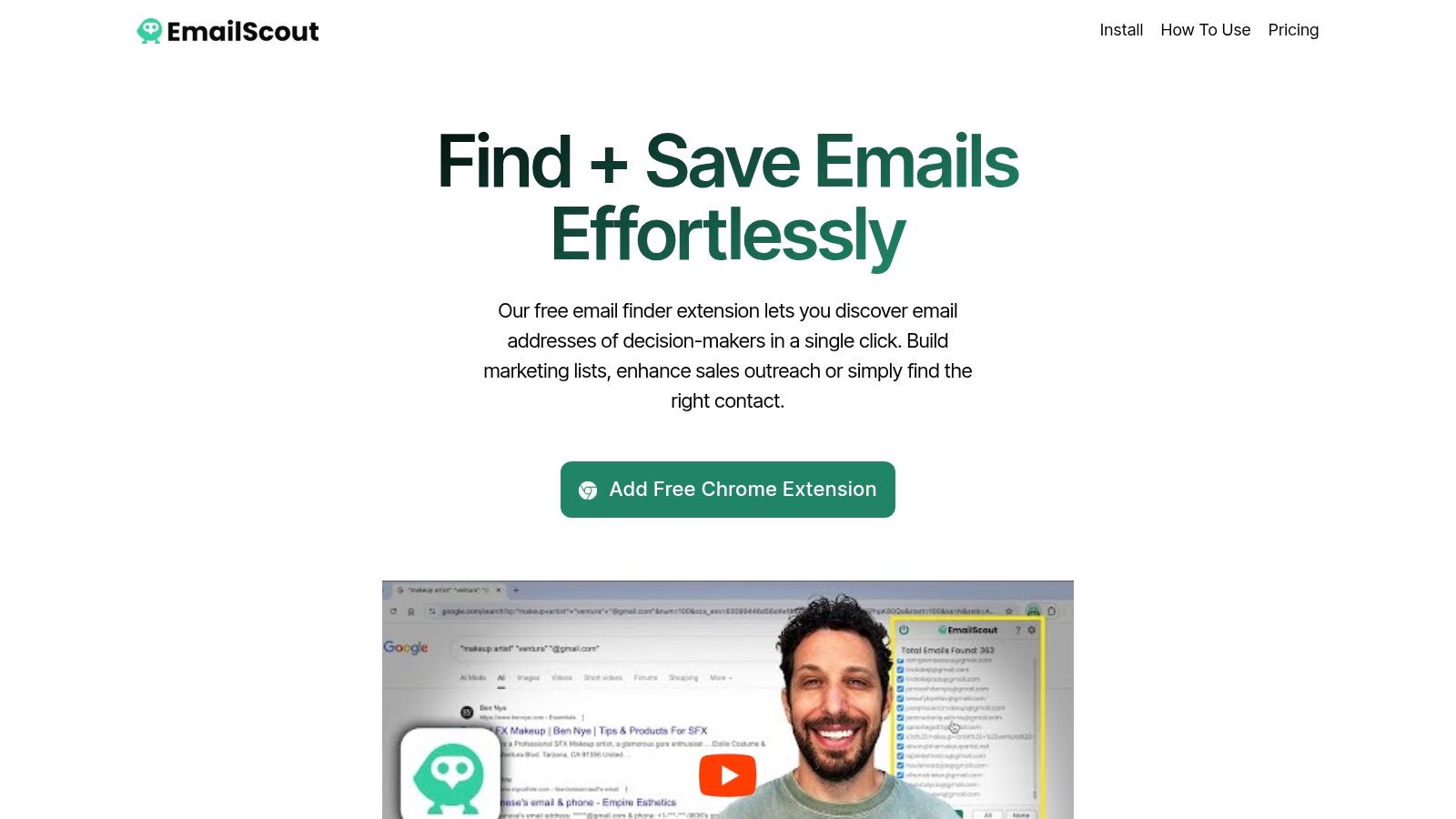
You're already on the prospect's site. EmailScout turns that tab into a lookup: the Chrome extension scans the page you're viewing, pulls addresses it finds in the page source, and can surface contacts exposed through Google search results. Click, review, then copy what it found or export to CSV or TXT.
That fits outbound reps, founders, marketers, and freelancers who prospect while browsing company sites and directories instead of querying a database first. You collect visible contact clues in context, so a quick relevance check happens before anything reaches a list.
Where EmailScout Earns Its Place
Start free and stay free if your volume is modest. The $0 plan includes unlimited email finding and exports, the strongest free-first testing path on this list. The cost is manual work: free users collect site by site, with no automation across longer browsing sessions.
- AutoSave on paid plans: captures addresses while you browse instead of forcing an export after every page.
- URL Explorer: premium scans up to 1,500 URLs at once, useful when you already have a target list of domains.
- Low entry price: premium is listed from $9/month for 5,000 emails per month, and the premium-feature trial runs without a credit card.
Honest Limits
Page-source scanning only finds what a site publishes. Hidden or stale contact pages produce incomplete or outdated results, the extension is Chrome only, and long free-tier prospecting runs mean repetitive exports. Verify every find before sending, and log the source URL, capture date, and role so compliance questions have answers later.
2. Hunter
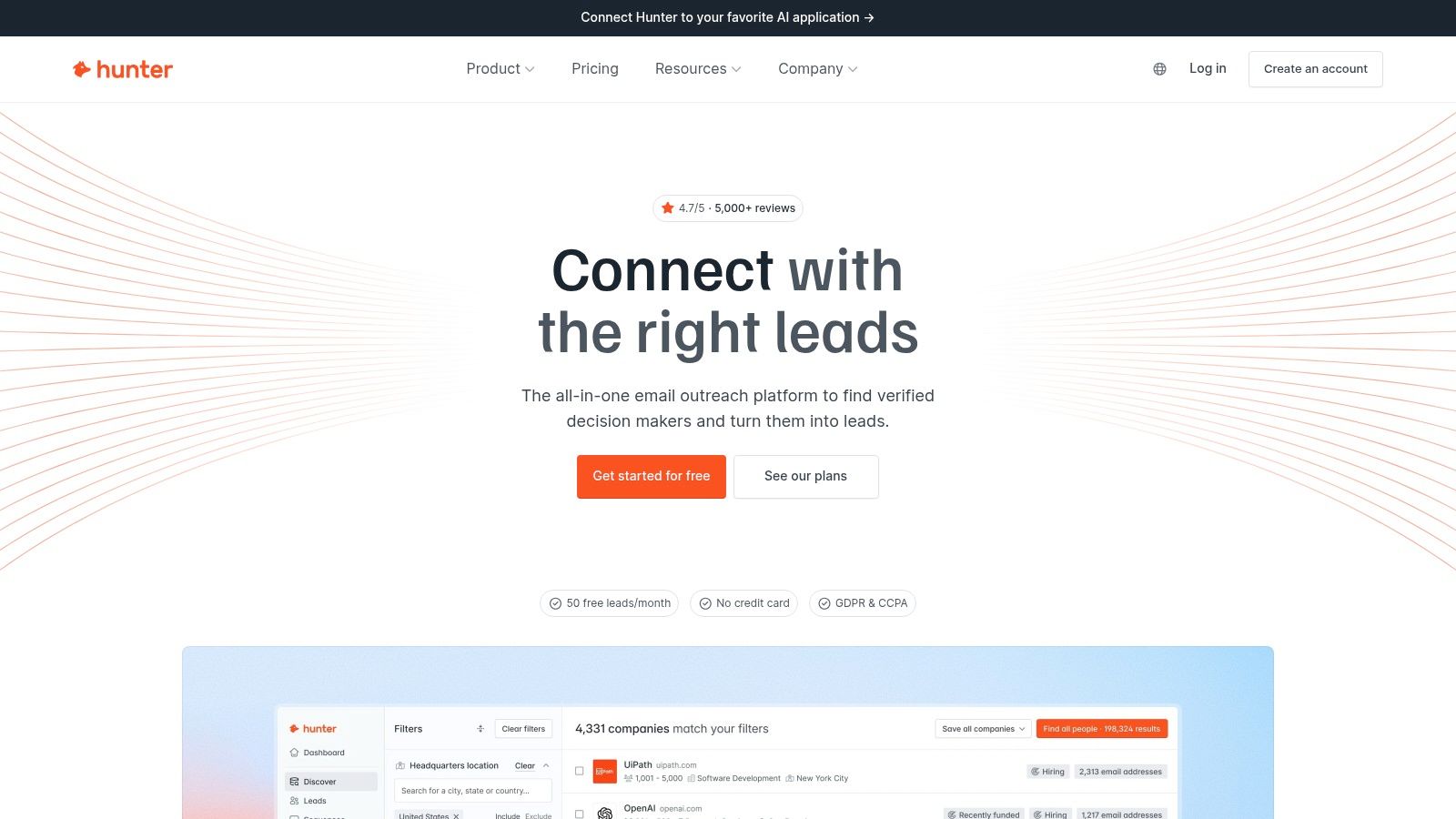
Hunter solves the classic name plus domain problem. You know who you want and where they work, and you need the likely professional address plus a verification result before you send. Domain Search runs the same lookup in reverse, surfacing contacts tied to a company while you're still mapping the account.
The interface bundles Email Finder, verification, bulk lookup, API access, and outreach sequences in one place. Many teams pay for the finding and checking and never touch the sequences, so decide whether you're buying a finder or a light outreach stack before choosing a plan.
A Free-First Test Path
Hunter's free plan and public pricing make a no-commitment trial realistic. Run this before spending a credit:
- Pull a batch of known contacts from your own CRM and run them through Email Finder.
- Compare Hunter's confidence results against addresses you already verified by hand.
- Check coverage in your actual target countries and industries, since results skew toward companies with a strong public web presence.
Accuracy varies by market, so judge it against your real list rather than a handful of well known domains. On the compliance side, log where each address came from and confirm a lawful basis for outreach before importing contacts into a sequence. If browser based lookup fits your workflow better, the guide to the Hunter email extension and how it compares to other browser finders shows what changes when the search moves into the browser.
3. Apollo
Apollo isn't just a finder. It's a sales intelligence platform that combines contact and company search with email discovery, sequencing, and engagement tracking. That breadth is useful when prospecting is a daily team motion, not an occasional lookup.
You can filter by name, company, title, industry, and location, save searches, build lists, and push contacts into outbound workflows. Phone discovery and CRM integrations add to the appeal for teams that want prospecting and execution in one place.
The trade-off is complexity. For a freelancer tracking down five addresses this week, Apollo can feel like buying an operating system to solve a spreadsheet problem. Data quality also varies across industries and records, so saved searches still need spot checks and verification.
Broad filters don't make a list accurate. They only make it easier to build a large inaccurate list faster if you skip verification.
Apollo offers a free plan without requiring a credit card, according to its product information, which makes a realistic trial possible. Test one narrow segment, check role accuracy manually, and measure bounces and replies before scaling. Teams that need lists at volume will get more value here than anyone doing simple, one off people finder email addresses searches.
4. ContactOut
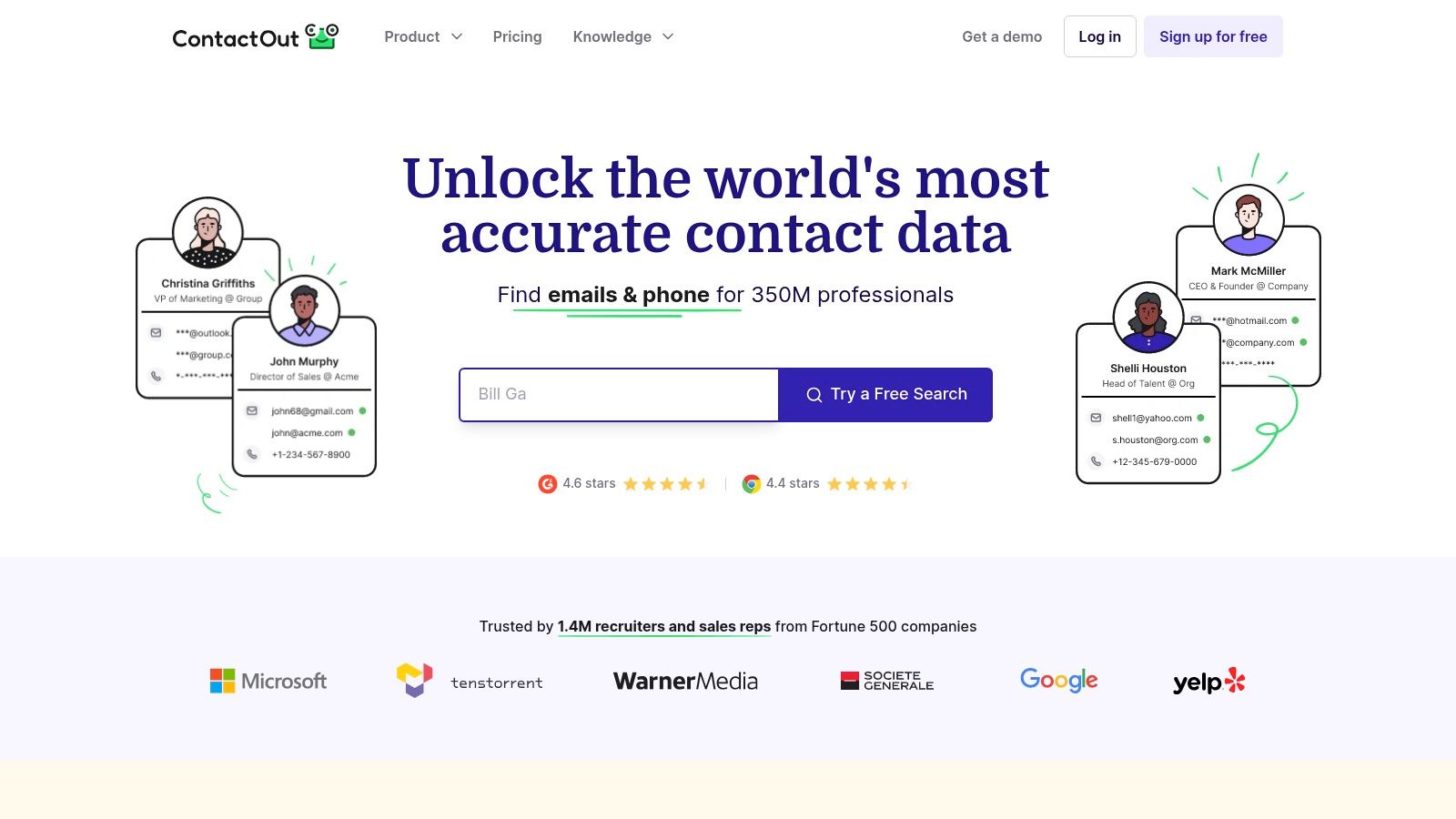
ContactOut starts where many recruiters already work, on professional profiles. Its browser extension is designed to surface contact details while you're viewing a profile, particularly on LinkedIn, which removes the copy, paste, and search cycle that slows profile based prospecting.
Beyond individual lookups, it offers search by name, company, title, or profile, plus phone lookup, bulk enrichment, and team plans. Recruiters and executives doing targeted outreach tend to get the most from that combination.
The Compliance Catch
ContactOut may surface personal email data where available, and that's where you need discipline. A named address that identifies a person can be personal data, and even an employee's professional address on a company domain can qualify, while a generic organizational inbox generally doesn't identify a natural person, under European Commission guidance on GDPR application.
- Use professional addresses first: Reach for a personal address only when you've got a clear, documented justification.
- Check geography: Coverage depends on the person's online profile and location.
Free usage lets you test the fit, but domain only prospectors may prefer a different tool entirely.
5. Lusha
Lusha pairs contact details with company context. Alongside business email addresses, it provides direct dial numbers, job titles, and company information, which helps when you're deciding who in an account is worth contacting.
Sales, marketing, recruiting, and revenue operations teams use its browser extension while prospecting, then lean on CRM and sales platform integrations to move records into existing workflows. Enrichment and selected intent related data push it beyond basic lookup.
The workflow itself is simple for individual reps, and that's the point. You find a decision maker, confirm the contact details, and act without a long setup process. A free tier supports initial testing against your own target accounts.
Cost is the main watch item. Credit based pricing can become expensive at scale, especially if reps reveal contacts speculatively instead of working prioritized lists. Data availability also differs by market and industry, and some advanced features sit behind higher plans.
Set rules before rollout. Define which titles justify a credit, require verification before export, and review credit burn against meetings created. Without that discipline, Lusha's convenience can turn into an expensive browsing habit rather than a measurable pipeline source.
6. RocketReach
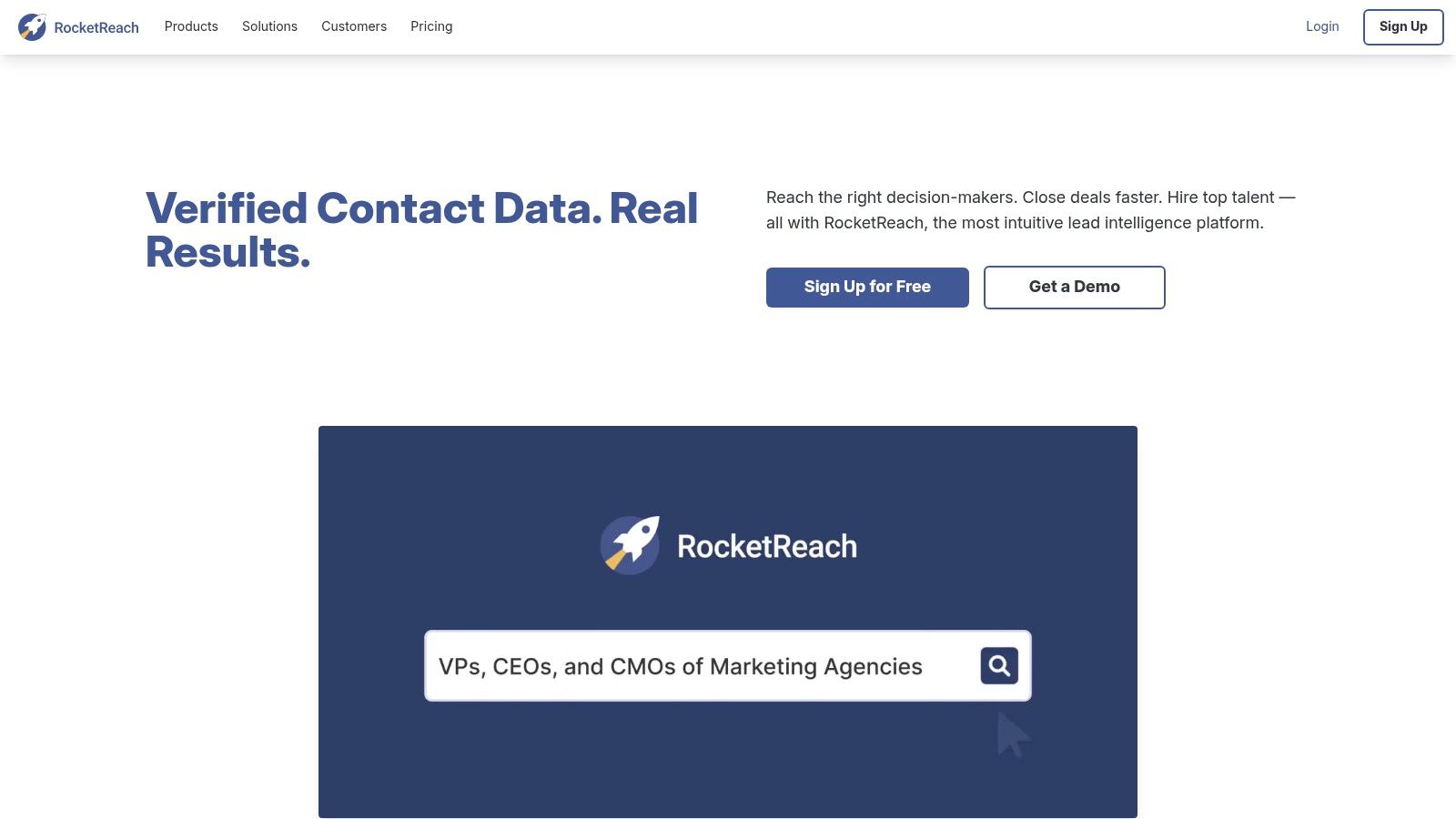
You have a name, a past employer, and nothing current. RocketReach handles exactly that kind of partial record: search by person, company, job title, or industry, and it pulls professional email addresses, phone numbers, and social profiles into a single contact entry.
That range suits sales prospecting, recruiting, PR outreach, and research. A browser extension covers one off profile checks, while bulk lookup and API access support larger list builds.
- Partial information friendly: searches still return results from fragments, like a name plus an old company.
- Multi channel records: phone and social data give you a fallback when email is the wrong first touch.
- Broad database: better odds of a hit on hard to reach contacts.
The trade-offs sit in pricing and accuracy.
Plan tiers and credit allotments take real effort to compare, and free usage is limited. Run whatever search credits you get against a test list of contacts you already know before paying. Hit rates vary by seniority and region, so verify every address before a campaign. If you work under GDPR or similar rules, check how a contact's data was sourced before adding them to a sequence. This breakdown of Rocket email finder style lookup workflows gives you a benchmark to compare against your own test results.
7. Snov.io
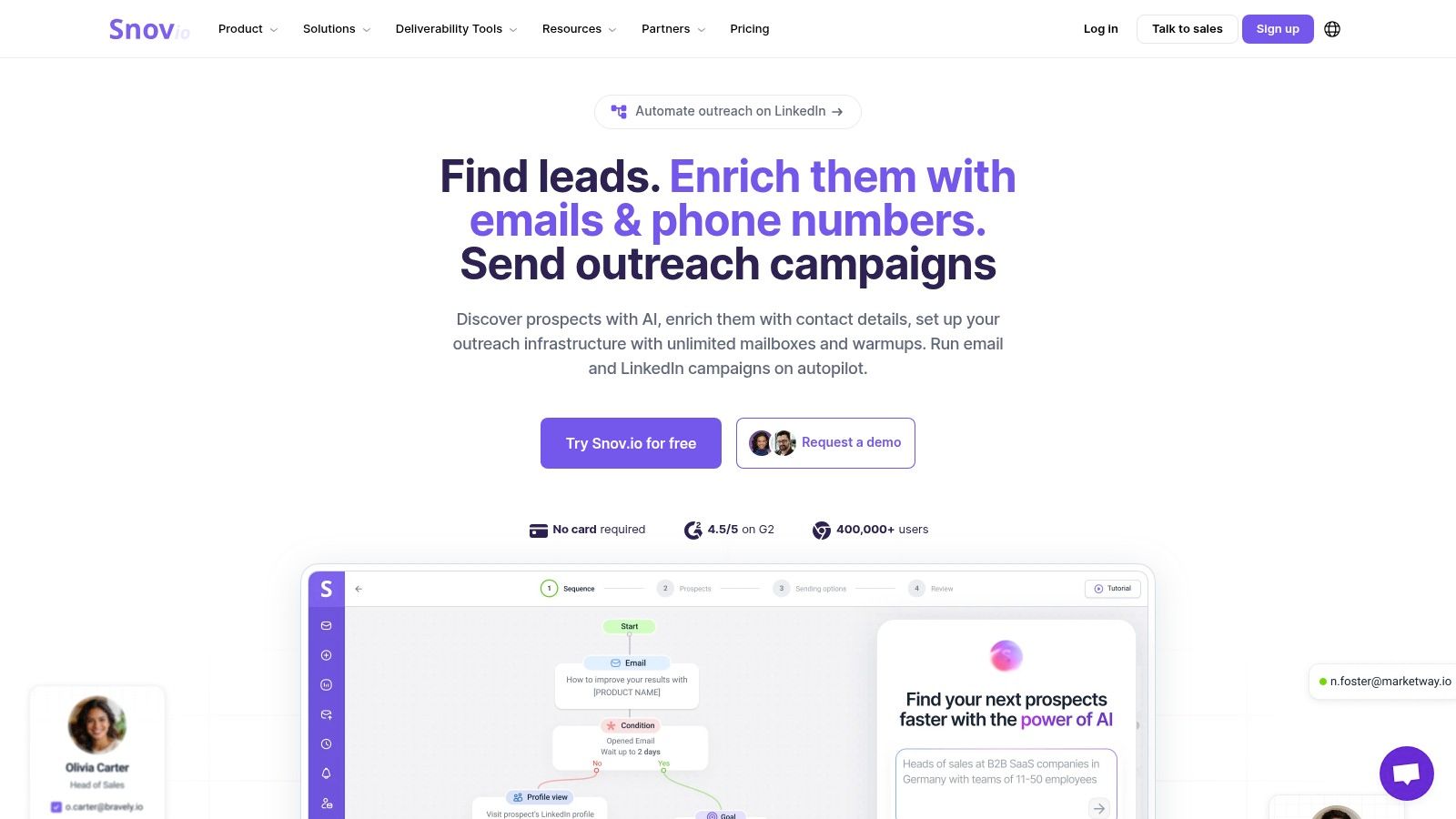
An outbound team running a finder, a verifier, and a sequencer as separate subscriptions pays three bills and loses context at every handoff. Snov.io bundles discovery with execution, putting email finding, verification, lead capture, and drip campaigns with automated follow ups in one workspace.
Search runs by name, company, domain, and professional attributes, with bulk prospecting and filters for job title, location, industry, and skills. Browser based prospecting builds lists while you work through target sites and profiles.
Deliverability decides whether the bundle pays off.
The DMA benchmark, which analyzed more than 442 billion emails sent during 2024, recorded 98% overall delivery, based on the DMA 2025 Email Benchmarking Report dashboard. Reaching that standard in your own sends depends on verification, suppression handling, and list hygiene, which no automation layer does for you.
Start on the limited free access and measure real credit consumption before committing. Watch credit and recipient limits as volume grows, and skip the campaign layer entirely if addresses are all you need. If verification is your main concern, this breakdown of the Snovio email verifier approach is a useful reference point.
8. Voila Norbert
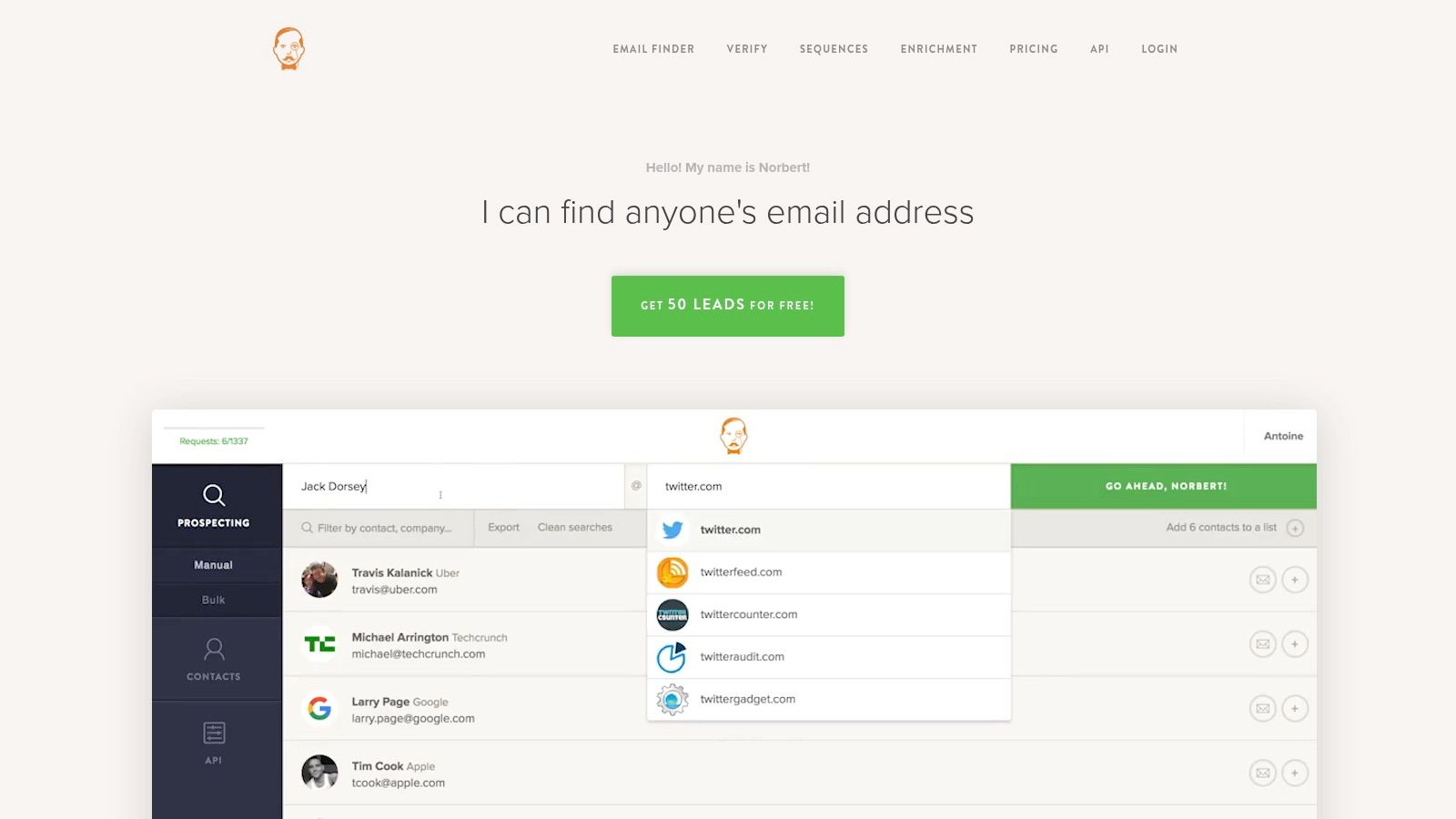
Voila Norbert does one job and stays focused on it. Give it a person's name and company domain, and it works to identify the professional address, with verification and confidence related results attached to the outcome.
Bulk finding, CSV uploads and exports, and API access support users who'd rather enrich an existing list than adopt a full sales platform. That narrow scope keeps the interface simpler than all in one systems.
The pay per result model can suit occasional users who'd rather not carry a subscription for sporadic lookups. Independent evaluation has reported strong success results for the tool, but your own test matters more than any published figure, since outcomes depend on accurate names and company details going in.
Limitations follow from the focus. The ecosystem is smaller than Apollo style platforms, and native outreach functionality is limited, so you'll send from somewhere else. Among broader tools for prospect discovery and enrichment, Voila Norbert fits teams that already have a sending stack and need a reliable finder step inside it.
9. Prospeo
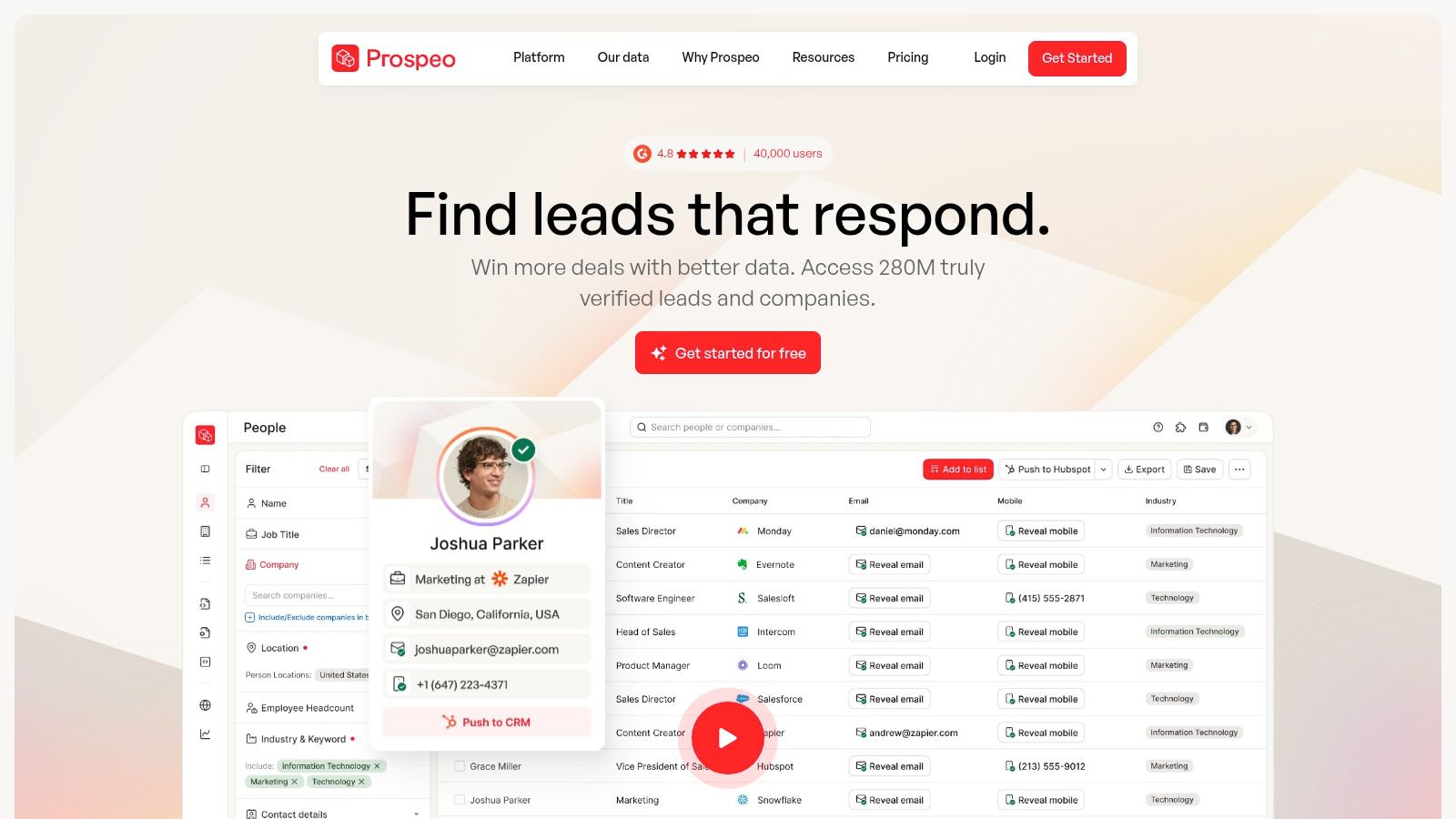
Freshness is Prospeo and its pitch. The tool focuses on professional email finding, LinkedIn prospecting, verification, and bulk enrichment, built for users who care more about current B2B data than general private person lookup.
That emphasis addresses a real problem. B2B delivery fell from 96.8% in 2022 to 92.1% in 2023, a decline linked in part to employees leaving roles during the great resignation period, according to the DMA Email Benchmarking Report 2024. An address can be correctly formatted and still useless because the person moved on.
- LinkedIn centered workflow: Built for prospectors who start from profiles and domains.
- Verification built in: Checking at find time reduces stale records entering your CRM.
- Bulk and API options: CSV processing and integrations support team pipelines.
Independent comparisons have reported high accuracy and short data refresh cycles for Prospeo, but you should still validate against contacts you already know. Coverage may be weaker for people without substantial professional profiles, and advanced usage requires paid credits. Even with frequent refresh, recheck high value records before each campaign and store role, company, and source separately.
10. Saleshandy Lead Finder
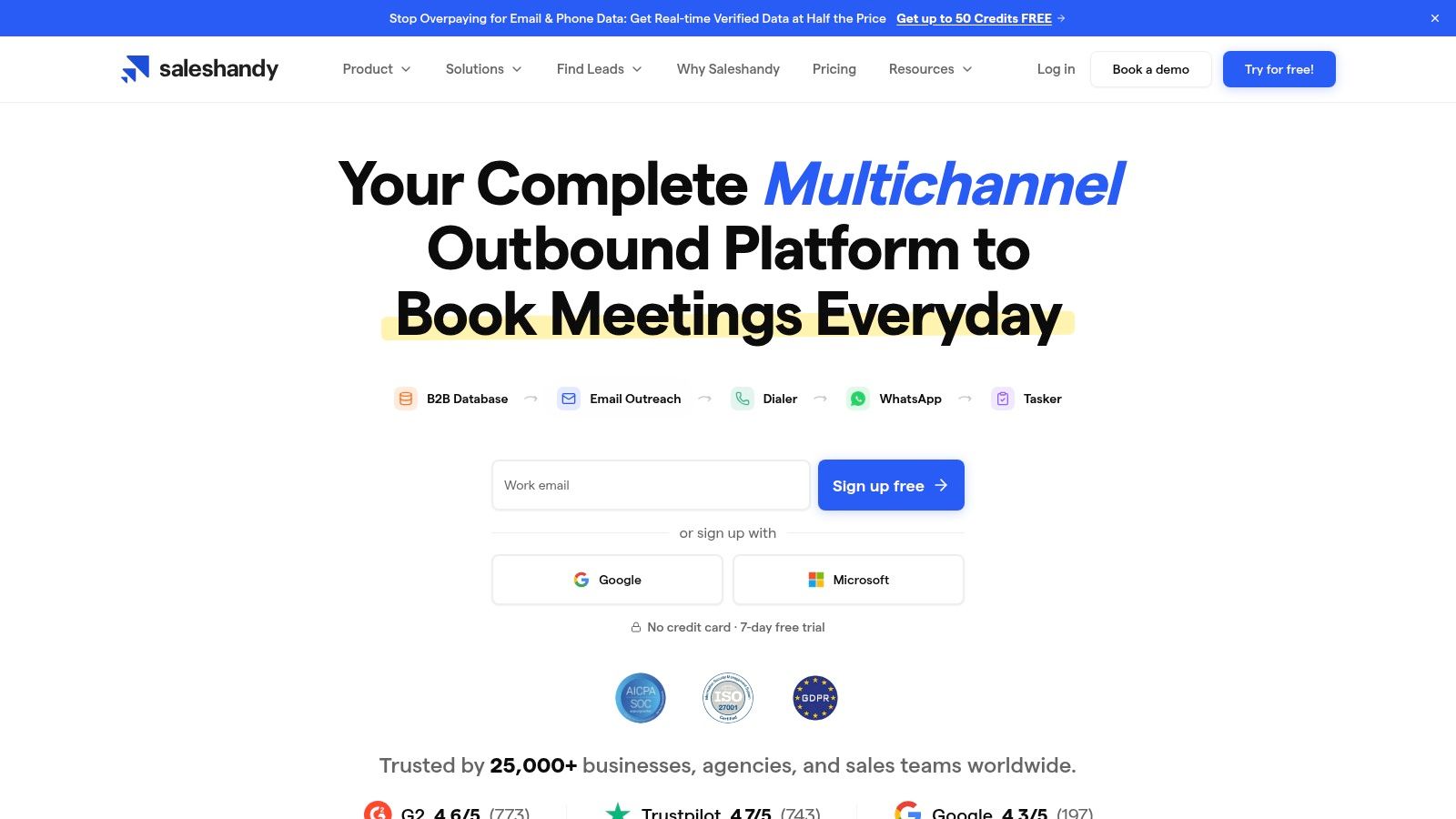
Saleshandy Lead Finder connects list building directly to cold email execution. You search a B2B contact database by job title, company, industry, and geography, verify addresses, then move prospects into sequencing and follow up automation without leaving the platform.
For agencies and sales teams running repeat outbound motions, that continuity saves export and import cycles. Filters support targeted list construction, and trial access lets you assess data quality in your own segments before paying for scale.
Search results describe a database of hundreds of millions of contacts and tens of millions of companies, but database size doesn't guarantee accuracy in your industry or region. A large database with weak fit still produces bounces and irrelevant replies.
Practical rule: Judge any database on a fifty contact test from your hardest segment, not on headline record counts or polished demo searches.
Costs can run higher than basic lookup services, which matters for light users who don't need campaigns. Campaign features also add complexity you may never use. Validate records before sending at scale, and track results by segment so you can see which filters produce conversations for your people finder email addresses workflow.
Top 10 People Finder Email Tools Compared
Free tiers change how you should evaluate these tools. Instead of comparing feature lists on paper, run the same contact list through two or three finders at no cost and keep whichever returns verified addresses in your market. The rows below line up each option on features, standout value, ideal user, and pricing limits.
| Email Finder | Core Features | Standout Value | Best For | Pricing and Limits |
|---|---|---|---|---|
| EmailScout (Recommended) | Chrome-based website email finding; CSV/TXT exports; paid AutoSave and URL Explorer | Free unlimited finding and exports; scans up to 1,500 URLs with Premium | Marketers, sales teams, founders, and freelancers collecting contacts from websites | Free plan; Premium from $9/month for 5,000 emails; free plan requires site-by-site collection |
| Hunter | Domain and name-based lookup; email verification; bulk search and outreach | Verification helps reduce bounced emails | Sales teams and freelancers seeking professional contacts | Free plan; paid plans available |
| Apollo | Contact and company search; email and phone lookup; sequences and CRM integrations | Prospecting and outreach tools in one platform | Sales teams building and managing lead lists | Free plan; advanced features and higher volumes require paid plans |
| ContactOut | Browser extension for profile-based email and phone lookup; bulk enrichment | Finds contact details directly from professional profiles, especially LinkedIn | Recruiters, researchers, and sales teams | Free usage available; team and bulk options |
| Lusha | B2B contact and company data; browser extension; CRM integrations | Combines contact details with company context | Sales, marketing, recruiting, and revenue teams | Free tier; credit-based pricing, with advanced features on higher plans |
| RocketReach | Person and company search; email, phone, and social profiles; bulk lookup | Broad contact data and searches from partial details | Sales, recruiting, PR, and research | Limited free usage; paid plans and credits |
| Snov.io | Email finding and verification; bulk prospecting; automated campaigns | Moves from lead discovery to outreach in one workspace | Startups and small outbound teams | Limited free access; usage and campaign limits apply |
| Voila Norbert | Name-and-company lookup; verification; bulk tools and API | Focused email discovery without broad sales automation | Users needing targeted or occasional professional email searches | Pay-per-result model; limited outreach features |
| Prospeo | LinkedIn and domain search; verification; bulk enrichment and API | Emphasizes fresh, verified B2B email data | LinkedIn-focused sales prospectors | Credit-based; advanced usage requires paid credits |
| Saleshandy Lead Finder | Filtered B2B contact search; verification; campaign automation | Combines lead discovery with cold-email execution | Sales teams, marketers, and agencies running outbound campaigns | Trial access; advanced use may cost more than basic lookup |
Two details matter more than the headline columns. Credit-based pricing charges per lookup even when no verified address comes back, so a messy list burns through Lusha, RocketReach, or Prospeo credits faster than the plan price suggests. Built-in outreach works the same way. Apollo, Snov.io, and Saleshandy only justify their cost if you use the sequencing; teams that export contacts to a separate sender end up paying for features they never touch.
Pick Your Finder and Verify Every Send
Run the decision like a deliverability test, not a feature comparison. Start with EmailScout for browser-side prospecting when you are checking a company page, a profile, or a search result and want an address in context. Add a paid database only when the gap is clear: bulk filters, title and industry selection, phone data, enrichment, or list building across a defined market.
Build a proof set before you buy anything. Use 20 to 50 people you already know across your real segments, current titles, regions, and company sizes. Run each shortlisted finder against that set and score four things: verified address rate, whether the role is current, whether the company match is right, and how much cleanup the export needs. A tool can look strong on a demo domain and still fail on your ICP.
Price the workflow, not the sticker. Browser tools favor low-cost, contextual finds. Databases charge for scale, credits, seats, or exports, so the trade-off is speed now versus decay later. If your list ages fast, re-verification belongs in the budget from day one.
Judge sources after the send. Opens can be inflated by privacy features, so weight verified delivery, unique clicks, positive replies, qualified meetings, bounces, unsubscribes, and complaints by finder. Keep cohort notes: source, capture date, search filters, verification status, and result. A smaller verified list that produces replies beats a larger export that needs repair.
Is Finding a Professional Email Address Automatically Legal
No. A business address can still identify a person, so reuse needs a lawful basis, a purpose that matches the contact, and a record of why the outreach is relevant. UK guidance explains that legitimate interests require a specific interest, necessity, and a balancing test against the person's rights, as set out in ICO guidance on when organizations can rely on legitimate interests. People also keep rights to be informed and to object, so removal needs to work quickly.
- Document relevance: note why the role fits before adding the contact.
- Record provenance: keep source URL, capture date, finder, and verification result.
- Suppress properly: track bounced, opted out, role changed, and unverifiable states.
Revalidate high-value records before each campaign and refresh volatile segments more often. Before a larger send, run a MailGenius inbox placement test to see whether the problem is data quality, authentication, or sender reputation. Pick the finder that fits your motion, verify every address, and keep the process defensible enough to explain.