

A rep exports 2,000 contacts on Friday, then spends Monday watching bounced emails, wrong job titles, and stale inboxes eat the list alive. That happens when people treat a list of lead as a volume problem instead of a sourcing and qualification problem. The source matters first, then the filters you use to decide who belongs in the list. For teams building lists from live pages, tools that support scraping rendered HTML pages can help, but they still need tight review rules.
The practical question is simple. Where did the contact come from, how current is it, and does it match your ICP? Below are seven sources and tools that solve that problem in different ways, from browser-based email discovery to enterprise databases and LinkedIn-led prospecting. Each one works best with a clear qualification step, because a contact list only becomes useful after you check fit, role, and relevance.
1. EmailScout
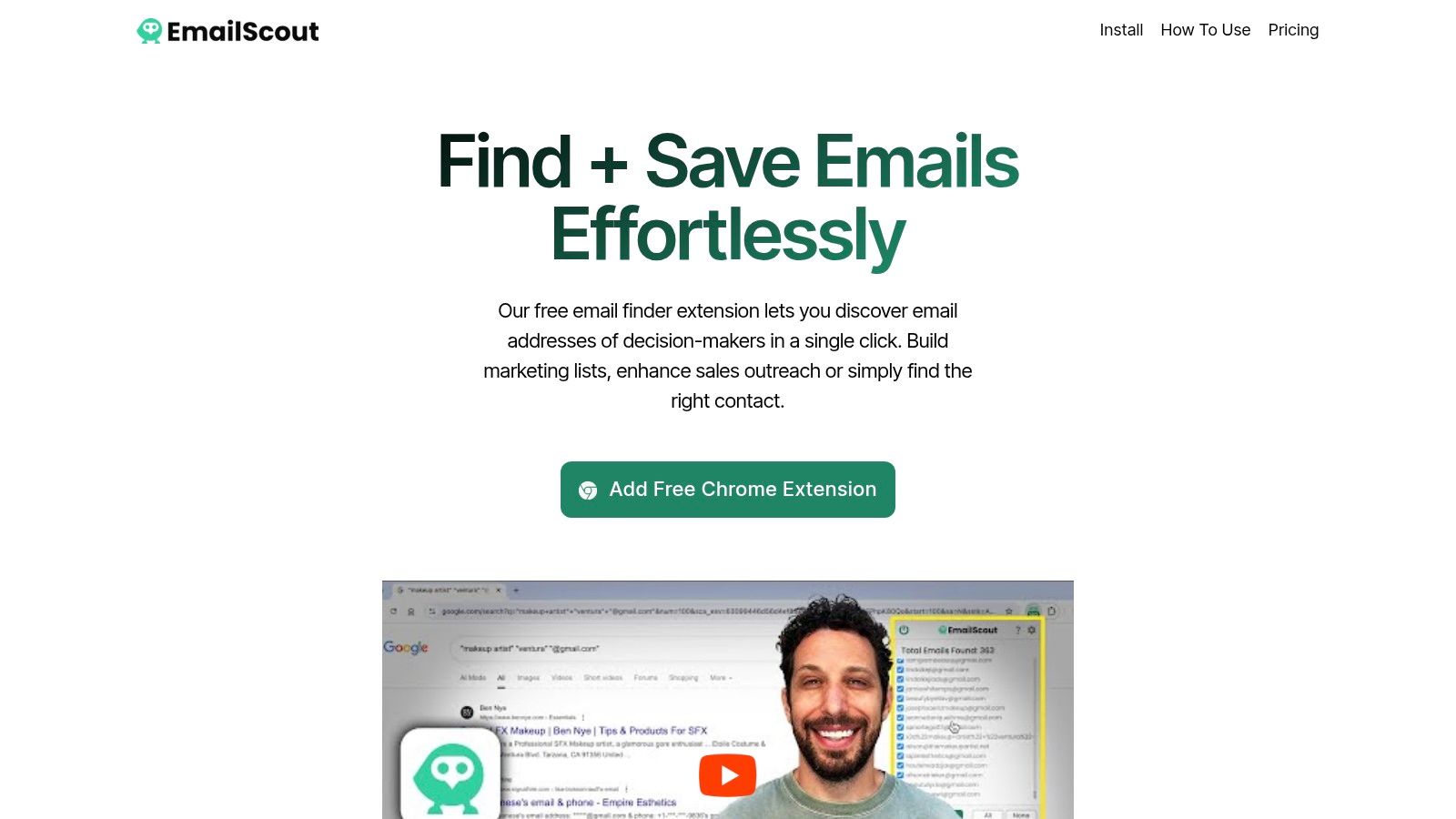
EmailScout is the fastest way to turn browsing into a usable list of lead candidates. If you're already on a company site or running Google searches, the Chrome extension finds publicly available emails on the page and lets you export them right away in CSV or TXT. The free tier is useful on its own, and the premium features, like AutoSave and URL Explorer, are built for people who want to keep collecting while they work.
Where it wins and where it stops
The strength here is speed. A rep can visit target accounts, grab publicly visible emails, and move them into outreach without juggling a separate database. The premium workflow is more interesting for ops, because AutoSave keeps collecting while you browse and URL Explorer lets you batch process a long URL list instead of checking pages one by one.
Practical rule: use EmailScout to capture contacts from pages you already trust, then verify the address and the person's role before any send.
The weak spot is that EmailScout only exposes what's publicly available in page source HTML. That means you still need to manage accuracy, deliverability, and legal compliance yourself. It also doesn't come with public testimonials or certifications on the site, so the free tier or Premium Trial is the right way to judge fit.
Best qualification step: confirm company domain, role seniority, and current relevance before saving the contact. If the person's page or bio doesn't match the buying problem, leave them out of the list.
2. Apollo.io
Apollo.io works better when you want one place for sourcing and outreach. It combines a B2B contact database with sequencing, a dialer, basic CRM functions, enrichment, and intent signals. For small teams, that matters because it cuts down on handoffs between list building and execution. For a growing sales team, it can become the default workspace for building a list of lead targets and launching the first touch.
Its Chrome extension is a big part of the workflow, especially if your team prospect on LinkedIn or move between websites and CRMs during the day. Apollo also connects with Salesforce, HubSpot, Outreach, and Salesloft, so list work can flow into the tools reps already use.
The trade-off is control. Credit-based usage means teams need to watch consumption carefully, and costs can rise when data needs expand. Public pricing also shifts often enough that buyers should check current terms before committing.
I like Apollo when the team wants fewer tools, not more. I don't like it when no one owns credit governance, because the platform can become expensive if reps use it loosely.
Best qualification step: segment by ICP first, then test one cohort for deliverability and reply quality before rolling the same filters across the rest of the team. If you're comparing it with lighter browser tools, this lead generation tools comparison is a useful reference point.
3. ZoomInfo
ZoomInfo fits teams that need breadth, governance, and enterprise workflows rather than just fast prospecting. The platform spans sales, marketing, operations, and talent data, with contacts, firmographics, technographics, and intent signals sitting inside a larger system. When a company has a complex stack and multiple revenue teams touching the same accounts, ZoomInfo is the kind of source that can support an account-level list of lead strategy.
Why enterprise teams buy it
The biggest reason is coverage plus integration depth. You get APIs, enterprise connections, and product lines that support different parts of the revenue motion. That matters when a sales team, marketing team, and ops team all need the same account data but use different systems.
The downside is procurement friction. There's no public list pricing, and deals often involve annual contracts and multiple product lines. Buyers need to read renewal terms carefully and ask what's included in each package, especially when enrichment and intent workflows get added later.
A broad database is only useful if your rules are tight. If the account map is sloppy, enterprise data just helps you scale bad targeting faster.
Best qualification step: map multiple stakeholders inside each target account before outreach. A single executive record isn't enough for complex deals, so keep one account ID and separate contacts by function, seniority, and buying role.
4. UpLead
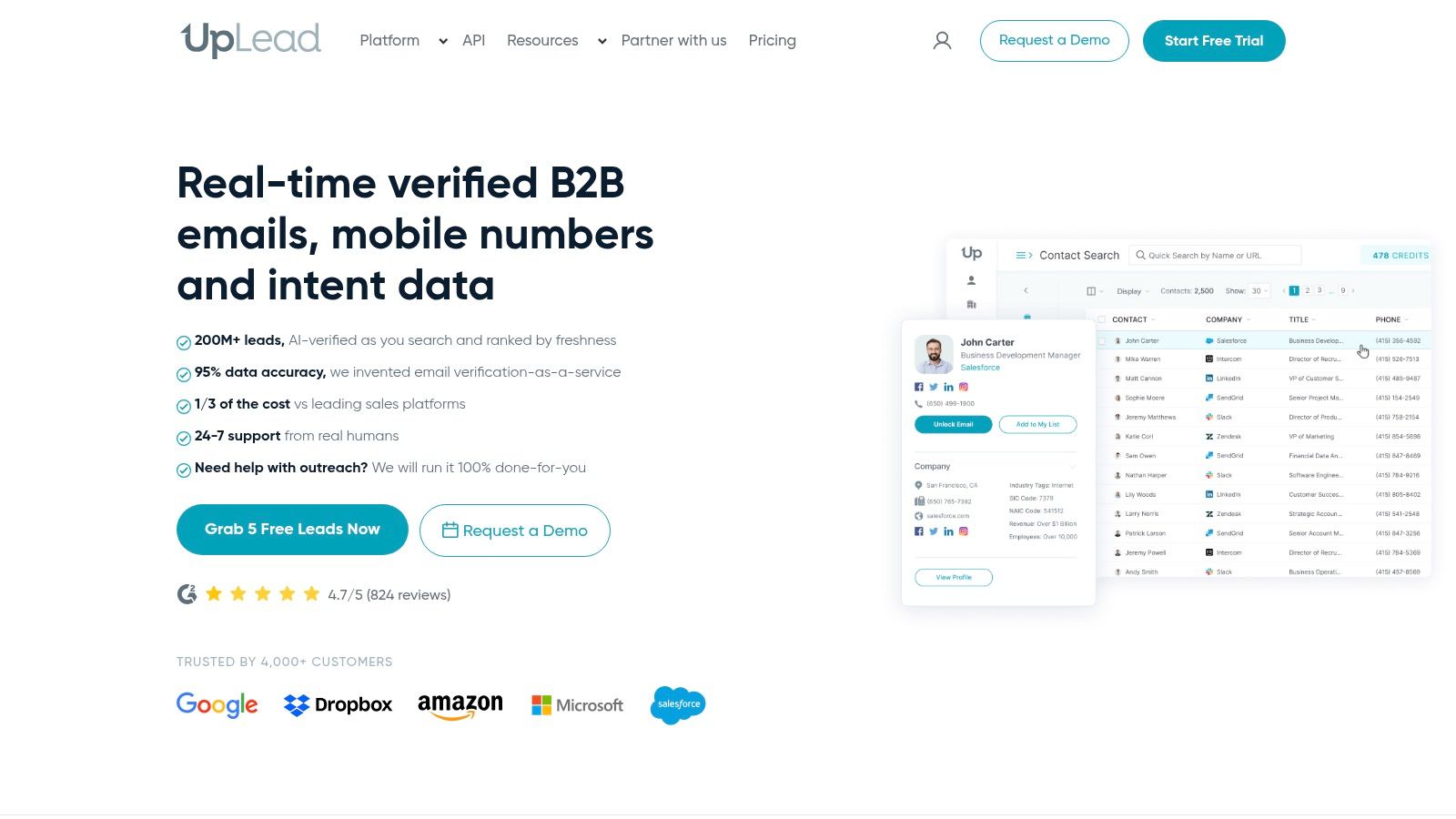
UpLead is the better fit when accuracy matters more than raw volume. The pitch is straightforward, a 95% data accuracy guarantee and a credit model where one credit equals one contact. That makes it easier to test whether the source is really giving you contacts that match your ICP instead of padding the list with marginal fits.
Clean data usually beats big data
The practical advantage is clarity. You can check coverage against one segment, watch what comes back, and compare that against your own response rates. UpLead also includes technographics, news alerts, suppression lists, a Chrome extension, and a real-time enrichment API, so it isn't just a static export tool.
The limitation is that some pricing and feature details still require a sales conversation. The trial also may not give you enough volume to benchmark an entire market. That's fine if you use it the right way, because the goal isn't to hoard credits. It's to find out whether your ICP is well covered and whether the returned data is clean enough for outreach.
Best qualification step: run the same target segment through UpLead and inspect email validity, mobile direct dials, and suppression handling before you add contacts to your active list.
5. Lusha
Lusha is built for fast extension-led prospecting. Reps use it when they live in LinkedIn, company websites, and browser tabs all day and want a quick way to capture verified emails and direct dials without leaving the page. That makes it a practical source for a list of lead building workflow that starts from names and companies already in front of the rep.
Fast workflow, narrower depth
The platform uses credits, with different costs for verified emails and phone numbers, and it supports CRM integrations, API access, audience building, and website visitor ID. The free plan also gives teams a simple way to test the workflow before they commit.
The main trade-off is scale. Lusha is easy to use, but teams usually need to validate how well it matches their specific ICP before rolling it out broadly. In some markets and titles, fill rates can vary enough that you should not assume one successful test means the whole database will behave the same way.
If your team cares most about rep speed, Lusha feels good. If your team cares most about broad account coverage, you still need to test match quality by segment.
Best qualification step: compare captured records against one narrow persona, then inspect how often the returned data includes the right title, the right company, and the right contact channel before you set team-wide rules.
6. Hunter
Hunter is the cleanest option when email discovery and verification are the priority. It gives you domain search, an email finder, and an email verifier, so the same platform can help you find a likely address and check whether it's usable. For teams that work email-first, that makes Hunter a tidy source for a list of lead contacts that needs less cleanup before send.
Why verification changes the workflow
A lot of lead tools stop at discovery. Hunter goes further by making verification part of the same motion, which reduces the chance that reps save bad addresses and call it progress. It also has outreach sequences, an AI writer, account rotation options, and an API, so it can support both manual research and larger batch workflows.
The trade-off is that Hunter is more email-centric than full sales intelligence suites. If your team needs direct dials at scale, you'll probably need another source. For pure email prospecting, though, the transparency and simplicity are hard to beat.
Build the list, verify the list, then send. Skipping the middle step is how bad bounce rates start.
Best qualification step: verify every domain-sourced address before export, then suppress addresses that fail validation instead of trying to rescue them in a later campaign.
7. LeadIQ
LeadIQ is strongest when your team lives in LinkedIn Sales Navigator. The extension captures contacts while you browse LinkedIn and the web, then enriches them with emails or phone numbers and syncs them into CRMs or engagement tools. That makes it useful for SDRs who want a quick path from search to saved prospect without manual copying.
Good for capture, not for lazy lists
The workflow is smooth. The extension helps reps capture people as they research them, and the signal tracking around job changes can help you keep lists current. There's also a free plan for testing, which is useful if you want to see how much of your list survives real-world qualification.
The downside is cost creep. Phone capture gets expensive faster than email capture, and database coverage is narrower than the biggest enterprise platforms. That means it works best when you already know your persona and just need a clean way to move prospects into the system.
Best qualification step: compare LeadIQ-captured contacts against your current CRM and suppress duplicates, job changers, and mismatched titles before a rep ever touches the record.
Top 7 Lead List Tools Comparison
| Product | Implementation complexity | Resource requirements | Data quality & coverage | Expected outcomes | Ideal use cases | Key advantages |
|---|---|---|---|---|---|---|
| EmailScout | Very low, Chrome extension, one-click install | Minimal, free tier; browser only; optional paid plans for scale | Publicly scraped emails from page HTML and search results; variable accuracy | Rapid bulk list-building of publicly available emails; CSV/TXT exports | Freelancers, startups, marketers needing quick, low-cost lead lists | Unlimited free exports, AutoSave & URL batching (premium), in-browser scraping |
| Apollo.io | Low–Medium, web app + extension, some setup for sequences/CRM | Moderate, subscription/credits, integration work | Large B2B database with enrichment; credit-based limits apply | End-to-end prospecting to outreach with sequencing and dialer | SDRs and small teams wanting data plus built-in outbound tools | All-in-one platform, built-in sequences/dialer, good value vs. legacy tools |
| ZoomInfo | High, enterprise onboarding, API and integration setup | High, quote-based, annual contracts, governance resources | Extensive enterprise-grade coverage (contacts, firmographics, technographics) | Scaled, governed data pipelines and advanced workflows across orgs | Large sales, marketing, ops teams needing scale, governance, integrations | Comprehensive coverage, mature ecosystem, enterprise features |
| UpLead | Low–Medium, simple web app/extension, credit model | Moderate, credits/subscription; API available | Accuracy-focused (published 95% guarantee); strong email deliverability emphasis | Cleaner, higher-deliverability contact lists with predictable credits | Teams prioritizing data accuracy and deliverability over raw volume | Transparent accuracy guarantee, one-credit-per-contact model |
| Lusha | Low, easy Chrome extension and quick onboarding | Low–Moderate, credit-based plans with monthly roll-over | Verified emails and direct dials; fill rates vary by ICP | Fast extension-led prospecting and quick contact capture | SDRs using LinkedIn/company sites for rapid list building | Quick LinkedIn workflow, credit roll-over, simple UX |
| Hunter | Low, web tools, extension, and API; straightforward setup | Low–Moderate, credit bundles, free tier for trials | Email-centric with strong verification and domain search | High-quality verified emails and simple outreach sequences | Email-first teams needing verification and domain discovery | Strong email verification, transparent pricing, easy to pilot |
| LeadIQ | Low–Medium, extension + CRM sync; capture rule setup | Moderate, credits, CRM/engagement integrations | Good LinkedIn-focused coverage; narrower than enterprise suites | Seamless LinkedIn-to-CRM capture with enrichment and sync | Reps who prospect in LinkedIn Sales Navigator and need CRM sync | Smooth LinkedIn workflow, direct CRM sync, job-change signals |
Test One Lead Source This Week Before Scaling
The same pattern keeps showing up across every good list of lead source. Source quality beats list size, and qualification beats enthusiasm. A huge export means very little if the contacts are stale, misaligned, or impossible to use.
Pick one tool from this list and run a small batch of 50 to 100 contacts. Verify email validity, check each record against your ideal customer profile, and look at the basics that matter in practice, like role fit, company fit, and reply quality. If a source can't produce usable replies at that scale, it won't get better when you multiply the volume.
The other mistake is skipping the middle layer between discovery and outreach. Good teams don't just find names. They segment, verify, suppress duplicates, and feed reply data back into the next search. That's how a list gets better over time instead of just getting bigger.
If you need a stricter send process after you build the list, the best teams also pair sourcing with reliable inbox prep and top email warmup tools. But start with the source first. That's the part that decides whether the list belongs in your CRM or in the trash.
EmailScout gives you a simple way to build contact lists from websites and search results without slowing down your workflow. If you want a faster path from browsing to outreach, visit EmailScout and see how its free and premium options fit your lead list process.