

What if the platform with the most features is the wrong one for the way you send? Most rankings repeat vendor pages. They don't tell you whether pricing is per seat, per contacted prospect, or flat for unlimited mailboxes, and that difference decides what you'll pay once you add domains.
This list groups ten tools by real campaign behavior: sending capacity, pricing structure, warm-up, and reply handling. You'll also see the step before outreach, finding usable addresses to load into whichever sender you choose. If you're comparing email sequencers for outbound sales teams, start with your team shape. A solo founder, an agency running client domains, and a multichannel SDR team shouldn't buy the same Cold Email Outreach Platform.
Email is still central to outbound. In Seamless.AI's 2025 sales-channel survey, 79.7% of surveyed sales professionals included email in their outreach strategy in 2025. That doesn't make every sender equal. Per-seat pricing punishes agencies as inboxes multiply. Contact-based pricing punishes broad testing. Flat plans look cheap until lead data, verification, and placement testing become add-ons.
I ranked these by fit, not feature count. Read the limitation under each tool before you trial it. That's where teams usually discover the actual cost, after domains are connected and campaigns are already built.
1. EmailScout
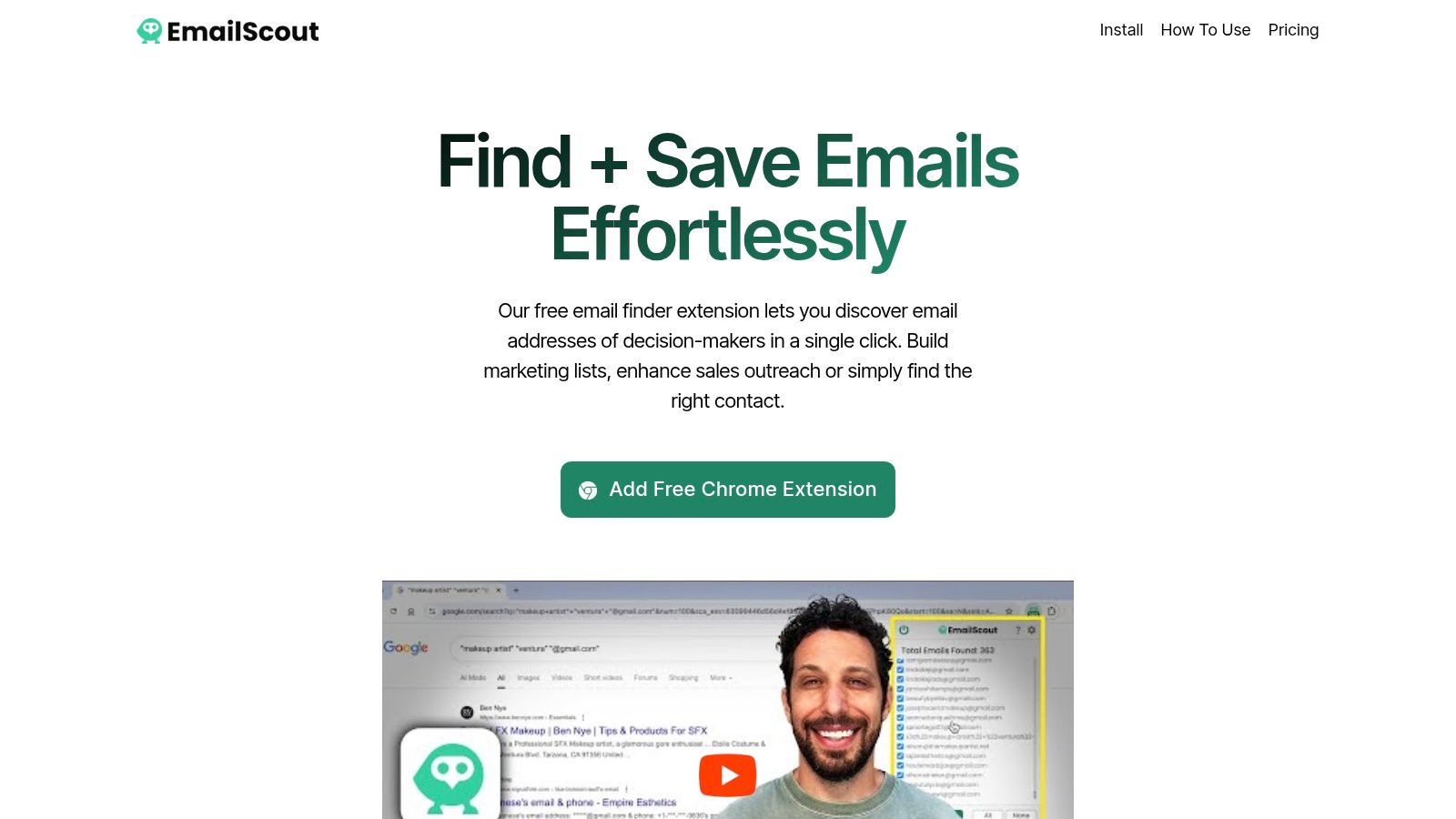
Need a sender, or a way to find contacts before loading a campaign? EmailScout is a Chrome extension for finding email addresses associated with websites you browse. It helps solo senders and small teams build targeted lists, but it does not send campaigns or replace a broader prospect database.
The free plan offers unlimited email finding. Premium adds features for users who need more than one-at-a-time discovery. AutoSave collects addresses while you browse, and URL Explorer finds emails across multiple URLs. For more on how a finder fits into a cold email outreach workflow, see the guide.
EmailScout describes its service as offering free and premium plans. Check the current plan details against your expected use before upgrading; the available description does not specify plan prices or limits.
Practical rule: Verify and deduplicate addresses before sending. Finding an address does not confirm that the contact still works at the company or that the mailbox accepts mail.
Coverage is the main trade-off. Some sites expose several addresses, while others return none. EmailScout suits a solo sender or freelancer building a focused list from company websites; teams that need campaign sending or a large prospect database will need other tools alongside it.
2. Instantly
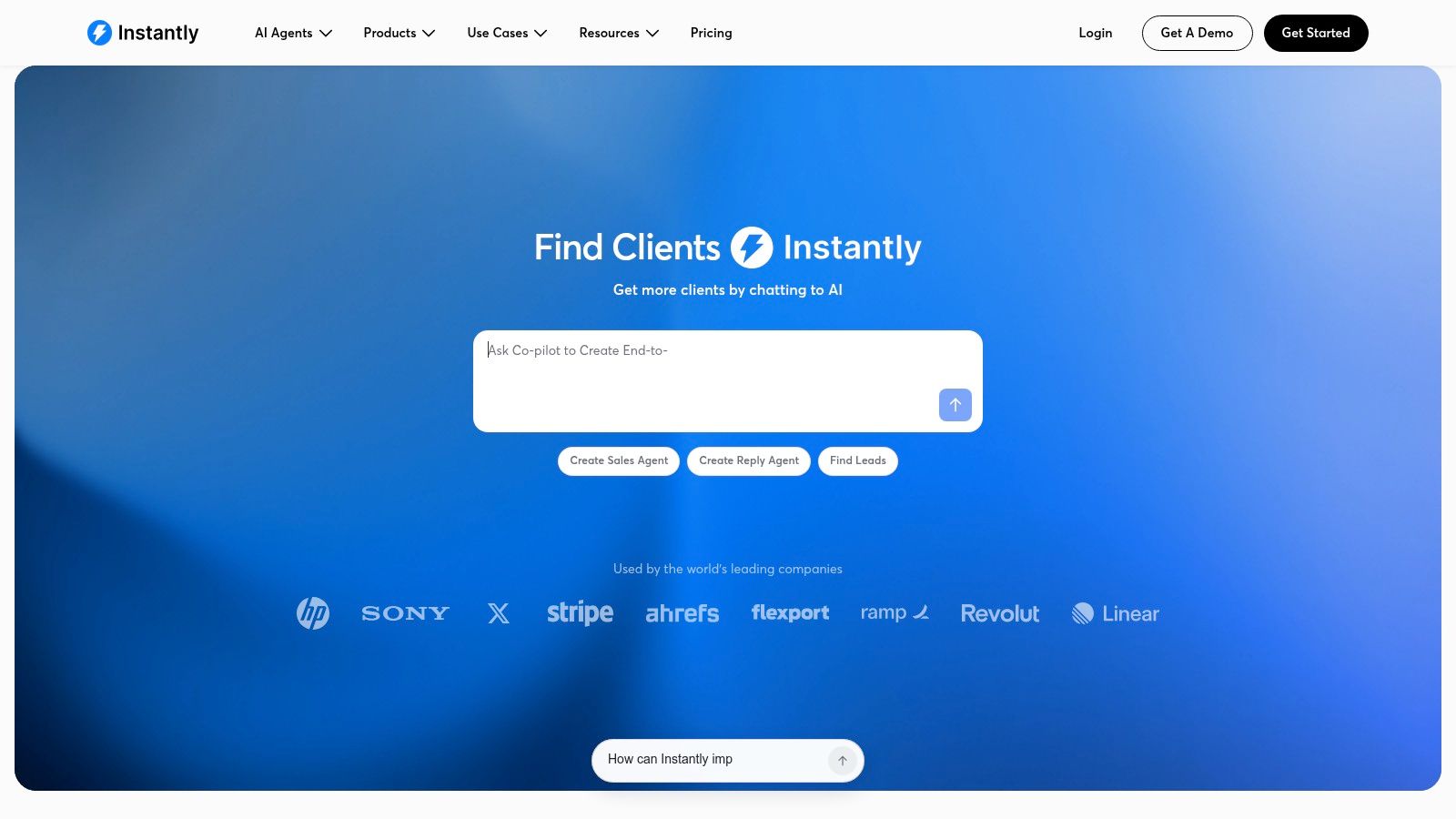
If you run many mailboxes, Instantly is built for you. It combines sequence automation, inbox rotation, warm-up, and a unified reply inbox called Unibox. Founders, lean sales teams, and agencies use it to spread volume across accounts instead of pushing one inbox too hard.
The listed Growth plan is $47/month, with a 14-day free trial available without a credit card. Paid outreach plans include unlimited sending accounts, which is the main draw. You can add domains and mailboxes without a per-seat bill climbing every time.
Where the cost creeps up
- Volume caps: Monthly email and uploaded-contact limits still depend on your plan.
- Add-ons: Lead database access, inbox-placement tests, and AI tools sit in separate products or plans, so your real total is higher than the headline price.
- Operations: Unlimited accounts don't remove work. You still need DNS setup, warm-up discipline, and daily monitoring across domains.
I recommend Instantly for volume-focused email-only teams that already have a data source. If you need LinkedIn steps, calls, or a built-in prospect database as your primary list source, you'll either pay extra here or look at a broader platform below. Don't confuse unlimited accounts with unlimited sending. Those are different limits, and confusing them is the classic signup mistake.
3. Smartlead
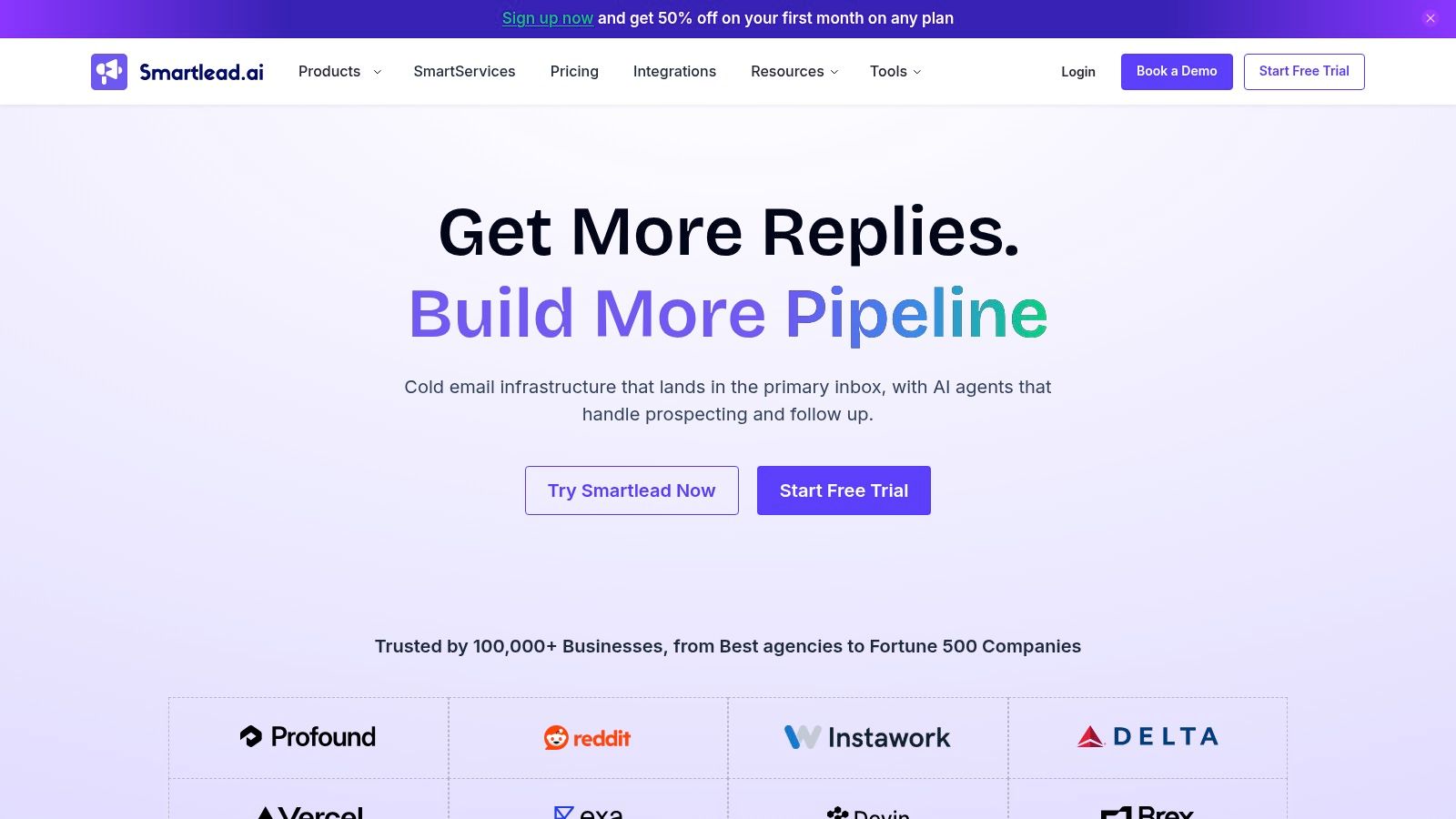
Agencies tend to shortlist Smartlead early, and pricing is why. Published monthly plans start at $39, with a free trial available. The workflow covers campaign sending across multiple mailboxes, warm-up, and a master inbox for replies, while higher tiers add capacity and agency-oriented workspaces.
Sequence quality matters more than raw sends once you're live. Planning your cold email follow-up sequence before you import a list keeps follow-ups from becoming identical nudges that train filters and annoy prospects. Smartlead will send what you build. It won't fix a weak sequence.
What works well
- Entry price: Accessible for a dedicated outbound platform, with annual billing lowering the monthly equivalent.
- Scale path: Higher tiers are designed for client campaigns and larger send volumes.
- Reply handling: One master inbox beats logging into dozens of mailboxes.
What to check first
- Tier variation: Contact storage and monthly send allowances vary considerably by plan.
- Add-on features: Some verification, infrastructure, and agency tools are plan-dependent or extra.
- Comparison friction: Because included features shift between tiers, pricing pages take longer to decode than rivals.
Pick Smartlead if you're an agency or higher-volume operator who'll use multi-mailbox rotation. A solo sender with two inboxes won't feel its advantages, and you'll spend time learning capacity controls you don't need yet.
4. lemlist
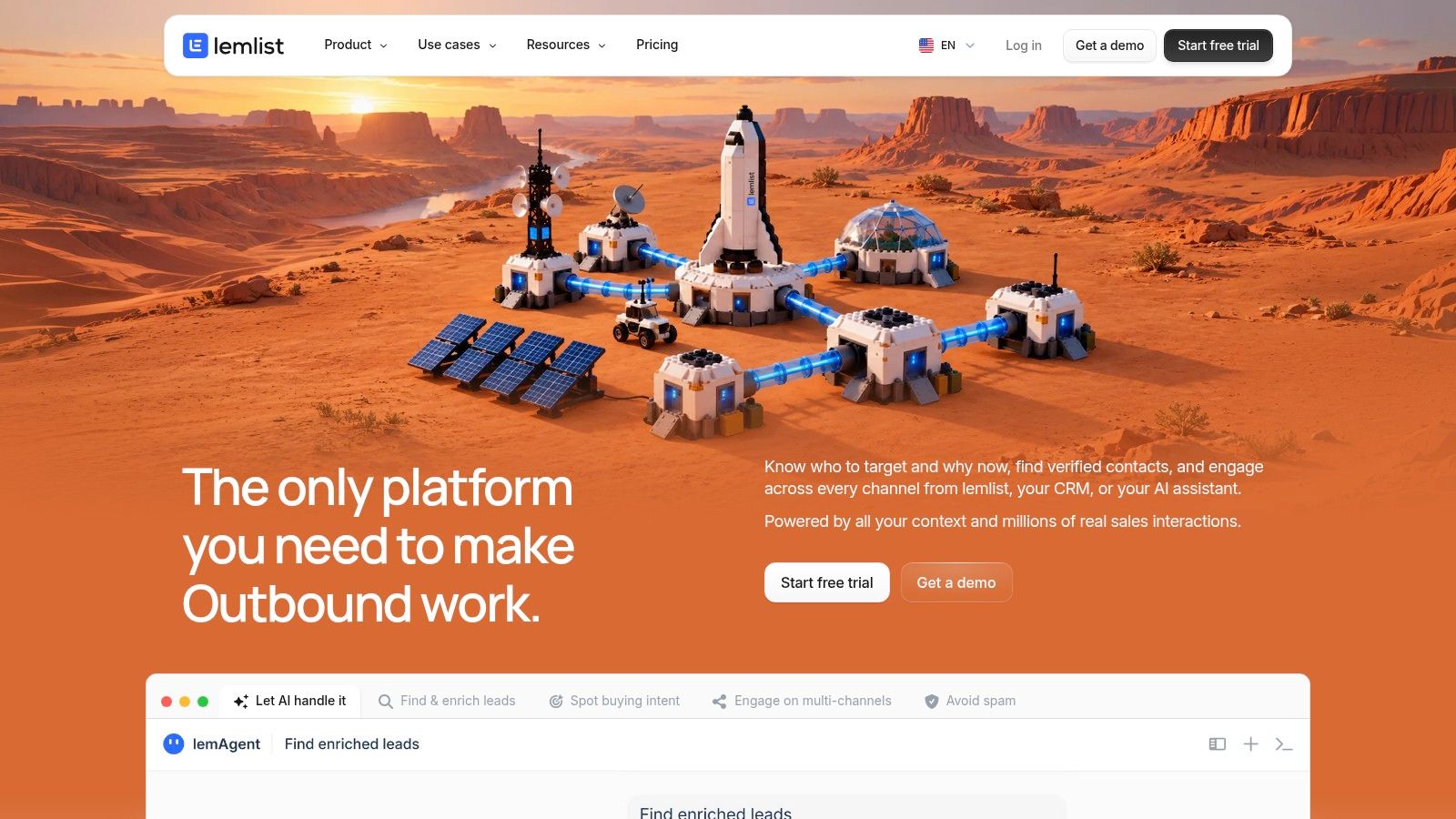
You don't buy lemlist for cheap email volume. You buy it to coordinate email with LinkedIn and keep personalization, prospecting, and deliverability tools in one product. The listed Email plan is $69/month, or $55/month billed annually. Multichannel is $109/month, or $87/month billed annually, with data credits priced separately.
That per-plan jump is the decision. If your reps work LinkedIn touches alongside email, paying for multichannel saves stitching tools together. If they don't, you're funding features that sit idle. Good cold email personalization still depends on having a real reason to contact each person, not on inserting more variables.
Fit and friction
- Multichannel workflow: LinkedIn automation is available on the Multichannel plan, alongside centralized replies.
- Prospecting built in: Email and phone finding plus a lead database sit in the same product family.
- Trial: A 14-day trial is listed on the pricing page.
- Credit costs: Enrichment uses credits, so data spend is separate from the subscription and needs its own budget line.
I recommend lemlist for small sales teams running coordinated email and LinkedIn plays to named accounts. High-volume, email-only agencies usually get better economics from Instantly or Smartlead, where mailbox scaling is the priority. Here, personalization and channel coordination are what you're paying for.
5. Reply
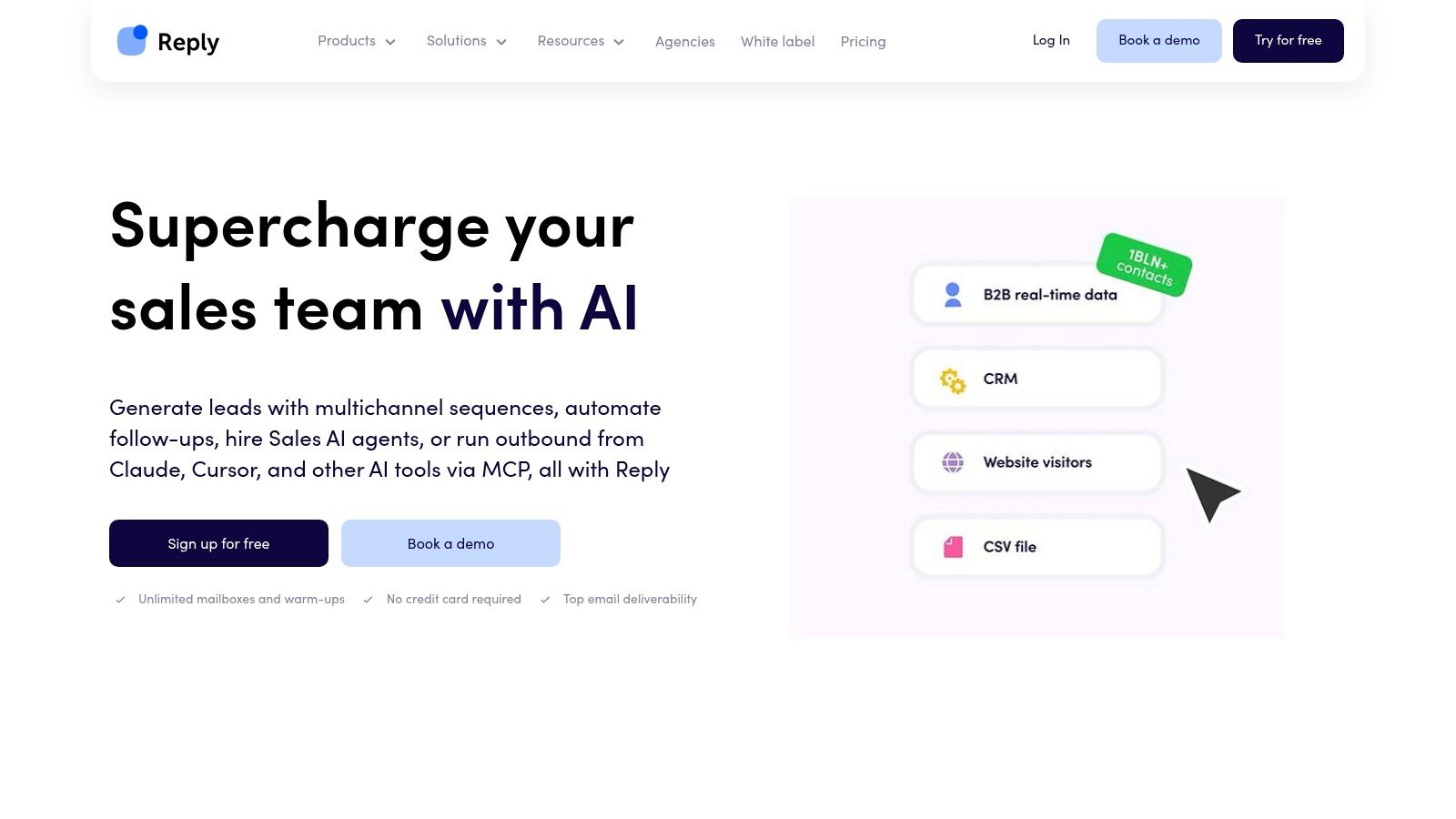
Reply suits structured sales teams that want sequences across email and other channels, not solo senders looking for the lightest possible sequencer. Email outreach starts at $49 per user/month. The Multichannel All-Inclusive plan is listed from $89 per user/month billed annually, and a 14-day trial is listed for that multichannel plan.
Per-user pricing changes the math fast. A five-rep team isn't paying one flat fee, and contact volume also affects what you pay. Budget for the team you'll have in six months, not just the pilot user.
Core strengths
- Channel breadth: Email sequences plus LinkedIn, calls, and SMS options in multichannel plans.
- Deliverability tooling: Warm-up and deliverability features are listed with plans.
- AI assistance: AI sales-agent functionality is available for prospecting and reply handling in the broader offering.
Limitations to price in
- Plan complexity: LinkedIn, calls, and SMS may need specific subscriptions or add-ons.
- Contact-based tiers: Pricing varies by plan and contact volume, so broad list testing costs more.
- Weight: The feature set is more than a solo founder needs, and setup reflects that.
Choose Reply when managers need a coordinated, multichannel cadence with reporting across reps. If your motion is email only, simpler and cheaper tools on this list will get you sending faster with less configuration.
6. Apollo
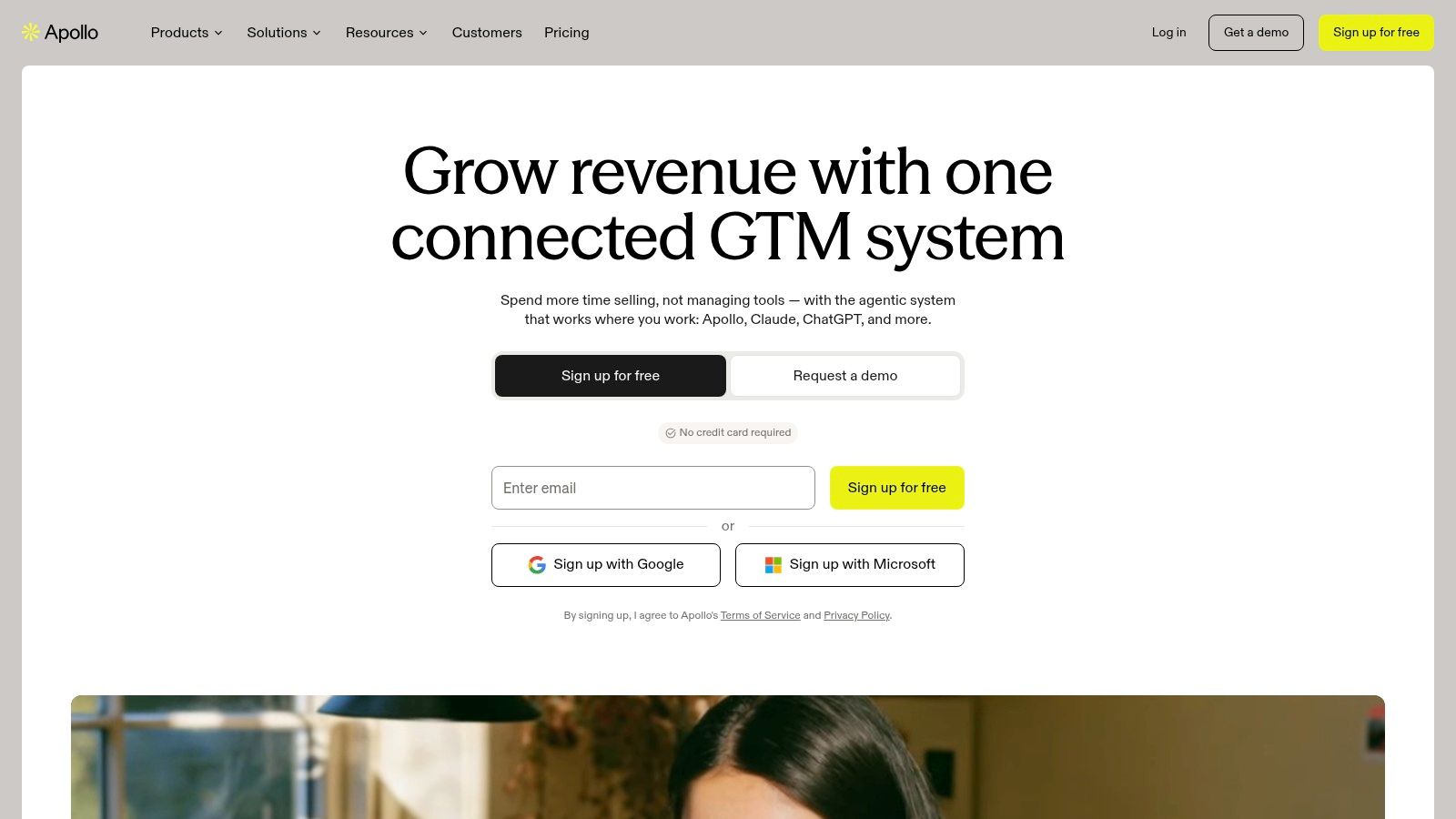
Apollo solves a different problem first: finding the prospects. It's a B2B prospecting and sales-engagement platform where you search a contact and company database, build lists, enrich records, and run sequences without exporting between tools. For teams with no data source, that consolidation is the appeal.
Apollo offers free and paid plans. Its Organization plan is listed at $119 per seat/month with a three-seat minimum, billed annually, so the actual entry cost at that tier is a team commitment, not a single-seat trial purchase.
How to judge it
- Database plus sequences: Prospect research and outreach live in one system, with CRM and email provider integrations.
- Mixed tasks: Sequences can combine automated email with manual calls or social actions.
- Credit limits: Data access and usage depend on plan credits, which cap how much prospecting you can do.
- Not a pure sender: It's a broader sales platform rather than a dedicated high-volume cold email tool with unlimited mailboxes.
Buy Apollo when list building is your bottleneck and you want one login for data and outreach. If you already source verified contacts elsewhere and mainly need mailbox rotation at scale, you'll pay for a database you underuse. Watch credit consumption during the trial, because prospecting habits that feel free in week one become the renewal argument later.
7. QuickMail
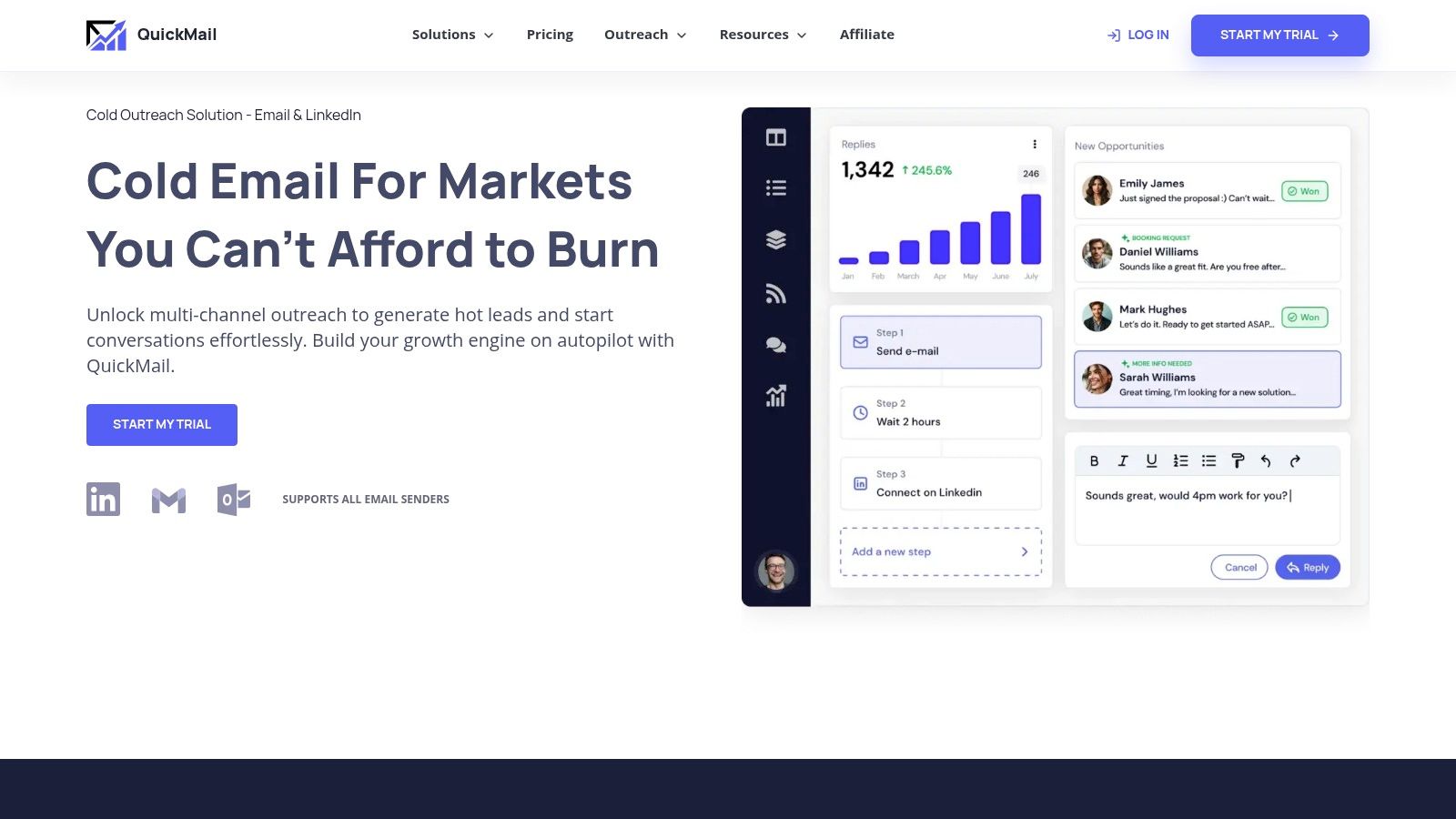
QuickMail uses flat plan pricing rather than charging per seat, with unlimited senders and users listed across its plans. Its tiers are aimed at different teams: Starter for solo senders, Growth for expanding teams, and Agency for client workspaces. Confirm current prices, trial terms, and included integrations on QuickMail's pricing page before committing.
The platform supports email and LinkedIn outreach, inbox rotation, and centralized reply management. Its Agency plan adds multiple workspaces for organizing client work. Check which integrations and API or webhook access are included at each tier, since those details can affect the cost of running your workflow.
Unlimited seats do not mean unlimited volume. Compare each plan's send and contact caps with your monthly needs.
Trade-offs
- Bring your own inputs: You supply prospect data and sending mailboxes. QuickMail does not include a built-in prospect database.
- Volume limits remain: Monthly sends and uploaded contacts are capped by plan, even when users and senders are unlimited.
- Setup takes work: Budget time to configure the platform and get campaigns running.
QuickMail suits growing teams and agencies that want flat team pricing and client workspaces. Solo senders can use the lower tier, but should check whether its caps fit their volume. If you need prospect data included, pair QuickMail with a finder or database. It is an operations tool, not a lead source.
8. Woodpecker
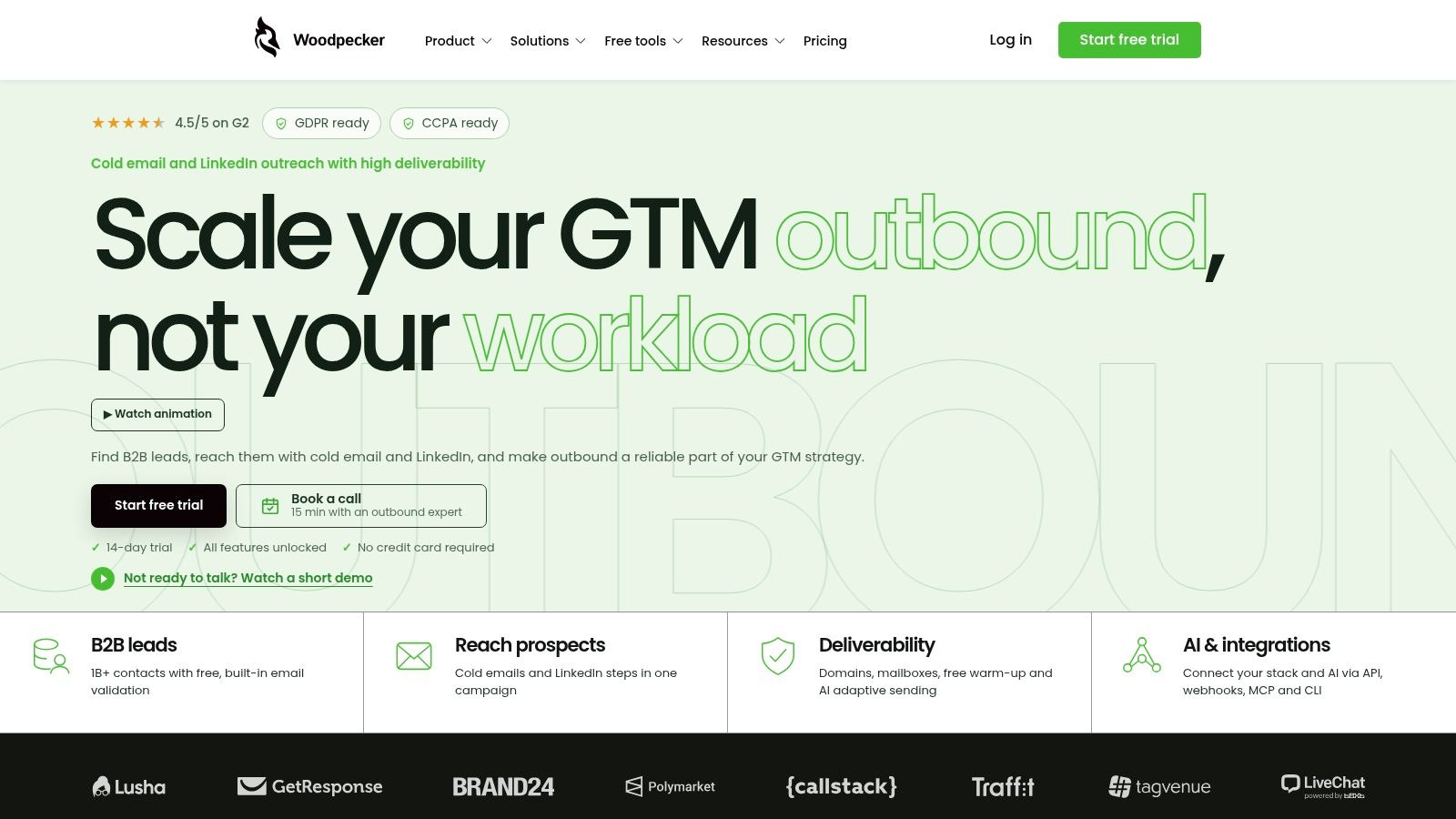
Woodpecker prices on contacted prospects, and that single detail should drive your comparison. The pricing page shows a configurable plan with a displayed starting monthly amount of about $35. Your cost rises with prospect volume and optional add-ons, so estimate contacts per month before you judge it cheap or expensive.
In exchange, you get strong campaign controls: condition-based campaigns, follow-ups, A/B tests, inbox rotation, and centralized replies. Email verification, warm-up, and domain checks are listed, with an optional agency panel and LinkedIn outreach features available.
Who benefits and who pays extra
- Included scale: Unlimited email accounts and team members are listed as included.
- Trial access: A 14-day trial is available without a credit card.
- Sending controls: Schedules and prospect volume controls help you keep cadence deliberate instead of blasting.
- Add-on creep: Extra warm-ups, inboxes, domains, and agency features may add expense on top of the base plan.
Woodpecker fits teams that contact a defined prospect list each month and value verification and deliverability monitoring inside the sender. If your volume swings wildly month to month, prospect-based pricing gets harder to predict. Model your worst month, not your average month, before committing annually.
9. Saleshandy
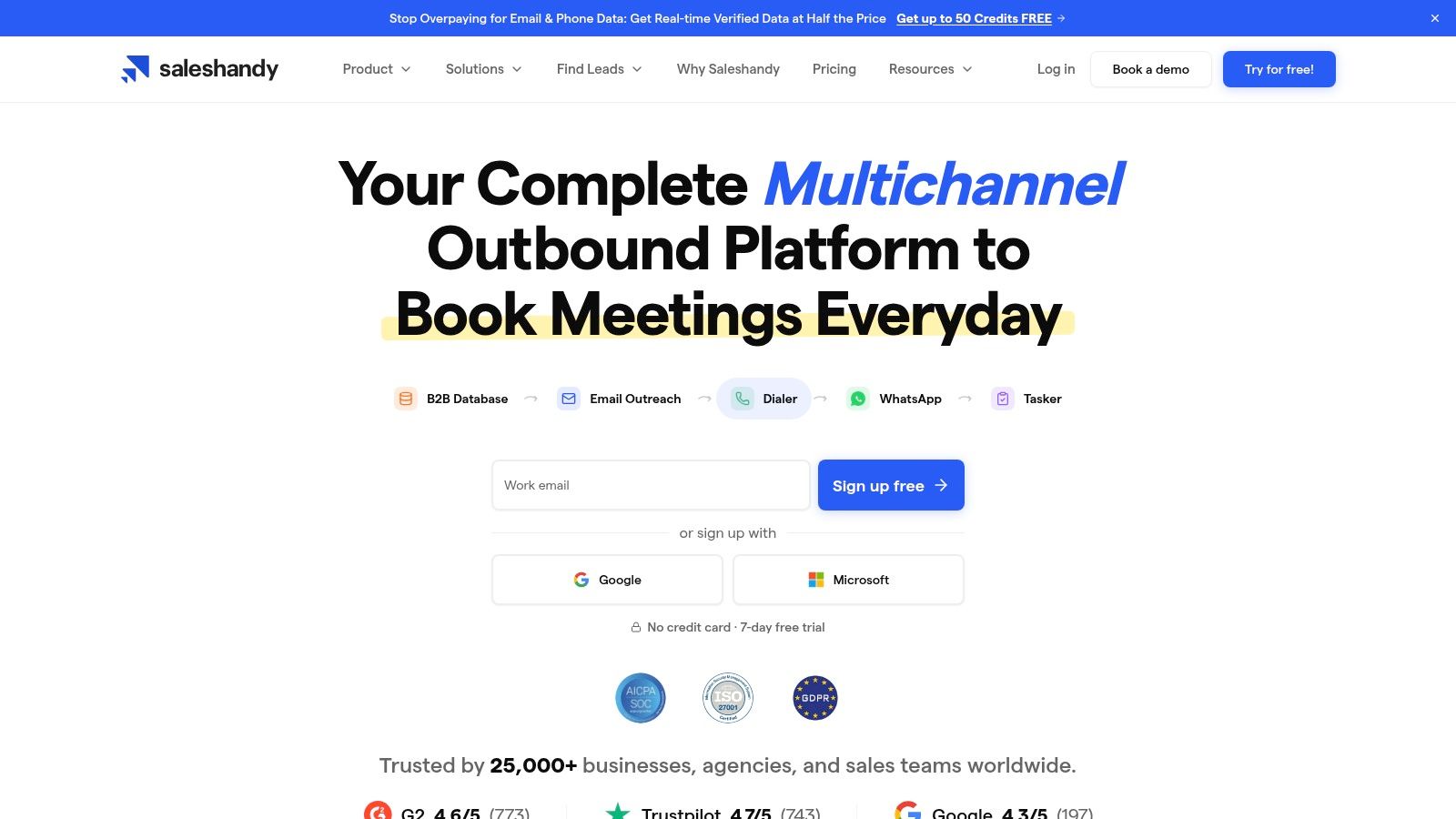
Small teams often start with Saleshandy because the entry price is manageable. The listed Starter plan is $34/month billed annually or $41 month-to-month, and a seven-day free trial is listed. That's shorter than most rivals here, so plan your test before you start the clock.
Listed outreach plans emphasize unlimited email accounts at each tier, plus warm-up and AI-assisted sequences with automated follow-ups. Higher tiers add variant testing and subsequences. Lead-finding and broader platform options are available, but they may be priced separately from outreach-only plans.
Reasons to consider it
- Accessible entry: Comparable starter pricing for small campaigns.
- Mailbox flexibility: Unlimited email accounts on listed outreach tiers helps you rotate senders early.
- Social proof on site: The company lists a 4.6/5 G2 rating from 773 reviews.
Reasons to be careful
- Tiered limits: Contact and monthly-send limits differ by plan, and higher volume requires upgrades.
- Bundle pricing: Prospecting or full-platform bundles can sit outside the outreach price you first saw.
- Agency features: Client-level needs push you up the tiers quickly.
Saleshandy works for a small team testing outbound with several mailboxes and a tight budget. Treat the seven-day trial as a deliverability test on one warmed domain, not a full campaign experiment. You don't have time for both.
10. Mailshake
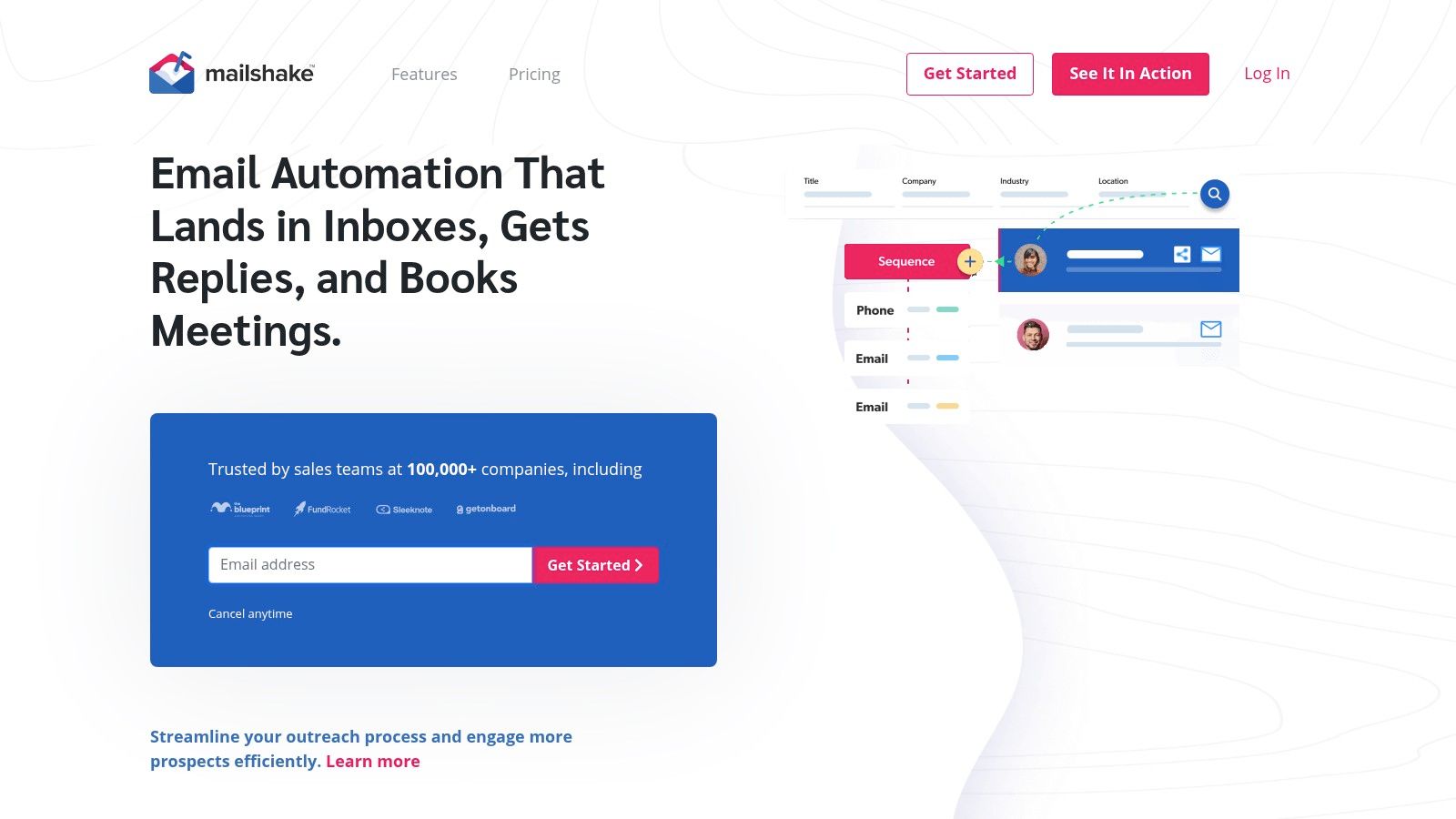
Mailshake is the straightforward sequencer on this list, with a broader sales-engagement tier if you grow into calling. Listed plans are Starter at $29/month, Email Outreach at $49/month, and Sales Engagement at $99/month. Annual billing reduces the displayed monthly equivalent.
What sets it apart is clarity and one catch. Mailbox allowances are explicit by plan, so you know what you're getting. The catch is that pricing is per user, mailboxes are limited on lower tiers, and the pricing page says there's no free trial. You're paying to find out if it fits.
What is included
- Sequences and testing: Automated email sequences with A/B testing, personalization, scheduling, and email rotation on the Email Outreach plan.
- Reply and CRM workflow: A unified inbox plus integrations with Salesforce, Pipedrive, and HubSpot.
- Higher-tier calling: Sales Engagement adds phone dialing features and additional mailboxes.
- Assistance tools: AI-assisted email writing and warm-up are listed with plans.
I recommend Mailshake for smaller teams that want a clean sequencer tied to their CRM and don't need unlimited mailboxes. Volume senders will hit mailbox limits and per-user costs quickly. Email-only users should also skip the Sales Engagement tier. Paying for a dialer you won't open is wasted budget.
Cold Email Outreach Platforms at a Glance
| Platform | Entry Price | Free Plan/Trial | Best For |
|---|---|---|---|
| EmailScout | Premium from $9/month | Free unlimited email finding and exports; no-card trial | Finding and exporting publicly available emails |
| Instantly | $47/month | 14-day free trial | Scaling cold-email campaigns across multiple accounts |
| Smartlead | $39/month | Free trial available | Agencies and teams managing high-volume outreach |
| lemlist | $69/month; $55/month billed annually | 14-day trial | Coordinating email and LinkedIn outreach |
| Reply | $49/user/month | 14-day trial on multichannel plan | Sales teams running multichannel sequences |
| Apollo | Organization plan from $119/seat/month; 3-seat minimum | Free plan available | Combining B2B prospecting and outreach |
| QuickMail | $49/month | 14-day trial | Teams managing multiple senders and shared replies |
| Woodpecker | About $35/month | 14-day trial, no credit card | Teams needing campaign controls and deliverability tools |
| Saleshandy | $34/month billed annually; $41 month-to-month | 7-day free trial | Small teams running sequences across multiple senders |
| Mailshake | $29/month | No free trial | Small teams seeking a straightforward email sequencer |
Choosing Your Platform and Building the List Behind It
Start with how you'll send, not with a feature grid. If you're a solo founder with a few inboxes, a simple sequencer like Mailshake or Saleshandy keeps costs and setup low. If you're an agency rotating dozens of mailboxes across client domains, flat or unlimited-account models from Instantly, Smartlead, or QuickMail protect your margins. If reps work LinkedIn and calls in the same cadence, lemlist or Reply earn their higher per-user price.
Pricing structure is the filter that matters most. Per-seat pricing scales with headcount. Contact-based pricing scales with list size. Mailbox limits scale with domains. Pick the model that grows slowest for your motion, then confirm what's sold separately: lead data, enrichment credits, verification, extra warm-ups, and placement testing. Headline prices rarely include all of that.
Don't let open rates make the decision either. Privacy features inflate opens, so judge trials on positive replies, bounce rate, unsubscribes, and meetings booked. In benchmark analysis cited by SHNO, average cold-email reply rates were 5.1% in 2024, down from approximately 7% in the prior year. Falling replies mean list quality and relevance now matter more than adding volume. A platform that helps you send more to a weak list just damages your domain faster.
Deliverability deserves the same skepticism. Delivery means a server accepted your message. It doesn't prove inbox placement, and providers don't perform identically. Keep authentication clean, warm new inboxes gradually, cap daily sends per mailbox, and test on your own domain during any trial. Two shortlisted trials on the same warmed domain will tell you more than a month of reading pricing pages.
Also remember how few prospects are ready to buy today. Litmus's 2024 State of Email Innovations Report surveyed nearly 1,000 marketers and found 72% were unsure of their email return on investment, while noting only about 5% of an audience is ready to buy at a given time. So measure pipeline and qualified conversations, not just immediate conversions. Write to the other prospects as if you're starting a relationship, because you are.
Before any platform decision, fix the input. Every sender here needs addresses, and most charge extra for data or expect you to bring your own. Build lists from companies you can name a reason to contact, verify before import, suppress opt-outs, and remove duplicates. That's where a discovery extension like EmailScout plugs the gap, with unlimited free email finding and CSV export before you commit to an outreach subscription. Find addresses while you browse target sites, verify them, then load them into the platform that fits your volume.
My recommendation is simple. Shortlist two tools that match your team shape, trial both on the same list segment and domain setup, and compare replies and bounces, not dashboards. The right Cold Email Outreach Platform is the one whose limits you won't hit in month two.
Build your prospect list before you pay for sending capacity. EmailScout finds publicly available email addresses as you browse company websites, with unlimited free finding and CSV export, plus AutoSave and URL Explorer when you need bulk discovery. Install the extension, collect contacts from your target accounts today, and import a cleaner list into whichever outreach platform you choose.