Tag: email automation

  • What Is Email Marketing Automation? A 2026 Guide to Generating Leads

    What Is Email Marketing Automation? A 2026 Guide to Generating Leads

    Email marketing automation is really just using software to send emails automatically based on specific triggers or a set schedule. Think of it as having a tireless digital assistant who works 24/7, sending perfectly timed, personal messages to every lead or customer—all without you lifting a finger. This isn't about blasting out generic newsletters; it's about creating meaningful, automated conversations that feel one-on-one.

    Understanding Email Marketing Automation

    At its heart, email marketing automation is all about getting the right message to the right person at the right moment. Instead of you sitting down to write and send every single email, you build a set of rules, or "workflows." These workflows then automatically fire off emails when a user takes a specific action or after a certain amount of time has passed.

    It’s like having a smart GPS for your customer communications. A basic GPS gives you one static route from A to B. But a smart one reroutes you in real-time if there's traffic, a road closure, or you decide to take a scenic detour. Email automation does the exact same thing—it adapts the conversation based on what each individual customer actually does.

    The Power of Automated Communication

    To really get what makes this work, you need to understand its core building block: the email sequence. These sequences are the engine of automation, delivering a series of connected messages designed to guide a subscriber toward a specific goal, whether that’s making a purchase or booking a demo.

    The real magic happens when you stack it up against manual emailing. One is a repetitive, time-sucking chore, while the other is a scalable, efficient system that works for you even while you sleep. The difference isn't just about saving time; it’s about completely changing how you engage with your audience. For example, nurturing new leads with great content is fundamental to how to build an email list that actually converts.

    The goal is to make every customer feel like they are having a one-on-one conversation with your brand, even when the system is communicating with thousands of people simultaneously. This creates a personalized experience that manual efforts simply cannot match at scale.

    To make it even clearer, let’s break down the key differences between doing things by hand versus letting automation take the wheel.

    Manual Emailing vs Automated Emailing at a Glance

    This quick comparison table lays out the fundamental differences, highlighting just how much of an upgrade automation really is.

    Aspect Manual Emailing Email Marketing Automation
    Scalability Limited; sending targeted emails to multiple segments is a slow, difficult grind. High; easily manages thousands of contacts across complex, personalized journeys.
    Timing Inconsistent; emails only go out when you're actively working at your desk. 24/7 Operation; messages are sent instantly based on user actions, day or night.
    Personalization Basic; often just a first name merge field. Deep; uses behavior, purchase history, and engagement to tailor content.
    Efficiency Low; requires significant repetitive manual work for every single campaign. High; you can "set it and forget it," with workflows that run continuously.

    As you can see, the contrast is stark. While manual emailing has its place for truly personal, one-off messages, automation is what allows you to build and maintain relationships at a scale that just wasn't possible before.

    The Three Core Components of Automation

    So, what’s going on behind the curtain? Email automation isn't magic—it’s a system built on three core parts working together: Triggers, Workflows, and Segmentation. Once you understand these three pillars, you'll have a practical model for how every automation platform operates.

    Think of it like a smart, self-driving delivery service. A new order is the trigger, the pre-planned delivery route is the workflow, and segmentation makes sure the right package gets to the right address.

    1. Triggers: The Starting Gun

    A trigger is the specific event that kicks everything off. It’s the "if this happens" condition that tells your software, "Okay, time to get started." Without a trigger, your automated emails will just sit there.

    These events are usually based on a user's action, a specific time, or a change in their data. Common triggers include:

    • A user subscribes to your newsletter.
    • A customer abandons their online shopping cart.
    • A specific date arrives, like a customer's birthday or renewal date.
    • A new lead from a tool like EmailScout is added to your list.

    Each trigger is the critical starting point that sets your entire automated sequence in motion, making sure your communication is timely and relevant from the get-go.

    2. Workflows: The Action Plan

    Once a trigger fires, the workflow takes over. This is the "then do that" part of the equation—a pre-built series of actions your system will execute automatically. It’s the roadmap that guides a contact from the initial trigger toward a desired outcome.

    Workflows can be as simple as sending a single welcome email. Or, they can be incredibly complex, branching into different paths based on how a user engages with your content.

    For example, if a new subscriber opens your welcome email and clicks a link, the workflow might send a follow-up with more product details. If they don't open it within three days, the system could automatically resend the email with a different subject line.

    This branching logic is where the real power of automation comes in. It creates a “choose your own adventure” journey where each person's actions determine what happens next. This process is a key element of bigger strategies, which we cover in our guide on what is sales automation.

    3. Segmentation: The Right Audience

    Finally, segmentation is all about dividing your audience into smaller, more focused groups based on shared traits. This is how you make sure the right message gets to the right people. Sending a generic email blast to your whole list is like shouting into a crowded room—most people will just tune you out.

    Effective segmentation lets you tailor your content with surgical precision. You can group contacts by:

    • Demographics: Age, location, or job title.
    • Behavior: Purchase history, email engagement, or website activity.
    • Lead Source: Where they came from, like a webinar, an ad, or a direct outreach campaign.

    This visual shows the stark difference in efficiency between a manual and an automated email process.

    Flowchart comparing manual versus automated email marketing processes, highlighting steps, time, and open rates.

    As you can see, automation removes the manual bottlenecks and allows for a continuous, scalable flow of communication. By combining triggers, workflows, and smart segmentation, you create a responsive system that builds customer relationships for you.

    How Automation Drives Significant Revenue Growth

    Sure, saving time is a nice perk, but let's be honest—businesses pour money into email automation for a much bigger prize: serious, trackable revenue growth. This isn't about crossing your fingers and hoping for the best. It's about turning your email list from a simple broadcast tool into a genuine sales machine.

    The financial proof is easiest to see in those high-stakes moments. Think about when a customer loads up their cart but gets distracted and leaves. A smart cart abandonment sequence can automatically give them a little nudge, bringing them right back to finish the purchase. That single workflow recovers sales that would have been gone for good.

    The same goes for a good welcome series. It does a lot more than just say "hi." It’s your chance to build trust, show a new subscriber around, and point them toward their first purchase. These automated touchpoints build a clear bridge from casual interest to a completed sale.

    From Vague Metrics to Concrete ROI

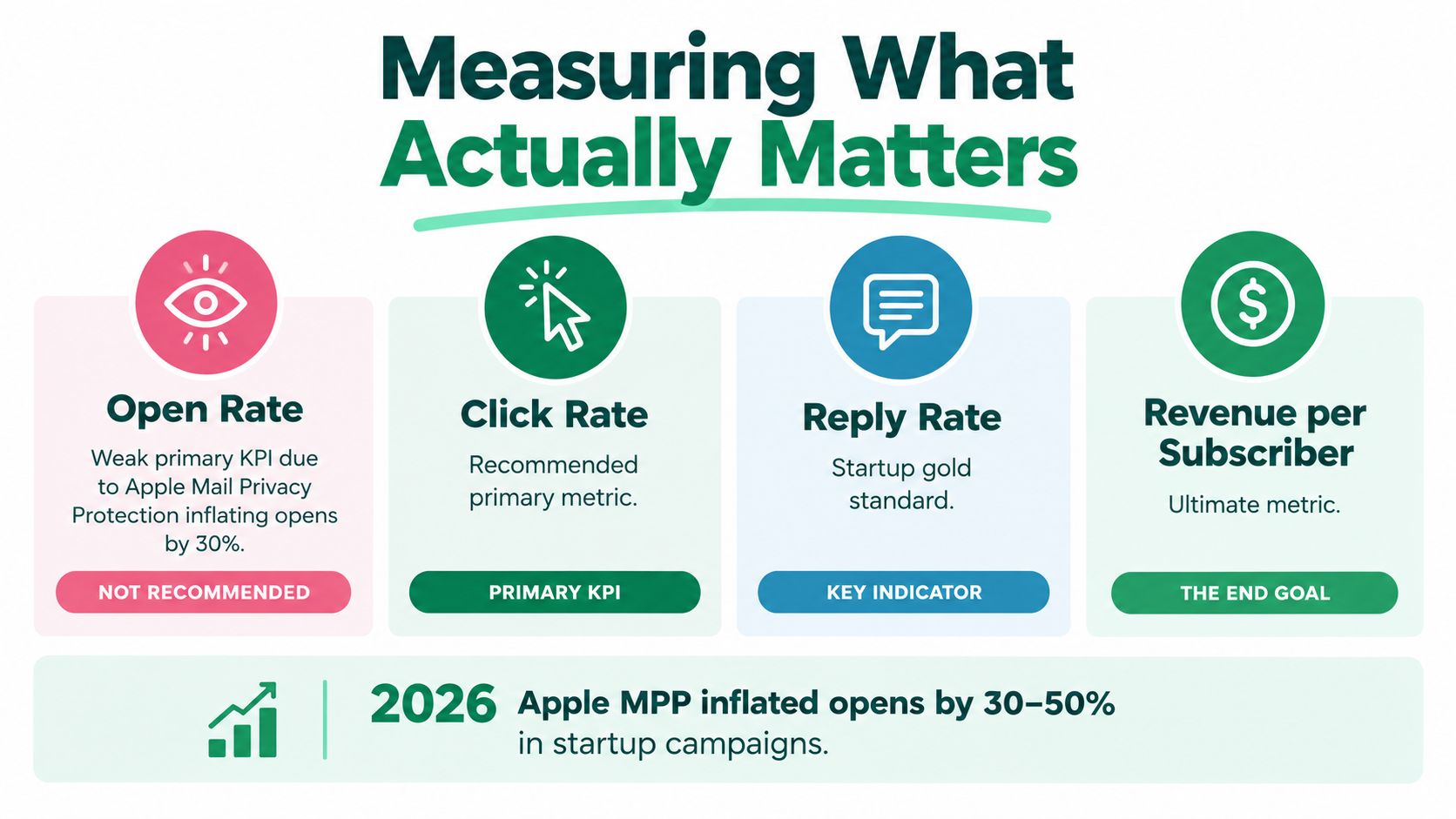
    If you really want to see the money, you have to look past the surface-level stats. You need to zero in on the Key Performance Indicators (KPIs) that actually tell you if your investment is paying off.

    These aren't just numbers to glance at. They’re direct signals of how well your automated emails are turning clicks into cash.

    • Open Rate: Are your subject lines strong enough to even get your emails opened? If this number is low, your message is dead on arrival.
    • Click-Through Rate (CTR): This tells you how many people actually clicked a link. A high CTR means your content hit the mark and made them want to learn more.
    • Conversion Rate: This is the big one. It tracks who followed through on the goal, whether that was buying a product or booking a demo.

    Keeping an eye on these KPIs shows you exactly where your system is shining and where it’s falling short. For instance, a great open rate but a terrible CTR tells you the subject line worked, but the email itself didn't deliver. That's a specific problem you can fix.

    The Financial Power of Optimized Workflows

    The gap between a basic, "set-it-and-forget-it" automation and a truly optimized one isn't just a small bump in performance—it's massive. The financial returns can be exponentially better, which is where putting in the extra effort really pays off.

    Research shows a staggering performance gap: the top 10% of automated email workflows pull in an incredible $16.96 in revenue per recipient. Meanwhile, the average-performing flows only generate $1.94.

    That statistic should tell you everything. Just having an automation isn't enough. The businesses seeing real success are the ones constantly tweaking, testing, and personalizing their emails to squeeze every bit of value out of them. You can dive deeper into this data in the full 2026 email automation report.

    This huge difference in ROI comes down to one thing: sending the right message to the right person at exactly the right time.

    Maximizing Customer Lifetime Value

    Email automation isn't just about the first sale. It's a powerhouse for increasing Customer Lifetime Value (CLV) by building relationships that last, turning one-time buyers into loyal fans who keep coming back.

    Think about how these automated flows work for you long-term:

    • Post-Purchase Follow-ups: Sending useful tips, tutorials, or just asking for a review shows you’re invested in their success, not just their wallet.
    • Re-engagement Campaigns: Have a subscriber who has gone quiet? An automated email with a special offer can be the perfect way to win them back.
    • Upsell and Cross-sell Sequences: You can automatically suggest other products they might love based on what they've already bought.

    Every one of these touchpoints strengthens the customer relationship, drives repeat business, and boosts the total amount of money each contact brings you. A higher CLV also means a lower effective Customer Acquisition Cost, a crucial metric you can model with this handy CAC calculator. In the end, automation doesn’t just help you land customers; it helps you keep them.

    Practical Automation Workflows for Sales and Marketing

    Hands interacting with a smartphone displaying a digital calendar and a physical calendar, with 'AUTOMATED SEQUENCES' text.

    Alright, now for the fun part. Knowing the building blocks of email automation is great, but seeing it work in the real world is where the magic happens. Let's look at some proven workflows that your marketing and sales teams can start using right away.

    These aren't just ideas—they're battle-tested sequences that consistently turn prospects into paying customers and keep those customers coming back. The goal is always to send the right message at the right time, triggered by what a person actually does.

    Workflows for Marketing Teams

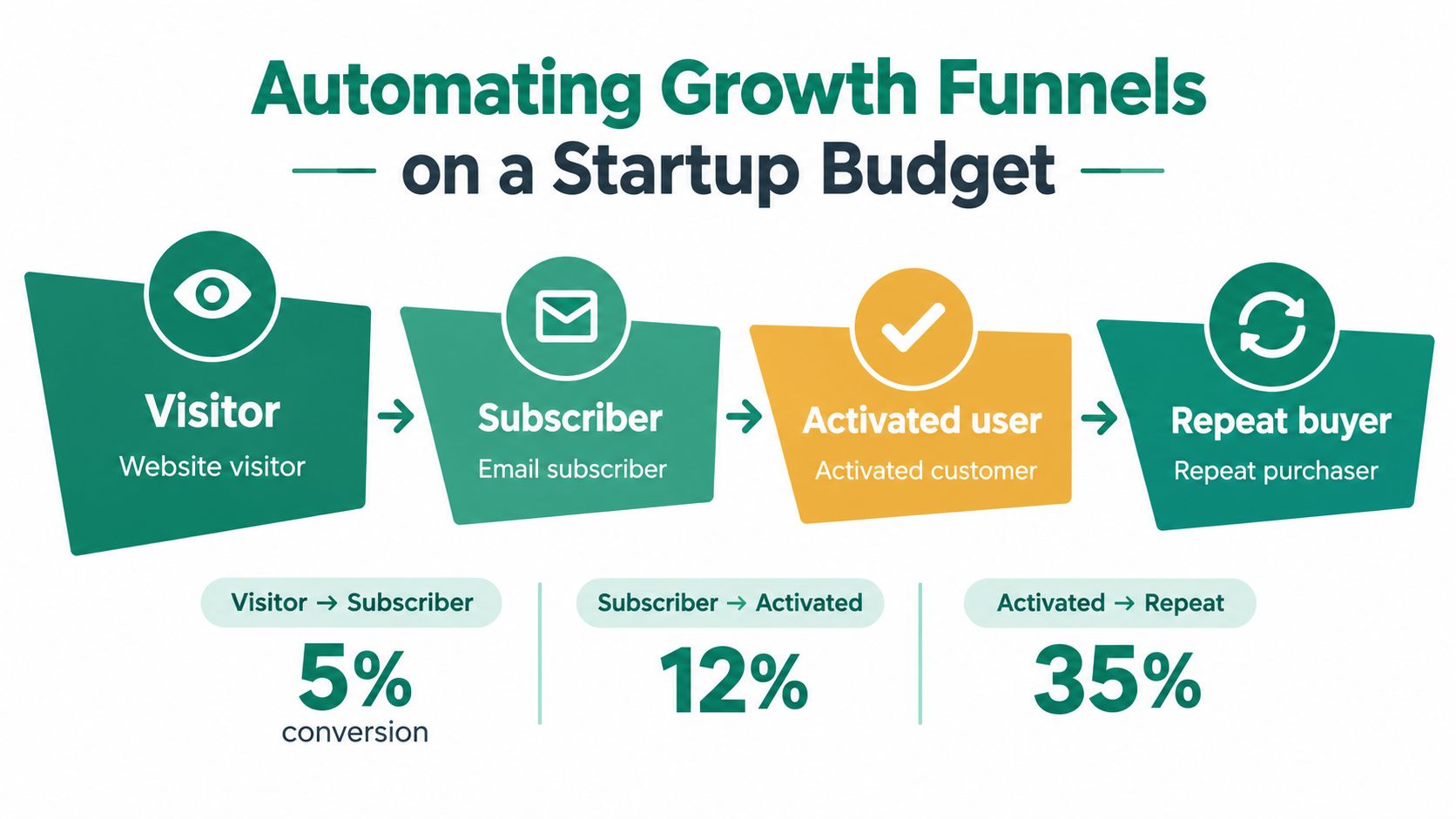
    For marketers, automation is all about building and nurturing relationships without having to manage every single email by hand. It lets you create systems that guide leads through your funnel, making sure no one gets forgotten.

    Here are three high-impact workflows marketers swear by:

    • Lead Nurturing Sequences: Someone just downloaded your latest e-book or signed up for a webinar. Perfect. A nurturing sequence kicks in, sending a series of emails over the next few weeks with related content, customer stories, and eventually, an invitation to book a demo.

    • Customer Onboarding Series: The moment a new customer makes a purchase is when they're most excited. An onboarding flow seizes this opportunity, delivering helpful emails that show them how to use the product, point out powerful features, and ensure they get immediate value.

    • Re-engagement Campaigns: Every email list has people who go quiet. A re-engagement workflow automatically spots these subscribers (like anyone with no opens in 90 days) and sends a special offer or a simple "Are you still with us?" email to either win them back or clean up your list.

    To really get this right, you need to know how to build a solid marketing automation workflow that supports both your sales and marketing goals.

    Workflows for Sales Teams

    Sales pros use automation to work smarter, not harder. It takes over the tedious, repetitive follow-up tasks, freeing them up to focus on what they do best: having real conversations and closing deals.

    The real power of automation for sales is turning a cold lead into a warm conversation without manual effort. It’s a system that ensures persistent, polite follow-up so you never miss a chance to connect.

    The growth here is huge. The marketing automation market was valued at $47 billion in 2025 and is on track to hit $81 billion by 2030. Companies jumping on board have reported seeing 80% more leads and a 77% jump in conversions. You can check out more of these powerful automation statistics on flowlyn.com.

    Here are a few key workflows that drive sales:

    1. Automated Cold Outreach Follow-ups: Chasing down every cold lead manually is a recipe for burnout. Instead, an automated sequence can send your pre-written follow-up emails at set intervals until the prospect finally replies or books a meeting on your calendar.

    2. Behavior-Based Content Delivery: Let's say a prospect clicks a link about a specific feature in one of your emails. The system sees this and automatically sends them a case study focused on that exact feature. It's a simple way to deliver relevant information right when they're most interested.

    3. Real-Time Engagement Alerts: Imagine you find a key decision-maker's email using a tool like EmailScout's URL Explorer. You can add them to an outreach sequence on the spot. The moment they open your email or click a link, you get an alert, telling you it's the perfect time to make a personal call. This turns a simple contact into a direct line for booking a meeting.

    Best Practices for High-Performing Automation

    Just flipping the switch on an automation sequence won’t guarantee results. The real difference between a campaign that drives serious revenue and one that’s completely ignored comes down to the details. Follow these best practices to make sure your automated emails feel personal, relevant, and genuinely worth acting on.

    It all starts by getting past surface-level personalization. Sure, using a subscriber's first name is a decent start, but high-performing automation goes much deeper. It relies on behavioral data—like pages a user visited, content they downloaded, or their purchase history—to send messages that are actually helpful and specific to their journey.

    This approach makes your communication feel less like a generic broadcast and more like a one-on-one conversation. When you show you understand what a subscriber cares about, you deliver real value that builds trust with every email.

    Map the Journey Before You Build

    One of the biggest mistakes we see is building workflows without a clear strategy. Before you even open your automation software, take a moment to map the entire customer journey. Think through the entire path, from a brand-new lead to a loyal customer. What are the key moments? What questions will pop up at each stage?

    This map becomes your blueprint for automation. It shows you the perfect moments to send:

    • A welcome series for new subscribers.
    • A nurturing sequence to warm up qualified leads.
    • An onboarding flow for new customers.
    • A re-engagement campaign for contacts who have gone quiet.

    This strategic thinking ensures every automated email has a clear purpose and fits neatly into the customer experience. You stop sending random messages and start creating a supportive, cohesive journey.

    Write Copy That Connects

    Automation handles the delivery, but the words you choose determine the impact. Your copy has to sound human, not like it was written by a robot. Ditch the stiff, corporate-speak and write in a clear, conversational tone that matches your brand’s personality.

    A great automated email should feel like a personal note from a helpful expert. Tell a story, show some empathy, and always focus on the subscriber’s needs. When your messages feel authentic, they build a much stronger connection than any formulaic template ever could.

    The goal is to make your automated emails indistinguishable from a personal message. This human touch is what separates campaigns that get opened and clicked from those that are immediately trashed.

    This is especially true when you look at the financial impact. One of the most compelling facts about what is email marketing automation is its incredible efficiency. Automated emails make up only 2% of total email sends but were responsible for a staggering 37% of all email-generated sales in 2024. This is because behavioral triggers lead to click rates that are 332% higher than generic campaigns. You can find more insights on these email marketing trends on Originality.ai.

    Test, Clean, and Optimize Relentlessly

    A "set it and forget it" mindset is the fastest way to kill your automation's performance. To get the best results, you have to embrace a constant cycle of improvement.

    1. A/B Test Everything: Don't just guess what works. Test your subject lines, your calls-to-action (CTAs), send times, and even the email copy itself. You'd be surprised how small tweaks can lead to massive lifts in opens and clicks.

    2. Maintain List Hygiene: Regularly clean your email list by removing inactive or invalid addresses. Good list hygiene is critical for your deliverability, making sure your messages actually land in the inbox, not the spam folder.

    3. Review Performance Metrics: Keep a close eye on your KPIs. If you see a workflow's engagement start to dip, dig into the data to figure out why and make the necessary adjustments. Optimization isn’t a one-time task; it’s an ongoing process.

    Your Action Plan for Getting Started

    A tablet displays an 'ACTION PLAN' checklist with green checkmarks, next to glasses and a pen on a wooden desk.

    Alright, enough with the theory. The real growth happens when you start doing. Now that you have a solid handle on what email automation is and how the pieces fit together, it’s time to get your hands dirty.

    This section is your simple, four-step game plan. The idea isn't to build a massive, complex system overnight. It's about taking a few smart, immediate steps to get the ball rolling and see some real results, fast.

    1. Choose the Right Automation Software

    Your first move is picking your platform. There are tons of options out there, from simple tools for startups to full-blown enterprise systems. Don’t get bogged down by a million features—just focus on what you need to get started.

    Here’s what to look for:

    • Your Budget: Plenty of platforms like Mailchimp or Brevo have free plans that are perfect for testing the waters. More powerful tools like HubSpot or ActiveCampaign scale with you as your list grows.
    • Ease of Use: You want something with an intuitive, drag-and-drop workflow builder. If the tool is a pain to use, you won’t use it. Simple as that.
    • Integrations: Make sure the software plays nice with the other tools you rely on, like your CRM or your e-commerce store.

    2. Build Your Starter Email List

    You can’t send emails to an empty list. For B2B sales and marketing, this is where targeted email finder tools become your secret weapon.

    A huge mistake I see people make is waiting until they have a "perfect" list of thousands. Start with a small, high-quality group. Quality beats quantity every single time.

    This is exactly where a tool like the EmailScout Chrome extension gives you a massive advantage. Just visit a company’s website or a key decision-maker's LinkedIn profile, and you can pull their verified email address in seconds. It’s the fastest way to build a laser-focused list of prospects for your first automated sequence.

    3. Start Small with One High-Impact Workflow

    Trying to automate everything from day one is a guaranteed way to get overwhelmed and give up. Be strategic. Pick the single workflow that will give you the most bang for your buck. For most businesses, that’s a welcome series.

    A welcome series is the perfect starting point. It catches people right when they’re most interested in your brand. It lets you:

    • Make a killer first impression.
    • Clearly explain who you are and what you do.
    • Nudge new contacts toward a specific next step.

    Nail this one workflow, and you'll learn the fundamentals of automation you can use to build out everything else later.

    4. Define Your Success Metrics

    You can't know if you're winning if you don't keep score. Before you hit "send" on that first automated email, decide what success actually looks like.

    Start by tracking these core metrics for your first workflow:

    • Open Rate: Are your subject lines working?
    • Click-Through Rate (CTR): Is your content compelling enough to make them click?
    • Conversion Rate: Are they actually doing the thing you want them to do?

    Keeping an eye on these numbers from the very beginning will show you what’s working and what’s not. This lets you make smart, data-backed decisions instead of just guessing.

    Your Top Questions About Email Automation, Answered

    Even after you’re sold on the idea of email automation, some practical questions always pop up. It's totally normal. Let's walk through the most common concerns we hear from businesses before they jump in.

    We'll cover everything from budget and company size to the nitty-gritty of cold outreach, giving you the last few pieces of the puzzle you need to get started.

    How Much Does Email Marketing Automation Cost?

    The cost can vary a lot, but it’s probably more affordable than you imagine. Your price tag really depends on two things: the size of your contact list and how many fancy features you need.

    Platforms like Mailchimp or Brevo have free plans that are perfect for getting your feet wet. More advanced tools like HubSpot or ActiveCampaign can run anywhere from $50 to several hundred dollars a month. The key is to see it as an investment that pays for itself, especially when you can build your first lead lists with efficient, low-cost tools.

    Is Email Automation Only for Large Companies?

    Not at all. In 2026, automation is a secret weapon for businesses of every size—freelancers, startups, you name it. Today's tools are built to grow with you. You can start on a simple, cheap plan and add more power as your business expands.

    A solo entrepreneur can set up a powerful welcome series just as effectively as a large corporation can manage a complex, multi-stage customer journey. The technology is no longer exclusive to big-budget enterprises.

    This really levels the playing field, giving smaller players the same power to nurture leads and build relationships on autopilot.

    Can I Use Automation for Cold Outreach?

    Yes, but you have to be smart about it. Using automation for cold sales outreach—often called a drip sequence—is incredibly effective for staying on a prospect's radar. Once you find someone's email with a tool like EmailScout, you can add them to a short, personalized sequence of two to four emails.

    The three golden rules for successful cold outreach automation are:

    • Provide Value: Don't just ask for a meeting. Give them something useful in every email.
    • Keep It Personal: Write like a human, not a robot. The email should feel like it came directly from you.
    • Offer an Easy Opt-Out: Always give them a clear and simple way to unsubscribe.

    This approach turns a tedious manual follow-up process into a persistent—but always respectful—automated system.

    How Do I Get Contacts to Start My Automation?

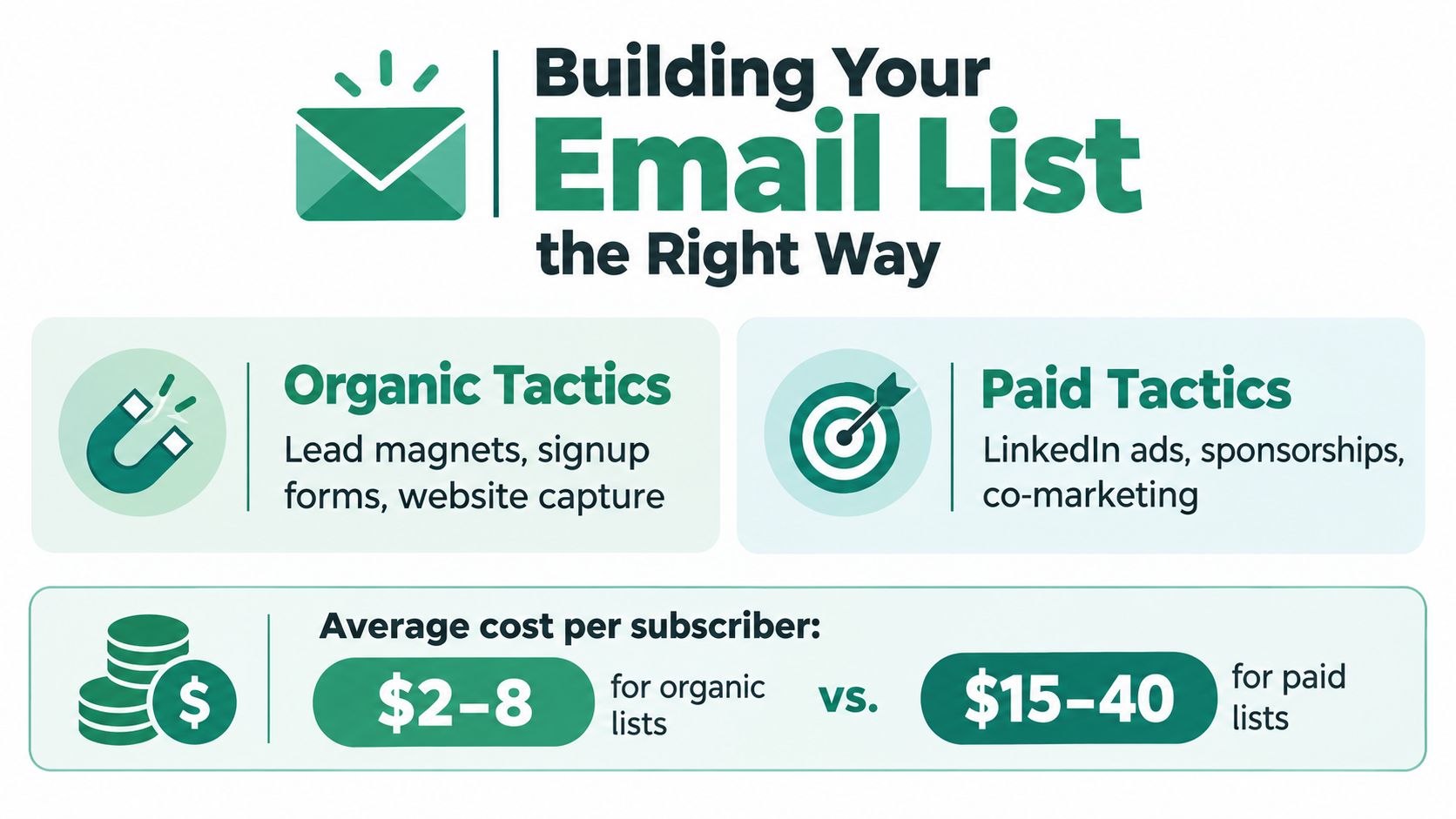
    Building your email list is step one, and you have a few ways to do it. You can collect emails right from your website with things like a newsletter sign-up form or by offering a valuable guide in exchange for an email.

    For B2B sales or any kind of targeted outreach, email finder tools are a game-changer. A tool like the EmailScout Chrome extension lets you grab verified email addresses from LinkedIn profiles and company websites in one click. This lets you build a hyper-targeted list of prospects fast, so you can feed them right into your automated sequences and hit the ground running.


    Ready to build your first high-quality email list and feed your automation engine? With EmailScout, you can find unlimited verified emails for free and start connecting with decision-makers today. Get started with EmailScout for free.

  • 12 Best Cold Email Software Platforms for 2025

    12 Best Cold Email Software Platforms for 2025

    Cold email is more than just sending messages; it's a strategic system for lead generation, personalization, and automated follow-up. The right software is the engine that powers this system, but choosing one is a significant challenge. With dozens of platforms promising sky-high open rates and streamlined workflows, how do you find the best cold email software for your specific needs?

    This guide cuts through the marketing noise to deliver a practical analysis of the top 12 platforms available today. We move beyond generic feature lists to provide an in-depth look at what makes each tool unique. You'll find detailed rundowns of platforms like Instantly, lemlist, and Smartlead, complete with screenshots, direct links, and clear pricing breakdowns.

    Our focus is on real-world application. We'll explore ideal use cases, from solo entrepreneurs needing a simple Gmail-based tool to large agencies managing high-volume, multi-channel campaigns. We'll also explain why a foundational tool like EmailScout for accurate contact data is a critical first step for any successful outreach strategy. By the end of this resource, you will have a clear understanding of which platform aligns perfectly with your goals, team size, and budget, enabling you to make a confident, informed decision.

    1. EmailScout

    EmailScout solidifies its position as a top-tier tool, not as a full-suite cold email platform, but as a crucial first step in the process: powerful, high-volume email sourcing. It operates as a seamless Chrome extension, designed to drastically reduce the time spent on lead generation by extracting publicly available email addresses directly from websites and Google search results. This makes it an indispensable asset for sales teams and marketers who need to build targeted lists quickly.

    The platform distinguishes itself with an exceptionally generous free plan, offering unlimited email searches and exports, a feature rarely seen in competing tools. This allows users to build substantial contact lists without any initial investment. For those needing to scale their efforts, EmailScout’s premium features, like AutoSave and URL Explorer, provide a significant boost in efficiency, making it one of the best cold email software components for list building.

    EmailScout

    Key Features & Use Cases

    • URL Explorer: This is EmailScout's standout feature for bulk prospecting. Users can input up to 1,500 URLs at once to perform a mass extraction of email contacts. This is ideal for marketers analyzing competitor backlinks or sales teams targeting companies from a conference attendee list.
    • AutoSave Functionality: For continuous prospecting, the AutoSave feature automatically collects and saves email addresses in the background as you browse different websites. This passive collection method is perfect for building a lead repository with minimal manual effort.
    • Unlimited Free Searches: The free tier is genuinely useful. It allows for unlimited one-click email extractions from any webpage or SERP, along with unlimited CSV exports, providing significant value for freelancers and startups.

    Pricing and Value

    EmailScout’s pricing structure is highly accessible. The free plan covers essential needs, while premium plans start at an affordable $9 per month. This tiered approach allows the tool to scale with your business, from initial prospecting to large-scale outreach campaigns.

    Website: https://emailscout.io

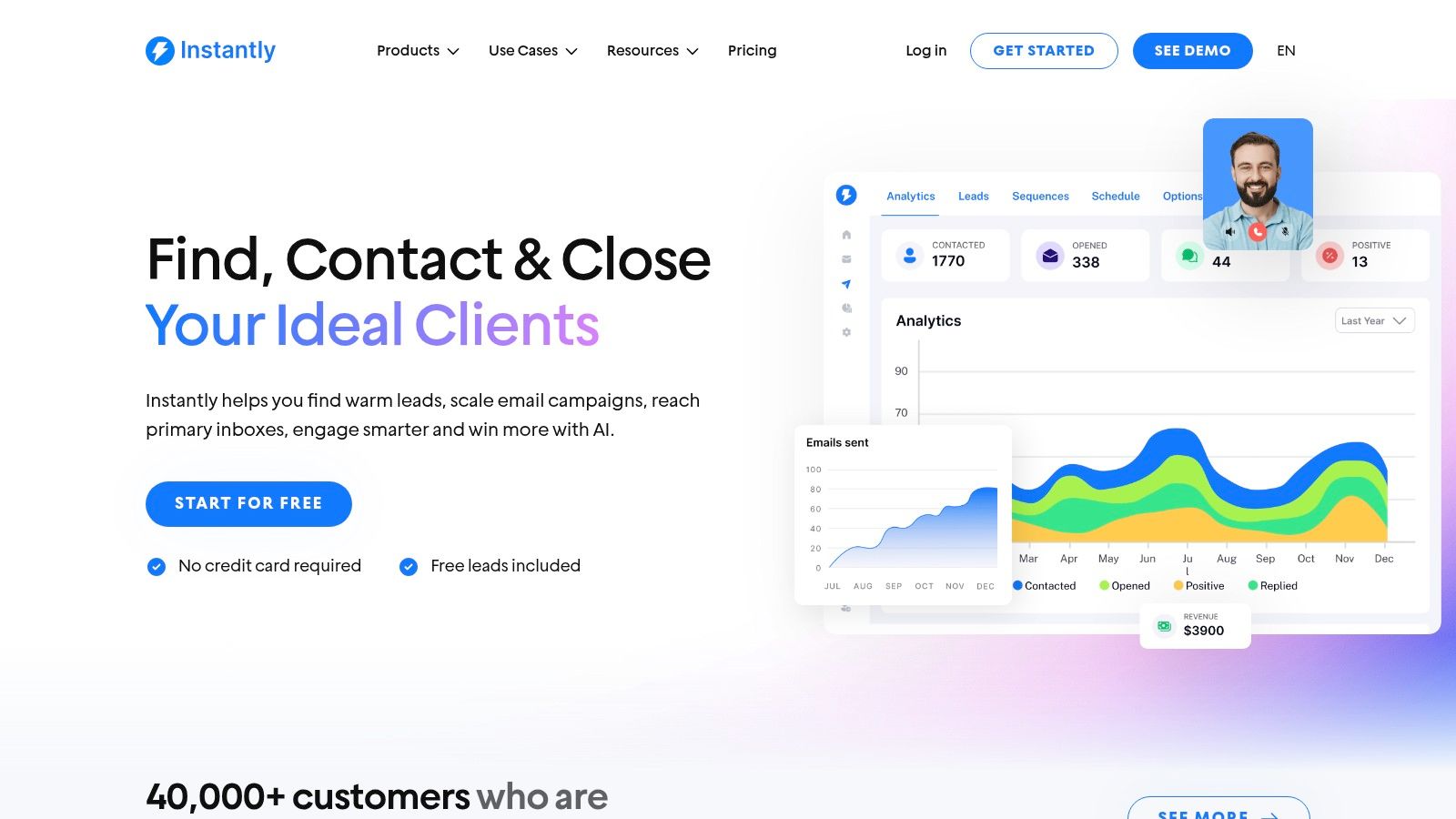
    2. Instantly

    Instantly has cemented its place as a leader in the cold email software space, primarily by focusing on unlimited scalability. Its core differentiator is allowing users to connect and warm up an unlimited number of sending accounts on its paid plans, a feature that is invaluable for agencies and high-volume outreach teams looking to maximize their sending capacity without incurring per-mailbox fees. This model supports aggressive scaling efforts directly.

    Instantly

    The platform separates its offerings into Outreach, Leads, and CRM, allowing users to build a package that fits their specific needs. While the base plan is cost-effective for its features, a significant drawback is that total costs can escalate quickly with add-ons and tier jumps for higher sending volumes. For teams that already have their lead sources sorted, Instantly's outreach platform is a powerful, specialized tool. If you need help sourcing contacts first, you can learn how to find anyone's email address here.

    Key Details & Pricing

    • Best For: Agencies and sales teams needing to scale outreach across many inboxes.
    • Key Feature: Unlimited sending accounts and email warmup.
    • Pricing: Starts at $30/month (billed annually) for the Growth plan, which includes 1,000 active leads and 5,000 monthly emails.

    Website: https://instantly.ai

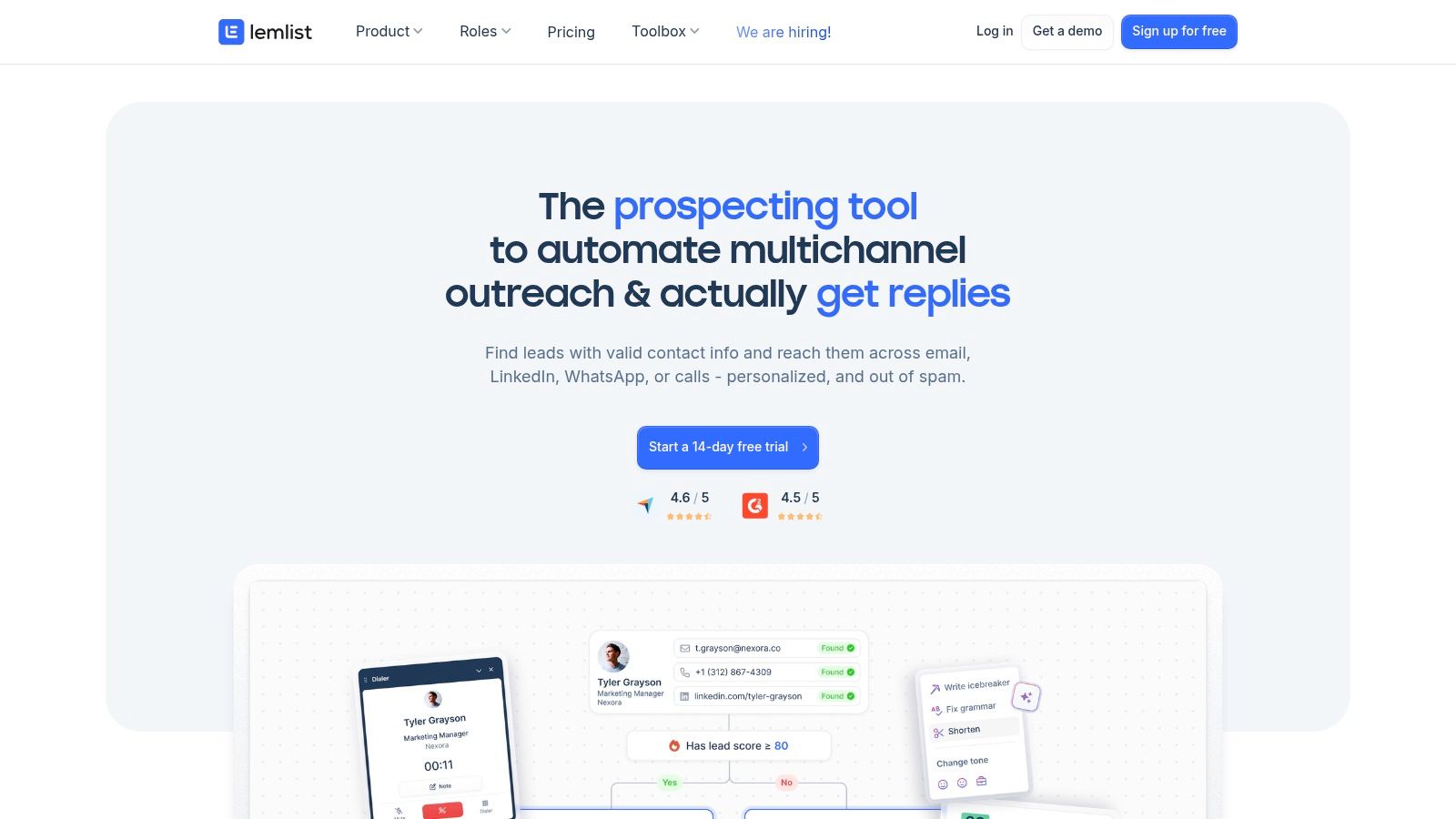
    3. lemlist

    lemlist has carved out a niche in the cold email software market by championing hyper-personalization across multiple channels. It goes beyond standard mail merges by allowing users to dynamically insert custom text, images, and even landing pages into their emails, creating a unique experience for each recipient. This makes it an ideal platform for SDR teams and marketers who prioritize quality and creativity over sheer volume in their outreach efforts.

    lemlist

    The platform integrates email, LinkedIn actions, and cold calls into unified sequences, providing a true multichannel sales engagement experience. A major advantage is that its email warm-up tool, lemwarm, is included in its mid and upper-tier plans. However, the per-user pricing model can become expensive for larger teams, and the built-in lead finder credits are limited by plan tier. For those who need more robust lead generation, you can use an email finder tool to build targeted lists before importing them into lemlist for personalized outreach.

    Key Details & Pricing

    • Best For: Sales teams focused on highly personalized, multichannel outreach campaigns.
    • Key Feature: Advanced personalization with dynamic images, text, and video.
    • Pricing: Starts at $32/user/month (billed annually) for the Email Starter plan. Multichannel plans with LinkedIn and Call steps start at $50/user/month.

    Website: https://www.lemlist.com

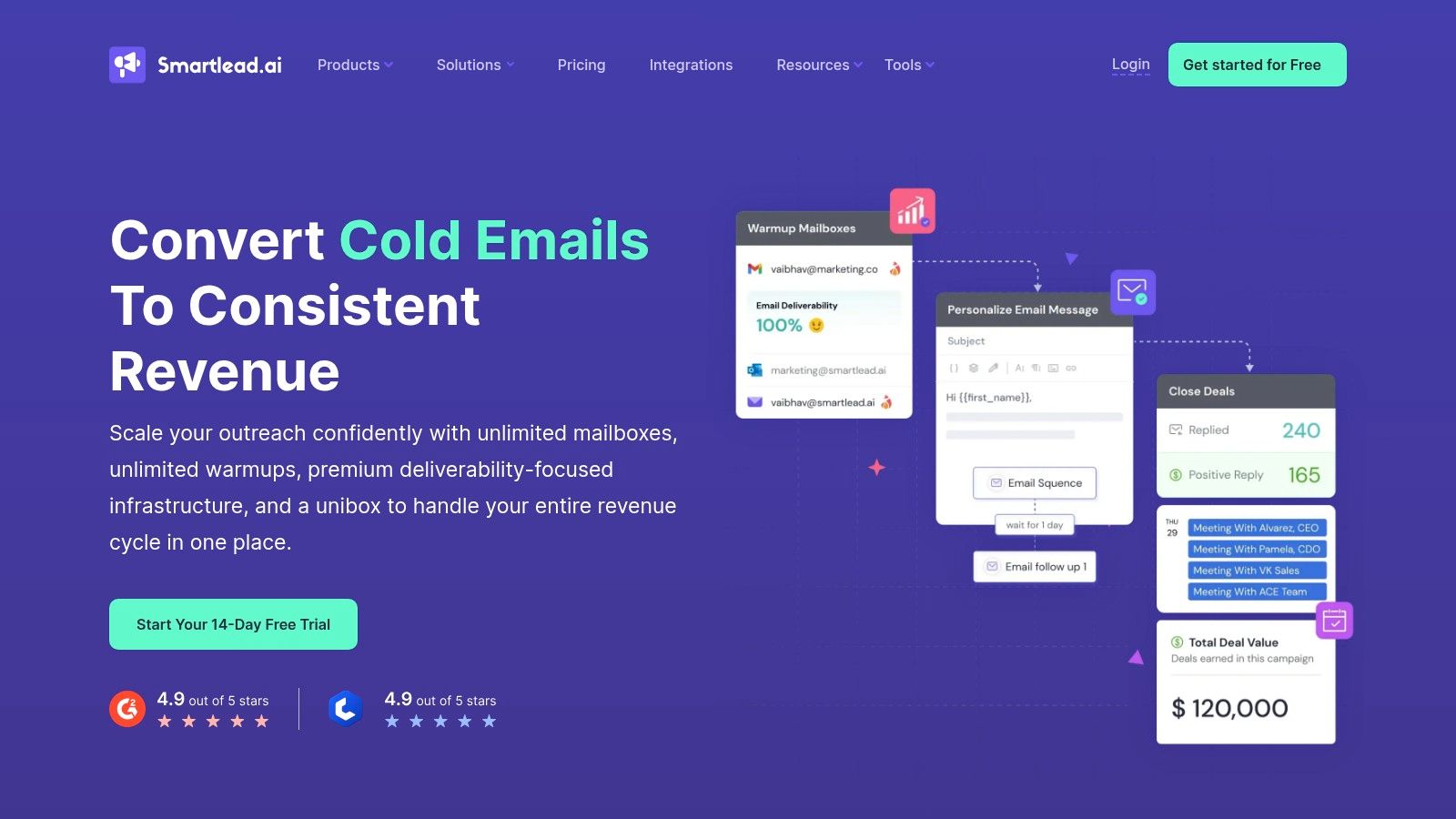
    4. Smartlead

    Smartlead positions itself as a robust solution for agencies and power users, focusing on unlimited accounts and a centralized management hub. Like some competitors, it offers unlimited sending accounts and warmup on all plans, but it stands out with its integrated infrastructure provisioning. This allows users to purchase and set up domains, mailboxes, and dedicated servers directly within the platform, creating a full-stack outreach environment from a single dashboard.

    Smartlead

    This all-in-one approach is highly attractive for agencies wanting to manage client accounts and scale outreach without juggling multiple vendors. However, the advanced features introduce a steeper learning curve, especially for those new to deliverability and email infrastructure. While the base plans are generous, the total cost can grow with infrastructure add-ons. For those seeking one of the best cold email software options with built-in scalability, Smartlead is a strong contender, though success often depends on mastering its more technical aspects.

    Key Details & Pricing

    • Best For: Agencies and advanced users who need to manage outreach infrastructure and client accounts.
    • Key Feature: Unlimited sending accounts with a centralized inbox and integrated infrastructure add-ons.
    • Pricing: Starts at $29/month (billed annually) for the Basic plan, which includes 2,500 active leads and 12,500 monthly emails.

    Website: https://www.smartlead.ai

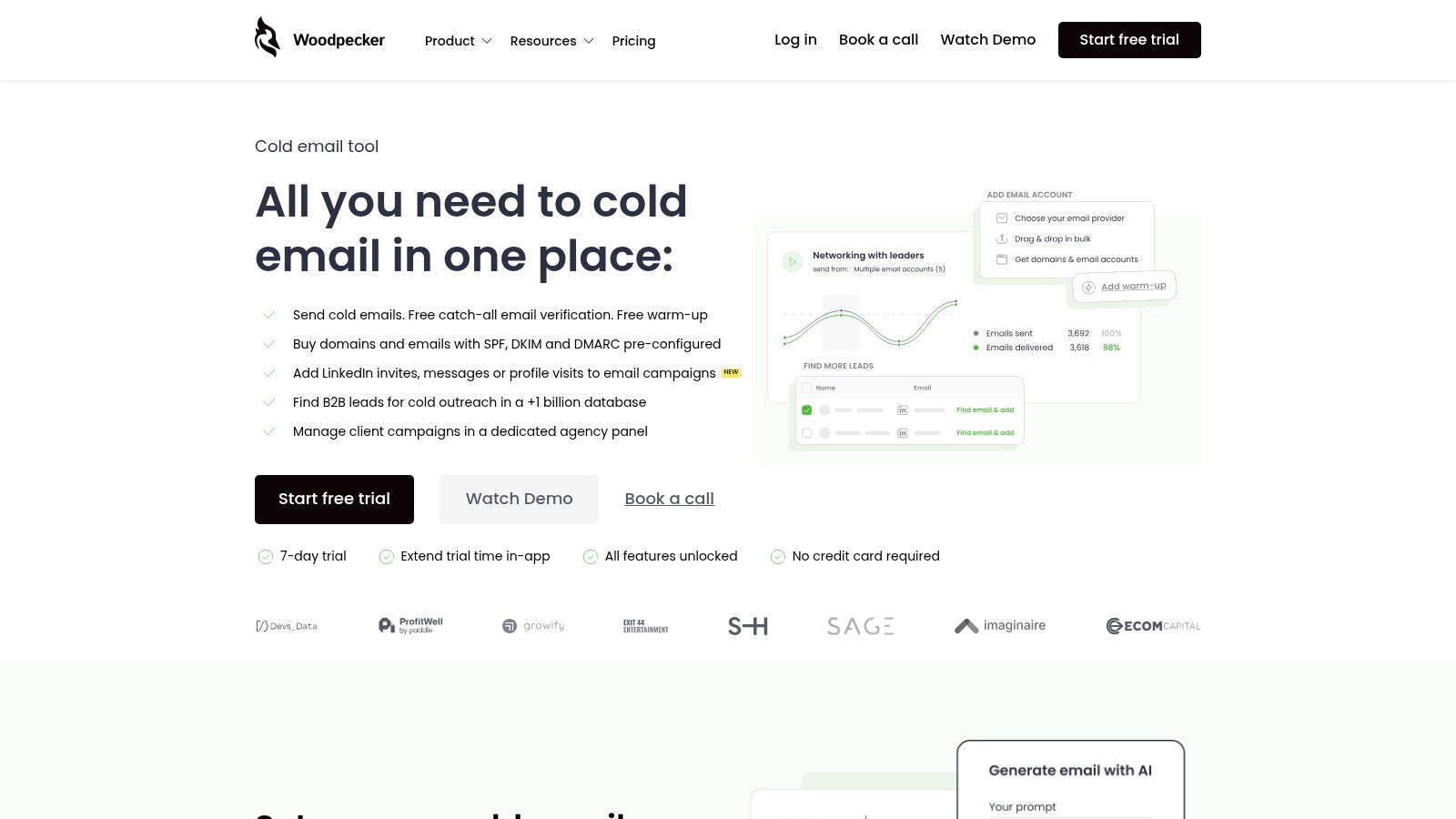
    5. Woodpecker

    Woodpecker is a veteran in the cold email software market, earning its spot through a relentless focus on deliverability and reliability. Its key differentiator is a built-in, real-time catch-all email verification system, designed to protect sender reputation by minimizing bounces before a campaign even starts. This emphasis on technical execution makes it a trusted choice for users who prioritize inbox placement and long-term domain health over flashy, less essential features. The platform is robust, offering both individual and agency-focused plans with features like inbox rotation and white-label reporting.

    Woodpecker

    While its feature set is comprehensive, the user interface is geared more towards experienced outreach professionals and may present a steeper learning curve for complete beginners. Woodpecker's pricing structure is transparent but can become costly for teams sending very high email volumes, especially when factoring in add-ons. However, for those who value stability, excellent deliverability tools, and reliable support, Woodpecker remains one of the best cold email software options available for scaling campaigns safely and effectively.

    Key Details & Pricing

    • Best For: Solo users and agencies prioritizing deliverability and sender reputation.
    • Key Feature: Integrated real-time catch-all email verification and free warmup.
    • Pricing: Starts at $29/month per slot for the Cold Email plan, which includes 500 contacts and 2,000 emails sent.

    Website: https://woodpecker.co

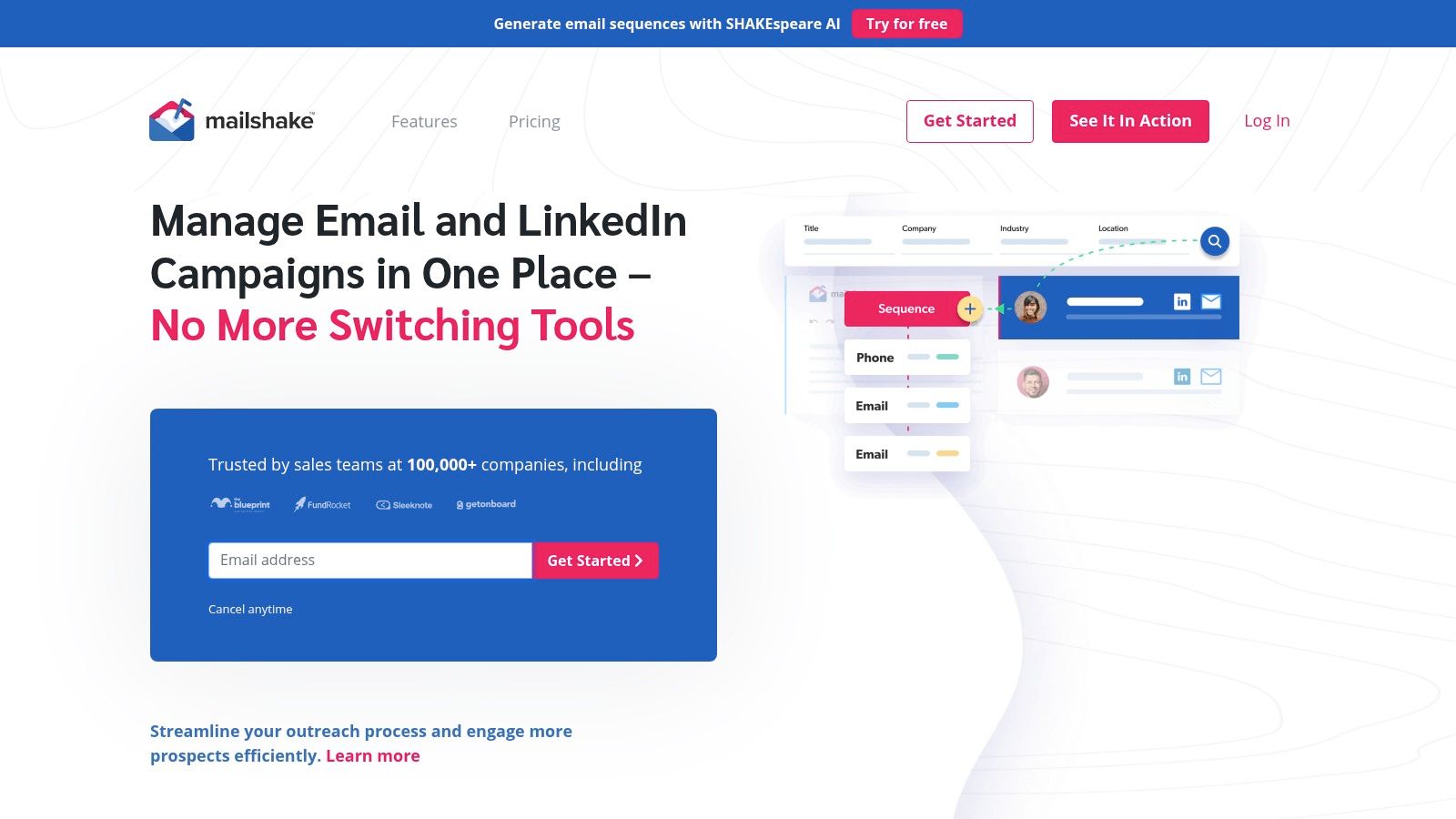
    6. Mailshake

    Mailshake positions itself as a straightforward, email-first sales engagement platform that has expanded into multichannel outreach. It’s known for its simple per-user pricing model and an easy onboarding process, making it a strong contender for teams that want to get up and running quickly. The platform combines core cold email features like automated sequences and A/B testing with tools for social selling and phone calls, aiming to be an all-in-one solution for sales reps.

    Mailshake

    A key advantage of Mailshake is its inclusion of unlimited email warmup and verification credits in its plans, which simplifies deliverability management. Proper email address verification is crucial, and having it bundled is a significant plus. However, a notable drawback is the lack of a free trial, requiring an upfront commitment. The starter plan also has a relatively low sending cap, which might be restrictive for higher-volume campaigns, pushing users toward the more expensive Sales Engagement plan to unlock full potential.

    Key Details & Pricing

    • Best For: Sales teams looking for an easy-to-use, multichannel outreach tool with clear pricing.
    • Key Feature: Unified platform for email, phone, and social outreach with unlimited warmup included.
    • Pricing: Starts at $58/user/month (billed annually) for Email Outreach, which includes 5,000 recipients per month.

    Website: https://mailshake.com

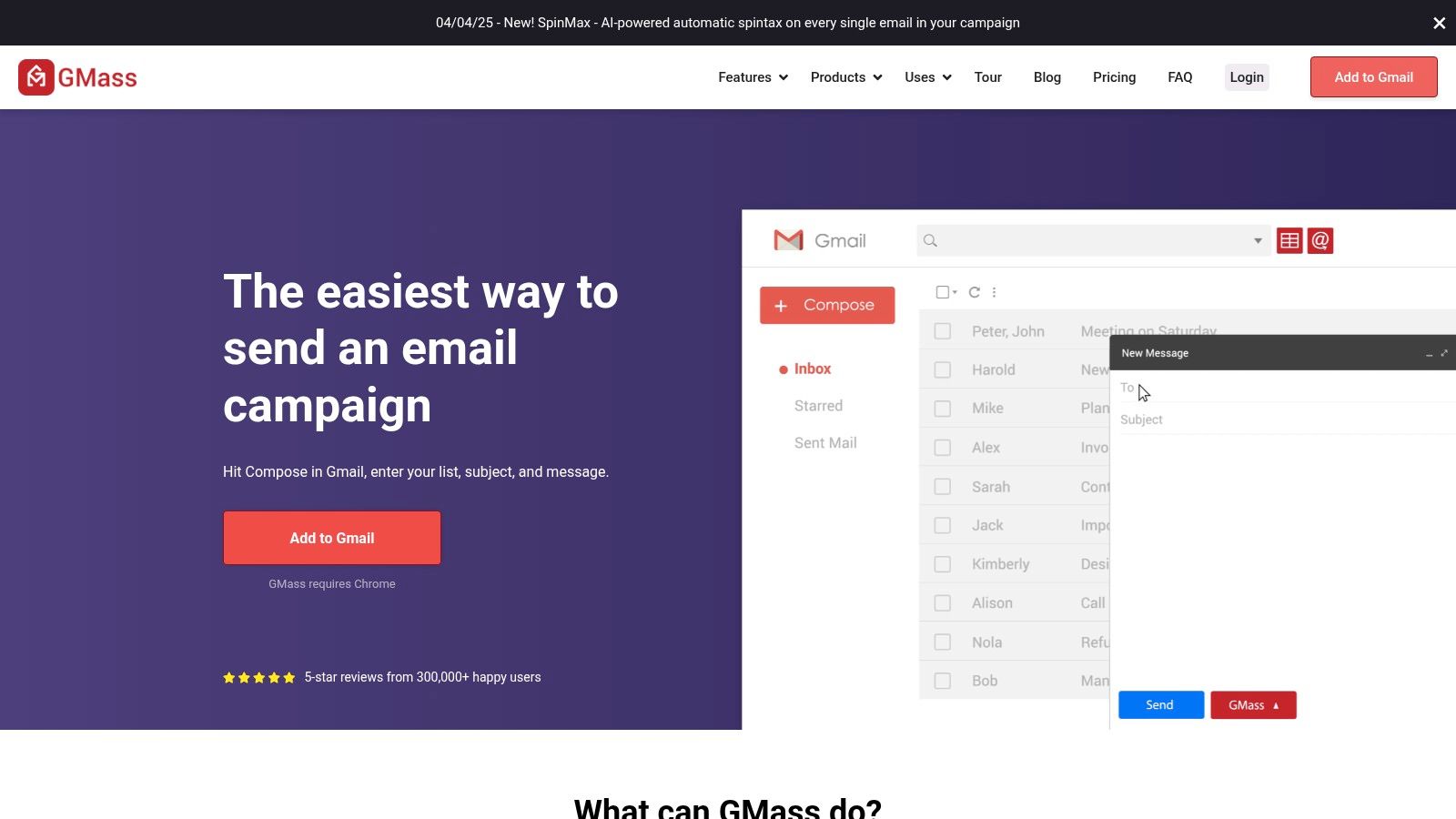
    7. GMass

    GMass stands out by operating entirely within the Gmail and Google Workspace ecosystem. It functions as a powerful Chrome extension, transforming your standard inbox into a capable mail merge and cold email machine. This native integration is its greatest strength, offering a virtually non-existent learning curve for anyone already familiar with Gmail's interface. It’s an ideal choice for individuals and small teams who want to run outreach campaigns without ever leaving their primary email client.

    GMass

    The platform is surprisingly robust for a Gmail extension, offering features like automated follow-up sequences, A/B testing, and a unique "Spam Solver" to help diagnose deliverability issues. However, its biggest limitation is its complete dependence on Google's infrastructure; you are bound by Gmail's sending limits and reputation constraints. This makes it less suitable for high-volume, multi-inbox campaigns that require the scalability of a standalone platform, but perfect for streamlined outreach within a single Google account. GMass is one of the best cold email software options for a quick start.

    Key Details & Pricing

    • Best For: Solo entrepreneurs and small teams deeply integrated with Google Workspace.
    • Key Feature: Native Gmail integration via a Chrome extension for a seamless workflow.
    • Pricing: Starts at $25/month for the Standard plan, which includes unlimited campaigns and contacts, limited by your Gmail account's daily sending capacity.

    Website: https://www.gmass.co

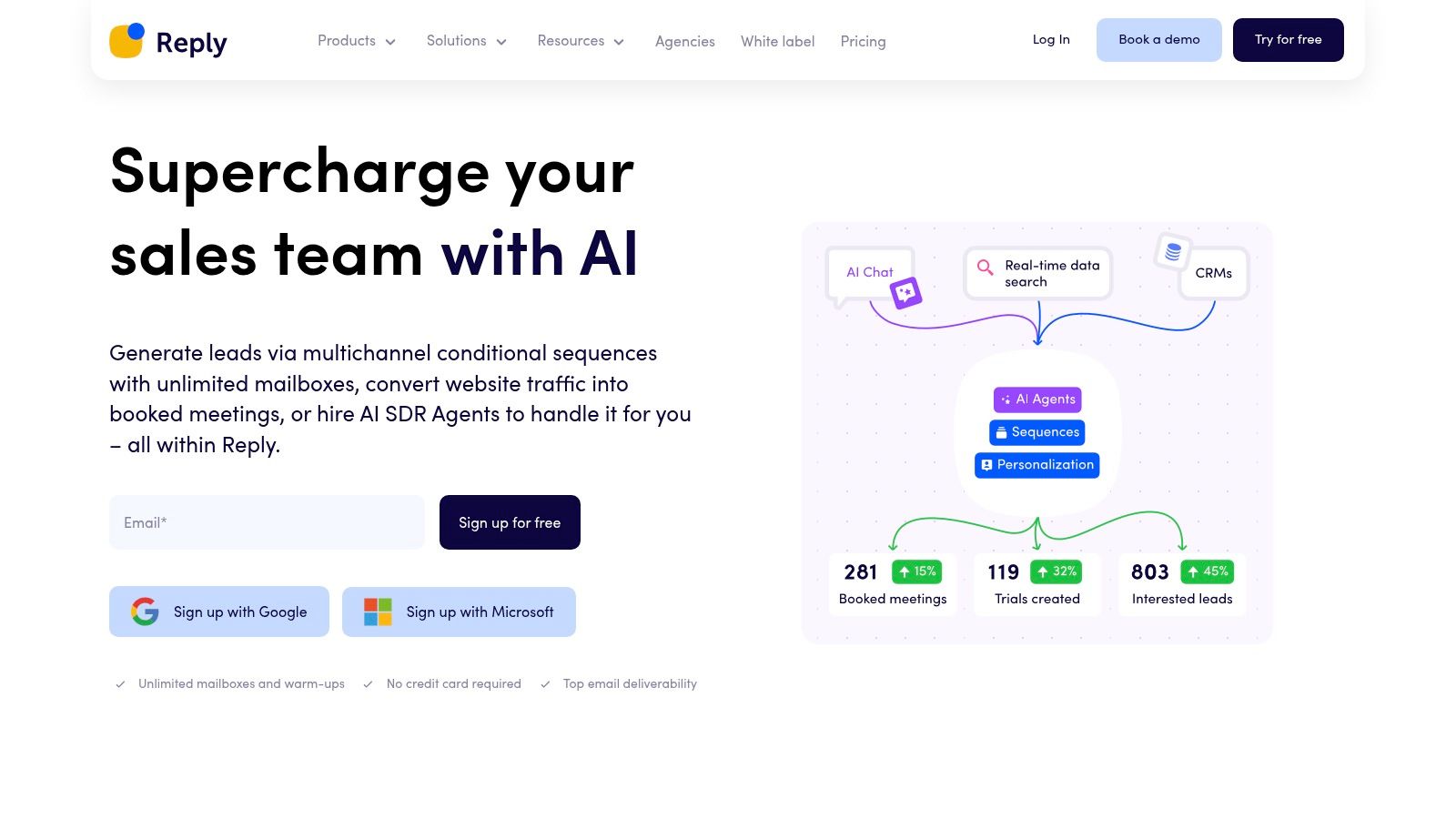
    8. Reply.io

    Reply.io positions itself as a comprehensive multichannel sales engagement platform, making it a strong contender for teams that want to move beyond email-only outreach. Its core strength lies in unifying email sequences with tasks across LinkedIn, SMS, calls, and even WhatsApp. This integrated approach allows users to build more sophisticated and varied touchpoints into their campaigns, increasing the chances of engagement without juggling multiple tools.

    Reply.io

    The platform includes unlimited email warmup and mailbox rotation, ensuring deliverability remains high even at scale. One significant advantage is the inclusion of B2B data credits with its plans, which helps teams build their lead lists directly within the platform. However, its broad feature set can present a steeper learning curve for beginners, and the fact that LinkedIn automation is a separate add-on can increase the total cost for users who rely heavily on that channel.

    Key Details & Pricing

    • Best For: Sales teams looking for an all-in-one, multichannel engagement solution.
    • Key Feature: Unified sequences across email, LinkedIn, calls, SMS, and WhatsApp tasks.
    • Pricing: Starts at $49/user/month (billed annually) for the Starter plan, which includes 1,000 data credits and unlimited contacts.

    Website: https://reply.io

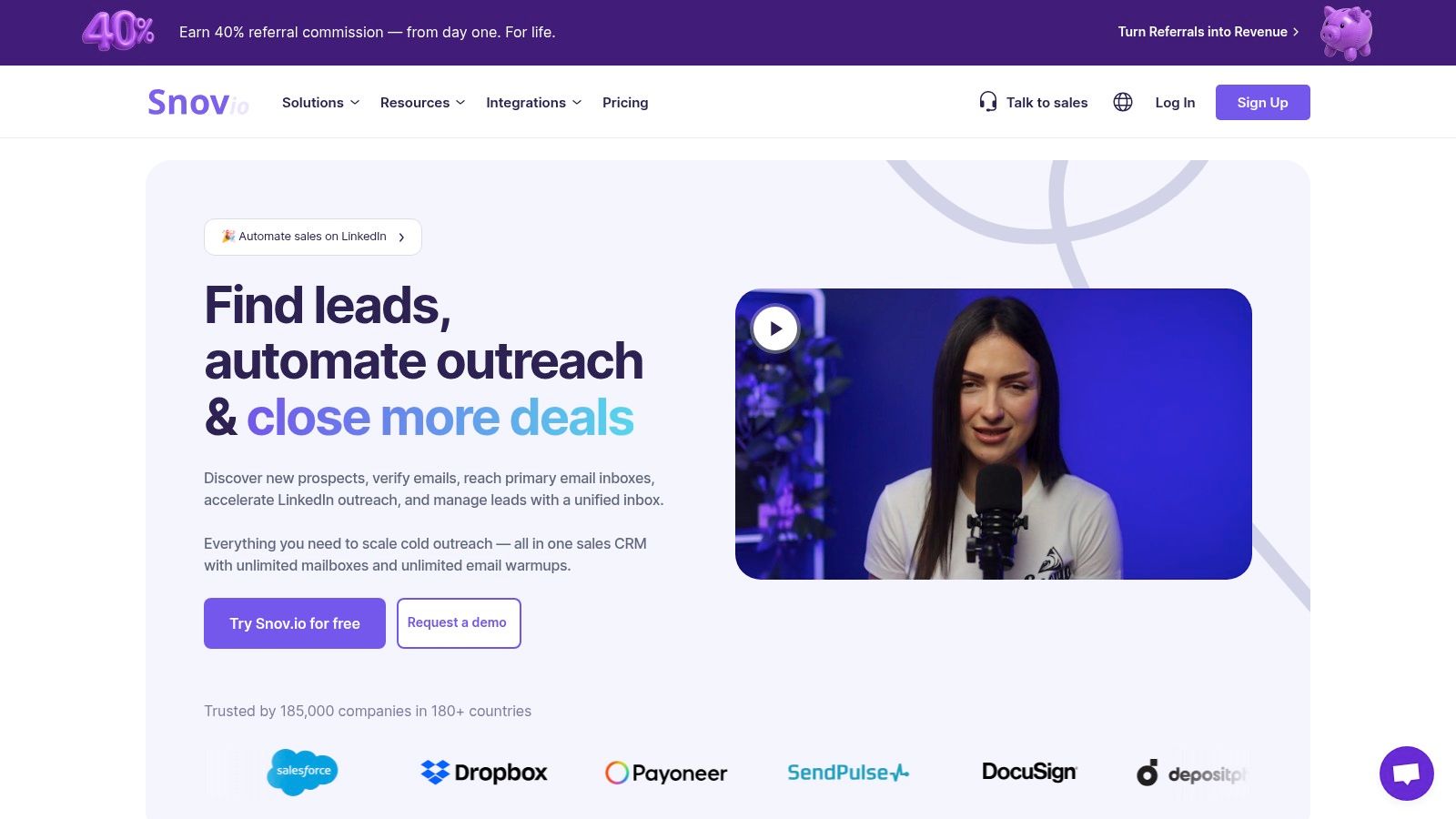
    9. Snov.io

    Snov.io positions itself as a comprehensive, all-in-one platform for prospecting and cold outreach. Its main advantage lies in its flexible, credits-based system that integrates lead generation, email verification, and drip campaigns into a single workflow. This model allows users to manage their entire top-of-funnel process without juggling multiple subscriptions, making it a strong contender among the best cold email software for those who need more than just a sending tool.

    Snov.io

    The platform’s strength is its versatility. You can use credits to find emails with its Chrome extension, verify a list of contacts, or send outreach sequences. While this flexibility is powerful, the credit and recipient-based model can have a slight learning curve. A notable drawback is that its LinkedIn automation capabilities, while available, are sold as a separate add-on, which can increase the overall cost for users heavily reliant on that channel.

    Key Details & Pricing

    • Best For: Individuals and small teams looking for an integrated prospecting and outreach solution.
    • Key Feature: A flexible credits system for email finding, verification, and sending.
    • Pricing: Starts at $30/month (billed annually) for the Starter plan, which includes 1,000 credits and 5,000 unique recipients.

    Website: https://snov.io

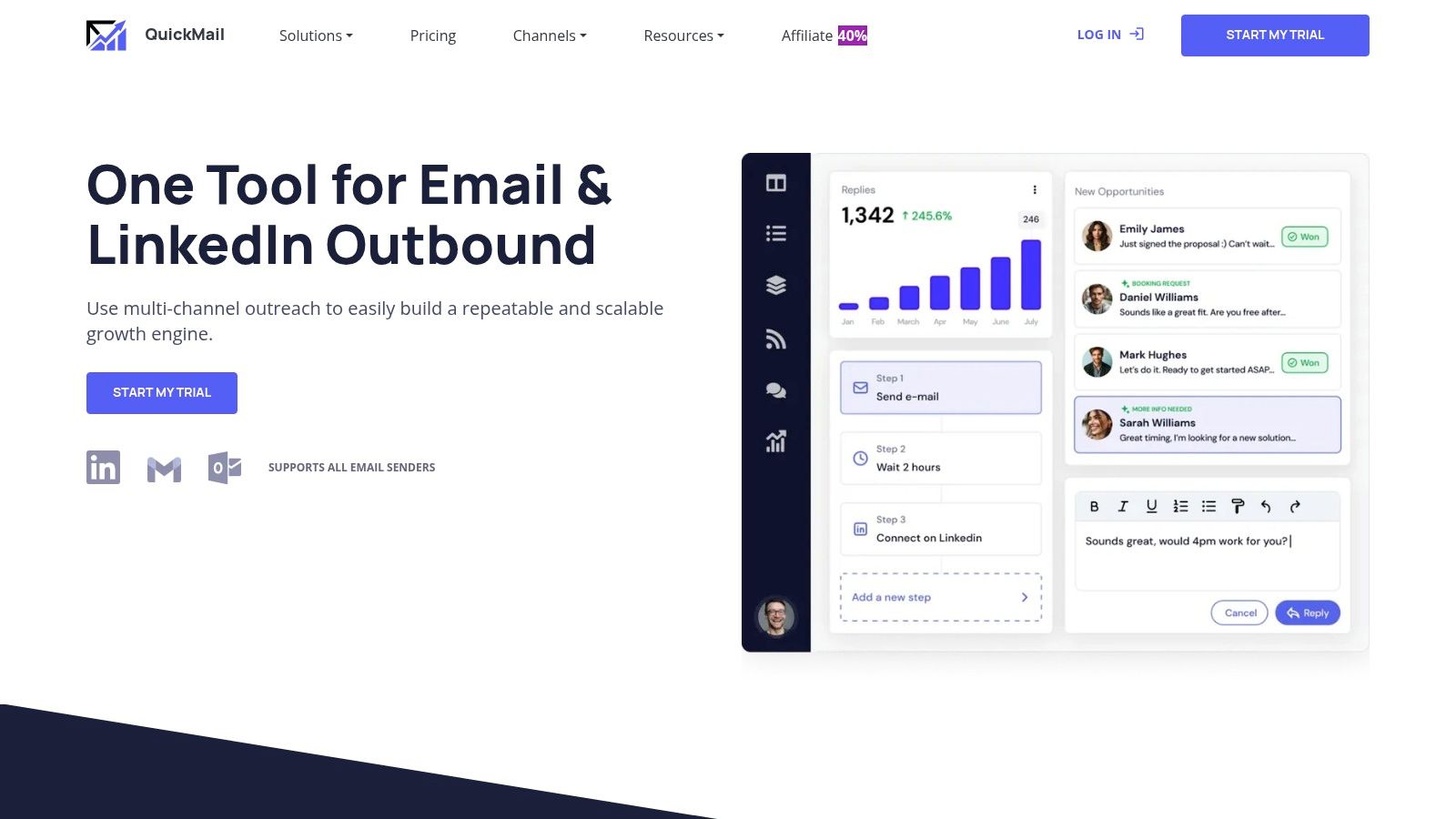
    10. QuickMail

    QuickMail is a versatile outreach platform that combines email and LinkedIn automation, making it a strong contender in the multi-channel sequence space. Its primary appeal lies in its aggressive entry-level pricing and transparent limits, which cater well to solo users and small agencies testing the waters of cold outreach. The platform allows for scaling with unlimited sender accounts on its higher-tier plans, a key feature for growing teams.

    QuickMail

    The platform is known for its straightforward, outreach-focused interface, avoiding the complexity of a full-blown CRM. One of its standout offerings is the free AutoWarmer tool (via MailFlow integration), which helps maintain sender reputation. While the starter plan is quite limited in volume, the generous 14-day free trial, which doesn't auto-charge, provides a risk-free way to evaluate if it's the right fit. This makes it a great piece of best cold email software for those just starting out.

    Key Details & Pricing

    • Best For: Solo entrepreneurs and small agencies needing a low-cost, multi-channel entry point.
    • Key Feature: Multi-channel sequences (Email & LinkedIn) with a very low starting price.
    • Pricing: Starts at $49/month for the Basic plan, which includes 1,000 contacts and 3,000 emails per month.

    Website: https://quickmail.com

    11. Saleshandy

    Saleshandy positions itself as a robust cold email platform designed for high-volume outreach, particularly for sales teams and agencies. Its standout feature is the integration of deliverability tools and optional infrastructure provisioning, allowing users to manage their entire sending setup from one place. This includes purchasing domains, mailboxes, and dedicated IPs directly within the app, simplifying a complex but crucial part of scaling cold email campaigns.

    The platform supports connecting unlimited sending accounts on all plans, with sender rotation enabling multiple accounts per sequence to maximize sending volume and protect domain reputation. While the core outreach features are comprehensive, some of the most powerful tools, like the Inbox Radar deliverability testing suite and white-labeling for agencies, are available as add-ons or on higher-tier plans. This makes Saleshandy an excellent piece of cold email software for teams who value an all-in-one approach to sending and deliverability management.

    Key Details & Pricing

    • Best For: Teams and agencies needing a unified platform for outreach, deliverability, and sending infrastructure management.
    • Key Feature: Optional in-app infrastructure purchasing and an integrated deliverability testing suite (Inbox Radar).
    • Pricing: Starts at $27/month (billed annually) for the Outreach Starter plan, which includes 2,000 total contacts and 6,000 monthly emails.

    Website: https://www.saleshandy.com

    12. Apollo

    Apollo has carved out a unique space in the sales engagement market by combining a massive B2B contact database with a robust outreach engine. Its core value proposition is consolidating lead sourcing and sales sequencing into a single platform, eliminating the need for separate tools. This makes it a powerful all-in-one solution for teams that want to find prospects and engage them through multi-channel sequences without juggling subscriptions.

    The platform supports sequences that integrate email, phone calls, and manual tasks, all fueled by its extensive database featuring intent data and enrichment capabilities. While this integrated approach is its greatest strength, the platform can feel more complex than a dedicated cold email tool. For teams looking to build a streamlined prospecting workflow, learning how to implement lead generation best practices within Apollo is key to maximizing its value.

    Key Details & Pricing

    • Best For: Sales teams and startups wanting an all-in-one platform for prospecting and outreach.
    • Key Feature: Integrated B2B database with multi-channel sales sequencing.
    • Pricing: A free plan is available. Paid plans start at $49/user/month (billed annually), with customized pricing for enterprise needs.

    Website: https://www.apollo.io

    Top 12 Cold Email Software Comparison

    Product Core Features User Experience / Quality Value Proposition Target Audience Price Points
    EmailScout Unlimited free email search, AutoSave, URL Explorer (bulk scan) Easy install, intuitive Chrome extension Free unlimited usage + affordable premium Marketers, sales pros, freelancers Free plan; Premium from $9/month
    Instantly Unlimited accounts, warmup, tiered sending limits Scales massively, clear docs High-volume sending without per-mailbox fees Agencies, large-scale senders Tiered pricing; add-ons increase cost
    lemlist Email + LinkedIn sequences, personalization, CRM integration Modern UX, warmup included Deep personalization, multichannel outreach SDR teams, personalization-focused Per user; plans capped lead credits
    Smartlead Unlimited warmup/accounts, centralized inbox, API, infrastructure add-ons Agency-friendly, analytics included High quotas, full-stack provisioning Agencies, email infrastructure users Add-ons raise overall cost
    Woodpecker Catch-all verification, warmup, agency panel Deliverability-first, reliable uptime Scales solo to agency level Agencies, outreach pros Per user; add-ons may add cost
    Mailshake Email sequences, dialer, LinkedIn, CRM integrations Easy onboarding, unlimited warmup Clear pricing, multi-channel features Sales teams, outreach beginners No free trial; plans capped sends
    GMass Gmail-native, sequences, verification, Spam Solver Fast setup, Google Workspace friendly Low entry price, unlimited campaigns on paid Solo users, Google Workspace teams Low price; limited by Gmail limits
    Reply.io Email+LinkedIn+calls+SMS, warmup, anti-spam suite Flexible pricing, 14-day trial Multichannel, scalable teams Teams expanding outreach channels Usage-based pricing; LinkedIn add-on
    Snov.io Email finder & verifier, unlimited campaigns, LinkedIn add-on Credits model, affordable starter Flexible credit system, all-in-one Small teams, credit-based users Starter affordable; add-ons extra
    QuickMail Email + LinkedIn sequences, free AutoWarmer Low starting price, simple interface Transparent limits, multiple senders Solo users, agencies Low entry; trial with no auto-charge
    Saleshandy Warmup, sender rotation, deliverability testing Agency features, onboarding required Deliverability focus, white-label options Teams, agencies Varies; add-ons for advanced tools
    Apollo Large B2B database, multichannel sequences Enterprise features, robust reporting Combines data and outreach in one tool Enterprise, data-driven teams Startup pricing; complex billing

    Making Your Final Decision on Cold Email Software

    Navigating the landscape of the best cold email software can feel overwhelming, but the right choice ultimately hinges on your unique strategic needs. We've explored a dozen powerful platforms, from all-in-one sales behemoths like Apollo and Reply.io to specialized sending powerhouses like Instantly and Smartlead. Each tool offers a distinct pathway to reaching your audience, but the core principles of successful outreach remain constant: precision targeting, genuine personalization, and technical deliverability.

    Your final decision should be a direct reflection of your operational priorities. Are you a startup or a solo entrepreneur focused on scrappy, high-volume campaigns? The unlimited email accounts offered by Instantly or Smartlead provide an unmatched foundation for scaling your outreach without ballooning costs. Conversely, are you part of a sales team that values creative, highly personalized campaigns designed to stand out in crowded inboxes? Lemlist’s innovative features, like dynamic image and video personalization, give you the creative edge needed to capture attention and start conversations.

    Key Factors for Your Final Selection

    Before you commit, re-evaluate your choice against these critical factors:

    • Team Size and Collaboration: Does the platform support the number of users you need? Consider features like shared inboxes, team-level analytics, and role-based permissions. Tools like QuickMail and Woodpecker are built with agency and team collaboration in mind.
    • Technical Complexity: Are you comfortable managing multiple domains and advanced warmup settings, or do you need a simpler, more guided experience? Platforms like Mailshake and GMass offer a lower barrier to entry for those new to cold outreach.
    • Integration and Workflow: How well does the software fit into your existing tech stack? Check for native integrations with your CRM, lead sources, and other sales tools. A seamless workflow prevents data silos and saves valuable time.
    • Budget vs. Long-Term Value: Don't just look at the monthly price. Consider the cost per send, the value of included features like email verification, and the potential ROI from a higher-performing campaign.

    The Foundation of Every Successful Campaign

    Ultimately, the most sophisticated sending tool is only as effective as the list it's sending to. Poor data quality leads to high bounce rates, damaged domain reputation, and wasted effort. No amount of A/B testing or clever copywriting can save a campaign sent to outdated or incorrect email addresses. This is why the first step in building a successful cold email machine isn't choosing your sender; it's securing a reliable source of accurate contact information. This foundational step ensures your carefully crafted messages actually land in front of the right people. Choosing the best cold email software for your needs is crucial, but it's only half the battle.


    Ready to build the high-quality lead lists that fuel successful campaigns? Start for free with EmailScout to find verified email addresses from any professional network or website with a single click. Equip your chosen sending platform with the accurate data it needs to drive real results. Get your first 50 credits on us at EmailScout.