
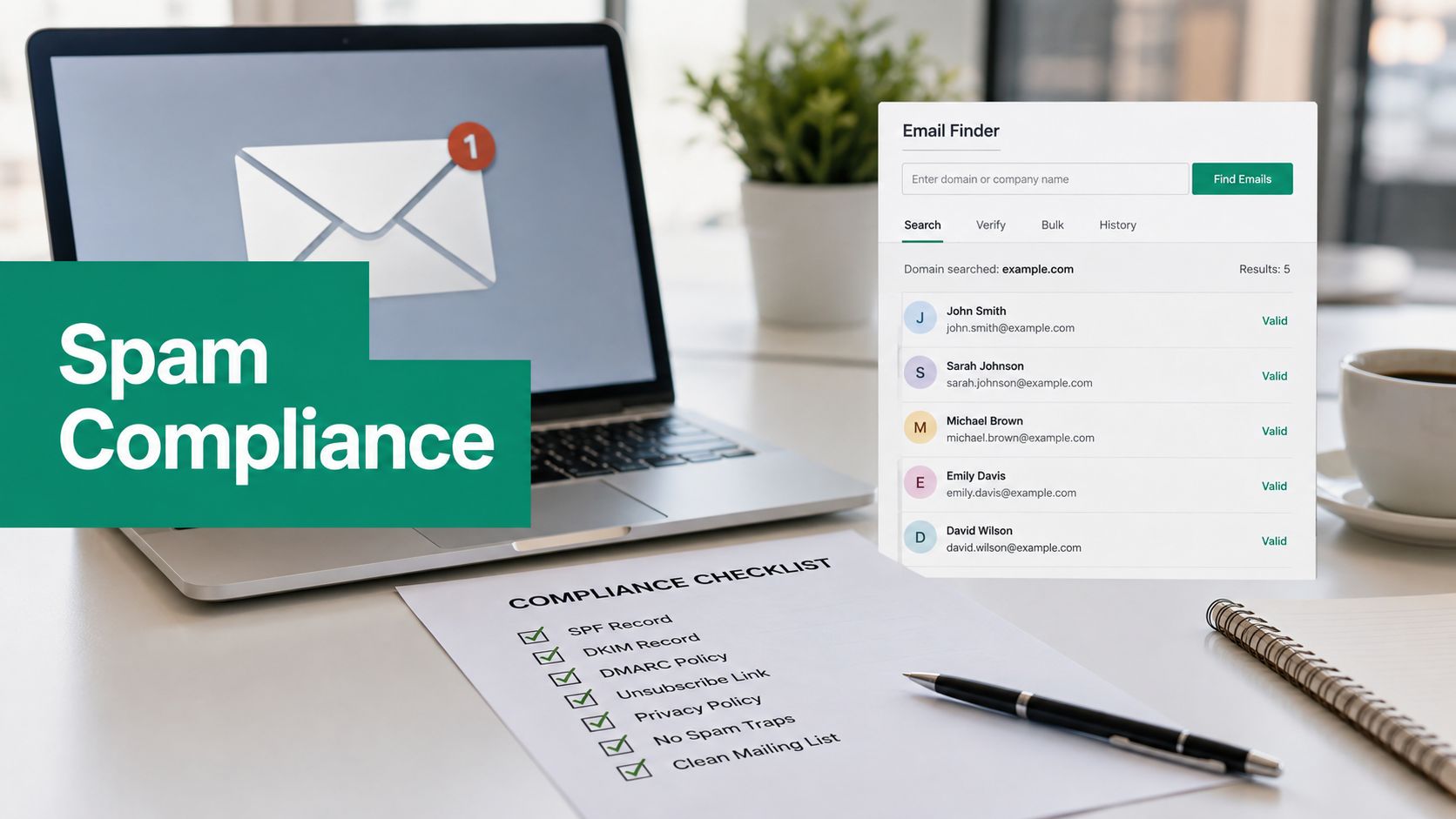
You've pulled a fresh prospect list from an email-finding tool, loaded it into your sender, and scheduled tomorrow's campaign. The copy is ready, the sales team expects pipeline, and nobody has checked whether the unsubscribe process works against the exact list being mailed.
That's how CAN-SPAM compliance becomes a growth problem. The risk isn't limited to obviously deceptive spam. It can begin with a bad header, a misleading subject line, a missing postal address, a broken opt-out process, or a suppression list that never reaches the person pressing Send. For outbound teams, compliance is a risk-control system. List quality and sender governance determine whether a campaign creates pipeline or multiplies exposure.
The Moment a Single Campaign Becomes a Compliance Problem
At 4:47 p.m., a marketer notices that the campaign audience contains contacts gathered from several sources. Some addresses came from a company website, some from professional research, and some from an email-finding workflow. The send is scheduled for the next morning, so the team makes a familiar calculation: the list looks relevant, the message is short, and the campaign is small enough to manage.
That calculation misses the legal unit that matters. Under CAN-SPAM, a violation can attach to an individual commercial email. A campaign isn't one legal event just because it was created in one platform. Every message needs accurate sender information, a truthful subject line, a clear commercial disclosure where required, a valid physical address, and a usable way to stop future commercial messages.
The CAN-SPAM Act was signed into law on December 16, 2003, and took effect on January 1, 2004. It established the first national U.S. standards for commercial email and preempted inconsistent state anti-spam laws in important areas, as described in the CAN-SPAM Act background and statute overview. The law gives recipients the right to stop future emails and prohibits false or misleading header information and deceptive subject lines.
Why outbound teams should care
U.S.-based commercial email programs have treated CAN-SPAM as a baseline framework for outreach into the U.S. email market for more than two decades. That makes the law relevant even when a team thinks of its campaign as ordinary sales development rather than “marketing.”
The practical question isn't whether a marketer intended to send spam. The question is whether the team built controls that prevent deceptive or unwanted commercial messages from being sent, and whether those controls still work when another person, agency, or platform handles part of the workflow.
Operational rule: Treat every contact as a compliance record, not just a lead record.
A clean campaign therefore needs more than a compelling offer. It needs an auditable source, a current suppression status, an approved sender identity, a tested opt-out path, and ownership that survives handoffs. The campaign scheduled for tomorrow becomes a compliance problem the moment those controls are missing.
The Seven Core CAN-SPAM Requirements Explained
A campaign can look like ordinary sales outreach and still trigger CAN-SPAM controls. Before launch, review each message against the FTC's business guidance on CAN-SPAM requirements and responsibilities. Treat the checklist as a risk-control system: sender identity, message content, suppression handling, and vendor ownership must work together.

1. Use honest header information
The From, To, Reply-To, routing information, domain, and email address must accurately identify the person or business responsible for initiating the message. Do not use a personal-looking sender identity for an unrelated organization or obscure the responsible sender through misleading routing details.
A sales email may sound personal. Its sender identity still has to be accurate.
2. Keep the subject line accurate
The subject line must match the message content. “Quick question about your hiring plans” creates compliance risk if the email is a broad product promotion with no real connection to hiring. Curiosity is acceptable when the message delivers what the subject promises.
3. Identify commercial messages appropriately
If the primary purpose is advertising or promoting a commercial product or service, clearly and conspicuously identify the message as an advertisement. Place the disclosure where a normal recipient can see and understand it. Do not disguise a promotion as a service update, account notice, or ambiguous notification.
4. Include a valid physical postal address
Every commercial email needs a valid physical postal address. Acceptable options include a current street address, a properly registered post office box, or a compliant private mailbox. Keep the address in the footer and include it in the approved template used by every sending system.
5. Provide a clear opt-out method
Recipients need an easy way to stop future commercial email. The notice must be readable, understandable, and connected to a working reply address or online mechanism. Do not require a login, survey, phone call, or explanation.
Teams planning permission practices can consult EmailScout's guide to permission-based email marketing as a separate reference. Permission rules vary by jurisdiction and campaign type, while the opt-out mechanism remains a core CAN-SPAM control for commercial email.
6. Honor opt-outs promptly
The opt-out mechanism must work after sending, and requests must be processed within the statutory timeframe. Add each request to a shared suppression process that reaches every system, agency, and workflow capable of sending another commercial message to that person.
A suppression list that exists only in one sending tool is not adequate governance.
7. Monitor vendors and agencies
Using an agency or sending platform does not remove responsibility from the company promoting the product. Both the promoted company and the sender may face responsibility for violations. Put ownership, review rights, suppression handling, and approval steps in writing before launch, then verify that vendors follow them in production.
How CAN-SPAM Penalties Scale per Email
The financial risk in CAN-SPAM compliance comes from the per-message liability model. Under the FTC's current guidance, each separate commercial email that violates the Act can trigger a civil penalty of up to $53,088, and multiple parties may share responsibility for the same violation, as noted earlier.
That does not mean every campaign receives the maximum penalty. It means exposure rises with the number of noncompliant messages. A large batch with a defective unsubscribe mechanism spreads one control failure across the entire audience.
The arithmetic teams should run
For a hypothetical batch of 10,000 noncompliant emails, multiplying 10,000 messages by $53,088 produces a theoretical maximum of $530,880,000. The figure is not a forecast. It is a control-design test that shows why list quality, suppression governance, and sender ownership need budget before a team increases volume.
The FTC has also reported civil penalties of up to $11,000 per violation in an earlier congressional report, demonstrating that penalty amounts have changed over time. The FTC report to Congress on CAN-SPAM enforcement tools describes federal enforcement authority, state attorney general enforcement, and a private right of action for internet access service providers.
A later example shows that the exposure remains material. In 2023, a federal settlement with Experian Consumer Services included a permanent injunction and a $650,000 civil penalty for alleged CAN-SPAM Rule and FTC Act violations, according to FTC materials. The lesson for teams using email-finding tools such as EmailScout is practical: weak list controls can multiply the effect of one sending decision.
What this means for campaign approval
Before approving a send, calculate exposure using the applicable penalty guidance. Then identify the control that would stop the defect from reaching the full audience. Review list validation, sender approval, suppression synchronization, and the final unsubscribe test as one risk-control system, not separate checklist items.
Teams that distribute high-volume communications can also consult the Reviewbird documentation for an operational example of bulk workflows built around explicit process controls.
Budget test: If one broken control can replicate across a list, fund the control before funding more volume.
Why Workflow Design Is Where Most Teams Get Caught
The question “Do I need consent before emailing?” is often the wrong first question for CAN-SPAM. The sharper question is “Is this message commercial, and is the workflow being designed to disguise that fact?”
CAN-SPAM generally operates around disclosure and opt-out controls for commercial email. That doesn't make consent irrelevant, especially when other laws or jurisdictions apply. It does mean a team can't treat the absence of a formal opt-in as the only risk while ignoring a misleading subject line, false sender identity, or a promotional email dressed up as a service notice.
The transactional disguise problem
The FTC's action involving Experian Consumer Services alleged that marketing emails were disguised as transactional or informational messages. The complaint also emphasized the absence of an opt-out notice and an unsubscribe mechanism. The practical lesson is direct. A message doesn't become noncommercial because the template uses the visual language of an account alert.
Ask what the email is trying to make the recipient do. If the primary purpose is to promote a product or service, classify and govern it as commercial. Don't let a “notification” label, a fake account reference, or a subject line designed to imply an existing relationship bypass the commercial-message controls.
Build classification into approval
Every campaign brief should record the message's purpose, the sender responsible for it, the audience source, and the opt-out treatment. That record gives reviewers something concrete to challenge before launch.
For list teams, EmailScout's email list management guidance is relevant because contact discovery and list maintenance need to operate together. Finding an address is not the same as establishing permission, commercial classification, or suppression status.
A useful review has three questions:
- Purpose: Is the message primarily promoting a commercial product or service?
- Presentation: Do the sender and subject line tell the truth about that purpose?
- Exit path: Can the recipient stop future commercial email without friction?
If the answer to any question is unclear, the campaign isn't ready. The highest-risk workflow is the one that relies on ambiguity to improve opens.
A Compliant Workflow for Using EmailScout Safely
EmailScout should sit inside a controlled outreach process, not replace one. An email finder can help discover business contact addresses, but it can't decide whether a person should receive a campaign, whether an address belongs on a suppression list, or whether the message's commercial purpose has been disclosed correctly.
Start with a defined commercial purpose
Write the audience definition before collecting contacts. Specify the role, company type, business reason for outreach, and campaign owner. This prevents the team from turning every discovered address into an automatic prospect.
A clear purpose also supports truthful copy. If the campaign targets operations leaders because the offer addresses a documented operations problem, the subject line and opening can accurately reflect that context. The control prevents irrelevant or misleading targeting.
Discover, then validate
Use search-driven discovery to locate potential business contacts, then validate each address before it enters the send audience. Remove addresses that bounce, appear duplicated, or don't match the intended company and role.
Don't treat a found address as a verified opt-out status. Discovery answers “Can this address be found?” It doesn't answer “May this address receive this campaign?” Keep those decisions separate.

Apply suppression before export
Match every candidate against your central suppression list before the address reaches the sender. Include prior unsubscribe requests, manual do-not-contact requests, complaints, and addresses that your internal policy excludes.
Role-based or generic inboxes need deliberate handling. An address such as a shared department inbox may not identify a decision-maker or provide a meaningful individual relationship. Excluding it can reduce ambiguity and prevent messages from reaching teams that never asked for direct outreach.
Document the campaign
Save the audience definition, discovery source, validation result, suppression check, approved template, sender identity, and test evidence. Assign one person responsibility for the final approval and another for monitoring replies and opt-outs when the team is large enough to support that separation.
This workflow controls different risks at different points:
| Workflow control | Risk it addresses |
|---|---|
| Audience definition | Irrelevant or misleading targeting |
| Address validation | Invalid or misdirected messages |
| Suppression matching | Repeat contact after an opt-out |
| Template approval | Misleading headers, subjects, or disclosures |
| Opt-out test | Broken or obstructed unsubscribe handling |
| Campaign record | Unclear ownership and weak auditability |
The point isn't to make discovery slow. The point is to stop a fast discovery tool from becoming a fast way to replicate one compliance mistake across an entire campaign.
A Compliant Email Template and Pre-Send Checklist
A compliant cold email should make the commercial purpose, sender identity, and exit path obvious. Keep the body concise, but don't remove the footer elements that protect the campaign.
Copy-paste template
Subject: A commercial message about [specific business issue]
Hi [First name],
I'm [Name] from [Company]. We help [specific type of business] with [clear product or service outcome].
I'm reaching out because [truthful reason this recipient is relevant]. If this is a current priority, would you be open to a short conversation about [specific topic]?
This is a commercial message from [Company]. You can unsubscribe from future commercial emails at any time.
[Company]
[Valid physical postal address]
The unsubscribe URL above is a placeholder for your tested mechanism, not a link to deploy unchanged. Your production link must work, must not require unnecessary steps, and must feed the same suppression system used by every sender and agency.
Manager approval checklist
Use the checklist before the campaign leaves staging. A green check is not a feeling. It's evidence that someone tested the control.
| Checklist Item | CAN-SPAM Requirement | Status |
|---|---|---|
| Sender identity reviewed | Header information must accurately identify the sender | ☐ |
| Subject line reviewed | Subject must reflect the message content | ☐ |
| Commercial purpose classified | Promotional content must be presented honestly | ☐ |
| Physical address inserted | Message must include a valid postal address | ☐ |
| Unsubscribe link tested | Recipients need a clear, working opt-out method | ☐ |
| Reply-based opt-outs monitored | Opt-out requests must not be blocked by filters | ☐ |
| Suppression list matched | Previous opt-outs must stay out of the send | ☐ |
| Vendor responsibilities documented | Teams remain responsible for outsourced sending | ☐ |
| Test message reviewed | Footer, headers, links, and rendering need approval | ☐ |
| Campaign record saved | Ownership and control evidence must be retrievable | ☐ |
Handle replies as opt-outs
If a recipient replies “Please remove me,” don't force that person to click a link or use a separate form. Treat the reply as an opt-out request, suppress the address, and record the action. A reply that asks a product question doesn't erase a later removal request, so train the sales team to recognize plain-language opt-outs during normal inbox handling.
How Compliance Connects to Deliverability and Sender Reputation
Compliance and deliverability are the same operating problem viewed from two angles. The FTC cares whether the sender is honest, whether the message is accurately presented, and whether recipients can stop future commercial email. Mailbox providers also react to sender identity, recipient behavior, complaints, and the quality of the opt-out experience.

A team that treats compliance as a footer checkbox will often miss the operational signals that damage inbox placement. It may continue mailing people who opted out, use irrelevant lists, or rotate misleading subjects while technically preserving a link somewhere in the message.
Practical rule: The fastest route to sustainable outbound is a truthful message sent to a controlled audience with an obvious exit.
That approach protects more than legal posture. It helps the sales team work from cleaner lists, gives recipients a predictable experience, and makes sender governance easier to enforce across campaigns. Use EmailScout's guidance on avoiding spam filters alongside your compliance review, then judge every campaign by both standards.
The video below can serve as a visual reminder that inbox placement depends on the complete sending workflow, not just the copy.
Frequently Asked Questions About CAN-SPAM Compliance
Does CAN-SPAM apply to business-to-business email?
Yes. CAN-SPAM isn't limited to consumer inboxes. Commercial B2B outreach still needs truthful headers and subjects, appropriate commercial identification, a valid postal address, and a clear opt-out process.
What if someone replies with a removal request?
Treat the reply as an opt-out. Suppress the address promptly, even if the person used informal wording or replied to ask another question.
Is an agency responsible if it sends the campaign?
The agency may be responsible, but the promoted company doesn't escape responsibility by outsourcing the send. Define ownership, approvals, and suppression handling contractually and operationally.
Does consent outside the U.S. matter?
Yes. Other jurisdictions may impose consent and privacy requirements that differ from CAN-SPAM. If a campaign reaches the U.S. market, apply CAN-SPAM controls as well, and have counsel assess the other jurisdictions involved.
EmailScout helps sales and marketing teams discover business email addresses through its Chrome extension, while features such as AutoSave and URL Explorer support contact collection workflows that still require validation and suppression controls. Build those safeguards into your process, then visit EmailScout to see how it can fit into a governed outbound workflow.